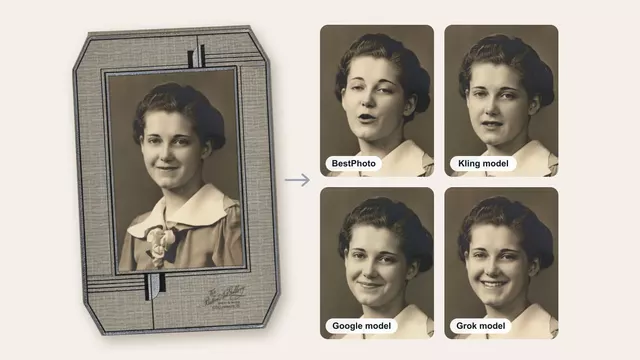
Comparisons
7 min
Best AI Video Generators 2026: Kling vs Google vs Runway
The top AI video models now look alike, so pick by job: BestPhoto to bring a photo to life, Kling for long clips with sound, Google Flow to try it free.
Read more
How to restore, fix and edit photos with AI: step-by-step guides, side-by-side tests, and what each tool gets wrong.
The guides we point people to first.
The top AI video models now look alike, so pick by job: BestPhoto to bring a photo to life, Kling for long clips with sound, Google Flow to try it free.
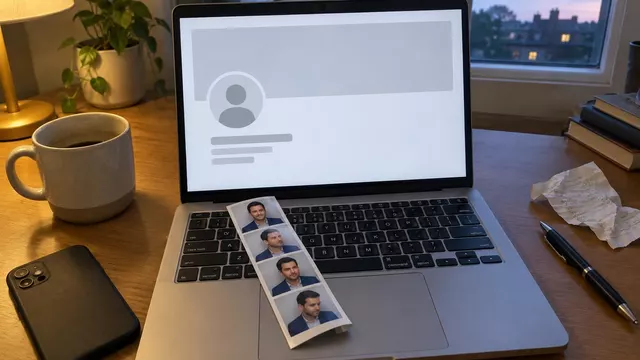
BestPhoto is $14 a month for 200 headshots, 7 cents each. HeadshotPro is $29 for 30, Aragon $35 for 40, BetterPic $35 for 20: 88 cents to $1.75 each.
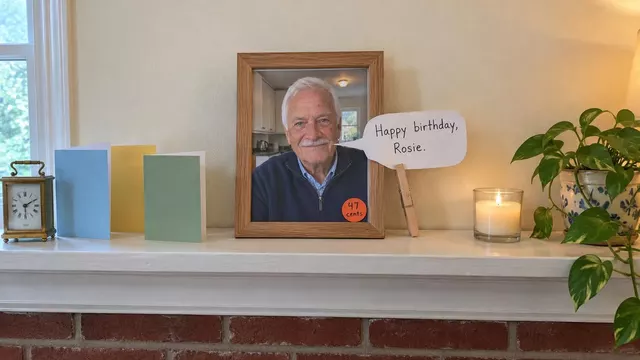
On BestPhoto a 5-second talking photo is 47 cents, and your first two are free. HeyGen wants $29 a month to drop its watermark; D-ID's $29 plan still stamps AI.
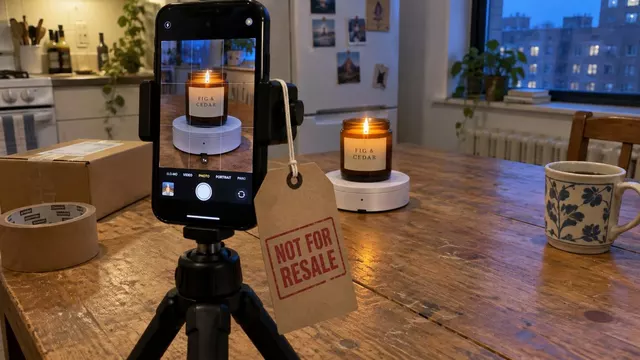
BestPhoto: 47 cents for a 5-second clip with sound, 30 for $14, with commercial rights and no watermark. What Kling, Pika, Runway, Luma and Veo include.
On BestPhoto a 5-second AI clip is 47 cents with sound, and a failed one costs nothing. Kling, Runway, Pika and Veo charge up to $4.98 for the same 5 seconds.
BestPhoto is $14 a month for 150 AI edits, 9 cents each, video included. Picsart Pro is $15 or $11.99 a week ($623 a year), Canva Pro $18.
BestPhoto: 150 AI edits for $14, no watermark, commercial rights, and 2 free a day with no account. Adobe Firefly, Canva, Picsart and Pixlr all need an account.
BestPhoto is $14 for 300 photos, under 5 cents each, two free a day. Remini comes to $21.62 to $43.29 a month, Topaz Photo $39, Let's Enhance 12 cents a photo.
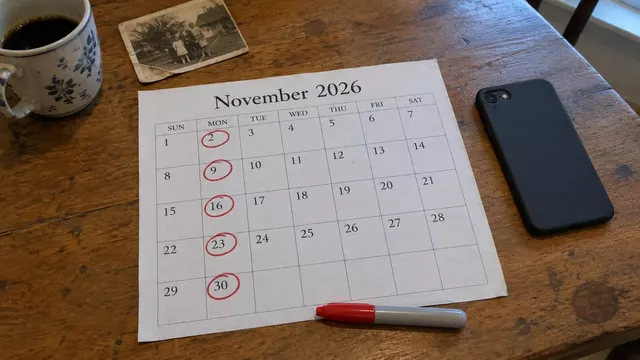
A year of BestPhoto is $92.40, or $14 a month. Remini's weekly plans add up to $259 to $519 a year, and pass our $14 month by week three.
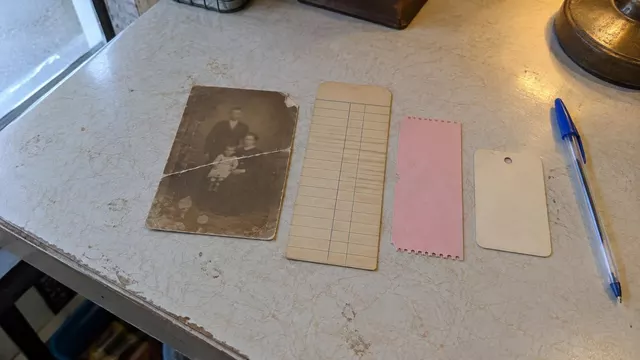
BestPhoto restores and colorizes an old photo for 14 cents, 100 for $14. VanceAI charges 46 to 62 cents for the same photo. Remini and MyHeritage bill for time.
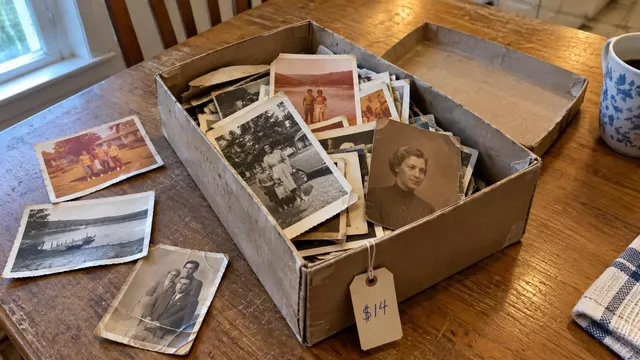
Restoring 40 old photos costs $14 on BestPhoto, color included, billed once. The same box is $80 on VanceAI, and Remini bills $259 to $519 a year.
ChatGPT is the best AI image generator for most people in 2026, Gemini the best free one, Midjourney the best for art, and BestPhoto for pictures of you.
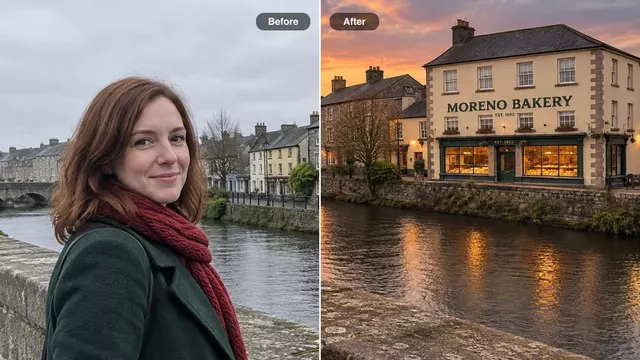
Typed fixes in an AI photo editor can change faces; a brush changes only the spot you mark. BestPhoto for one-tap fixes, Gemini for free, Photoshop for prints.
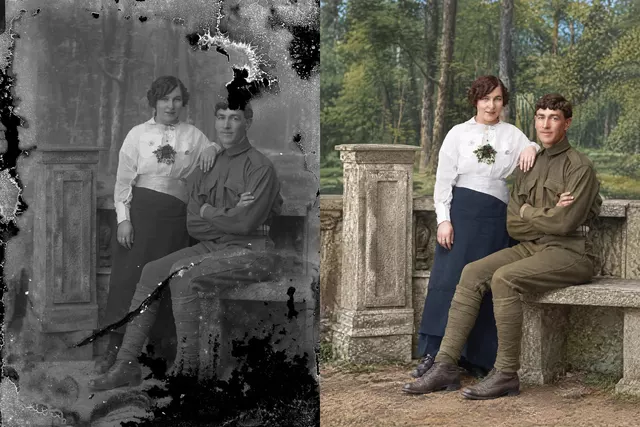
Restore your own photo free on BestPhoto with no sign-up, then pay about 14¢ a clean copy. FixFade if you'd rather pay once, Gemini if it must cost nothing.
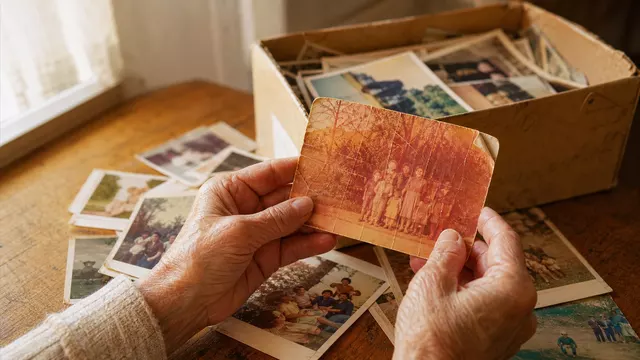
Learn how to restore old photos at home with your phone and a free AI tool: scanning tips, fading fixes, and an honest look at what AI gets right and wrong.
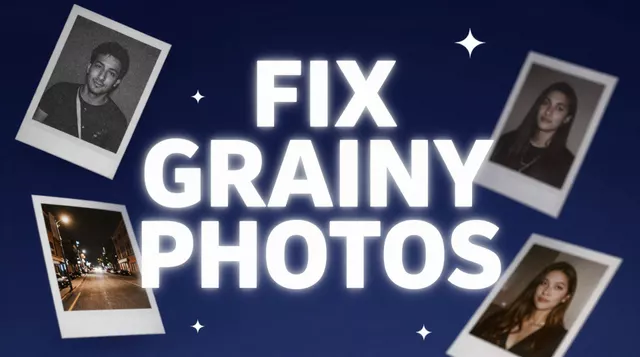
Grainy, noisy photos come from high ISO, low light, and old scans. Here's why it happens and how to remove grain from photos free with AI in about 30 seconds.
Learn how to fix overexposed photos and recover blown-out detail. What AI can rebalance, what clipped highlights it can't, and a step-by-step free fix.
Restore faded, scratched, and damaged family photos in seconds with AI. Learn how to bring old memories back to life without expensive restoration services.
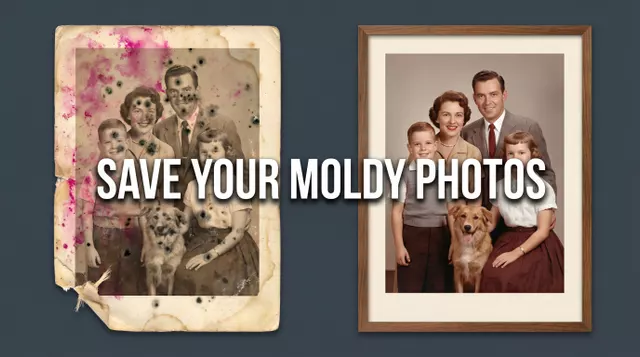
Moldy family photos need safety-first handling, then scanning, then AI. Step-by-step guide with respirator protocol, freeze-first method, and free restoration.
Looking for truly free AI image generators? We tested Craiyon, Bing Image Creator, Leonardo AI, Adobe Firefly, and more. Find out which are actually free with no catches.
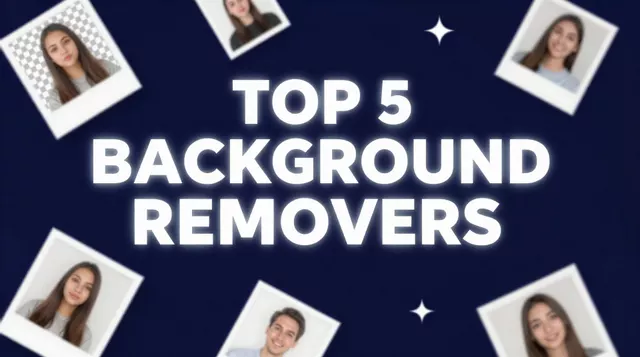
Looking for the best AI background remover? We tested remove.bg, Photoroom, Canva, Claid.ai, and more. Compare features, pricing, real user opinions, and results.
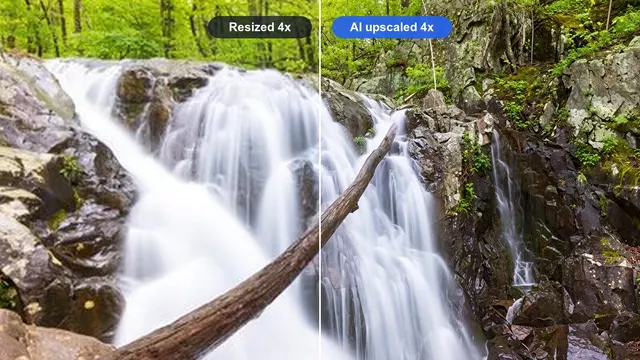
Topaz Gigapixel ($149 a year) keeps photos true and Magnific redraws them. Upscayl is free on Mac or PC, Adobe only doubles, and BestPhoto does 2x free online.
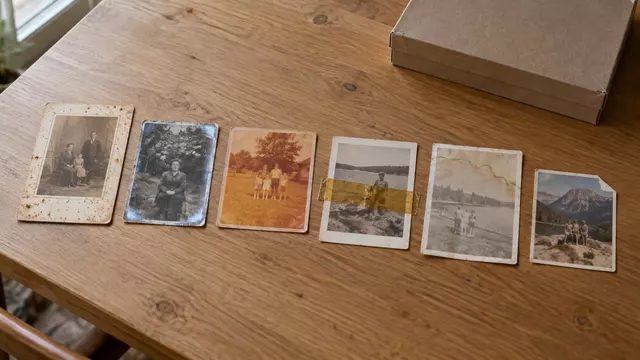
Don't fix the original. Scan it as it is and repair the copy. Here's how to name brown spots, mirror sheen, tape or mold, and the one thing never to do to each.
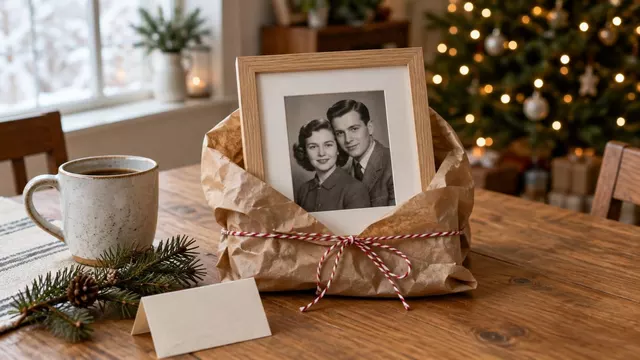
The repair itself is quick. Finding the photo, checking the face with family, and printing and framing take weeks. Here's a calendar working back from Dec 25.
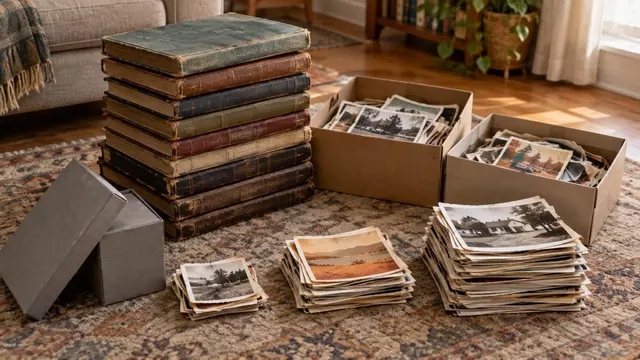
You don't have to keep every print to keep the story. Sort them into three piles, store the irreplaceable originals somewhere cool, and find homes for the rest.
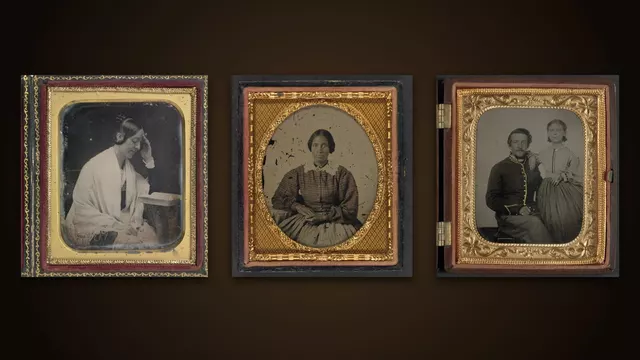
Tilt it: if it flashes like a mirror and turns negative, it's a daguerreotype. If a magnet sticks, it's a tintype. Dark-backed glass is an ambrotype.
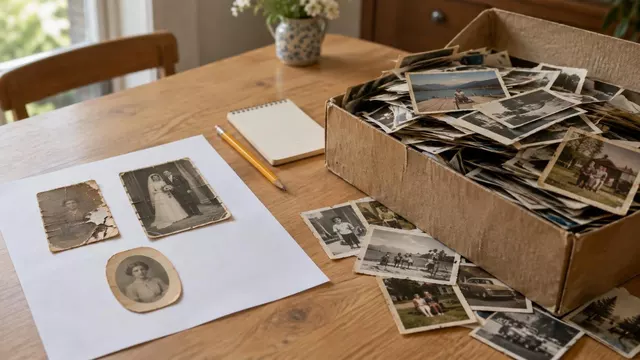
A pro restorer charges about $25-85 a photo, more for severe damage. Pay a person for the few precious ones and scan and fix the rest yourself.
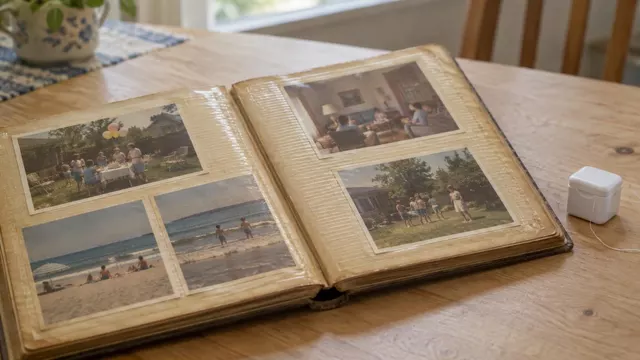
Scan the whole page first. Then slide plain dental floss under a corner and stop the moment it resists. A photo left on the page beats a torn one.
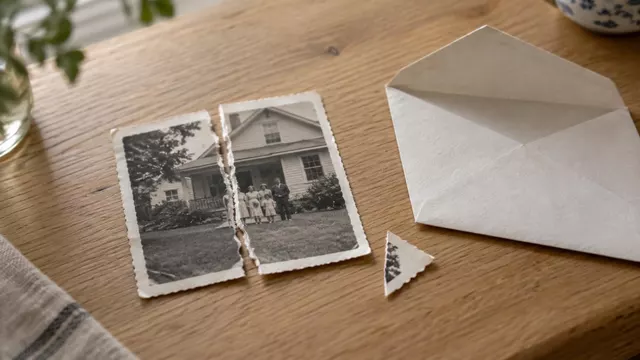
Don't tape it. Keep every piece, scan them together and fix the copy. Old tape yellows and stains for good. Already taped? Here's what to do instead.
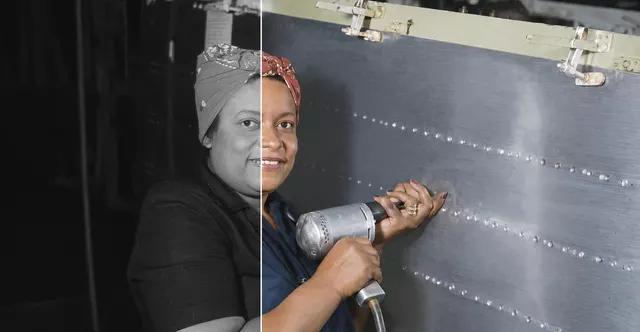
A black-and-white photo stores brightness, not color, so AI colorizing is a guess. Ask the family, check skin against a real color photo, keep the original.
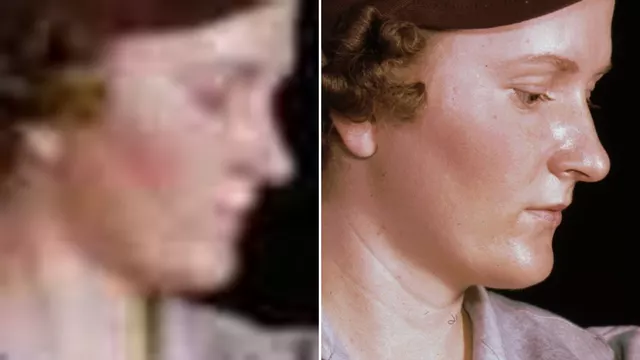
Don't screenshot it. Use the photo's own Save or Download option, then ask whoever posted it for the original file. Every copy of a copy loses detail.
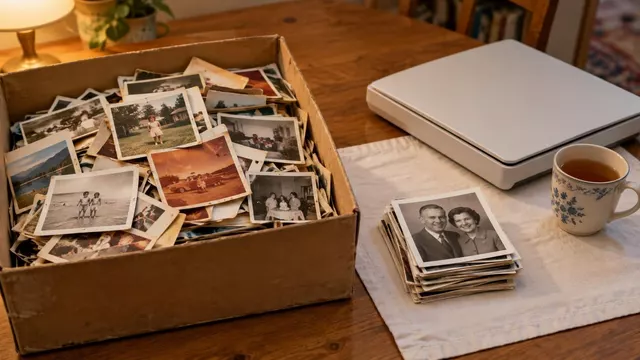
Stuck partway through a shoebox of photos? Scan the 50 that matter first, tonight, then batch the rest by size on the right scanner. A plan you'll finish.
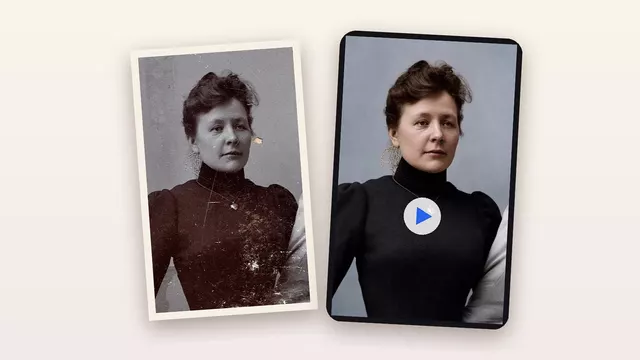
Pick a clear portrait, keep the motion to a breath and a blink, trim any second that stops looking like them, and ask the family before you share it.
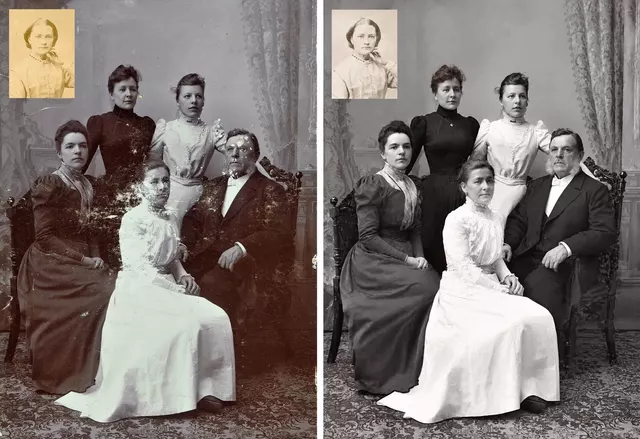
AI restorers, ChatGPT and Gemini included, redraw the whole photo, so a good prompt names what must stay the same. Three prompts to copy, and how to check.
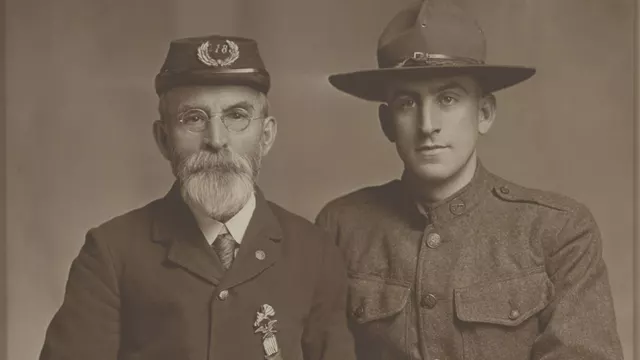
A 1973 fire destroyed most Army records from 1912 to 1960, so the photos at home may be the best record left. Where to look, what to label and what to check.
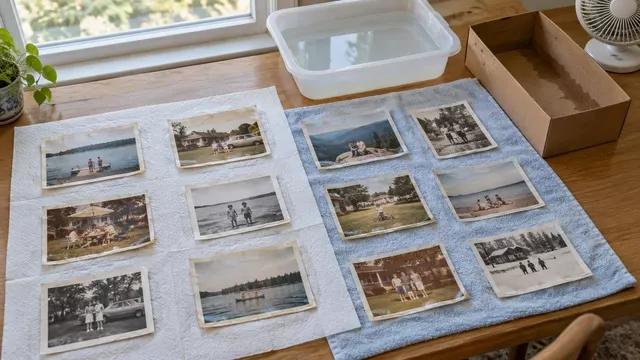
You have about two days before mold. Rinse, then air-dry wet photos face up or freeze them, and never use heat. Stains get fixed later, on a scan.
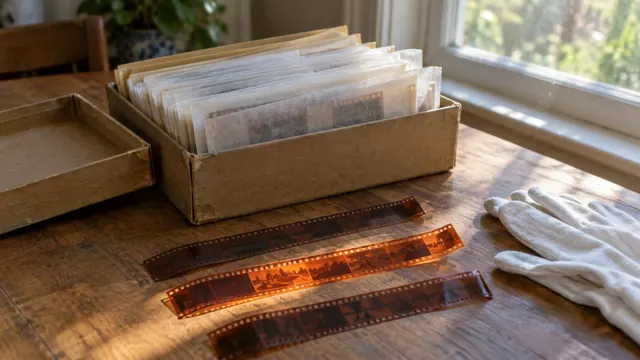
Found a box of old negatives? Shoot them with your phone over a bright screen, use a flatbed or a lab, then remove the orange so the colors come out right.
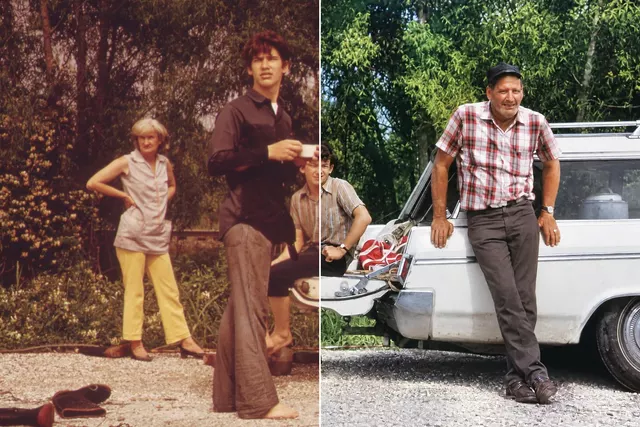
Color prints are three layers of dye. In many older prints the blue-green one fades first, so albums drift orange. A scan can usually bring the color back.
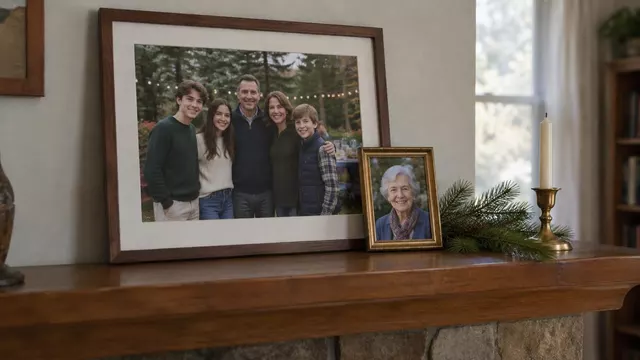
To add someone to a photo, give an AI editor the photo, a clear picture of them, and one sentence saying where they go. Here's how to make them fit in.
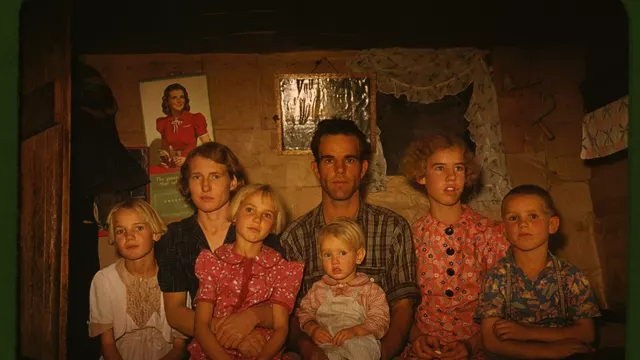
A slide is already a finished picture. Light it from behind, then use your phone, a flatbed or a mail-in service, depending on how many slides you have.
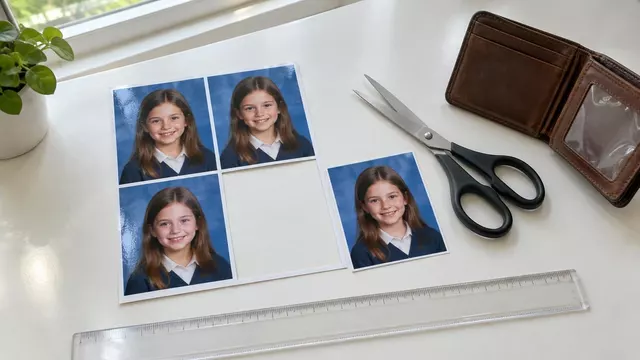
A wallet size photo is 2.5 x 3.5 inches at most labs, or 2 x 3 at Walgreens and school picture day. Here's how to print four on one cheap 4x6 or 5x7 sheet.
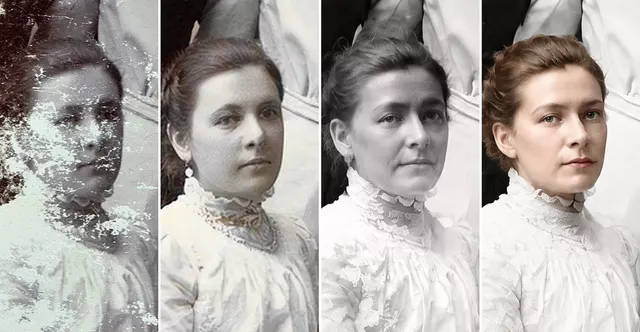
AI keeps a face the photo still shows and invents one that damage or size hides. Here's how to check yours in 30 seconds, and what to do if it's off.
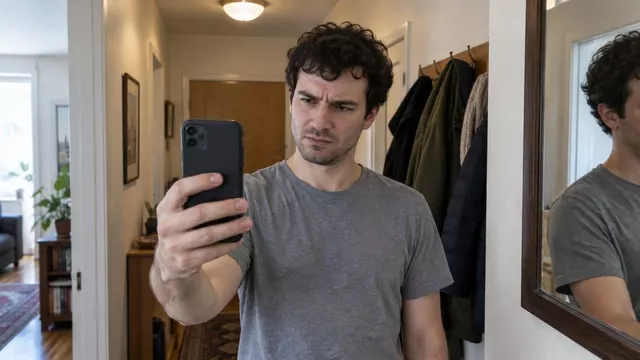
Mostly it's not your face: photos show you unflipped, phones sit too close and widen your nose, and ceiling lights shade your eyes. Here's how to fix each.
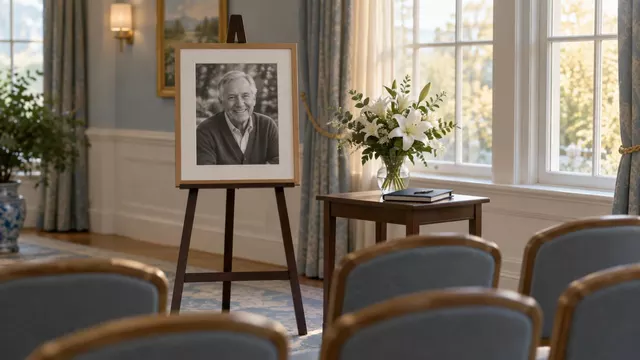
Only days until the service? Find the best copy, repair it, and let the family see it before you print. A 16x20 easel print needs fewer pixels than you think.
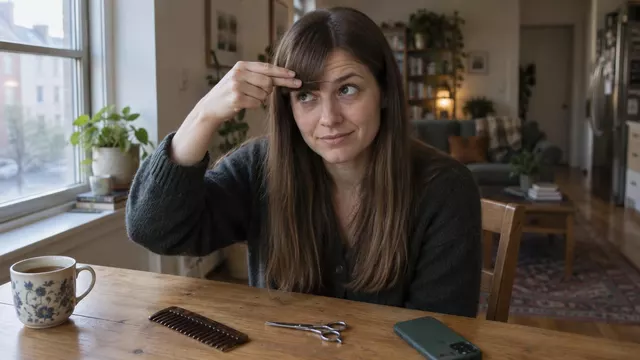
See what you'd look like with bangs before you cut: try curtain, wispy or blunt on your own photo, then check the daily upkeep and the 9 to 12 month grow-out.
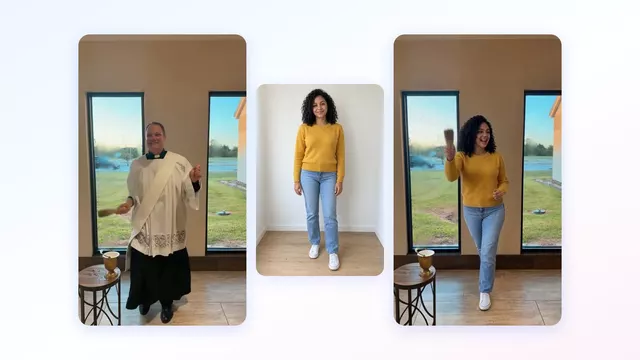
Pick the meme clip, add one full-body photo of whoever should star, and AI swaps them in while the moves, timing and sound stay. Here's what works.
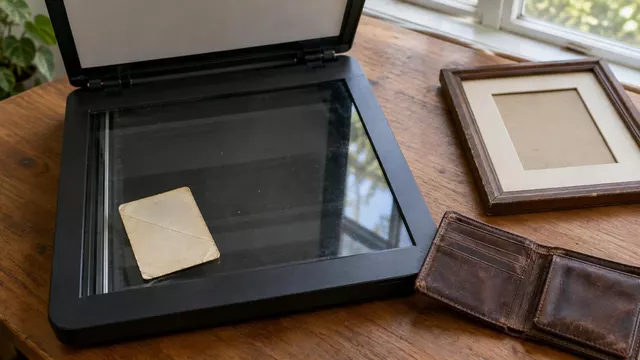
Scan for the print you'll make: 1,200 dpi for wallet photos you want to enlarge, 600 for 4x6 and up. Here's the easy math, and why more dpi isn't better.
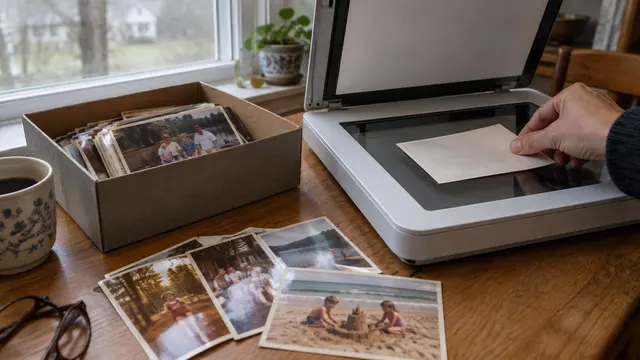
Crop marks in a corner, brush away thin lines, and let AI fill big ones. Then keep only the patch, because AI quietly repaints the rest of your photo.
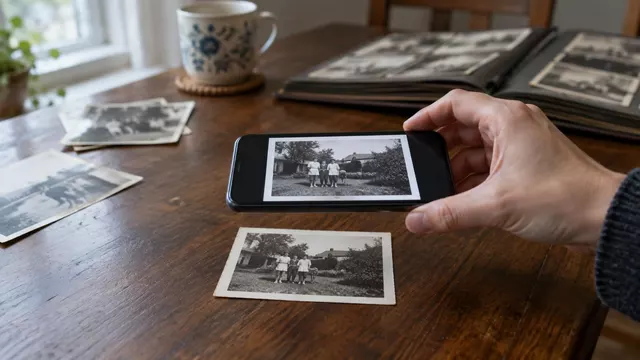
Glare is light bouncing straight into your lens. Turn off the overhead light, light the print from both sides and hold your phone flat above it.
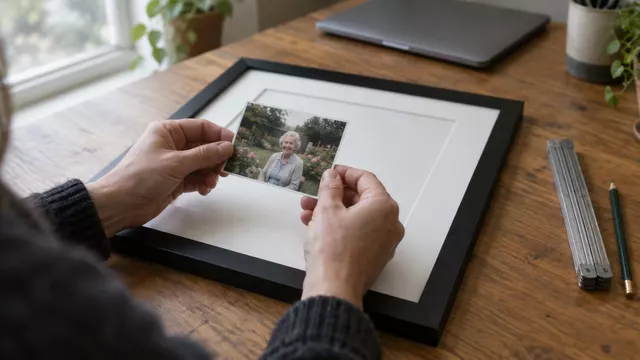
Resizing adds pixels but no detail. AI upscaling draws new detail that can be wrong. DPI is just a label. Here's which one your photo needs and how to do it.
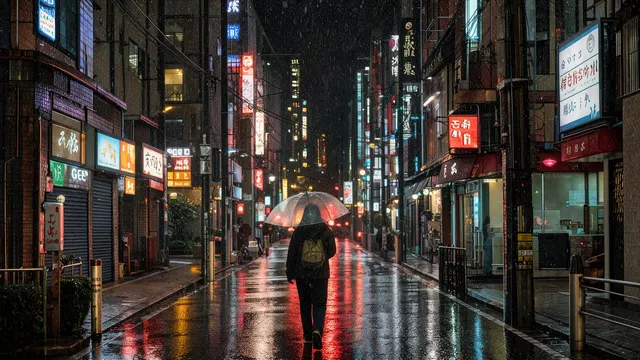
FLUX 3 Klein changes only what you ask for, keeping the face and the room you started with, and spells signs right more often. On BestPhoto from October 16.
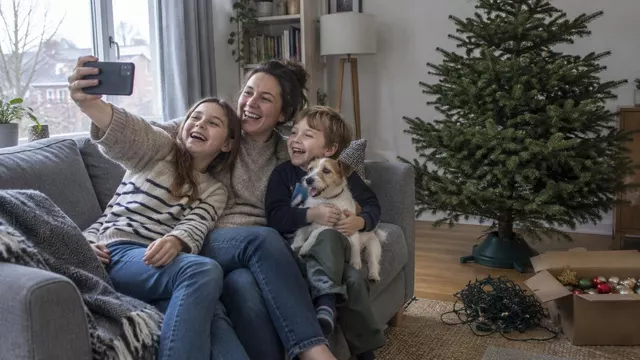
Turn your family photo into a Christmas one without Grandma becoming a stranger: keep the pose, say who's in it, and copy these fill-in-the-blank prompts.
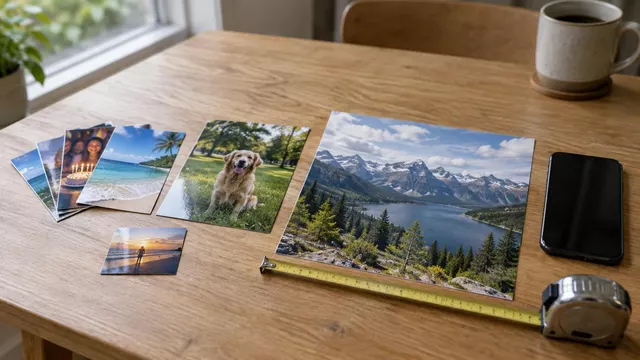
The standard photo sizes are 4x6, 5x7, 8x10, 11x14 and 16x20. Any recent phone photo makes a sharp 8x10; bigger depends on pixels and viewing distance.
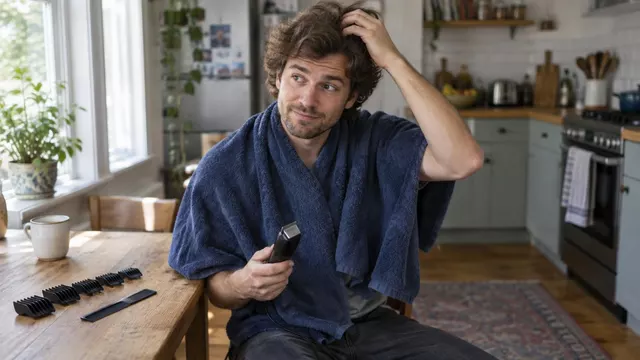
A photo and an AI editor show you bald in a minute. Your face comes through well; under thick hair, your head shape is a guess. Here's how to read a preview.
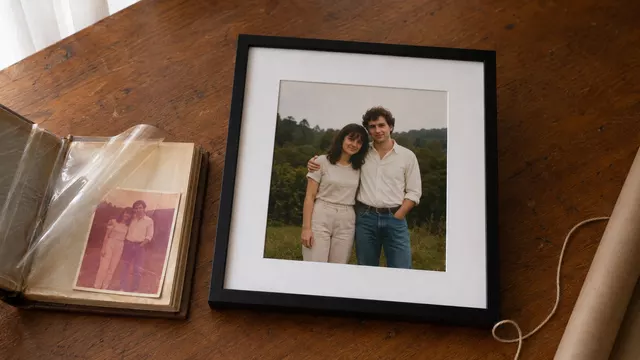
Your parents don't want more things to dust. Pick one old print, restore it, print it, frame it. What it costs, how long it takes, and which photo to choose.
Learn the complete AI photo restoration workflow—from scanning damaged prints to restored, colorized, print-ready results. Free tools and step-by-step instructions included.
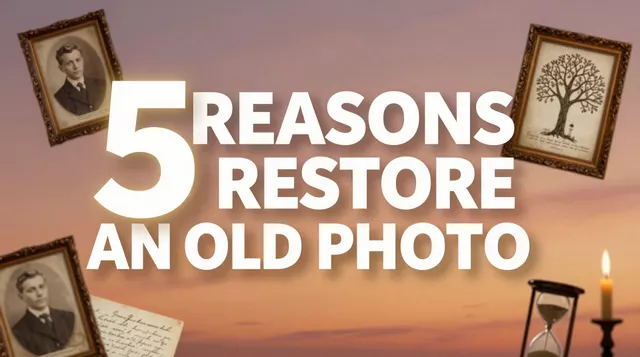
Color prints from the '70s and '80s are fading right now. Five real reasons to restore an old photo today — memorial, genealogy, reunion, gifting, and the photo-death clock.
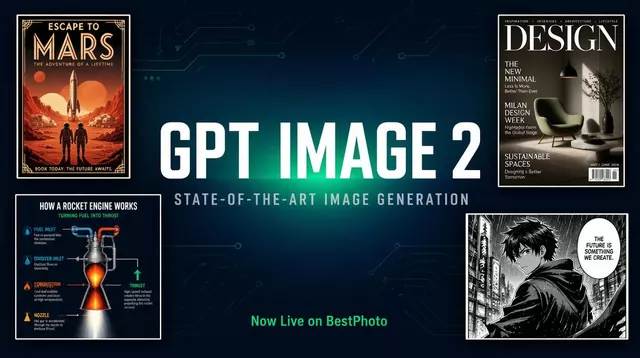
OpenAI's GPT Image 2 is live on BestPhoto. 99%+ text accuracy, a new Thinking mode that plans before rendering, and #1 on every image arena leaderboard with a 1,512 Elo lead.
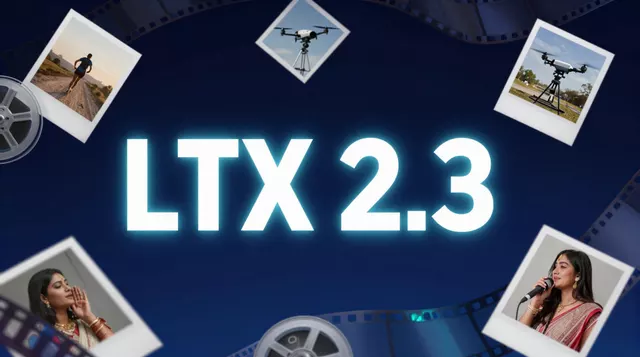
LTX 2.3 from Lightricks delivers 4K video at up to 50fps, native stereo audio, and 20-second clips. The top open-source video model, now available on BestPhoto.
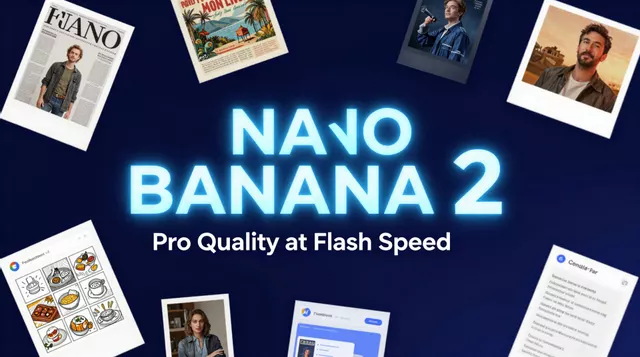
Nano Banana 2 (Gemini 3.1 Flash Image) brings Pro-level image quality at lightning-fast speed. 4K output, character consistency, web grounding, and enhanced reasoning. Try it now on BestPhoto.
Looking for the best AI product photography tool? We tested Photoroom, Pebblely, Claid.ai, Pixelcut, and more. Compare features, pricing, and ROI for e-commerce.
Want AI-generated photos of yourself? Learn 3 methods: model training for unlimited styles, face swap for quick results, and free headshots. Step-by-step guide included.
Looking for the best AI lip sync tool? We tested HeyGen, D-ID, Synthesia, Hedra, and more. Compare features, pricing, and results for talking photos and videos.
Tired of Midjourney's Discord workflow and no free tier? We tested the top alternatives including DALL-E, Adobe Firefly, Leonardo AI, and Ideogram. Find the best fit.
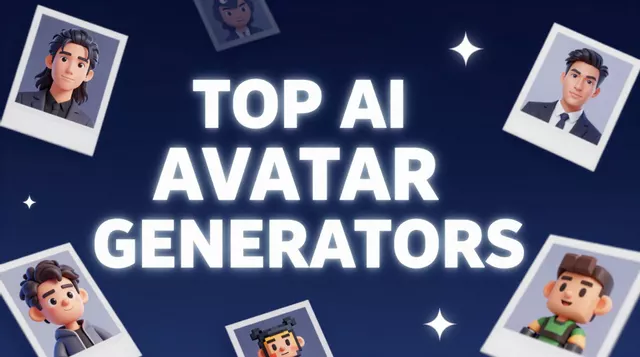
Looking for the best AI avatar generator? We tested Lensa AI, Dawn AI, Artbreeder, Fotor AI Avatar, and more. Compare features, pricing, and results.
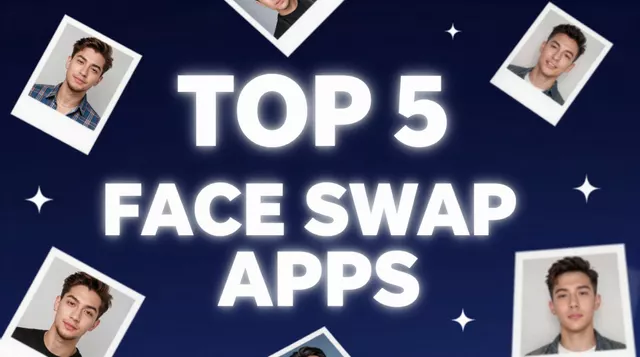
Looking for the best AI face swap app? We tested Reface, DeepSwap, Vidnoz, FaceSwapper.ai, and more. Compare features, pricing, real user opinions, and results.
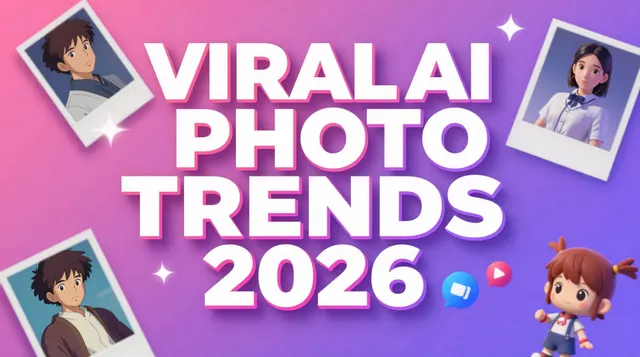
Studio Ghibli broke the internet. Here's how to create your own Ghibli portrait, chibi avatar, 3D action figure, and other viral AI photo styles trending right now.
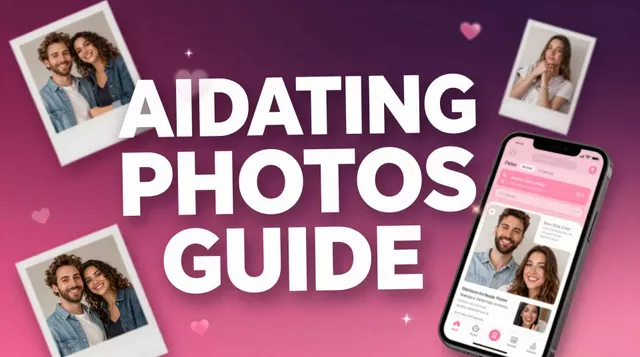
Your dating profile gets judged in 0.4 seconds. Learn how AI-enhanced photos can boost your match rate by up to 203% with natural-looking results that actually work.
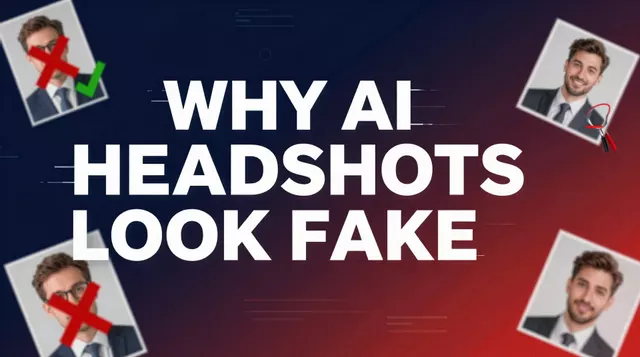
The plastic skin. The doll eyes. The uncanny valley smile. Learn the 5 telltale signs of bad AI headshots and how to get results that actually look natural.
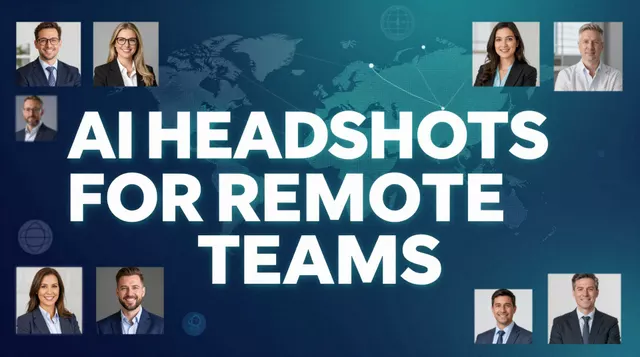
Your 47-person team is scattered across 12 time zones. Learn how AI headshots create visual consistency without flying photographers or coordinating schedules.
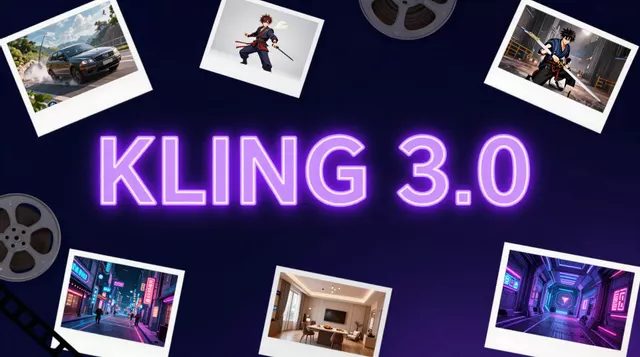
Kling 3.0 from Kuaishou brings native 4K at 60fps, multi-shot storyboards with up to 6 camera cuts, 15-second videos, and an Elements system for character consistency. Available now on BestPhoto.
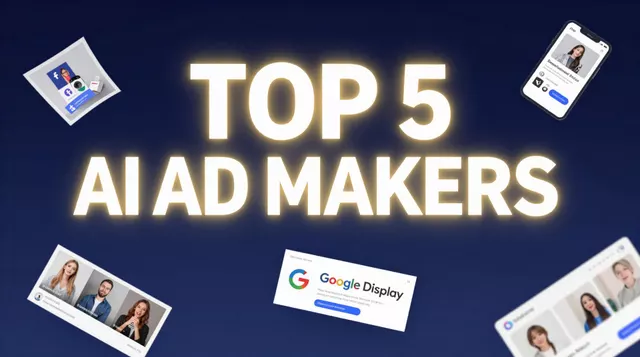
Looking for the best AI ad maker in 2026? We tested AdMakeAI, Creatify, AdCreative.ai, Predis.ai, and more. Compare features, pricing, real user opinions, and results.
Looking for the best AI headshot generator in 2026? We tested HeadshotPro, Aragon AI, BetterPic, Dreamwave, and more. Compare features, pricing, real user opinions, and results.
Seedance 1.5 Pro from ByteDance brings millisecond-precision lip sync, cinematic camera controls, and true joint audio-video generation. Better than Kling 2.6. Available now on BestPhoto.
GPT Image 1.5 from OpenAI is now live on BestPhoto. 4x faster generation, improved text rendering, and precise editing capabilities. The new benchmark leader for text-to-image generation.
Runway Gen-4.5 dethroned Google and OpenAI as the #1 video model. Kling 2.6 launched native audio-video generation. FLUX.2 dropped with 32B parameters. DeepSeek released frontier models rivaling GPT-5. Here's everything that happened this month.
Looking for the best AI headshot generator? We tested HeadshotPro, Aragon AI, BetterPic, Dreamwave, and more. Compare features, pricing, real Reddit feedback, and results to find the perfect tool for professional headshots.
Kling 2.6 brings native audio generation to AI video. Generate videos with synchronized sound effects, ambient audio, and speech directly from text or images. Available now on BestPhoto.
Seedream 4.5 from ByteDance is now live on BestPhoto. Multi-image fusion, sharper details, better text rendering, and reliable instruction following. The refinement-focused upgrade built for creators and brands.
Looking for the best AI ad maker? We tested AdMakeAI, Creatify, AdCreative.ai, Predis.ai, and QuickAds. Compare features, pricing, real user opinions, and results to find the perfect tool for your ad campaigns.
Runway Gen-4.5 (codenamed Whisper/Thunder) just dethroned Google Veo 3 as the world's best AI video generator. Native audio, superior physics, and cinematic quality. Coming soon to BestPhoto.
Z-Image Turbo is now available on BestPhoto! Alibaba's 6B parameter model ranks #4 on the AI Arena leaderboard - the highest open-source model. Faster than Flux with stunning realism, text rendering, and fewer restrictions.
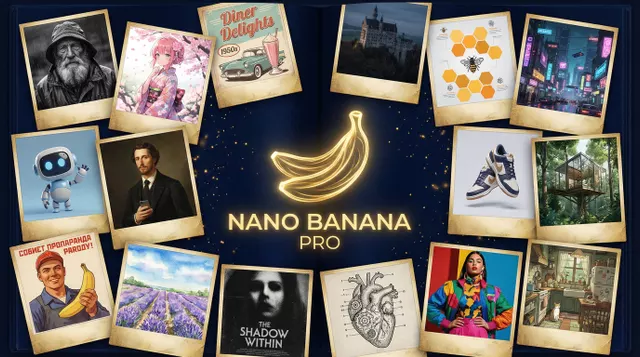
Nano Banana Pro (Gemini 3 Pro Image) is now available on BestPhoto! Experience the world's most advanced AI image generation with native 4K output, perfect text rendering, and reasoning-powered creation. Try Google's breakthrough model today.
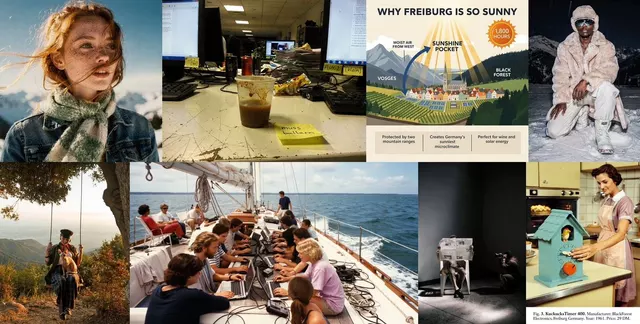
FLUX.2 is now available on BestPhoto! Experience next-level AI image generation with superior photorealism, perfect text rendering, and incredible detail. Try the latest breakthrough model from Black Forest Labs today.
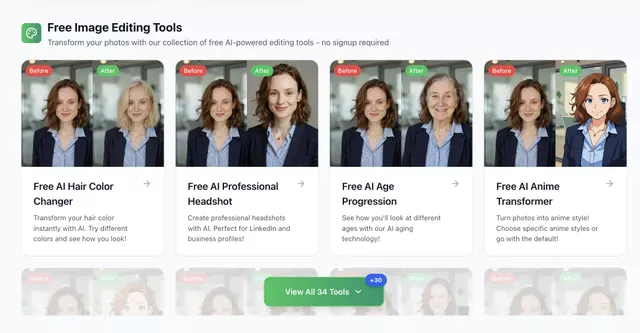
Discover our newest free AI photo transformation tools. Turn your photos into Disney characters, Pixar-style 3D, caricatures, and more, all without signing up.
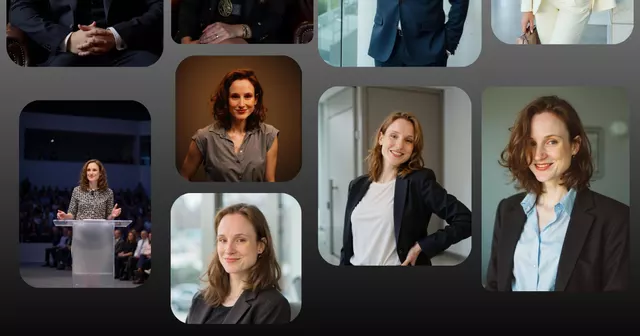
From expensive photo shoots to professional results in minutes. Discover how AI image generation is democratizing professional photography and changing the creative landscape forever.
Most of our photo tools have a free version. Upload a picture and see what it does before you decide anything.