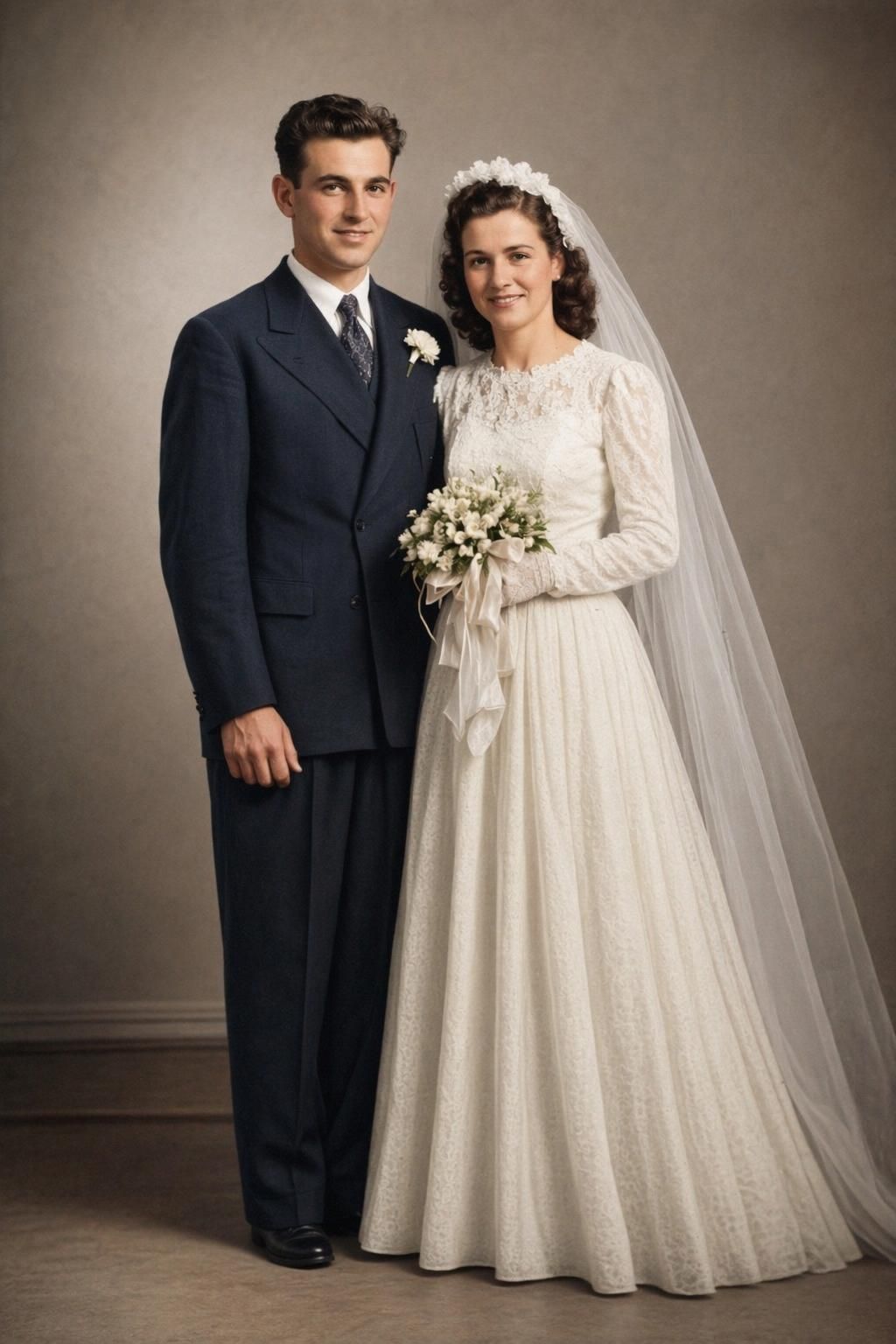
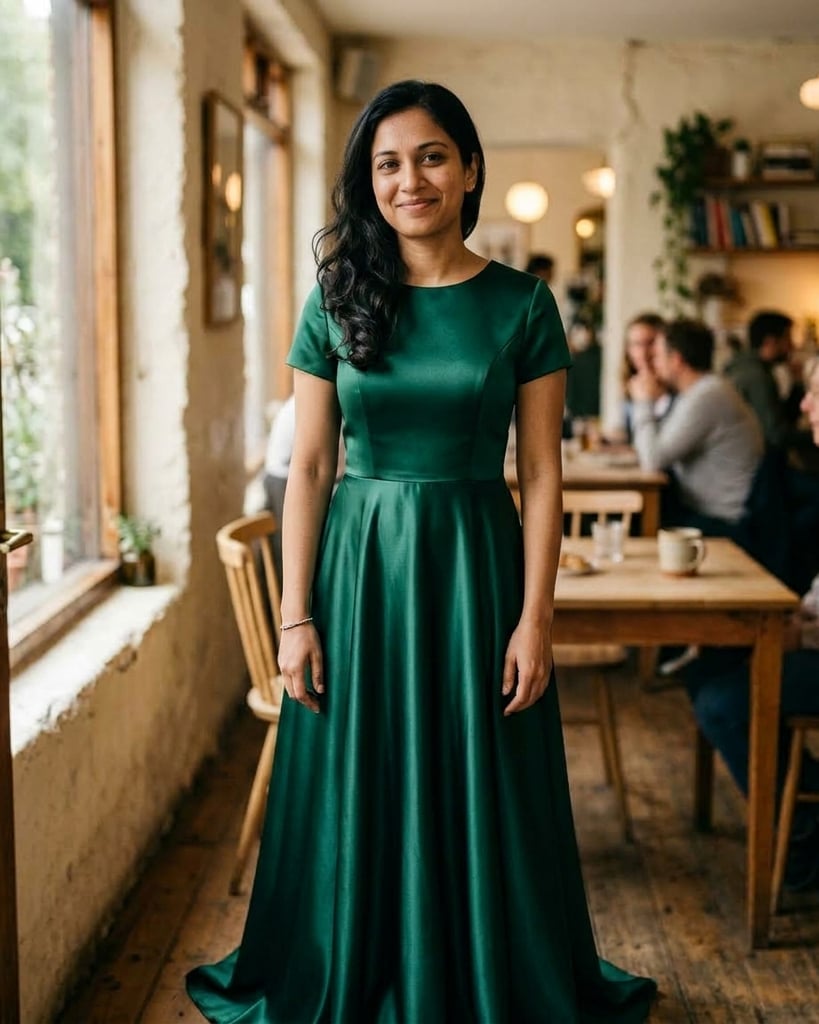
Alternative to Krea AI
With 40+ Free Tools & Consistent Performance
Krea AI is known for its real-time image generation and 20+ AI models. BestPhoto offers a different approach with 8 editing modes, 40+ free tools, and reliable performance. Here's an honest comparison.
What Krea AI Users Say
Mixed feedback from real users — as with any AI tool, experiences vary.
"Amazing program, easy to use and powerful features. Very professional and fast response from support."
"Krea never stopped delivering amazing innovation and incredible value. It's become my go-to tool."
"Real-time image generation saves time and boosts creativity. The instant feedback is revolutionary."
"Image and video quality very good. However, credibility damaged by free tier removal."
"The lag makes real-time editing impossible during peak hours. 'Real-time' is a lie when servers are overloaded."
"Text-to-3D outputs lacked dimensional depth and surface realism. Less than 50% correspondence to input prompts."
Sources: Trustpilot • All About AI
Krea AI vs BestPhoto: Feature Comparison
A direct comparison based on publicly available information and user reviews.
| Feature | Krea AI | BestPhoto |
|---|---|---|
| Starting Price | Free tier (limited) + $10-60/month | Free tier available + affordable plans |
| Real-Time Generation | Yes — instant visual feedback | Fast generation (not real-time) |
| AI Models Available | 20+ models including Flux, Veo 3, Kling | Multiple models (incl. Nano Banana Pro) |
| Photo Editing Features | Canvas editor, inpainting, masking | 8 editing modes on all plans |
| Video Generation | Text-to-video, motion transfer, lipsync | Available on all paid plans |
| Image Upscaling | Up to 22K resolution with 7 models | HD upscaling included |
| 3D Generation | Available but quality issues reported | Not available |
| Custom Model Training | LoRA finetuning for images and videos | Custom model training available |
| Server Performance | Can lag during peak hours | Consistent performance |
| Free Tools | Limited free tier | 40+ completely free tools |
Krea AI: Honest Pros & Cons
We're not going to pretend Krea AI has no merits. Here's the balanced view.
Krea AI Pros
- Real-time image generation with instant visual feedback
- Access to 20+ AI models including Flux and Kling
- Powerful upscaling up to 22K resolution
- Intuitive canvas editor with drag-and-drop
- LoRA finetuning for custom models
- Strong for rapid prototyping and iteration
- Free tier available to try before paying
Krea AI Cons
- Real-time can lag during peak hours — server overload
- Text-to-3D quality is weak (4/10 in testing)
- Lipsync has audio-visual lag (1.8 seconds reported)
- Some billing transparency concerns on Trustpilot
- Requires strong internet for real-time features
- Like all AI tools, results can be inconsistent
Why Consider BestPhoto
Key areas where BestPhoto offers a different approach.
40+ Free Editing Tools
Krea AI offers a free tier, but it's limited in generations and features. BestPhoto provides 40+ completely free editing tools that work without any account requirements — background removal, upscaling, hair color changes, and more. Test thoroughly before you pay anything.
BestPhoto: More free tools to explore without limits
What you get:
- 40+ free tools with no account required
- Background removal, upscaling, and more
- Full quality on free tools
- No daily generation limits on free tools
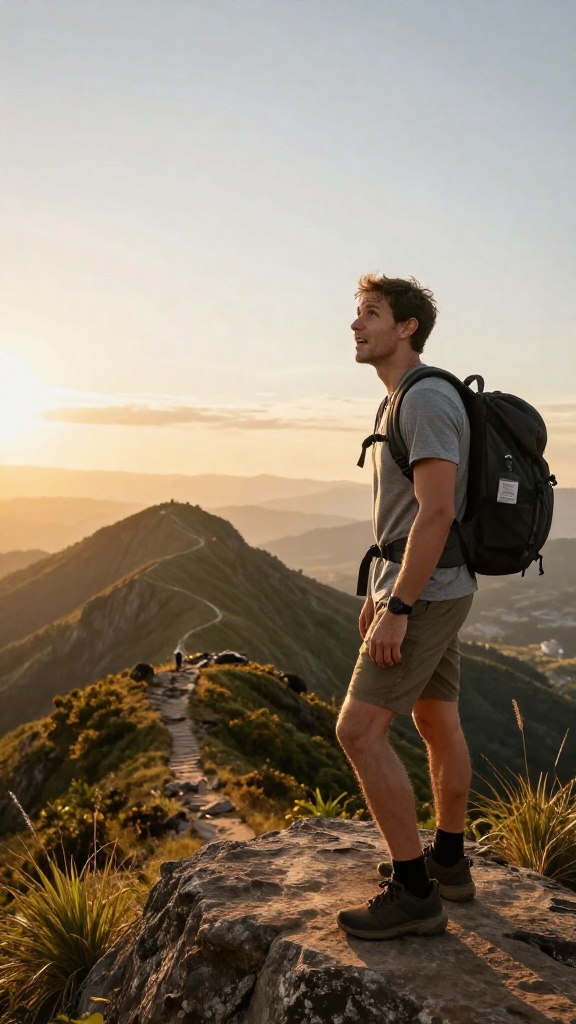
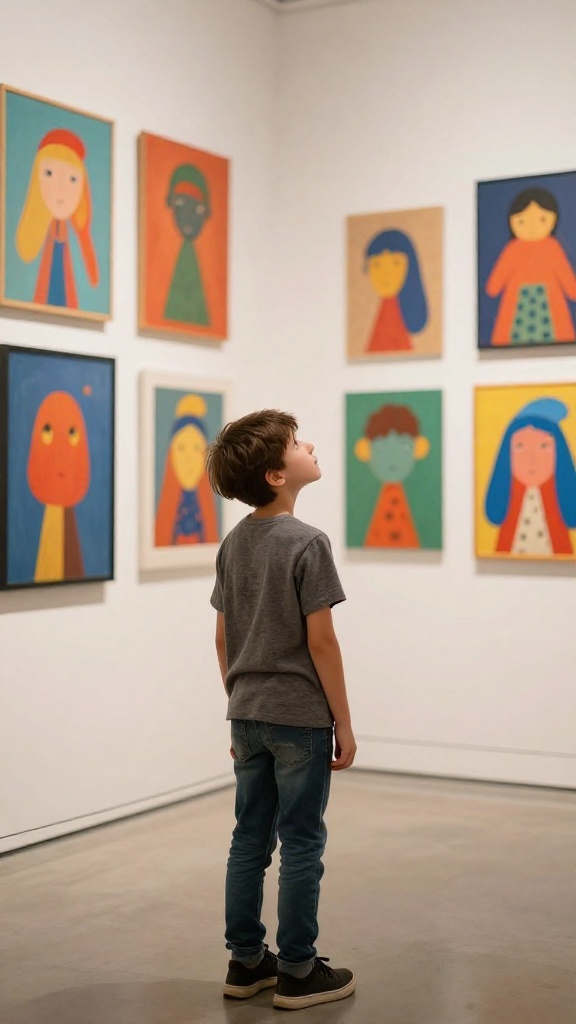
8 Specialized Editing Modes
Krea's canvas editor offers real-time visual feedback with inpainting and masking. BestPhoto takes a different approach with 8 purpose-built editing modes: Replace, Restyle, Remove, Re-composition, Add Objects, Restoration, Clothing Replacement, and Concept Transformation. Each mode is optimized for its specific task.
BestPhoto: Purpose-built modes for specific editing needs
What you get:
- Replace mode for swapping elements
- Restyle for complete transformations
- Remove mode for object removal
- Restoration for old photo recovery


Consistent Server Performance
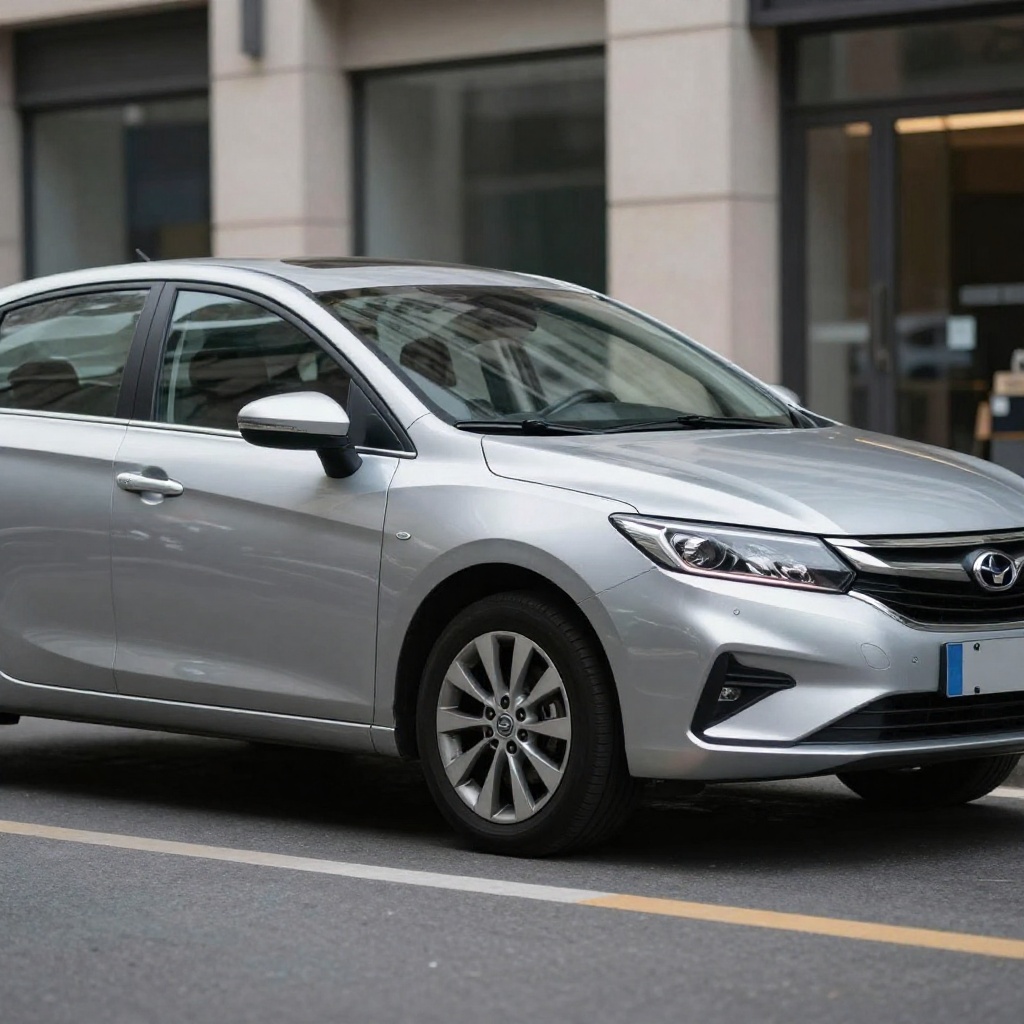
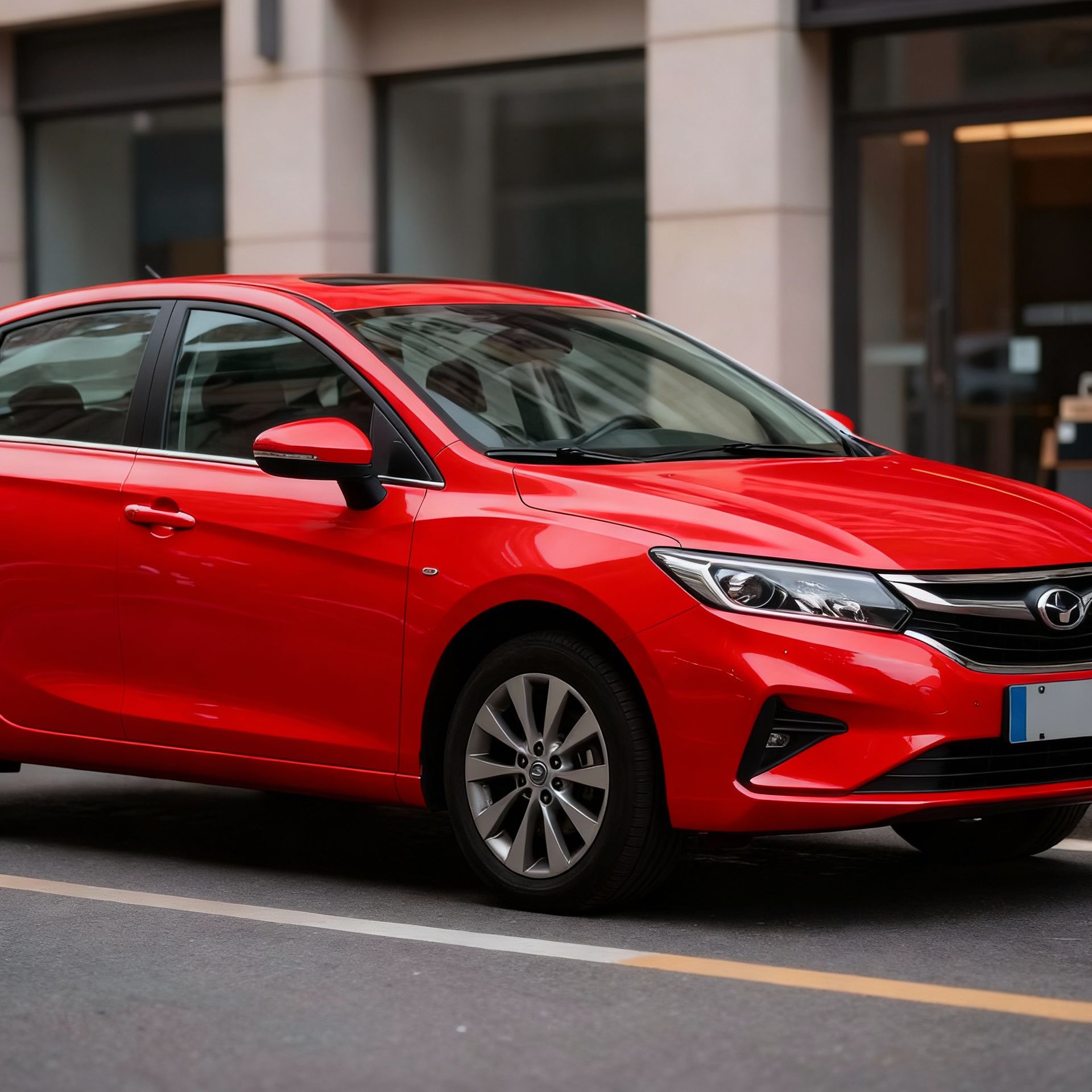
Some Krea AI users report that real-time generation can lag during peak hours, making the 'real-time' experience inconsistent. BestPhoto's infrastructure is designed for consistent performance regardless of time of day — you get reliable generation speeds without waiting for server availability.
BestPhoto: Reliable performance without peak hour issues
What you get:
- Consistent generation speeds
- No server overload during busy times
- Predictable workflow experience
- Queue-based processing for fairness




AI Video Generation
Both platforms offer video generation, but with different approaches. Krea offers text-to-video with motion transfer and lipsync (though lipsync has reported audio-visual lag issues). BestPhoto provides talking head videos and image-to-video conversion on all paid plans, with reliable audio synchronization.
BestPhoto: Reliable video with synced audio
What you get:
- Multiple video generation models
- Talking head videos
- Image-to-video conversion
- Available on all paid plans
Click to play
Which Tool is Right for You?
Both tools have their strengths. Here's a quick guide.
Krea AI might be better if you:
- Need real-time visual feedback while editing
- Want access to 20+ AI models in one place
- Need extreme upscaling (up to 22K)
- Want to experiment with 3D generation
BestPhoto might be better if you:
- Want 40+ free tools to try before paying
- Need consistent performance without peak hour slowdowns
- Prefer purpose-built editing modes for specific tasks
- Value reliable video generation with synced audio
Important: What to Expect from Any AI Photo Tool
- •AI image generation isn't perfect — expect some iterations
- •Hands, fingers, and complex poses can be challenging for any AI
- •Results depend heavily on input photo quality
- •Some prompts work better than others — there's a learning curve
Frequently Asked Questions
Is Krea AI a good tool?
Krea AI is a capable platform, especially for users who value real-time visual feedback. It offers 20+ AI models, powerful upscaling, and a canvas editor. The main considerations are reported performance issues during peak hours and some quality concerns with features like 3D generation and lipsync.
What's the main difference between Krea AI and BestPhoto?
Krea AI focuses on real-time generation with instant visual feedback and offers features like 22K upscaling and 3D generation. BestPhoto takes a different approach with 8 purpose-built editing modes, 40+ free tools, and consistent server performance. Krea has more models; BestPhoto has more free options.
Does Krea AI have a free tier?
Yes, Krea AI offers a free tier with 50 image generations per day, 10 video generations per day, and 3 AI trainings. However, some users report that the free tier has been reduced over time. BestPhoto offers 40+ completely free editing tools with no daily limits.
Is Krea AI's real-time generation actually real-time?
During off-peak hours, yes — Krea's real-time generation provides instant visual feedback as you work. However, user reviews report that during peak hours, the servers can become overloaded and the experience becomes laggy. This is a common challenge with real-time AI services.
What are users saying about Krea AI's customer support?
Reviews are mixed. Some users praise the quick response times and helpful support. Others report billing transparency issues and difficulties getting refunds. Krea has a 2.8/5 rating on Trustpilot with feedback varying widely between very positive and very negative experiences.
Photos That Actually Make a Difference
Whether it's landing the interview or getting the date, people use BestPhoto to create images that open doors.


Professional Headshots
Stand out on LinkedIn, company websites, and professional networks. Profiles with professional photos receive up to 21x more views.


Dating Profile Photos
Get more matches with photos that show your authentic self in the best light. Perfect for Tinder, Bumble, Hinge, and more.


Realistic AI Photos
Generate ultra-realistic images for marketing, content creation, and creative projects. Studio quality without the studio.
Learn More About AI Photo Technology
Stay up to date with the latest AI tools, tips, and techniques. Our guides help you get the most out of your photos.
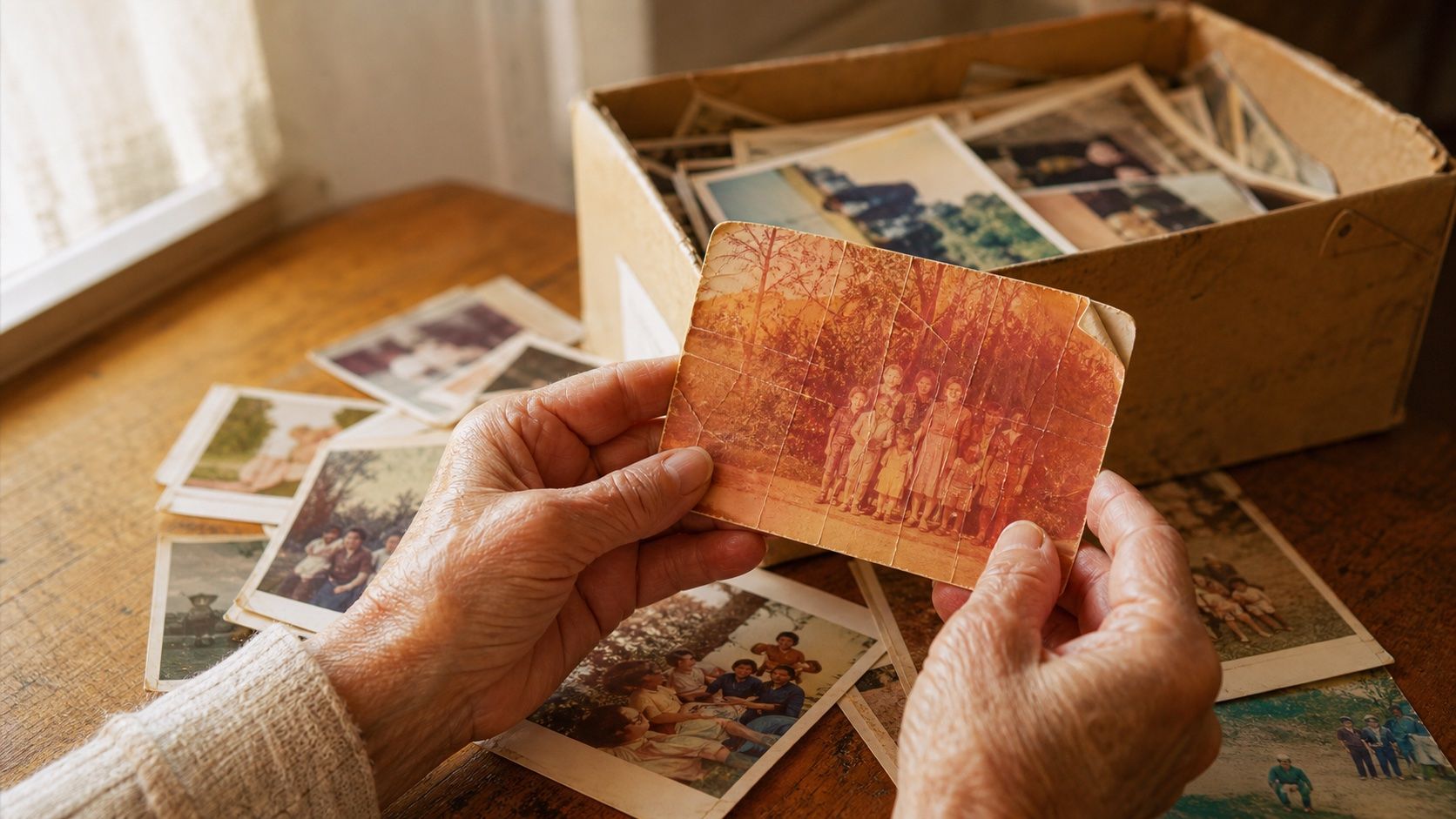
How to Restore Old Photos: The Honest 2026 Guide
Learn how to restore old photos at home with your phone and a free AI tool: scanning tips, fading fixes, and an honest look at what AI gets right and wrong.
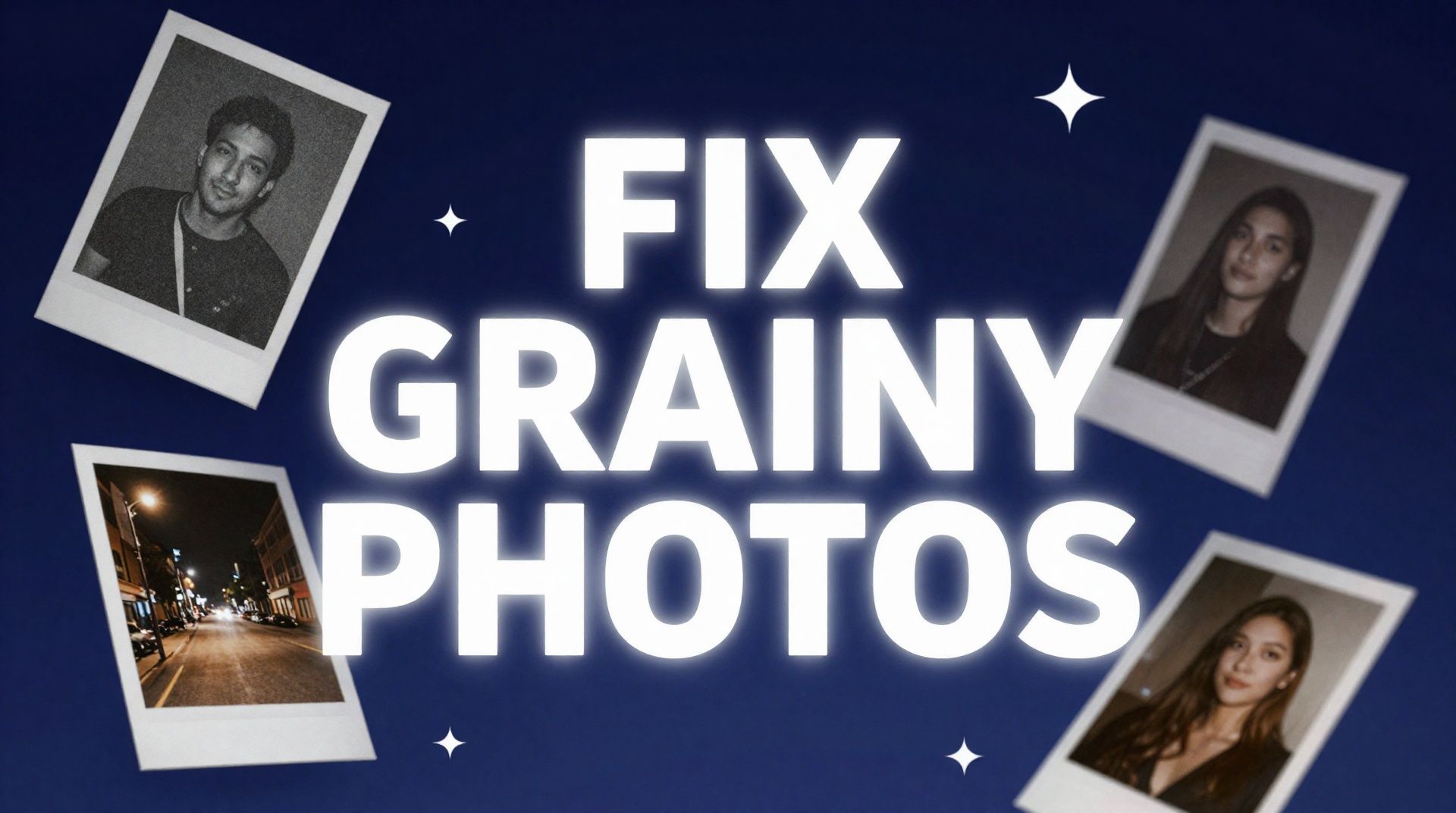
How to Fix Grainy Photos: Remove Noise Free with AI
Grainy, noisy photos come from high ISO, low light, and old scans. Here's why it happens and how to remove grain from photos free with AI in about 30 seconds.
How to Fix Overexposed Photos: Recover Blown-Out Detail
Learn how to fix overexposed photos and recover blown-out detail. What AI can rebalance, what clipped highlights it can't, and a step-by-step free fix.
Try BestPhoto Free
See if BestPhoto is the right fit for you. 8 editing modes, 40+ free tools, and consistent performance, no commitment required.
- Free tier available
- 40+ free tools
- 8 editing modes