Best AI Image Generators 2026: Same Prompts, Side by Side
ChatGPT is the best AI image generator for most people in 2026, Gemini the best free one, Midjourney the best for art, and BestPhoto for pictures of you.
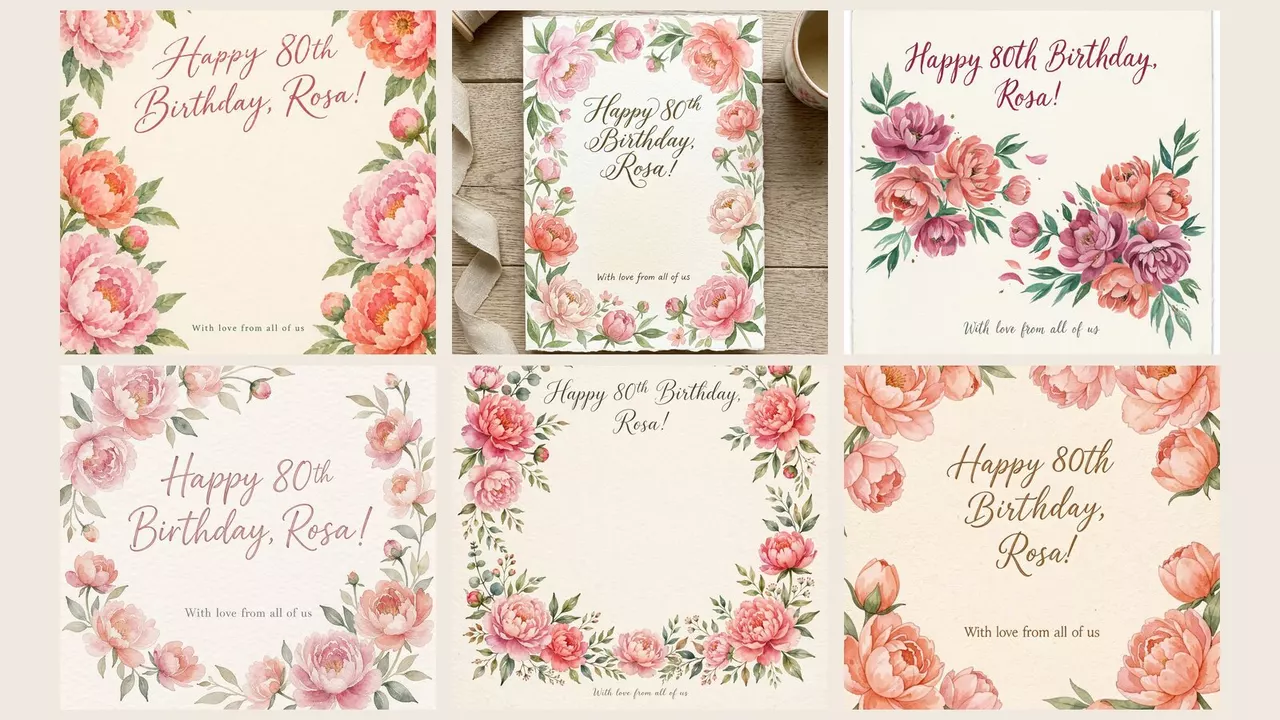
ChatGPT is the best AI image generator for most people in 2026: give it a long, fussy request and it gets the small things right, down to the time on a clock. Gemini is the best free one, and Midjourney still makes the most beautiful art, though it has no free plan.
For other jobs, reach for a specialist. BestPhoto heads the list because we make it; use it when you want yourself in the picture.
- 1BestPhoto, for pictures of yourself: it learns your face from 10 to 14 photos, then puts you in any scene. Its free generator needs no account and adds no watermark.
- 2ChatGPT, for most people and anything with words: the only one that got every detail right in all four pictures below.
- 3Gemini, for the best free use and for editing a photo you already have.
- 4Midjourney, for art and a beautiful look: no free plan, from $10 a month.
- 5Ideogram, for invitations, posters and logos: 30 free credits a week, but free pictures are public.
- 6Bing Image Creator, for the most free pictures: 15 fast a day, then up to 200 at normal speed.
- 7Adobe Firefly, for work you'll sell: Adobe says pictures from its own models are safe for commercial use.
Same words, six pictures
We gave six image models the same four everyday requests, word for word. Tap through them.
The request: A cozy reading corner: a red armchair on the left with an orange tabby cat asleep on a blue cushion, a rainy window on the right, a small round table with exactly three books and a mug with a heart on it, and a wall clock showing 4:15.
1 of 6 got everything in this request. Tap a picture to see it larger.
Made with each app's image model, same request. The people are AI-generated. FLUX 3 is a model you meet inside other apps. Midjourney, Bing Image Creator and Firefly's own model only run inside their own apps, so they aren't in the grid.
The reading corner sorted them fastest. Only ChatGPT's model got every detail of it. Meta AI's drew 4:15 but added a second window, Gemini's clock said about 4:05, and ours stacked six books.
Words on a short card are no longer the problem. All six spelled “Happy 80th Birthday, Rosa!” right, small line included.
Hands have mostly been fixed, too: not one picture had an extra finger. What still slips is who does what. And if you want the soap to pass for a real phone photo, ChatGPT's and Gemini's come closest.
Look closer before you print
The mistakes that matter are small, and at phone size every picture above looks fine. Zoom into the details before you print one, post it or put it on a product. Try it on three of them.
Spot the mistake · 1 of 3
FLUX 3 was asked for a wall clock showing 4:15. Tap where it went wrong.
1. BestPhoto: best for pictures of yourself
Pick BestPhoto when the person in the picture should be you. On a paid plan you upload 10 to 14 photos of yourself once, it learns your face, and then you can put yourself (or anyone in the family who agrees) into any scene you describe or choose from ready-made sets.
One face, any scene
Jana uploaded 12 photos once. Each new picture after that took one short request.
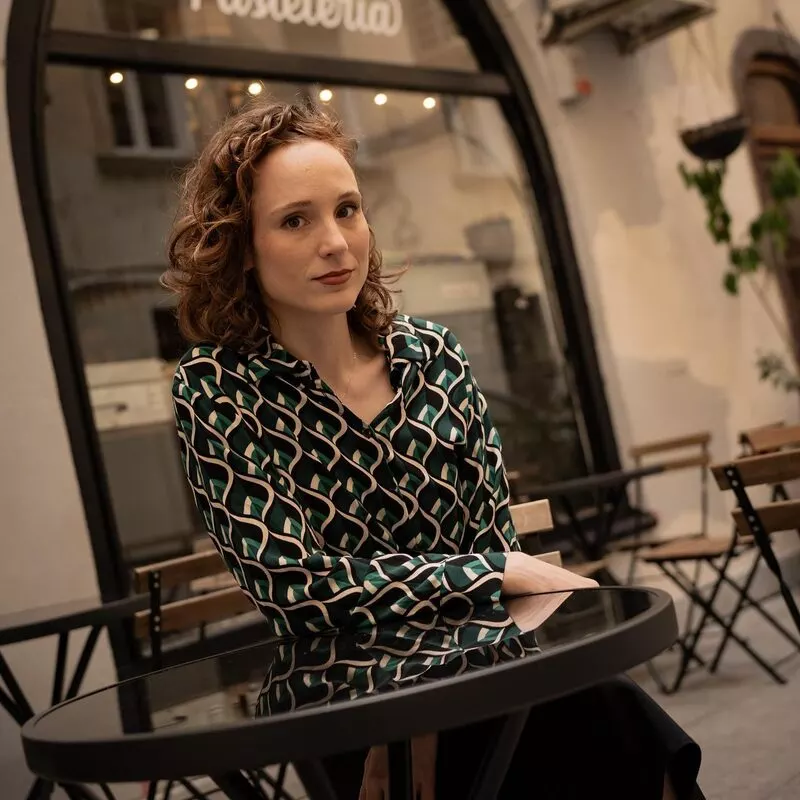 Her photo
One of her 12 photos
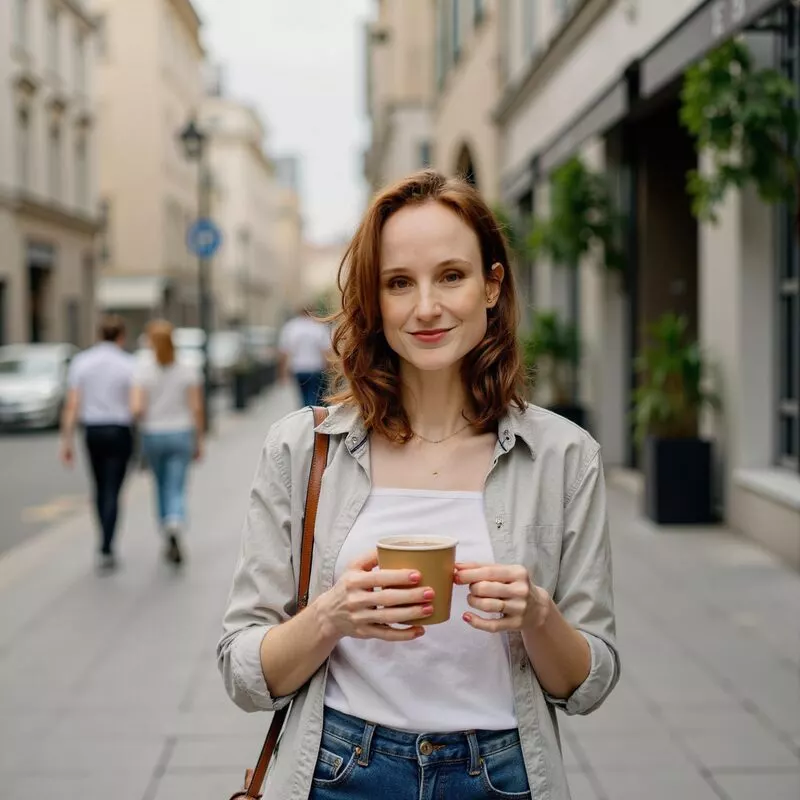 Made by BestPhoto
Coffee on a city street
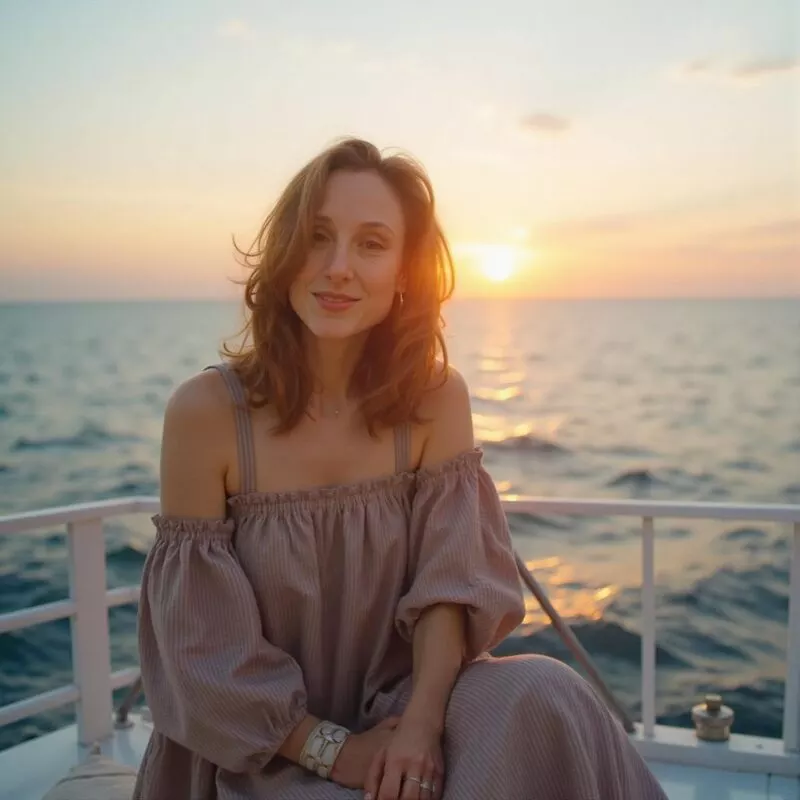 Made by BestPhoto
Sunset on a yacht
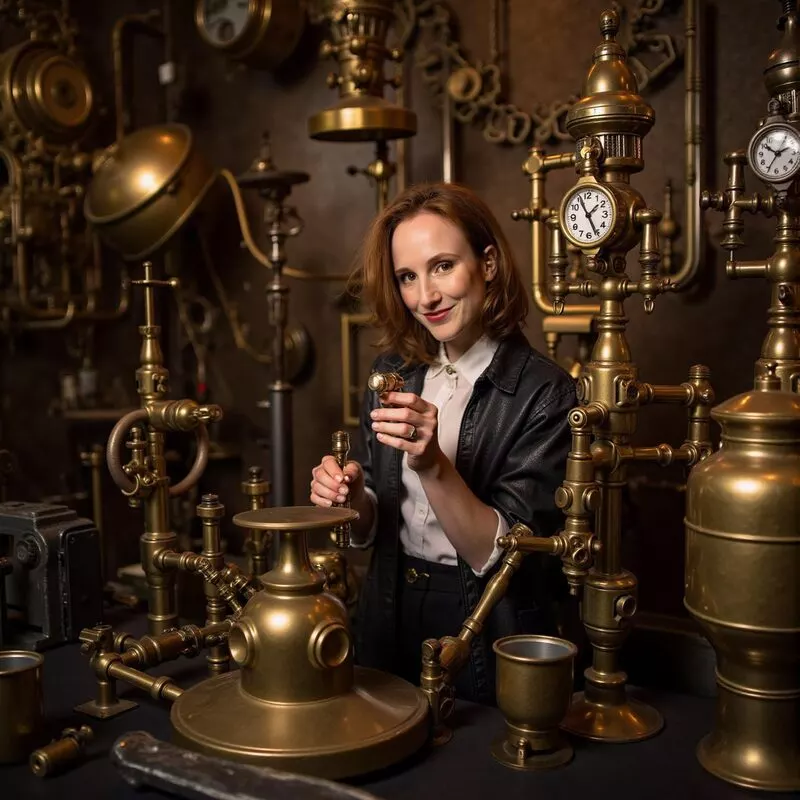 Made by BestPhoto
Steampunk inventor
ChatGPT and Gemini can change a photo you upload, which is fine for one picture. A trained model is for when you want a whole album of yourself without finding the right photo each time. Here's how making AI photos of yourself works. Plans start at $14 a month, include training one model a month and allow commercial use.
For pictures of anything else, our free image generator needs no account and adds no watermark: 2 a day, or 10 with a free account.
Why it's at the top
It's built for pictures of you. Once it knows your face, each new picture of you is one short request away.
The trade-off: our free generator is the weakest in the grid above. It got the birthday card right and slipped on the other three, so for a poster full of words or a long list of details, use ChatGPT.
2. ChatGPT: best for most people, and anything with words
ChatGPT makes pictures in the chat, and you ask for changes in plain words. Its model was the only one in the side-by-side above that got every detail of all four requests.
You need a free account. OpenAI doesn't publish how many free pictures you get a day; the paid plans are Go at $8 a month and Plus at $20.
The common complaint
Small edits can redraw the whole picture. “It always completely changes the art style instead of just fixing the one thing I asked for,” one user wrote on OpenAI's forum.
Better than us if you need words in the picture or a long list of details.
3. Gemini: best free, and for editing a photo you already have
Gemini makes pictures with Google's image model, free with a Google account. Free downloads are 1K, about 1,000 pixels across, and a Google AI plan from $4.99 a month gets you 2K. It's also good at changing a photo you already took, which our guide to AI photo editors covers.
Its pictures carry a small visible mark, and in most countries you can switch it off in Settings. An invisible watermark stays either way.
The common complaint
The daily limit isn't published, and it can run out early. A paying user on Google's developer forum: “fewer than 30 images were generated over the entire day, yet I was told that the quota had been reached?”
Better than us if you want more free pictures a day, or you want to edit a photo of your own.
4. Midjourney: best for art and a beautiful look
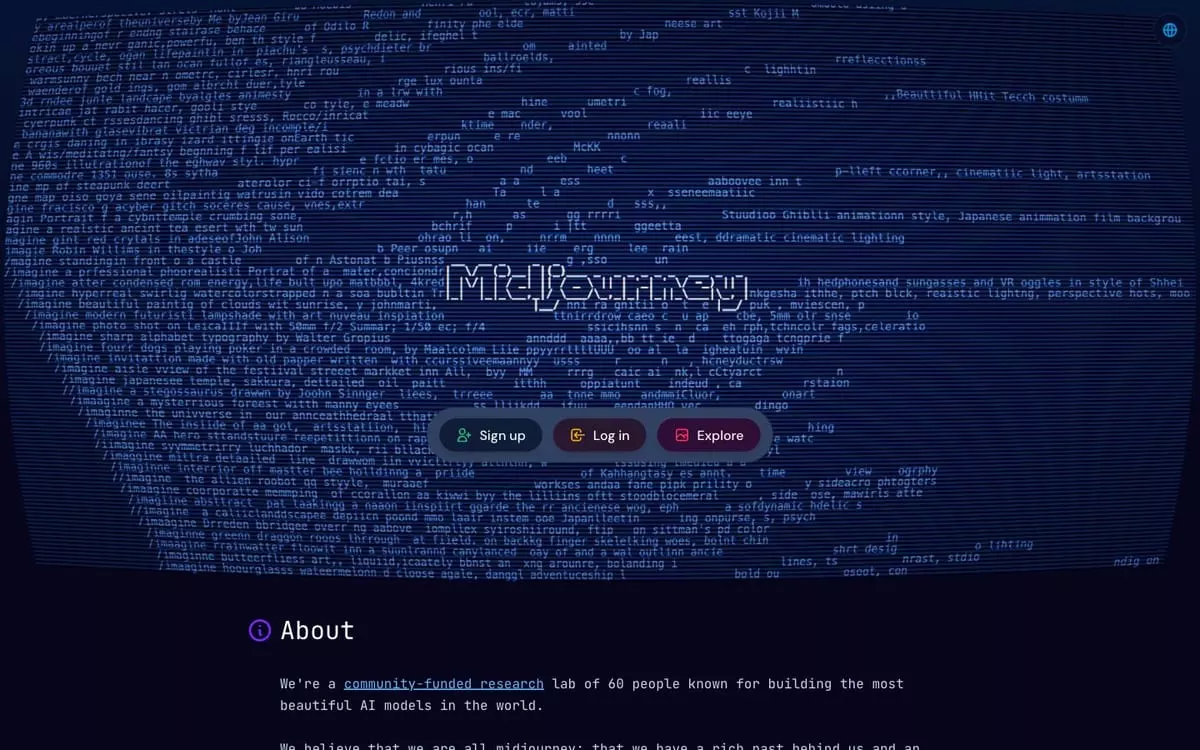
Midjourney is the one to reach for when the look matters more than the details: light, mood and painterly style. It has no free plan; paid ones start at $10 a month. It only runs inside its own app, so it isn't in our side-by-side.
The common complaint
The cost. “The credits run out very quickly, and you're constantly pushed to spend more money,” one Trustpilot reviewer wrote.
Better than us if you want art for a wall or a book cover, and you'll pay for the look.
5. Ideogram: best for invitations, posters and logos
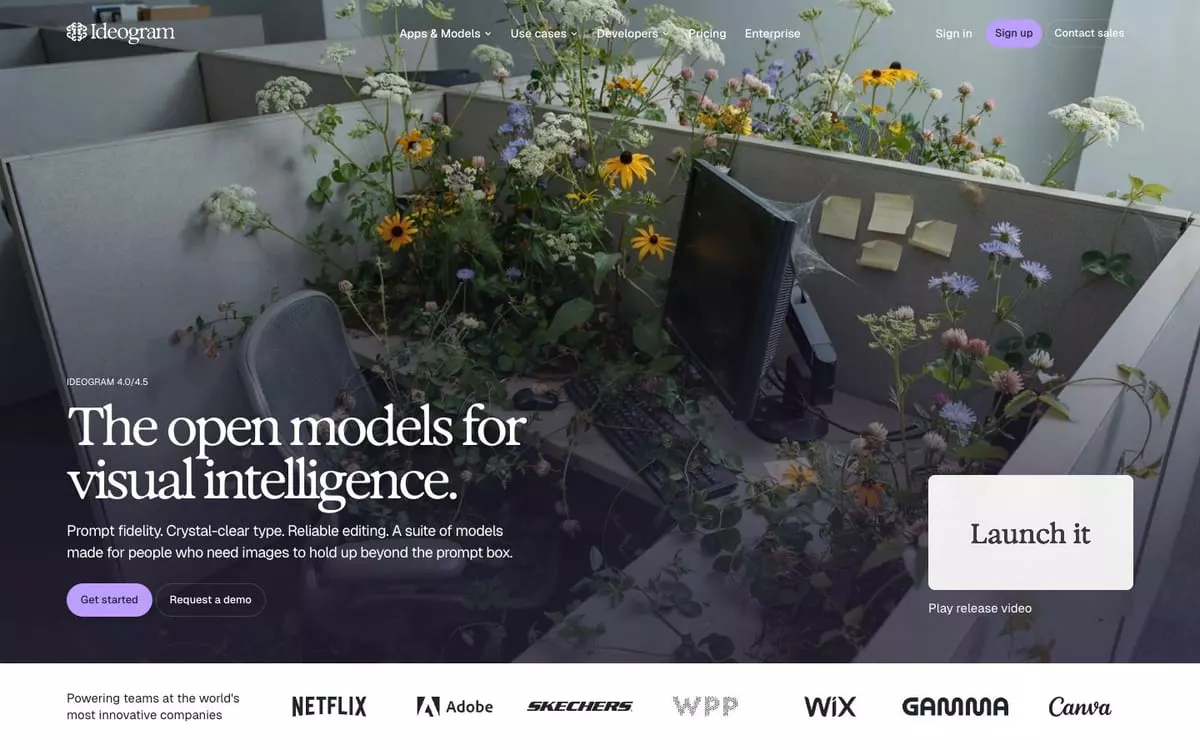
Ideogram is made for pictures with lettering in them. Free accounts get 30 credits a week, but only if you sign in with Google, Apple or Microsoft, and everything you make on the free plan is public. Plus is $20 a month, or $15 a month paid yearly.
Ideogram or ChatGPT for text? On our card and soap label both spelled every word right, and ChatGPT followed the rest of the request more closely. Start with ChatGPT and use Ideogram as the free second opinion.
The common complaint
The free plan. A Trustpilot reviewer who signed up to try editing wrote: “regardless of which AI model I selected, I was immediately presented with a paywall.”
Better than us if the lettering is the point of the picture.
6. Bing Image Creator: best for the most free pictures
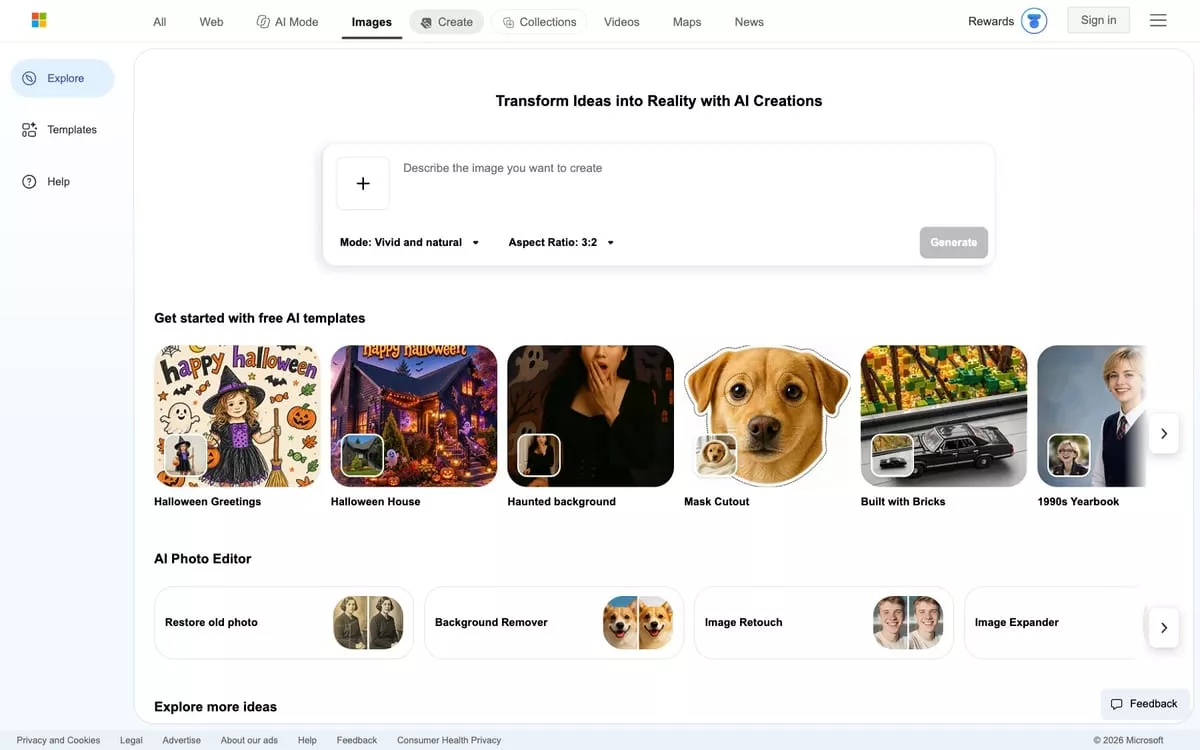
Bing Image Creator is free with a personal Microsoft account and runs on Microsoft's own image models, which only work inside Bing, so they aren't in our grid. You get 15 fast pictures a day, then up to 200 a day at normal speed.
The common complaint
It blocks harmless requests. One user on Microsoft's help forum had a garden sketch stopped: “the person wasn't to be seen at all, just they're legs and feet in the garden.”
Better than us if you want lots of free pictures every day and don't mind a short wait.
7. Adobe Firefly: best for work you'll sell
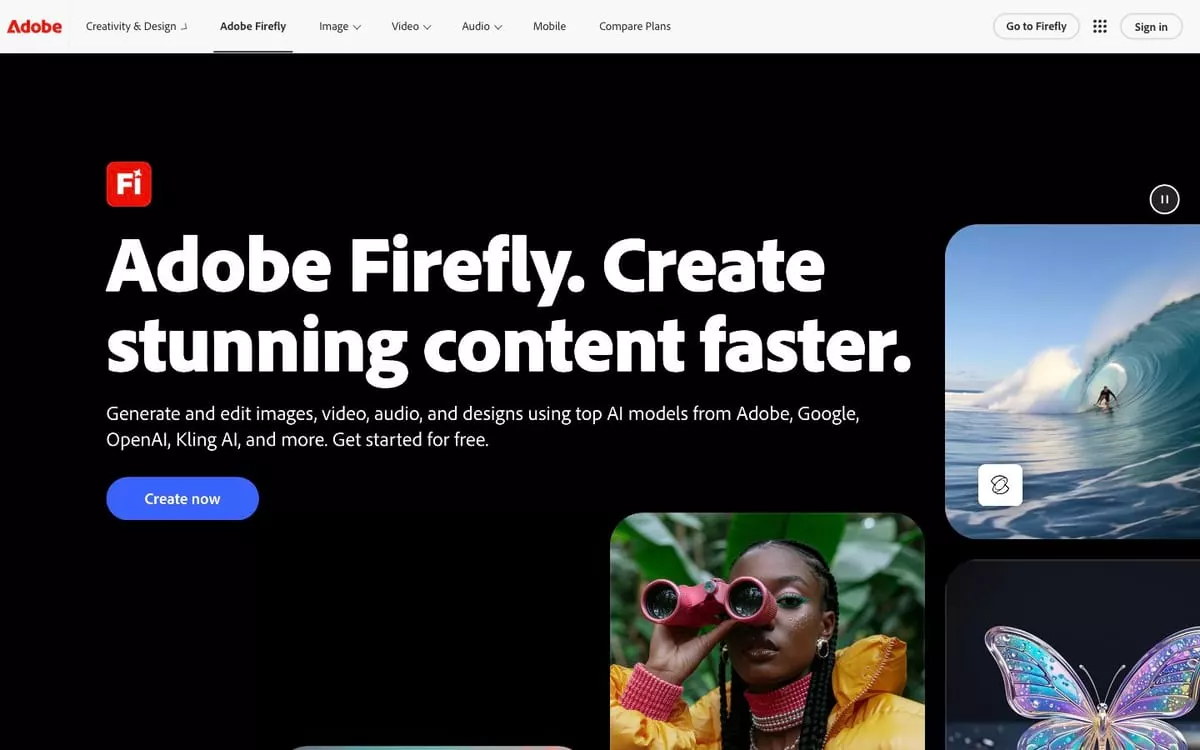
Adobe says pictures from its own Firefly models are safe for commercial use, because they're trained on licensed images and ones whose copyright has expired. Firefly also offers OpenAI's, Google's and FLUX models, and for those the call is yours.
The free plan has a daily allowance Adobe doesn't put a number on. Standard is $9.99 a month.
The common complaint
Failed pictures still cost credits: “Takes your credits (money) even when THEY FAIL TO GENERATE MY IMAGE,” one Trustpilot reviewer wrote.
Better than us if a client or employer will use the picture commercially.
Also asked about
Meta AI makes pictures free in its own app; it's the Meta AI tile in our grid. Leonardo gives 150 free tokens a day, but only paid members can make pictures privately. Canva is where to turn a finished picture into a card or flyer.
What a free day really gets you
“Free” means something different in every app: a couple of clean pictures, hundreds of slower ones, a weekly allowance where every picture is public, or nothing at all.
A free day in each app
One square is one free picture.
BestPhoto
2 a day with no account, 10 once you sign in. No watermark.
Bing Image Creator
15 fast a day, then up to 200 at normal speed. Needs a Microsoft account.
Ideogram
30 credits a week, not a day, if you sign in with Google, Apple or Microsoft. Free pictures are public.
ChatGPT
Free with an account. OpenAI doesn't say how many a day.
Gemini
Free with a Google account. Google doesn't say how many; free downloads are 1K.
Midjourney
No free plan. Paid plans start at $10 a month.
| App | How you pay | Free amount | Account | Free pictures |
|---|---|---|---|---|
| BestPhoto | Plans from $14 a month | 2 a day with no account, 10 signed in | Not needed to start | No watermark |
| ChatGPT | Free, or Go $8 and Plus $20 a month | Not published | Free account | No visible mark |
| Gemini | Free, or Google AI Plus from $4.99 a month | Not published; downloads at 1K | Google account | A visible mark you can switch off |
| Midjourney | From $10 a month | None | Midjourney account | No free plan |
| Ideogram | Free, or Plus $20 a month ($15 paid yearly) | 30 credits a week | Google, Apple or Microsoft sign-in | Public |
| Bing Image Creator | Free; Rewards points buy more fast ones | 15 fast a day, then up to 200 | Microsoft account | No visible mark unless you add one |
| Adobe Firefly | Free, or Standard $9.99 a month | Daily, number not published | Adobe account | Content Credentials attached |
Scroll sideways for every column. US prices.
ChatGPT, Gemini, Midjourney or FLUX?
These names get compared as if they were rivals, but some are apps and some are the models inside them. The app is what you open; the model is what draws.
- GPT Image
- OpenAI's image model, the one inside ChatGPT. It replaced DALL-E, which OpenAI has retired.
- Nano Banana
- Google's image model, the one inside Gemini.
- FLUX
- A model other apps build in, Adobe Firefly among them. There's no FLUX app to go to.
So, ChatGPT or Gemini? ChatGPT for words and long requests, Gemini for free use and for editing your own photo.
Which to use for what
For a birthday card tonight with no budget, use ChatGPT or Gemini, then check the name before you print. For a poster crowded with words, use ChatGPT, with Ideogram as the second try. For art on your wall, pay for a month of Midjourney.
If you want yourself in 20 different scenes, train a BestPhoto model once, then describe the scenes or pick a ready-made set. For a client job, use Firefly's own model. And if you just want lots of free pictures, Bing gives you the most, while our free generator needs no sign-up at all.
You might also wonder
Does DALL-E 4 exist?
No. OpenAI never released a DALL-E 4, and it has retired DALL-E itself. ChatGPT now makes pictures with OpenAI's newer GPT Image model, and Bing Image Creator runs on Microsoft's own models.
How many free images does Bing Image Creator give you?
15 fast pictures a day with a personal Microsoft account, then up to 200 a day at normal speed. Edits count toward the 200.
Can I use AI images for my business?
Often, but check the terms of the app you used. Adobe says pictures from its own Firefly models are safe for commercial use, which makes Firefly the safest pick for client work. BestPhoto's paid plans include commercial use. On Ideogram's free plan everything you make is public, so keep private work off it.
The side-by-side pictures, people included, were made by AI for this comparison. Jana's photo and the pictures made from it are BestPhoto's own samples.
Try it on one of your own photos
Upload a picture and see the result free, with no card. Pay only when you want more.