Alternative to Ideogram
With Custom Training & Video Generation
Ideogram is the go-to for text-in-image generation and typography design. BestPhoto offers a different approach with custom model training, 8 editing modes, video generation, and 40+ free tools. Here's an honest comparison.
What Ideogram Users Say
Mixed feedback from real users — as with any AI tool, experiences vary.
“Best image generator for text in the game. I use it for over 5 brands and it's a cut above for general AI image generation.”
“The editing tools are intuitive and powerful. I've been using it for characters and book covers — the text accuracy is excellent.”
“They treated me well when I forgot to cancel a subscription. Very courteous, no scams or cheap steals.”
“The free plan's 10 credits are as good as useless. And everything you generate is public — no way to keep work private.”
“Queue times went from 2 minutes to 20 minutes for paid users. Credits burn through fast, especially with Canvas.”
“Great for text-heavy designs but falls short on photorealism. Human faces can look unnatural compared to Midjourney.”
Sources: Trustpilot • AllAboutAI • TechPoint Africa
Ideogram vs BestPhoto: Feature Comparison
A direct comparison based on publicly available information and user reviews.
| Feature | Ideogram | BestPhoto |
|---|---|---|
| Starting Price | Free tier (very limited, 10 slow credits) | Free tier with 40+ tools |
| Text in Images | Industry-leading text rendering | Standard AI text capabilities |
| AI Models Available | Single proprietary model | Multiple models (Flux, SDXL, and more) |
| Photo Editing Features | Canvas editor with Magic Fill & Extend | 8 specialized editing modes on all plans |
| Video Generation | Not available | Available on all paid plans |
| Custom Model Training | Style references only (no custom training) | Full custom model training with your photos |
| Private Generations | Only on paid plans (free = all public) | Private on all plans |
| Generation Speed | Priority queue on paid; slow queue can take 20+ min | Consistent speed on all plans |
| Batch Generation | Up to 500 prompts via CSV (Pro/Team only) | Individual generation with prompt packs |
Ideogram: Honest Pros & Cons
We're not going to pretend Ideogram has no merits. Here's the balanced view.
Ideogram Pros
- Industry-leading text rendering in AI-generated images
- Canvas editor with Magic Fill, Extend, and Remix tools
- Strong style control with Style References and Style Codes
- Good free tier for casual exploration
- Responsive customer support with fair billing practices
- Clean, user-friendly interface — no installation needed
- Batch generation for up to 500 prompts (Pro/Team plans)
Ideogram Cons
- Free tier images are all public — no privacy option
- Slow queue wait times can reach 20+ minutes during peak hours
- No video generation capabilities
- No custom model training — can't generate photos of yourself
- Priority credits don't roll over month to month
- Human faces and photorealism lag behind some competitors
Why Consider BestPhoto
Key areas where BestPhoto offers a different approach.
Custom Model Training
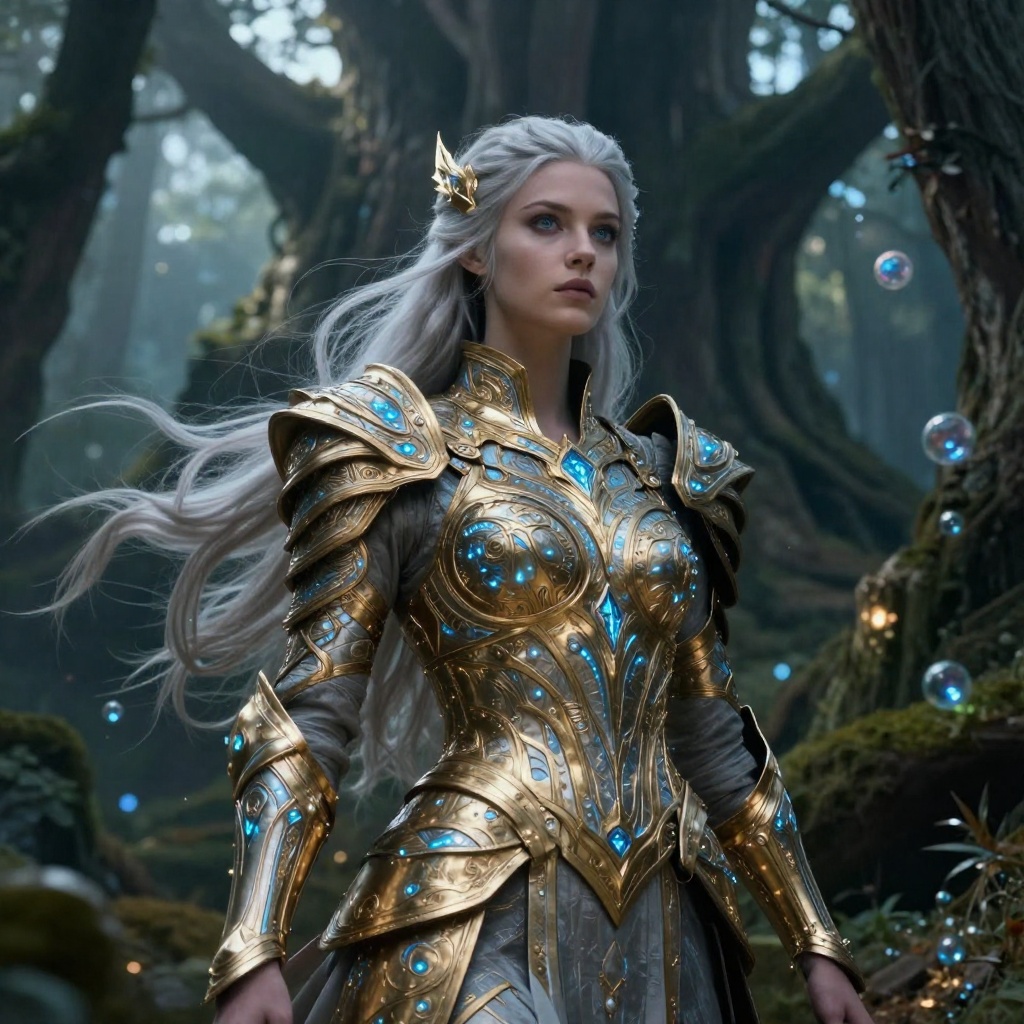
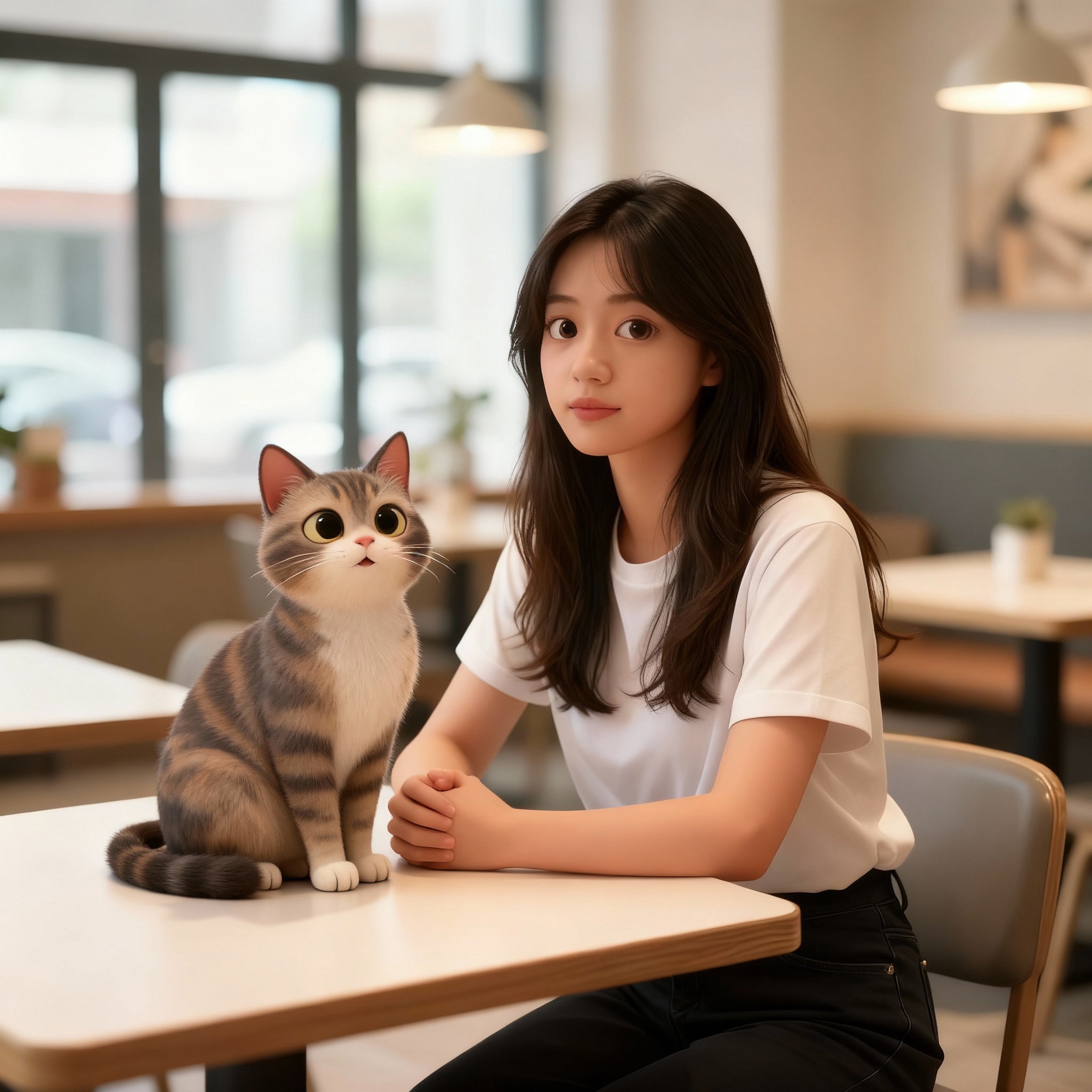
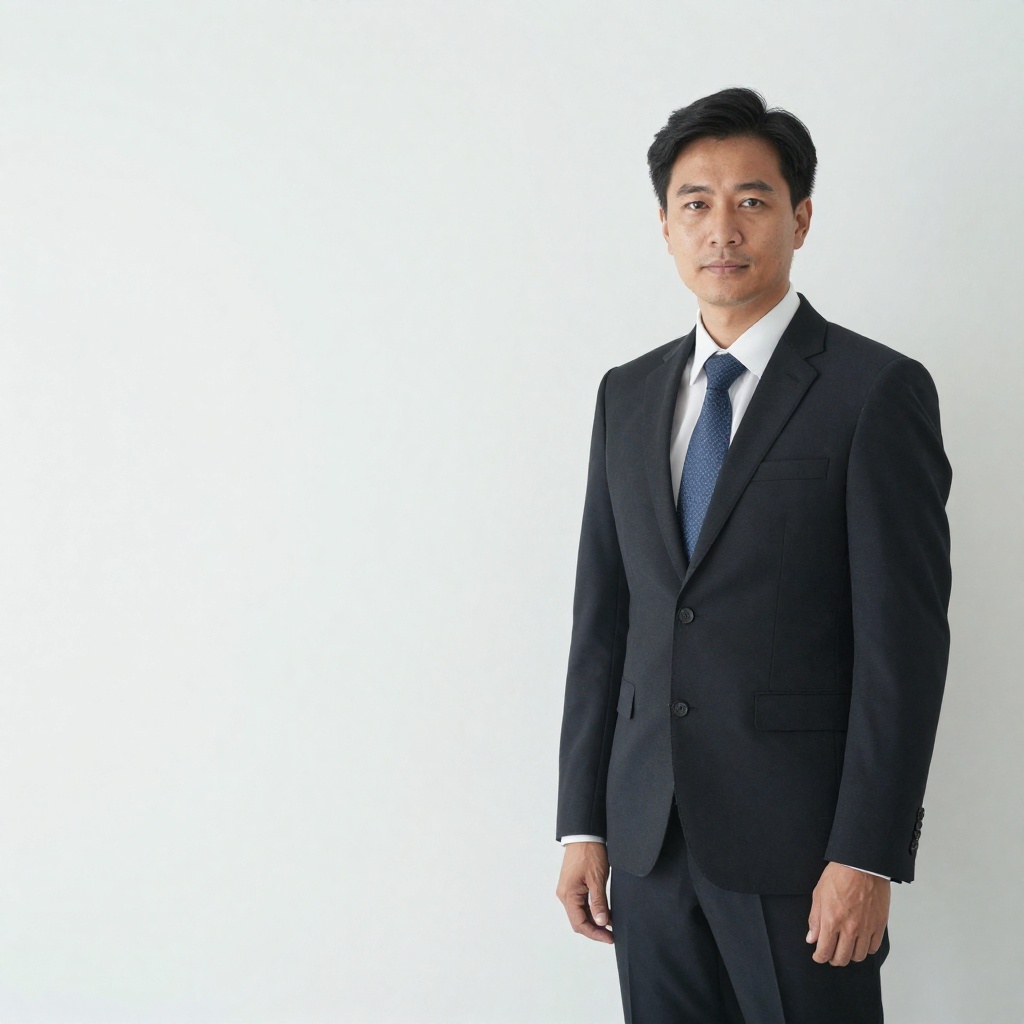
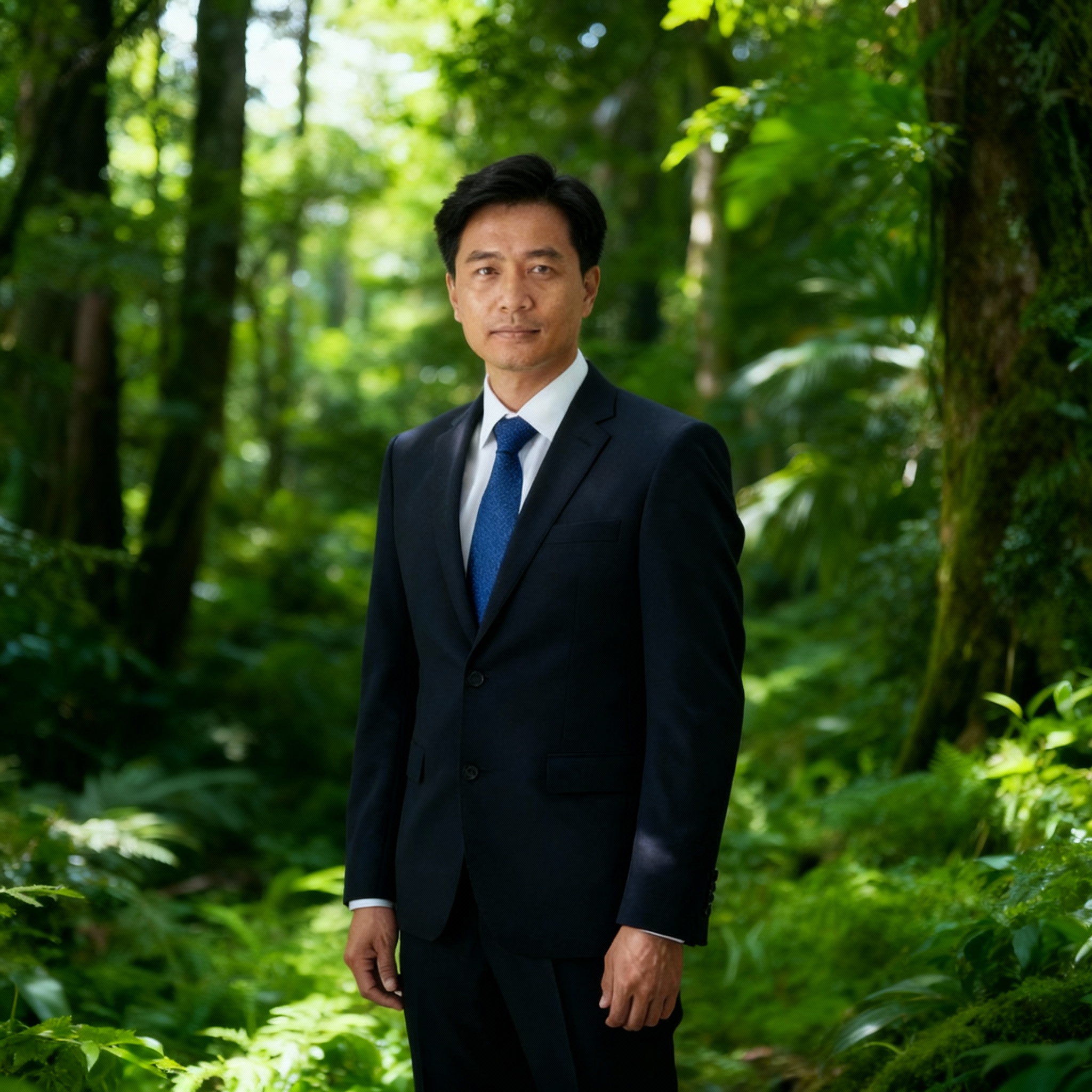
Ideogram offers style references to guide generation, but doesn't support training custom AI models on your own photos. BestPhoto lets you train a personalized AI model using your images, so generated photos actually look like you — ideal for headshots, social media content, and personal branding.
BestPhoto: Train a model that generates photos of you
What you get:
- Upload your photos to train a personal model
- Generate realistic images that look like you
- Perfect for professional headshots
- Multiple model options for different styles



8 Specialized Editing Modes
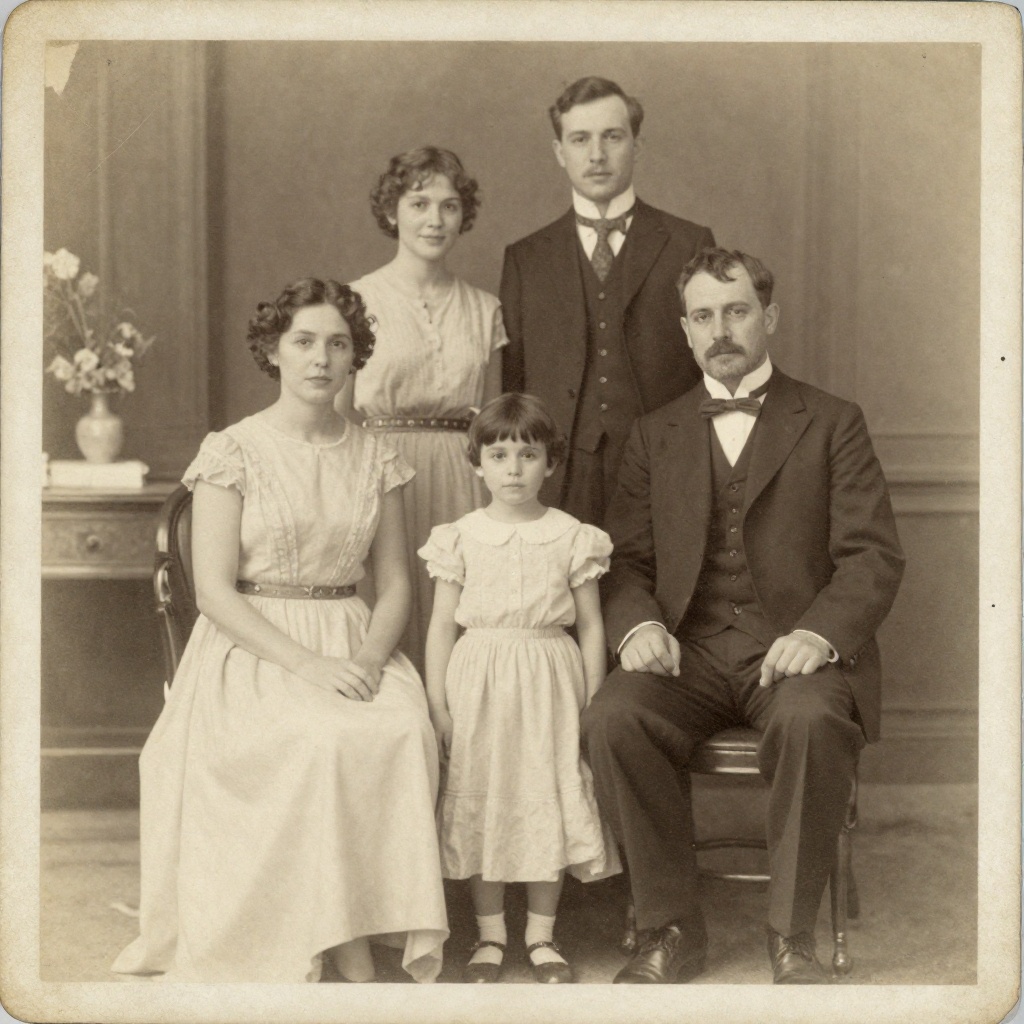
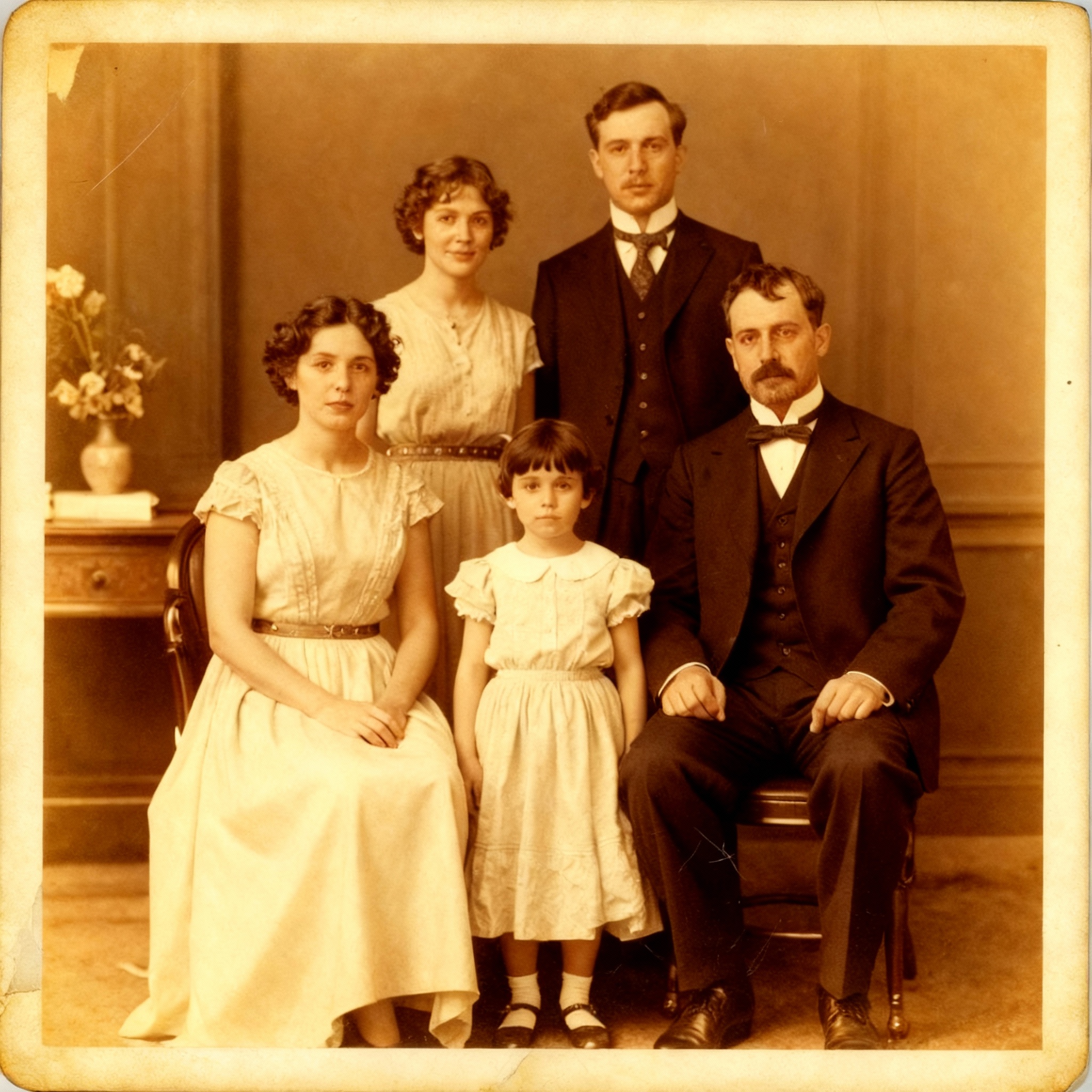
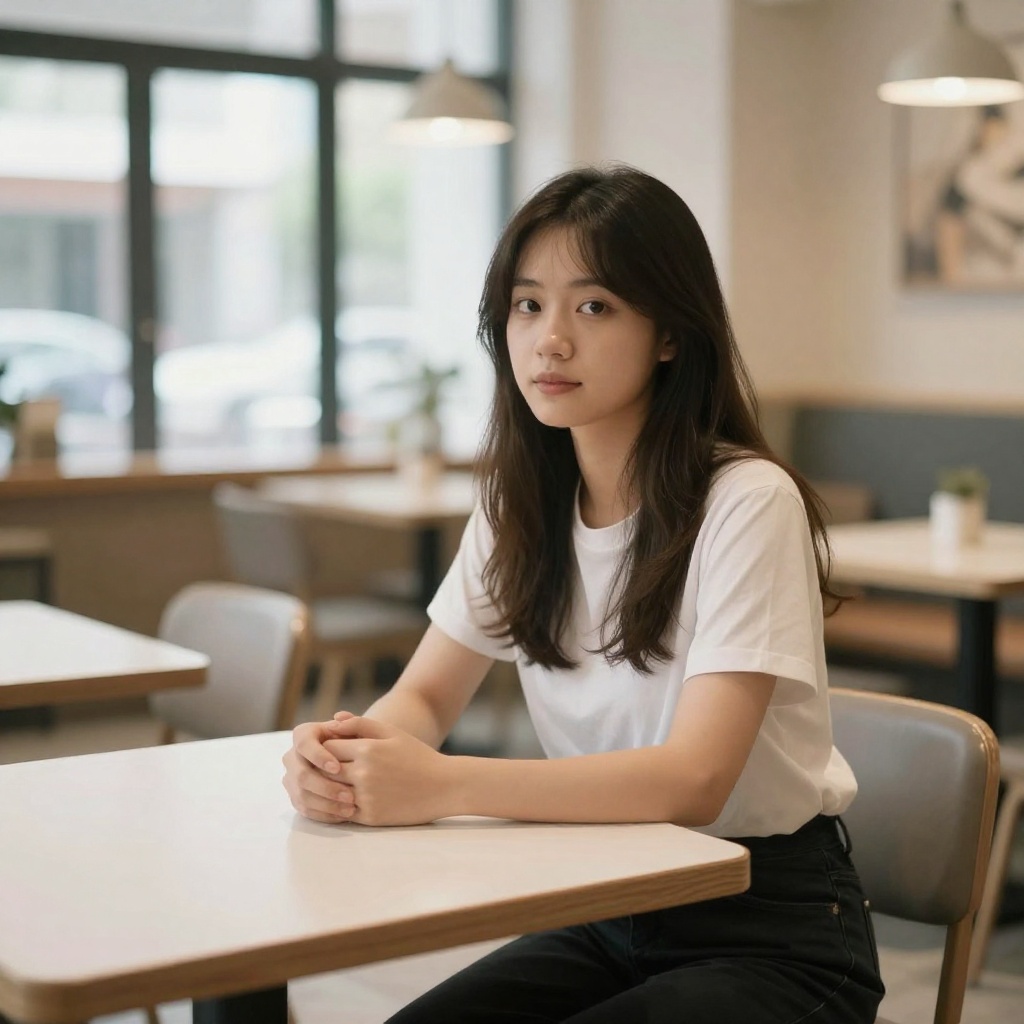
Ideogram's Canvas offers Magic Fill and Extend — solid for inpainting and outpainting. BestPhoto takes editing further with 8 distinct modes: Replace, Restyle, Remove, Re-composition, Add Objects, Restoration, Clothing Replacement, and Concept Transformation. Each mode is purpose-built for specific editing tasks.
BestPhoto: Purpose-built editing modes for every task
What you get:
- Replace mode for swapping elements
- Restoration for old or damaged photos
- Object removal and addition
- Clothing replacement and restyling
Video Generation
Ideogram is focused exclusively on image generation — it doesn't offer any video creation tools. BestPhoto includes video generation on all paid plans, with talking head videos, image-to-video conversion, and AI podcast clips. If you need both images and video from one platform, BestPhoto has you covered.
BestPhoto: Full video generation that Ideogram doesn't offer
What you get:
- Talking head video generation
- Image-to-video conversion
- AI podcast clip creation
- Available on all paid plans
Click to play
40+ Free Tools
Ideogram's free tier gives you about 10 slow-generation credits per week — and everything you create is publicly visible. BestPhoto offers 40+ completely free editing tools including background removal, image upscaling, hair color changes, age progression, and more. No credits needed, no forced public sharing.
BestPhoto: 40+ free tools vs. 10 slow credits
What you get:
- Background removal, upscaling, and more
- No credit limits on free tools
- Private results — nothing made public
- No credit card required to start


Which Tool is Right for You?
Both tools have their strengths. Here's a quick guide.
Ideogram might be better if you:
- Need precise text rendering in your images (logos, posters, typography)
- Work primarily in graphic design and marketing visuals
- Want batch generation for hundreds of prompts at once
- Prefer a focused image-only tool with strong style control
BestPhoto might be better if you:
- Want to train a custom AI model on your own photos
- Need both image and video generation in one platform
- Want 40+ free tools to try before committing
- Need advanced editing modes (restoration, object removal, restyling)
Important: What to Expect from Any AI Photo Tool
- •AI image generation isn't perfect — expect some iterations
- •Hands, fingers, and complex poses can be challenging for any AI
- •Results depend heavily on input photo quality
- •Some prompts work better than others — there's a learning curve
Frequently Asked Questions
Is Ideogram a good tool?
Ideogram is an excellent AI image generator, especially for typography and text-in-image work. It has industry-leading text rendering, a clean Canvas editor, and strong style control options. The main considerations: the free tier makes all generations public, slow queue times can be long, and it lacks video generation and custom model training.
What's the main difference between Ideogram and BestPhoto?
Ideogram excels at generating images with accurate text and typography — it's best-in-class for that. BestPhoto focuses on personalized AI photos through custom model training, comprehensive editing with 8 modes, and video generation. Ideogram is ideal for designers and marketers who need text-heavy visuals; BestPhoto is better for personal photos, headshots, and all-in-one content creation.
Can I train a custom AI model on Ideogram?
Ideogram doesn't support custom model training. You can use Style References (uploading up to 3 reference images) to guide the style of your generations, but you can't train a model on your own photos to generate images of yourself. BestPhoto lets you upload your photos and train a personalized AI model for realistic self-portraits and headshots.
Does Ideogram offer video generation?
No — Ideogram is exclusively an image generation and editing platform. If you need video generation capabilities like talking head videos, image-to-video conversion, or AI podcast clips, BestPhoto includes these features on all paid plans.
Is the Ideogram free plan worth it?
Ideogram's free plan lets you explore the tool with about 10 slow-generation credits per week. The trade-off is that all free-tier generations are publicly visible — you can't keep your work private. BestPhoto offers 40+ free editing tools with no credit limits and private results, plus a free tier for AI generation.
Photos That Actually Make a Difference
Whether it's landing the interview or getting the date, people use BestPhoto to create images that open doors.


Professional Headshots
Stand out on LinkedIn, company websites, and professional networks. Profiles with professional photos receive up to 21x more views.


Dating Profile Photos
Get more matches with photos that show your authentic self in the best light. Perfect for Tinder, Bumble, Hinge, and more.


Realistic AI Photos
Generate ultra-realistic images for marketing, content creation, and creative projects. Studio quality without the studio.
Learn More About AI Photo Technology
Stay up to date with the latest AI tools, tips, and techniques. Our guides help you get the most out of your photos.

Gifts for Parents Who Have Everything: The One Gift That Isn't Stuff
Your parents don't want more things to dust. Pick one old print, restore it, print it, frame it. What it costs, how long it takes, and which photo to choose.
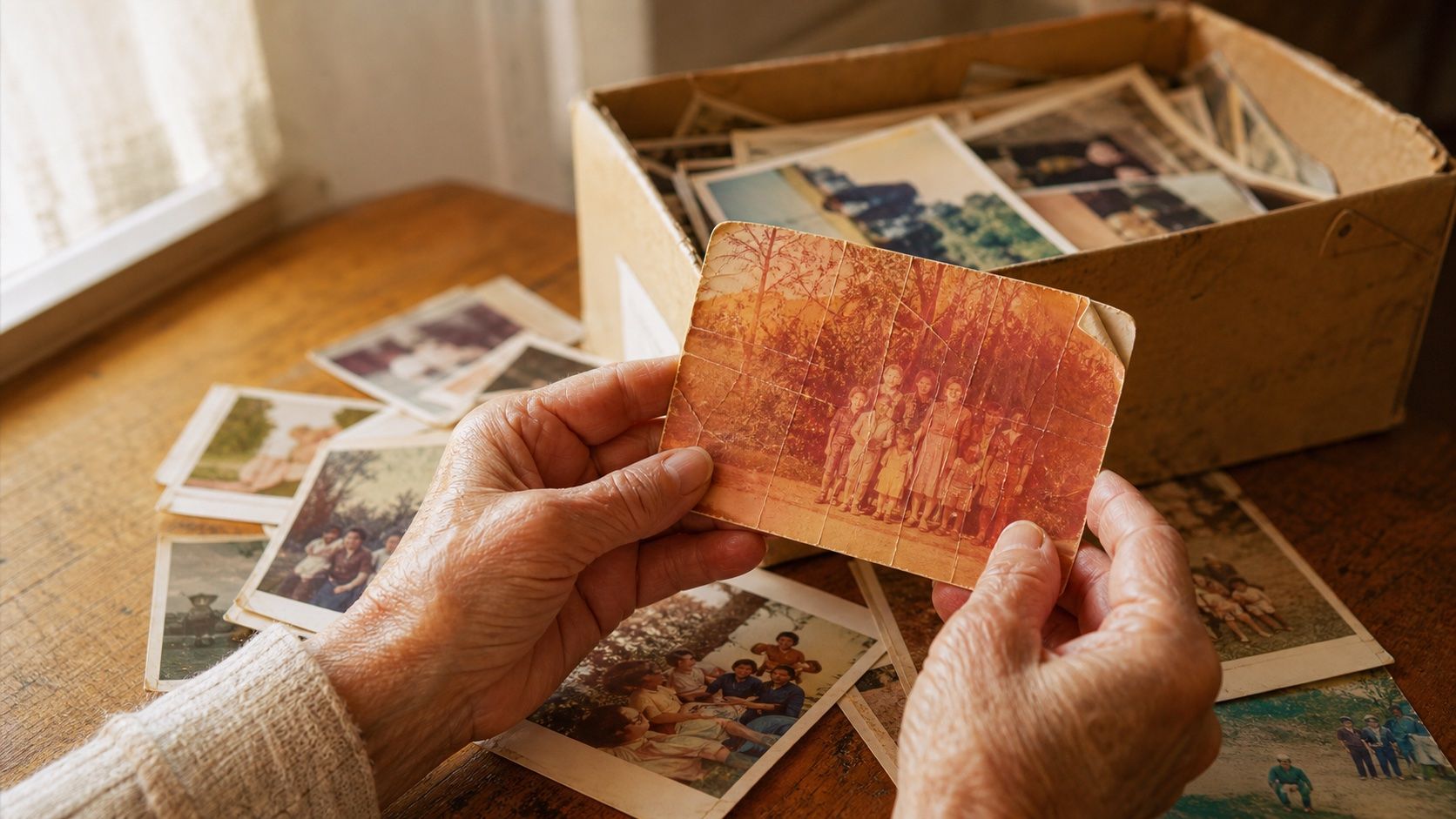
How to Restore Old Photos: The Honest 2026 Guide
Learn how to restore old photos at home with your phone and a free AI tool: scanning tips, fading fixes, and an honest look at what AI gets right and wrong.
How to Fix Grainy Photos: Remove Noise Free with AI
Grainy, noisy photos come from high ISO, low light, and old scans. Here's why it happens and how to remove grain from photos free with AI in about 30 seconds.