Kling 3.0 Now Available: Native 4K, Multi-Shot Storyboards, and 15-Second Videos
Kling 3.0 from Kuaishou brings native 4K at 60fps, multi-shot storyboards with up to 6 camera cuts, 15-second videos, and an Elements system for character consistency. Available now on BestPhoto.
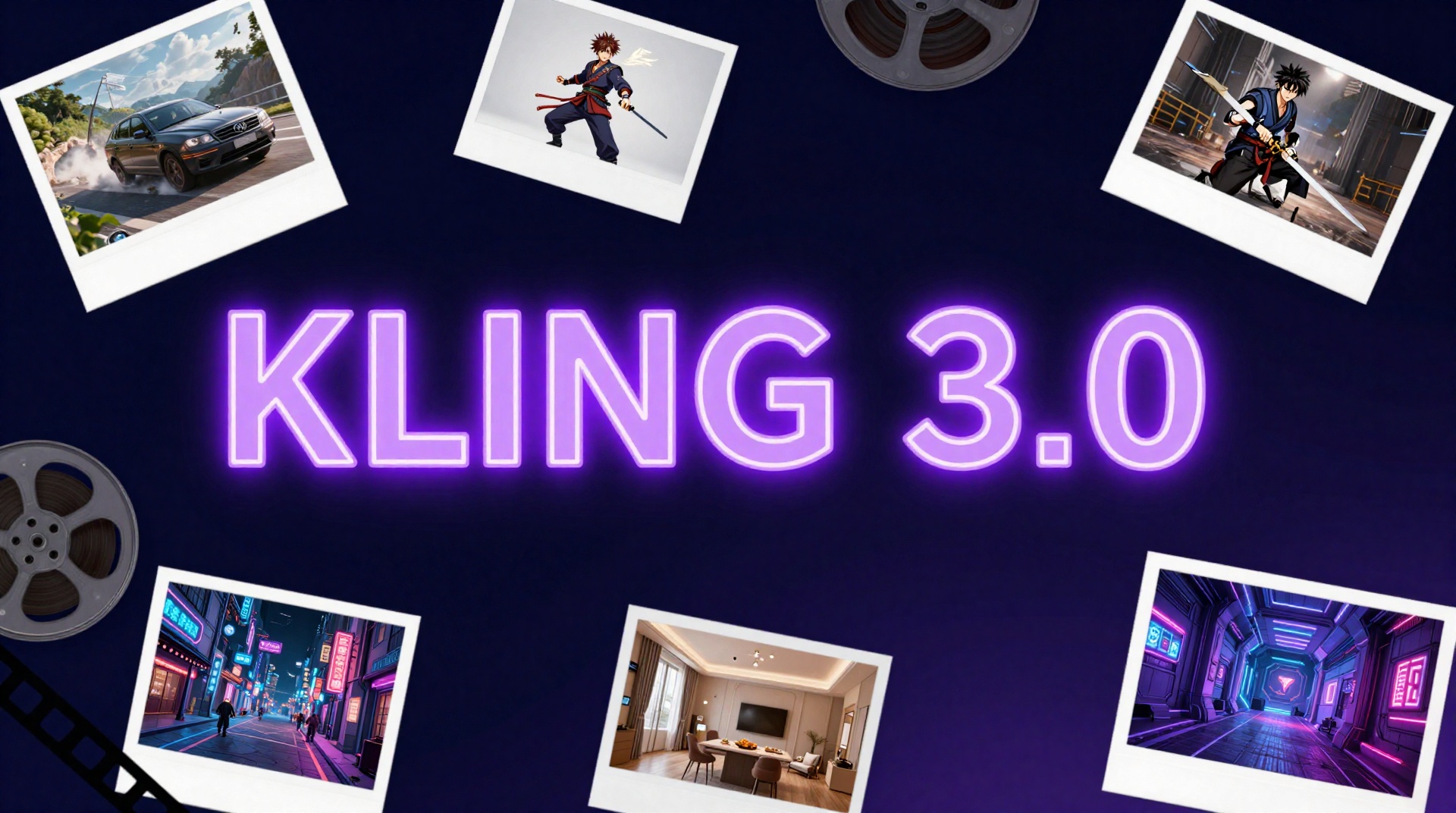
Kling 3.0 is now live on BestPhoto. Kuaishou's biggest update yet brings native 4K output at 60fps, multi-shot storyboards with up to 6 camera cuts per generation, 15-second video duration, and a new "Elements" system that locks character identity across shots. This is no longer just a video clip generator — it's a production tool.
The Big Picture: Kling 3.0 consolidates video, image, and audio generation into a unified model. Three variants launch simultaneously: Kling Video 3.0 (core video), Kling Video 3.0 Omni (native audio co-generation), and Kling Image 3.0 Omni (unified 2K/4K image output). Together, they represent Kuaishou's shift from single-clip generation to multi-shot storytelling.
Try Kling 3.0
Native 4K video, multi-shot storyboards, and synchronized audio. Available now.
What's New in Kling 3.0
Kling 2.6 introduced native audio. Kling 3.0 changes the scope of what you can build in a single generation. The key upgrades:
Major New Capabilities
- ✓Native 4K (3840x2160) at 60fps
- ✓Multi-shot storyboards — up to 6 camera cuts
- ✓15-second duration with custom timing
- ✓Elements system — lock character identity across shots
- ✓3-speaker dialogue with individual voice tracking
- ✓5 languages — EN, CN, JP, KR, ES + dialects
Inherited from Kling 2.6
- •Native audio-visual co-generation
- •Synchronized lip-sync with dialogue
- •Sound effects and ambient audio
- •Text-to-video and image-to-video modes
- •Top-tier moving camera performance
- •Custom voice IDs for consistent speakers
Multi-Shot Storyboards: The Headline Feature
Previous Kling models generated a single continuous shot per generation. Kling 3.0 introduces multi-shot storyboards — define up to 6 distinct camera cuts within a single prompt, and the model handles transitions, shot composition, and subject continuity automatically.
Multi-Shot Prompting
Define each shot separately and let Kling handle the transitions:
Shot 1: Wide establishing shot of a rain-soaked city at night.
Shot 2: Medium close-up of a woman running through an alley.
Shot 3: Over-the-shoulder tracking shot as she rounds a corner.
You can also use "intelligent" mode and let the model decide shot breakpoints from a single narrative prompt.
This changes what Kling is useful for. Instead of generating isolated clips and editing them together, you can prototype entire sequences in a single generation — product ads, short narratives, explainer videos, or social media content with built-in pacing.
The Elements System: Solving Character Drift
One of the biggest pain points in AI video has been character consistency. Generate two shots of the same character and they'll often look like different people. Kling 3.0's Elements system addresses this directly.
How Elements Works
- Upload reference images or video frames of your character/object
- The model creates an identity "lock" for that element
- Reference the element across multiple shots in your storyboard
- The system maintains visual identity across camera angles, lighting changes, and scene transitions
This works particularly well when combined with multi-shot mode — build a 6-shot sequence with consistent characters throughout.
Try Multi-Shot Video Generation
Create storyboards with up to 6 camera cuts and consistent characters.
Kling 3.0 vs. Kling 2.6: What Changed
| Feature | Kling 3.0 | Kling 2.6 |
|---|---|---|
| Resolution | Native 4K (3840x2160) | Up to 1080p |
| Frame Rate | 60fps | 30fps |
| Max Duration | 15 seconds (custom) | 10 seconds |
| Shot Structure | Up to 6 camera cuts | Single continuous shot |
| Character Consistency | Elements system (image + video refs) | Image references only |
| Max Speakers (Dialogue) | 3 with individual tracking | 2 |
| Languages | EN, CN, JP, KR, ES + dialects | English, Chinese |
| Native Audio | ✓ Co-generation (single pass) | ✓ Simultaneous generation |
| Text in Video | Maintained through motion | Can degrade during motion |
Key Takeaway: Kling 3.0 is a generational leap, not an incremental update. The multi-shot system and Elements combined with 4K/60fps output push it from a clip generator into a pre-production tool. If you were using Kling 2.6 for single clips, you can now build entire sequences.
How Kling 3.0 Compares to the Competition
The AI video space is crowded. Here's an honest look at where Kling 3.0 stands against the other top models available on BestPhoto:
| Feature | Kling 3.0 | Runway Gen-4.5 | Google Veo 3.1 | Seedance 1.5 Pro |
|---|---|---|---|---|
| Resolution | Native 4K | HD | 720p | 720p-1080p |
| Max Duration | 15 seconds | 10 seconds | 8 seconds | 12 seconds |
| Multi-Shot | ✓ Up to 6 cuts | Single shot | ✓ Multi-scene | Single shot |
| Character Lock | ✓ Elements system | Director Mode | Limited | Limited |
| Native Audio | ✓ 3 speakers | ✓ SFX + ambient | ✓ Full dialogue | ✓ Joint generation |
| Lip Sync | Good | Sound effects only | Good | Millisecond-level |
| Best For | Multi-shot, 4K production | Overall quality, anime | Multi-scene narratives | Lip sync, multilingual |
Where Kling 3.0 Wins
- • vs. Runway Gen-4.5: Higher resolution (4K vs HD), longer duration (15s vs 10s), native multi-shot storyboards
- • vs. Veo 3.1: 4K output, character consistency via Elements, 3-speaker dialogue
- • vs. Seedance 1.5 Pro: Multi-shot capability, 4K resolution, longer videos, more languages
Where Others Still Lead
- • Runway Gen-4.5: Still #1 overall on Video Arena leaderboard, superior for anime/cartoon
- • Seedance 1.5 Pro: Tighter lip sync precision (millisecond-level), better for dialogue-heavy talking head content
- • Veo 3.1: Multi-scene narrative generation remains best-in-class
What Creators Are Saying
Kling 3.0 launched today (February 4, 2026), so independent reviews are still emerging. But early access creators and the AI video community have been reacting to the announcement since Kuaishou's January 31 reveal. Here's the sentiment across Twitter/X, Reddit, and creator forums:
"I was impressed by how smooth and cinematic the video outputs are. Being able to refine scenes without starting over is amazing."
— Early access creator
"Finally, a tool that keeps my characters consistent across multiple videos. Kling 3.0 makes it easy to produce a full series without worrying about continuity or extra editing."
— Series content creator
"Huge. Kling 2.6 is already very good. Looking forward to it!"
— @kimmonismus on X
Community Sentiment
The overall reaction is cautiously optimistic. Creators who used Kling 2.6 are excited about multi-shot and Elements. The broader community is in "wait and see" mode until hands-on testing confirms the marketing claims.
The most-discussed features, ranked by community interest:
- Multi-shot storyboards — the single most talked-about feature
- Character consistency (Elements) — addresses the #1 pain point from previous versions
- 15-second duration — moving toward actually usable content lengths
- Native 4K/60fps — professional-grade without upscaling
- Multi-language dialogue — expanding beyond English/Chinese
The Honest Take from Reddit
Reddit's AI video communities (r/aivideo, r/StableDiffusion, r/artificial) are split: they love the technology but have concerns about Kuaishou's platform practices. Common criticisms of Kling's direct platform include credit expiration, failed generations consuming credits, and slow customer support.
This is why we use BestPhoto as the access layer — you get Kling 3.0's technology without dealing with Kuaishou's billing system. Your BestPhoto credits work across all models, don't expire unexpectedly, and our support team actually responds.
Kling's Scale: By the Numbers
Kuaishou isn't a small player. Kling AI hit $240 million in annualized revenue in December 2025 (up from $100 million in March), serves over 60 million creators worldwide, and has generated more than 600 million videos. Approximately 70% of revenue comes from individual subscriptions, with the majority of paid users located outside China. The platform drove an 84% stock surge for Kuaishou.
This matters because it means Kling has the resources and user base to keep iterating fast. The 3.0 release is their 7th major model version in under 2 years — that's a faster release cadence than Runway, OpenAI, or Google.
See It In Action
These examples demonstrate Kling 3.0's multi-shot storyboards, native audio, character consistency, and 4K output. Pay attention to the transitions between shots, character identity across cuts, and how audio syncs with the visuals:
Portrait Video
A portrait video of an old man talking animatedly.
"A portrait video of an old man talking animatedly."
Portrait Video
A portrait video of an old man handling pots.
"A portrait video of an old man man handling pots."
Create Multi-Shot Videos
Try Kling 3.0 with your own storyboard prompts.
Best Use Cases for Kling 3.0
Product & Brand Ads
15-second commercials with multi-shot structure, narrator dialogue, and 4K product close-ups in a single generation.
Short Film Previsualization
Storyboard entire sequences with 6 camera cuts and consistent characters. Prototype before committing to production.
Social Media Content
Create polished multi-shot content for TikTok, Reels, and Shorts with built-in pacing and audio.
Multilingual Campaigns
Generate the same ad in English, Japanese, Korean, Spanish, or Chinese with native lip-sync for each language.
Real Estate & Architecture
Walkthrough sequences with smooth camera movement and narrated property tours in 4K.
Educational Content
Multi-step tutorials with shot-by-shot breakdowns, voiceover, and consistent visual subjects.
When to Use Each Model
Use Kling 3.0 when:
- • You need multi-shot storyboards with camera cuts
- • 4K resolution is important for your project
- • Character consistency across shots is critical
- • You want 15-second extended duration
- • Multi-speaker dialogue scenes (up to 3)
Use Seedance 1.5 Pro when:
- • Lip sync precision is your top priority
- • Creating talking-head or presentation content
- • You need Hitchcock-style dolly zoom effects
- • Audio-visual synchronization must be perfect
Use Veo 3.1 when:
- • You need multi-scene narrative generation
- • Creating educational or corporate content
- • Google's safety guardrails are important
Use Runway Gen-4.5 when:
- • Overall visual quality is the priority
- • Creating anime or cartoon-style content
- • Physics realism matters most
Technical Specifications
Output
- •Resolution: Up to 3840x2160 (4K)
- •Frame Rate: 60fps
- •Duration: 3-15 seconds (custom)
- •Aspect Ratios: 16:9, 9:16, 1:1
Input
- •Modes: Text-to-video, image-to-video
- •Multi-shot: Up to 6 cuts per generation
- •Elements: Image + video reference inputs
- •Audio: Native co-generation (optional)
Limitations and Honest Caveats
Kling 3.0 is a major step forward, but no AI video model is perfect. Based on community feedback from previous Kling versions and early 3.0 impressions, here's what to keep in mind:
Technical Limitations
- !Complex physical interactions — close character contact (hugging, fighting) can still produce "melting" artifacts. The physics engine overhaul in 3.0 specifically targets this, but it's not fully solved across all AI video models
- !15-second ceiling — improved from 10 seconds, but some competitors are pushing toward 30-60 second clips. You may need to stitch multiple generations for longer content
- !Not every generation succeeds — like all AI video tools, expect some failed generations. Multi-shot sequences are more complex and may require a few attempts to get right. Reddit users report roughly 30-40% of generations may need retries across Kling models
- !Text rendering in video — while improved, signs and written text in generated videos can still be unreliable, especially during motion
- !Prompt adherence — community members note that complex prompts sometimes get partially ignored. Start simple and iterate rather than writing maximally complex prompts on the first attempt
Cost Considerations
- !4K + audio = more credits — 4K output with native audio uses significantly more credits than standard 1080p silent generation. Draft at lower resolution first, then render final output in 4K
- !Multi-shot complexity — 6-cut storyboards are more expensive per generation than single shots. Budget for iteration — multi-shot prompts may need refinement
On BestPhoto, your credits work across all models. You can switch between Kling 3.0, Veo 3.1, Seedance, and others using the same credit balance — no separate subscriptions or credit systems to manage.
Why Use Kling Through BestPhoto? Kling's direct platform has a 1.3/5 Trustpilot rating, with common complaints about credit expiration, billing issues, and unresponsive support. On BestPhoto, you get Kling 3.0's technology without those headaches — transparent pricing, credits that work across all models, and a support team that responds. Plus, if a generation doesn't work with Kling, you can instantly try the same prompt on Veo 3.1, Seedance, or any other model.
The Most Complete AI Video Model Yet
Kling 3.0 is available now on BestPhoto. Native 4K at 60fps, multi-shot storyboards, character consistency, and 15-second videos with synchronized audio.
No credit card required • 1 free video/day + 25 credits to start
Frequently Asked Questions
What's the biggest difference between Kling 3.0 and 2.6?
Multi-shot storyboards and 4K output. Kling 2.6 generates a single continuous clip at up to 1080p. Kling 3.0 lets you define up to 6 camera cuts in a single generation at native 4K resolution with 60fps. The Elements system for character consistency is also new.
Do I need to use multi-shot mode?
No. Multi-shot is optional. You can use Kling 3.0 exactly like previous versions for single-shot video generation. The multi-shot mode is there when you need it, but it doesn't change the basic text-to-video or image-to-video workflow.
How does 4K output affect credit costs?
Higher resolution output uses more credits per second of video. You can still generate at lower resolutions if you want to save credits for drafts or prototyping, then switch to 4K for final output.
Is Kling 3.0 better than Runway Gen-4.5?
They excel at different things. Kling 3.0 leads in resolution (4K vs HD), duration (15s vs 10s), and multi-shot capability. Runway Gen-4.5 currently ranks #1 overall on the Video Arena leaderboard and excels at anime/cartoon content. Both are available on BestPhoto, so you can use whichever fits your project.
What languages does Kling 3.0 support for dialogue?
English, Chinese (Mandarin), Japanese, Korean, and Spanish, plus regional dialects. This is a significant expansion from Kling 2.6's English and Chinese support.
Will my existing credits work with Kling 3.0?
Yes. On BestPhoto, your credits work across all models. Select Kling 3.0 from the model dropdown and start generating. No new signup or separate subscription needed.
Ready to Transform Your Photos?
Join thousands of users creating amazing AI-generated photos with BestPhoto