Alternative to Freepik
With Simpler Pricing & 40+ Free Tools
Freepik is a popular all-in-one creative platform with AI image generation and a massive stock library. BestPhoto offers a simpler approach with transparent pricing and specialized AI tools. Here's an honest comparison.
What Freepik Users Say
Mixed feedback from real users — as with any AI platform, experiences vary.
"All AI tools you need, and always when new things come out... early access to new AI features."
"One of the best AI platforms I have used, super easy to navigate, user friendly and results are great."
"Their AI features are one of the best ones out there but their mockups and images are also of very good quality."
"One AI Lipsync video that cost 40% of my whole paid subscription credits went wrong. They didn't even care."
"Vector file saved as EPS is a poor raster file... composed of a huge number of raster graphics."
"Prices roughly doubled with the introduction of AI features. What previously cost $10/month now requires $20-30/month plans."
Sources: Trustpilot • Autoposting AI • Eesel AI
Freepik vs BestPhoto: Feature Comparison
A direct comparison based on publicly available information and user reviews.
| Feature | Freepik | BestPhoto |
|---|---|---|
| Starting Price | $6/month (Essential, limited features) | Free tier available |
| Free Tier | 20 daily generations (limited) | 40+ free tools, generous free tier |
| AI Models Available | Multiple (Flux, Imagen, Ideogram) | Multiple models (incl. Nano Banana Pro) |
| Pricing Transparency | Complex credit system, hidden costs | Simple, straightforward pricing |
| Video Generation Cost | 2,600 credits for 9-second HD video (~$2-3) | Included in paid plans |
| Download Limits | "Unlimited" but capped at 100/day | No hidden daily caps |
| Photo Editing Features | Basic editing tools included | 8 specialized editing modes |
| Stock Library | 92M photos, 18M icons, 3M videos | AI-focused, no legacy stock |
| Customer Support | Mixed reviews on responsiveness | Team-based email support |
Freepik: Honest Pros & Cons
We're not going to pretend Freepik has no merits. Here's the balanced view.
Freepik Pros
- Multiple AI models (Flux, Imagen, Ideogram) in one platform
- Massive stock library: 92M photos, 18M icons, 3M videos
- All-in-one creative platform (stock + AI + editing)
- Custom character feature with LoRAs for consistency
- Regular updates and new AI features
- Good image quality when credit budget allows
Freepik Cons
- Complex credit system — different costs per action
- Prices roughly doubled with AI features introduction
- "Unlimited downloads" actually capped at 100/day
- Video generation is expensive (2,600 credits for 9 seconds)
- Customer support has mixed reviews
- Credits don't roll over — use it or lose it
Why Consider BestPhoto
Key areas where BestPhoto offers a different approach.
Simpler Pricing
Freepik uses a complex credit system where different actions cost different amounts — generating an image can cost up to 500 credits, downloading an SVG costs 150 credits, and a 9-second video costs 2,600 credits. BestPhoto offers straightforward pricing where you know exactly what you're getting.
BestPhoto: Transparent pricing without credit complexity
What you get:
- No confusing credit calculations
- Know exactly what you get per plan
- No surprise costs mid-project
- Simple usage tracking


Specialized Editing Modes
While Freepik offers AI generation with basic editing tools, BestPhoto provides 8 specialized editing modes: Replace, Restyle, Remove, Re-composition, Add Objects, Restoration, Clothing Replacement, and Concept Transformation — all available on paid plans without per-action credit costs.
BestPhoto: 8 editing modes without credit drain
What you get:
- Replace mode for element swapping
- Restyle for transformations
- Remove mode for object removal
- No per-edit credit costs



Generous Free Tools
Freepik's free tier gives you 20 daily generations with limited features. BestPhoto offers 40+ completely free editing tools and a free tier that lets you thoroughly test the platform before committing. No credit card required, no daily generation caps on free tools.
BestPhoto: 40+ free tools with no daily caps
What you get:
- 40+ free editing tools
- No credit card required to start
- Test thoroughly before paying
- Free tools always available



Video Generation
On Freepik, generating a 9-second HD video with Luma Ray costs 2,600 credits — that's nearly 40% of a monthly Premium subscription for a single short clip. BestPhoto includes video generation on paid plans without the per-video credit drain, letting you experiment more freely.
BestPhoto: Video features without credit anxiety
What you get:
- Multiple video generation models
- Talking head videos included
- Image-to-video conversion
- No 2,600 credit charge per video
Click to play
Which Tool is Right for You?
Both tools have their strengths. Here's a quick guide.
Freepik might be better if you:
- Need both stock content and AI generation in one platform
- Want access to 92M+ stock photos and vectors
- Don't mind tracking credits and understanding cost per action
- Need custom character consistency with LoRAs
BestPhoto might be better if you:
- Want simple, predictable pricing without credit math
- Need extensive AI editing beyond generation
- Want video generation without massive credit costs
- Prefer 40+ free tools to test before paying
Important: What to Expect from Any AI Photo Tool
- •AI image generation isn't perfect — expect some iterations
- •Hands, fingers, and complex poses can be challenging for any AI
- •Results depend heavily on input photo quality
- •Some prompts work better than others — there's a learning curve
Frequently Asked Questions
Is Freepik a good AI image tool?
Freepik is a capable all-in-one creative platform with multiple AI models (Flux, Imagen, Ideogram) and a massive stock library. The main considerations are the complex credit system, where different actions cost different amounts, and the fact that video generation can quickly drain your monthly credits.
How does Freepik's credit system work?
Freepik uses a credit-based system where each action has a different cost. Image generation can cost up to 500 credits, downloading an SVG costs 150 credits, adding a style reference costs 100 credits, and a 9-second HD video costs 2,600 credits. Premium plans include 7,000 credits/month, so video generation can use up nearly 40% of your monthly allocation per clip.
What's the main difference between Freepik and BestPhoto?
Freepik is an all-in-one platform combining stock content with AI generation, using a complex credit system. BestPhoto is focused specifically on AI photo generation and editing with simpler pricing. Freepik has a massive stock library (92M photos), while BestPhoto offers 8 specialized editing modes without per-action credit costs.
Does Freepik have unlimited downloads?
Freepik markets "unlimited downloads" on premium plans, but this is actually capped at 100 downloads per day. Users often don't discover this limit until after subscribing. BestPhoto is transparent about usage limits without misleading "unlimited" claims.
Can I try both before paying?
Freepik offers 20 free daily generations with limited features. BestPhoto provides 40+ free editing tools and a free tier with no credit card required. Both let you test before committing, though BestPhoto's free offering is more extensive for AI editing specifically.
Photos That Actually Make a Difference
Whether it's landing the interview or getting the date, people use BestPhoto to create images that open doors.


Professional Headshots
Stand out on LinkedIn, company websites, and professional networks. Profiles with professional photos receive up to 21x more views.


Dating Profile Photos
Get more matches with photos that show your authentic self in the best light. Perfect for Tinder, Bumble, Hinge, and more.


Realistic AI Photos
Generate ultra-realistic images for marketing, content creation, and creative projects. Studio quality without the studio.
Learn More About AI Photo Technology
Stay up to date with the latest AI tools, tips, and techniques. Our guides help you get the most out of your photos.
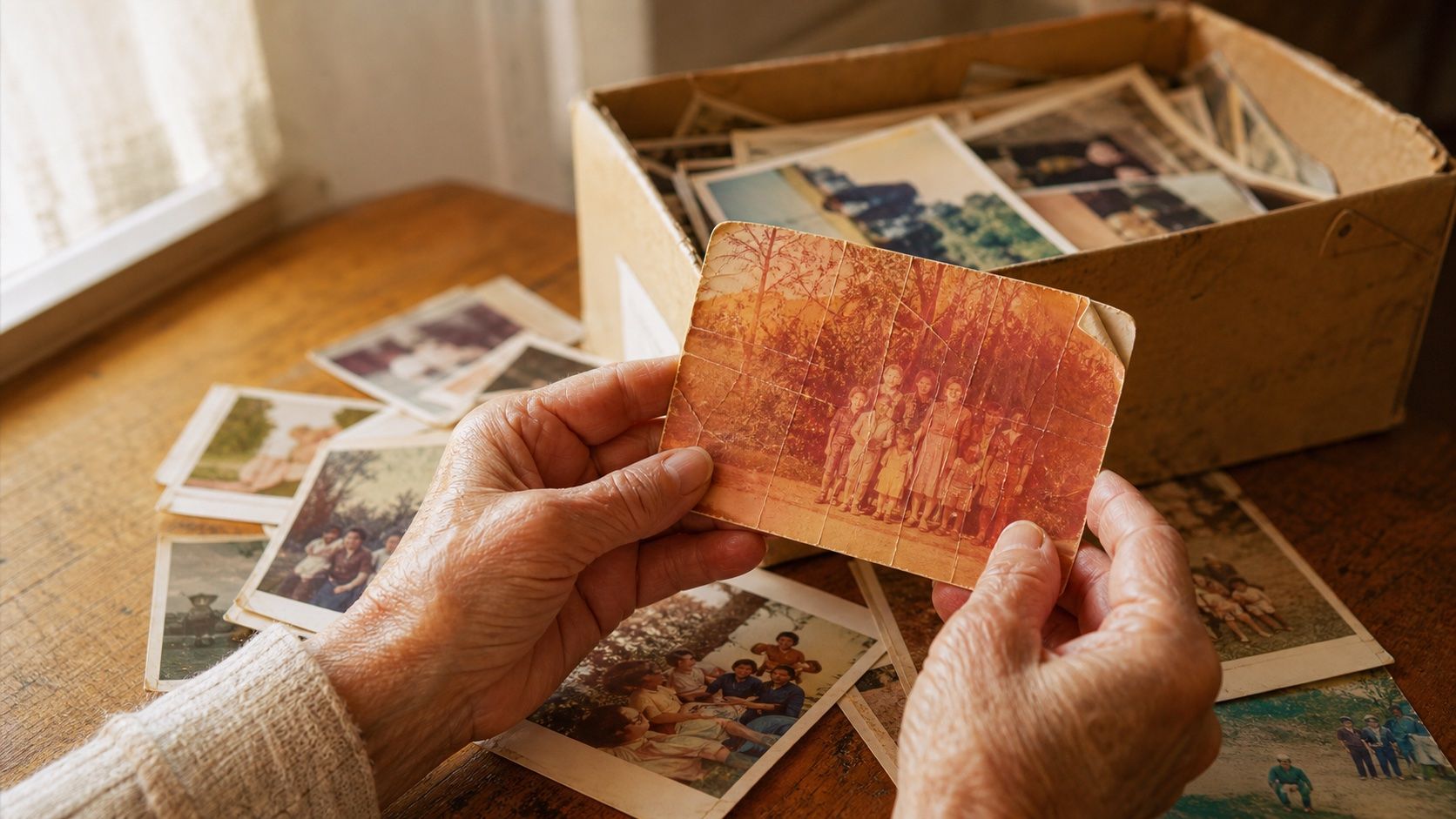
How to Restore Old Photos: The Honest 2026 Guide
Learn how to restore old photos at home with your phone and a free AI tool: scanning tips, fading fixes, and an honest look at what AI gets right and wrong.
How to Fix Grainy Photos: Remove Noise Free with AI
Grainy, noisy photos come from high ISO, low light, and old scans. Here's why it happens and how to remove grain from photos free with AI in about 30 seconds.
How to Fix Overexposed Photos: Recover Blown-Out Detail
Learn how to fix overexposed photos and recover blown-out detail. What AI can rebalance, what clipped highlights it can't, and a step-by-step free fix.
Try BestPhoto Free
See if BestPhoto is the right fit for you. Simple pricing, 8 editing modes, and 40+ free tools, no confusing credits required.
- Free tier available
- Simple pricing
- 40+ free tools