Alternative to Playground AI
With Custom Models & Video Generation
Playground AI is a well-designed platform for AI image generation and graphic design. BestPhoto takes a different approach with custom model training, 8 editing modes, video generation, and 40+ free tools. Here's an honest comparison.
What Playground AI Users Say
Mixed feedback from real users — the AI technology is praised, but service issues are a common theme.
“The AI itself is genuinely impressive. Playground v3 understands prompts better than most competitors and the design templates are very practical.”
“Easiest AI image generator I've used. The interface is intuitive and the canvas editing is powerful for someone without design skills.”
“In the beginning it was amazing — 1,000 free images a day. Now it's 10 every 3 hours. Feels like a bait and switch.”
“If Playground fixes its payment system and customer service, the AI itself deserves 5 stars.”
“Great for designing social media posts and marketing materials. The template system saves a lot of time compared to starting from scratch.”
“Pro subscriber blocked by usage limits after only 9 days despite minimal activity. There's no meter showing what you have available.”
Sources: Trustpilot • Product Hunt • G2
Playground AI vs BestPhoto: Feature Comparison
A direct comparison based on publicly available information and user reviews.
| Feature | Playground AI | BestPhoto |
|---|---|---|
| Starting Price | Free (10 images/3hrs) · Pro $15/mo | Free tier available · affordable paid plans |
| Free Tier Generosity | 10 images every 3 hours (reduced from 1,000/day) | 40+ free tools, no credit card needed |
| AI Models Available | PGv3, GPT-4o Image, Nano Banana, Seedream | Multiple models incl. Nano Banana Pro |
| Photo Editing Features | Inpainting, outpainting, canvas editing | 8 specialized editing modes on all plans |
| Custom Model Training | Not available | Train on your own face for personalized results |
| Video Generation | Not available | Available on all paid plans |
| Design Templates | Extensive template library (logos, social, etc.) | Prompt packs and style categories |
| Commercial Use | Included on all plans (even free) | Included on all paid plans |
| Customer Support | Small team (~13 employees), mixed reviews | Team-based email support |
Playground AI: Honest Pros & Cons
Playground AI has genuine strengths in design and ease of use. Here's the balanced view.
Playground AI Pros
- Intuitive, beginner-friendly interface — easier than most AI tools
- Strong proprietary model (PGv3) with excellent prompt understanding
- Design-focused workflow with templates for logos, social media, stickers
- Canvas editing with inpainting, outpainting, and mixed image composition
- Commercial use allowed on all plans, including free tier
- Multiple AI models available (PGv3, GPT-4o, Nano Banana, Seedream)
- Cross-platform availability (web, iOS, Android)
- Active development with regular feature updates
Playground AI Cons
- Free tier drastically reduced over time (1,000/day to 10 every 3 hours)
- No custom model training — can't generate images of yourself
- No video generation capabilities
- Multiple reports of billing issues and difficulty cancelling
- Overly restrictive content filters that block safe prompts without explanation
- Customer support described as unresponsive by multiple reviewers
Why Consider BestPhoto
Key areas where BestPhoto offers a different approach.
Custom Model Training
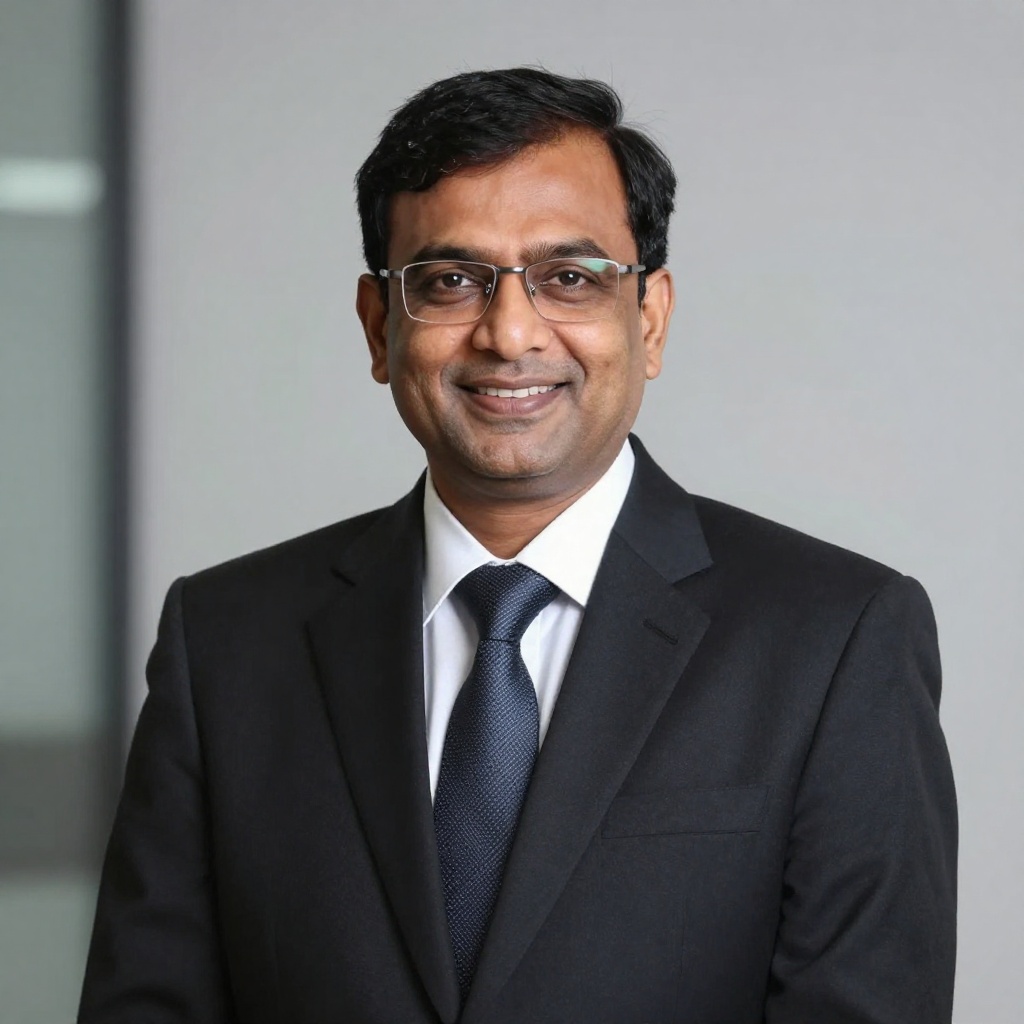
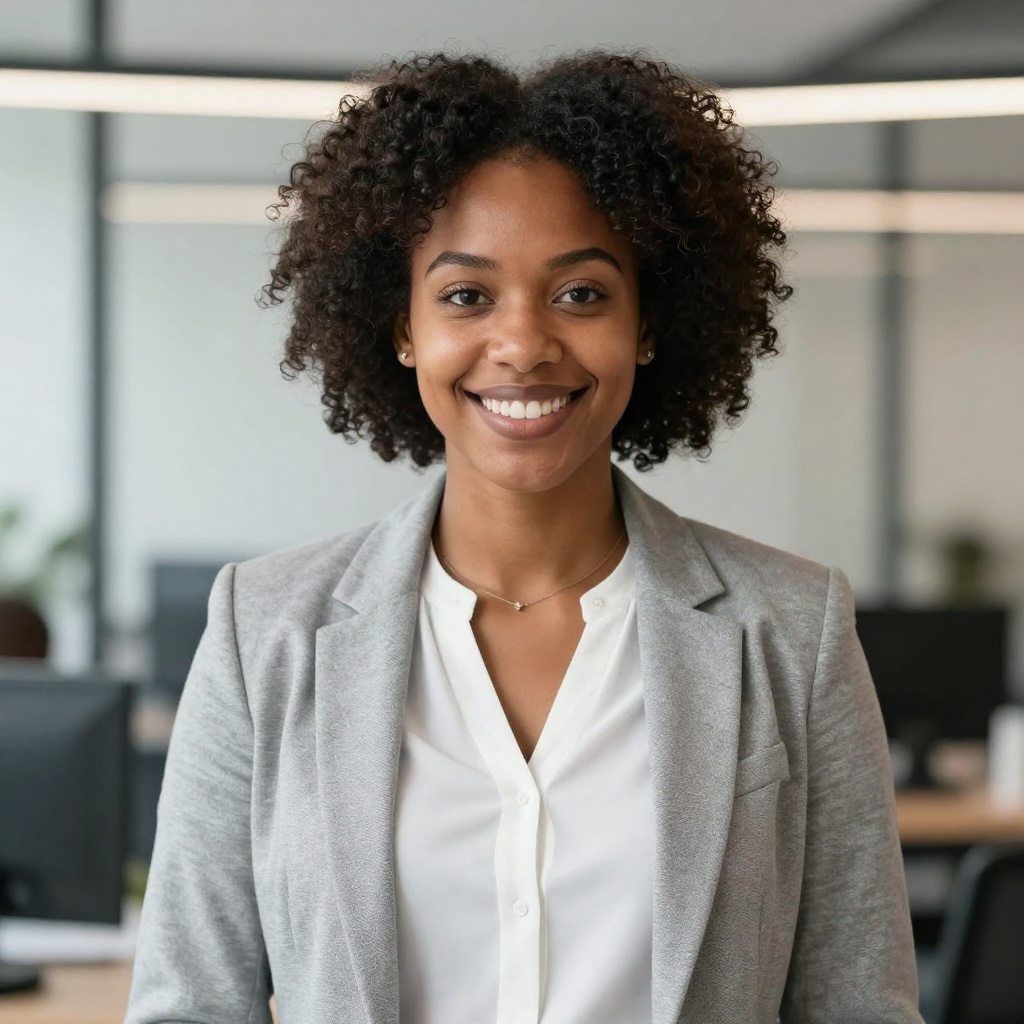
Playground AI focuses on general image generation and design — it doesn't offer custom model training. BestPhoto lets you train a model on your own photos, so generated images actually look like you. This is essential for personalized headshots, social media content, and branding.
BestPhoto: Train AI on your face for personalized results
What you get:
- Upload your photos to train a custom model
- Generate images that look like you
- Perfect for headshots and personal branding
- Multiple model styles to choose from


Specialized Photo Editing
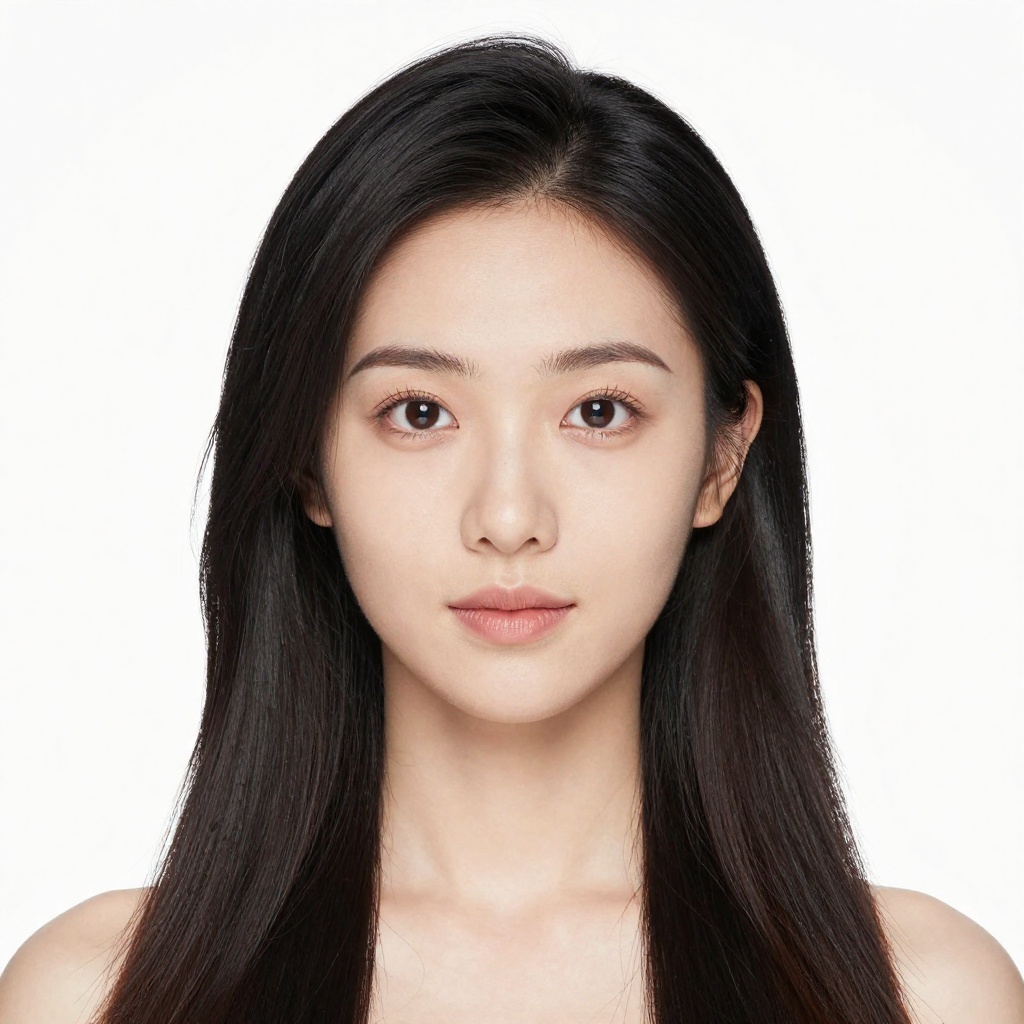
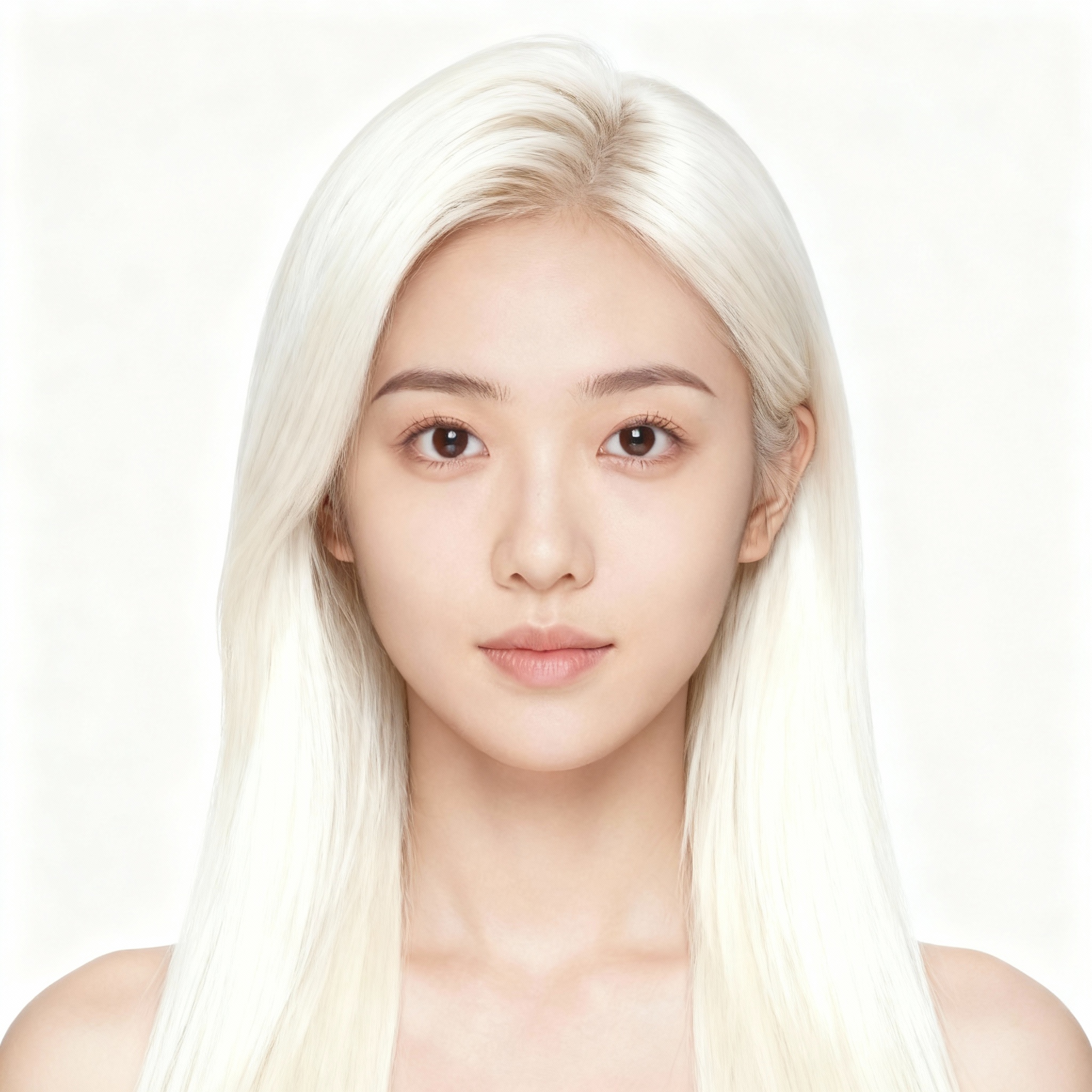
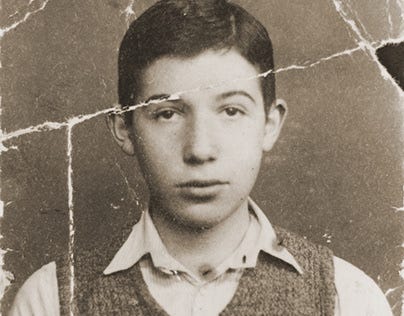
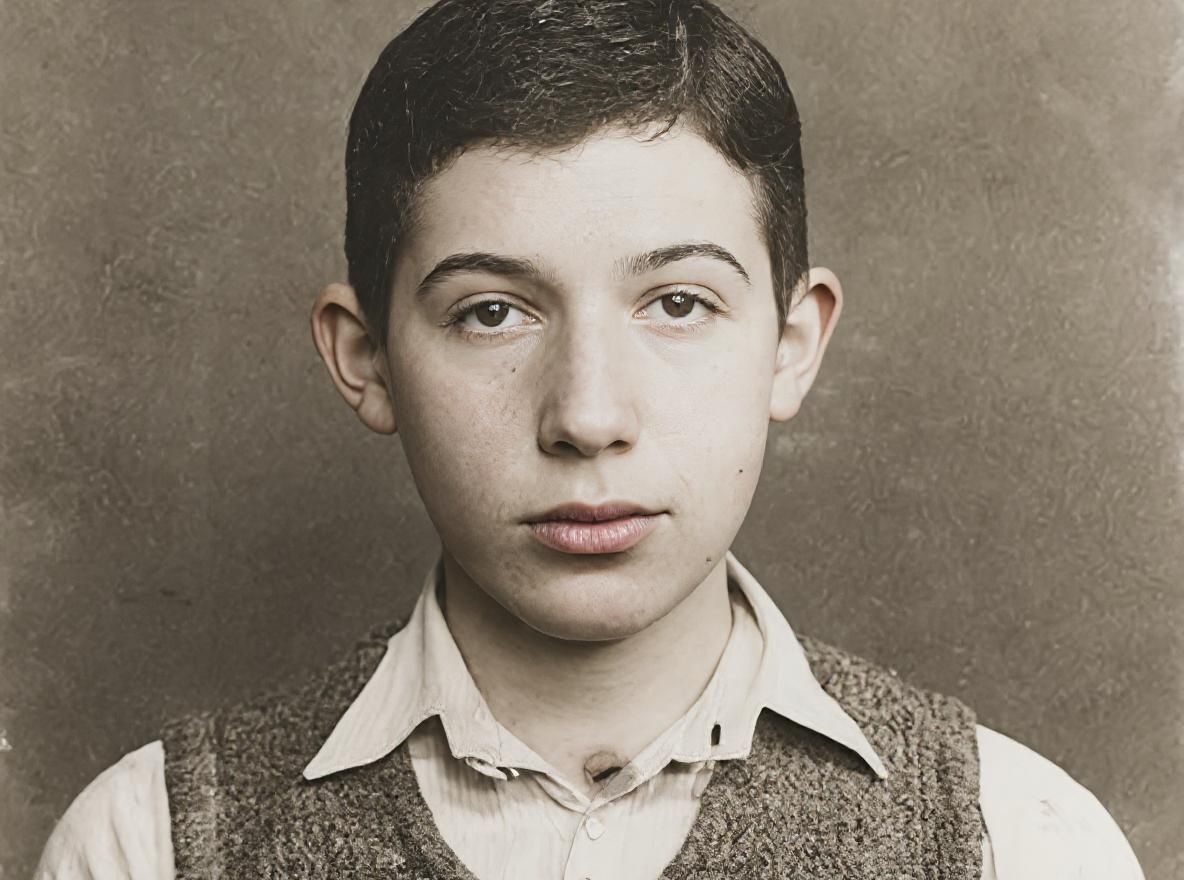
Playground AI offers solid canvas-based editing with inpainting and outpainting. BestPhoto takes a different approach with 8 specialized editing modes — Replace, Restyle, Remove, Re-composition, Add Objects, Restoration, Clothing Replacement, and Concept Transformation — each optimized for specific tasks.
BestPhoto: Purpose-built editing modes for specific tasks
What you get:
- Replace mode for swapping elements
- Restyle for artistic transformations
- Remove mode for clean object removal
- Restoration for old or damaged photos
Generous Free Tools
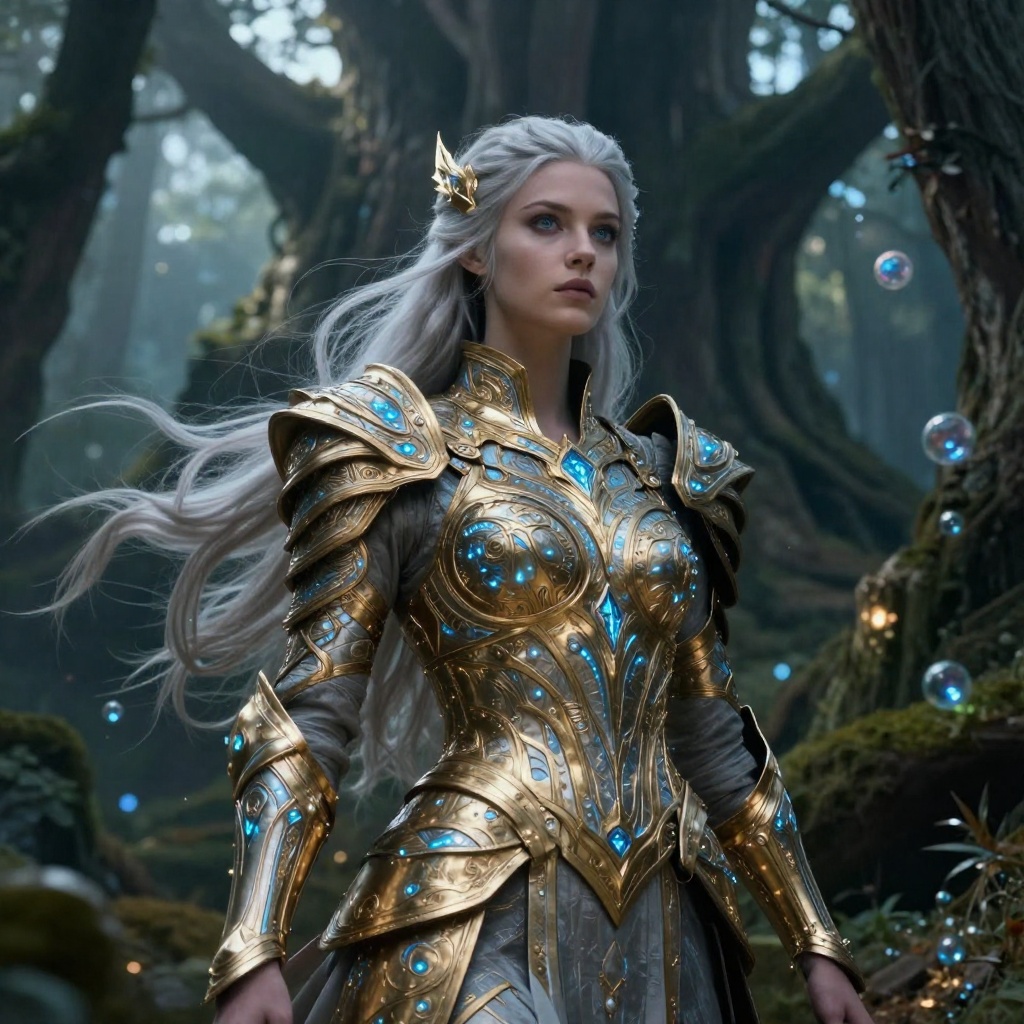
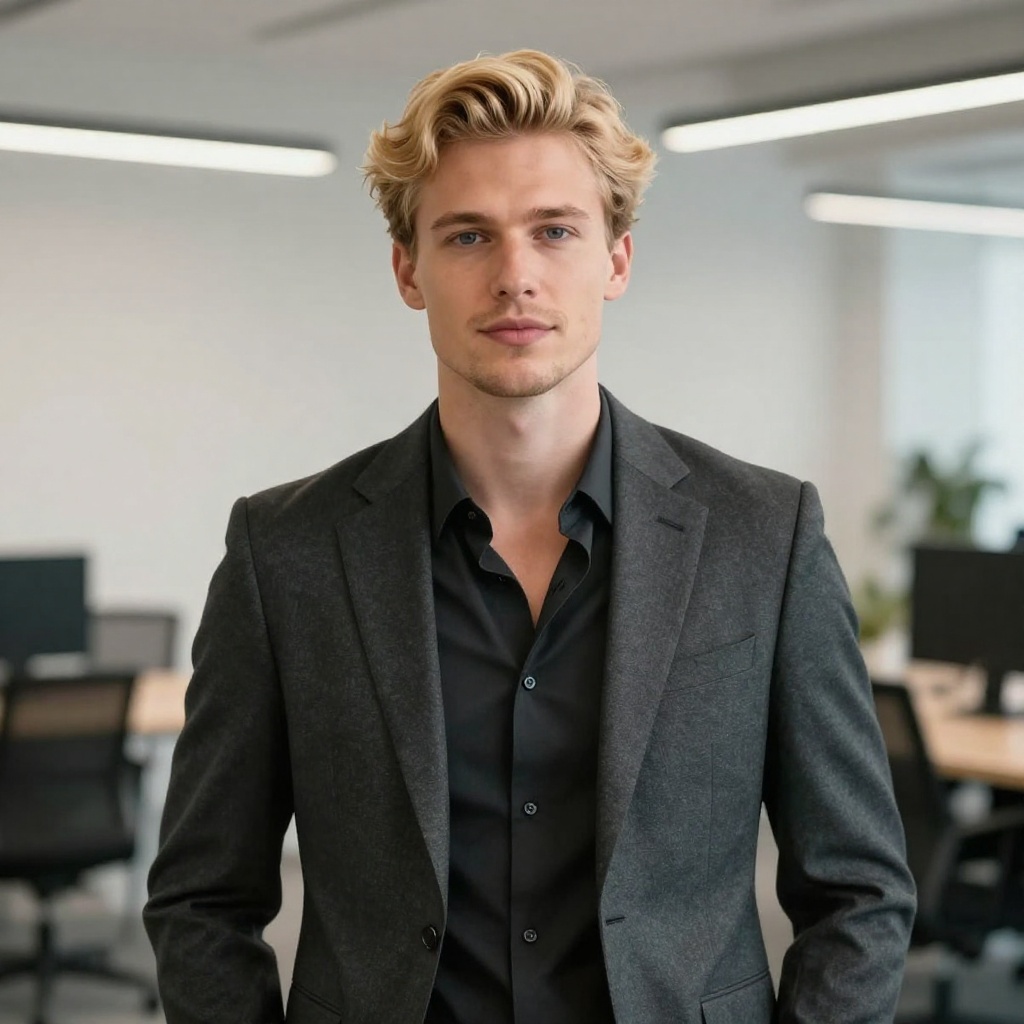
Playground AI's free tier has been dramatically reduced over time — from 1,000 images/day at launch down to just 10 images every 3 hours. BestPhoto offers 40+ completely free editing tools including background removal, image upscaling, hair color change, and more — no account required for many of them.
BestPhoto: 40+ free tools that don't shrink over time
What you get:
- Background removal, upscaling, and more
- No credit card required to start
- Consistent free tier (not gradually reduced)
- Full quality output on all plans


Video Generation
Playground AI is focused on static image generation and design — it doesn't offer video generation. BestPhoto includes video generation on all paid plans with multiple output options including talking head videos, image-to-video conversion, and AI podcast clips.
BestPhoto: Full video generation capabilities
What you get:
- Multiple video generation models
- Talking head videos from a single photo
- Image-to-video conversion
- AI podcast clips and social media content
Click to play
Which Tool is Right for You?
Both tools have their strengths. Here's a quick guide.
Playground AI might be better if you:
- Need a design tool with templates (logos, social media, stickers)
- Want canvas-based editing with inpainting and outpainting
- Prefer a Canva-like workflow powered by AI
- Need commercial use on a free plan
BestPhoto might be better if you:
- Want to train AI on your own photos for personalized results
- Need video generation capabilities
- Want 40+ free tools without a shrinking free tier
- Need specialized editing modes beyond canvas-based editing
Important: What to Expect from Any AI Photo Tool
- •AI image generation isn't perfect — expect some iterations
- •Hands, fingers, and complex poses can be challenging for any AI
- •Results depend heavily on input photo quality
- •Some prompts work better than others — there's a learning curve
Frequently Asked Questions
Is Playground AI a good tool?
Playground AI is a capable platform, especially for design-focused tasks. Their proprietary PGv3 model has strong prompt understanding, and the template-based workflow makes it easy to create social media posts, logos, and marketing materials. The main considerations: the free tier has been significantly reduced over time, there's no custom model training, and some users report billing and support issues.
What's the main difference between Playground AI and BestPhoto?
Playground AI is primarily a design tool — think AI-powered Canva with templates, canvas editing, and graphic design features. BestPhoto focuses on AI photo generation with custom model training (train AI on your face), 8 specialized editing modes, video generation, and 40+ free tools. If you need personalized AI photos or video, BestPhoto is the better fit. If you need template-based graphic design, Playground AI has an edge.
Can I generate images of myself with Playground AI?
Playground AI doesn't offer custom model training, so you can't train it on your photos to generate images that look like you. BestPhoto lets you upload your photos, train a custom AI model, and then generate realistic images of yourself in different settings, outfits, and styles.
Has Playground AI's free tier changed?
Yes — Playground AI originally offered 1,000 free images per day at launch. This was gradually reduced to 500/day, then 100/day, and is currently 10 images every 3 hours (effectively ~80/day maximum). Some users have expressed frustration about this reduction. BestPhoto offers 40+ free editing tools with consistent limits.
Does Playground AI offer video generation?
No — Playground AI is focused on static image generation and graphic design. If you need AI video generation, BestPhoto offers it on all paid plans with talking head videos, image-to-video conversion, and AI podcast clips.
Photos That Actually Make a Difference
Whether it's landing the interview or getting the date, people use BestPhoto to create images that open doors.


Professional Headshots
Stand out on LinkedIn, company websites, and professional networks. Profiles with professional photos receive up to 21x more views.


Dating Profile Photos
Get more matches with photos that show your authentic self in the best light. Perfect for Tinder, Bumble, Hinge, and more.


Realistic AI Photos
Generate ultra-realistic images for marketing, content creation, and creative projects. Studio quality without the studio.
Learn More About AI Photo Technology
Stay up to date with the latest AI tools, tips, and techniques. Our guides help you get the most out of your photos.
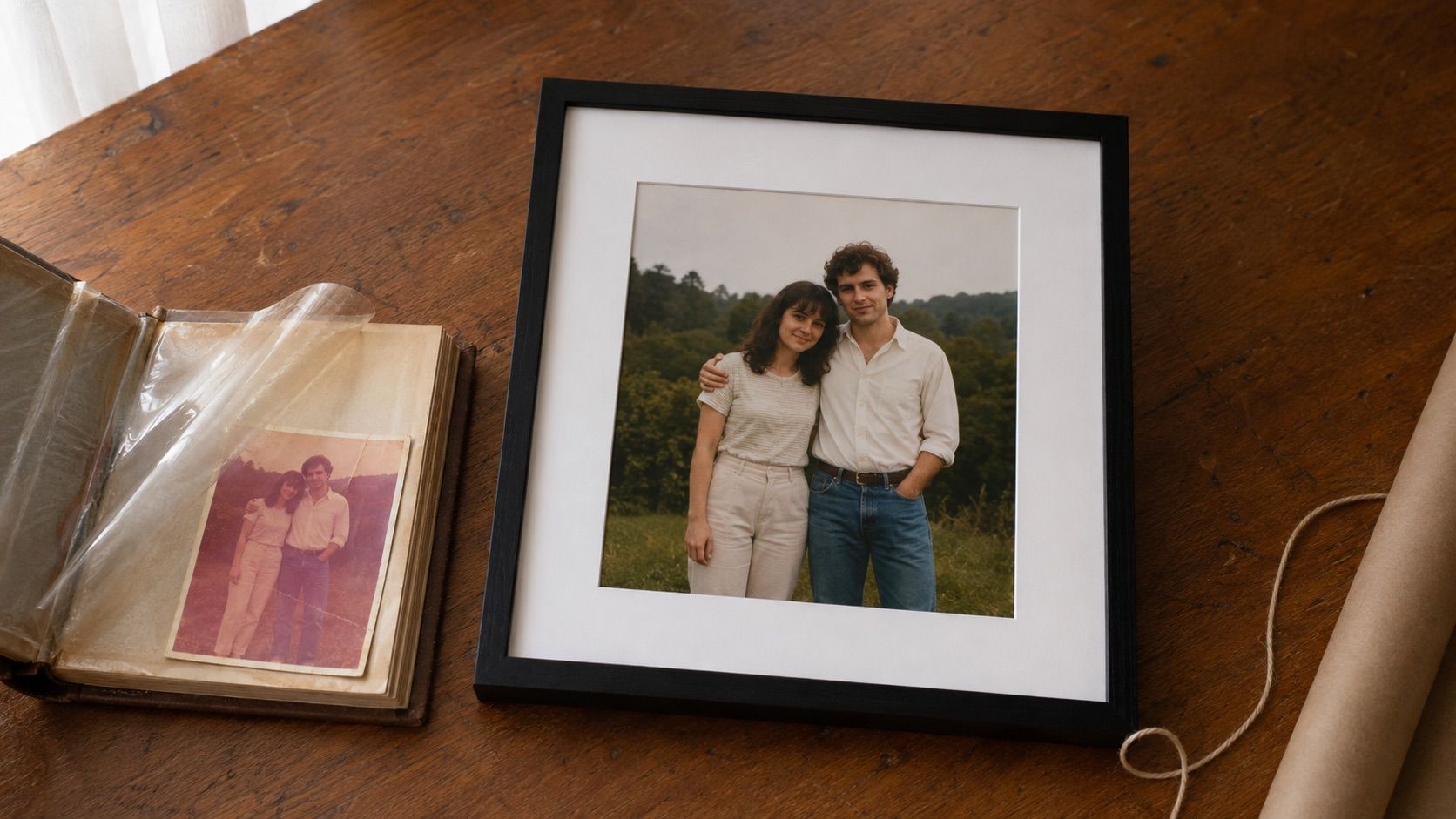
Gifts for Parents Who Have Everything: The One Gift That Isn't Stuff
Your parents don't want more things to dust. Pick one old print, restore it, print it, frame it. What it costs, how long it takes, and which photo to choose.
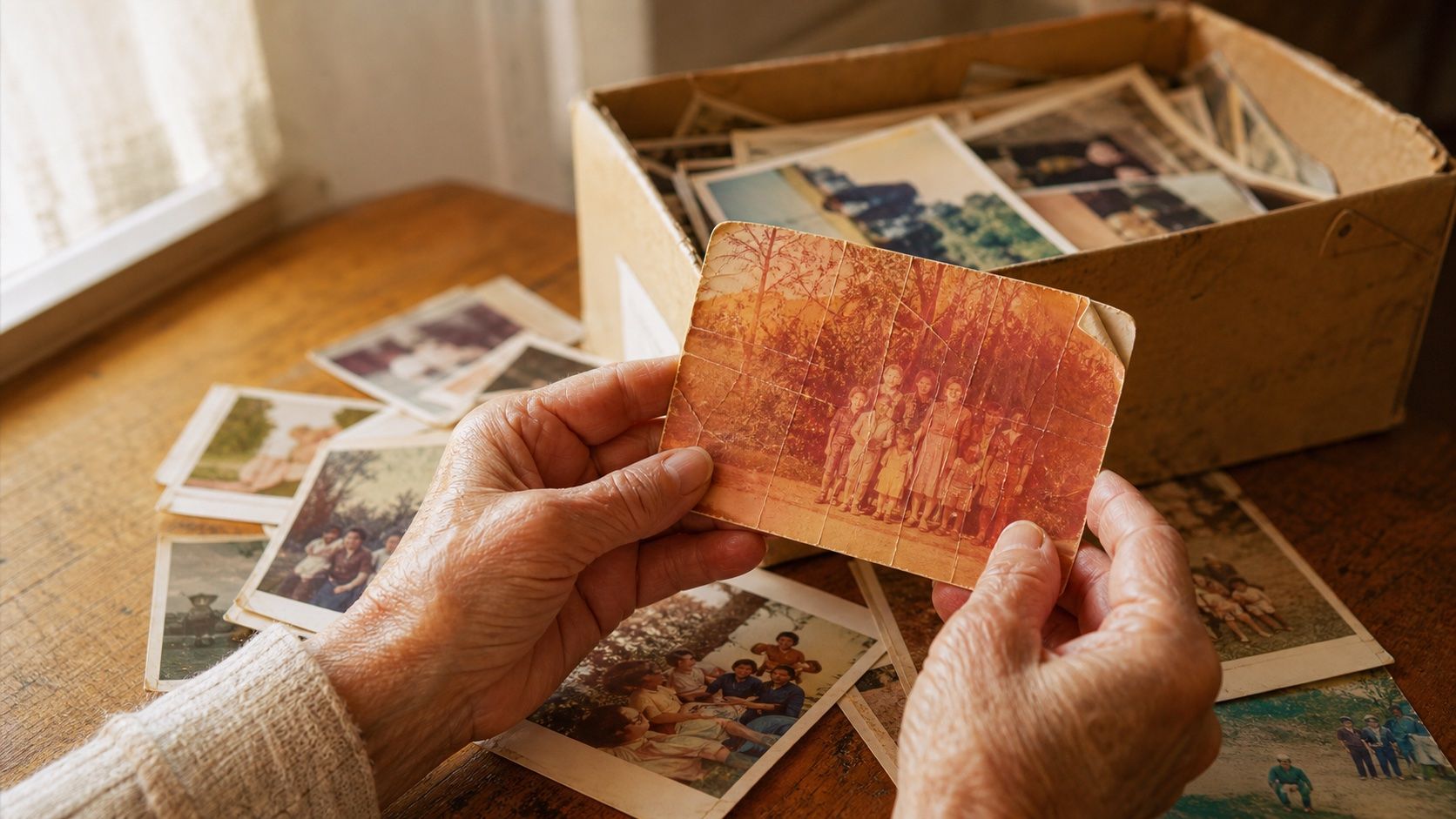
How to Restore Old Photos: The Honest 2026 Guide
Learn how to restore old photos at home with your phone and a free AI tool: scanning tips, fading fixes, and an honest look at what AI gets right and wrong.
How to Fix Grainy Photos: Remove Noise Free with AI
Grainy, noisy photos come from high ISO, low light, and old scans. Here's why it happens and how to remove grain from photos free with AI in about 30 seconds.