Top 5 AI Face Swap Apps in 2026: Complete Comparison Guide
Looking for the best AI face swap app? We tested BestPhotoAI, Reface, DeepSwap, Vidnoz, and FaceSwapper.ai. Compare features, pricing, real user opinions, and results to find the perfect tool for your needs.
AI face swapping has evolved dramatically in 2026. What started as a novelty for memes and social media has become a serious creative tool used by content creators, marketers, and professionals. We spent 80+ hours testing the top AI face swap apps to help you find the right tool for your needs - whether you want quick photo swaps, realistic video face replacements, or professional-grade results.
Quick Answer: For the most versatile face swap experience with both photo and video support, multiple AI models, and high-resolution output, try BestPhotoAI. For mobile-first social content: Reface. For budget video swaps: Vidnoz. For web-based quick swaps: FaceSwapper.ai.
Important Reality Check
No AI face swap tool is perfect. Results vary significantly based on lighting, angle, skin tone, and facial expression in your source photos. Tools that promise "undetectable" swaps often overdeliver on photos but struggle with video. We tested each tool with the same set of 20 source images across varying conditions to give you an honest comparison.
The 5 Tools at a Glance
1. BestPhotoAI - Best Overall
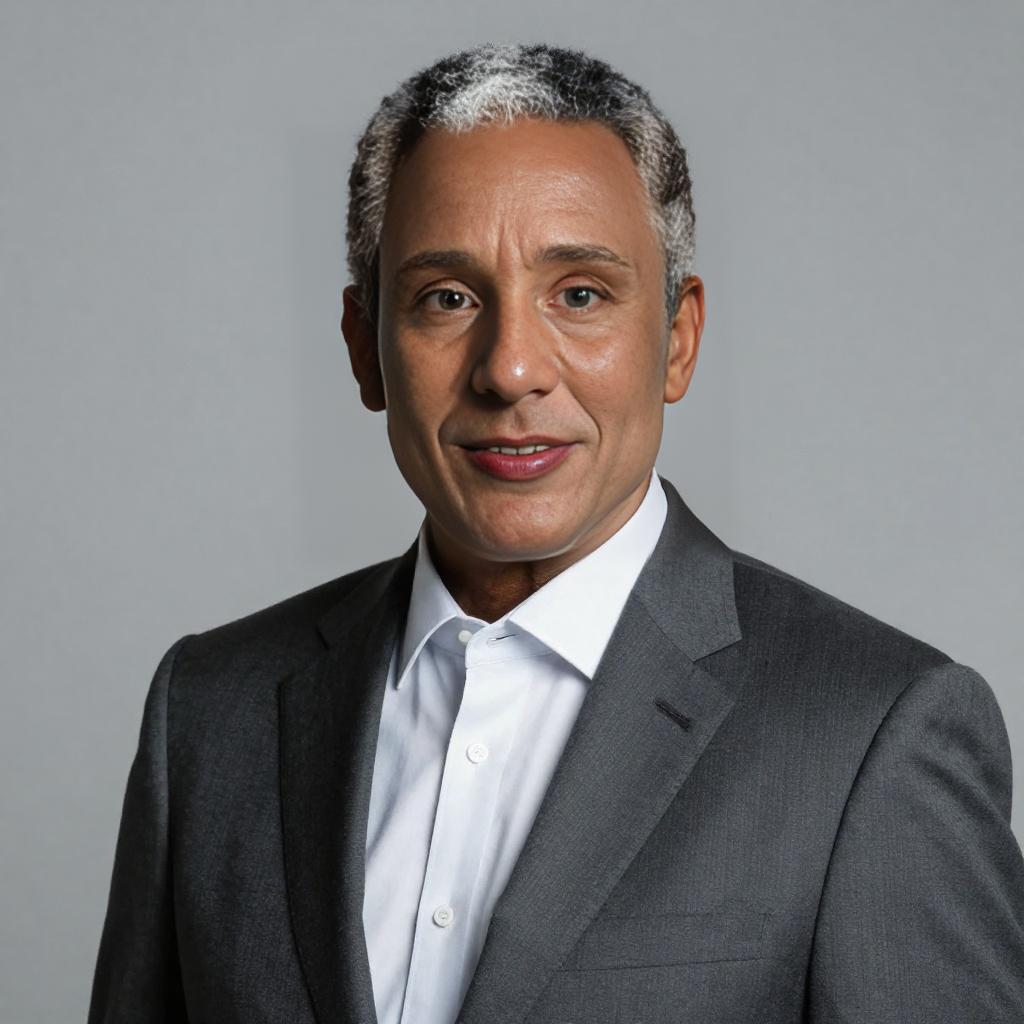


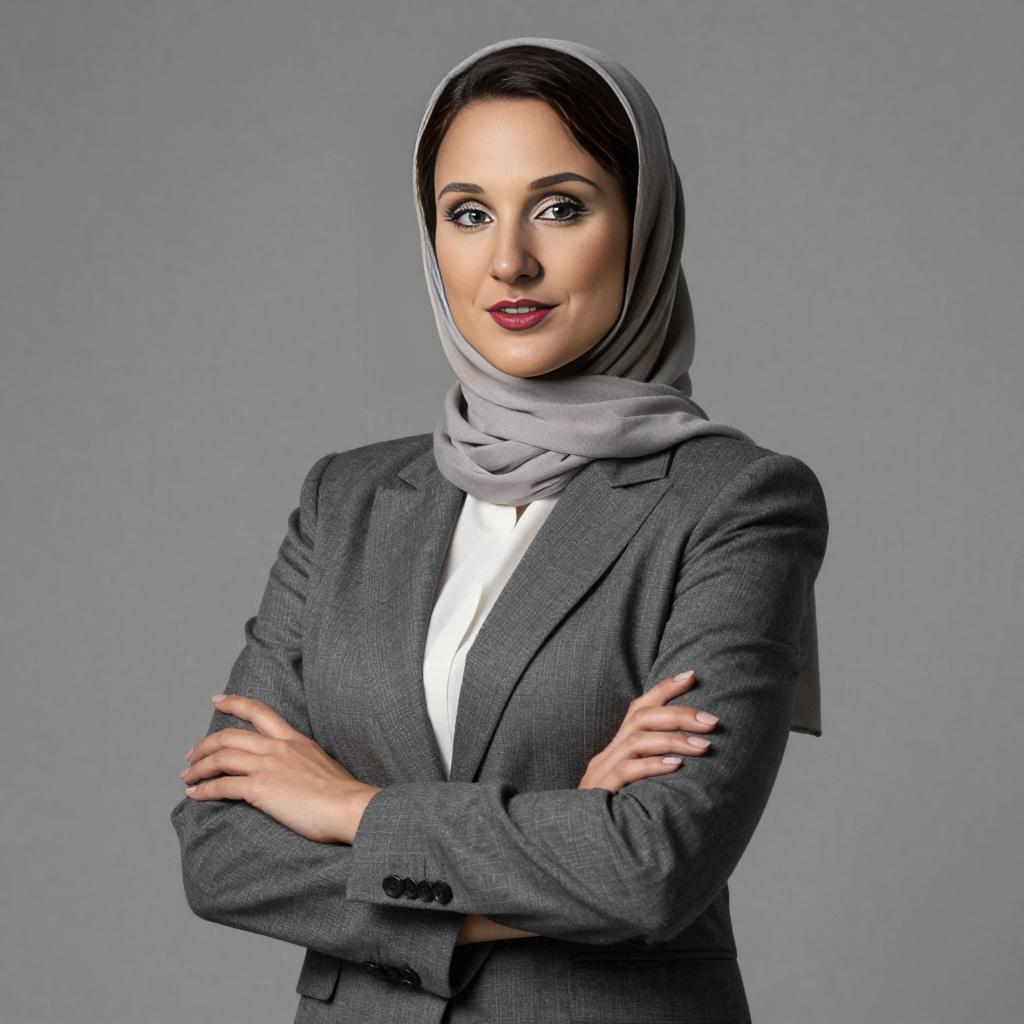
Face Swap Before & After Examples
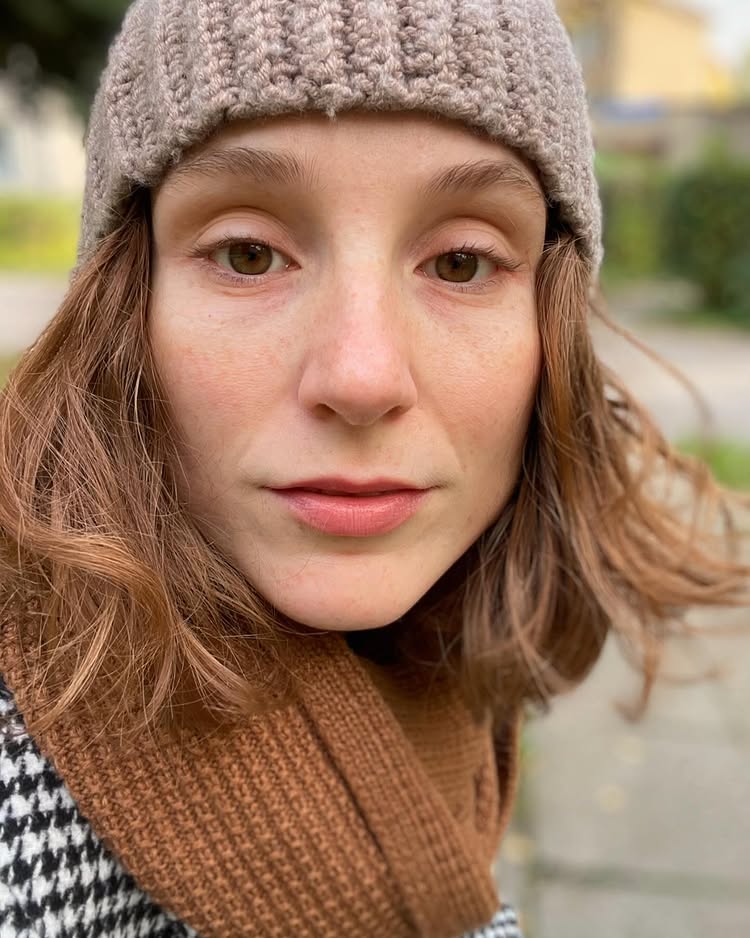
Source Face

Target Photo

Result

Source Face
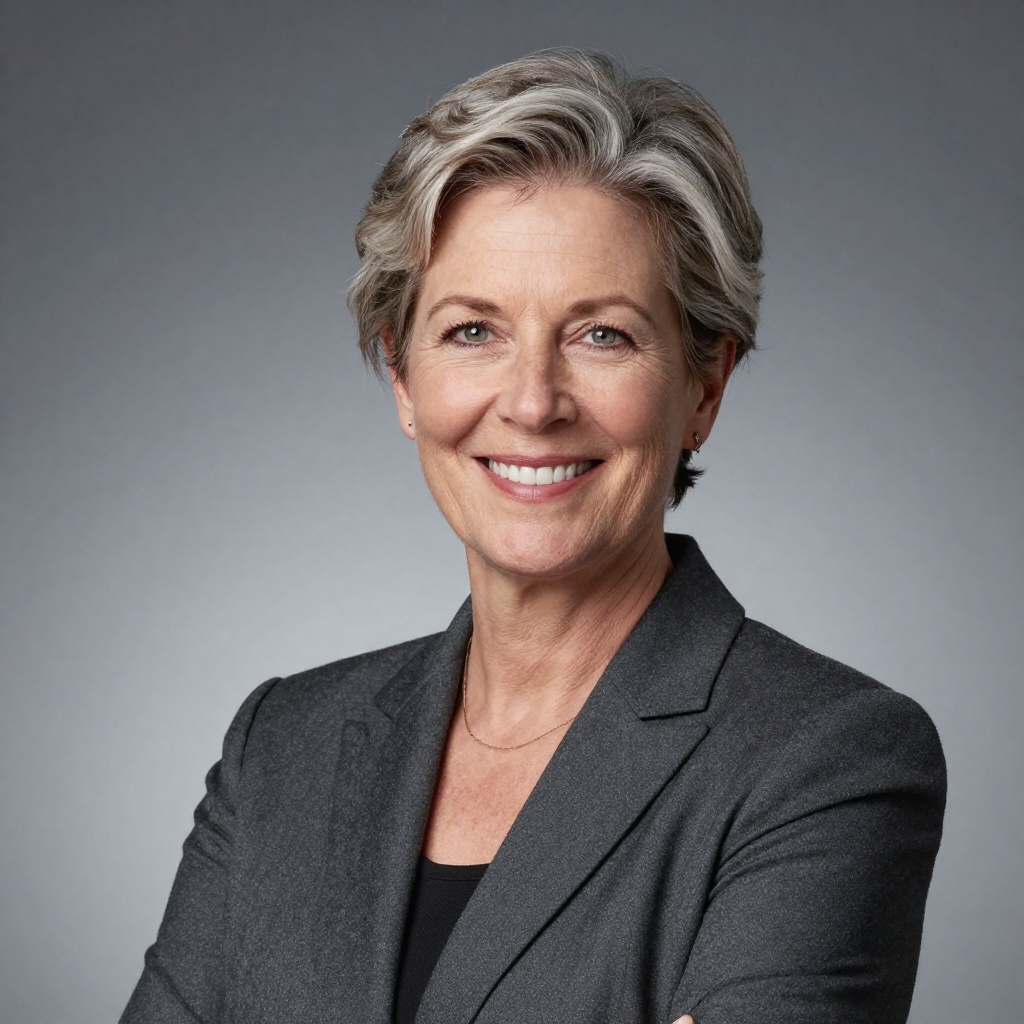
Target Photo
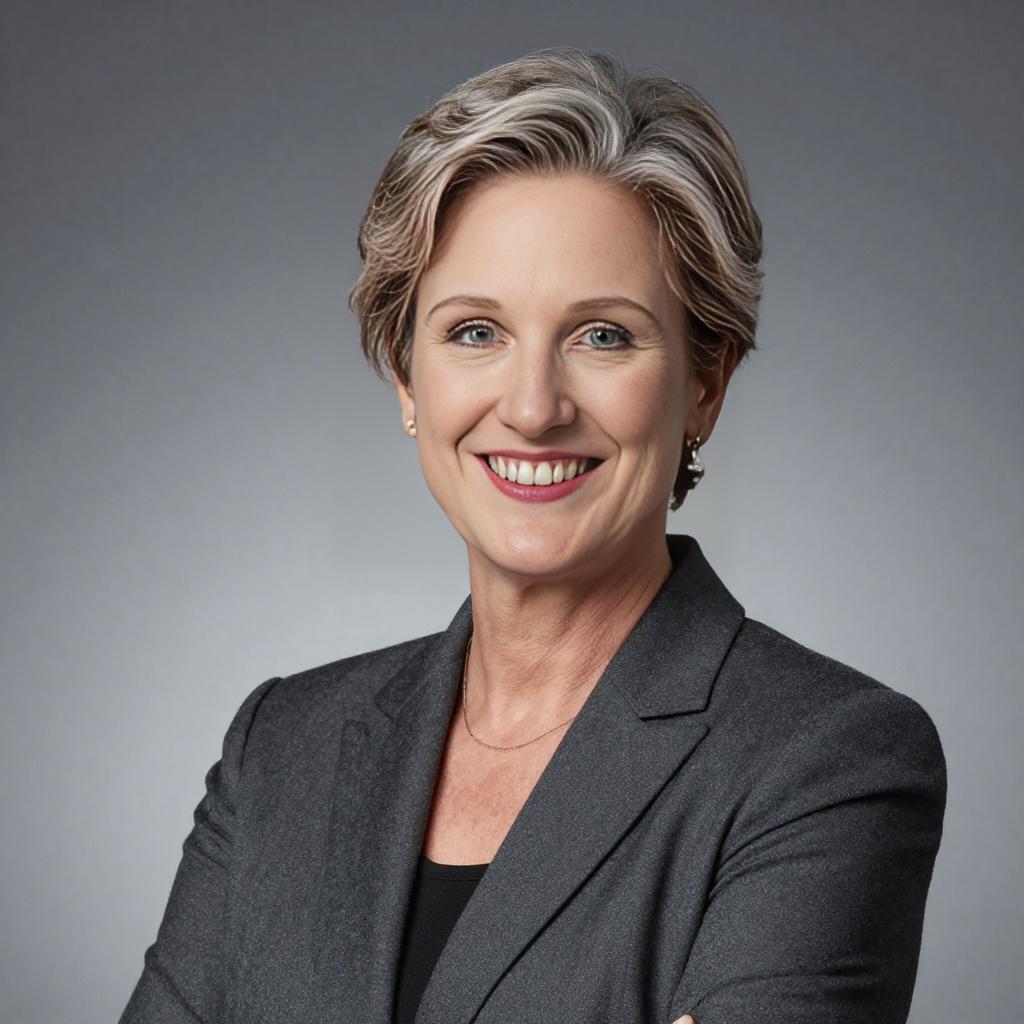
Result
BestPhotoAI stands apart from dedicated face swap apps because it combines face swapping with a complete AI photo and video toolkit. The face swap tool supports both photo and video face replacement with multiple AI models, so if one model struggles with a particular angle or lighting condition, you can switch to another without leaving the platform.
What truly differentiates BestPhotoAI is model training. Upload a few photos of yourself or a client, train a custom AI model, and then generate entirely new images of that person in any scenario - then swap faces into existing content or animate the results into video. This workflow is impossible with standalone face swap apps. Plus, you get access to 40+ other AI tools including image generation, image editing, background removal, and video generation.
Why BestPhotoAI Ranks #1
- Photo AND video face swap: Most tools only do one well - BestPhotoAI handles both with high accuracy
- Multiple AI models: Switch between models to find the best result for each specific swap
- Model training: Train on a person's face for consistent, high-quality swaps across unlimited generations
- High-resolution output: No forced downscaling or watermarks on paid plans
- 40+ tool suite: Face swap is just one of dozens of AI tools included in a single subscription
- No queue wait times: Direct API access means instant processing
Price: Free tier | Paid from $14/mo
2. Reface - Best Mobile App
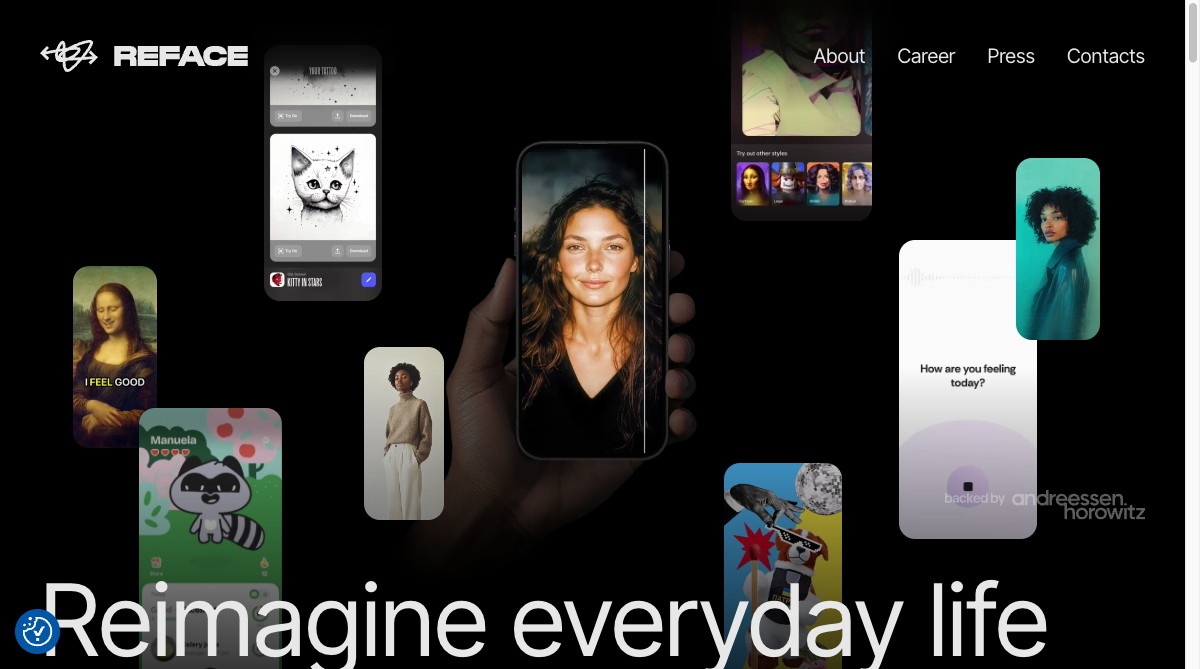
Reface is the most recognizable name in mobile face swapping, with millions of downloads on iOS and Android. The app specializes in quick, fun face swaps into pre-made GIF and video templates - perfect for social media content and memes. The AI Singing feature lets you animate photos to lip-sync with popular songs, and the hairstyle try-on tool is a popular bonus feature.
The 2025-2026 updates added AI headshot generation, gender swap filters, and a future baby generator. Reface remains best suited for casual, entertainment-focused face swapping rather than professional work. The free tier is usable but heavily watermarked and ad-filled, pushing users toward the subscription.
What Users Complain About:
- • "I was charged $19.99 weekly for a subscription I never signed up for. The charge doesn't even appear in Apple subscriptions so you can't cancel it."
- • "The free version is virtually unusable - constant ads after every single swap, plus watermarks on everything."
- • "Misled by initial purchase fees only to discover additional recurring charges for features that should have been included."
- • "Quality has dropped significantly. Results look obviously fake with skin tone mismatches and blurry edges around the face."
Price: Free (watermarked, ads) | $3.99/mo | $29.99/year
3. DeepSwap - Best for Long Videos
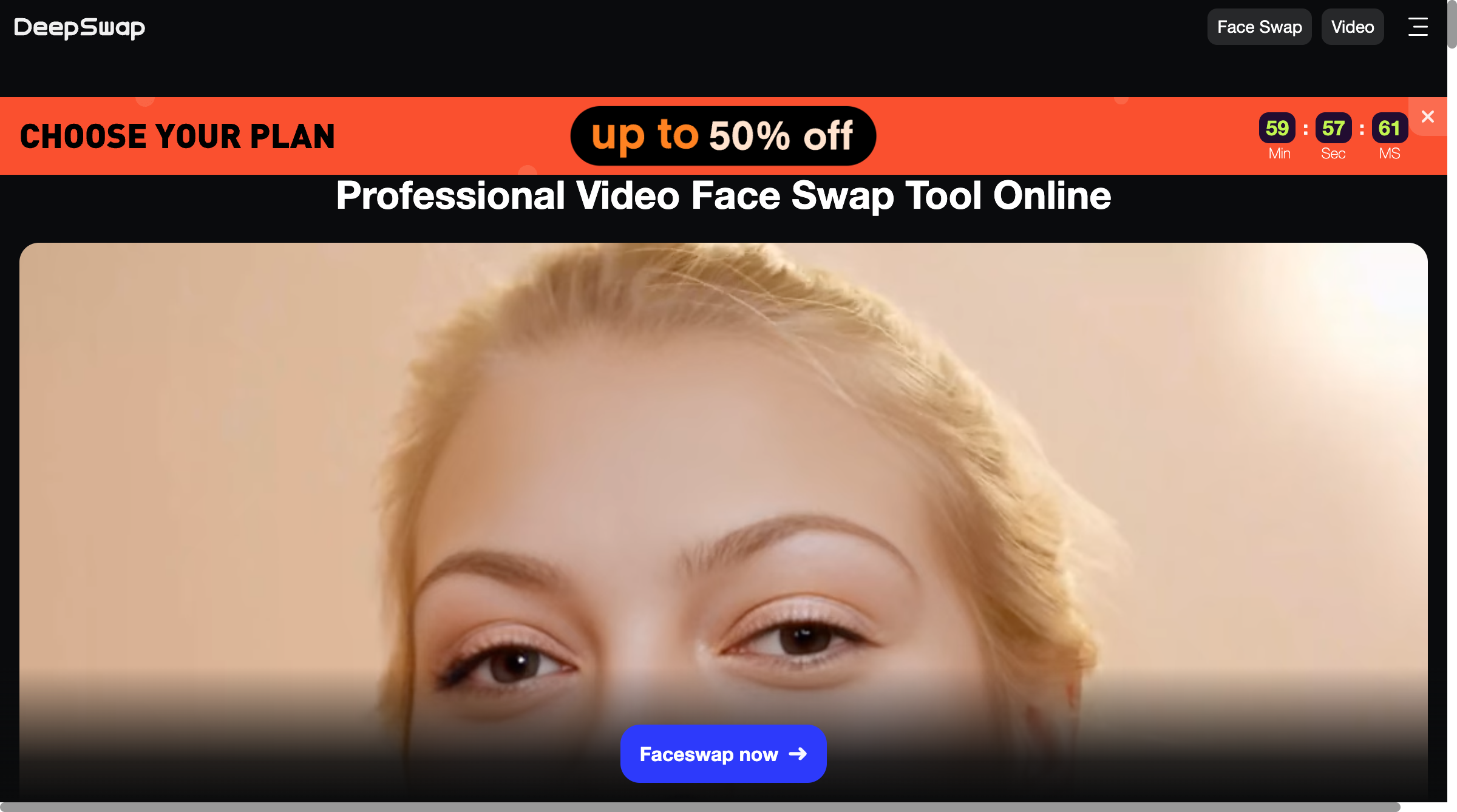
DeepSwap is a web-based face swap tool that supports photo, video, and GIF face replacement. Its standout feature is video support for clips up to 3 minutes on the Pro plan, which is longer than most competitors offer. The platform handles multiple face swaps in a single video and offers HD export quality.
The interface is straightforward - upload your source face and target media, and DeepSwap handles the rest. However, the credit system is aggressive: the Standard plan gives only 100 credits per month, and each video swap costs 6 credits. That means roughly 16 video swaps per month on the basic paid plan. The Pro plan at $19.99/mo with 300 credits improves this but remains expensive per swap.
What Users Complain About:
- • "There is no way to cancel the subscription from the website, email, or customer service. I had to cancel my debit card to stop the automatic payments."
- • "You need to buy premium ($10) to even access face swap, and you only get 20 credits. Each video costs 6 credits. Do the math."
- • "I've been charged for bad results with no improvement. Accuracy is the tool's biggest downfall - very low hit rate."
- • "Support ticket went unresolved for over 2 weeks. They promise 24-hour response but that's a lie."
Price: Free trial (watermarked) | Standard $9.99/mo (100 credits) | Pro $19.99/mo (300 credits)
4. Vidnoz Face Swap - Best for Group Photos
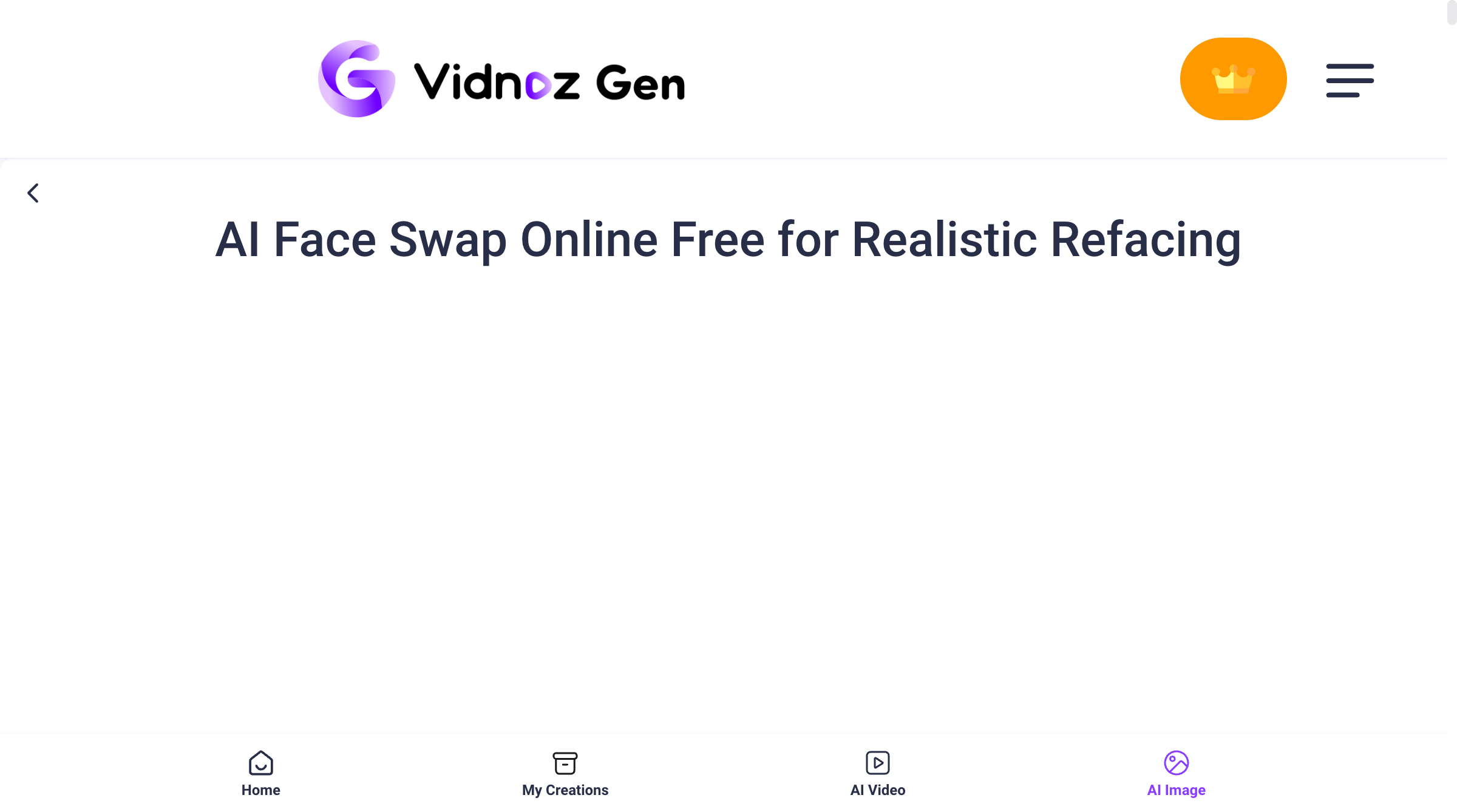
Vidnoz stands out for its multi-face swap capability, supporting up to 10 faces in both photos and videos - significantly more than most competitors. The platform also offers 4K resolution support, which produces noticeably sharper results compared to the standard HD output from other tools. The interface is clean and the face detection is generally accurate.
Vidnoz operates on a freemium model with a daily free allowance (typically 3 minutes of video processing at 720p). Paid plans offer more credits and higher resolution output. The broader Vidnoz platform also includes AI video generation, talking avatars, and voice cloning, though the face swap tool is often used as a standalone feature.
What Users Complain About:
- • "No batch processing at all. You have to upload and swap faces one by one, which is incredibly time-consuming for large projects."
- • "Every failed swap still deducts credits from your account. Bad results? Too bad, you still pay."
- • "I submitted support tickets and emails trying to cancel my subscription - all ignored. This feels like a scam."
- • "Storage is limited to 500MB. For 4K video face swaps, you run out of space almost immediately."
Price: Free (3 min/day, 720p) | Monthly $4.99 | Yearly $19.99
5. FaceSwapper.ai - Best for Quick Web Swaps
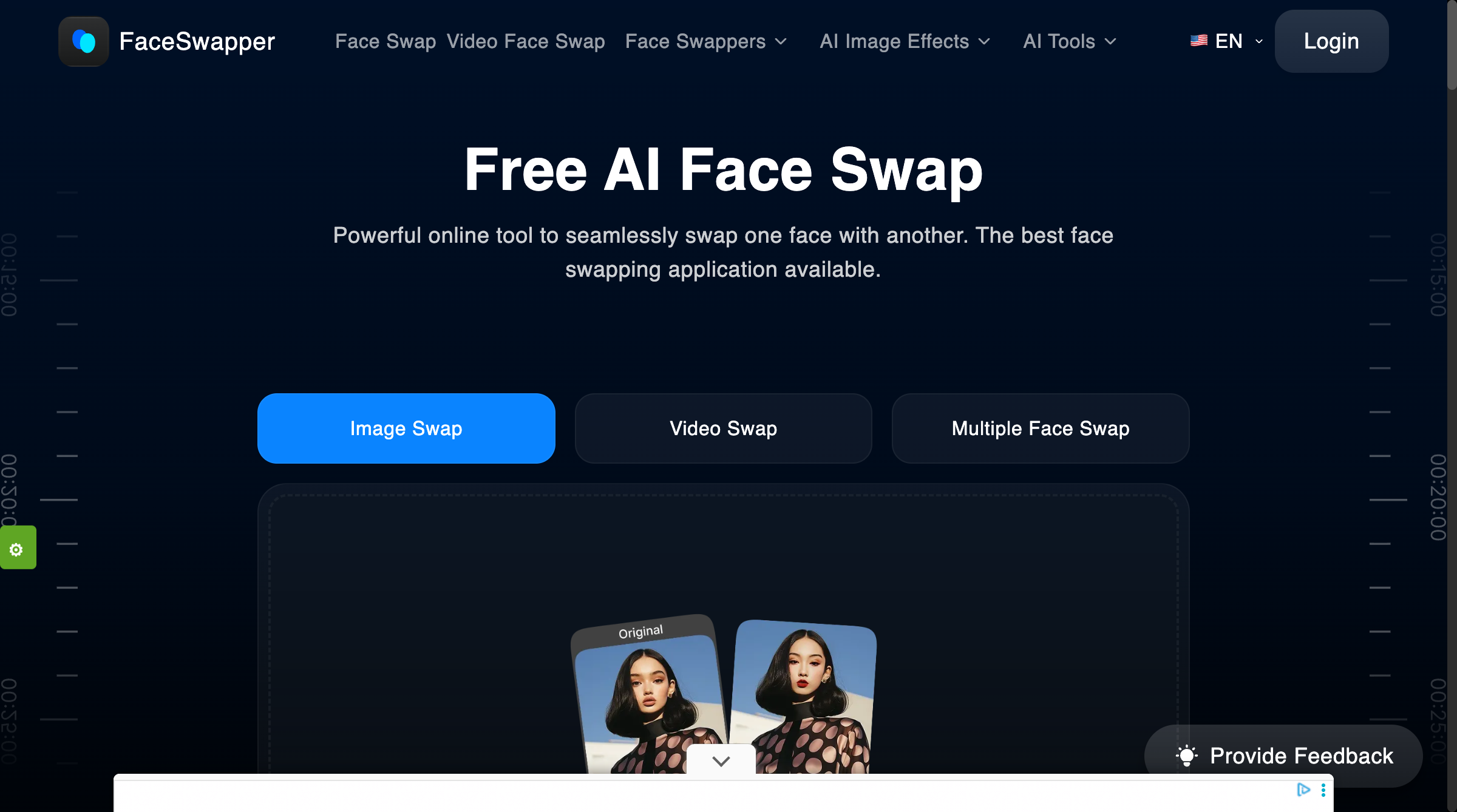
FaceSwapper.ai appeals to users who want quick, no-commitment face swaps directly in the browser. The tool supports single and multiple face swaps, batch processing, and video and GIF swaps - all without requiring an account to get started. The interface is modern and clean, and the face detection handles varying lighting and skin tones reasonably well.
The free tier provides 10 credits per day with ads displayed. For serious use, you will need a paid plan, which starts at $29/month - making it one of the most expensive options for what is essentially a single-purpose tool. The lack of offline capability and limited editing options beyond the swap itself are notable drawbacks for professional users.
What Users Complain About:
- • "The 'free' version doesn't really exist. I couldn't get a single face swap finished without hitting the paywall and being forced into a subscription."
- • "Confusing interface and very poor quality of final results. Misleading marketing that doesn't match reality."
- • "$29/month for a face swap tool that only does one thing? That's absurd when other platforms include it as part of a larger suite."
- • "No advanced editing options. If the swap has a slight issue, there's nothing you can do to fix it - you just have to try again and waste more credits."
Price: Free (10 credits/day, ads) | Paid from $29/mo
Feature Comparison
| Feature | BestPhotoAI | Reface | DeepSwap | Vidnoz | FaceSwapper.ai |
|---|---|---|---|---|---|
| Starting Price | Free | $3.99/mo | $9.99/mo | $4.99/mo | $29/mo |
| Photo Swap | ✓ | ✓ | ✓ | ✓ | ✓ |
| Video Swap | ✓ | GIFs/Templates | ✓ (up to 3 min) | ✓ | ✓ |
| Multiple AI Models | ✓ | ✗ | ✗ | ✗ | ✗ |
| Model Training | ✓ | ✗ | ✗ | ✗ | ✗ |
| Max Resolution | High-Res | 720p | HD | 4K | HD |
| Multi-Face Swap | ✓ | ✗ | ✓ | ✓ (up to 10) | ✓ |
| Batch Processing | ✓ | ✗ | ✗ | ✗ | ✓ |
| No Watermark (Free) | ✓ | ✗ | ✗ | ✓ | ✗ |
| Platform | Web | iOS / Android | Web | Web | Web |
| Additional Tools | 40+ | AI Singing, Avatars | ✗ | Video Gen, Avatars | ✗ |
Why Model Training Changes Everything for Face Swaps
This is the biggest differentiator that most face swap comparisons miss. Here is the fundamental limitation with every other tool on this list:
Other tools (Reface, DeepSwap, Vidnoz, FaceSwapper.ai):
- One-shot swaps only: Upload a face, swap it onto a target, hope for the best. No way to improve results with more data.
- Inconsistent identity: The same face can look different across multiple swaps. No persistent identity model means each swap is a gamble.
- Limited to existing media: You can only swap into photos or videos that already exist. Need your face on a specific scene? You have to find that scene first.
- Single model, single chance: If the AI model struggles with your face angle, lighting, or expression, there is no alternative - just try again and hope.
BestPhotoAI:
- Train a model on yourself, a client, or any person using just a few photos for highly accurate, consistent identity preservation
- Generate new images of that person in any scenario first, then swap or animate - no need to find existing media
- Multiple AI models means if one struggles with your specific swap, switch to another for better results
- Combine with 40+ tools: Generate an image, swap a face, edit the background, upscale to high resolution, then animate into a video - all in one platform
This end-to-end workflow is impossible with standalone face swap apps. It is the difference between "swap and hope" and "create exactly what you need."
What Users Actually Say
We collected real user feedback from Reddit, Trustpilot, Product Hunt, and app store reviews. Here is the unfiltered truth about the competition:
On Reface:
"Users feel misled by initial purchase fees only to discover additional charges for advanced features. The pricing structure makes the 'free' version feel like a demo, not a product."
On DeepSwap:
"No way to cancel subscription from the website. I was told to go to Discord to cancel but nobody responds. Trustpilot rating is 2.7 out of 5 stars - and that feels generous."
On Vidnoz:
"Free limits and pricing structure make it unsuitable for long-term creative work. Costs start at $0.011 per second and go up to $0.017 for multi-face projects. For anything serious, Vidnoz gets expensive fast."
On FaceSwapper.ai:
"Reliability is questionable due to misleading marketing and consistent complaints about poor quality. The interface is confusing, and results rarely match the polished examples shown on their homepage."
On all-in-one platforms:
"I got tired of paying for 4 different AI tools. Having face swap, image generation, editing, and video all in one subscription just makes more sense financially and workflow-wise."
When to Use Each Tool
Choose BestPhotoAI if:
- • You want photo AND video face swaps
- • You need consistent identity across many swaps
- • You want to generate new scenarios, not just swap
- • You need additional AI tools (editing, video gen)
- • You want one subscription for everything
Choose Reface if:
- • You want a mobile-first experience
- • You make casual meme/social content
- • You want pre-made GIF templates
- • You want AI singing features
Choose DeepSwap if:
- • You need longer video swaps (up to 3 min)
- • You want a web-based tool (no app install)
- • You only need occasional face swaps
Choose Vidnoz if:
- • You need multi-face swap (up to 10 faces)
- • You work with group photos regularly
- • You want 4K output resolution
Choose FaceSwapper.ai if:
- • You need a quick one-off swap with no signup
- • You want batch processing capability
- • You need GIF face swaps specifically
Final Verdict: Which Should You Choose?
Choose BestPhotoAI for the complete face swap experience:
Standalone face swap apps each do one thing - swap faces. BestPhotoAI includes face swapping as part of a comprehensive creative suite, meaning you get more capability for less money:
- Reface's entertainment factor: We have face swap plus video generation with 10+ AI models for creative content
- DeepSwap's video support: We handle video face swaps with higher quality and no aggressive credit consumption
- Vidnoz's multi-face capability: We support multi-face swaps plus model training for consistent identity
- FaceSwapper.ai's batch processing: We offer batch capability plus 40+ additional AI tools
- Plus exclusives: Model training, multiple AI models, image generation, video generation, background removal, upscaling, and more
Ready to Swap Faces with AI?
Photo & video face swap, multiple AI models, model training, high-resolution output, 40+ additional tools - all in one platform.
No credit card required • Free tier available
Related Articles & Tools
Try These Tools
Frequently Asked Questions
What is the best free AI face swap app in 2026?
BestPhotoAI offers the best free tier for face swapping with no watermarks on output. Reface and Vidnoz also offer free tiers, but Reface adds watermarks and heavy ads, while Vidnoz limits you to 720p and 3 minutes of processing per day. FaceSwapper.ai provides 10 daily credits but with ads.
Can AI face swap work on videos?
Yes, but quality varies significantly. BestPhotoAI, DeepSwap, and Vidnoz all support video face swaps. DeepSwap handles the longest clips (up to 3 minutes), while Vidnoz supports 4K resolution. BestPhotoAI combines video face swap with multiple AI models for the most consistent results. Reface is limited to pre-made GIF templates for video-like content.
Are AI face swap apps safe to use?
Reputable tools like BestPhotoAI process images securely and do not store or share your face data without consent. However, some tools have faced criticism for unclear privacy policies. Always read the terms of service before uploading personal photos. Avoid tools that do not clearly state how they handle your data.
Why do some face swaps look fake?
Common causes include mismatched lighting, skin tone differences, resolution mismatch between source and target, and poor angle alignment. Using high-quality source photos with even lighting produces the best results. Tools with multiple AI models (like BestPhotoAI) let you try different approaches when one model struggles with a specific swap.
Can I use face swap results commercially?
BestPhotoAI includes commercial rights on paid plans. DeepSwap and FaceSwapper.ai also allow commercial use on paid tiers. Reface's free tier does not include commercial rights. Always verify the specific terms of service for your intended use case, and ensure you have consent from any individuals whose faces you use.
What is the cheapest AI face swap tool?
Reface at $3.99/mo is the cheapest paid option, but only handles mobile GIF/template swaps. Vidnoz at $4.99/mo is the cheapest for photo and video swaps. BestPhotoAI starts free and the $14/mo plan includes face swap plus 40+ other AI tools - making it the best value overall since you would otherwise need multiple subscriptions to match the feature set.
How is model training different from regular face swap?
Regular face swap takes a single photo and pastes it onto a target - results are inconsistent and depend heavily on angle and lighting match. Model training (available in BestPhotoAI) learns the features of a face from multiple photos, creating a persistent identity model. This produces more accurate, consistent swaps and lets you generate entirely new images of that person in any scenario.
Can I swap multiple faces in one photo or video?
Vidnoz supports up to 10 simultaneous face swaps in both photos and videos - the highest in this comparison. BestPhotoAI, DeepSwap, and FaceSwapper.ai also support multiple face swaps. Reface is limited to single face swaps using their template system.
Ready to Transform Your Photos?
Join thousands of users creating amazing AI-generated photos with BestPhoto