Best Free AI Image Generators in 2026: Complete Comparison Guide
Looking for truly free AI image generators? We tested BestPhotoAI, Craiyon, Bing Image Creator, Leonardo AI, and Adobe Firefly. Compare free limits, watermarks, quality, and hidden restrictions.
Everyone claims their AI image generator is "free," but dig a little deeper and you find watermarks, credit caps, forced signups, and resolution limits that make the free tier nearly useless. We spent 60+ hours testing every major free AI image generator in 2026 to find out which ones actually let you create usable images without pulling out your credit card.
Quick Answer: For truly free image generation with no signup, no watermarks, and multiple AI models, try BestPhotoAI's free tools. For unlimited low-res generations: Craiyon. For DALL-E powered results: Bing Image Creator. For the most daily free tokens: Leonardo AI.
Important Reality Check
"Free" in the AI image generation world rarely means unlimited or unrestricted. Most platforms use free tiers as funnels to paid plans -- they cap your daily credits, add watermarks, reduce resolution, queue you behind paying users, or require account creation to track you. This guide exposes exactly what "free" means for each tool so you know what you are actually getting.
The 5 Tools at a Glance
| Tool | Free Limit | Signup Required? | Watermark? | Best For |
|---|---|---|---|---|
| BestPhotoAI | 3 free AI models | No | No | Quality + commercial use |
| Craiyon | Unlimited (low-res) | No | Yes (free) | Memes, casual use |
| Bing Image Creator | 15 fast/day + slow | Yes (Microsoft) | Yes | DALL-E quality for free |
| Leonardo AI | 150 tokens/day | Yes | Yes | Beginners exploring AI |
| Adobe Firefly | 25 credits/month | Yes (Adobe ID) | Yes | Adobe ecosystem users |
1. BestPhotoAI -- Best Overall Free AI Image Generator



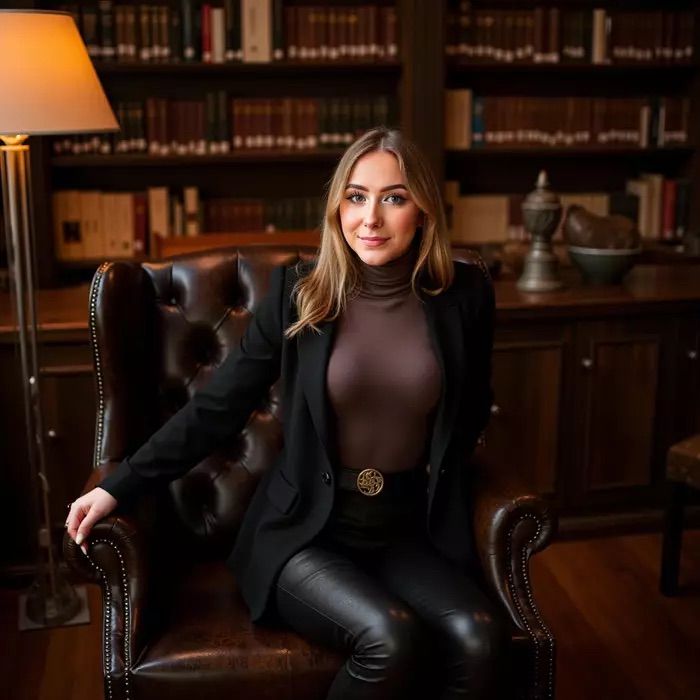
BestPhotoAI is the only platform that offers three completely different AI image generation models for free -- FLUX, SDXL, and Z-Image Turbo -- with no account creation required, no watermarks on your images, and full commercial usage rights. While every other "free" generator on this list comes with significant strings attached, BestPhotoAI delivers genuinely usable output from day one.
Beyond the free generators, BestPhotoAI provides 40+ additional AI tools covering everything from background removal and image upscaling to video generation and professional headshot creation. The free tools serve as a gateway to a complete creative platform -- but the free image generators alone are powerful enough to handle most casual and professional needs.
Why BestPhotoAI Ranks #1
- Three free AI models: FLUX for photorealistic images, SDXL for artistic styles, and Z-Image Turbo for fast generation -- each excels at different use cases
- Zero friction: No signup, no email, no account needed. Just type a prompt and generate
- No watermarks: Every image you generate is clean and ready to use, unlike Leonardo AI and Bing which stamp their branding on free outputs
- Commercial use allowed: Use your free generations in client work, social media, marketing, and products -- no legal gray areas
- 40+ additional tools: Free background removal, image upscaling, and more alongside the generators
- Upgrade path: When you need more, paid plans start at $14/mo with premium models like GPT Image 1.5, FLUX.2, and Nano Banana Pro
Price: Completely free tools available | Paid from $14/mo for premium models
2. Craiyon -- Best for Unlimited Casual Generation
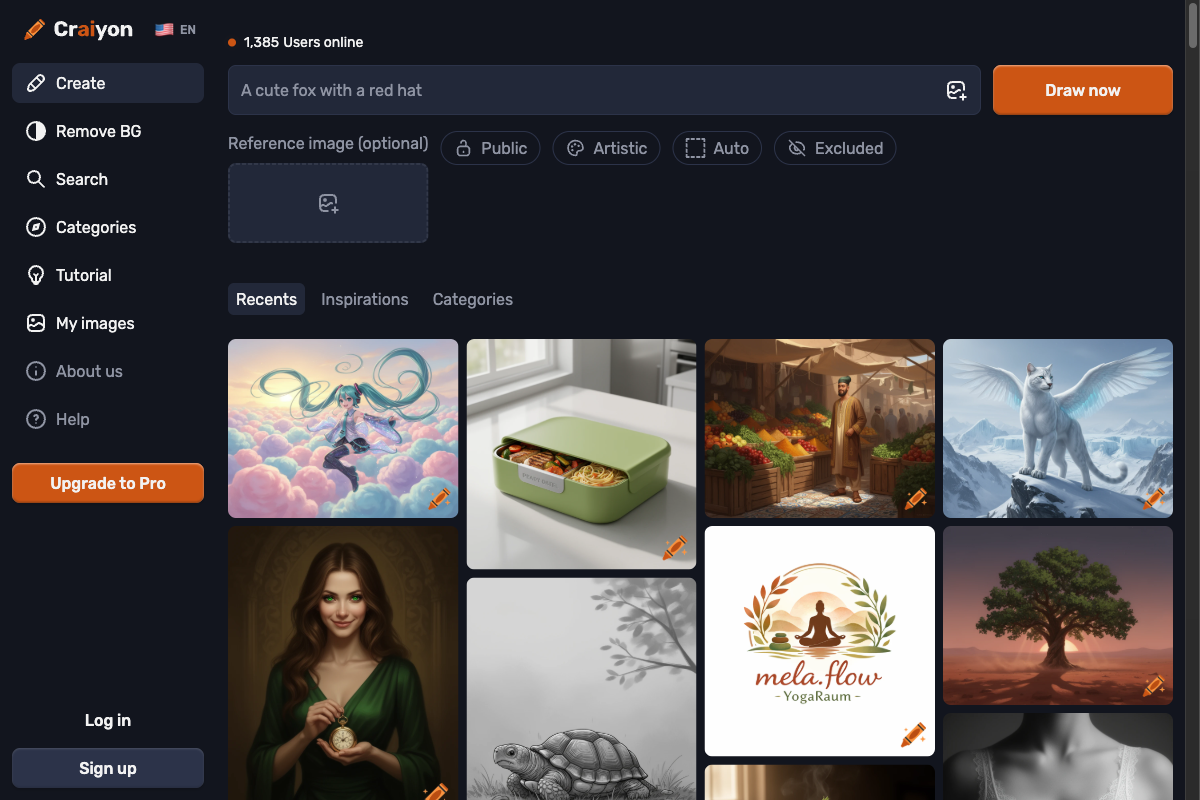
Craiyon (formerly DALL-E Mini) is the original viral AI image generator that made meme-worthy AI art mainstream. In 2026, it still holds to its "free forever" promise with no daily credit limits on its Base model and no login required. You type a prompt, and it generates a 3x3 grid of nine image variations.
The catch? Quality. Craiyon outputs are limited to roughly 256x256 pixels on the free tier, generation takes 45-60 seconds, and images often have noticeable artifacts and distortions. The free version also includes ads throughout the interface. Craiyon added negative prompts and style selection (Art, Drawing, Photo), but the output still falls far behind what paid tools -- or even BestPhotoAI's free FLUX generator -- can produce.
What Users Complain About:
- • "The resolution is so low (256x256) that images are basically unusable for anything beyond memes or quick mockups."
- • "Generation takes forever compared to other free tools. I waited almost a minute for blurry results."
- • "Struggles badly with text rendering and detailed elements -- hands and faces are almost always distorted."
- • "The free version is plastered with ads. It feels more like an ad platform with an image generator bolted on."
- • "Free users are locked to square aspect ratios only. Need to pay just to change the shape of your image."
Price: Free (with ads, watermarks, low-res) | Supporter $6/mo | Professional $24/mo
3. Microsoft Bing Image Creator -- Best Free DALL-E Access
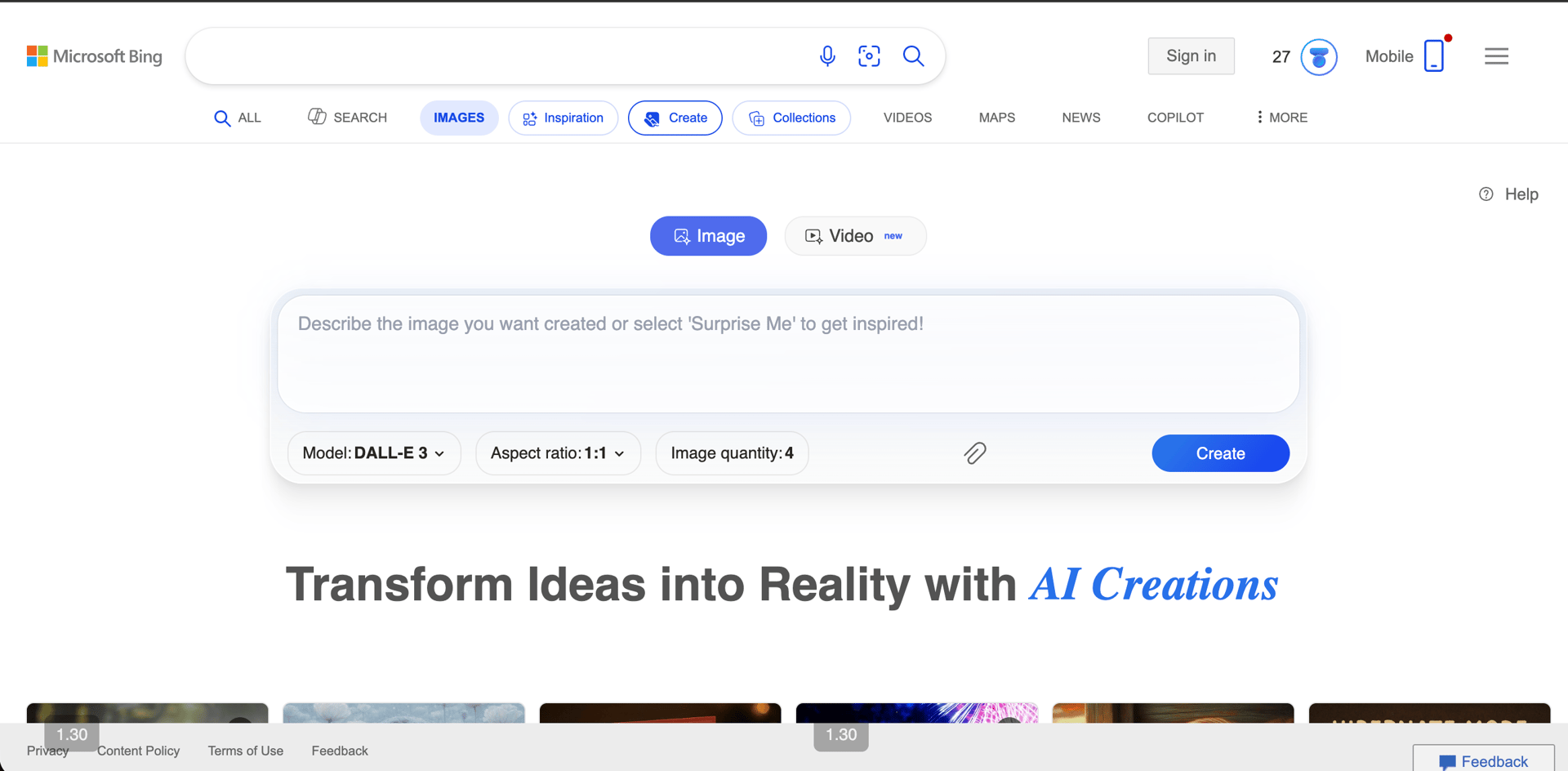
Microsoft's Bing Image Creator gives you free access to DALL-E 3, GPT-4o, and MAI-Image-1 models -- arguably the highest quality free image generation available from a tech giant. You get 15 "boost" credits per day for fast generation, and after those run out, you can still generate at standard (slower) speeds for free.
The downsides are significant, however. You must sign in with a Microsoft account. Every generated image carries a visible watermark in the bottom-left corner plus C2PA content credentials metadata. Microsoft had a major quality debacle in late 2024 when they rolled out a DALL-E 3 update (PR16) that produced over-lit images, misplaced textures, and unnatural green color tones -- so bad they had to roll it back after widespread user backlash.
What Users Complain About:
- • "Microsoft rolled out a model update that made images over-lit with weird green tones and misplaced textures. They had to revert after everyone complained."
- • "The watermark is baked into every image. You cannot remove it without third-party tools."
- • "15 boosts a day sounds decent until you realize each prompt generates 4 images and uses 1 boost. That is only 15 prompts before you are stuck in the slow queue."
- • "Content restrictions are extremely aggressive. Even mundane prompts get flagged and blocked."
- • "After boosts run out, generation can take 5-10 minutes per prompt during peak hours. Barely usable."
Price: Free (15 boosts/day, watermarked) | Additional boosts via Microsoft Rewards points
4. Leonardo AI -- Best Free Tier for Experimentation
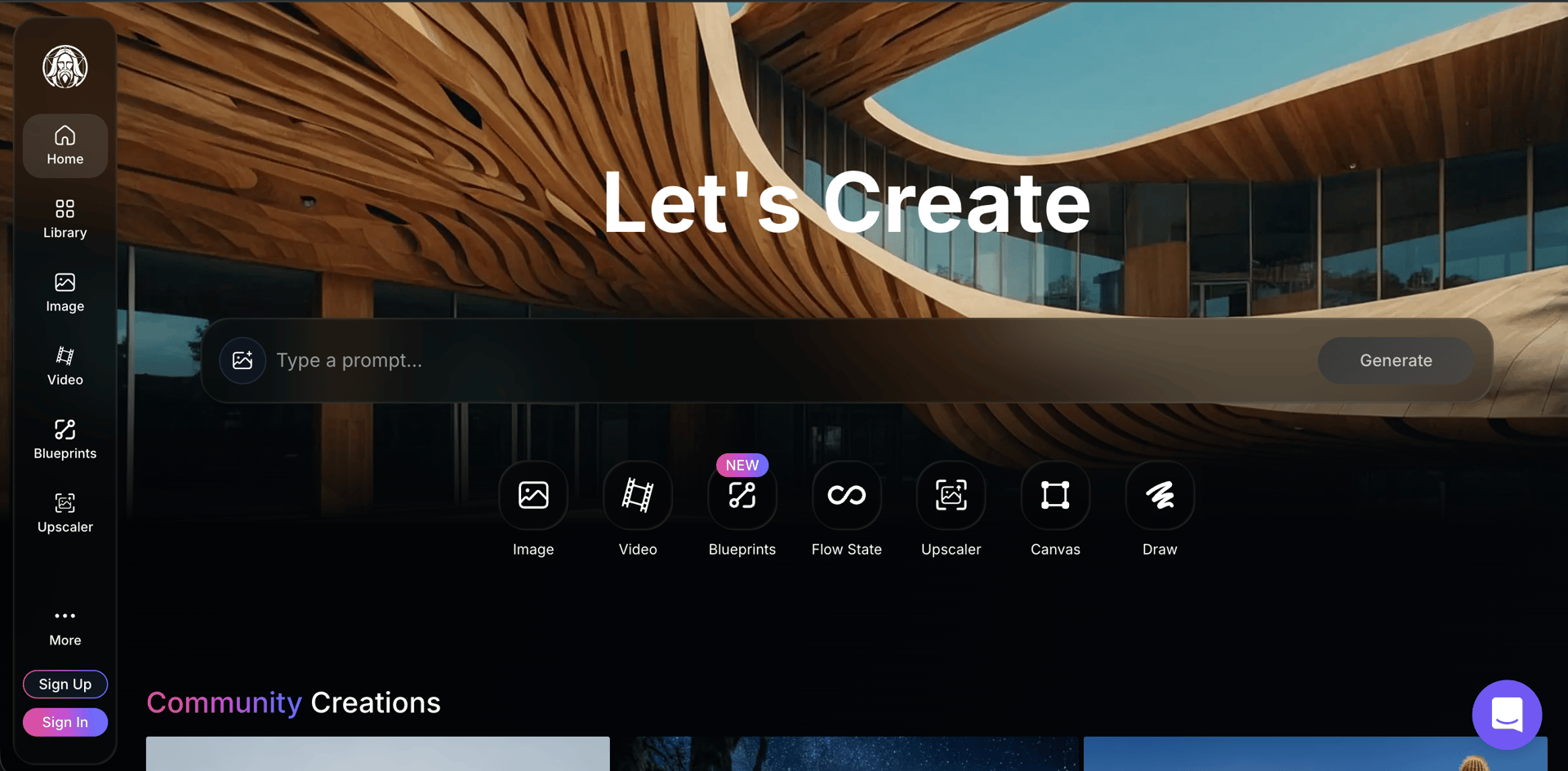
Leonardo AI, now owned by Canva following its July 2024 acquisition, offers one of the more generous free tiers on paper: 150 daily tokens that reset each day. With each image generation costing 5-8 tokens, that translates to roughly 18-30 free images per day -- enough for real experimentation.
But the hidden costs are real. Free-tier images carry a Leonardo AI watermark. All your free creations are made public on the platform -- there is no privacy. Queue times for free users have ballooned to 8-20 minutes during peak hours in 2026, up from 2-5 minutes previously. And Leonardo quietly raised their paid plan prices in late 2025 (Starter went from $10 to $12-15/month), signaling that the free tier may face further restrictions ahead.
What Users Complain About:
- • "Queue times as a free user are insane now. I waited 20 minutes during business hours. It used to be 2-5 minutes."
- • "All my free images are public. I cannot make anything private without paying. That is a dealbreaker for client work."
- • "They took away my tokens when I unsubscribed -- even tokens I had earned and paid for. Pretty abusive behavior."
- • "Output quality is weak compared to Midjourney. I keep getting multi-limbed monstrosities with extra hands when generating reference images."
- • "Tutorials show features that no longer exist or have been moved. The UI changes constantly."
Price: Free (150 tokens/day, watermarked, public) | Apprentice $12-15/mo | Artisan $24/mo | Maestro $48/mo
5. Adobe Firefly -- Best for Adobe Ecosystem Users
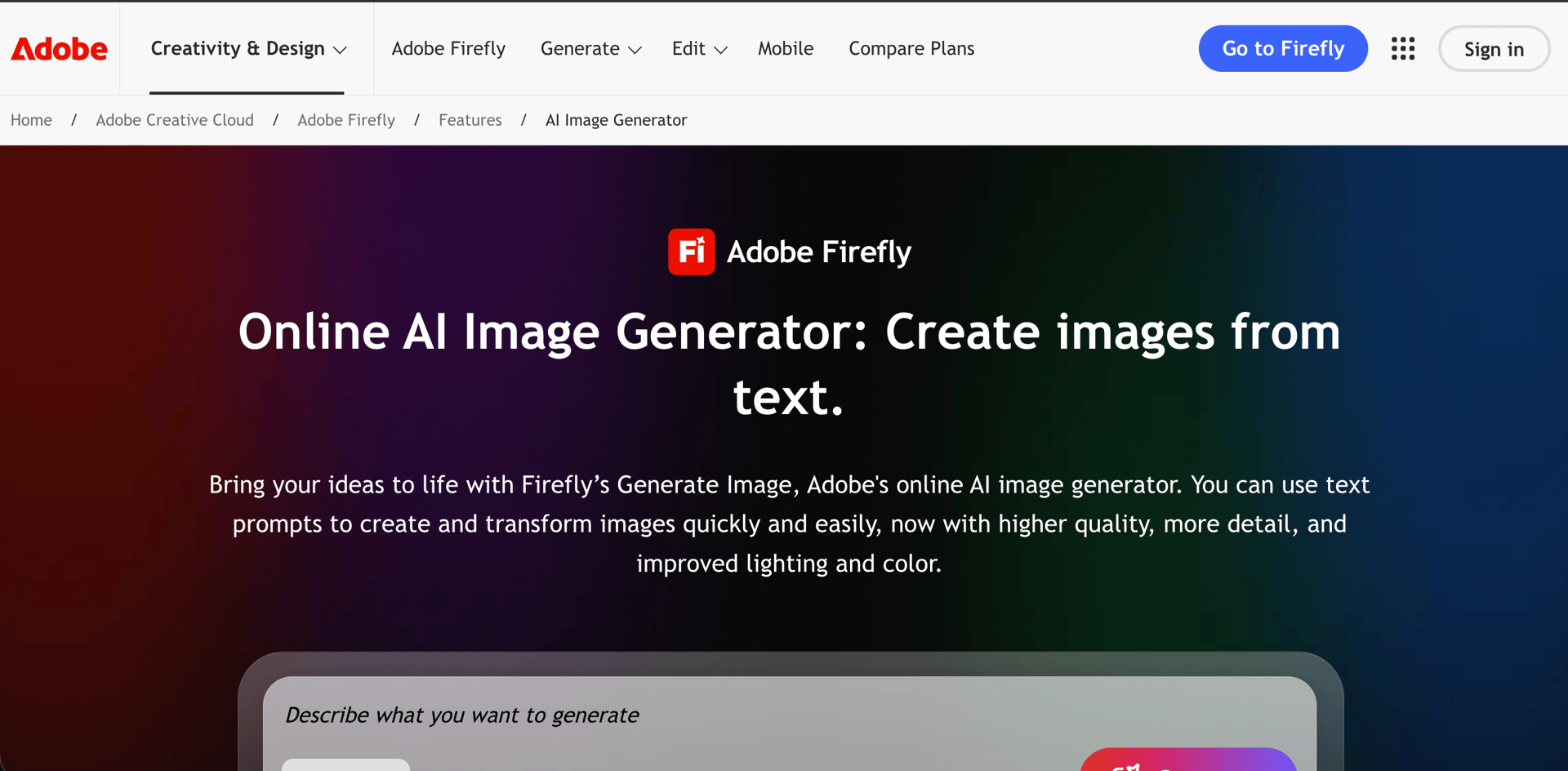
Adobe Firefly is Adobe's generative AI tool, trained exclusively on licensed Adobe Stock content, public domain works, and openly-licensed material. This makes it one of the "safest" choices for commercial use from a copyright perspective. The free tier gives you 25 generative credits when you create an Adobe account, which reset monthly upon first use.
The problem? 25 credits evaporate fast -- especially when Adobe does not clearly communicate how many credits each action costs. Only Generative Fill and Text to Image are available as free features; other capabilities like style transfer and advanced editing require a paid plan. Users already paying $60/month for Creative Cloud are frustrated that Firefly is not included with their existing subscription and requires additional spending.
What Users Complain About:
- • "25 credits disappear in one session. Then you wait a full month for them to reset. That is not a free tier, that is a demo."
- • "There is no clear language on how many credits each action takes. I burned through my free credits without realizing how fast they were going."
- • "Firefly ignores most of my prompts and gives simple low-quality images that do not make sense, despite describing what I want in detail."
- • "I already pay $60/month for Creative Cloud. Making me pay extra for Firefly credits feels like nickel and diming."
- • "Tried text-to-video and could not create a single usable video before running out of free generations. Had to pay just to keep iterating."
Price: Free (25 credits/month, Adobe ID required) | Firefly Premium $9.99/mo | Creative Cloud plans from $22.99/mo
Feature Comparison
| Feature | BestPhotoAI | Craiyon | Bing Image Creator | Leonardo AI | Adobe Firefly |
|---|---|---|---|---|---|
| Free Generation Limit | 3 models, no daily cap | Unlimited (Base) | 15 fast/day | 150 tokens/day | 25 credits/month |
| Signup Required | No | No | Yes | Yes | Yes |
| Watermark | No watermark | Yes | Yes + C2PA | Yes | Yes |
| Commercial Use | ✓ Allowed | ✗ Paid only | ✓ Allowed | ✗ Paid only | ✓ Allowed |
| Multiple AI Models | ✓ FLUX, SDXL, Z-Turbo | ✗ One model | ✓ DALL-E 3, GPT-4o | ✓ Multiple | ✗ Firefly only |
| Image Resolution | Up to 1024px+ | 256x256 (free) | 1024x1024 | Up to 1024px | Up to 2048px |
| Free Images Public | No - Private | Yes | No | Yes - All public | No |
| Additional Free Tools | 40+ tools | BG remover, upscaler | Image gen only | Canvas, 3D (limited) | Generative Fill only |
| Generation Speed | Fast | Slow (45-60s) | Fast (with boosts) | Slow (8-20 min peak) | Moderate |
| Paid Starting Price | $14/mo | $6/mo | Free (Rewards points) | $12-15/mo | $9.99/mo |
Why "Truly Free" Changes Everything
Most "free" AI image generators use the free tier as a marketing funnel. They give you just enough to get hooked, then wall off the features you actually need. Here is how BestPhotoAI's approach differs from the competition:
The typical "free" approach:
- Watermarks on free images: Bing, Leonardo AI, and Adobe Firefly all stamp their branding on your free outputs, making them unusable for professional or commercial work
- Forced account creation: Bing needs a Microsoft account, Leonardo AI requires signup, Adobe demands an Adobe ID -- all to harvest your data before you generate a single image
- Tight credit caps: Adobe gives you 25 credits per month (gone in one session), Leonardo's 150 daily tokens sound generous but premium features eat them fast, and Bing limits fast generations to 15 per day
- Public galleries: Leonardo AI makes all free-tier images public, removing any privacy for your creative work or client projects
- Quality throttling: Craiyon caps free users at 256x256 resolution, and Leonardo AI queues free users for 8-20 minutes during business hours
BestPhotoAI:
- No signup at all: Open the page, type a prompt, generate an image. No email, no account, no tracking
- No watermarks, ever: Your generated images are clean and ready to use for any purpose
- Three different AI models: FLUX for photorealism, SDXL for artistic styles, Z-Image Turbo for speed -- each free and each optimized for different creative needs
- Commercial use allowed: Use free-generated images in your business, marketing, social media, and products without legal concerns
- Private by default: Your creations are yours, not shared publicly on any gallery
What Users Actually Say
On Craiyon:
"It is the viral favorite for memes, but the quality gap between Craiyon and paid tools is enormous. The images are too low-resolution to use for anything serious."
On Bing Image Creator:
"Microsoft rolled out a DALL-E update that gave images weird green tones, over-lit scenes, and misplaced textures. They had to roll the whole thing back after the backlash."
On Leonardo AI:
"They took away my tokens when I unsubscribed -- even tokens I had earned and paid for. The queue times as a free user are 20 minutes during business hours now."
On Adobe Firefly:
"25 credits disappear in one session. Then you wait a full month for them to reset. I already pay $60/month for Creative Cloud -- making me pay extra for AI credits feels like nickel and diming."
On truly free tools:
"I just want to generate an image without creating yet another account, dealing with watermarks, or running out of credits after three tries. Is that too much to ask?"
When to Use Each Tool
Choose BestPhotoAI if:
- • You want quality free images without signup
- • You need images for commercial use
- • You want to try multiple AI models (FLUX, SDXL, Z-Turbo)
- • Watermark-free output is essential
- • You also need other tools (upscaling, BG removal)
Choose Craiyon if:
- • You want unlimited generations (low quality)
- • You are making memes or joke images
- • Resolution does not matter to you
- • You want nostalgic "DALL-E Mini" vibes
Choose Bing Image Creator if:
- • You want DALL-E 3 quality for free
- • You already have a Microsoft account
- • 15 prompts per day is enough for you
- • You do not mind watermarks on images
Choose Leonardo AI if:
- • You are learning AI image generation
- • You want to experiment with different tools
- • You use Canva and want integration
- • You do not mind public images and watermarks
Choose Adobe Firefly if:
- • You are already in the Adobe ecosystem
- • Copyright-safe training data matters to you
- • You only need a few images per month
- • You plan to upgrade to a paid Adobe plan
Final Verdict: Which Should You Choose?
Choose BestPhotoAI for genuinely free, no-strings-attached image generation:
After testing every major free AI image generator in 2026, BestPhotoAI is the only one that delivers on the promise of "free" without hidden catches. No signup, no watermarks, no credit limits that run out after three prompts, and full commercial rights on every image.
- Craiyon's unlimited generations: We offer three different AI models (FLUX, SDXL, Z-Image Turbo) with far higher quality than Craiyon's 256px output
- Bing's DALL-E quality: Our FLUX model produces photorealistic results without requiring a Microsoft account or watermarks
- Leonardo's token count: We have no watermarks, private images, and no 20-minute queue times during peak hours
- Adobe's brand trust: We allow commercial use without limiting you to 25 credits per month
Ready to Generate Free AI Images?
3 free AI models (FLUX, SDXL, Z-Image Turbo) -- no signup, no watermarks, no credit card. Plus 40+ additional free tools for background removal, upscaling, and more.
No credit card required • No signup needed • Commercial use allowed
Related Articles & Tools
Try These Free Tools
Frequently Asked Questions
What is the best completely free AI image generator in 2026?
BestPhotoAI offers the best truly free experience with three AI models (FLUX, SDXL, Z-Image Turbo), no signup requirement, no watermarks, and commercial use rights. Craiyon is also completely free with unlimited generations, but outputs are low resolution (256x256) and include watermarks.
Which free AI image generators do not require signup?
Only BestPhotoAI and Craiyon let you generate images without creating an account. Bing Image Creator requires a Microsoft account, Leonardo AI requires email registration, and Adobe Firefly needs an Adobe ID.
Can I use free AI-generated images commercially?
BestPhotoAI, Bing Image Creator, and Adobe Firefly allow commercial use of free-tier images. Leonardo AI and Craiyon restrict commercial rights to paid plans only. Always check each platform's current terms of service before using images in commercial projects.
Which free AI image generator has no watermarks?
BestPhotoAI is the only free image generator we tested that produces clean, watermark-free images. Bing Image Creator adds a corner watermark plus C2PA content credentials, Leonardo AI stamps its branding on free outputs, and Adobe Firefly includes content credentials on free generations.
How many free AI images can I generate per day?
It varies widely by platform. Craiyon offers unlimited daily generations (low quality). Leonardo AI gives 150 tokens per day (roughly 18-30 images). Bing Image Creator provides 15 fast generations per day with unlimited slower ones. Adobe Firefly only gives 25 credits per month total. BestPhotoAI offers three free models without strict daily caps.
Why are some free AI image generators so slow?
Free users are typically placed in lower-priority queues behind paying customers. Leonardo AI free users now wait 8-20 minutes during business hours (up from 2-5 minutes previously). Craiyon takes 45-60 seconds per generation. Bing Image Creator slows down significantly after you use your 15 daily boosts. These delays are intentional -- they incentivize upgrading to paid plans.
What is the difference between FLUX, SDXL, and Z-Image Turbo on BestPhotoAI?
FLUX excels at photorealistic images with natural lighting and detailed textures. SDXL is optimized for artistic and stylized images with more creative flexibility. Z-Image Turbo prioritizes speed, generating images faster while maintaining good quality. All three are available free on BestPhotoAI without signup.
Try it on one of your own photos
Most of our photo tools have a free version. Upload a picture and see what it does before you decide anything.