Top 5 AI Background Removers in 2026: Complete Comparison Guide
Looking for the best AI background remover? We tested BestPhotoAI, Remove.bg, Photoroom, Canva, and Claid.ai. Compare features, pricing, real user opinions, and results to find the perfect tool for your needs.
AI background removal has gone from a novelty to a necessity in 2026. E-commerce sellers, social media creators, and designers all need clean cutouts fast. But with dozens of tools claiming pixel-perfect results, which ones actually deliver? We spent 70+ hours testing the top AI background removers to help you find the right tool for your needs.
Quick Answer: For free unlimited basic background removal with no signup, batch processing, and transparent PNG export as part of a 40+ tool suite, try BestPhotoAI. For standalone tools: Remove.bg for speed and API integration, Photoroom for e-commerce product photos, Canva for design workflows, Claid.ai for bulk product photography automation.
The 5 Tools at a Glance
1. BestPhotoAI – Best Overall
Portrait Cutout


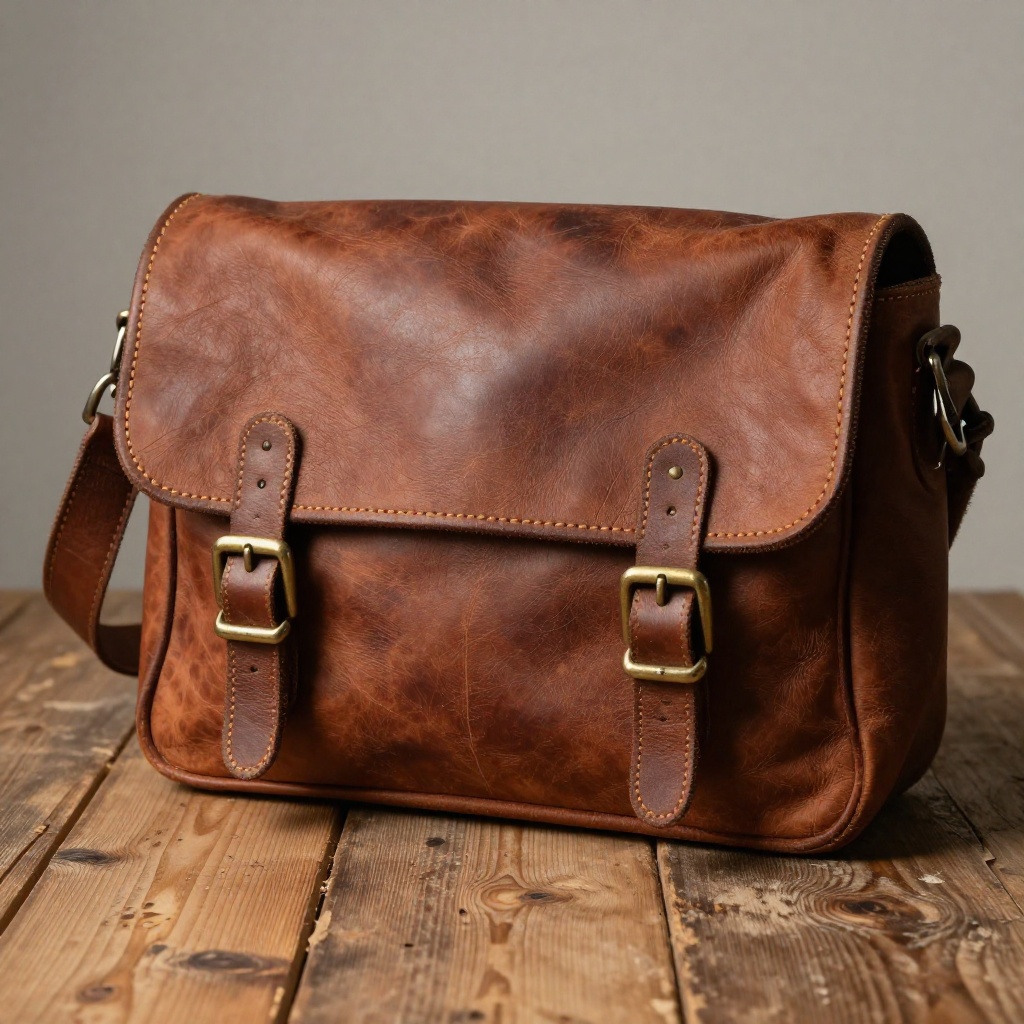
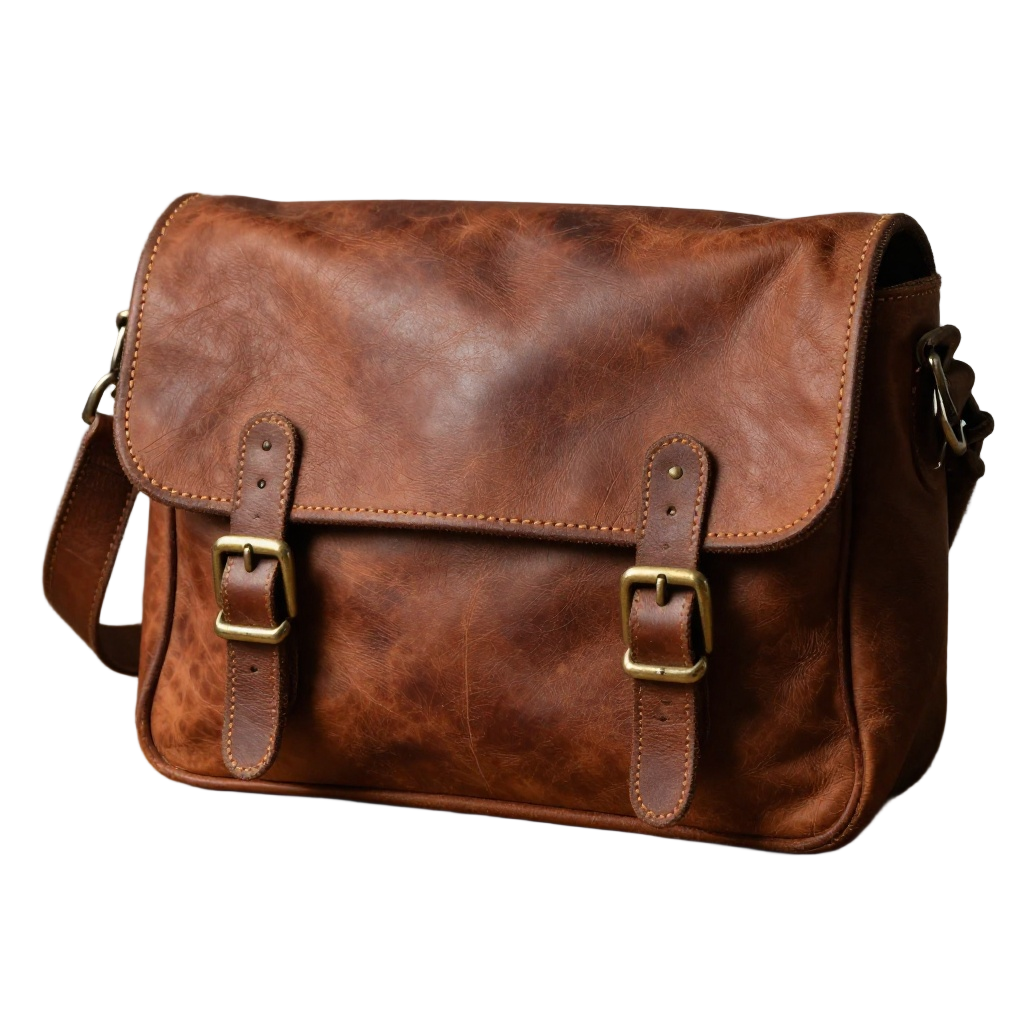
Product Photo
Pet / Animal


Food / E-Commerce


BestPhotoAI offers a dedicated background removal tool that delivers clean, precise cutouts in seconds. The AI-powered edge detection handles tricky subjects like hair, fur, transparent objects, and complex edges that trip up most competitors. You get transparent PNG export, batch processing for multiple images, and no signup required for basic use.
What sets BestPhotoAI apart is that background removal is just one of 40+ free tools available on the platform. Need to replace the background instead of just removing it? Switch to the AI Background Replacer. Want to remove specific objects or people? Use the dedicated removal tools. Need to upscale, retouch, or completely restyle your image? It is all under one roof, with no need to juggle multiple subscriptions.
Why BestPhotoAI Ranks #1
- Free unlimited basic removals: No credit limits or daily caps for standard background removal
- AI-powered edge detection: Handles hair, fur, semi-transparent objects, and complex edges with precision
- Batch processing: Remove backgrounds from multiple images at once, saving hours of manual work
- Transparent PNG export: Download clean cutouts ready for any use case
- No signup required: Start removing backgrounds immediately without creating an account
- 40+ tool ecosystem: Background replacement, object removal, upscaling, and more all included
Price: Free tier | Paid from $14/mo
2. Remove.bg – Best for API Integration
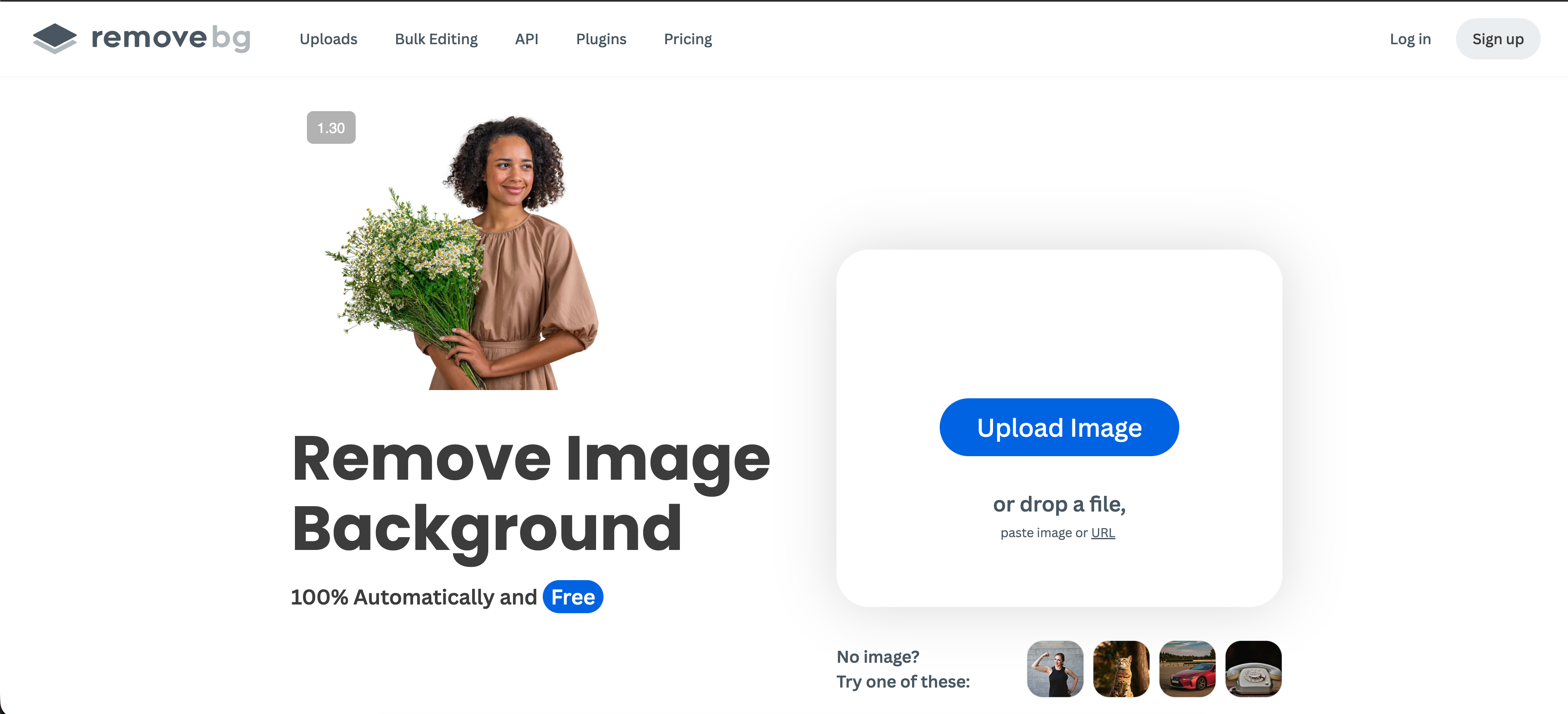
Remove.bg was one of the first dedicated AI background removers and remains a strong contender in 2026. Its core strength is speed and simplicity: upload an image, get a clean cutout in about five seconds. The tool handles portraits, products, animals, and cars with reliable accuracy, and the API makes it easy to integrate into automated workflows.
The platform offers a desktop app for bulk processing, a Photoshop plugin for designers who want to stay in their workflow, and integrations with tools like Zapier and Shopify. However, the credit-based pricing model can get expensive quickly for high-volume users, and HD downloads require paid credits even after you have purchased a subscription.
What Users Complain About:
- • "Credits are removed when your subscription stops. You pay for use, then they treat it like you paid for access."
- • "Downloading HD images after buying credits gives error messages repeatedly before eventually working."
- • "So many platforms like Canva now have background removal built in that Remove.bg hardly seems worth it anymore."
- • "It doesn't recognize objects that are small or far away in the image."
Price: Free (1 credit, preview only) | From $9/mo for 40 credits | $39/mo for 200 credits
3. Photoroom – Best for E-Commerce

Photoroom has carved out a niche as the go-to background remover for e-commerce sellers. The tool instantly removes backgrounds and lets you place products on professional studio-quality scenes, solid colors, or custom templates. It is built specifically for product photography workflows, making it ideal for Etsy, Amazon, and Shopify sellers who need consistent, marketplace-ready images.
The Pro plan supports batch mode for processing up to 50 images at once, while the Max plan handles 250 images per batch. Photoroom also offers AI-generated backgrounds, shadow effects, and size adjustments tailored to different marketplace requirements. However, recent pricing changes have frustrated long-time users, and export limits on previously "unlimited" plans have caused backlash.
What Users Complain About:
- • "Pre-paid customers with promised unlimited access are now limited to 500-1,500 images per month without warning."
- • "No live support, only chatbots. Takes at least a day to get a reply, if you get one at all."
- • "Batch mode has been getting worse for a long time — broken edges, inconsistent results, features removed without explanation."
- • "Features previously included in my plan were moved to a more expensive tier without notice."
Price: Free (250 exports/mo) | Pro $12.99/mo | Max $34.99/mo | Enterprise custom
4. Canva Background Remover – Best for Design Workflows
Canva's Background Remover is baked into the design platform that over 200 million people already use. The appeal is obvious: remove a background with one click, then immediately drop your cutout into a social media post, presentation, or marketing material without leaving the app. The quality is surprisingly good for a built-in feature, with some users even noting it handles edges better than Photoshop.
The downside is that Background Remover requires Canva Pro ($15/mo), making it one of the most expensive options if you only need background removal. Free users get a single trial use. There is no batch processing, no API access, and no standalone background removal workflow. It is best suited for users who are already paying for Canva Pro and want background removal as part of their design toolkit.
What Users Complain About:
- • "Background remover is Pro-only. You're paying $15/mo for a feature that other tools offer for free."
- • "Struggles with complex edges like hair and fur. Fine details get eaten up or look jagged."
- • "No batch processing at all. If you have 50 product images, you have to do each one individually."
- • "Laggy performance. Sometimes it takes forever to process or the tool just stops working entirely."
Price: Free (1 trial use) | Pro from $15/mo (background remover included)
See detailed Canva vs BestPhotoAI comparison →5. Claid.ai – Best for Product Photography Automation
Claid.ai approaches background removal as part of a broader product photography automation pipeline. Rather than just removing backgrounds, it can upscale, enhance colors, fix lighting, and generate entirely new scenes around your products. The Text-to-Edit feature lets you describe changes in plain language, and the AI Fashion Models tool can replace traditional photoshoots with virtual models.
This makes Claid.ai particularly powerful for e-commerce brands that need more than simple background removal. The AI Photoshoot feature generates full marketing campaigns from simple product photos, including clean catalog shots, lifestyle scenes, and seasonal concepts. However, the tool is heavily focused on product photography and is overkill for users who just need quick background removal for personal photos.
What Users Complain About:
- • "Poor handling of glass surfaces and transparent objects. AI struggles with delicate textures and reflections."
- • "When removing backgrounds, a lot of the actual product gets blurred too, especially with low-quality input images."
- • "Limited customization. The tool works great for straightforward compositions but falls short with unusual formats."
- • "Steep learning curve for the full platform. Most features go way beyond simple background removal."
Price: Free trial (5 images) | Essentials $9/mo | Pro $39/mo | Business custom
Feature Comparison
| Feature | BestPhotoAI | Remove.bg | Photoroom | Canva | Claid.ai |
|---|---|---|---|---|---|
| Starting Price | Free | $9/mo | Free (limited) | $15/mo | $9/mo |
| Free Removals | Unlimited basic | 1 credit (preview) | 250 exports/mo | 1 trial use | 5 images |
| Batch Processing | ✓ | ✓ (desktop app) | ✓ (50-250 images) | ✗ | ✓ |
| Transparent PNG | ✓ | ✓ (HD paid) | ✓ | ✓ (Pro only) | ✓ |
| Hair/Fur Detection | Advanced AI | Good | Good | Basic | Good |
| Background Replace | ✓ (AI-powered) | ✗ | ✓ (templates) | ✓ (limited) | ✓ (AI scenes) |
| API Access | ✓ | ✓ (core feature) | ✓ (from $20/mo) | ✗ | ✓ |
| No Signup | ✓ (basic use) | ✓ (1 image) | ✗ | ✗ | ✗ |
| Additional Tools | 40+ free tools | BG removal only | Photo editing suite | Full design platform | Product photo suite |
| Commercial Rights | All plans | ✓ | ✓ | Pro only | ✓ |
Why a Complete Tool Suite Changes Everything
The biggest problem with standalone background removers is that removing the background is rarely the final step. You usually need to replace it, resize the image, retouch the subject, or prepare it for a specific platform. Here is why an integrated approach matters:
Single-purpose tools (Remove.bg, standalone removers):
- One task only: Remove the background and you are done. Need to replace it? Open another tool. Need to retouch? Open yet another
- Credit-based pricing: Each image costs credits, and unused credits expire or disappear when you downgrade
- No ecosystem: You end up paying for 3-4 different subscriptions to cover your full workflow
BestPhotoAI (complete platform):
- Remove, replace, and beyond: Background removal is one of 40+ tools. Replace backgrounds with AI-generated scenes, remove objects, upscale, restyle, and more
- One subscription: Access every tool with a single plan instead of juggling multiple services
- Free tier with no credit limits: Basic background removal works without signup, credits, or daily caps
- AI-powered editing: When you need to go beyond background removal, the same platform offers image-to-image editing, generation, video creation, and model training
This means you are never stuck paying for a background-only tool when you realize you also need retouching, resizing, or background replacement. Everything lives under one roof.
What Users Actually Say
We collected real user feedback from reviews, forums, and community discussions. Here is the unfiltered truth about each platform:
On Remove.bg:
"Credits disappear when you cancel your subscription. I paid for 200 credits, used 50, and the remaining 150 vanished when I paused my plan. That's not how credits should work."
On Photoroom:
"They changed the terms on my pre-paid plan. I was promised unlimited access, and now I'm limited to 500 images per month. My entire e-commerce workflow depends on this tool."
On Canva Background Remover:
"You need Canva Pro at $15/month just to use background remover. That's expensive when I only need this one feature and dozens of other tools offer it for free."
On Claid.ai:
"Great for product shots but terrible with glass and transparent objects. The AI blurs parts of the product that are close to the background edge. Works best with simple, solid-colored products."
On free background removers in general:
"Why am I paying for background removal in 2026? Several tools do it for free now with quality that matches or beats the paid options. The paid tools need to offer a lot more than just cutouts."
On batch processing value:
"For e-commerce, batch processing is non-negotiable. I have 200+ product images per week. Any tool that makes me process them one-by-one is immediately out."
When to Use Each Tool
Choose BestPhotoAI if:
- • You want free background removal
- • Batch processing is important
- • You need more than just BG removal
- • No signup required is a must
- • You want 40+ tools in one platform
Choose Remove.bg if:
- • API integration is the priority
- • You need a Photoshop plugin
- • Speed matters above all else
- • Developer workflows are key
- • You have a small volume of images
Choose Photoroom if:
- • E-commerce product photos are focus
- • Marketplace templates needed
- • Mobile editing is important
- • You need AI-generated backgrounds
- • Team collaboration required
Choose Canva if:
- • You already pay for Canva Pro
- • BG removal is part of design work
- • Templates are more important
- • Social media content is the goal
- • You need a full design platform
Choose Claid.ai if:
- • Product photography automation
- • AI-generated scenes needed
- • You want virtual model placement
- • Full campaign generation is key
- • E-commerce at enterprise scale
Final Verdict: Which Should You Choose?
Choose BestPhotoAI for the best free background remover with a complete toolkit:
In a market where most tools charge per image or lock background removal behind expensive subscriptions, BestPhotoAI offers free unlimited basic removals with no signup. But what truly sets it apart is the 40+ tool ecosystem that eliminates the need for multiple subscriptions:
- Remove.bg's strength: Fast API integration — we also offer API access plus 40+ additional tools
- Photoroom's strength: E-commerce templates — we have AI-powered background replacement and product photo enhancement
- Canva's strength: Design integration — we offer a complete creative suite without the $15/mo paywall
- Claid.ai's strength: Product automation — we provide batch processing and AI editing without the learning curve
- Plus exclusives: 40+ free tools, image generation, video creation, model training, and commercial rights on all plans
Ready to Remove Backgrounds for Free?
AI-powered edge detection, batch processing, transparent PNG export, 40+ free tools, no signup required
No credit card required • Free tier available
Related Articles & Tools
Try These Tools
Frequently Asked Questions
What is the best free AI background remover in 2026?
BestPhotoAI offers the best free background removal experience with unlimited basic removals, no signup required, batch processing, and transparent PNG export. Photoroom offers 250 free exports per month but requires an account. Remove.bg gives you one free credit for preview-quality output only.
Which background remover handles hair and fur best?
BestPhotoAI and Remove.bg both handle hair and fur well using advanced AI edge detection. Canva struggles with complex edges and fine details. Photoroom is reliable for product photos but can leave artifacts around wispy hair. Claid.ai is optimized for product photography and may not handle portrait-style hair cutouts as precisely.
Is Remove.bg still worth paying for in 2026?
Remove.bg remains a strong choice for developers who need API access and automated workflows. However, its credit-based pricing ($9/mo for just 40 images) is expensive compared to tools like BestPhotoAI that offer free unlimited basic removals. The credit expiration policy is also a common complaint.
Can I remove backgrounds in batch?
BestPhotoAI, Remove.bg (desktop app), Photoroom (Pro/Max plans), and Claid.ai all support batch processing. Canva does not offer batch background removal. For high-volume e-commerce use, BestPhotoAI and Photoroom are the strongest options.
Do I need to sign up to remove a background?
BestPhotoAI lets you remove backgrounds without creating an account for basic use. Remove.bg allows one free image without signup. Photoroom, Canva, and Claid.ai all require account creation before you can use their background removal features.
Which tool is best for e-commerce product photos?
Photoroom is purpose-built for e-commerce with marketplace templates, AI-generated backgrounds, and batch processing. Claid.ai goes further with full product photography automation including virtual models and campaign generation. BestPhotoAI offers a strong middle ground with free background removal plus 40+ additional editing tools for retouching and enhancement.
Can I use background-removed images commercially?
BestPhotoAI includes commercial rights on all plans, including the free tier. Remove.bg, Photoroom, and Claid.ai also allow commercial use. Canva requires a Pro subscription for commercial rights. Always check the specific terms of service for your use case, especially for resale or redistribution.
Ready to Transform Your Photos?
Join thousands of users creating amazing AI-generated photos with BestPhoto