Alternative to Gemini
Image Generator
Google's Gemini uses Nano Banana for image generation — it's free but comes with strict content filters and watermarks. BestPhoto offers a different approach with multiple AI models, fewer restrictions, and video capabilities.
What Gemini Users Say
Mixed feedback from real users — content restrictions are a common frustration.
"It still has its uses for creating some potential brand logo and icon ideas for our website."
"Gemini generally creates accurate and well-made images based on descriptions. The fact that it is free is a major plus."
"Worst image generator by far. You will spend 10+ minutes trying to get an accurate image despite confirming understanding."
"Stopped generating photos all together. It tells me, 'I'm still learning how to illustrate images for you.'"
"Image recognition and image creation fails miserably many times. The AI is launched without much testing."
"The censorship is absolutely awful. You can't put anything remotely harsh, edgy, or violent when creating content."
Sources: Trustpilot • Android Authority
Gemini vs BestPhoto: Feature Comparison
A direct comparison based on publicly available information and user reviews.
| Feature | Gemini | BestPhoto |
|---|---|---|
| Pricing | Free with limits, watermarks on free tier | Free tier + affordable paid plans |
| Content Restrictions | Very strict — many prompts blocked | Reasonable guidelines, more creative freedom |
| AI Models Available | Nano Banana (single model) | Multiple models including Nano Banana Pro |
| Photo Editing Features | Basic editing in Gemini app | 8 specialized editing modes |
| Video Generation | Not available | Available on all paid plans |
| Watermark-Free Output | Only with Google AI Ultra subscription | Watermark-free on all plans |
| Custom Model Training | Not available | Train models on your own photos |
| Prompt Reliability | Often refuses or misinterprets prompts | Consistent prompt following |
| Commercial Use | Limited — watermarks on free tier | Included on all paid plans |
Gemini Image Generator: Honest Pros & Cons
We're not going to pretend Gemini has no merits. Here's the balanced view.
Gemini Pros
- Free tier available in the Gemini app
- Powered by Google's Nano Banana model
- 650+ million monthly active users — well-maintained
- Good for simple logo and icon generation
- Integrated with Google's ecosystem (Docs, etc.)
- Went viral with 3D figurine trend — can be fun
- SynthID watermark helps track AI-generated content
Gemini Cons
- Extremely strict content filters — many prompts blocked
- Frequent 'I'm still learning' errors
- Watermarks on free tier images
- No video generation capabilities
- Limited to single AI model
- Results can be inconsistent — sometimes returns unchanged images
- No custom model training
Why Consider BestPhoto
Key areas where BestPhoto offers a different approach.
More Creative Freedom
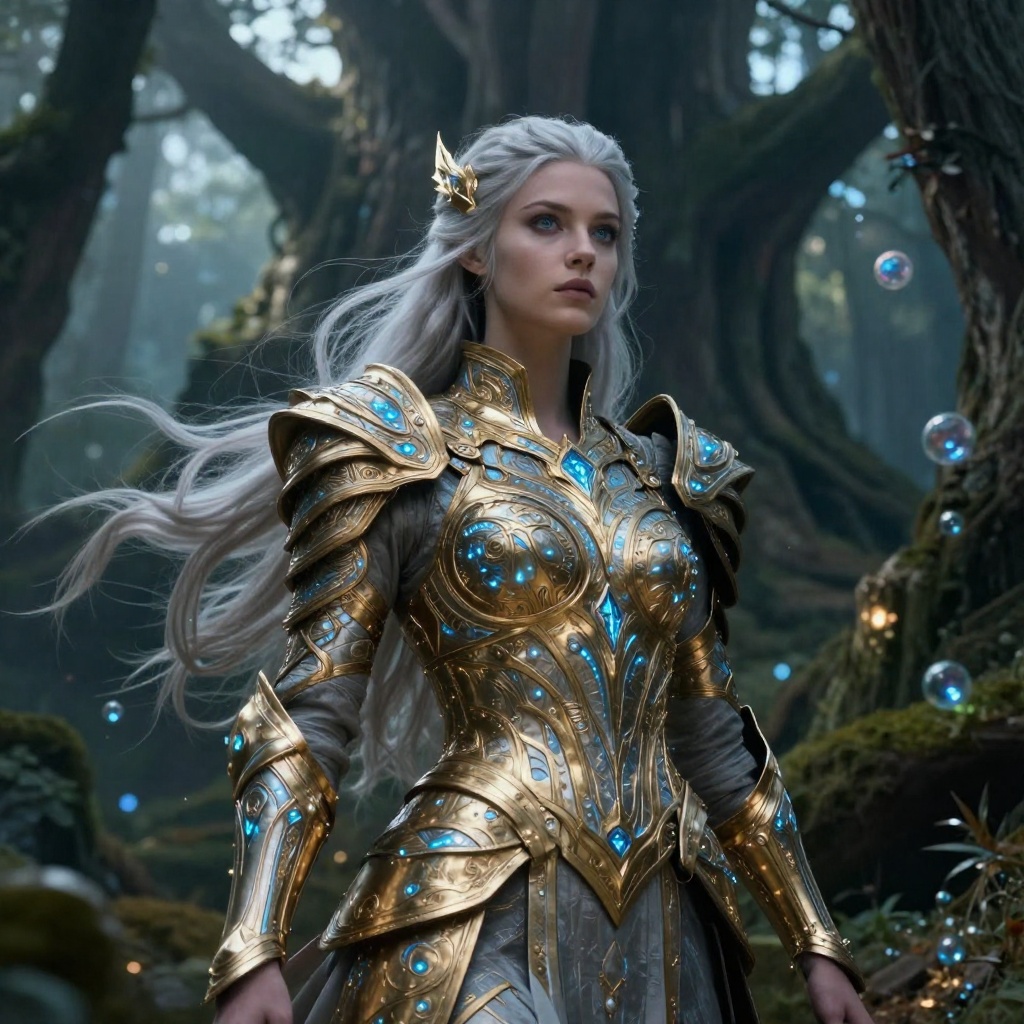
Gemini's content filters are notoriously strict — users report spending 10+ minutes trying different prompts only to be told the AI 'can't help with that.' BestPhoto has reasonable content guidelines while giving you more creative freedom for legitimate use cases like fantasy art, professional headshots, and creative projects.
BestPhoto: Generate creative content without constant blocks
What you get:
- Fewer frustrating prompt rejections
- Fantasy and creative art supported
- Professional content without restrictions
- Consistent, predictable behavior


Multiple AI Models
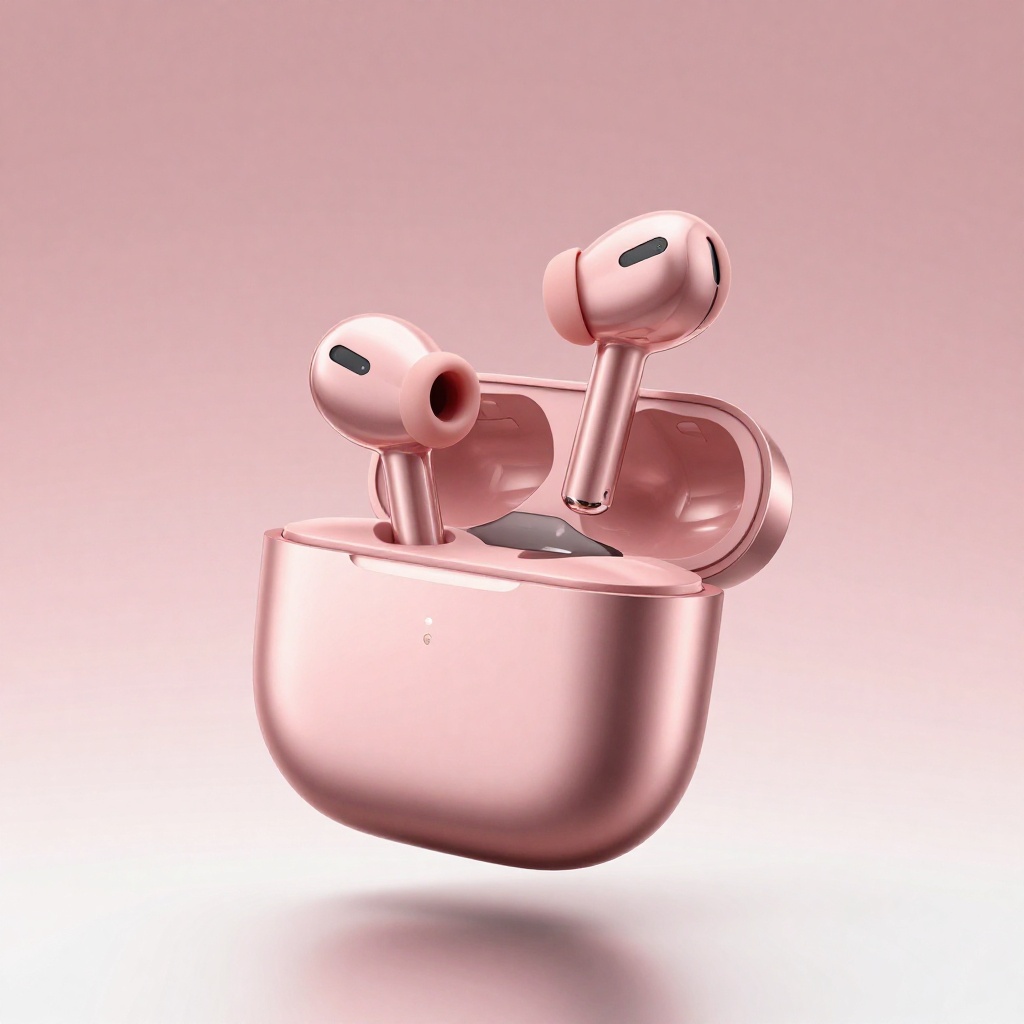
Gemini uses Nano Banana under the hood — a single model with a particular style. If that style doesn't work for your needs, you're stuck. BestPhoto offers multiple AI models including Nano Banana Pro for 4K output, giving you flexibility to find what works for each project.
BestPhoto: Choose the right model for each task
What you get:
- Multiple models with different strengths
- Nano Banana Pro for 4K quality
- Faster models for quick iterations
- Switch if one model doesn't suit your style




Advanced Editing Capabilities
Gemini offers basic image editing in the app, but specialized editing requires navigating Google's ecosystem. BestPhoto includes 8 dedicated editing modes: Replace, Restyle, Remove, Re-composition, Add Objects, Restoration, Clothing Replacement, and Concept Transformation — all in one place.
BestPhoto: Professional editing tools included
What you get:
- Replace mode for swapping elements
- Restyle for complete transformations
- Remove mode for object removal
- All tools in one unified platform




Video Generation
Gemini is focused on images and text — video generation isn't part of the offering. BestPhoto includes video generation on all paid plans with multiple output options including talking head videos, image-to-video conversion, and AI podcast clips.
BestPhoto: Video features included on all paid plans
What you get:
- Multiple video generation models
- Talking head videos
- Image-to-video conversion
- AI podcast clips
Click to play
Watermark-Free Output
Gemini adds watermarks to all images generated on free accounts — you need a Google AI Ultra subscription to remove them. Every image also includes an invisible SynthID signature. BestPhoto provides watermark-free output on all plans, ready for commercial use.
BestPhoto: No watermarks on any plan
What you get:
- Watermark-free images immediately
- Ready for commercial use
- No subscription upgrades needed
- Clean output for portfolios and clients




Which Tool is Right for You?
Both tools have their strengths. Here's a quick guide.
Gemini might be better if you:
- Want completely free image generation
- Only need simple logos or icons
- Already use Google's ecosystem heavily
- Don't mind watermarks or content restrictions
BestPhoto might be better if you:
- Need creative freedom without constant blocks
- Want multiple AI models to choose from
- Need video generation capabilities
- Require watermark-free output for commercial use
Important: What to Expect from Any AI Photo Tool
- •AI image generation isn't perfect — expect some iterations
- •Hands, fingers, and complex poses can be challenging for any AI
- •Results depend heavily on prompt quality
- •Some prompts work better than others — there's a learning curve
Frequently Asked Questions
Is Gemini's image generator good?
Gemini is a capable tool for basic image generation, especially for logos and simple graphics. It's free and backed by Google's infrastructure. However, users frequently report frustration with its strict content filters and the "I'm still learning" errors that prevent generation.
What AI model does Gemini use for images?
Gemini uses Google's Nano Banana model (officially Gemini 2.5 Flash Image) for image generation. The newer Nano Banana Pro, built on Gemini 3 Pro, is available for premium subscribers. BestPhoto also offers Nano Banana Pro among multiple AI model options.
Why does Gemini refuse to generate my images?
Gemini has strict content policies that block many types of prompts — even seemingly innocent ones. Users report spending 10+ minutes rewording prompts only to receive "I can't help with that" responses. This is a common frustration that many users cite as a reason for seeking alternatives.
Are Gemini images watermarked?
Yes — images generated on free Gemini accounts include visible watermarks. You need a Google AI Ultra subscription to remove them. All Gemini images also include an invisible SynthID signature for traceability. BestPhoto provides watermark-free output on all plans.
Can I use Gemini images commercially?
Watermarked images from Gemini's free tier aren't suitable for commercial use. Even with watermarks removed, you should review Google's terms of service. BestPhoto includes commercial use rights on all paid plans with watermark-free output.
Photos That Actually Make a Difference
Whether it's landing the interview or getting the date, people use BestPhoto to create images that open doors.


Professional Headshots
Stand out on LinkedIn, company websites, and professional networks. Profiles with professional photos receive up to 21x more views.


Dating Profile Photos
Get more matches with photos that show your authentic self in the best light. Perfect for Tinder, Bumble, Hinge, and more.


Realistic AI Photos
Generate ultra-realistic images for marketing, content creation, and creative projects. Studio quality without the studio.
Learn More About AI Photo Technology
Stay up to date with the latest AI tools, tips, and techniques. Our guides help you get the most out of your photos.
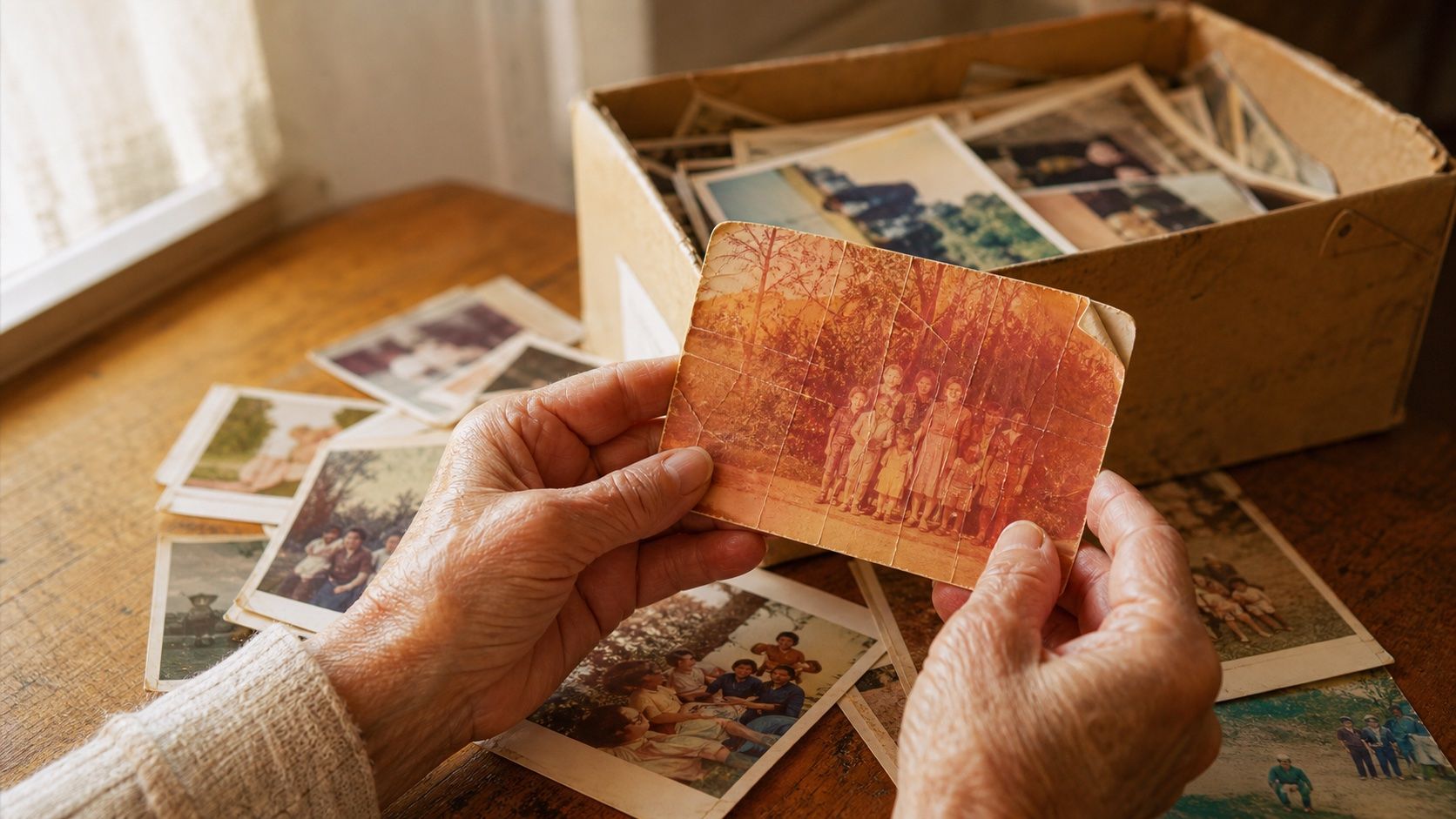
How to Restore Old Photos: The Honest 2026 Guide
Learn how to restore old photos at home with your phone and a free AI tool: scanning tips, fading fixes, and an honest look at what AI gets right and wrong.
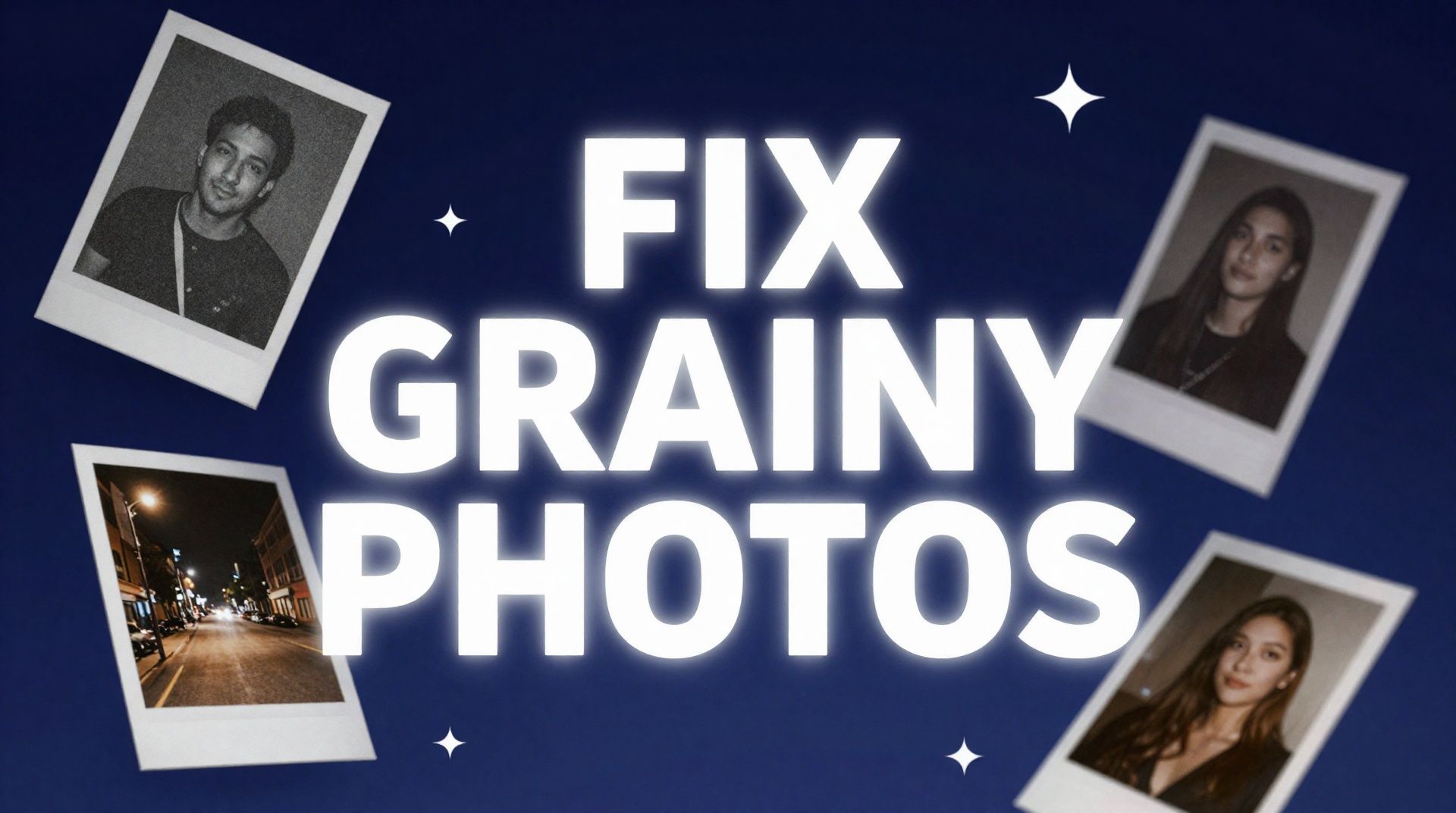
How to Fix Grainy Photos: Remove Noise Free with AI
Grainy, noisy photos come from high ISO, low light, and old scans. Here's why it happens and how to remove grain from photos free with AI in about 30 seconds.
How to Fix Overexposed Photos: Recover Blown-Out Detail
Learn how to fix overexposed photos and recover blown-out detail. What AI can rebalance, what clipped highlights it can't, and a step-by-step free fix.
Try BestPhoto Free
See if BestPhoto is the right fit for you. Multiple AI models, more creative freedom, and video generation, no commitment required.
- Multiple AI models
- More creative freedom
- Video generation