How to Make AI Photos of Yourself: Complete Guide for 2026
Learn how to create realistic AI photos of yourself for LinkedIn, dating, social media, and more. Step-by-step guide covering model training, face swap, and free headshot tools.
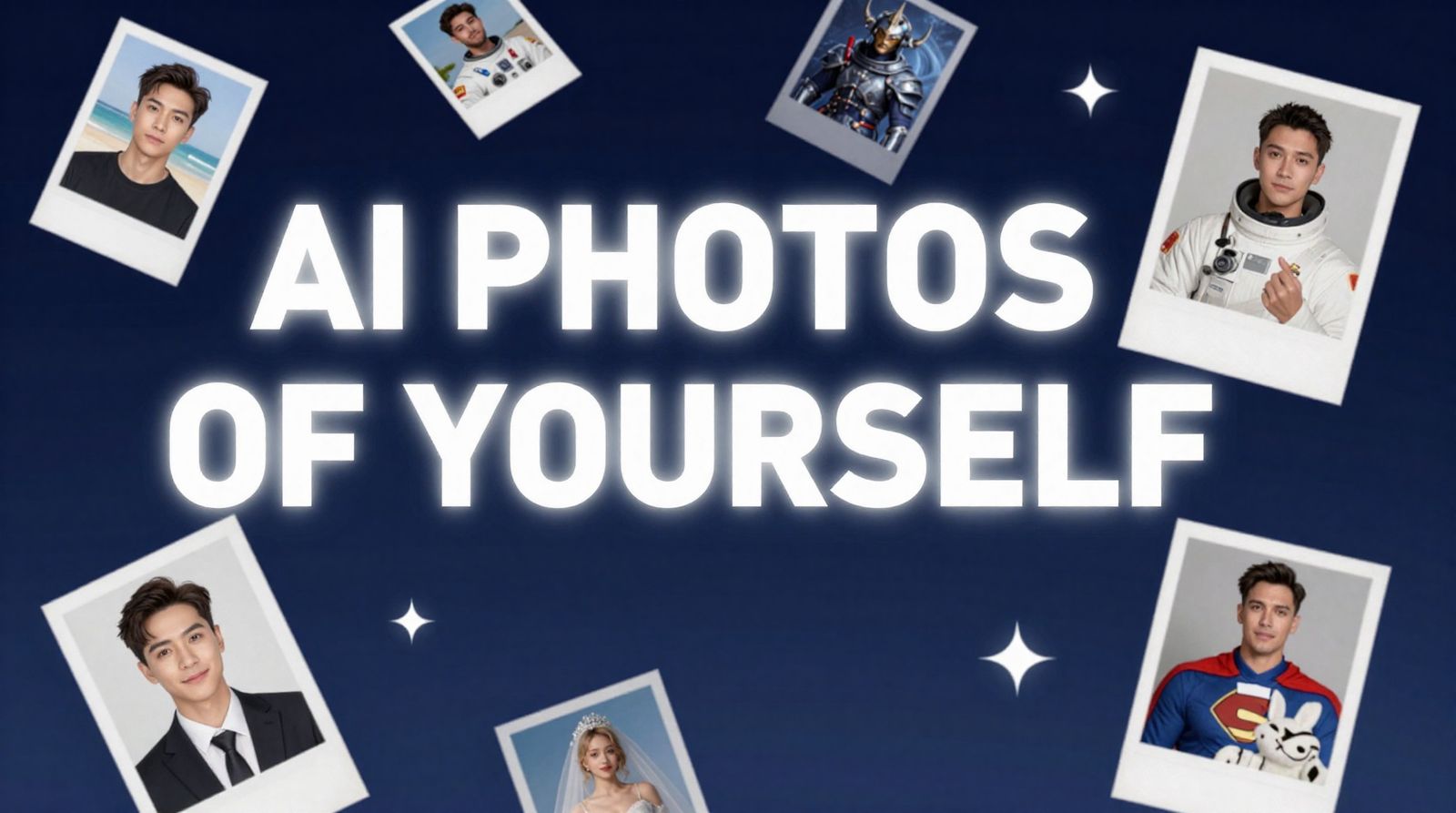
AI-generated photos of real people used to be a novelty. In 2026, they're a practical tool. Professionals use them for LinkedIn headshots. Singles use them for dating profiles. Creators use them for social media content. And everyone from families to freelancers uses them for holiday cards, brand photos, and creative projects they couldn't otherwise afford.
The technology has matured to the point where AI photos of yourself are genuinely indistinguishable from studio photography—if you know what you're doing. This guide walks you through every method available, from the most powerful (model training) to the quickest (face swap), so you can pick the right approach for your needs.
Quick Answer: The best way to create AI photos of yourself is to train a custom AI model on your face. Upload 10-20 photos, wait about an hour, then generate unlimited images of yourself in any style or setting. Start training your model on BestPhoto — it takes under 5 minutes to set up.
Why People Are Making AI Photos of Themselves
This isn't vanity (well, not entirely). There are real, practical reasons people are turning to AI-generated self-portraits:
Professional Use
- LinkedIn headshots — Professional photos that cost $0 instead of $200-500 for a photographer
- Business cards & websites — Consistent branding across all materials
- Conference bios — Fresh headshot for every event without booking a new shoot
- Freelancer portfolios — Look professional without the professional price tag
Personal Use
- Dating profiles — Better photos mean more matches (studies show up to 203% improvement)
- Social media content — Unique, eye-catching posts without constant photoshoots
- Holiday cards — Creative family or individual cards in any theme
- Gifts & fun — See yourself as an astronaut, Renaissance painting, magazine cover, or anything else
The cost comparison alone makes it worth trying. A single professional headshot session runs $200-500. A dating photo package is $300+. With AI model training, you pay once and generate as many photos as you want—professional headshots on Monday, dating photos on Tuesday, and a Renaissance portrait for fun on Wednesday.
Method 1: Model Training (Best Results)
Model training is the gold standard for AI photos of yourself. Instead of working with a single image, the AI learns your face from multiple angles, lighting conditions, and expressions. The result is a custom model that truly understands what you look like—and can place you in any scenario with photorealistic accuracy.
How It Works
- Step 1: Gather 10-20 Photos of Yourself
You need variety. Different angles (front, 3/4, side), different lighting (indoor, outdoor, natural), different expressions (smiling, neutral, serious), and different backgrounds. The more diverse your training set, the better the AI understands your face.
Here are examples of good training photos:


Notice the variety: different locations, lighting, and expressions
- Step 2: Upload to BestPhoto
Go to the model training page and upload your photos. The interface walks you through the process—drag and drop your images, give your model a name, and hit train.
- Step 3: Wait for Training (~1 Hour)
The AI processes your photos and builds a custom model of your appearance. This typically takes 30-60 minutes. You'll get a notification when it's ready. Go grab a coffee—the hard part is done.
- Step 4: Generate Photos in Any Style
Once your model is trained, head to the image generator and select your trained model. Now describe what you want: "a professional headshot with a gray background," "a casual outdoor photo at golden hour," "an astronaut floating in space." The AI generates photos of you in that exact scenario.
Example AI-generated photos from trained models — each row is a different style pack applied to the same person:
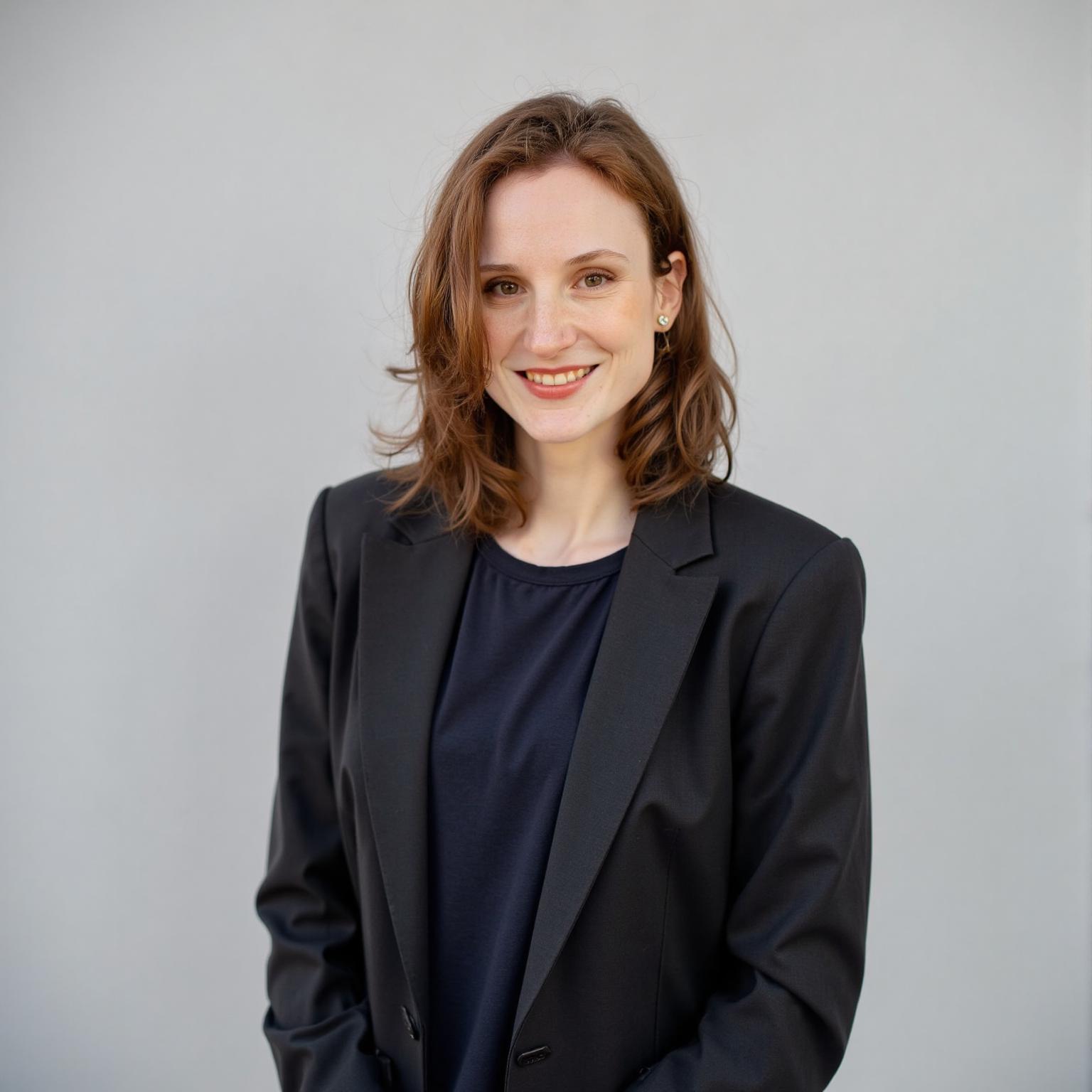
Classic Corporate
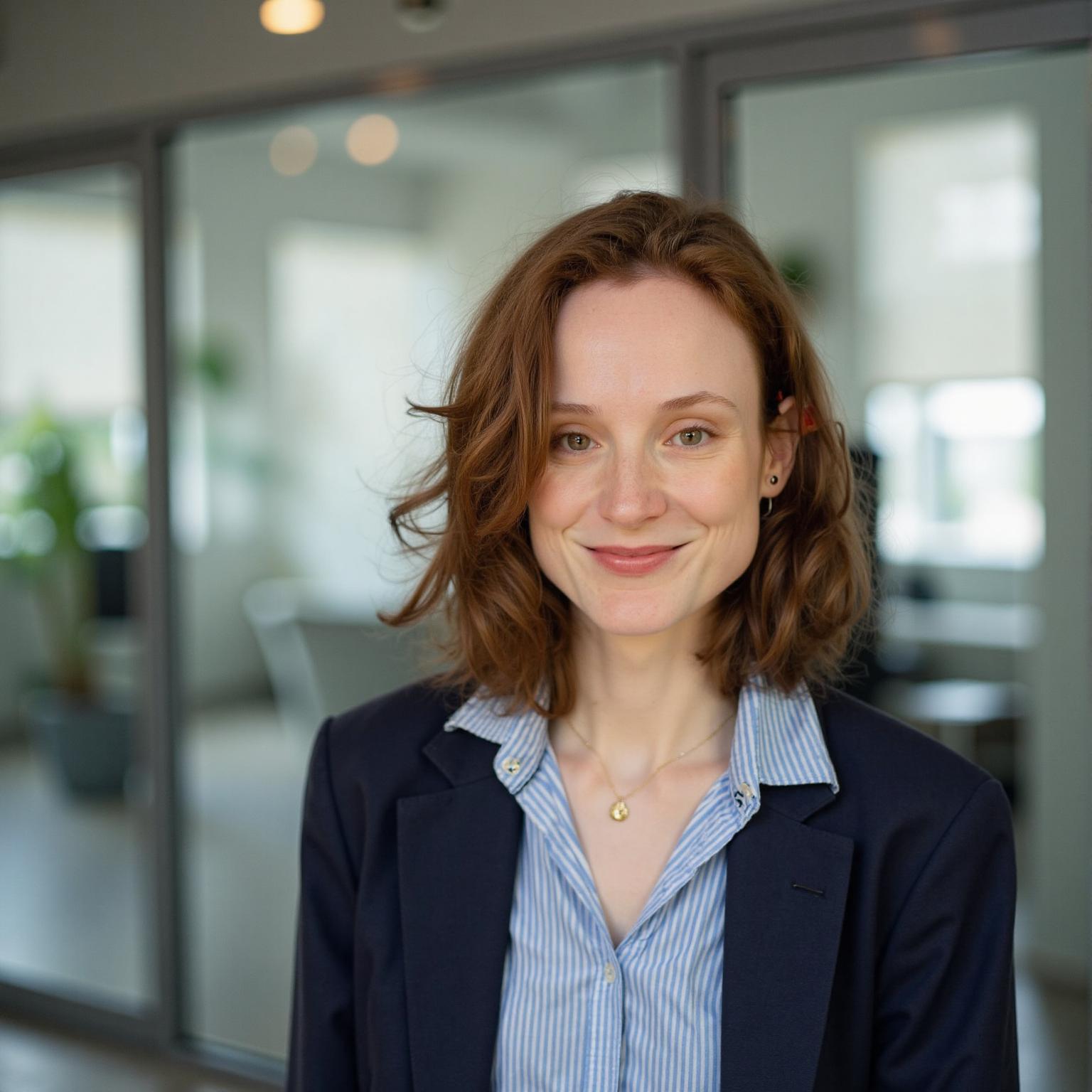
Modern Professional
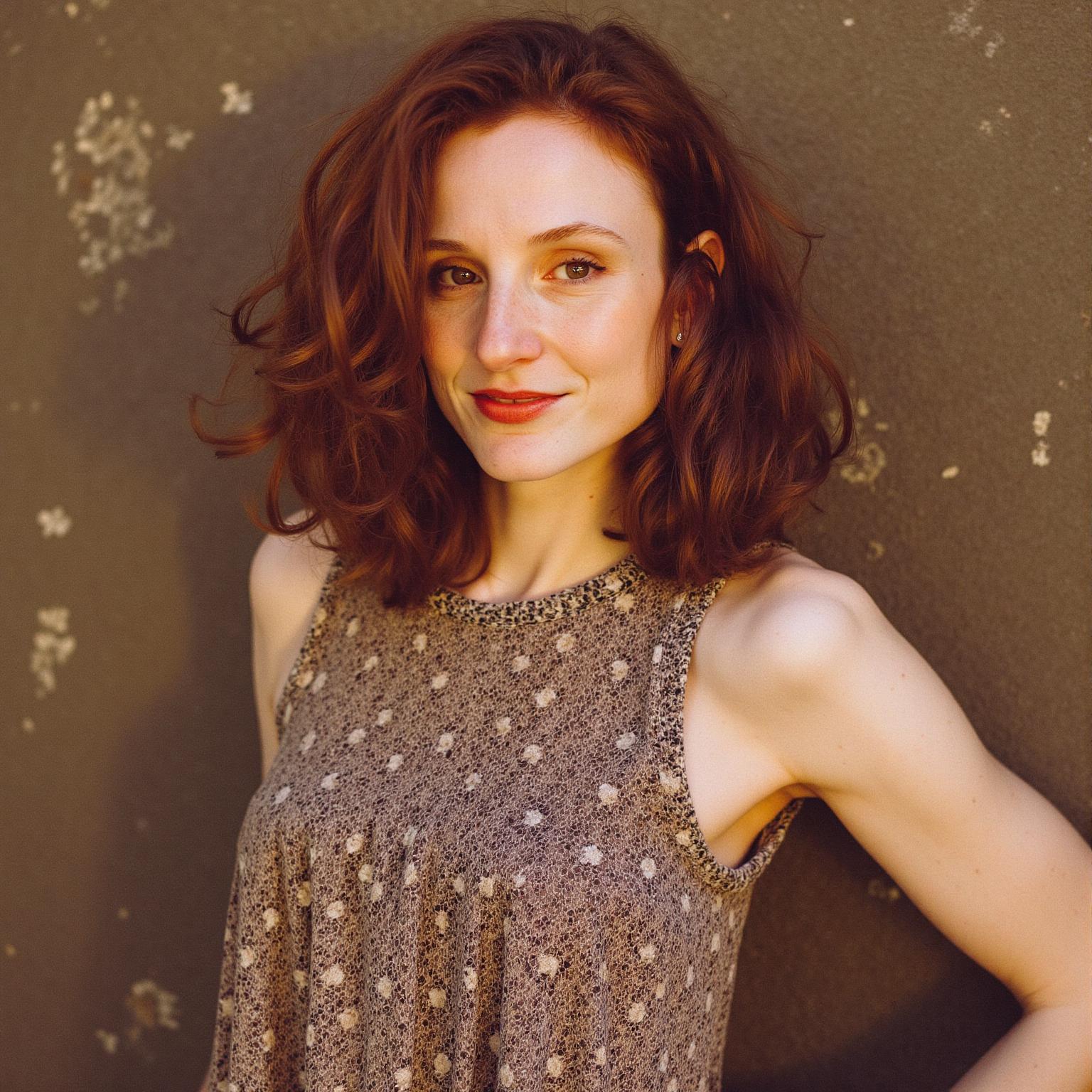
Creative Industry
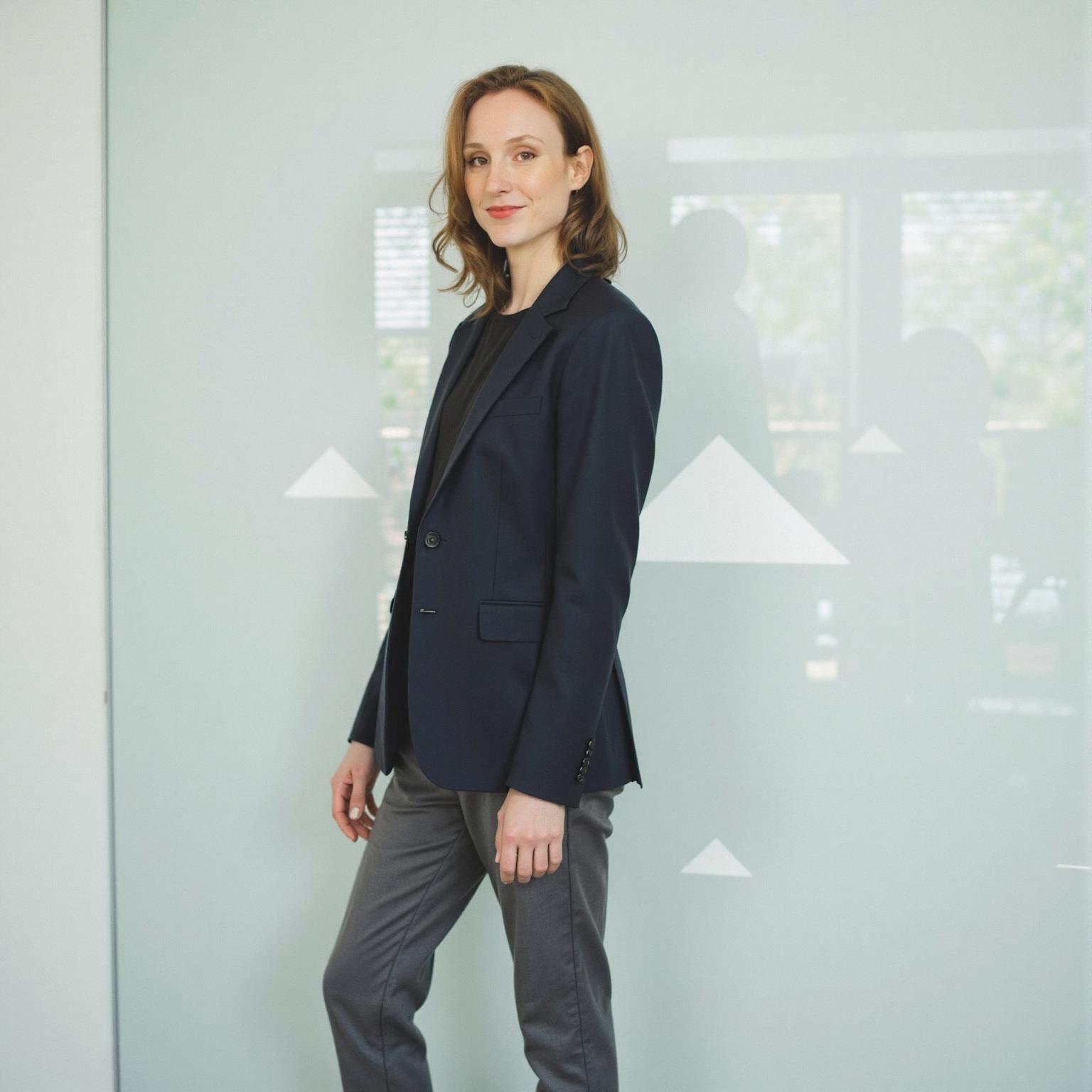
Tech Innovator
All generated from the same trained model using different prompt packs
Why Model Training Gives the Best Results
- True likeness: The AI learns your specific facial features, skin tone, hair texture, and proportions from multiple angles
- Unlimited variety: Generate hundreds of different photos without uploading anything new
- Style flexibility: Professional headshots, casual outdoor, creative concepts—all from the same model
- Consistency: Every photo looks unmistakably like you, even in wildly different settings
- Full-body support: Not just headshots—full-body photos in different outfits and poses
Train Your AI Model
Upload 10-20 photos and get unlimited AI photos of yourself.
Method 2: Face Swap (Quick & Easy)
If you don't need dozens of photos and just want a quick result, face swap is the fastest path. You upload a photo of yourself and a target image (the photo you want your face on), and the AI replaces the face in the target with yours.
How It Works
- Step 1: Upload Your Face Photo
Go to the Face Swap tool. Upload a clear photo of your face—good lighting, looking at the camera, no obstructions.
- Step 2: Choose or Upload a Target Image
This is the photo you want your face placed into. It could be a stock photo of someone in a business suit, a celebrity red carpet shot, or a creative template.
- Step 3: Generate and Download
The AI swaps your face onto the target in seconds. Download the result and you're done.
When Face Swap Works Best
- • One-off projects — You need a single photo for a specific purpose
- • Fun and creative — Placing yourself in movie posters, magazine covers, or memes
- • Quick social media content — Swap your face into trending templates
- • Testing the waters — Try AI photos before committing to model training
The limitation: Face swap works from a single reference photo, so the AI has less data about your face than a trained model. Results are good, but for the highest accuracy across many different photos, model training wins.
Try Face Swap
Instant results, no training required.
Method 3: Free Headshot Generator (Zero Cost)
If all you need is a professional-looking headshot and you don't want to spend anything, the free headshot generator is the simplest option. Upload a selfie, and the AI transforms it into a polished, professional headshot with proper lighting and a clean background.
- Step 1: Upload a Clear Selfie
A front-facing photo with decent lighting. Phone selfies work fine—just make sure your face is clearly visible and well-lit.
- Step 2: Get Your Headshot
The AI enhances lighting, cleans up the background, and gives you a professional-grade headshot. No accounts, no payments, no catches.
See the transformation — casual selfies become polished headshots:
Before
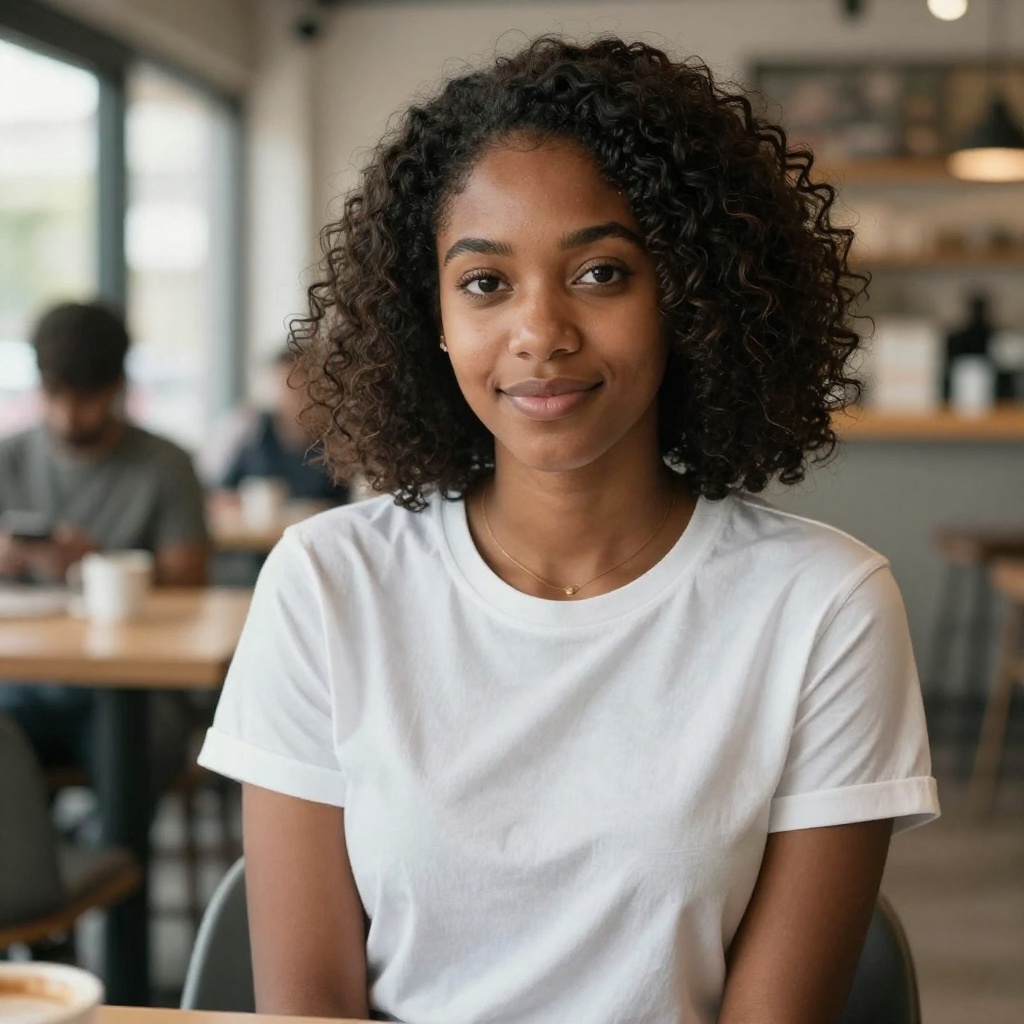
After
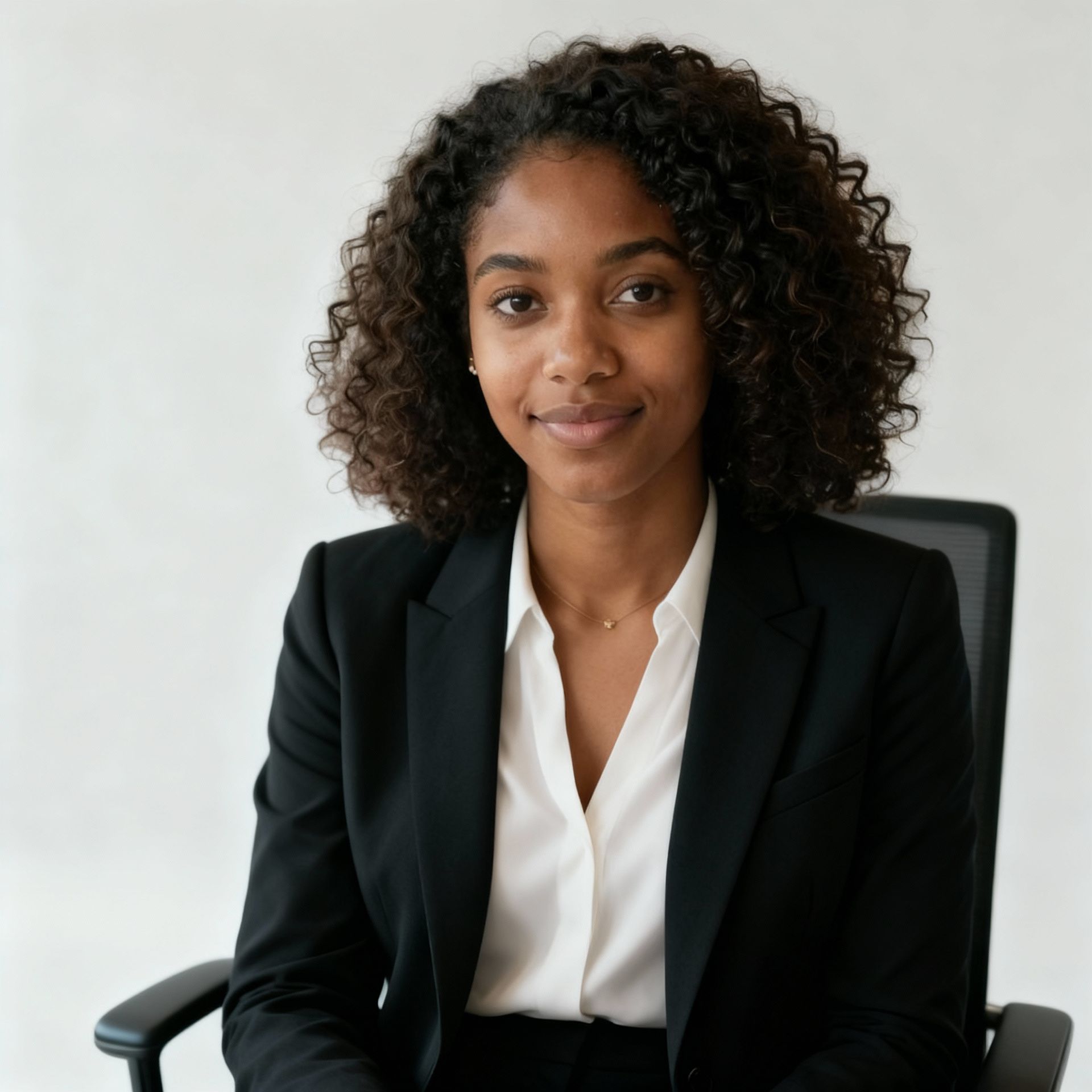
Before
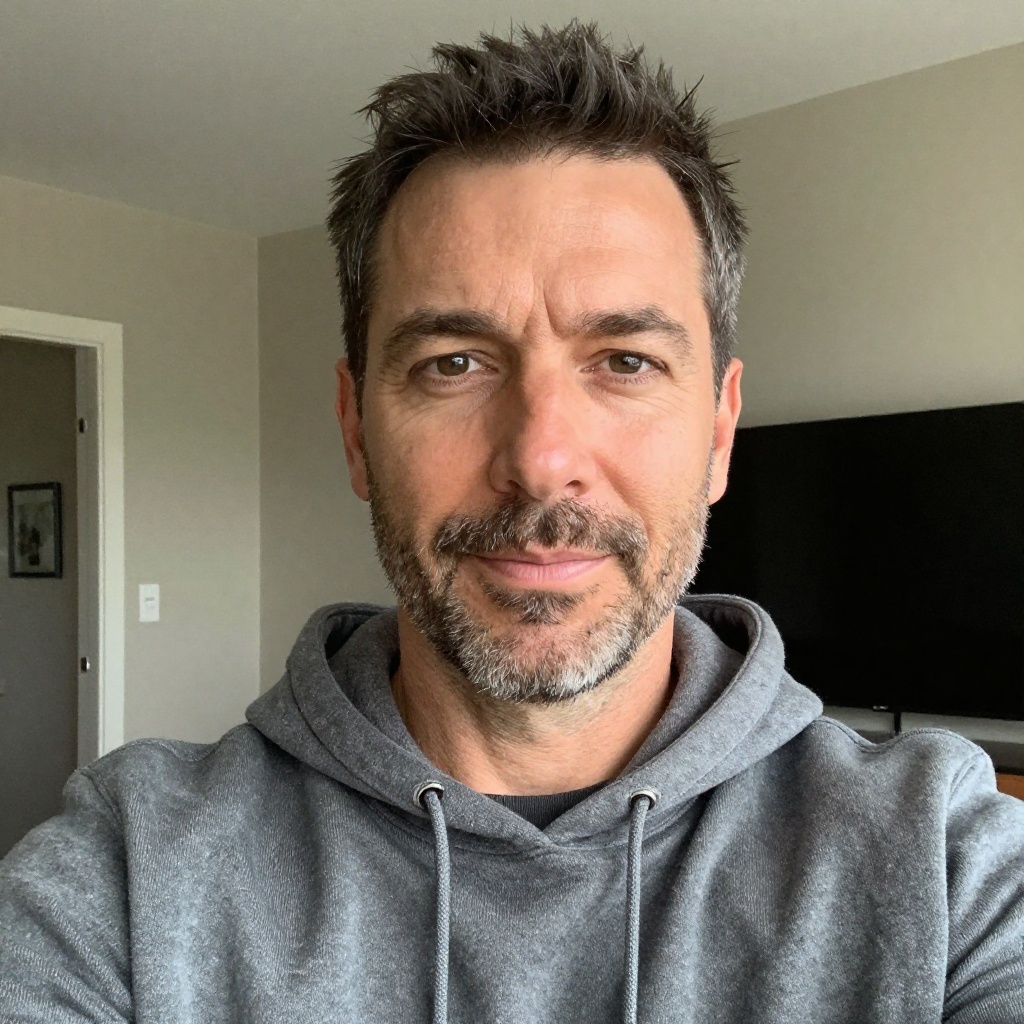
After
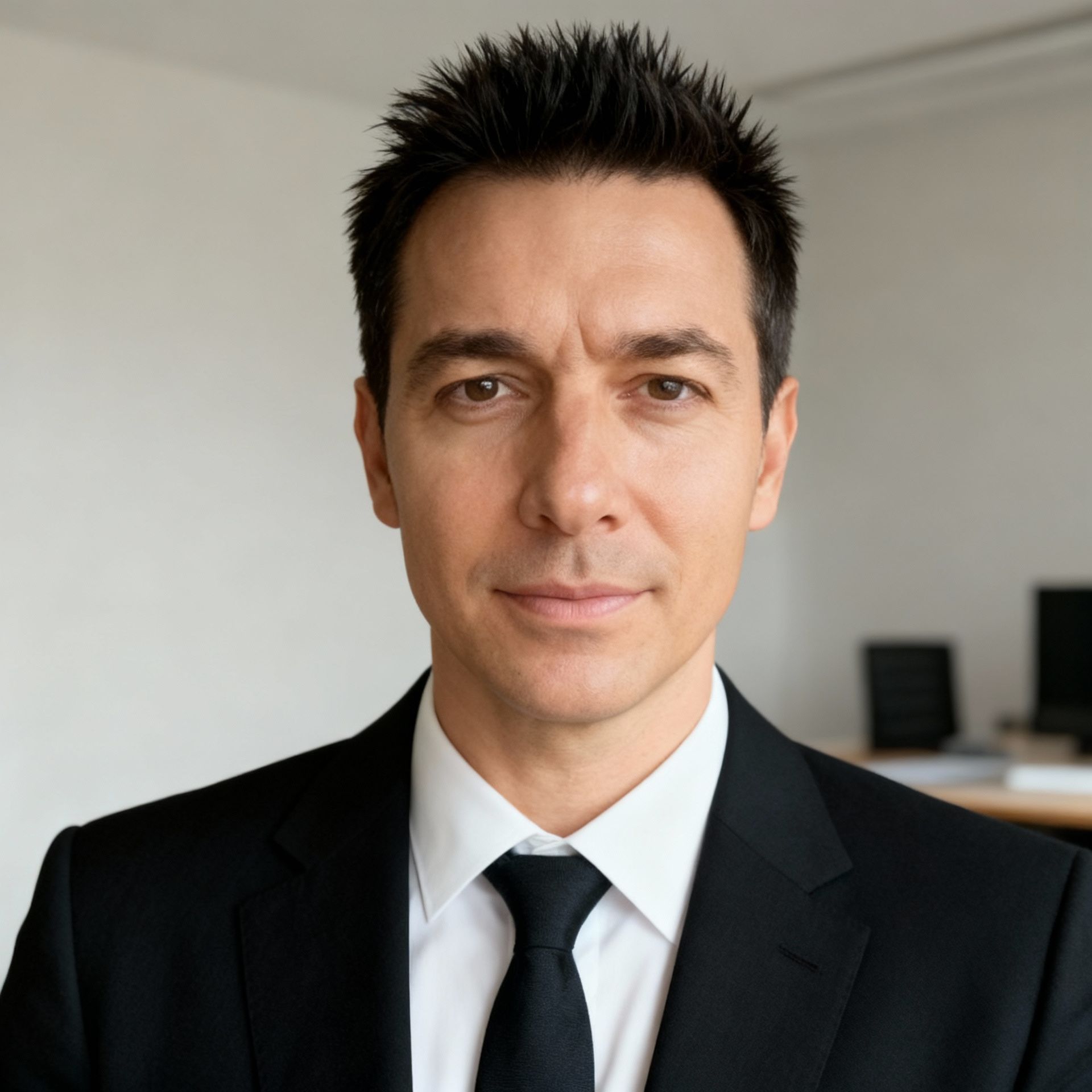
Before
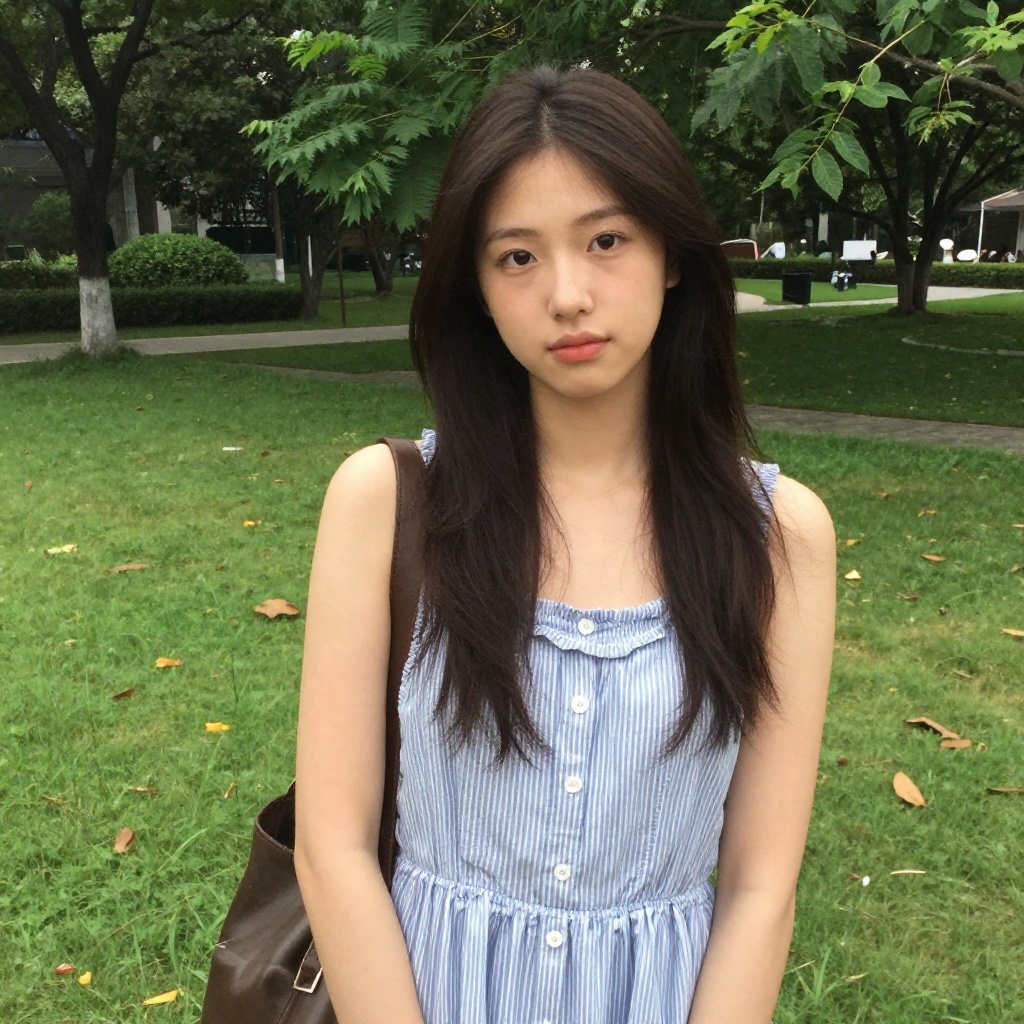
After
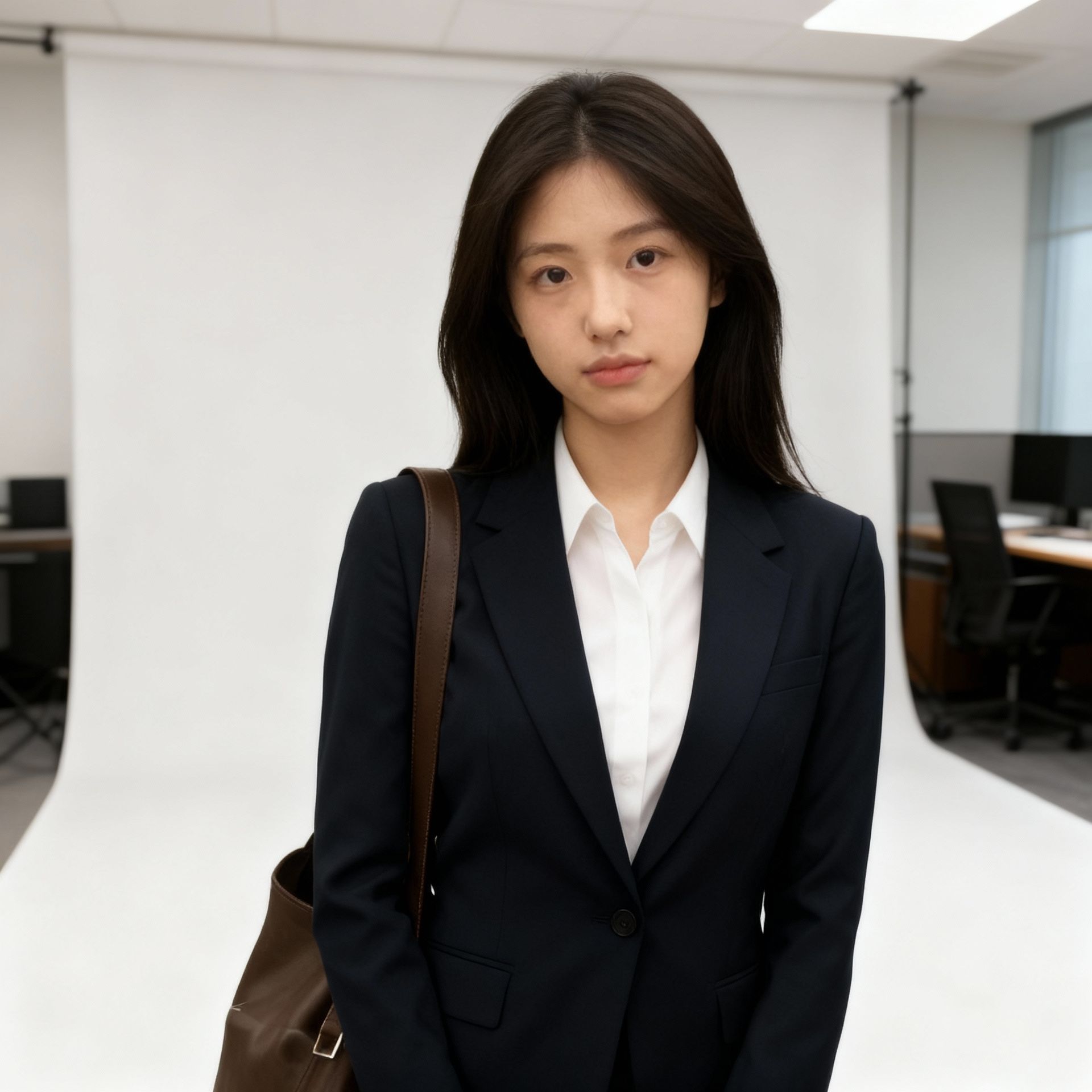
This is a great starting point if you're new to AI photos. It takes 30 seconds, costs nothing, and gives you a usable professional headshot immediately. If you like the results and want more variety, you can graduate to model training.
Get a Free Headshot
No sign-up, no payment. Just upload and download.
Tips for Better Training Photos
If you go with model training (which we recommend for the best results), the quality of your training photos directly impacts the quality of your AI-generated images. Here's what matters:
Do This
- Use natural lighting — Window light or outdoor shade produces the most accurate skin tones
- Include multiple angles — Front, 3/4 left, 3/4 right, slight tilt up and down
- Vary your expressions — Smiling, neutral, serious, laughing. The AI needs to learn your range
- Wear different outfits — This helps the AI separate "you" from "your clothes"
- Use different backgrounds — Indoor, outdoor, plain walls, nature. Prevents the AI from associating you with one setting
- Keep photos recent — Use photos from the last 6 months so the AI matches how you currently look
Avoid This
- Sunglasses or hats — The AI needs to see your full face in most photos
- Heavy filters or edits — These teach the AI a filtered version of you, not the real you
- Group photos — The AI might get confused about which face to learn
- Blurry or low-res images — More detail = better training. Use sharp, high-resolution photos
- All the same angle — 10 front-facing selfies won't teach the AI your profile view
- Very old photos — If you've changed significantly, old photos will confuse the model
The Magic Number
15 photos is the sweet spot. Below 10, the AI doesn't have enough data to capture your likeness accurately. Above 20, you're adding diminishing returns. Aim for 15 diverse, well-lit, recent photos and you'll get excellent results.
What You Can Create with AI Photos of Yourself
Once your model is trained, the only limit is your imagination. Here are the most popular categories people generate:
Professional Headshots
Studio-quality headshots with professional lighting and neutral backgrounds. Perfect for LinkedIn, company directories, and conference bios.
See headshot examplesDating Photos
Natural-looking photos with great lighting, flattering angles, and interesting backgrounds. Studies show quality photos boost matches by up to 203%.
Read the dating photo guideSocial Media Content
Eye-catching posts for Instagram, TikTok, or X. Create a consistent personal brand without daily photoshoots.
Trending AI photo stylesCreative & Artistic
Renaissance paintings, anime characters, comic book heroes, movie posters, fantasy scenes—see yourself in any artistic style.
Holiday Cards
Custom holiday cards with themed backgrounds—winter wonderland, tropical Christmas, or anything in between. No photographer needed.
Business & Branding
Consistent brand imagery for entrepreneurs, freelancers, and content creators. Same face, different contexts, unified aesthetic.
Style Examples: Before & After
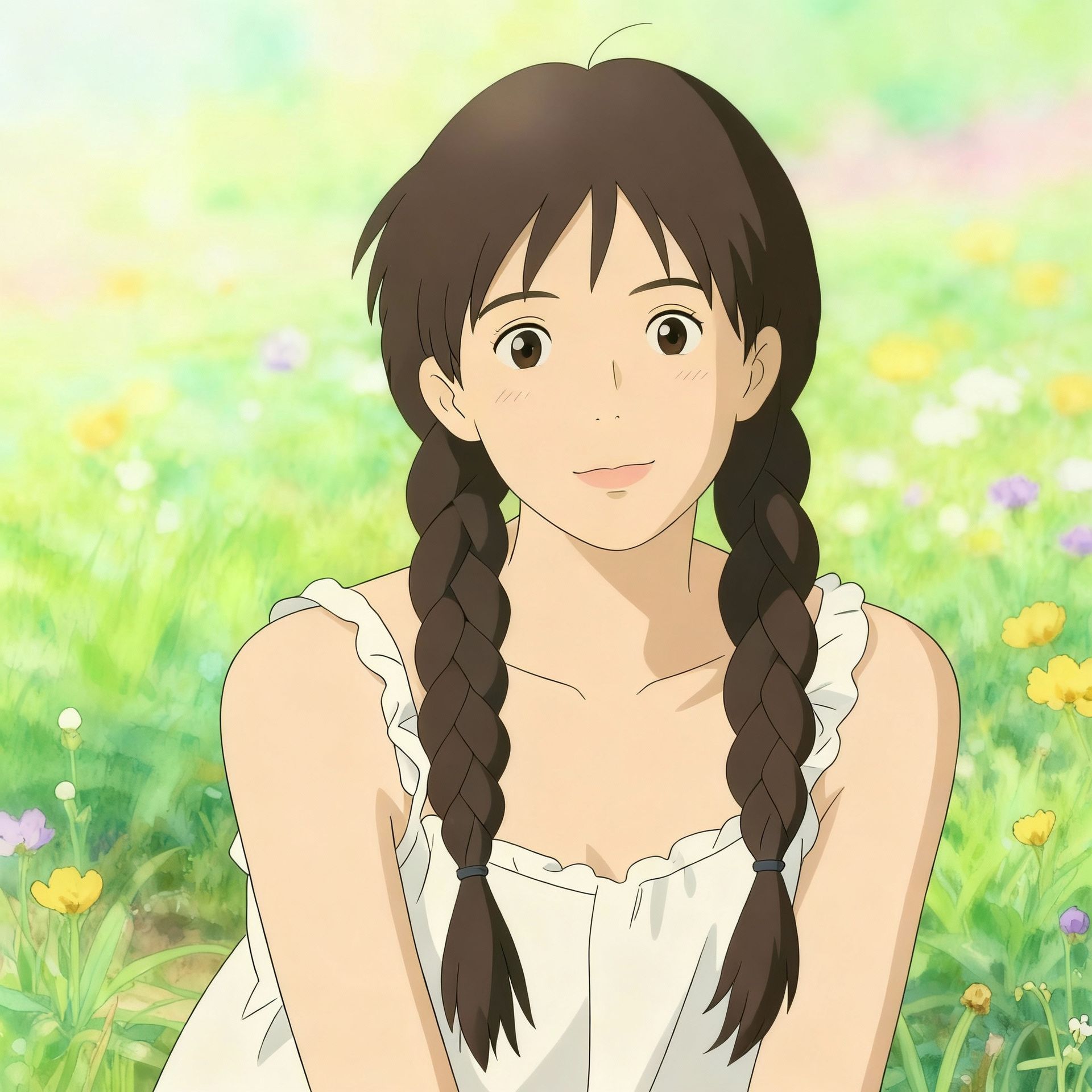
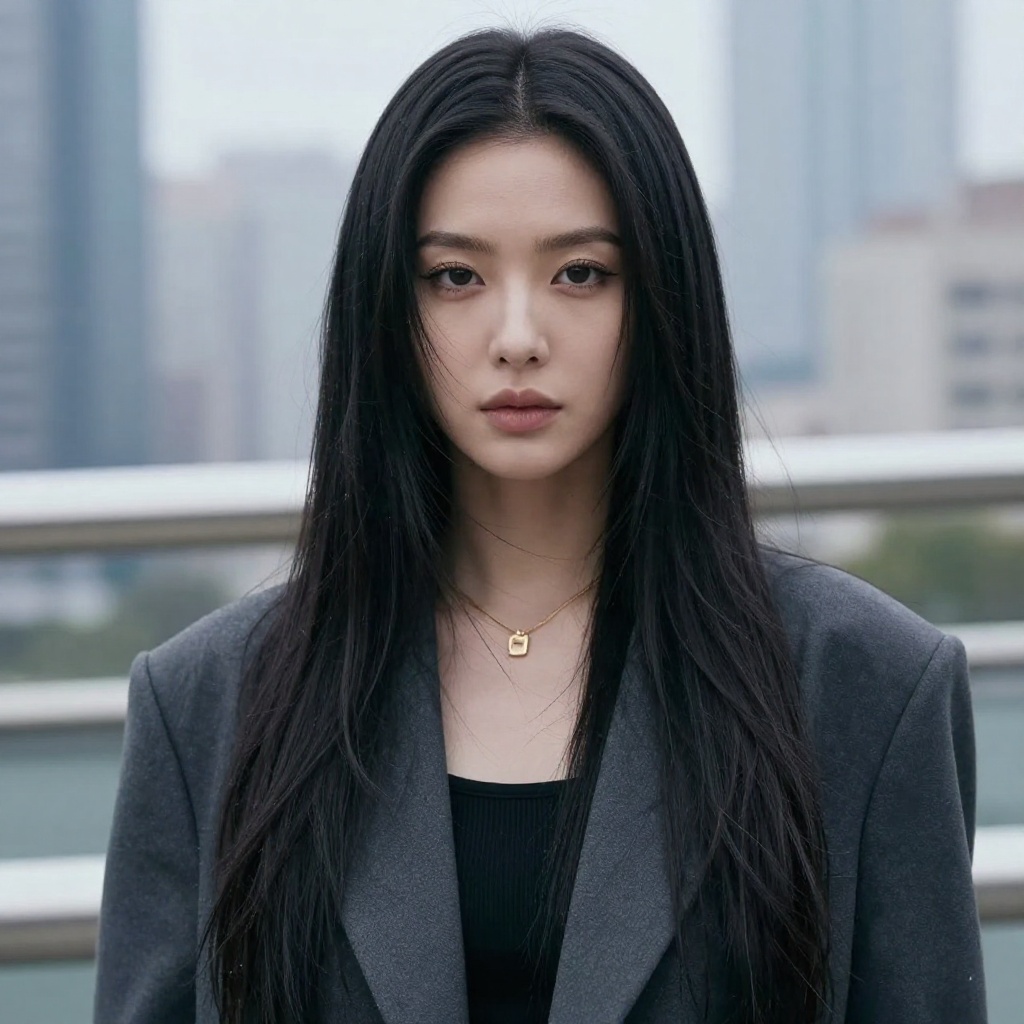
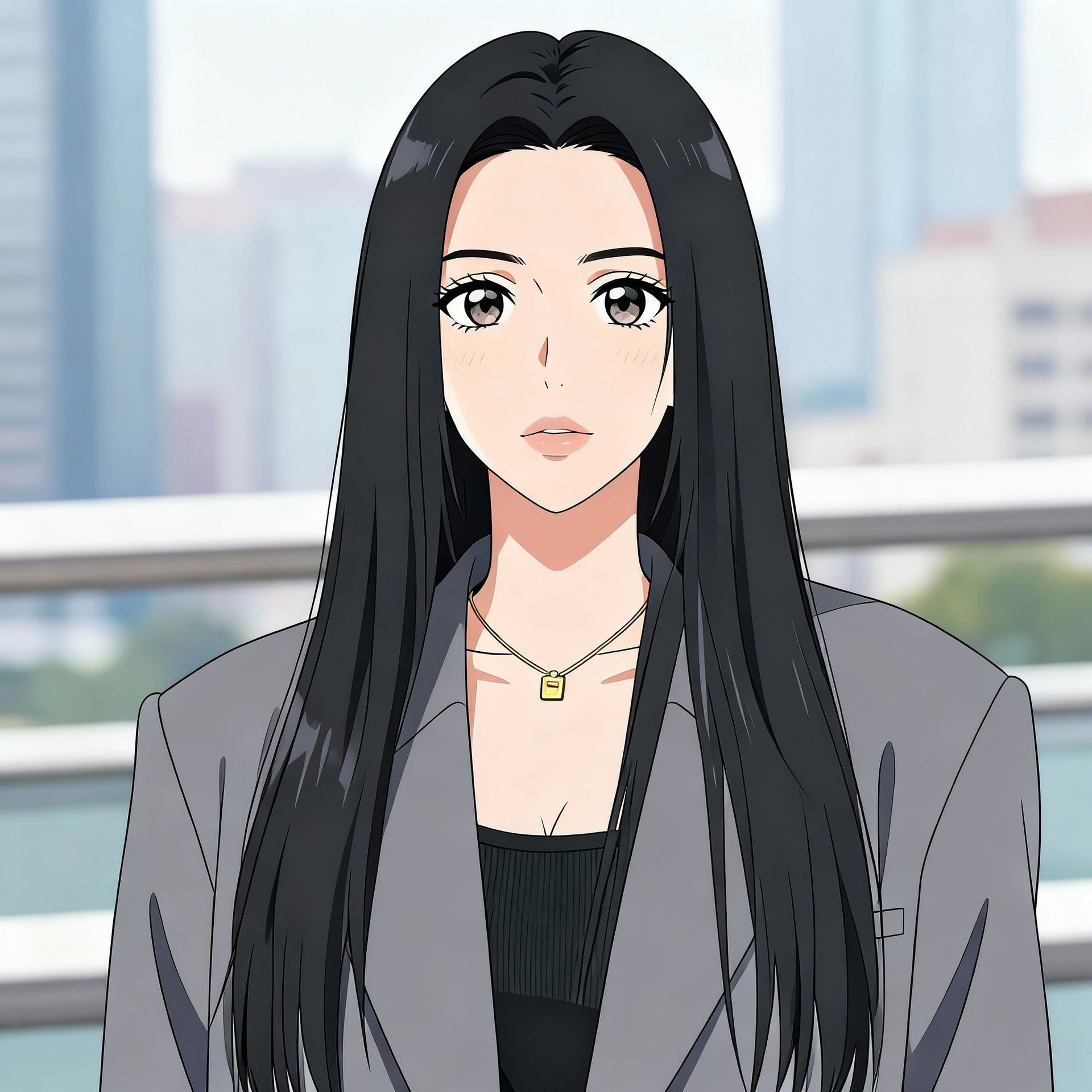
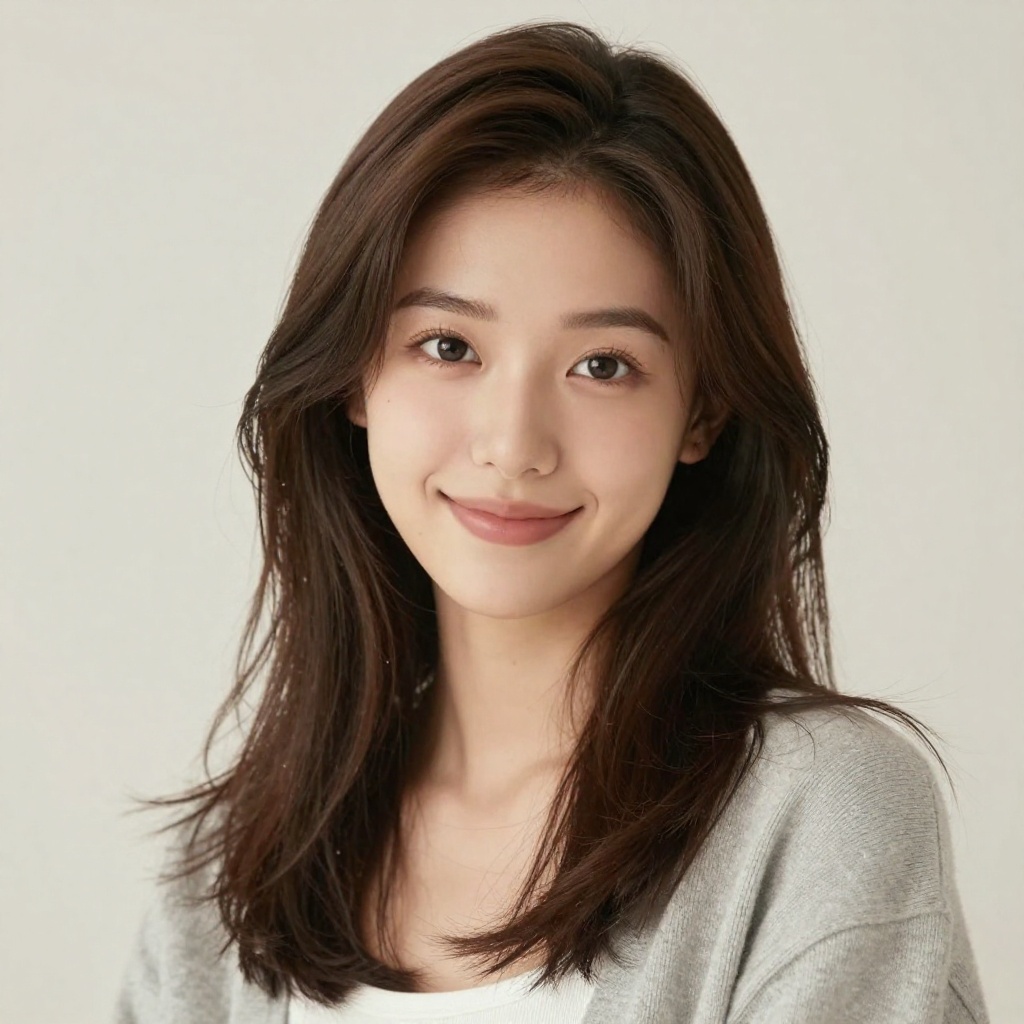
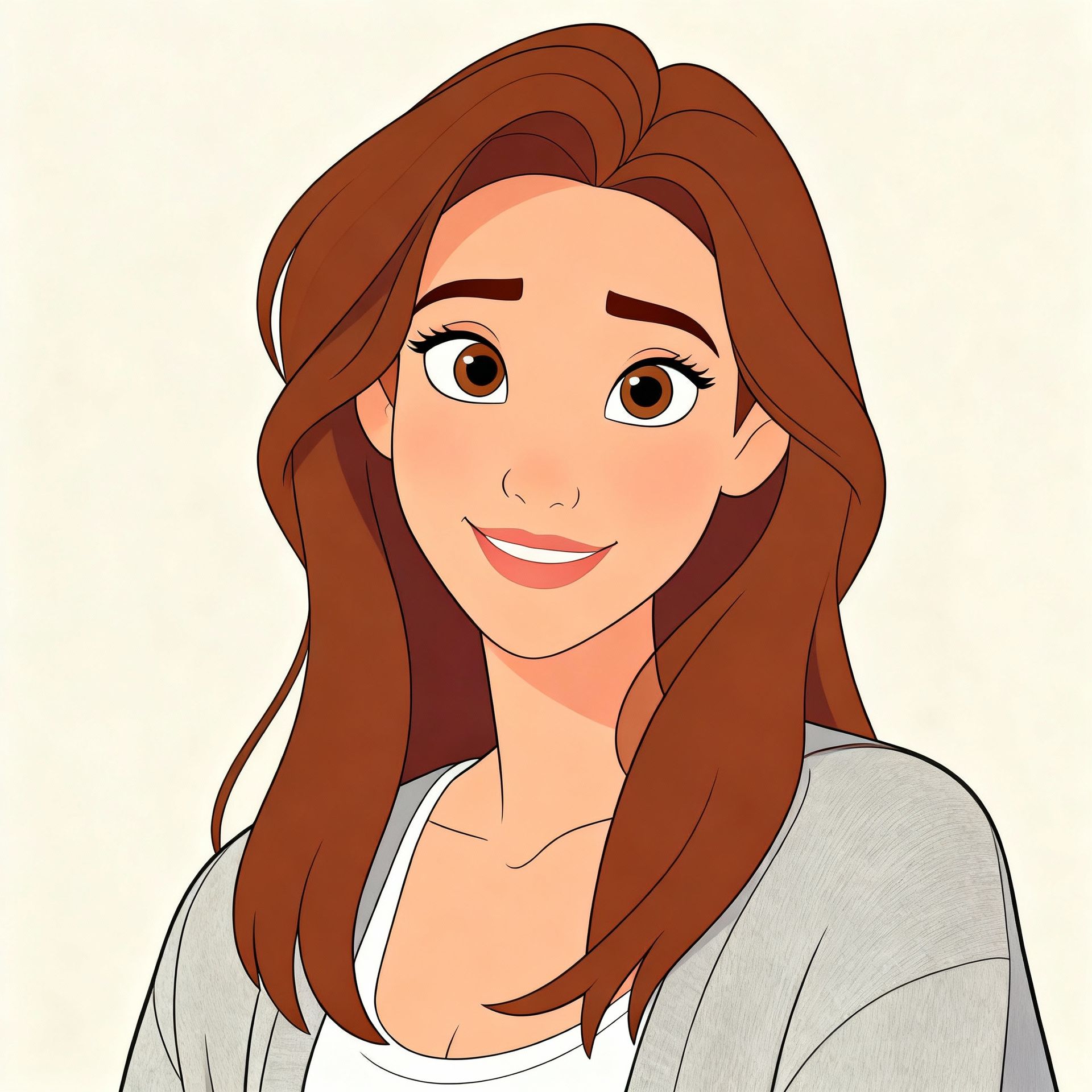
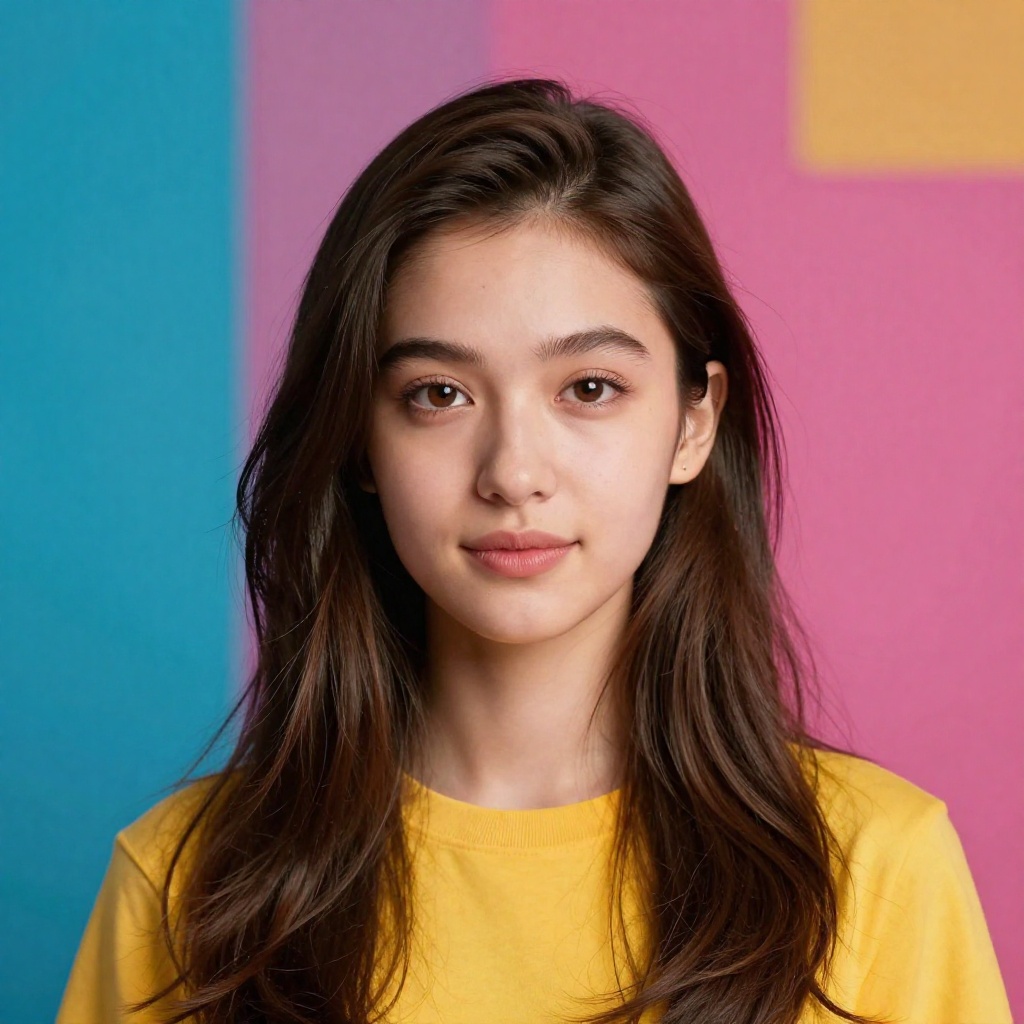
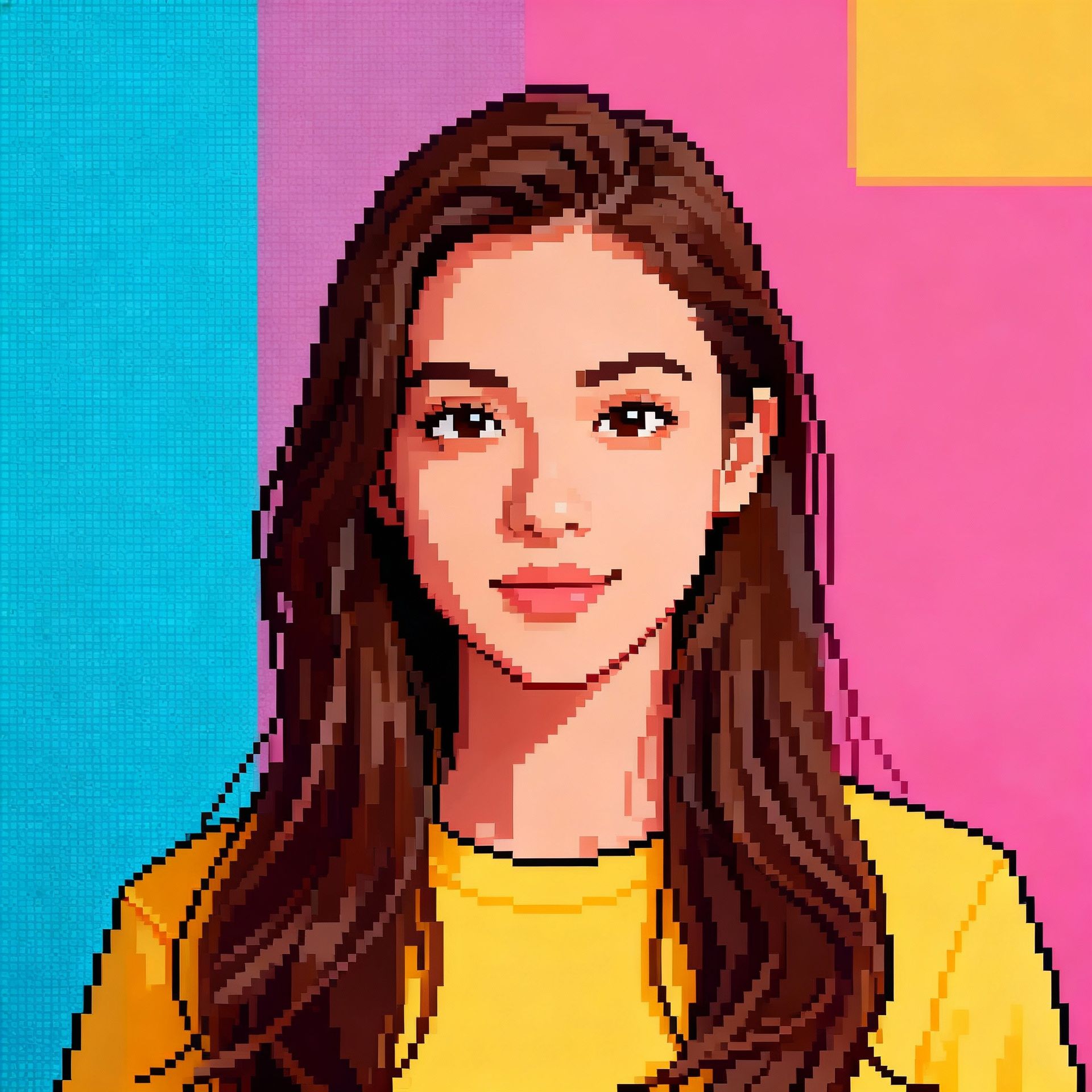
Here is what different AI art styles look like applied to real photos:
Studio Ghibli Style
Before
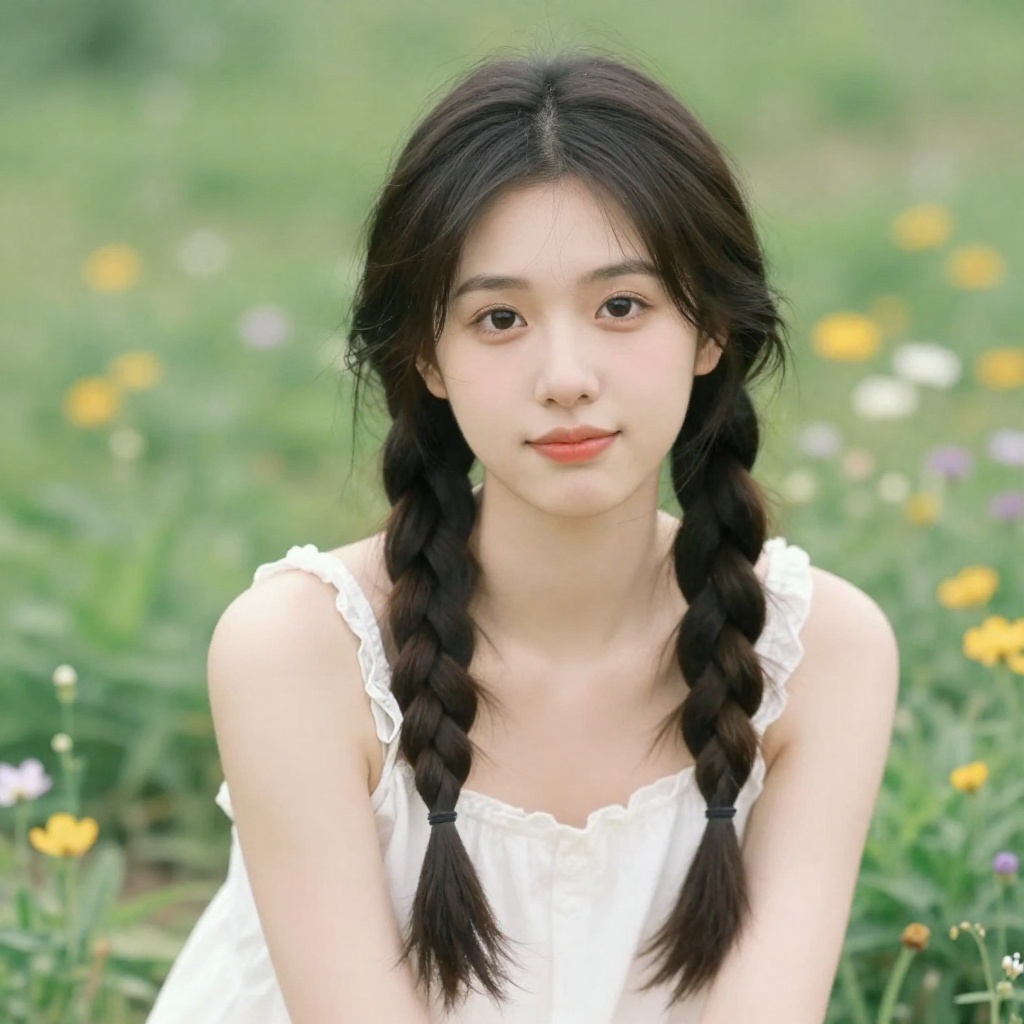
After
Anime Style
Before
After
Disney Style
Before
After
Pixel Art Style
Before
After
Comparison: Model Training vs Face Swap vs Free Tools
Each method has its strengths. Here's how they stack up:
| Feature | Model Training | Face Swap | Free Headshot |
|---|---|---|---|
| Best For | Ongoing, unlimited photo needs | Quick, one-off results | Single professional headshot |
| Setup Time | 5 min upload + ~1 hr training | Under 1 minute | Under 30 seconds |
| Photos Needed | 10-20 photos | 1 photo + 1 target | 1 selfie |
| Likeness Accuracy | Excellent | Good | Good |
| Style Variety | Unlimited | Limited to target images | Professional headshots only |
| Full-Body Photos | Yes | Yes | No |
| Cost | From $14/mo | Credits required | Free |
| Reusable Model | Yes — generate forever | No — one-time use | No — one-time use |
Which Method Should You Choose?
Choose Model Training if:
- • You want multiple photos in different styles
- • Professional headshots are a priority
- • You plan to create content regularly
- • Likeness accuracy matters most
- • You want full-body photos with different outfits
Choose Face Swap if:
- • You need just one specific photo
- • You have a target image in mind
- • Speed matters more than perfection
- • It's for fun or a quick social post
Choose Free Headshot if:
- • You just need a LinkedIn photo
- • You don't want to spend anything
- • You want to try AI photos before committing
- • You need something in 30 seconds
Not Sure? Start Free
Try the free headshot tool, then upgrade to model training if you want more.
Privacy & Safety: What Happens to Your Photos
Uploading photos of your face to any service is a reasonable concern. Here's what you should know about how BestPhoto handles your data:
Your Privacy Protections
- • Your photos are yours — We don't use your training photos or generated images for anything beyond your account
- • No sharing with third parties — Your face data stays within your account and is never sold or shared
- • Delete anytime — You can delete your trained models and all associated data at any time
- • Encrypted storage — All photos are stored with encryption in transit and at rest
- • Commercial rights — Photos you generate are yours to use commercially (LinkedIn, websites, marketing materials)
General AI Photo Safety Tips
- • Only use your own face — Creating AI photos of someone else without their consent is unethical and potentially illegal
- • Don't misrepresent — AI photos should enhance how you look, not make you unrecognizable
- • Check platform policies — Some platforms require disclosure of AI-generated content
- • Keep originals — Always maintain your original unedited photos alongside AI-generated ones
Frequently Asked Questions
Is it legal to create AI photos of yourself?
Yes. Creating AI photos of yourself is entirely legal. You own the rights to your own likeness, and the generated images are yours to use. The legal concern is creating AI images of other people without their consent—don't do that.
How many photos do I need for model training?
10-20 photos is the recommended range. 15 is ideal. Below 10, the AI doesn't capture your likeness well enough. Above 20, there are diminishing returns. Focus on variety (different angles, lighting, expressions) rather than quantity.
How long does AI model training take?
Typically 30-60 minutes. The upload itself takes under 5 minutes. After that, the AI processes your photos in the background. You'll receive a notification when your model is ready to use.
Can I use AI photos commercially (LinkedIn, websites, marketing)?
Yes. Photos generated with BestPhoto are yours to use for any purpose, including commercial use. Many users create AI headshots specifically for LinkedIn, company websites, business cards, and marketing materials.
Will AI photos look fake or "uncanny"?
With model training and good source photos, no. The technology in 2026 produces results that are genuinely indistinguishable from professional photography. The main reasons photos look "off" are poor training data (too few photos, bad lighting, sunglasses) or unrealistic prompts. Follow our training tips above for the best results.
What if I don't like the results?
Generate more. One of the biggest advantages of AI is that each generation takes seconds and costs very little. If a photo doesn't look right, tweak your prompt and try again. Most users find their ideal photos within 5-10 generations.
Can I train multiple models (e.g., for family members)?
Yes. You can train separate models for different people, each with their own set of training photos. This is popular for family holiday cards or couple photos.
Do I need to retrain if I change my appearance (haircut, beard, etc.)?
For minor changes, the AI can usually adapt via prompting (e.g., "with short hair"). For significant changes—major weight change, dramatic new hairstyle—you'll get better results training a new model with updated photos.
Ready to Create AI Photos of Yourself?
Whether you need professional headshots, dating photos, social media content, or creative portraits—train your AI model once and generate unlimited photos in any style.
No credit card required for free tools • Model training from $14/mo
Related Articles & Tools
Try These Tools
Try it on one of your own photos
Most of our photo tools have a free version. Upload a picture and see what it does before you decide anything.