The Best Way to Scan a Shoebox of Old Photos
Stuck partway through a shoebox of photos? Scan the 50 that matter first, tonight, then batch the rest by size on the right scanner. A plan you'll finish.
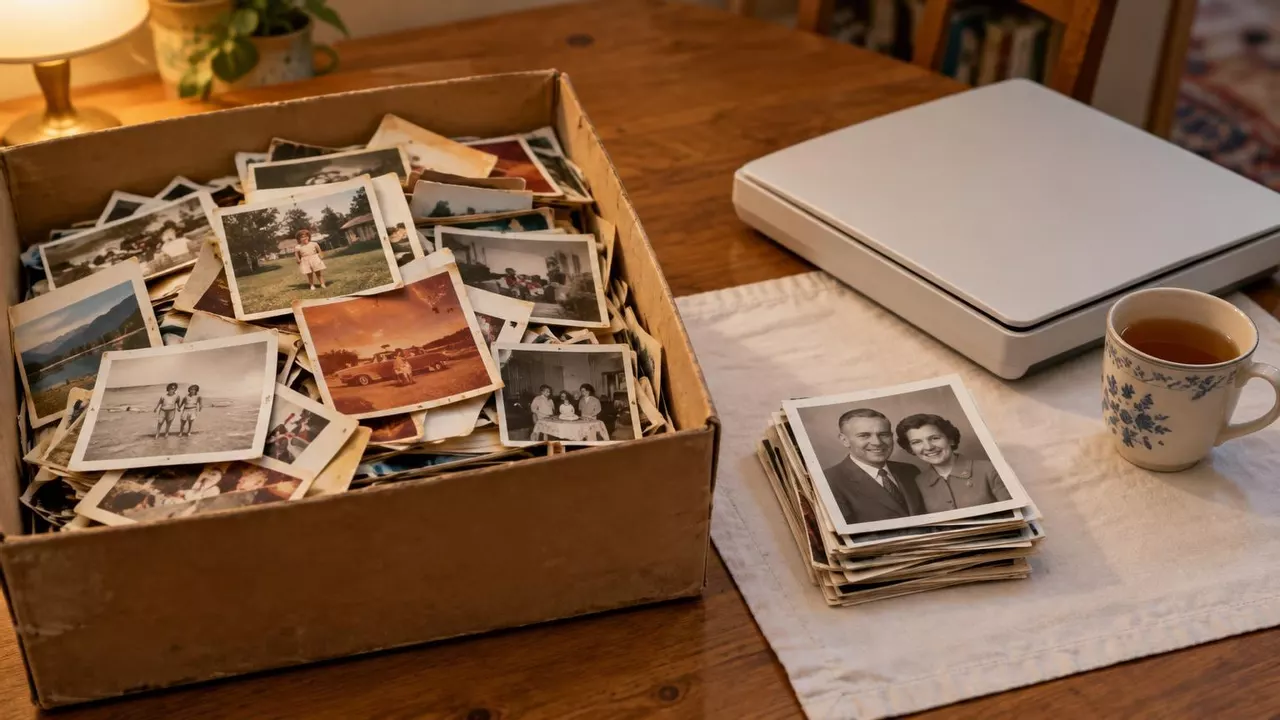
Six boxes came home when your parents moved. One Sunday you set up the scanner, got to photo 140, and the box went back in the closet.
That's the usual story. One person on a genealogy forum scanned happily for a few days and then, in their words, “stopped cold turkey” (r/Genealogy). The people who finish don't have more willpower. They scan in a different order.
The short version
- 1. Pull the 50 that matter and scan them first, tonight, on the best tool you have.
- 2. Sort the rest by size and do one size per session.
- 3. Skip what nobody will miss: duplicates, blurry shots, scenery with no one in it.
- 4. Keep the files in two places.
Start with the 50, not the 2,000
Scanning a box from the top down feels fair. It's also why people quit. On a flatbed, a print takes about a minute once you place it, scan it, crop it and name it. Two thousand of them is 33 hours. At a couple of hours a week that's March, and the photos you care about could be anywhere in the pile.
Flip the order and the important part is finished before bed.
Which 50? Go with your gut, then check it against this:
- the only copy of a photo, or the only picture of someone;
- faces of people who are gone;
- anything with writing on the back;
- prints that are already fading, curling or stained (here's why color prints turn orange).
The Library of Congress's advice for family photo collections starts the same way: “Pick the images you feel are especially important.” Scan them as they are. Fixing can wait. Getting the copy is the part that matters.
Phone app, photo scanner or flatbed? Match the tool to the pile
There's no single best photo scanner. Each one is great at one kind of pile and bad at another.
A photo scanner app is quick and already in your pocket, and it's the right call for prints glued into albums. The catch is glossy paper throwing light back at the lens, which our guide to photographing a photo without glare sorts out.
A sheet-fed photo scanner takes a whole stack at once. Epson's FastFoto, the best-known one, costs about $530 to $630 and scans up to a photo a second (Epson). One owner sorted about 4,000 prints by size and finished in four and a half hours (r/DataHoarder).
Is it safe for old prints? People who've used one disagree. Epson says it's made for “worry-free scanning of delicate photos” and includes a clear carrier sheet for them, and the 4,000-photo owner put curled and torn prints in that sleeve with no trouble. In the same thread, another person said an Epson feeder “scratches up the photos if glossy,” and a third warned that feed-through scanners can damage old photos.
You don't have to settle that argument. Feed it the sturdy everyday snapshots, put anything curled or cracked in the carrier sheet, and give your 50 to the flatbed, where nothing moves the print.
You don't have to own one forever, either. “Photo scanners are like treadmills,” a reply in that first thread says: people buy them, use them once and sell them. Buying used and reselling, or renting one for a weekend, is normal.
A flatbed is slow, which is fine for 50 photos. It handles odd sizes and prints too fragile to feed. 600 dpi covers most prints, and our DPI guide has the rest. Slides and negatives need light shining through them, so they have their own guides for slides and negatives.
A routine that doesn't burn you out
Once the 50 are safe, the rest is a chore, so keep each sitting short and boring. Sort the box by size before you scan a thing.
- 1One size per session. Wallets tonight, 4×6s on Saturday. The settings and the crop stay put, so you stop fiddling and start feeding.
- 2Blow the dust off. Don't wipe it. A rubber air blower from a camera shop is the safe tool. The Library of Congress warns that even soft brushes can scratch a print, and it says no to canned air. Wipe the scanner glass often instead.
- 3Name files by year. Something like 1978-07-lake-03.jpg. Dates sort themselves, and a rough guess beats IMG_4471.
- 4Scan the backs that have writing. A name, a date, “Mom at 16.” Scan it right after the front and give it the same name with -back on the end.
Dust deserves the extra ten seconds. Every speck on the print or the glass ends up in the file, and getting it out later takes far longer than blowing it off now.
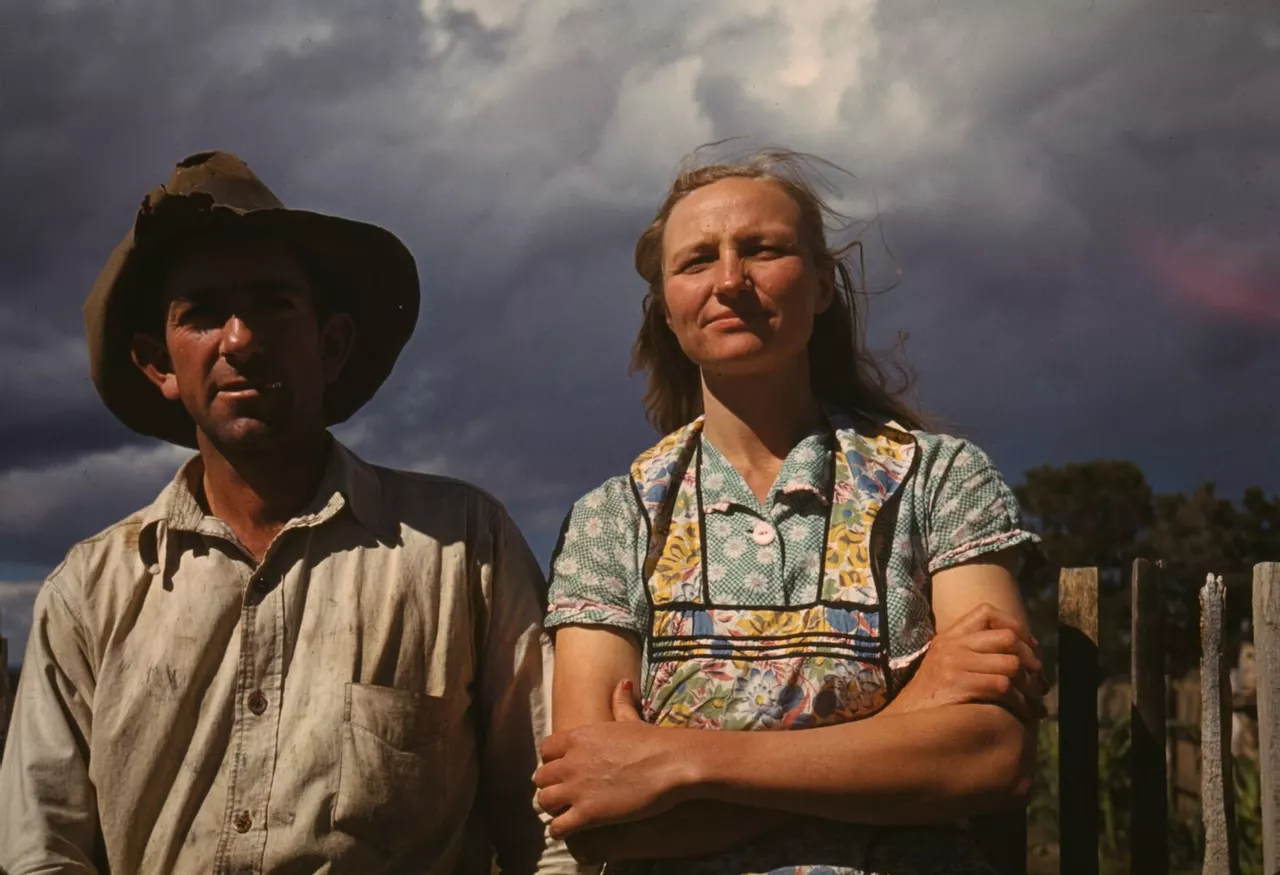

Then let some photos stay in the box. Twelve near-identical shots of the same birthday cake? Scan the best one. The blurry ones, the empty scenery and the strangers from a cruise can wait forever.
When a batch is done, copy the folder to a second place, like a cloud drive or a USB drive kept at a relative's house. And if someone who knows the faces is still around, sit them next to you and let your phone record while you go.
Fix the handful that need it
Most of your scans need nothing. A few will be faded, scratched or torn, and that's where our photo restorer earns its keep: on those few, not on all 2,000.
Keep your full scan as the master and upload a JPEG copy about 2,000 to 3,000 pixels on its long side. Where damage covers a face, the AI has to fill in the gaps, so compare the result with the original (here's how to check a restored face). If a wallet print came out small, the free upscaler doubles it without a watermark.
You can try the restorer free without an account, up to two photos a day. Free results are a watermarked preview; clean, full-size downloads come with a paid plan.
Bring back the few that faded
Upload one of your 50 that has faded or torn and see it repaired in seconds.
Quick questions
Is a photo scanner app good enough?
For sharing, and for photos stuck in albums, yes. For the ones that matter most, a flatbed gives a sharper, flatter copy with no glare, so borrow one if you can.
Will a sheet-fed photo scanner damage old photos?
Owners disagree. Epson sells its FastFoto as safe for delicate photos and includes a carrier sheet, and plenty of people run thousands of prints through it. Some report scratches on glossy prints. Feed it sturdy snapshots, sleeve the curled ones, and put the irreplaceable ones on a flatbed.
How long does it take to scan 2,000 photos?
On a flatbed, one at a time, plan on about a minute each: roughly 33 hours. A sheet-fed photo scanner can get through sturdy snapshots in an evening or two.
Images: “Faro and Doris Caudill, homesteaders, Pie Town, New Mexico” by Russell Lee, 1940, Library of Congress, public domain (cropped, resized, dust added digitally). Top image: illustration made with AI. Videos: ours; the prints in them are public-domain photos from the Library of Congress (Russell Lee, 1940; Jack Delano, 1941), the National Archives (Documerica, John Messina, 1973, NARA 548303), the U.S. Navy (80-G-27208, 1942) and Wikimedia Commons (Wallin family c.1907, Dandridge McRae c.1860, Lemmens 1925); the duplicate and blurred prints are made digitally, and the box, scanners and table are 3D models.
Try it on one of your own photos
Most of our photo tools have a free version. Upload a picture and see what it does before you decide anything.