Alternative to Kling AI
AI Photos, Video & 40+ Free Tools
Kling AI is a powerful AI video generator with 22M+ users worldwide. BestPhoto offers a different approach — combining AI photo generation, 8 editing modes, video generation, and 40+ free tools in one platform. Here's an honest comparison.
What Kling AI Users Say
Mixed feedback from real users — Kling AI excels at video quality but has credit and support concerns.
"I love KlingAI! I have had fantastic results and created excellent videos with it."
"Kling AI 2.0 has the best quality product for anyone with some understanding! The development is very fast, improving faster than most AI generative services."
"In the AI community Kling AI is highly regarded. Look on Facebook AI groups and you'll see lots of videos created by this app."
"KlingAI's pricing structure seems unreasonable. Half the videos generated were unusable. Generation wait times exceeded 3 hours for short videos."
"While the video creation tool itself is satisfactory, their billing infrastructure feels outdated. Customer support appears nonexistent, and charges occurred without credits received."
"Spent $125 on credit drains from AI errors. Poor results on simple prompts, no staff to get support from and not one credit refunded on poor generations."
Sources: Trustpilot • Reddit
Kling AI vs BestPhoto: Feature Comparison
A direct comparison based on publicly available information and user reviews.
| Feature | Kling AI | BestPhoto |
|---|---|---|
| Starting Price | $10/month (Standard, 660 credits) — video-focused | Free tier available — photos, editing & video |
| Try Before You Pay | 66 free credits/day, watermarked, low resolution | 40+ free tools, no credit card needed |
| AI Video Generation | Industry-leading text-to-video & image-to-video with cinematic controls | AI talking heads, image-to-video, text-to-video, podcast clips |
| AI Photo Generation | Text-to-image with Kling O1 and Kolors models | Multiple AI models with trained model support |
| Photo Editing Tools | Basic inpainting, expand, and remove tools | 8 editing modes including background removal, upscale, restyling |
| Free Editing Tools | Limited — credit-based for all features | 40+ completely free tools, no sign-up required |
| Professional Headshots | Not a dedicated feature — face models are video-focused | Custom trained models for AI headshots in any style |
| Video Length | 5–15 seconds per generation (extendable) | Variable length depending on type |
| Camera Controls | Advanced — pan, tilt, zoom, orbit, tracking shots | Standard video generation controls |
Kling AI: Honest Pros & Cons
Kling AI is a strong tool for AI video generation. Here's the balanced view.
Kling AI Pros
- Industry-leading AI video quality with realistic human motion and expressions
- Advanced camera controls — pan, tilt, orbit, zoom, and tracking shots
- Multiple AI models (1.0 through 3.0, O1) with rapid 2–3 month iteration cycles
- Character consistency with multi-image reference (up to 4 elements)
- Lip sync, native audio generation, and avatar features
- Competitive pricing — ~$0.35 per 5-second video vs $4+ on some competitors
- Videos up to 3 minutes via extension feature — longer than most competitors
- 22M+ users and $100M+ annualized revenue — well-funded and actively developed
Kling AI Cons
- Credits expire monthly with no rollover — users frequently run out mid-project
- No refunds for failed generations that still consume credits
- Customer support is widely reported as non-existent or unresponsive
- Video length limited to 5–15 seconds per generation
- Photo editing tools are basic compared to dedicated editors
- Face model training requires recording 10–30 videos and costs 999 credits
Why Consider BestPhoto
Key areas where BestPhoto offers a different approach.
40+ Free Editing Tools
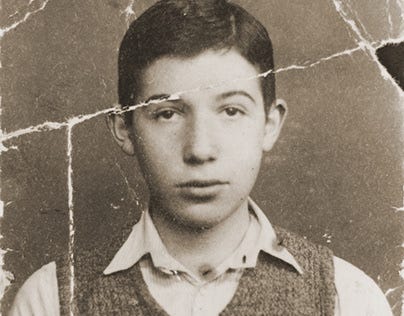
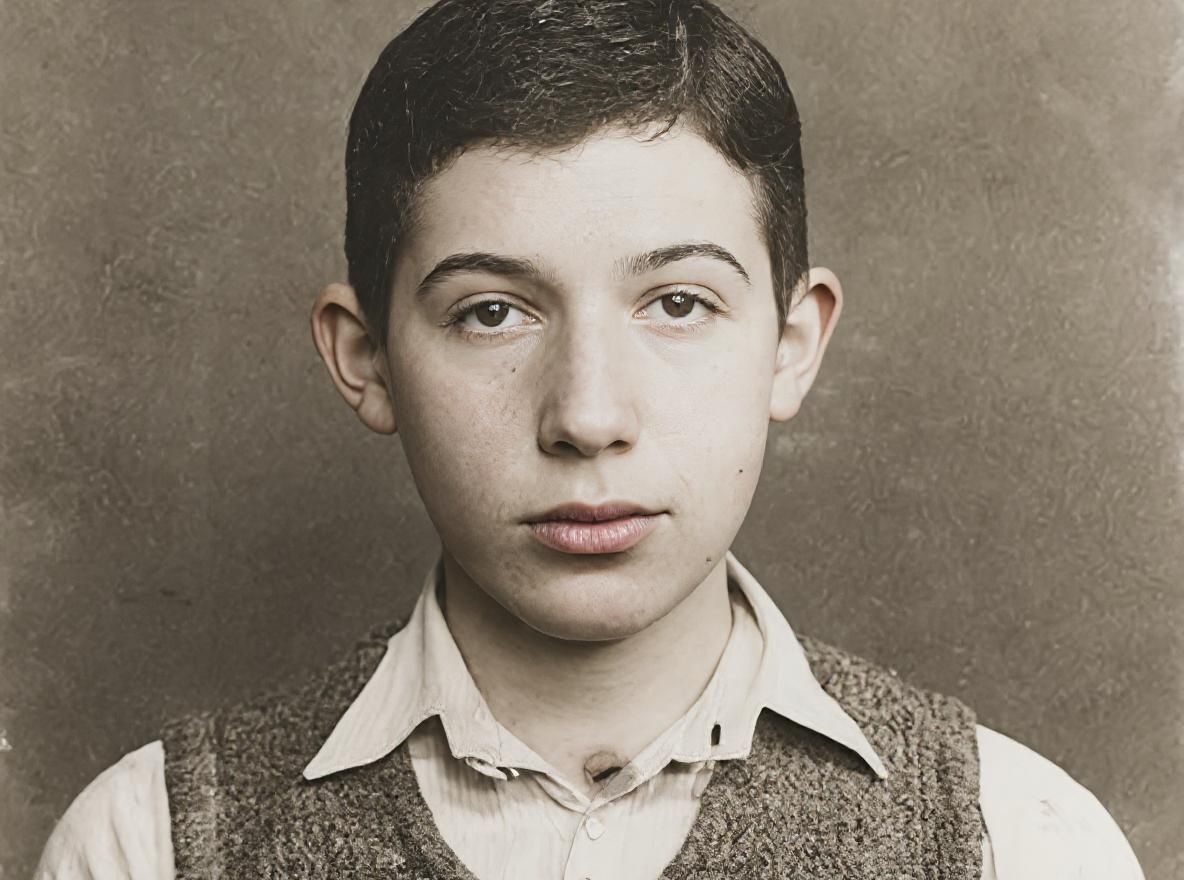
Kling AI uses a credit system for everything — even basic image edits consume credits that expire monthly. BestPhoto offers 40+ completely free editing tools you can use without signing up: background removal, upscaling, hair color change, restore old photos, and more. No credits, no watermarks, no catch.
BestPhoto: Extensive free toolset with no credit system
What you get:
- 40+ free editing tools (background removal, upscaling, etc.)
- No watermarks on free tool outputs
- No credit card or sign-up required
- Free tier for AI photo generation

AI Photo Generation with Trained Models
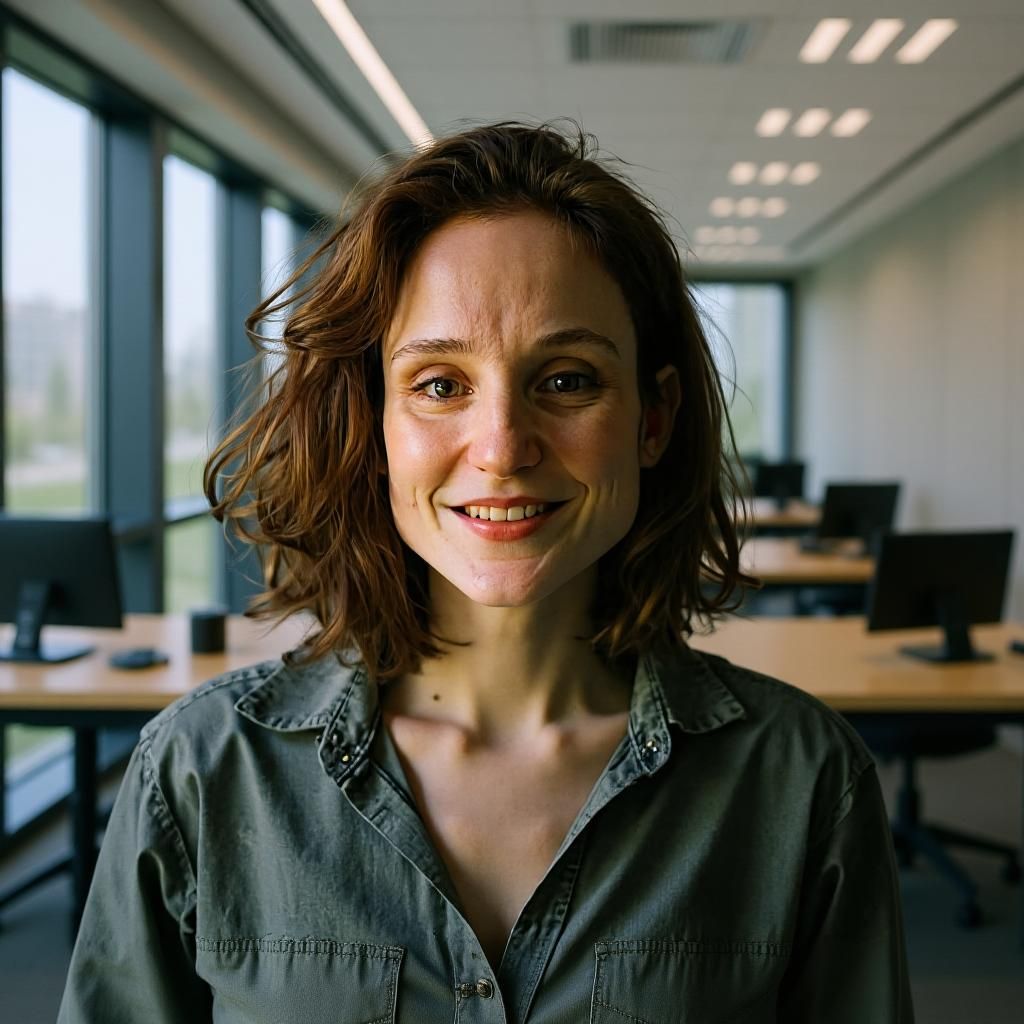
Kling AI's face model feature requires recording 10–30 videos and costs 999 credits — and it's designed for video generation, not still photos. BestPhoto lets you train a custom AI model on a handful of photos and then generate unlimited creative content: professional headshots, lifestyle photos, fantasy scenes, and more — all in still image form.
BestPhoto: Train once, generate photos in any style or setting
What you get:
- Train models on your own photos (just upload selfies)
- Generate professional headshots and portraits
- Creative content in any style or setting
- Much simpler than recording 10–30 videos




Comprehensive Image Editing
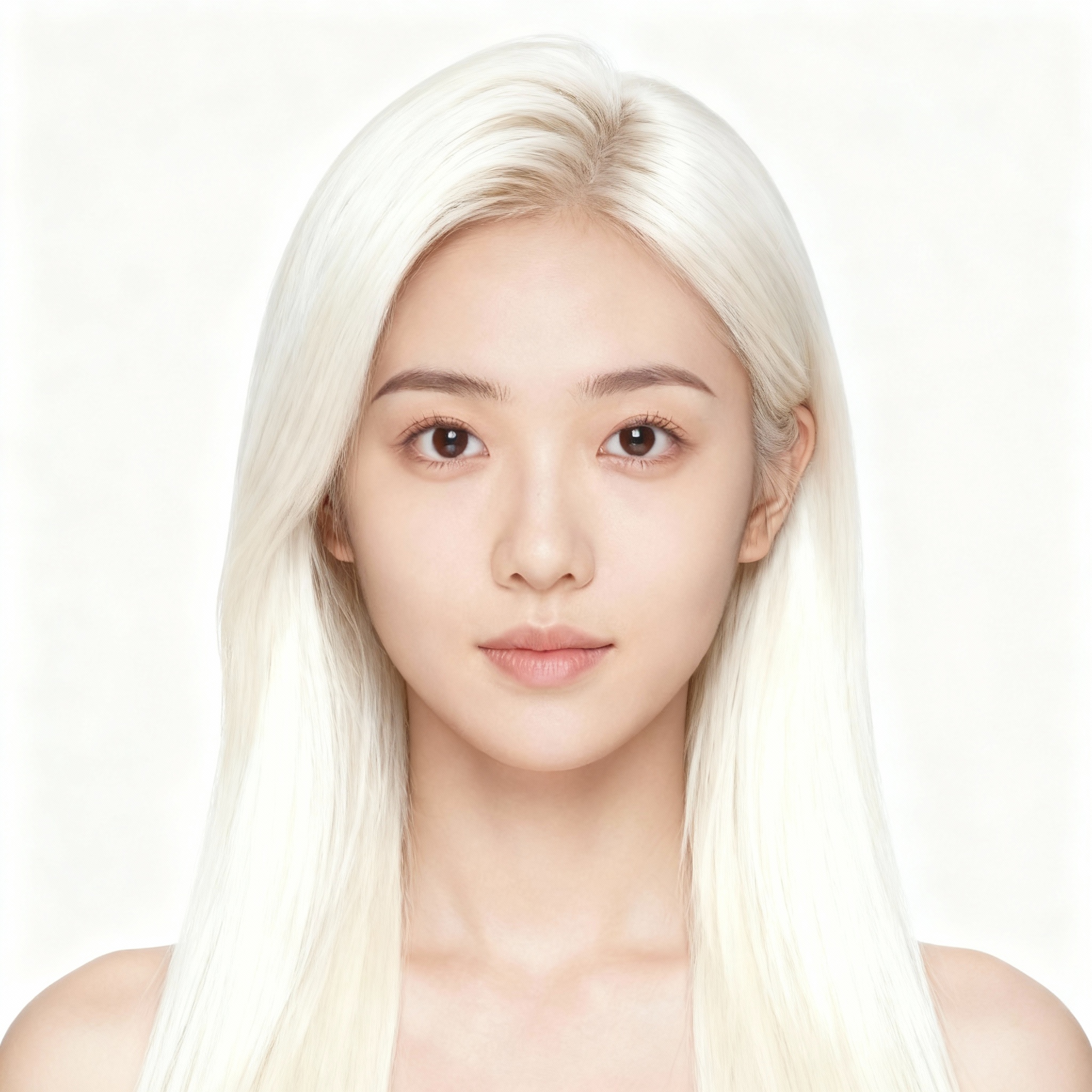
Kling AI offers basic image editing tools (inpainting, expand, remove), but they all consume credits from your limited monthly pool. BestPhoto provides 8 specialized editing modes plus 40+ free tools — from background removal and photo restoration to hair color changes and virtual makeup — many of which are completely free to use.
BestPhoto: 8 editing modes plus 40+ free tools
What you get:
- Background removal, upscaling, and restoration for free
- Hair color, clothes, expression changes
- No credit system for basic edits
- Professional results without professional skills

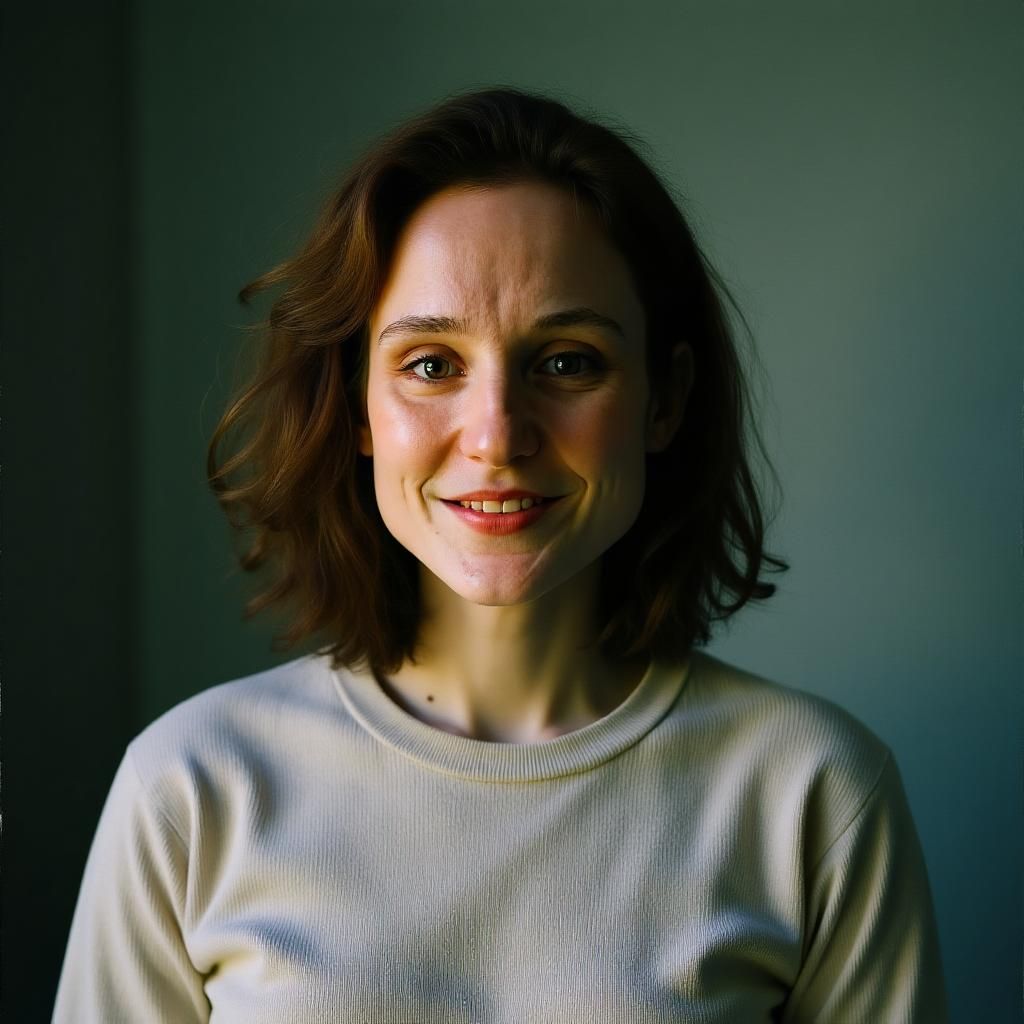

AI Video Generation
Kling AI is a powerhouse for cinematic AI video with advanced camera controls — that's its core strength. BestPhoto takes a different approach with AI talking head videos, podcast clips, image-to-video, and social media content generation. If you need short-form video for content marketing, social media, or creative projects, BestPhoto offers versatile video options alongside its photo tools.
BestPhoto: Creative video generation bundled with photos and editing
What you get:
- AI talking head videos for content creators
- AI podcast clip generation
- Image-to-video conversion
- Integrated with photo generation and editing
Click to play
Transparent Pricing
Kling AI uses a credit system where credits expire monthly, don't roll over, and failed generations still consume credits with no refunds. Users frequently report running out of credits mid-project. BestPhoto offers straightforward pricing — you know exactly what you're getting, and the extensive free tools mean you can do a lot before ever paying.
BestPhoto: Clear pricing with generous free tier
What you get:
- No expiring credits that vanish at month end
- Failed generations don't waste your budget
- 40+ tools available completely free
- Predictable monthly costs



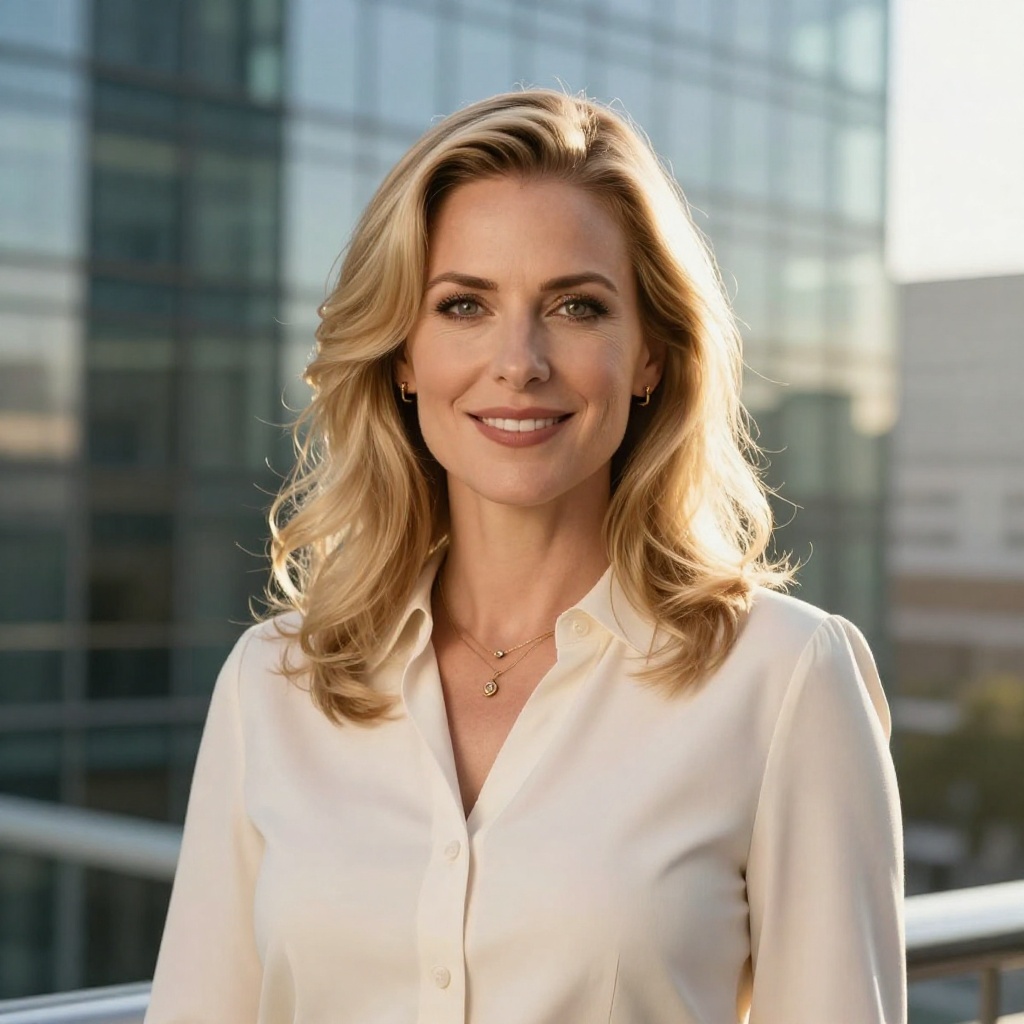
Which Tool is Right for You?
Kling AI and BestPhoto serve different primary use cases. Here's a quick guide.
Kling AI might be better if you:
- Need cinematic AI video with advanced camera controls
- Want industry-leading motion quality for short clips
- Create video-first content for social media or marketing
- Don't need extensive photo editing or headshot tools
BestPhoto might be better if you:
- Want AI photos and video in one platform
- Need professional headshots or creative photo generation
- Want 40+ free editing tools without a credit system
- Prefer transparent pricing without expiring credits
Important: What to Expect from Any AI Tool
- •AI-generated content isn't perfect — expect some iterations
- •Hands, fingers, and complex poses can be challenging for any AI
- •Results depend on input quality (photos, prompts, reference images)
- •Some prompts work better than others — there's a learning curve
Frequently Asked Questions
Is Kling AI a good tool?
Kling AI is a capable AI video generation platform, especially for creating short cinematic clips with realistic human motion. Built by Kuaishou, it has attracted 22M+ users and generated over 168 million videos in its first year. The main considerations are the credit system (credits expire monthly), limited customer support, and the fact that its photo and image editing features are secondary to video generation.
What's the main difference between Kling AI and BestPhoto?
Kling AI is primarily a video generation platform — it excels at creating short cinematic AI videos with advanced camera controls and realistic motion. BestPhoto is a broader creative platform offering AI photo generation with trained models, 8 image editing modes, video generation (talking heads, podcasts, image-to-video), and 40+ free tools. They serve different primary needs.
Does Kling AI offer professional headshots?
Not as a dedicated feature. Kling AI has a "Face Model" feature that lets you train a model on your face, but it's designed for video generation — you record 10–30 video clips, and it costs 999 credits. For dedicated AI headshot generation from selfies, BestPhoto's trained model feature is specifically designed for generating professional portraits and creative photos.
Does BestPhoto have cinematic video like Kling AI?
Kling AI's advanced camera controls (pan, tilt, orbit, tracking shots) and cinematic motion quality are a unique strength. BestPhoto focuses on different video types — AI talking heads, podcast clips, and image-to-video — which are better suited for content creators and social media. If cinematic short films are your primary need, Kling AI is likely the better choice for that specific use case.
Can I try BestPhoto for free?
Yes — BestPhoto offers 40+ completely free editing tools you can use without signing up or entering a credit card. You can also access the free tier for AI photo generation. Kling AI offers 66 free credits per day, but all outputs are watermarked and limited to lower quality settings.
Photos That Actually Make a Difference
Whether it's landing the interview or getting the date, people use BestPhoto to create images that open doors.


Professional Headshots
Stand out on LinkedIn, company websites, and professional networks. Profiles with professional photos receive up to 21x more views.


Dating Profile Photos
Get more matches with photos that show your authentic self in the best light. Perfect for Tinder, Bumble, Hinge, and more.


Realistic AI Photos
Generate ultra-realistic images for marketing, content creation, and creative projects. Studio quality without the studio.
Learn More About AI Photo Technology
Stay up to date with the latest AI tools, tips, and techniques. Our guides help you get the most out of your photos.
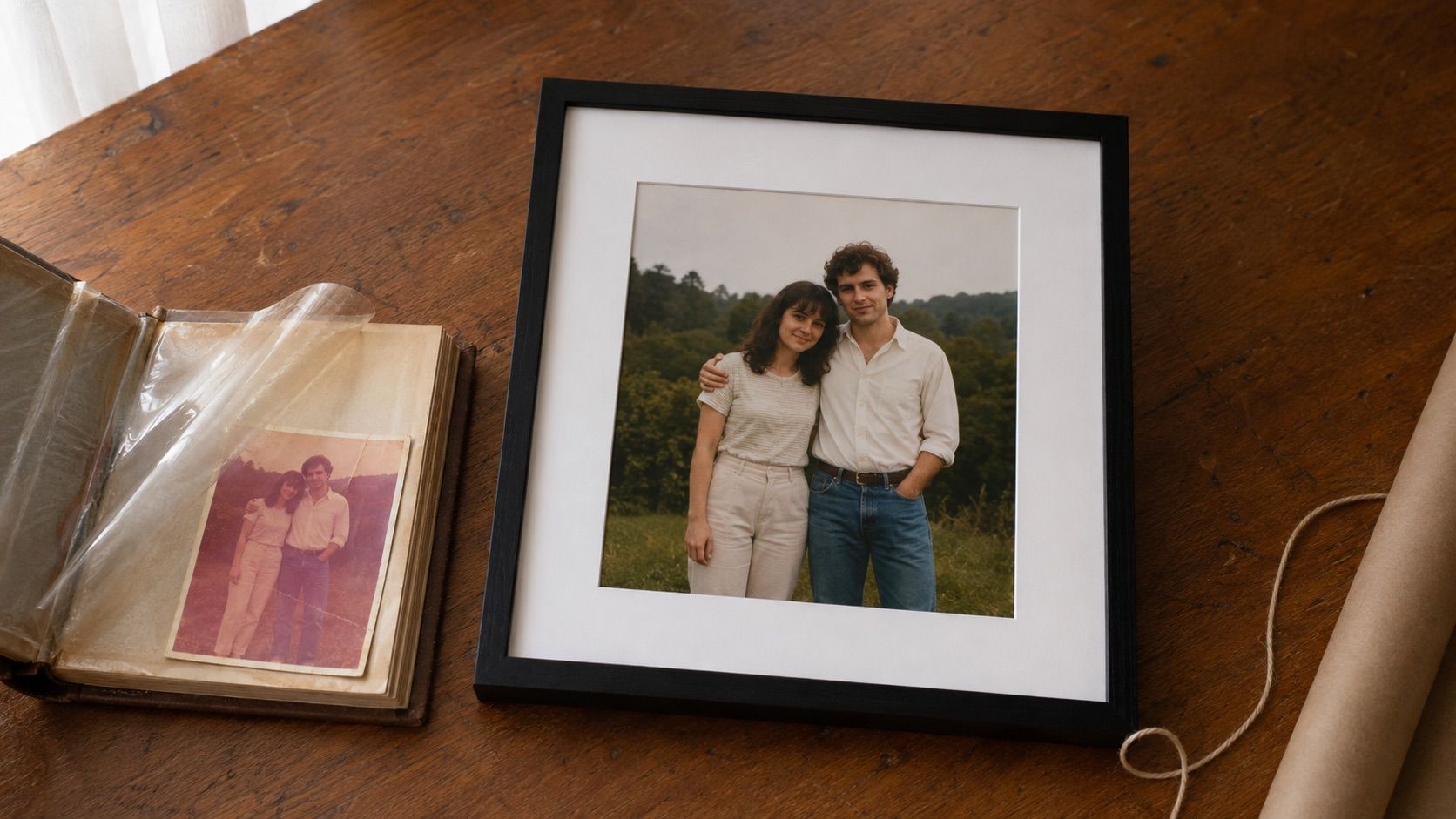
Gifts for Parents Who Have Everything: The One Gift That Isn't Stuff
Your parents don't want more things to dust. Pick one old print, restore it, print it, frame it. What it costs, how long it takes, and which photo to choose.
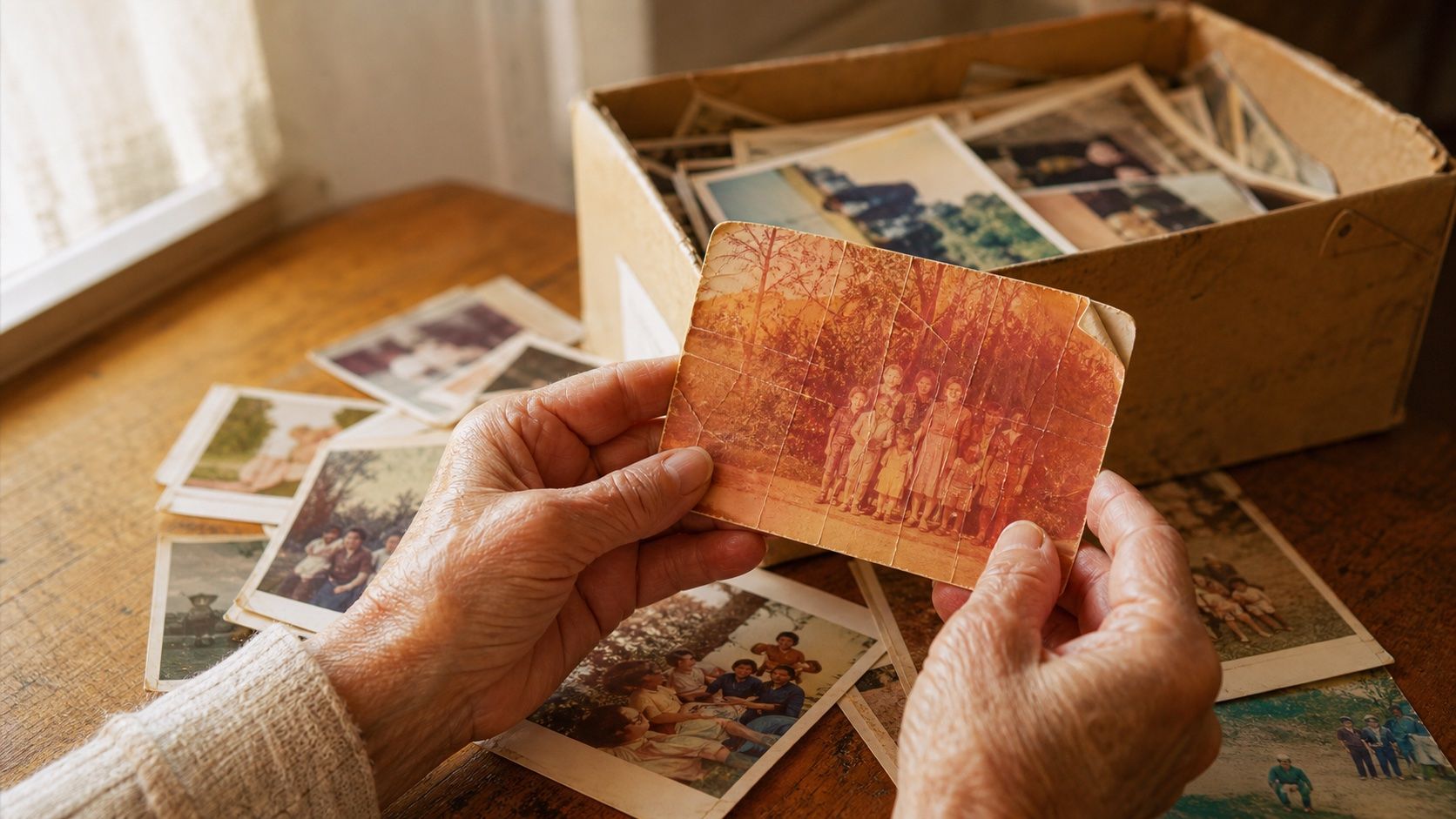
How to Restore Old Photos: The Honest 2026 Guide
Learn how to restore old photos at home with your phone and a free AI tool: scanning tips, fading fixes, and an honest look at what AI gets right and wrong.
How to Fix Grainy Photos: Remove Noise Free with AI
Grainy, noisy photos come from high ISO, low light, and old scans. Here's why it happens and how to remove grain from photos free with AI in about 30 seconds.