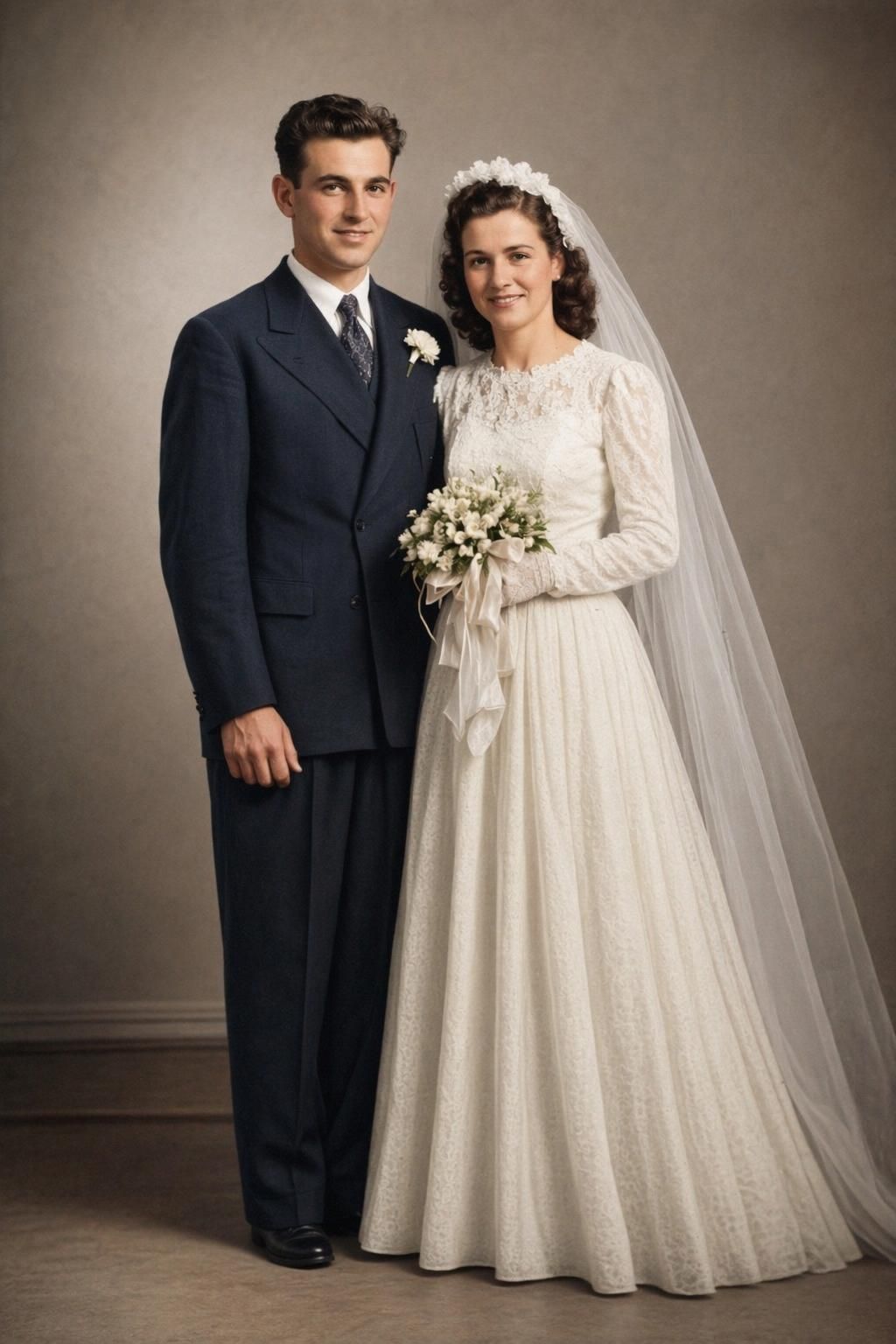
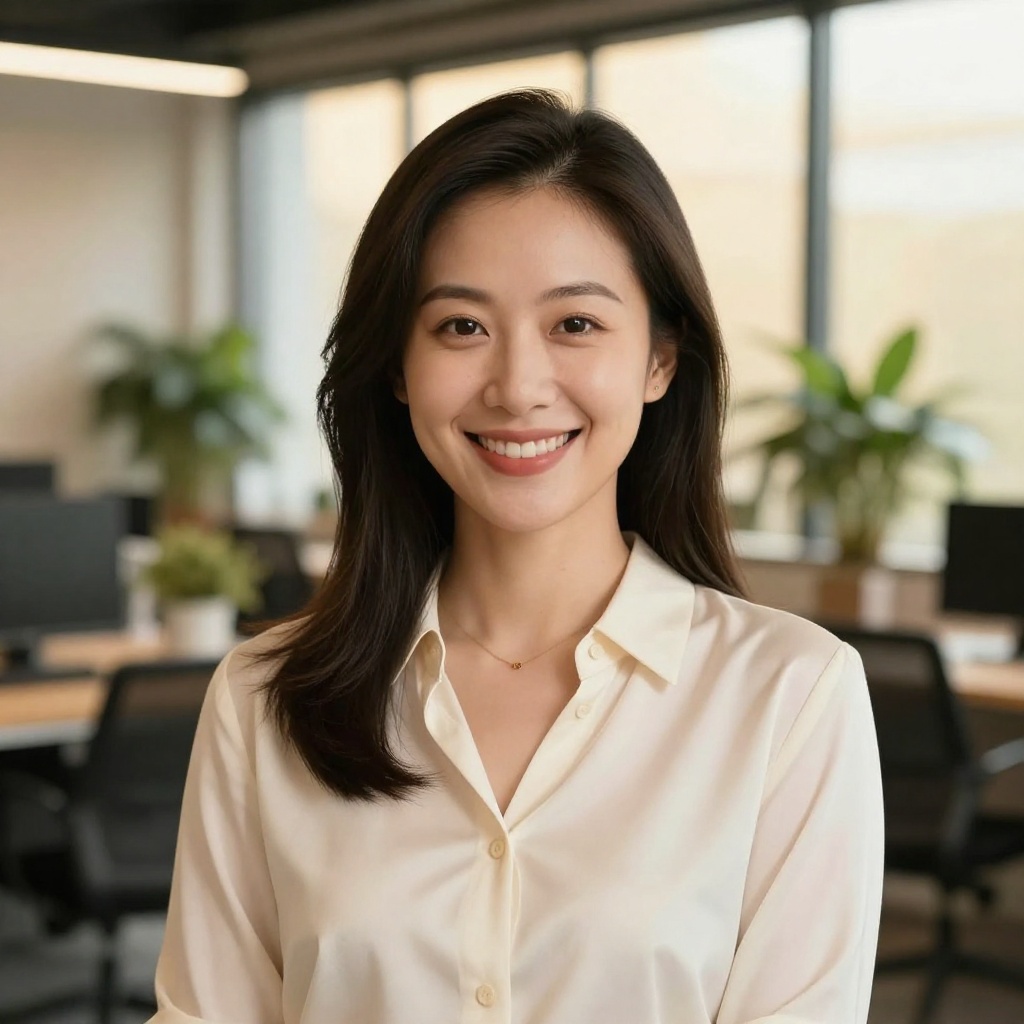
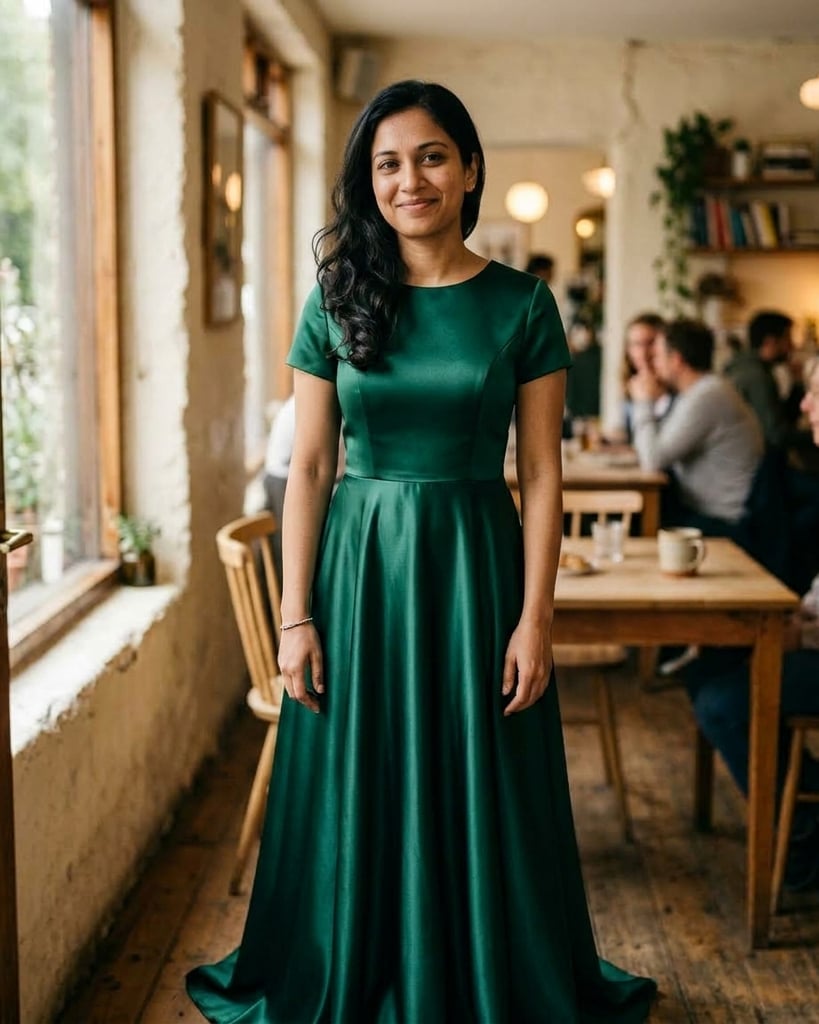
AI Stock Images: Never Settle for 'Close Enough'
Stop scrolling through endless stock libraries hoping to find something that works. Describe exactly what you need — subject, style, mood — and generate it in seconds.


Why Generate AI Stock Images?
Traditional stock photos are either too generic, too expensive, or exactly what everyone else is using. AI changes that.
No More 'Close Enough'
Describe exactly what you need — the exact scenario, mood, and style. No more settling for stock photos that are 'almost' right.
Endless Variety
Any subject, any style, any scenario. Generate diverse imagery without everyone else using the same photo.
Cost Effective
No expensive licensing fees, no photographer costs. Generate unlimited variations for a fraction of traditional stock.
Stock Images for Every Use Case
From corporate presentations to Instagram posts — generate exactly what you need.

Professional imagery for presentations, websites, and reports without the staged, cheesy look of traditional stock.

Eye-catching visuals for campaigns, ads, and promotions. Get the exact mood and style you need.
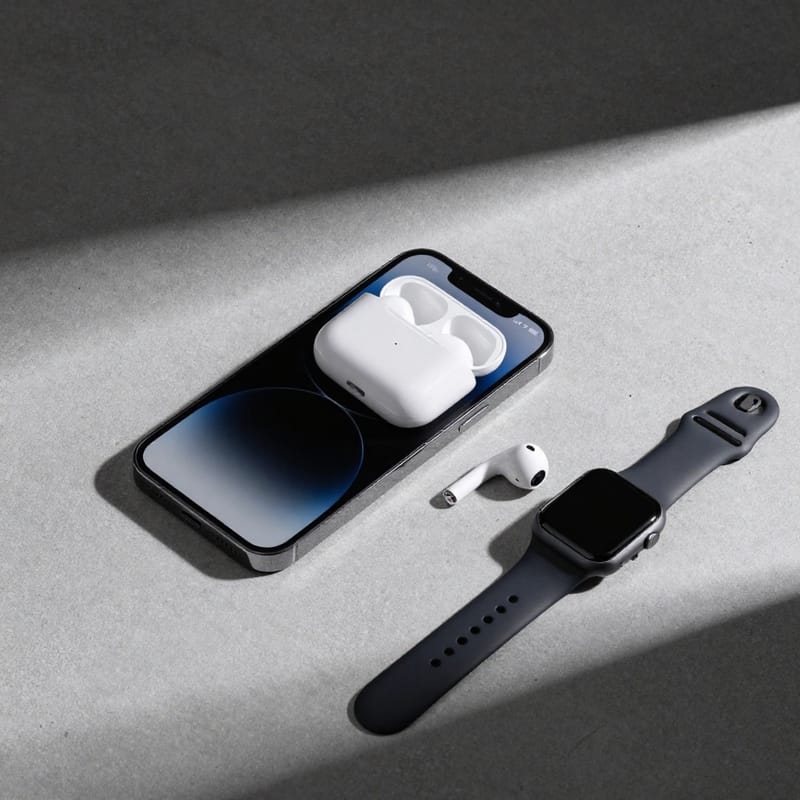
Clean, professional product shots and lifestyle mockups for your online store.
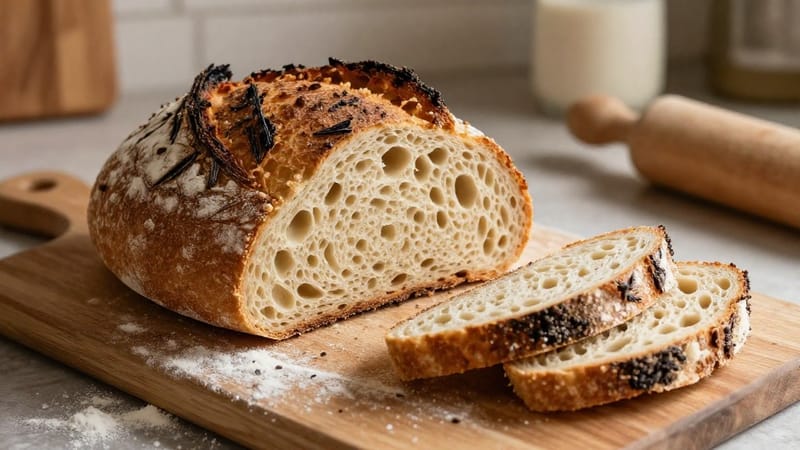
Unique featured images and article headers that match your content perfectly.

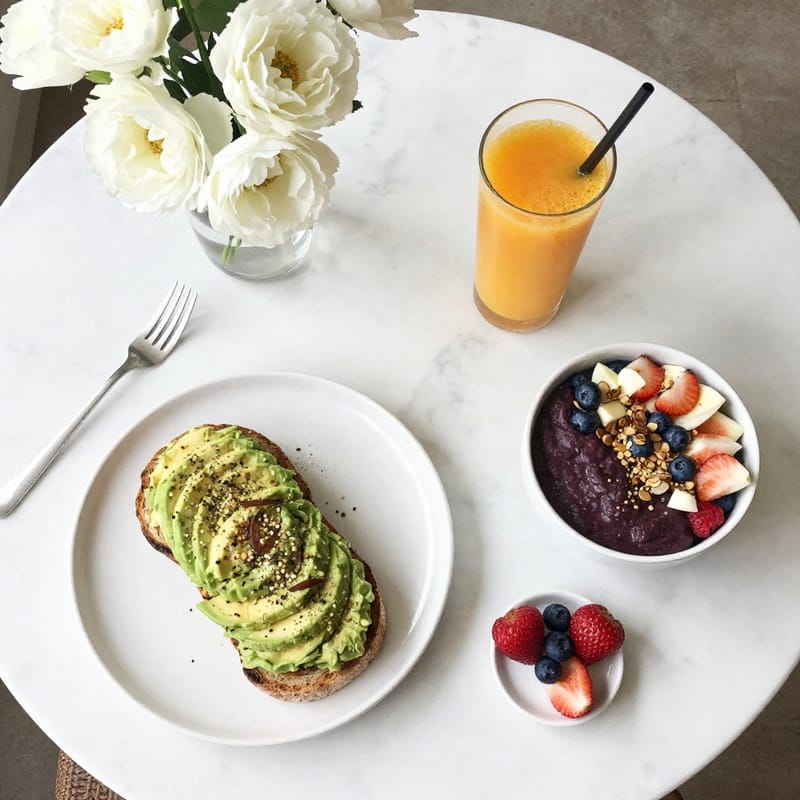
Scroll-stopping content for Instagram, TikTok, LinkedIn, and more.

Textures, gradients, and abstract visuals for designs that need space for text or overlays.
AI vs Traditional Stock Photos
See how AI-generated stock images compare to traditional libraries.
Use 'authentic' and 'candid'
Avoids the staged stock photo look
Specify lighting
Natural, studio, golden hour, etc.
Add 'negative space for text'
When you need room for copy
Include the aesthetic
Minimalist, premium, editorial, etc.
How to Generate AI Stock Images
Three simple steps to get exactly the stock imagery you need.
Describe Your Vision
Write a prompt describing exactly what you need. Include subject, style, mood, and lighting details.
Generate Options
AI creates multiple variations in seconds. Tweak your prompt to refine results.
Download & Use
High-resolution images ready for commercial use. No complex licensing to navigate.
24 AI Stock Images, Generated in Seconds
Every image below was created with a simple text prompt. Hover to see the prompt used.
Diverse business team collaborating, modern office
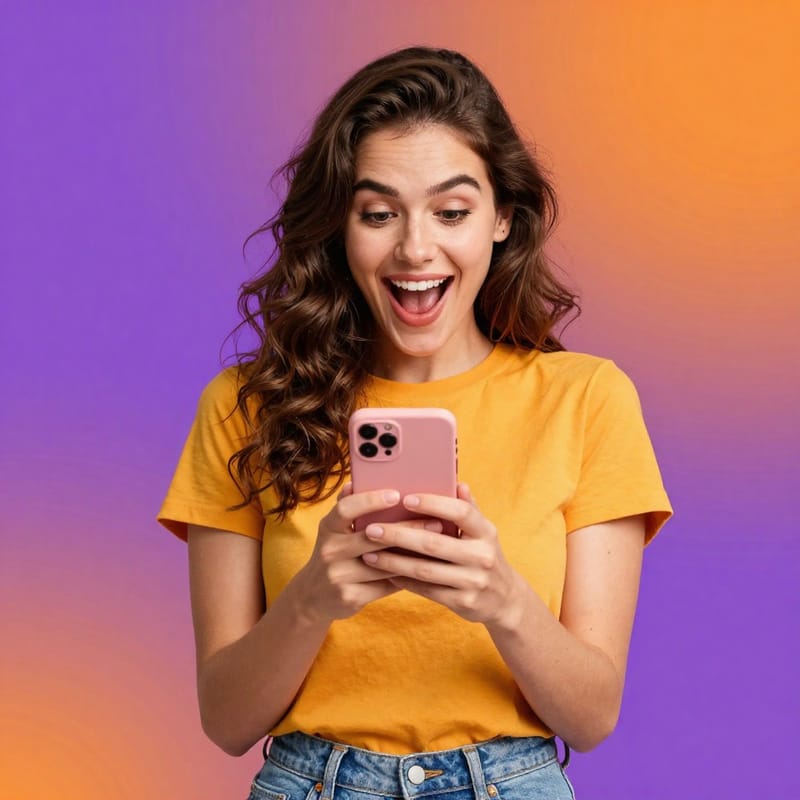
Woman with smartphone, vibrant gradient background
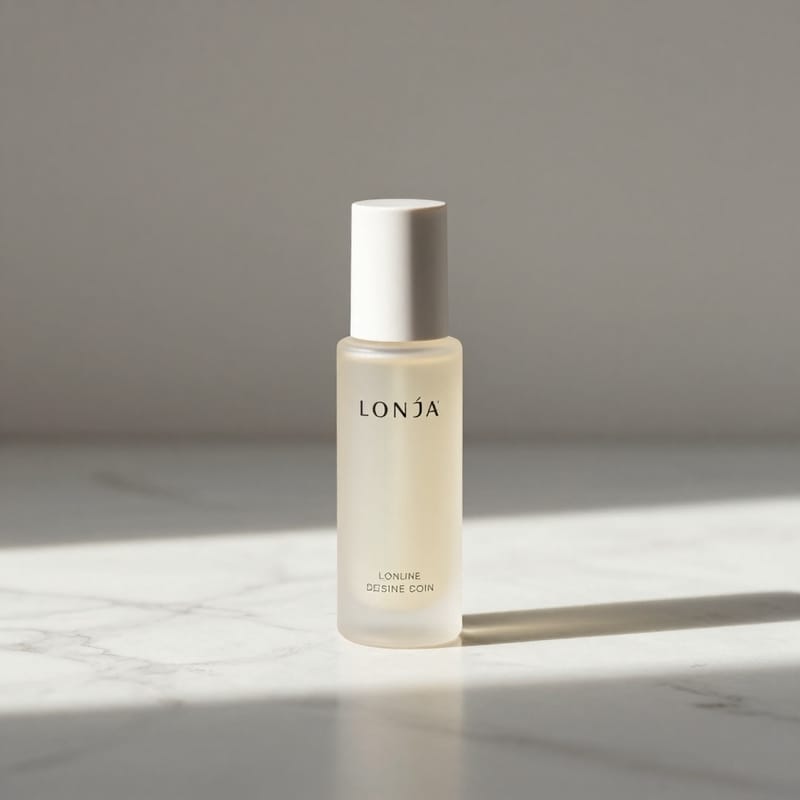
Luxury skincare bottle on marble, soft shadows
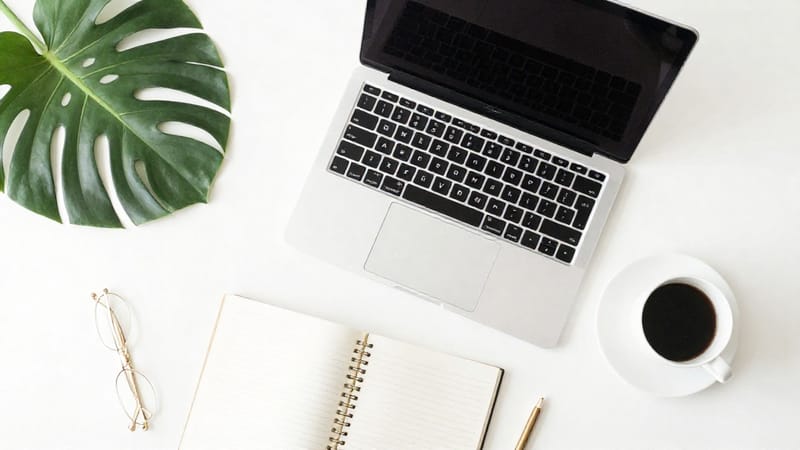
Aesthetic workspace flat lay with laptop and coffee
Fitness influencer stretching at sunrise
Abstract blue-purple flowing gradient
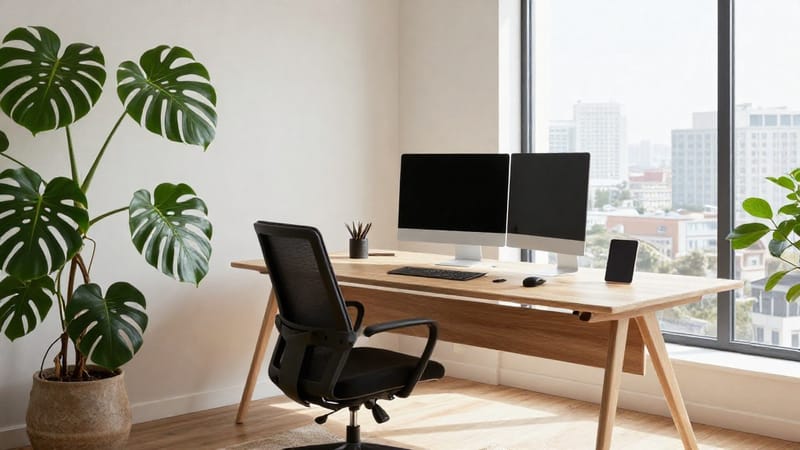
Modern home office, Scandinavian design

Creative professional portrait, natural light
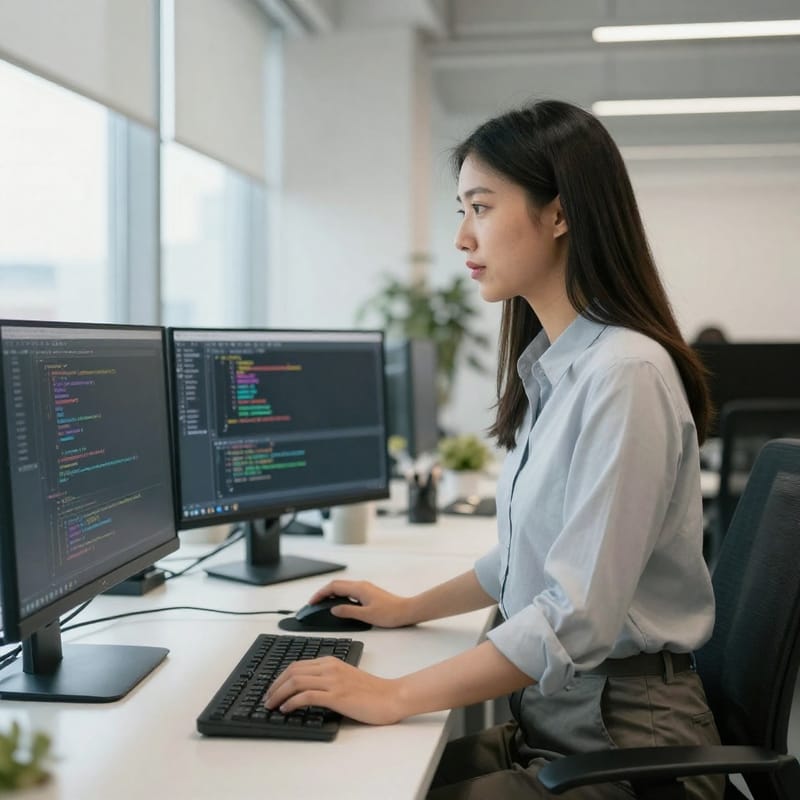
Software developer at standing desk, tech office

Senior man reading in cozy library

Coworkers laughing during coffee break
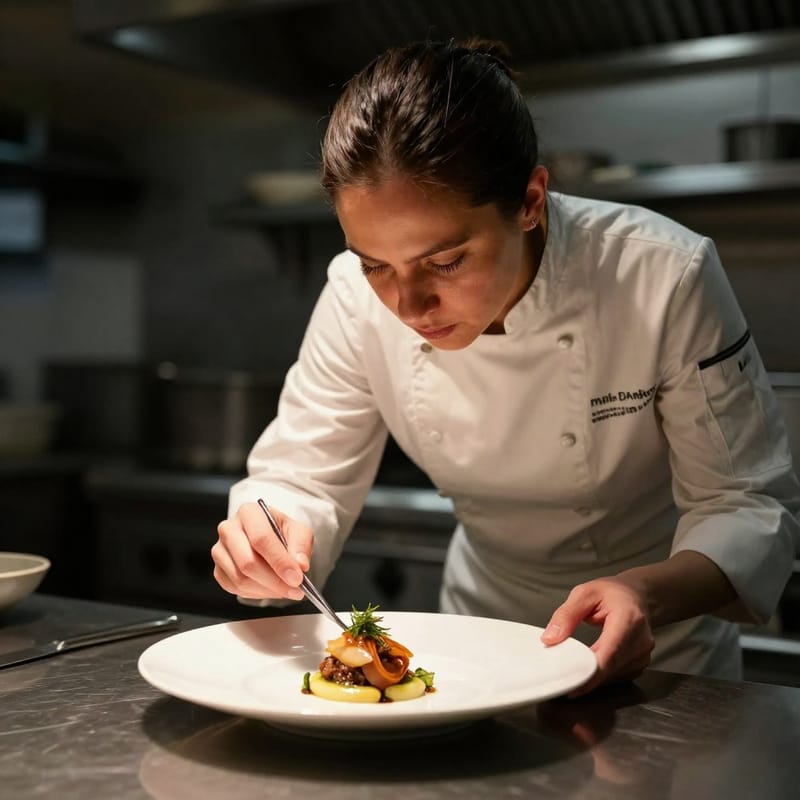
Chef plating gourmet dish, dramatic lighting
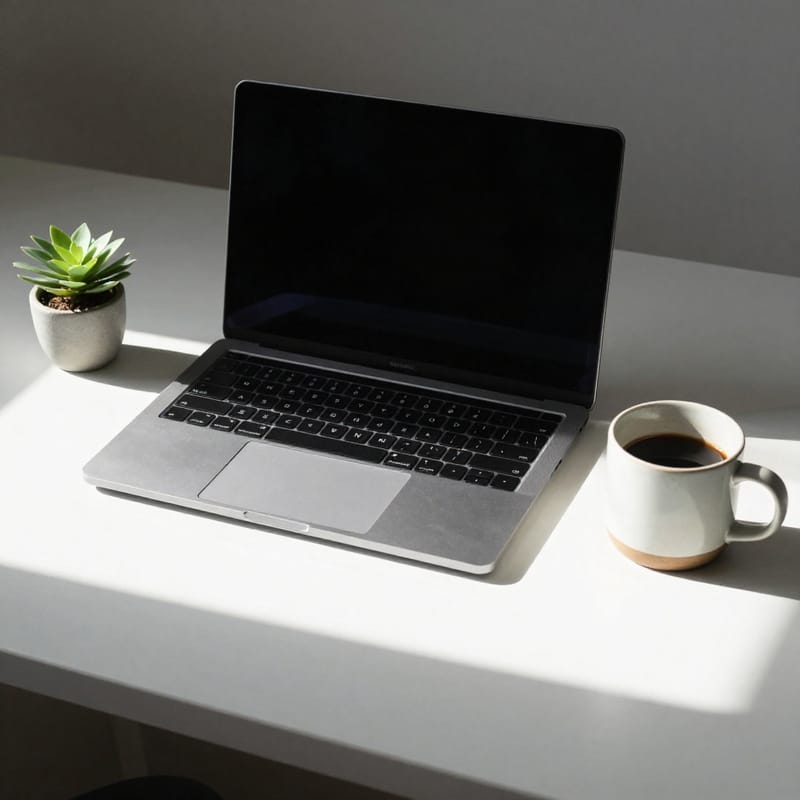
Minimalist desk setup with morning light
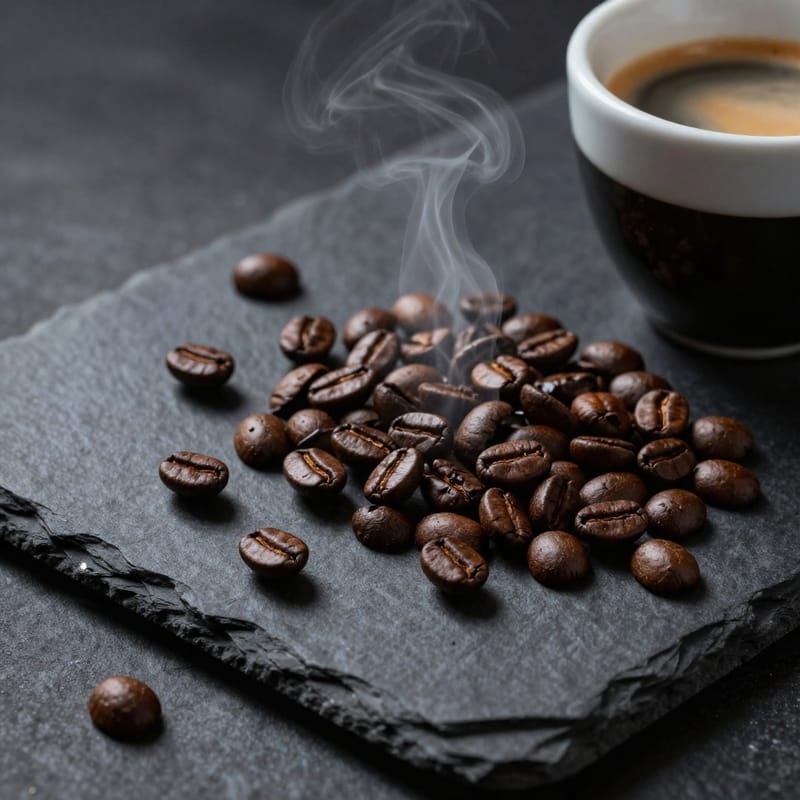
Artisan coffee beans, moody aesthetic
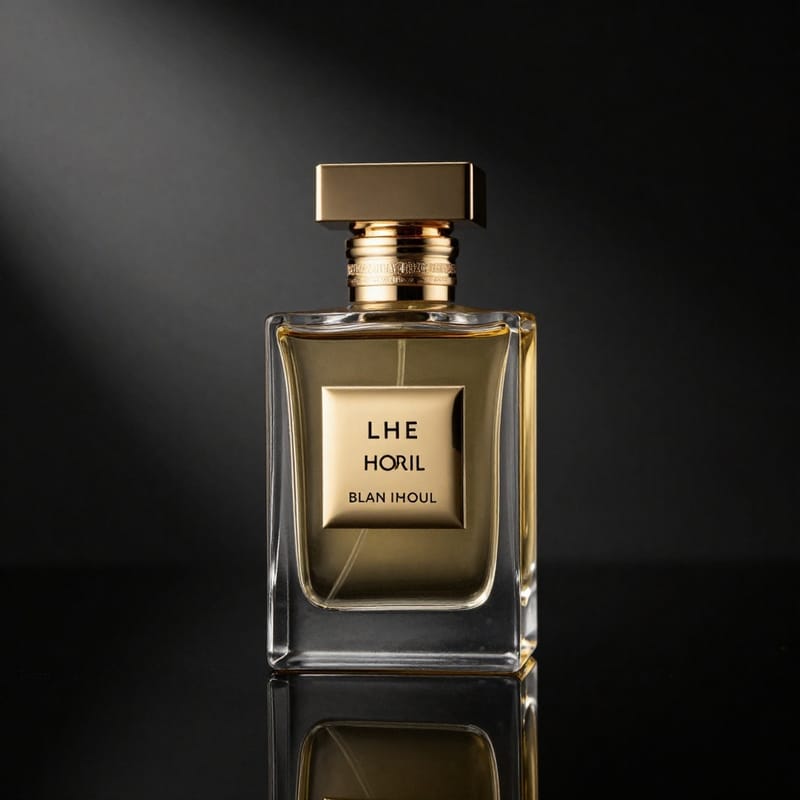
Luxury perfume, dramatic lighting
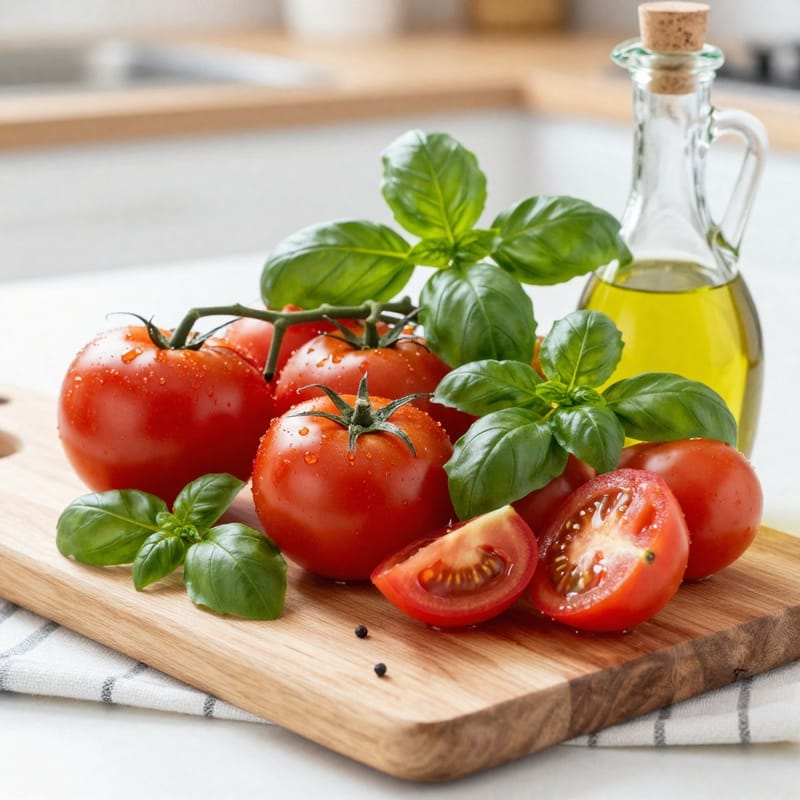
Fresh Mediterranean cooking ingredients

Rooftop yoga at sunrise, city skyline

Couple walking dog, autumn forest

Friends toasting at outdoor dinner

Child blowing bubbles in sunny park

Soft pink silk gradient texture
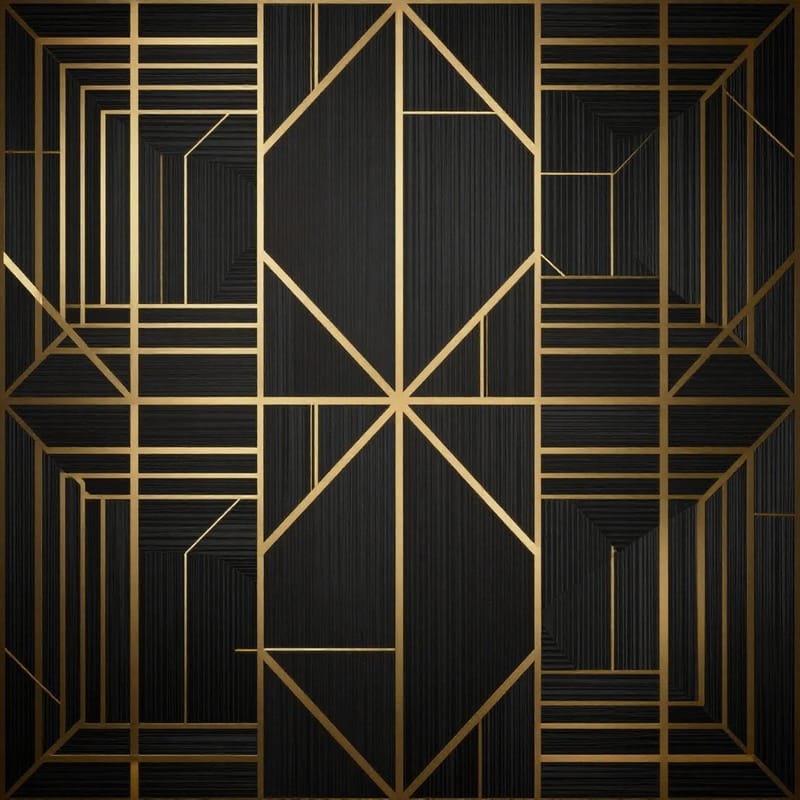
Dark geometric with gold accents

Palm leaf shadows on white wall

Warm terrazzo texture pattern
Frequently Asked Questions
Can I use AI-generated images commercially?
Yes. Images generated with BestPhoto can be used for commercial purposes including marketing, advertising, websites, and products. No complex licensing to navigate.
How is this different from Shutterstock or Adobe Stock?
Traditional stock libraries require you to search through existing photos and hope something fits. With AI generation, you describe exactly what you want and create it instantly. No more settling for "close enough."
What about realistic photos of people?
AI excels at generating authentic-looking people for stock imagery. For specific individuals or real people, use our model training feature to create a custom AI model of yourself or team members.
What resolution are the generated images?
Images are generated at high resolution suitable for web, social media, and most print applications. You can also upscale images using our free upscaling tool for larger print needs.
How do I write good prompts for stock images?
Include specific details: subject, setting, lighting, mood, and style. Use words like "authentic," "candid," and "documentary style" to avoid the staged look of traditional stock. Check our prompt formulas above for templates.
Ready to Generate Perfect Stock Images?
Stop scrolling through stock libraries. Start creating exactly what you need in seconds.
- Commercial use included
- High resolution
- No licensing hassles