Alternative to Canva
For AI Photo Generation
Canva is an excellent general design platform with 100M+ users. BestPhoto takes a different approach — specializing in AI photo generation with multiple models and realistic output. Here's an honest comparison.
What Canva Users Say
Mixed feedback from real users — great for design, but AI features have limitations.
"Great for quick social media posts and presentations. The template library is massive and saves me hours."
"Canva for Education has transformed how I create engaging lessons. The drag-and-drop editor is intuitive."
"The AI image generation is hit or miss. Faces often look waxy and text comes out garbled. Dream Lab is better but uses credits fast."
"Cancelled my trial but they kept charging me for months. Getting a refund was nearly impossible."
"Love the collaboration features for our team. Real-time editing and comments work seamlessly."
"The 2025 price increase hit hard. Our team of 5 went from a flat fee to 300% more with per-seat pricing."
Sources: Trustpilot • Capterra • AI Tool Analysis
Canva vs BestPhoto: Feature Comparison
Different tools for different needs — here's how they compare.
| Feature | Canva | BestPhoto |
|---|---|---|
| Primary Focus | General design platform (templates, graphics) | AI photo/video generation & editing |
| AI Image Generation | Magic Media + Dream Lab (credit-limited) | Multiple AI models, unlimited on paid plans |
| Free AI Credits | 50 lifetime uses (burns fast with iterations) | 40+ free tools, generous free tier |
| Realistic Human Photos | Limited — faces often look "waxy" | Specialized for realistic portraits |
| Custom Model Training | Not available | Train on your own photos |
| Video Generation | 5 lifetime free uses, very limited | Available on all paid plans |
| Starting Price | $120/year (Pro) or $300+/year (Teams) | Free tier + affordable plans |
| Template Library | Massive (millions of templates) | Focused prompt packs for AI generation |
| Graphic Design Tools | Full-featured drag-and-drop editor | AI-focused editing modes |
Canva: Honest Pros & Cons
Canva is a powerful design platform. Here's the balanced view for AI photo use cases.
Canva Pros
- Massive template library — millions of designs for any use case
- Intuitive drag-and-drop editor that's easy to learn
- Excellent for social media graphics and presentations
- Strong collaboration features for teams
- Free plan available with many design features
- Integration with popular apps and platforms
- Magic Design generates full templates from prompts
- Brand kit keeps designs consistent
Canva Cons
- AI image generation has limited credits (50 lifetime free)
- Faces in AI images often look waxy or distorted
- Video generation very limited (5 lifetime free attempts)
- Per-seat pricing makes Teams expensive for small agencies
- Billing/cancellation issues reported on Trustpilot
- No custom AI model training
- Dream Lab credits deplete quickly with iterations
Why Consider BestPhoto
Key areas where BestPhoto offers a different approach.
Specialized AI Photo Generation
Canva is a fantastic general design tool, but its AI image generation (Magic Media) can struggle with realistic human photos — faces often appear waxy with garbled text. BestPhoto is built specifically for AI photo generation with multiple models optimized for realistic portraits, headshots, and creative imagery.
BestPhoto: Purpose-built for realistic AI photos
What you get:
- Multiple AI models for different styles
- Optimized for realistic human portraits
- Train custom models on your photos
- High-quality output on all plans




More Generous AI Limits
Canva's free plan gives just 50 lifetime AI image uses — and you'll burn through 5-10 credits perfecting a single image through iteration. Video generation is limited to 5 lifetime attempts. BestPhoto offers 40+ completely free editing tools and a free tier that lets you actually test the platform before committing.
BestPhoto: 40+ free tools with no lifetime caps
What you get:
- No 50-credit lifetime limit
- 40+ free editing tools available
- Free tier to test before buying
- Affordable paid plans without per-seat pricing
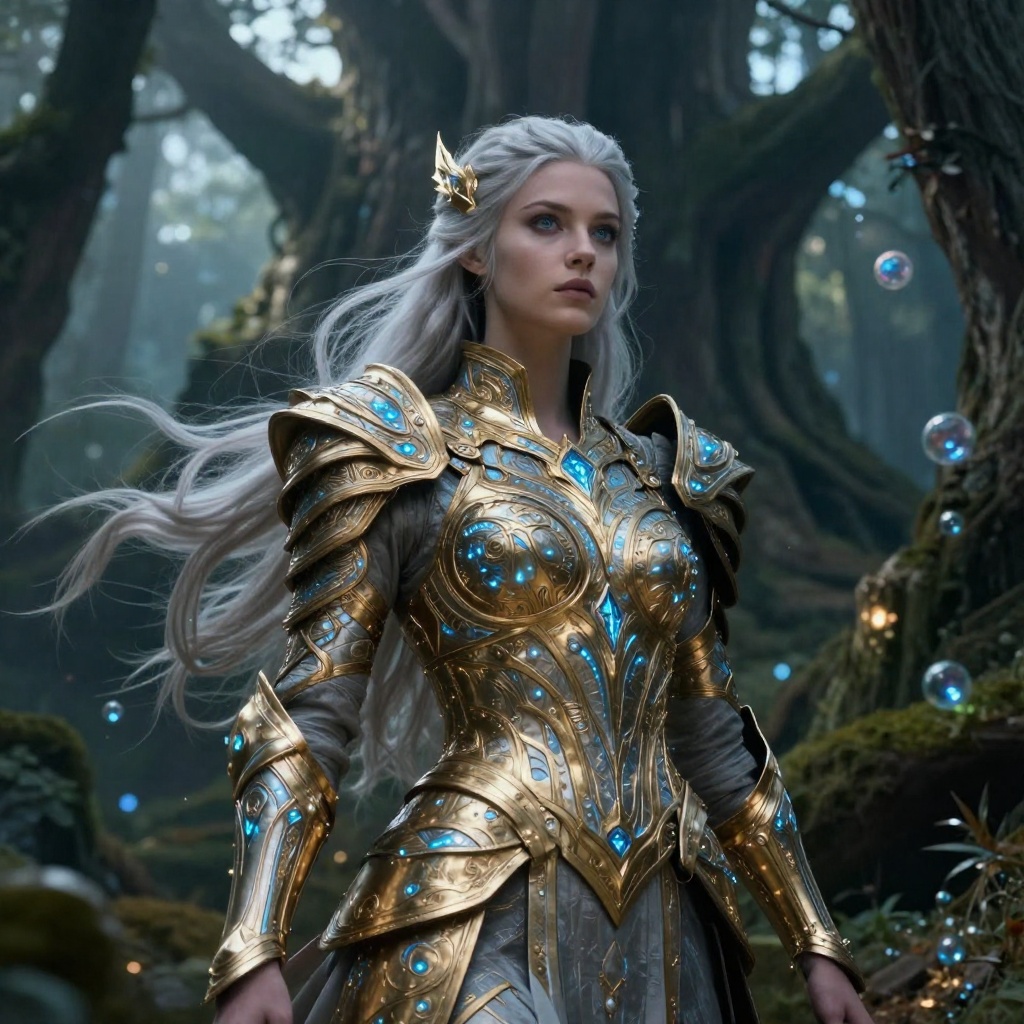

AI-Powered Photo Editing
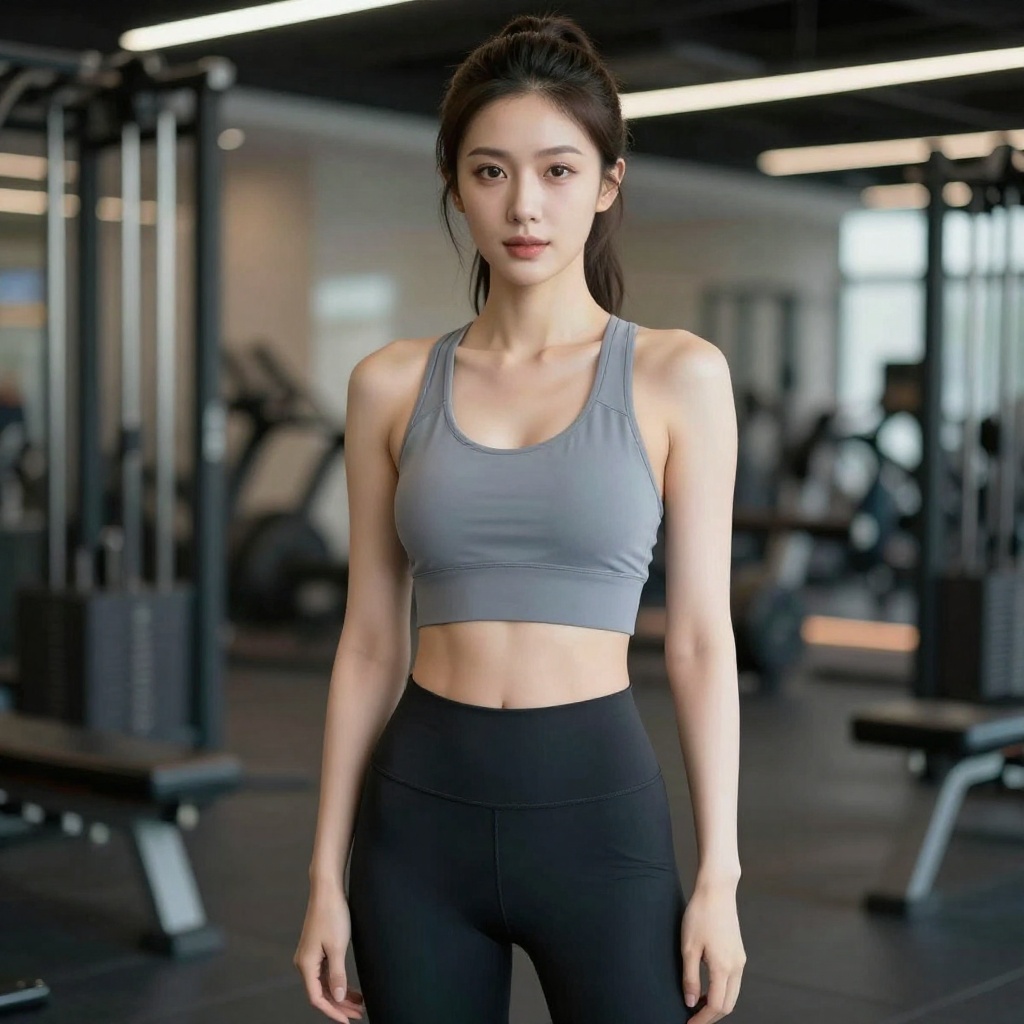
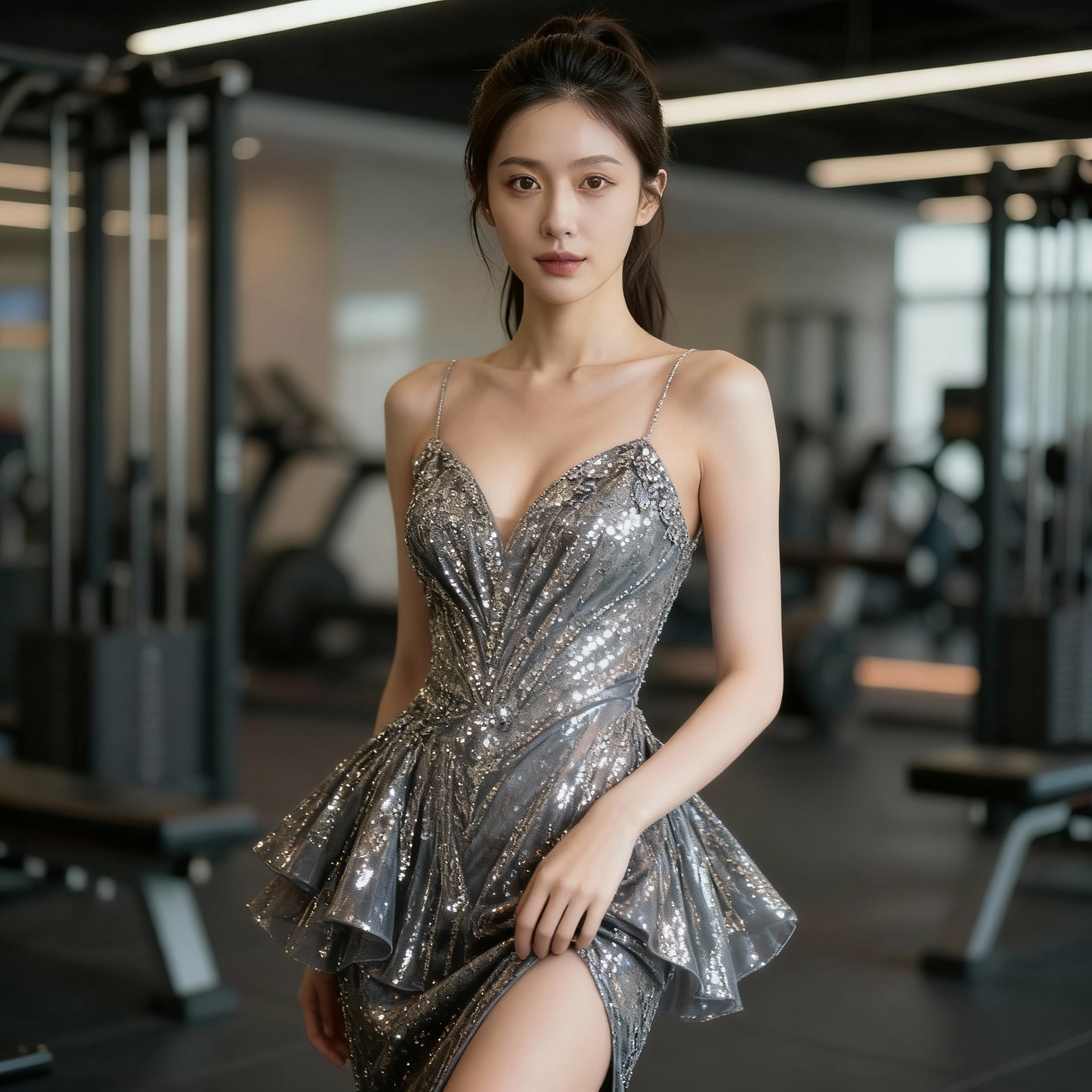
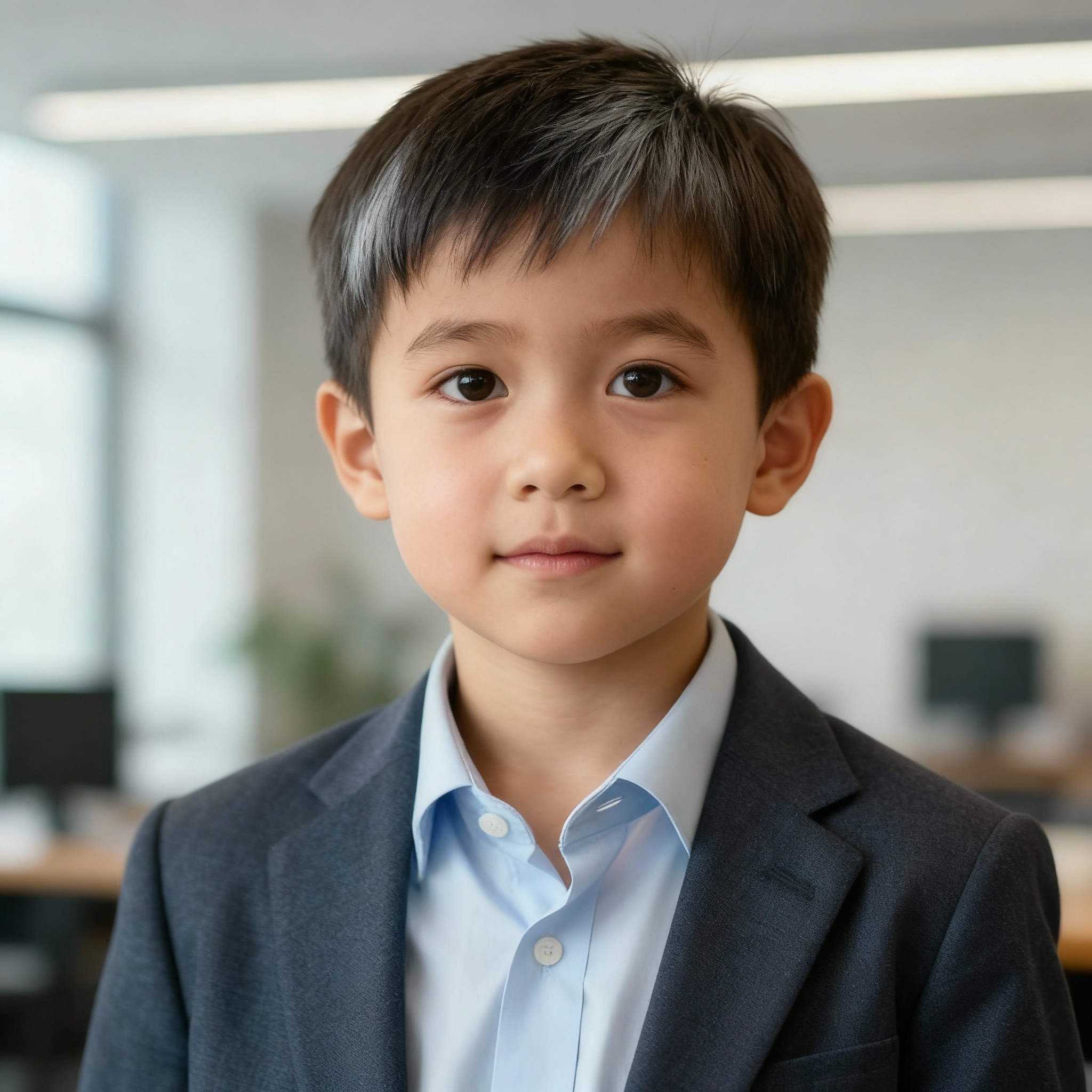
Canva's photo editor is great for basic adjustments, but BestPhoto offers 8 specialized AI editing modes: Replace elements, Restyle photos, Remove objects, Re-composition, Add Objects, Restoration, Clothing Replacement, and Concept Transformation — all designed specifically for AI-powered photo manipulation.
BestPhoto: 8 specialized AI editing modes
What you get:
- Replace mode for swapping elements
- Restyle for artistic transformations
- AI-powered object removal
- Photo restoration and enhancement

AI Video Generation
Canva's video generation is extremely limited — just 5 free lifetime attempts, and the feature is still quite rough. BestPhoto offers full AI video generation on all paid plans, including talking head videos, image-to-video conversion, and AI podcast clips without restrictive lifetime caps.
BestPhoto: Full video features without lifetime limits
What you get:
- Talking head video generation
- Image-to-video conversion
- AI podcast clip creation
- Available on all paid plans
Click to play
Simpler Pricing
Canva's 2025 pricing restructure introduced per-seat pricing for Teams, causing some small agencies to see 300% cost increases. BestPhoto offers straightforward pricing without per-seat multiplication — what you see is what you pay, making it easier to budget for your creative needs.
BestPhoto: Predictable pricing without per-seat costs
What you get:
- No per-seat pricing surprises
- Free tier to start
- Clear, predictable costs
- No aggressive upselling


Which Tool is Right for You?
Both tools excel at different things. Here's a quick guide.
Canva might be better if you:
- Need templates for social media posts, presentations, or marketing materials
- Want a drag-and-drop graphic design tool
- Need team collaboration with real-time editing
- AI-generated images are secondary to your design workflow
BestPhoto might be better if you:
- Need realistic AI-generated photos of people
- Want to train custom AI models on your own photos
- Need AI video generation without strict limits
- Prefer predictable pricing without per-seat costs
Important: What to Expect from Any AI Photo Tool
- •AI image generation isn't perfect — expect some iterations
- •Hands, fingers, and complex poses can be challenging for any AI
- •Results depend heavily on input photo quality
- •Some prompts work better than others — there's a learning curve
Frequently Asked Questions
Is Canva good for AI image generation?
Canva is an excellent design platform with solid AI features through Magic Studio. For general graphics and templates, it's great. However, its AI image generation (Magic Media) has limitations — faces often look waxy, and you get only 50 lifetime free credits. For realistic human photos specifically, a specialized tool like BestPhoto may produce better results.
What's the main difference between Canva and BestPhoto?
Canva is an all-in-one design platform with templates, graphics, and AI features added on top. BestPhoto is purpose-built for AI photo generation — it specializes in realistic portraits, custom model training, and AI video creation. Think of Canva as a Swiss Army knife and BestPhoto as a specialized camera.
How many free AI images can I generate on Canva vs BestPhoto?
Canva offers 50 lifetime free AI image generations — and you'll typically use 5-10 credits perfecting a single image. Video is limited to 5 lifetime attempts. BestPhoto offers 40+ completely free editing tools with a free tier for AI generation, letting you test extensively before committing.
Why is Canva's pricing controversial in 2025?
Canva introduced per-seat pricing for Teams plans, which significantly increased costs for small teams. A team of 5 that previously paid a flat fee now pays per user, leading to cost increases of up to 300% for some small agencies. BestPhoto uses simpler pricing without per-seat multiplication.
Can Canva create professional headshots?
Canva's Magic Media can attempt to generate headshots, but reviewers note that faces often look "waxy" and text appears garbled. The newer Dream Lab (powered by Leonardo.ai) is better but uses credits quickly. For professional AI headshots specifically, BestPhoto offers specialized models optimized for realistic human portraits.
Photos That Actually Make a Difference
Whether it's landing the interview or getting the date, people use BestPhoto to create images that open doors.


Professional Headshots
Stand out on LinkedIn, company websites, and professional networks. Profiles with professional photos receive up to 21x more views.


Dating Profile Photos
Get more matches with photos that show your authentic self in the best light. Perfect for Tinder, Bumble, Hinge, and more.


Realistic AI Photos
Generate ultra-realistic images for marketing, content creation, and creative projects. Studio quality without the studio.
Learn More About AI Photo Technology
Stay up to date with the latest AI tools, tips, and techniques. Our guides help you get the most out of your photos.
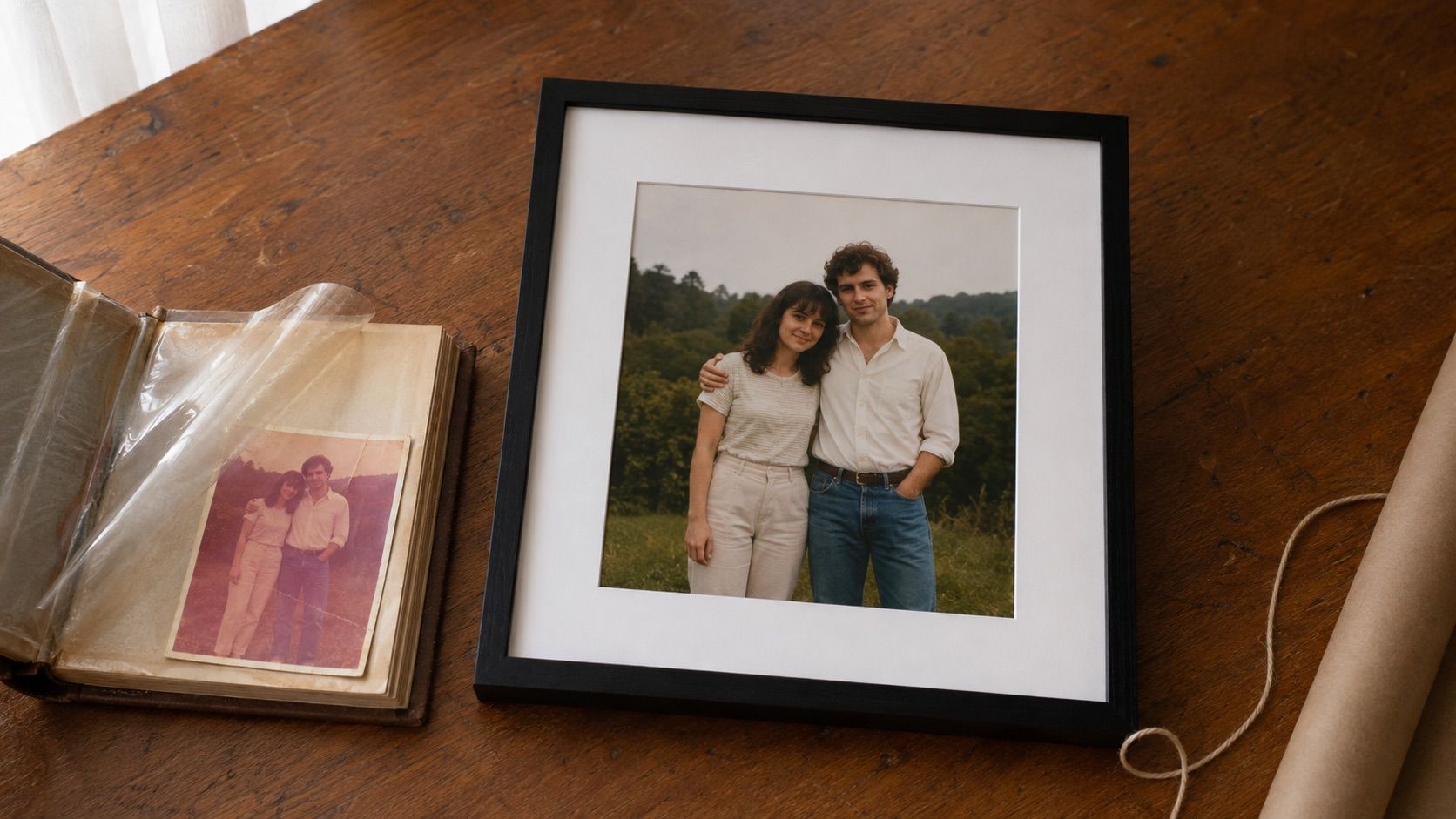
Gifts for Parents Who Have Everything: The One Gift That Isn't Stuff
Your parents don't want more things to dust. Pick one old print, restore it, print it, frame it. What it costs, how long it takes, and which photo to choose.
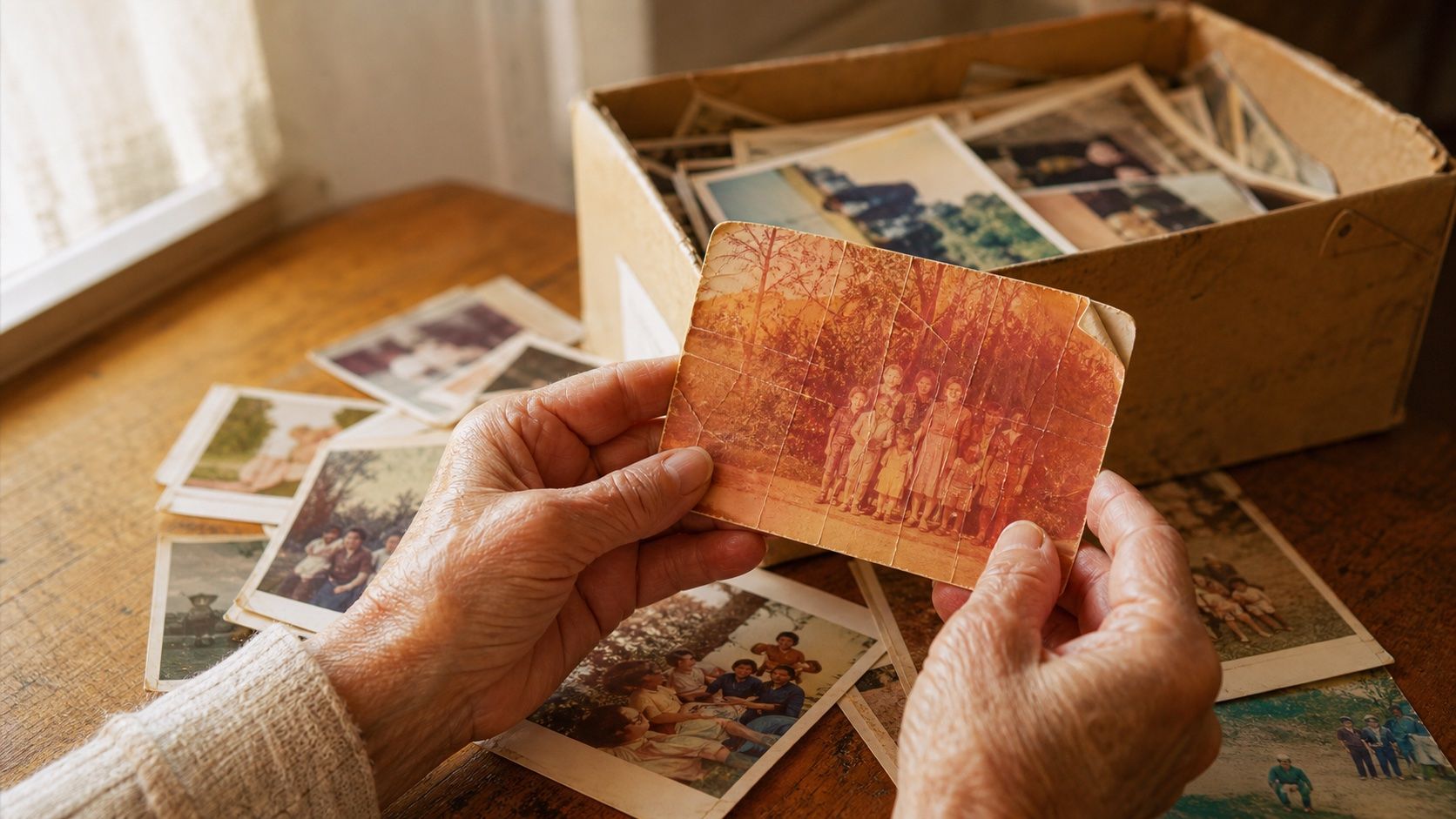
How to Restore Old Photos: The Honest 2026 Guide
Learn how to restore old photos at home with your phone and a free AI tool: scanning tips, fading fixes, and an honest look at what AI gets right and wrong.
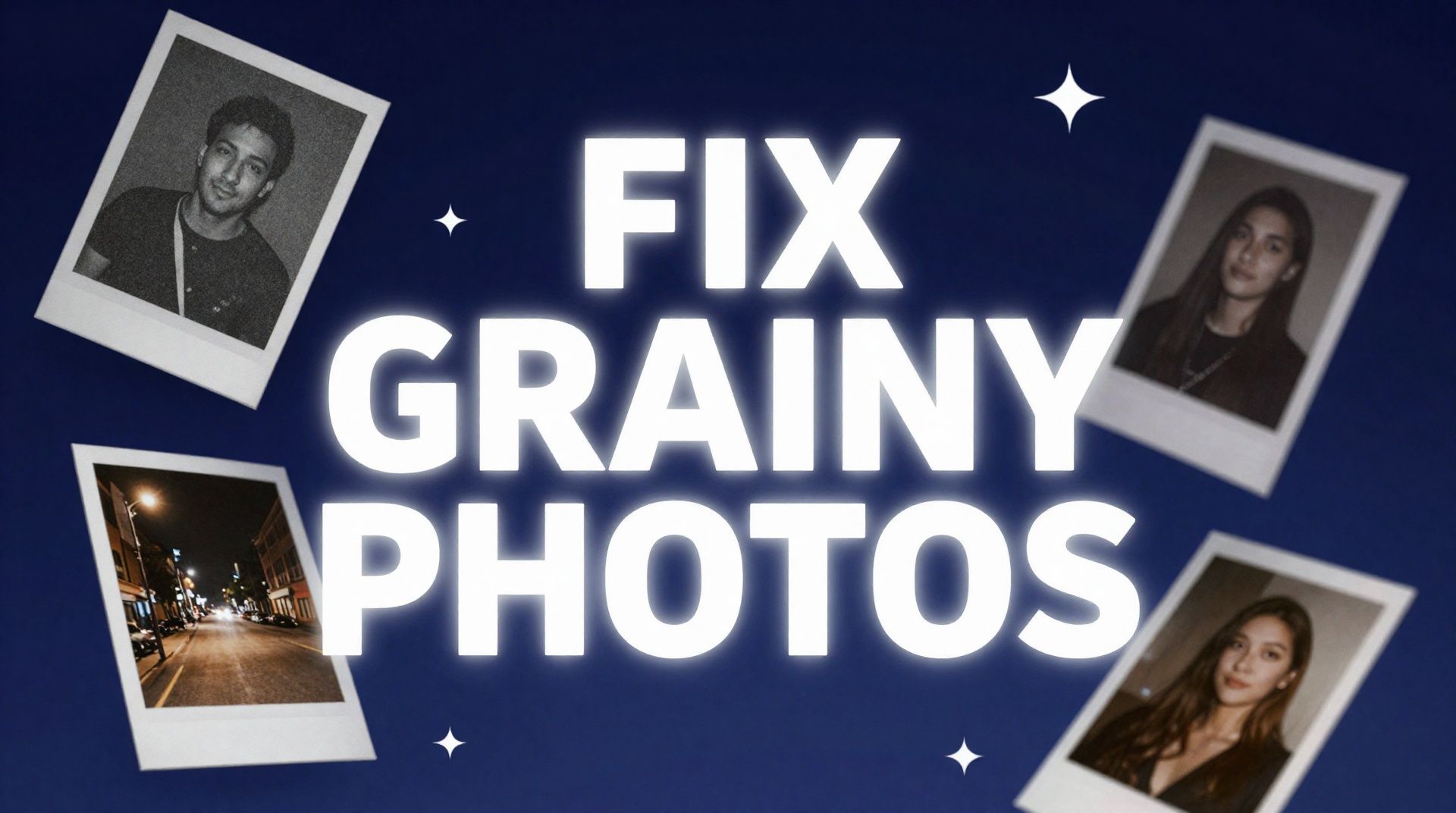
How to Fix Grainy Photos: Remove Noise Free with AI
Grainy, noisy photos come from high ISO, low light, and old scans. Here's why it happens and how to remove grain from photos free with AI in about 30 seconds.