Alternative to Clipdrop
With Multiple AI Models & Video
Clipdrop is a well-regarded AI editing suite by Stability AI (now owned by Jasper). BestPhoto offers a broader toolkit with multiple AI models, video generation, and 40+ free tools. Here's an honest comparison.
What Clipdrop Users Say
Mixed feedback from real users — strong editing tools, but customer support concerns.
“A fantastic tool for design work. The background removal feature is precise and easy to use, saving countless hours on projects.”
“The cleanup tool is impressive — removes objects seamlessly. I use it daily for product photography edits.”
“Paid for the monthly subscription and got locked out within days due to authentication issues. No response from support.”
“Over months of subscribing, nobody ever replies to support tickets. Only automated emails with dead links.”
“The Stable Diffusion XL integration is great for quick image generation. Quality is solid for most use cases.”
“Was eligible for a 14-day refund but was ignored until the refund period expired. Frustrating experience.”
Sources: Product Hunt • SourceForge
Clipdrop vs BestPhoto: Feature Comparison
A direct comparison based on publicly available information and user reviews.
| Feature | Clipdrop | BestPhoto |
|---|---|---|
| Starting Price | Free tier (watermarked, limited) | Free tier (no watermarks on free tools) |
| AI Image Generation | Stable Diffusion XL only | Multiple models (Flux, SDXL, and more) |
| Image Editing Tools | ~15 specialized editing tools | 40+ free editing tools + 8 pro editing modes |
| Video Generation | Not available | Multiple video models on all paid plans |
| Custom Model Training | Not available | Train models on your own photos |
| Background Removal | Strong — core feature with pixel-perfect precision | Available as free tool |
| Image Upscaling | Up to 16x upscale | AI upscaling available |
| Pro Plan Price | ~$9–15/month | Affordable credit-based plans |
| Customer Support | Widely reported as unresponsive | Team-based email support |
Clipdrop: Honest Pros & Cons
Clipdrop is a capable tool with real strengths. Here's the balanced view.
Clipdrop Pros
- Excellent background removal — pixel-perfect precision even with complex edges
- Clean, intuitive interface that's easy to learn
- Strong cleanup tool for removing objects seamlessly
- Up to 16x image upscaling capabilities
- Cross-platform support (web, iOS, Android, desktop)
- Photoshop and Figma plugin integration
- Uncrop tool for extending image boundaries
- Affordable Pro plan at ~$9/month
Clipdrop Cons
- Free tier outputs are watermarked
- Customer support is widely reported as unresponsive
- Limited to Stable Diffusion XL for image generation
- No video generation capabilities
- No custom model training on your own photos
- Ownership transition (Stability AI → Jasper) creates uncertainty
Why Consider BestPhoto
Key areas where BestPhoto offers a different approach.
Multiple AI Generation Models
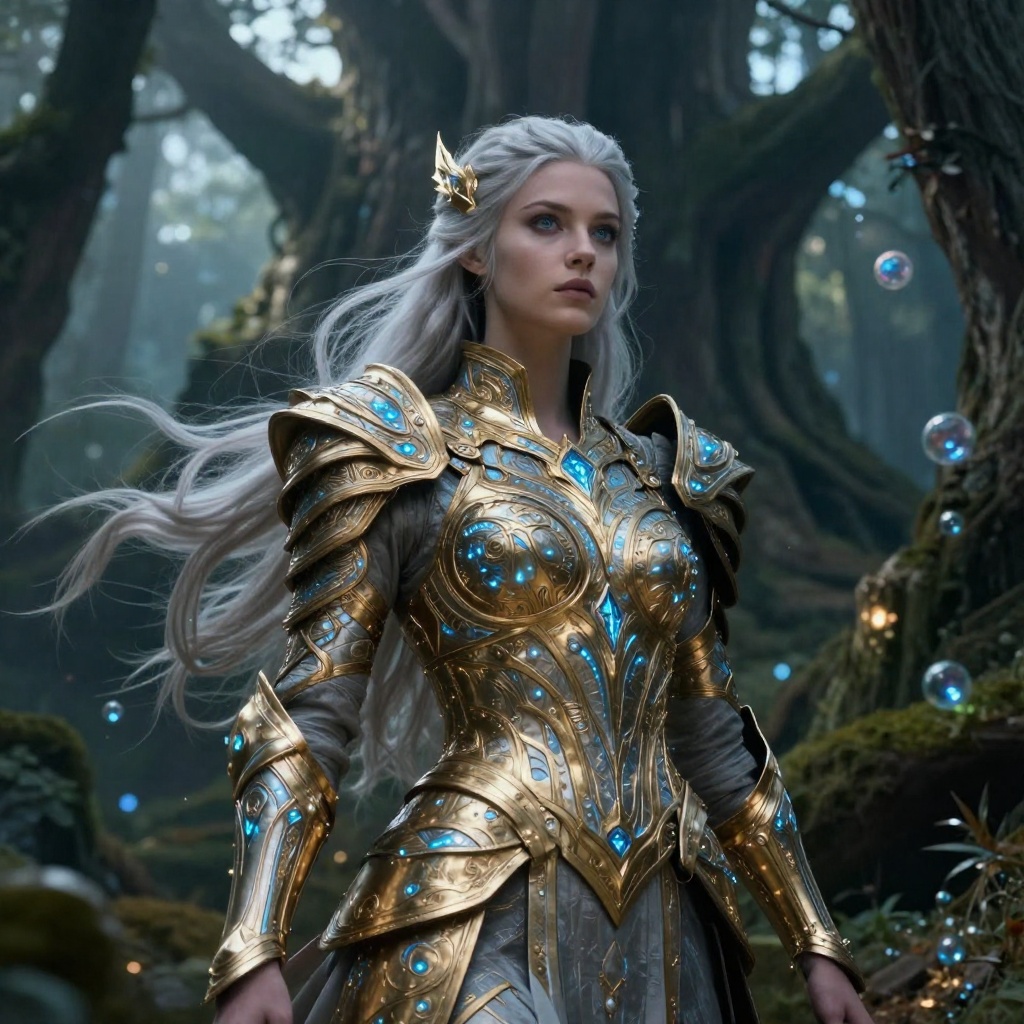
Clipdrop's image generation is powered exclusively by Stable Diffusion XL. While SDXL produces good results, you're limited to one model's style and capabilities. BestPhoto offers multiple AI models including Flux and SDXL, letting you choose the best model for each specific task — whether that's photorealistic portraits, creative art, or product shots.
BestPhoto: Choose from multiple AI models for different use cases
What you get:
- Multiple generation models to choose from
- Different models excel at different styles
- Faster models for quick iterations
- Train custom models on your own photos



Comprehensive AI Image Editing
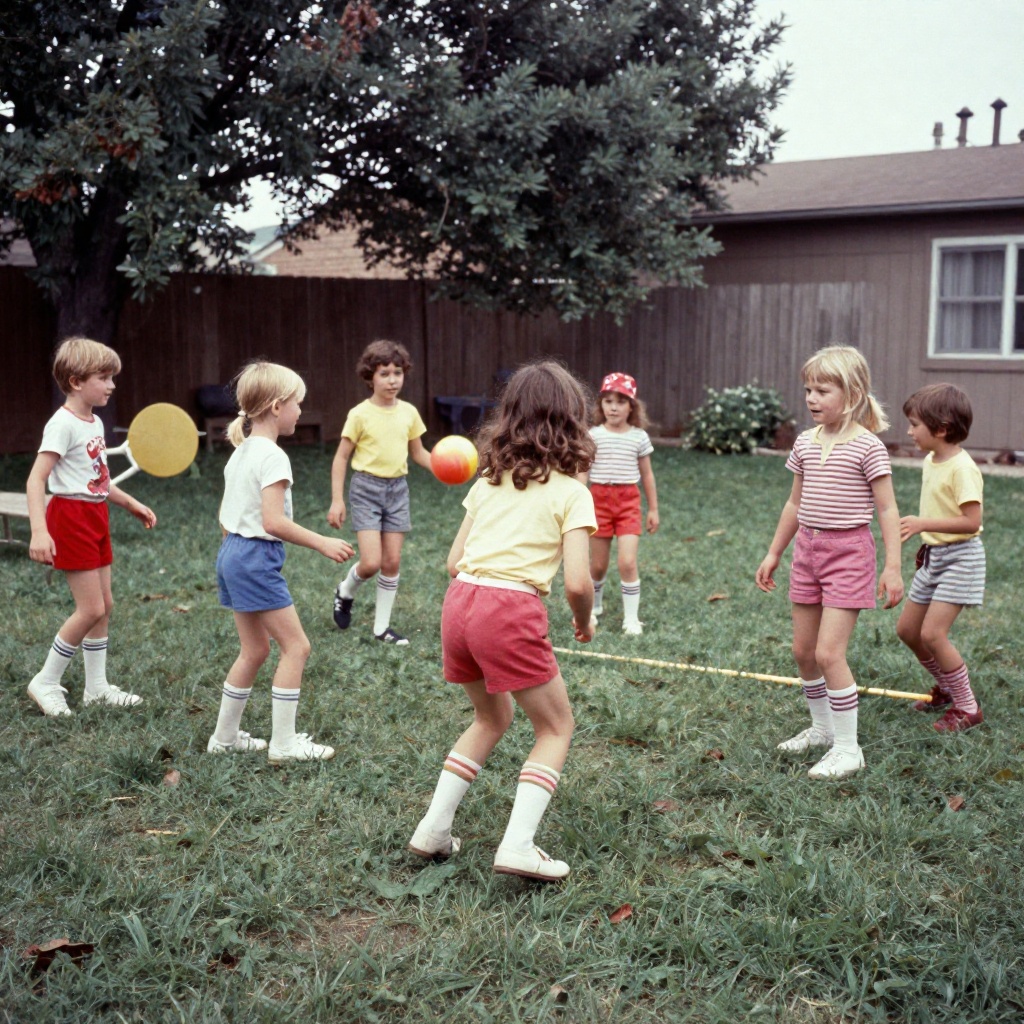
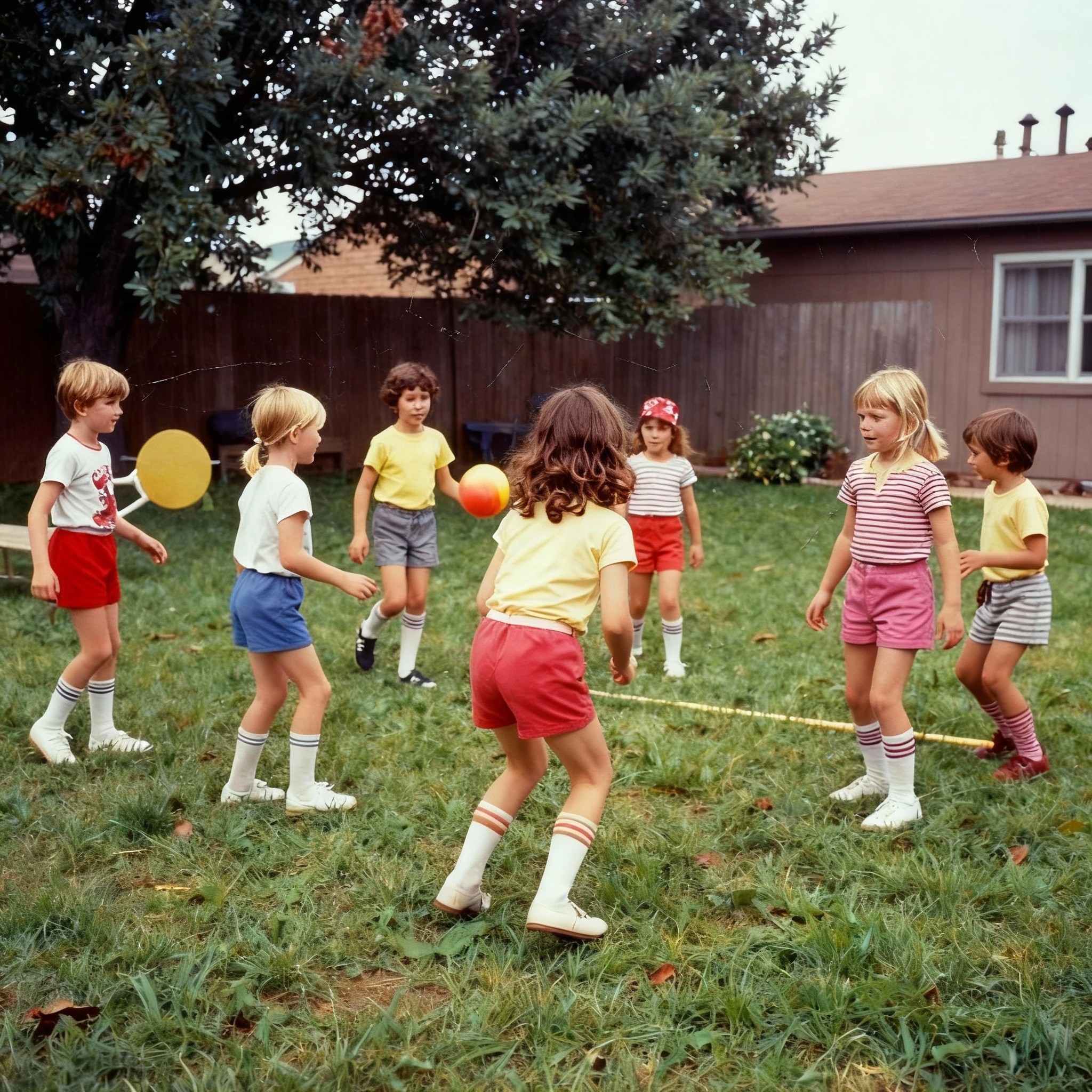
Clipdrop excels at specific tasks like background removal and object cleanup. BestPhoto offers 8 specialized editing modes — Replace, Restyle, Remove, Re-composition, Add Objects, Restoration, Clothing Replacement, and Concept Transformation — giving you much broader creative control over your images.
BestPhoto: 8 editing modes for complete creative control
What you get:
- Replace mode for swapping elements
- Restyle for artistic transformations
- Add objects and change clothing
- Concept transformation for creative edits


AI Video Generation
Clipdrop is purely an image editing platform with no video capabilities. BestPhoto offers full video generation on all paid plans — including talking head videos, image-to-video conversion, and text-to-video. If you need both image and video content, BestPhoto covers both in one platform.
BestPhoto: Full video generation that Clipdrop doesn't offer
What you get:
- Text-to-video generation
- Image-to-video conversion
- Talking head videos
- Available on all paid plans
Click to play
40+ Free Editing Tools
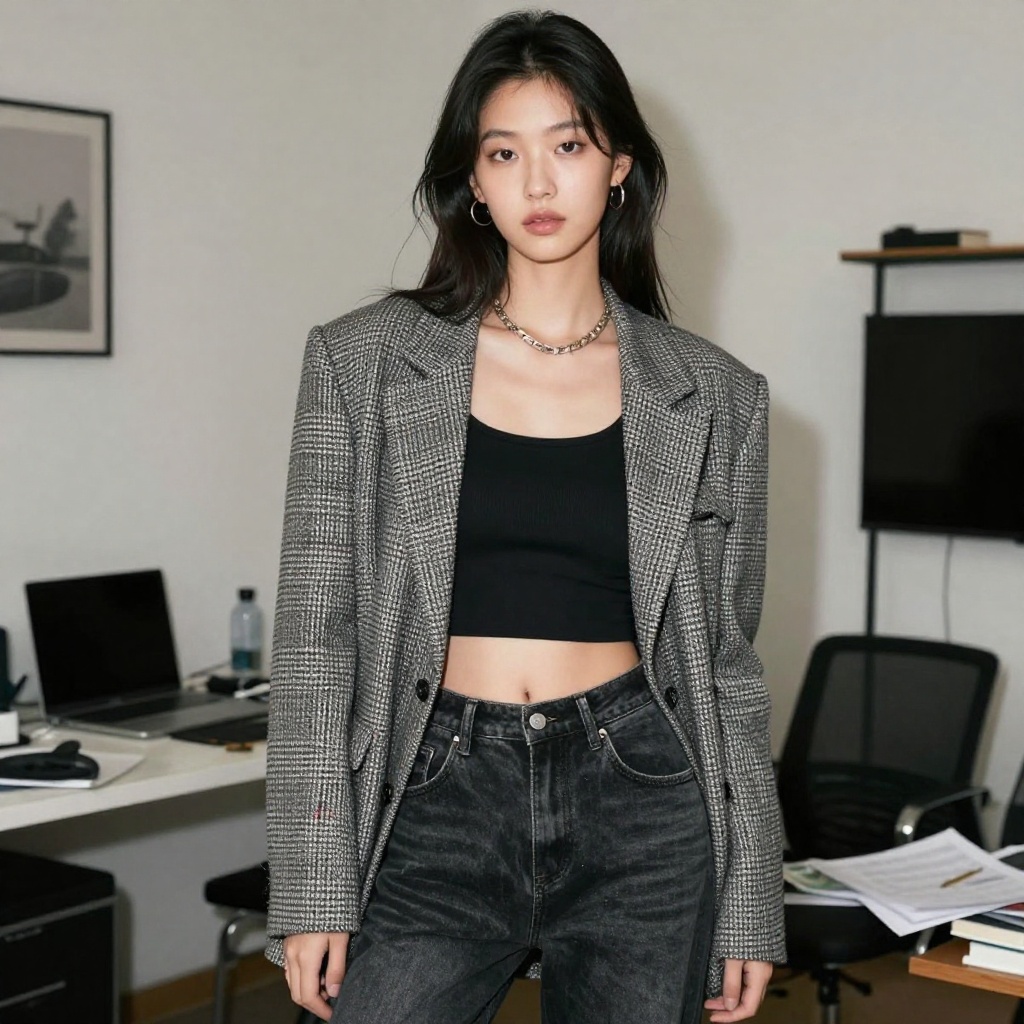
Clipdrop's free tier watermarks all outputs and limits daily usage. BestPhoto offers 40+ completely free editing tools — from background removal to hair color changing, age progression, and more — all without watermarks and without requiring a credit card. You can thoroughly test the platform before committing to anything.
BestPhoto: More free tools without watermarks
What you get:
- 40+ specialized free tools
- No watermarks on free tool outputs
- No credit card required to start
- Background removal, upscaling, and much more


Which Tool is Right for You?
Both tools have their strengths. Here's a quick guide.
Clipdrop might be better if you:
- Primarily need background removal and cleanup tools
- Want Photoshop or Figma plugin integration
- Prefer a mobile app for on-the-go editing
- Only need Stable Diffusion XL for image generation
BestPhoto might be better if you:
- Want multiple AI models beyond just Stable Diffusion
- Need video generation capabilities
- Want to train custom AI models on your own photos
- Value responsive customer support
Important: What to Expect from Any AI Photo Tool
- •AI image generation isn't perfect — expect some iterations
- •Hands, fingers, and complex poses can be challenging for any AI
- •Results depend heavily on input photo quality
- •Some prompts work better than others — there's a learning curve
Frequently Asked Questions
Is Clipdrop a good tool?
Clipdrop is a well-built AI editing suite with strong background removal, cleanup, and upscaling features. It was originally built by Init ML, acquired by Stability AI, and is now owned by Jasper. Its core editing tools are reliable and the interface is clean. The main concerns are around customer support responsiveness and the fact that free outputs are watermarked.
What's the main difference between Clipdrop and BestPhoto?
Clipdrop focuses on image editing tools (remove backgrounds, cleanup, upscale, uncrop) with Stable Diffusion XL for generation. BestPhoto offers a broader platform with multiple AI models for generation, 40+ free editing tools, video generation, and custom model training. Clipdrop is more of a specialized editing toolkit, while BestPhoto is a more comprehensive creative platform.
What happened to Clipdrop after the Jasper acquisition?
Jasper acquired Clipdrop from Stability AI in February 2024. The Clipdrop team joined Jasper and the platform continues to operate as a standalone product at clipdrop.co. However, the ownership change has created some uncertainty about the platform's long-term direction and independent development.
Does Clipdrop offer video generation?
No — Clipdrop is focused entirely on image editing and generation. If you need video capabilities (talking head videos, image-to-video, text-to-video), BestPhoto includes these on all paid plans.
Can I train custom AI models on either platform?
Clipdrop does not offer custom model training — you can only use their built-in Stable Diffusion XL model. BestPhoto lets you train custom models on your own photos, which is useful for generating consistent portraits, headshots, or brand-specific imagery.
Photos That Actually Make a Difference
Whether it's landing the interview or getting the date, people use BestPhoto to create images that open doors.


Professional Headshots
Stand out on LinkedIn, company websites, and professional networks. Profiles with professional photos receive up to 21x more views.


Dating Profile Photos
Get more matches with photos that show your authentic self in the best light. Perfect for Tinder, Bumble, Hinge, and more.


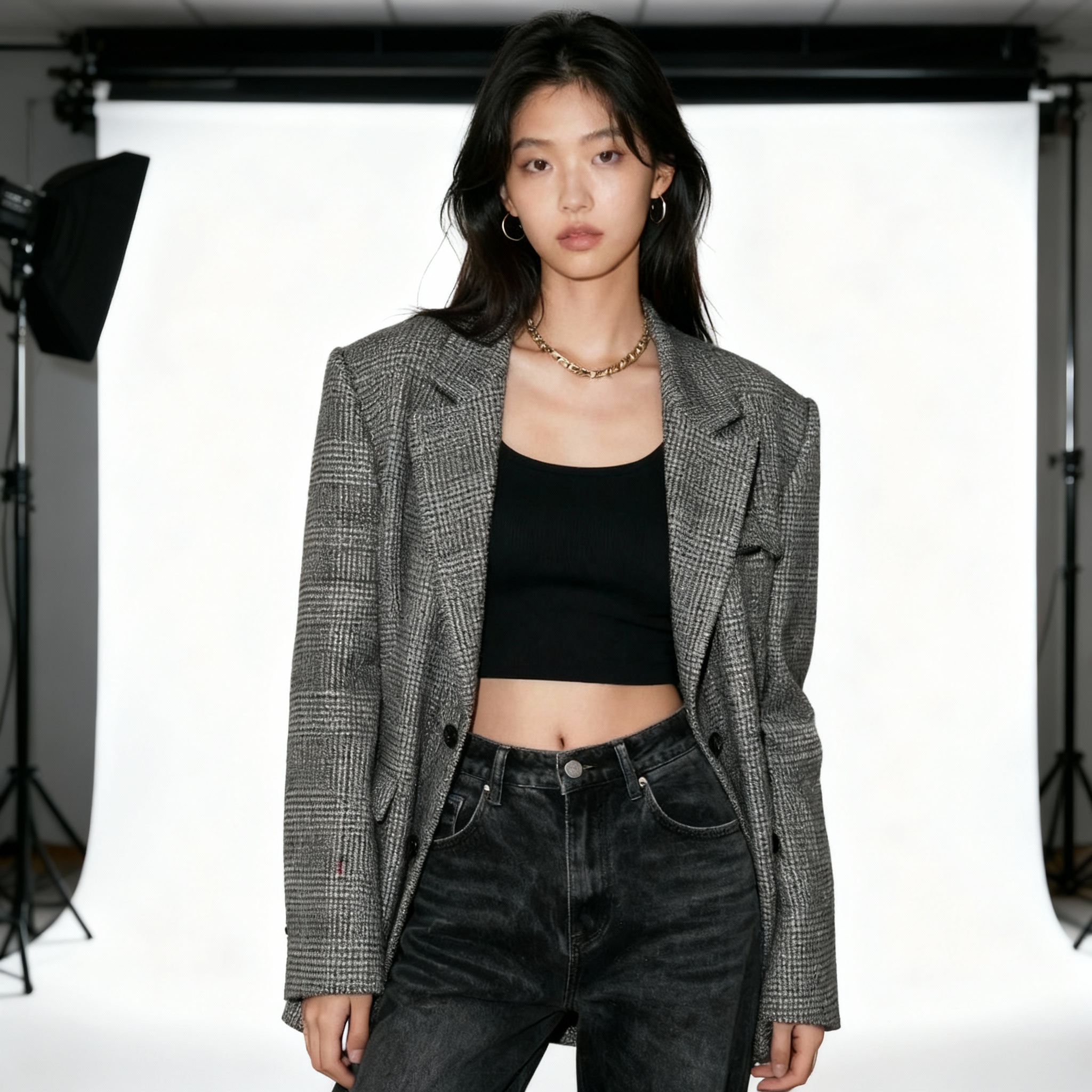
Realistic AI Photos
Generate ultra-realistic images for marketing, content creation, and creative projects. Studio quality without the studio.
Learn More About AI Photo Technology
Stay up to date with the latest AI tools, tips, and techniques. Our guides help you get the most out of your photos.
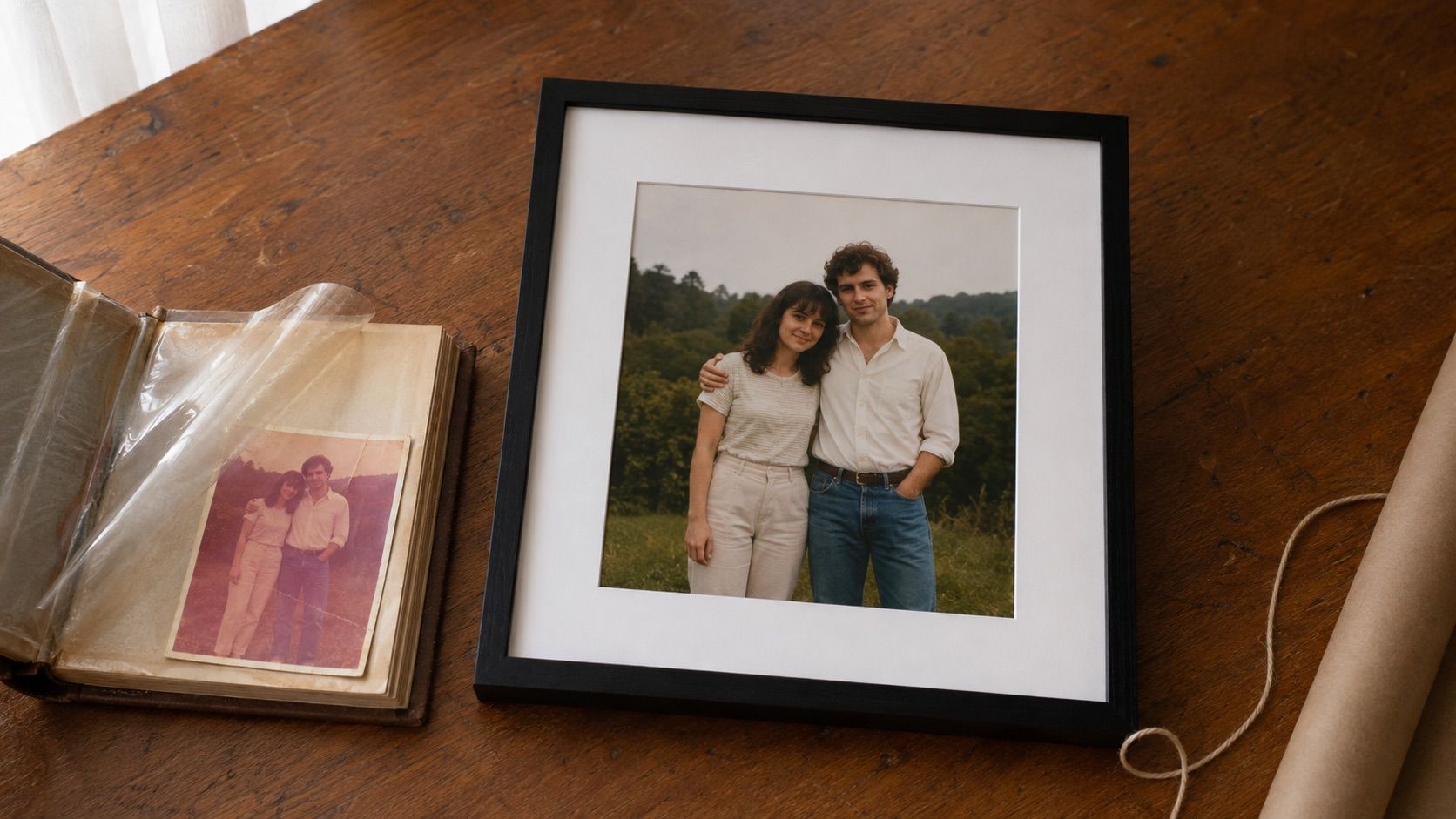
Gifts for Parents Who Have Everything: The One Gift That Isn't Stuff
Your parents don't want more things to dust. Pick one old print, restore it, print it, frame it. What it costs, how long it takes, and which photo to choose.
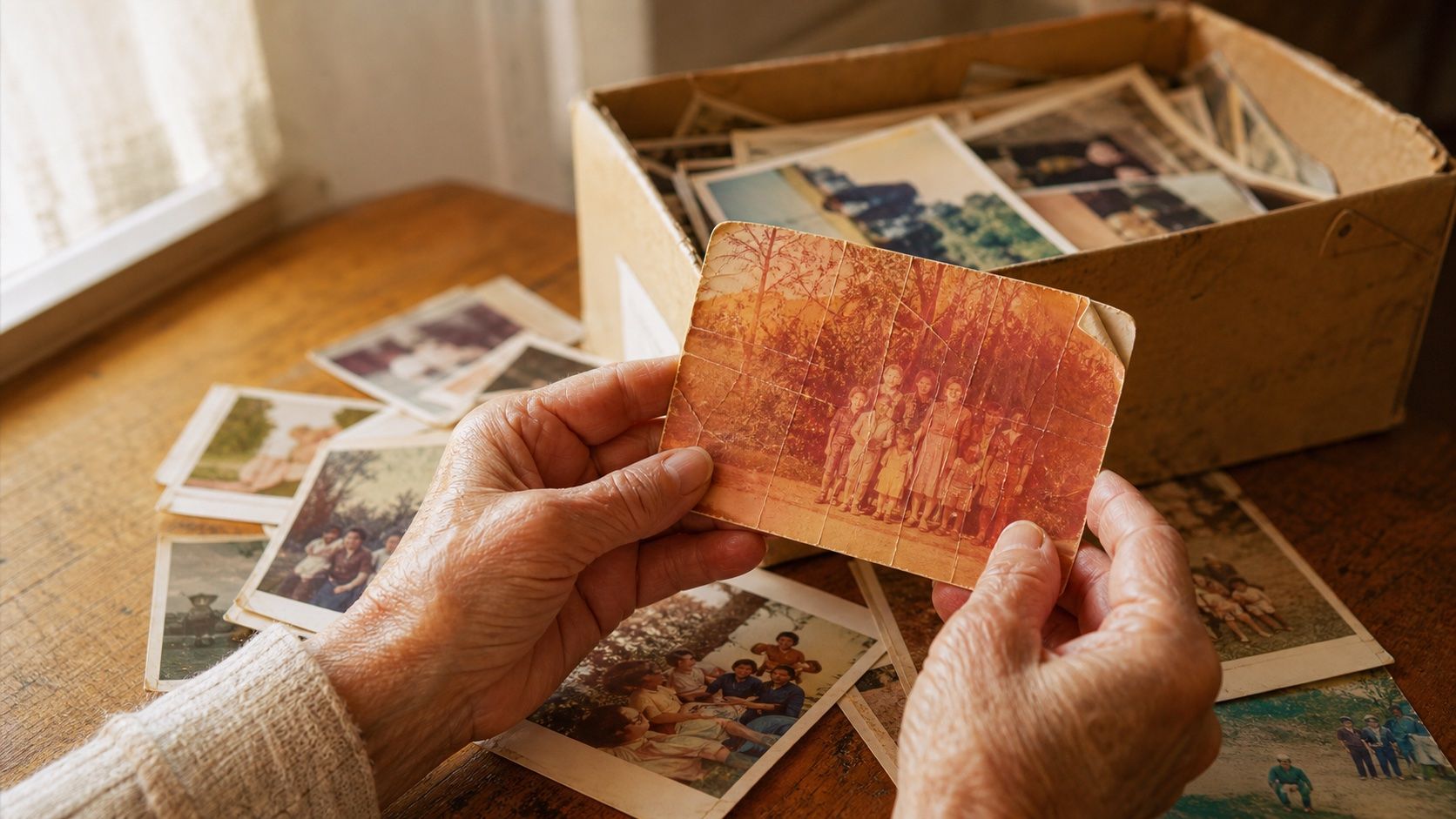
How to Restore Old Photos: The Honest 2026 Guide
Learn how to restore old photos at home with your phone and a free AI tool: scanning tips, fading fixes, and an honest look at what AI gets right and wrong.
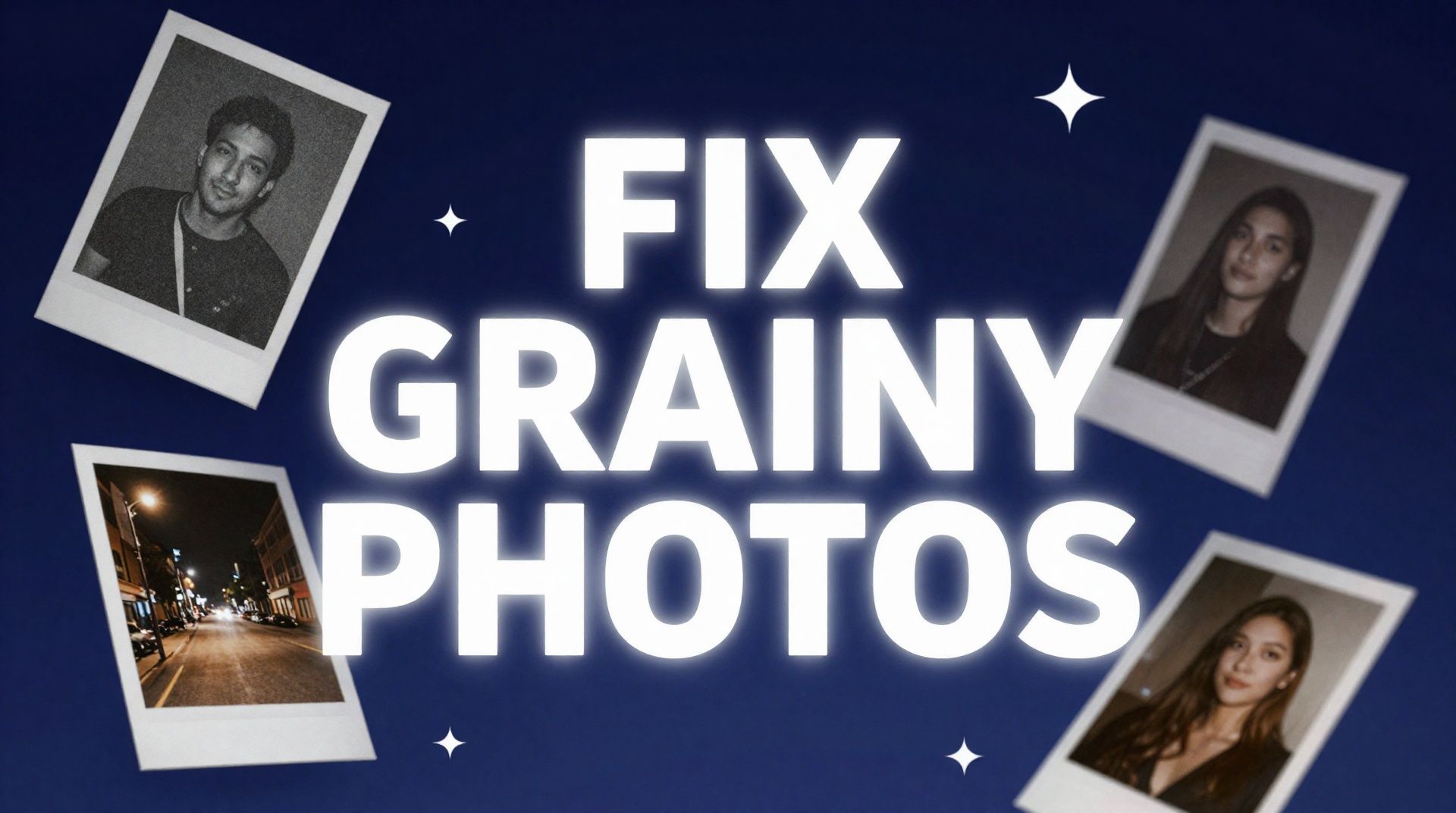
How to Fix Grainy Photos: Remove Noise Free with AI
Grainy, noisy photos come from high ISO, low light, and old scans. Here's why it happens and how to remove grain from photos free with AI in about 30 seconds.