AI Christmas Photo Prompts That Keep Everyone's Face
Turn your family photo into a Christmas one without Grandma becoming a stranger: keep the pose, say who's in it, and copy these fill-in-the-blank prompts.
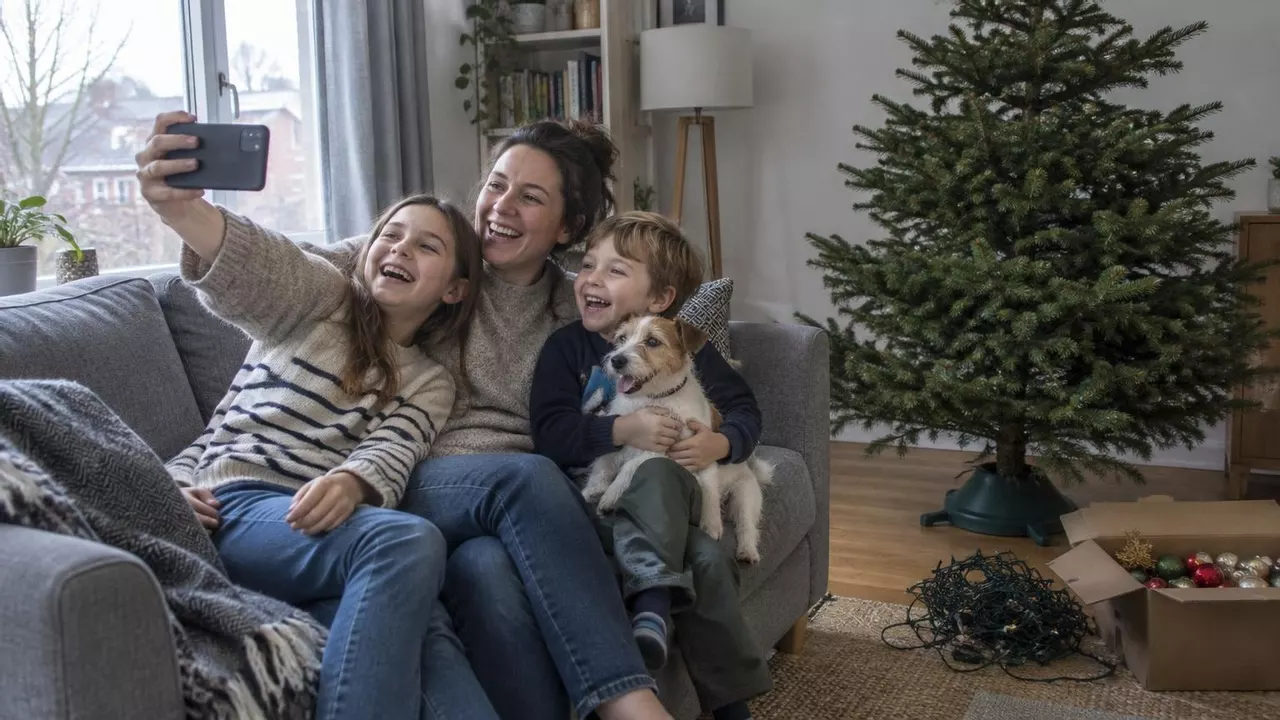
You have a sweet photo of everyone squeezed onto the couch. You want it to look like Christmas, for the card or the family group chat. Any AI app will do that in seconds. The catch: sometimes Grandma comes back as a stranger.
The short answer: edit your real photo, keep its pose, and add one sentence saying who's in it. Faces stay put. Ask for a whole new scene and the AI redraws everyone from scratch, and that's when faces drift.
Why faces stay put, or don't
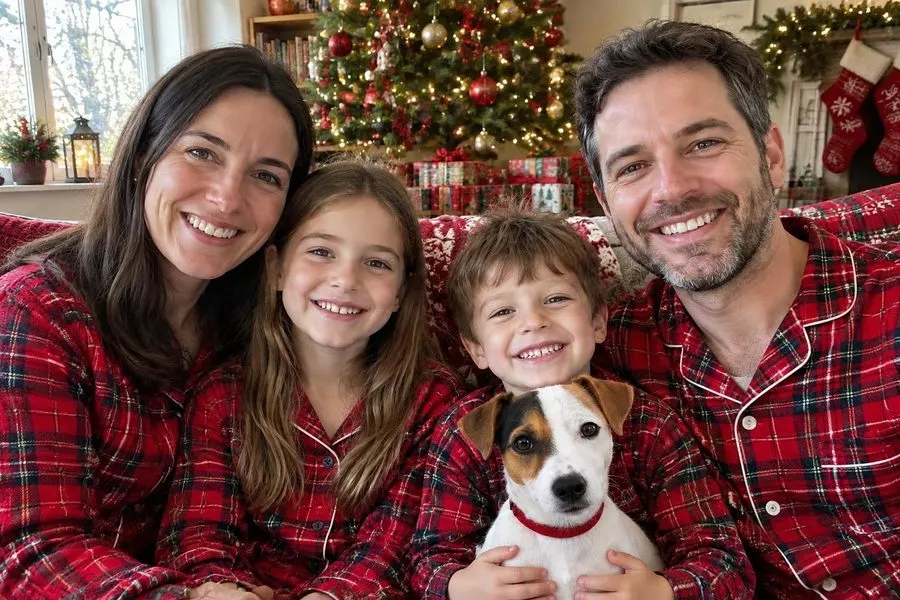
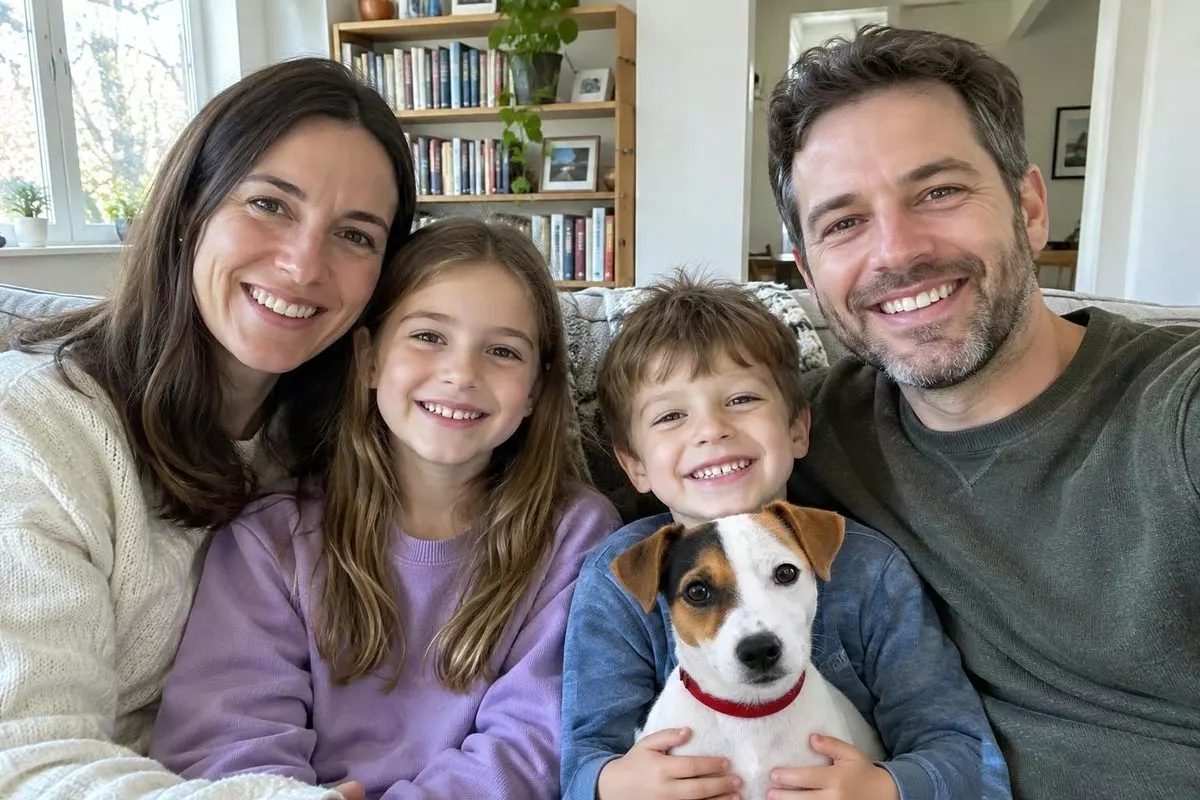
When you keep the pose, the AI can leave everyone's face where it is and paint around it: hats, pajamas, a tree, snow out the window.
Ask for something new, like the whole family standing by a fireplace, and it has to draw everyone again, usually smaller, from its memory of what you look like. That's where people turn into lookalikes.
You type:“Same sofa, same pose. Add hats, a tree and lights.”
You type:“Make us a card: standing by the fireplace.”
Keep the pose and the AI decorates around your faces. Ask for a new scene and it redraws everyone, smaller.
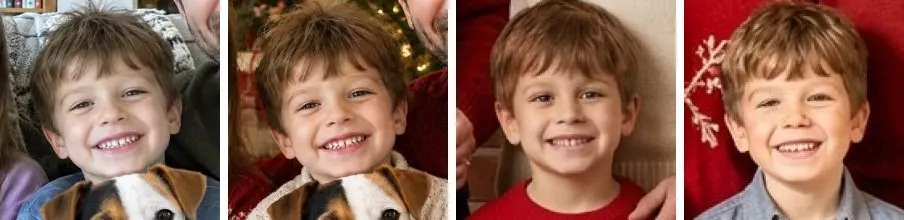
Kids drift first. When we asked for a standing card portrait, two of the three AI models we tried shrank the kids' faces to less than half their size in the photo, and the kids came back as cousins.
Christmas photo prompts to copy
These work in ChatGPT, Gemini or our editor. Type who's in your photo once, then copy any prompt. The thumbnails are what each prompt made from our test photos.
Who's in your photo?
Fill this in once. Every family prompt below picks it up, and the Copy buttons add the right keep-the-face line for you.
Your who's-in-it sentence
There are [number] people ([who they are, left to right]). Keep every face exactly as it is in the photo: the same face shape, eyes, nose, smile, skin tone, hair and age. Don't add, remove or swap anyone, and don't smooth or beautify anyone's skin.
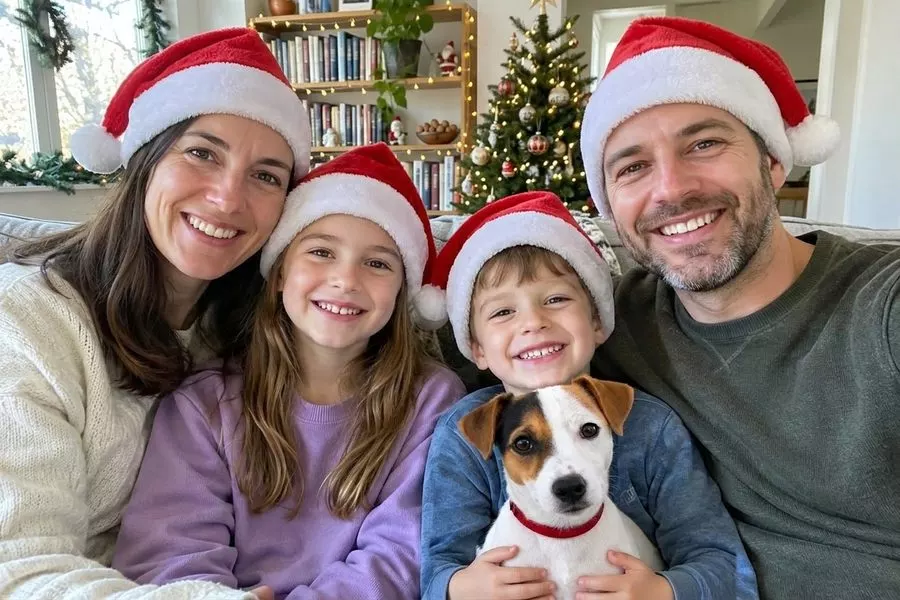
1.Santa hats and a lit-up tree
Make this a Christmas photo: put Santa hats on everyone and decorate the room behind us with a Christmas tree and warm fairy lights.
+ your who's-in-it sentence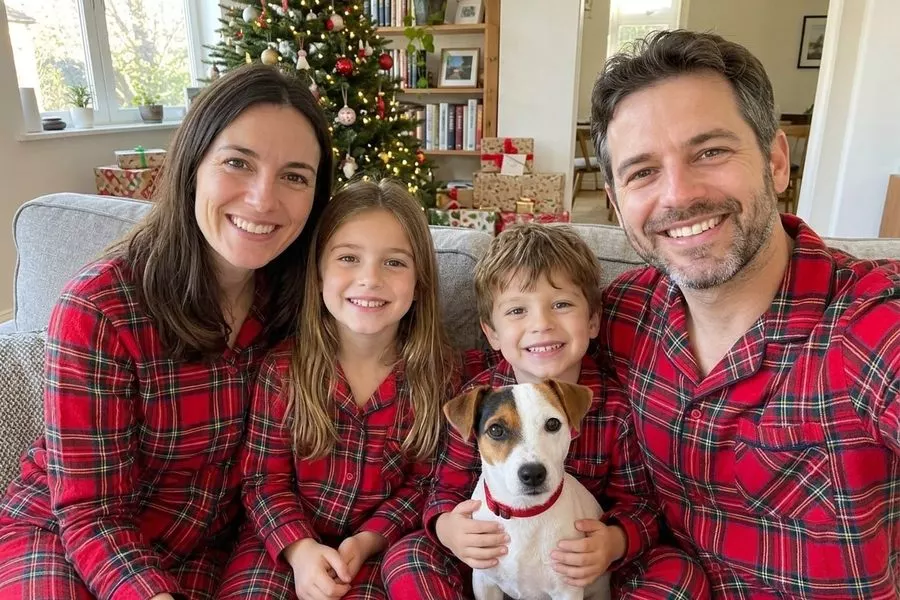
2.Matching Christmas pajamas
Turn this into a Christmas morning photo of us in matching red plaid pajamas, on the same sofa, with a decorated Christmas tree and presents behind us.
+ your who's-in-it sentence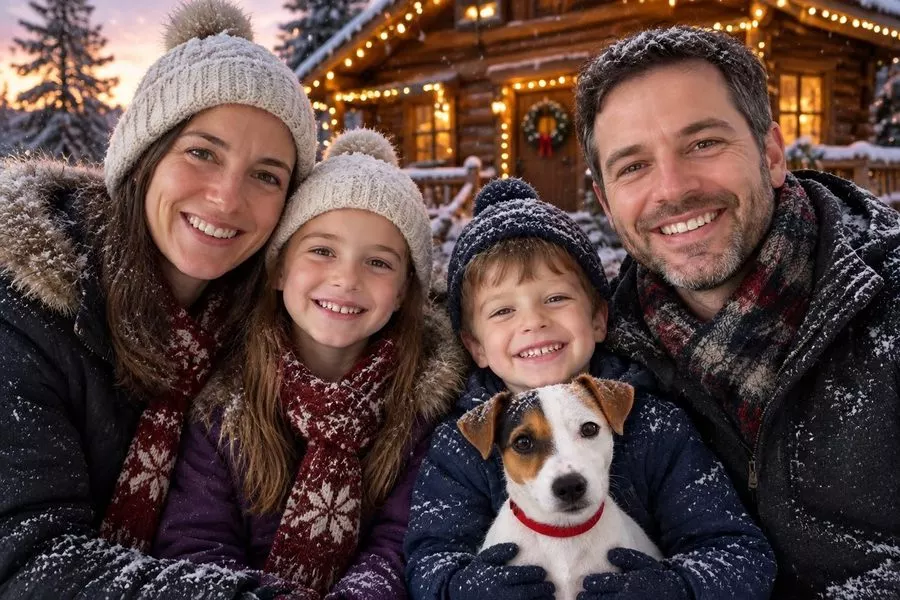
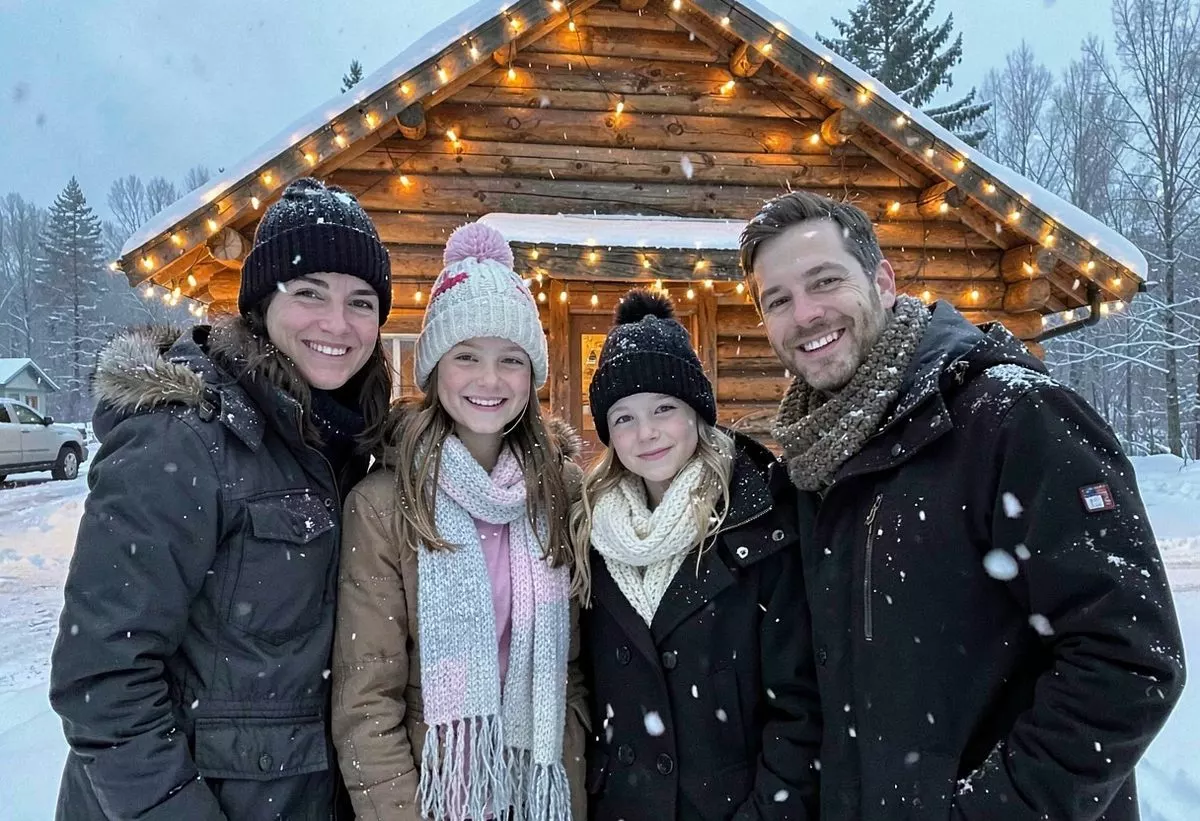
3.Out in the snow
Put us outside in the snow in front of a log cabin with Christmas lights at dusk, wearing winter coats, hats and scarves, in the same pose.
+ your who's-in-it sentence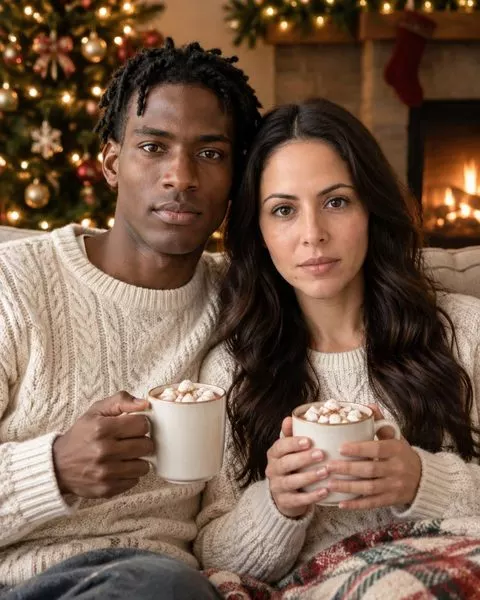
4.A couple, from two separate photos
Put the [man] from image 1 and the [woman] from image 2 together in a cozy Christmas photo: sitting close on a sofa by a fireplace in matching cream knit sweaters, holding mugs of hot chocolate, with a decorated tree and warm lights behind them.
+ a keep-both-faces line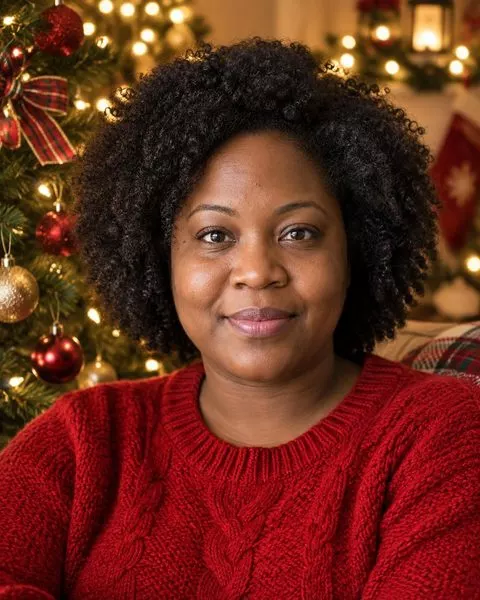
5.Just you, by the tree
Make a Christmas portrait of me sitting next to a decorated Christmas tree in a red knit sweater, with warm fairy lights glowing in the background.
+ a keep-my-face line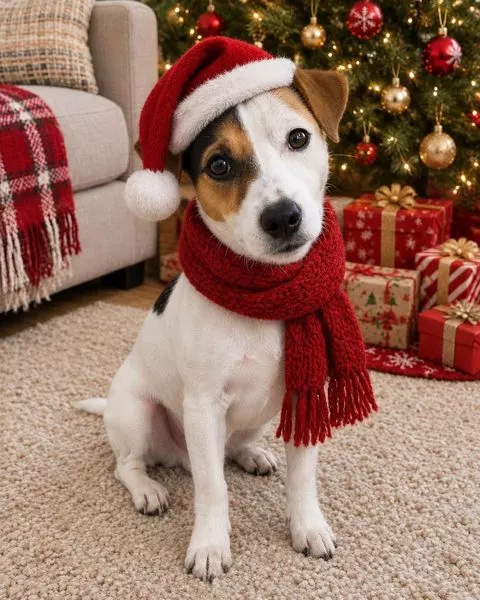
6.Your dog in a Santa hat
Put a Santa hat and a red knitted scarf on my dog, sitting by a Christmas tree with wrapped presents.
+ a keep-my-dog line
The two tricks that do most of the work
1. Name everyone, left to right
AI is weirdly bad at counting. Leave out the who's-in-it sentence and people go missing or melt into each other. On one model we tried, that happened in almost half the edits that kept the pose. With the sentence, it never did, on any of the three.
2. Mention the small things you'd miss
The AI fills gaps with whatever looks Christmassy. One model swapped our dog's red collar for a bandana or a sweater every time we didn't mention it, and kept it every time we did. The same goes for Grandpa's glasses or your daughter's bangs.
If you want to keep your own clothes, say so too. When we only asked for Santa hats, one model put the whole family in Christmas sweaters anyway.
What goes wrong, and a 10-second check
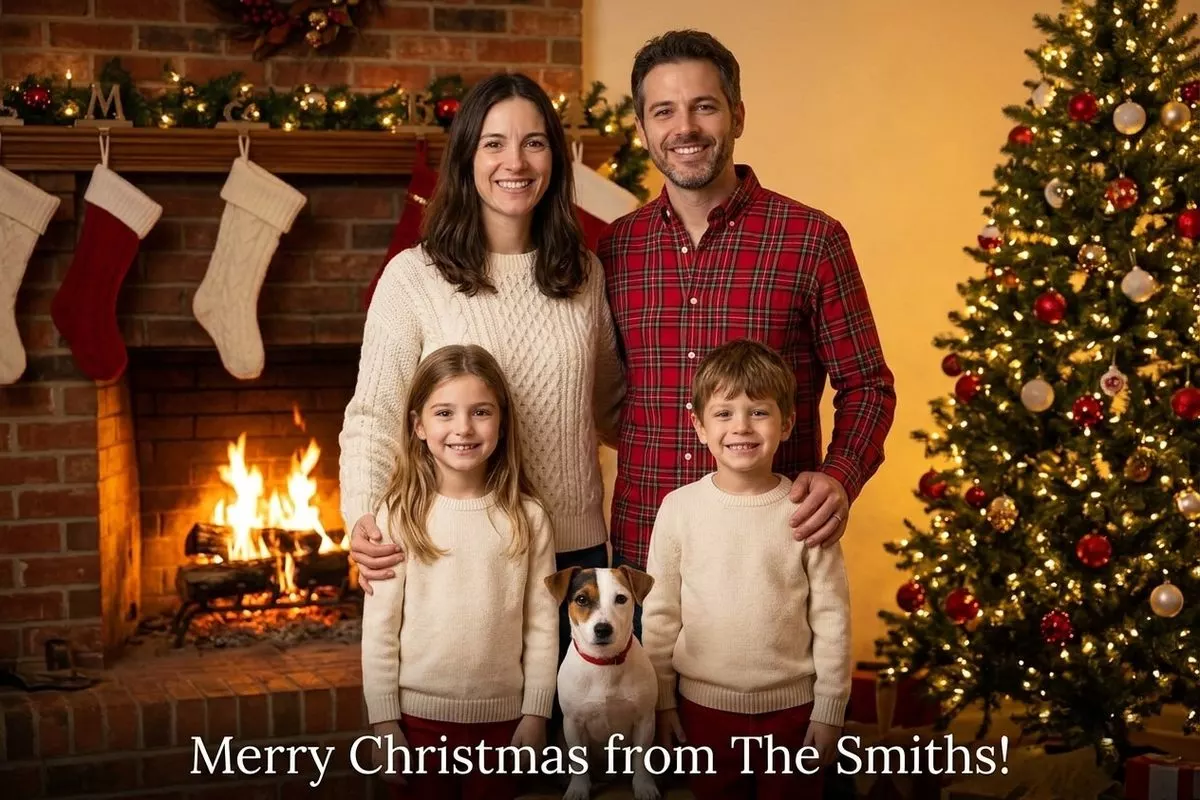
Before it goes on a card or in the chat, look for these:
- Count heads, pets included.
- Zoom in on each kid. Would Grandma know it's them?
- Read any writing: stockings, banners, captions.
- Check the pet's markings and collar.
Something off? Run the same prompt again. The mistakes changed from try to try, so the second or third result is often the keeper.
Where to make it
ChatGPT: attach your photo, paste a prompt, send. Free accounts can attach 3 files a day (OpenAI's help page).
Gemini: same idea. For the couple prompt, pick the Flash or Pro model; Google says the Lite one isn't built for several photos at once.
BestPhoto: paste any prompt here into our AI image editor (free account needed) and run it two or three times. Just want to be Santa? The one-click Santa transform works without an account; downloads without our watermark are on paid plans.
Make your Christmas photo
Upload your family photo, paste a prompt and your who's-in-it sentence, and keep the best of a few tries.
Printing it as a card? Check it has enough pixels with our photo size chart. And if other people's kids are in the photo, ask their parents before you post it.
Quick questions
Why did the AI change my kid's face?
Usually the prompt asked for a new pose or a wider shot, so the AI redrew everyone smaller, and in our tests the kids were the ones who came back looking like someone else. Keep the original pose, name everyone, and run it again.
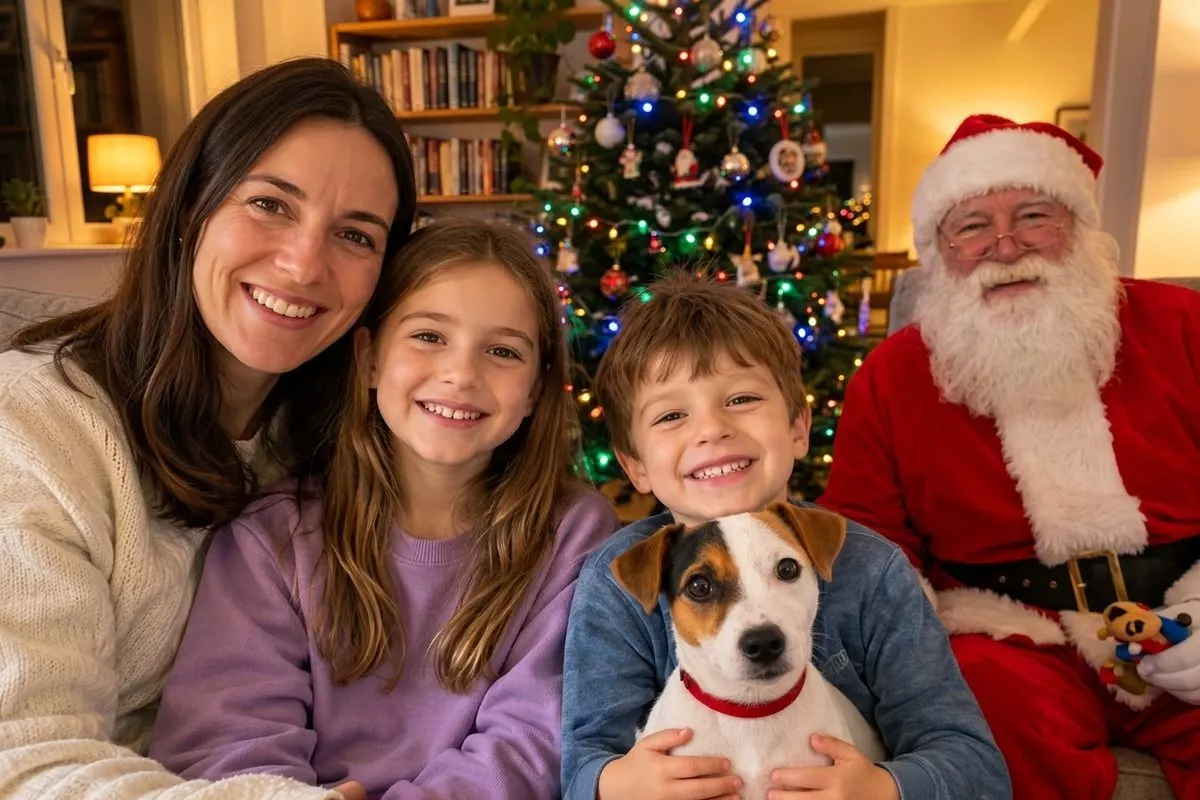
Can AI add Santa to our family photo?
It can, but count heads afterwards. In our tests Santa took Dad's seat, and Dad vanished, in about 1 in 4 tries. If it happens, just run it again.
Is it free?
ChatGPT and Gemini both let free users edit photos within daily limits. On BestPhoto you can try the one-click Christmas tools without an account; downloads without our watermark come with a paid plan. The AI editor, where you can paste your own prompt, needs a free account.
Try it on one of your own photos
Most of our photo tools have a free version. Upload a picture and see what it does before you decide anything.