Top 5 AI Product Photography Tools in 2026: Complete Comparison Guide
Looking for the best AI product photography tool? We tested BestPhotoAI, AdMakeAI, Pebblely, Claid.ai, and Pixelcut. Compare features, pricing, real user opinions, and results to find the perfect tool for your e-commerce store.

AI product photography has transformed e-commerce in 2026. What once required a professional studio, lighting rigs, and hundreds of dollars per shoot can now be done from your laptop in minutes. We spent 80+ hours testing the top AI product photography tools to help Shopify sellers, Amazon merchants, Etsy creators, and small business owners find the right solution without overpaying.
Quick Answer: For a full creative suite that handles background removal, product editing, lifestyle scene generation, and video creation in one place, try BestPhotoAI. For standalone tools: AdMakeAI for ad creative generation, Pebblely for quick background scenes, Claid.ai for API-driven automation, Pixelcut for budget-friendly basics.
The ROI Reality: AI vs. Traditional Product Photography
A traditional product photoshoot costs $200-$500 per product when you factor in studio rental, photographer fees, props, and post-production. For a catalog of 50 products, that is $10,000-$25,000. AI product photography tools deliver comparable results for $14-$50/month, saving 95%+ on photography costs. The trade-off? AI handles standard product shots well but may struggle with highly reflective surfaces or complex fabric textures. For most e-commerce sellers, the savings far outweigh the limitations.
The 5 Tools at a Glance
1. BestPhotoAI -- Best Overall for E-Commerce
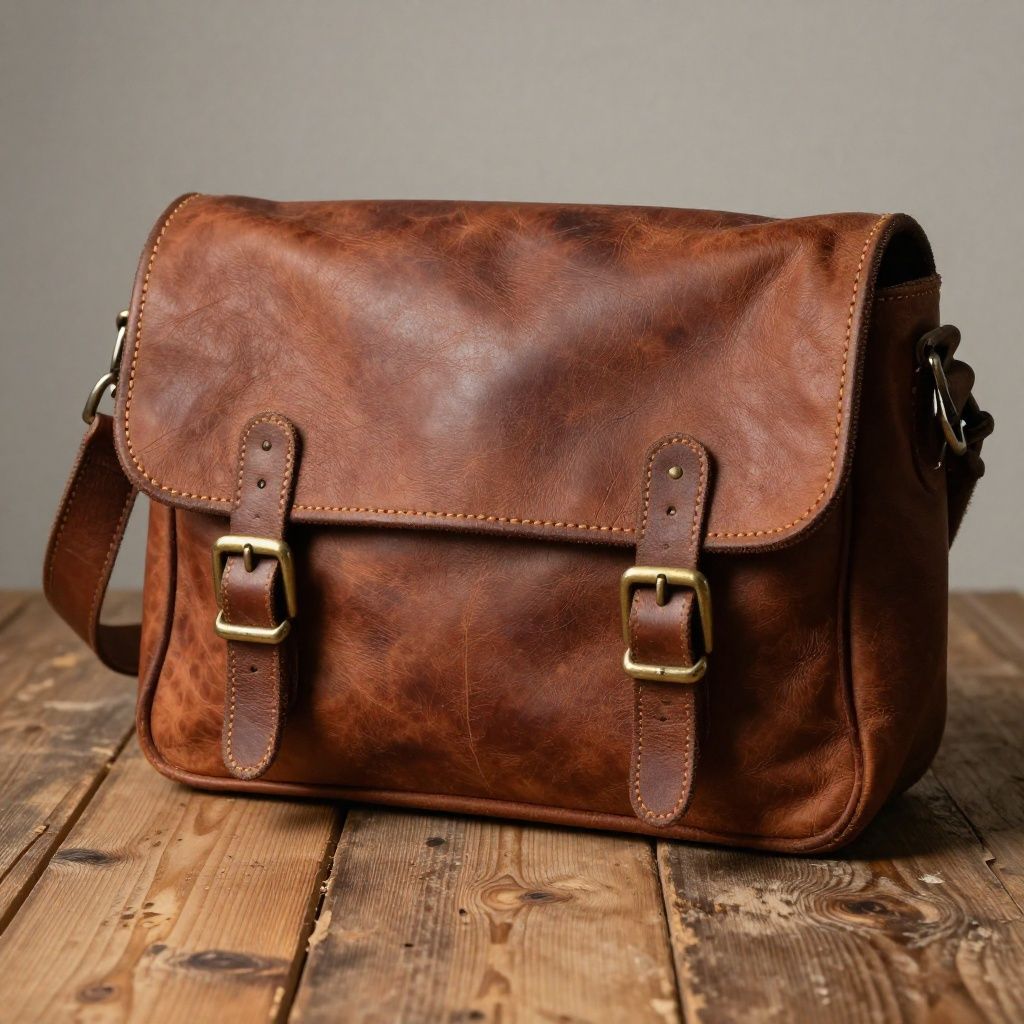
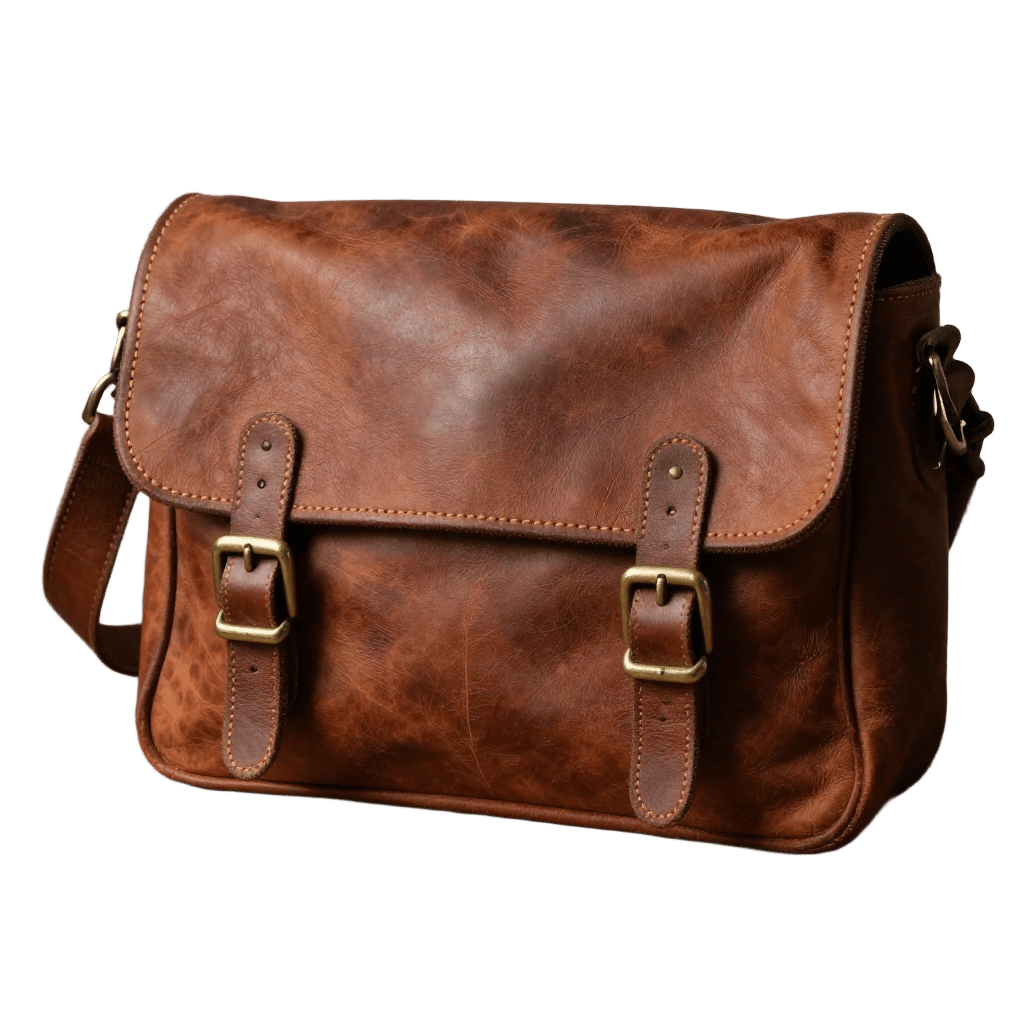
Background Removal
Scene Generation
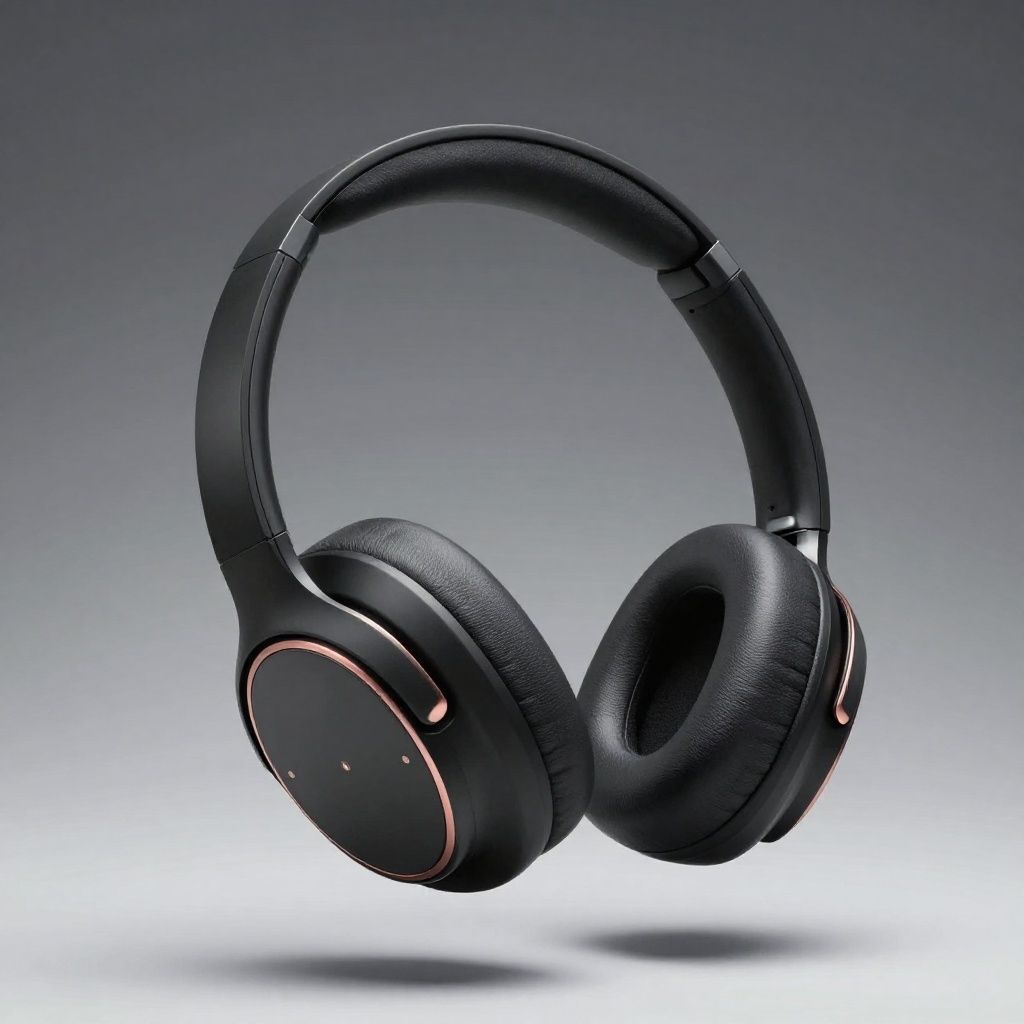
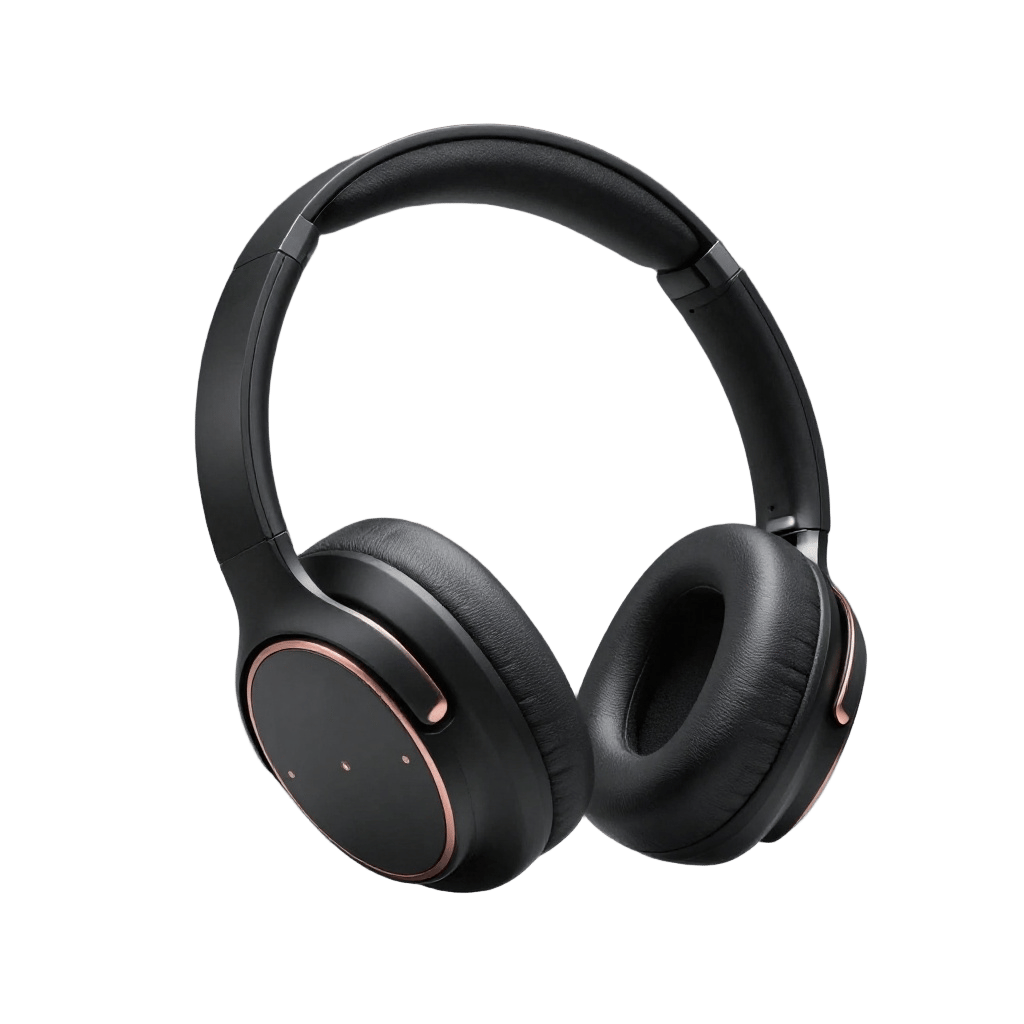

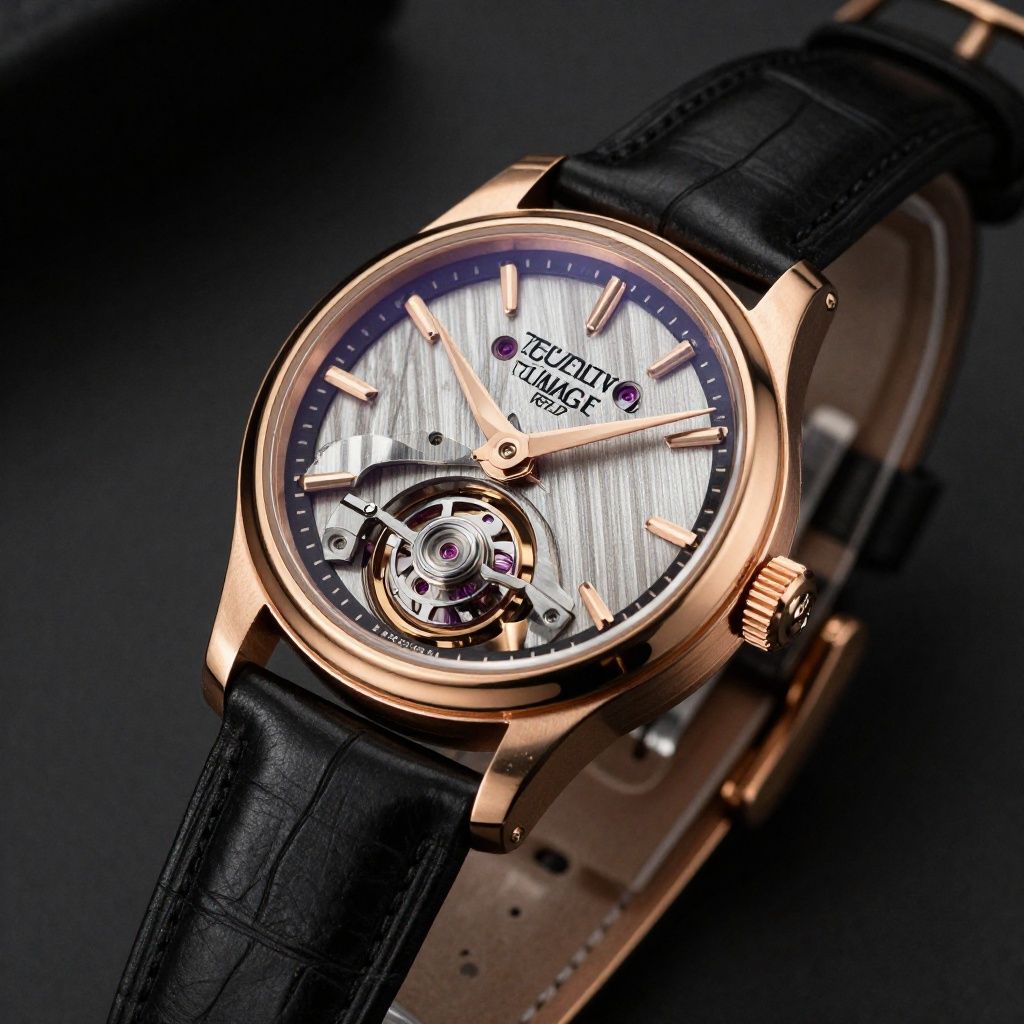
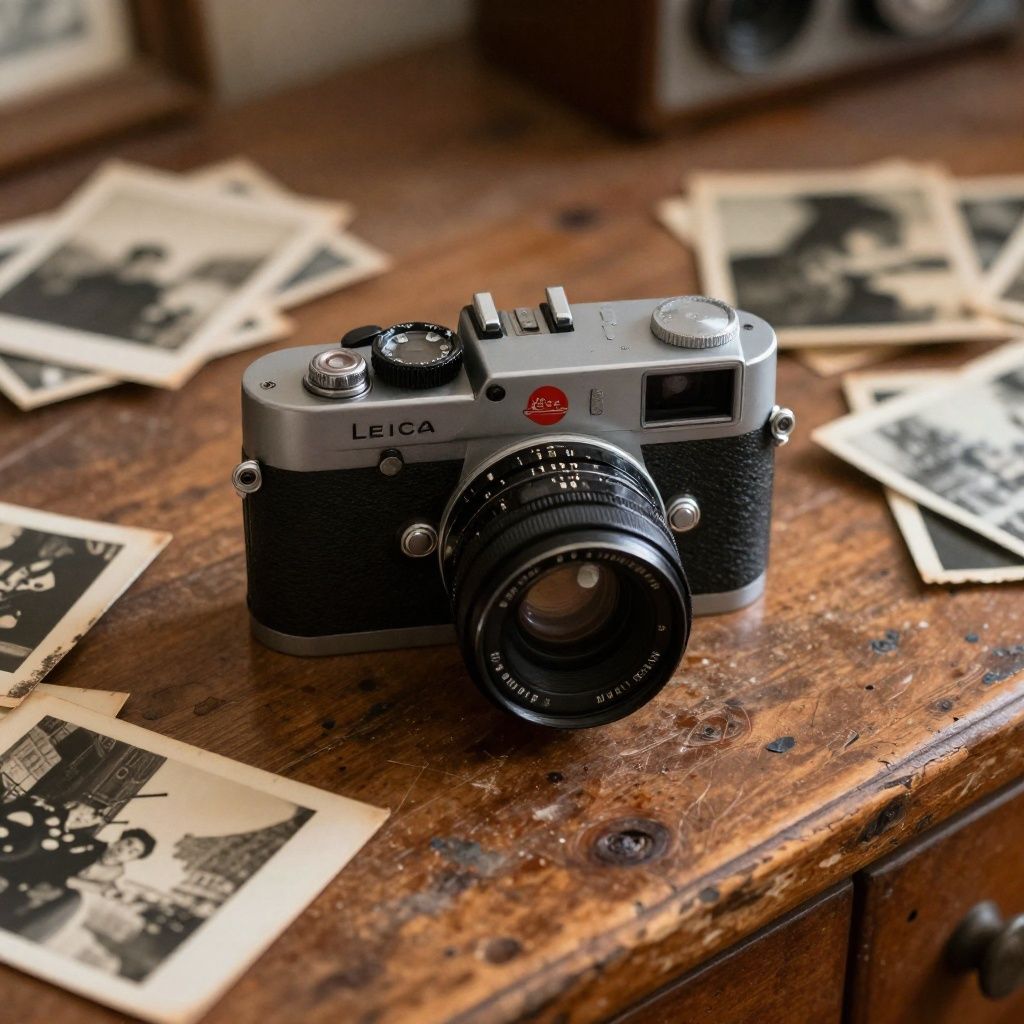
Unlike dedicated product photography tools that only handle backgrounds, BestPhotoAI is a full creative suite built for e-commerce sellers who need more than just one trick. Use the free background removal tool to get clean white backgrounds for marketplace listings, then switch to the background replacer to drop products into any scene. Use the image editor for detailed retouching, or the object addition tool to add props and accessories to product shots. Need to show your product on a model? The outfit changer handles apparel try-ons. Need fresh product concepts? The image generator creates product visuals from text descriptions.
The key advantage is model variety. Choose from multiple AI models optimized for different product types -- photorealistic models for jewelry and cosmetics, fast models for quick catalog iterations, and specialized models for lifestyle scene generation. Train a custom model on your product line for consistent brand imagery across hundreds of SKUs. Add video creation for product demos and social media ads, and you have a complete content production pipeline under one subscription.
Why BestPhotoAI Ranks #1 for Product Photography
- Full creative suite: Background removal + image editing + generation + video in one platform, eliminating the need for 3-4 separate subscriptions
- Multiple AI models: Different models for different product types -- what works for apparel may not work for electronics, and you can switch freely
- Custom model training: Train on your products for brand-consistent imagery across your entire catalog
- Beyond still photos: Generate product videos for social media, TikTok Shop, and Amazon listings -- none of the competitors below offer this
- E-commerce ready: Commercial rights on all plans, high-resolution output suitable for Amazon, Shopify, and marketplace requirements
Price: Free tier available | Paid from $14/mo with full access
2. AdMakeAI -- Best for Ad Creative Generation

AdMakeAI (admakeai.com) takes a different approach to product photography by focusing specifically on advertising creative. Upload your product photo and AdMakeAI generates complete ad-ready visuals optimized for Facebook, Instagram, TikTok, and Google Shopping. The AI understands ad composition principles -- placing products with the right visual hierarchy, adding contextual lifestyle elements, and creating variations sized for different platforms automatically.
What makes AdMakeAI stand out is the campaign-first workflow. Rather than generating a single product photo and then manually adapting it for each channel, you get a full set of ad creatives in multiple sizes and styles from a single upload. The AI-powered background generation is sharp, and the platform includes text overlay capabilities for adding promotional copy directly to your product images. It is particularly effective for DTC brands running performance marketing campaigns where you need dozens of creative variations for A/B testing.
What Users Complain About:
- • "Great for ads but limited if you need basic product catalog shots -- it is built for marketing, not marketplace listings"
- • "Text overlay sometimes produces awkward font placement that needs manual adjustment"
- • "Limited editing tools beyond the ad creation workflow -- you still need another tool for detailed retouching"
- • "Campaign templates can feel repetitive if you generate large batches -- results start looking samey"
Price: Free trial | Starter $19/mo | Pro $49/mo | Enterprise custom
3. Pebblely -- Best for Quick Background Scenes
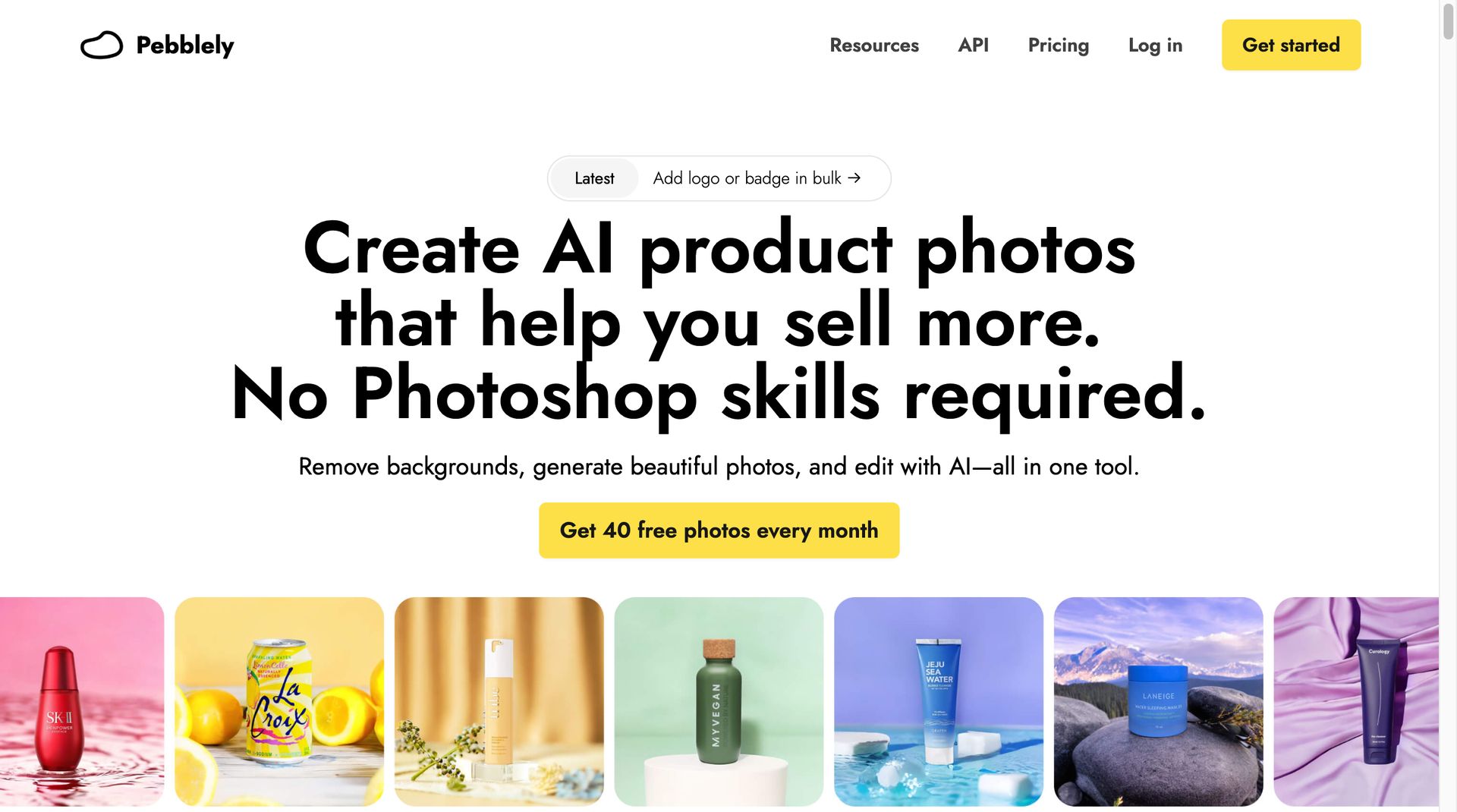
Pebblely takes a focused approach: upload a product photo, pick a theme (Studio, Cafe, Nature, and 40+ more), and get a lifestyle scene in seconds. It is dead simple and does that one job well. The Shopify app integration lets sellers generate product photos directly from their store dashboard, which is convenient for high-volume catalog management.
The free tier gives you 40 images per month with access to all themes, which is generous enough for small sellers to test the waters. The Bespoke package ($3,000/year) offers custom-trained AI for brands that need consistent, on-brand imagery at scale. The main limitation is scope -- Pebblely only does background generation. No editing, no retouching, no video, no image generation from scratch.
What Users Complain About:
- • "Close-up, detail-oriented shots are hit-or-miss -- the AI struggles with product textures"
- • "Custom backgrounds may not align seamlessly with the product, requiring additional post-generation editing"
- • "Human models don't work well at all, even when uploaded as an asset"
- • "The free trial ran out in about 10 minutes -- generating backgrounds counts against your credits fast"
Price: Free (40 images/mo) | Starter $19/mo | Pro $39/mo | Bespoke from $3,000/yr
4. Claid.ai -- Best for API-Driven Automation
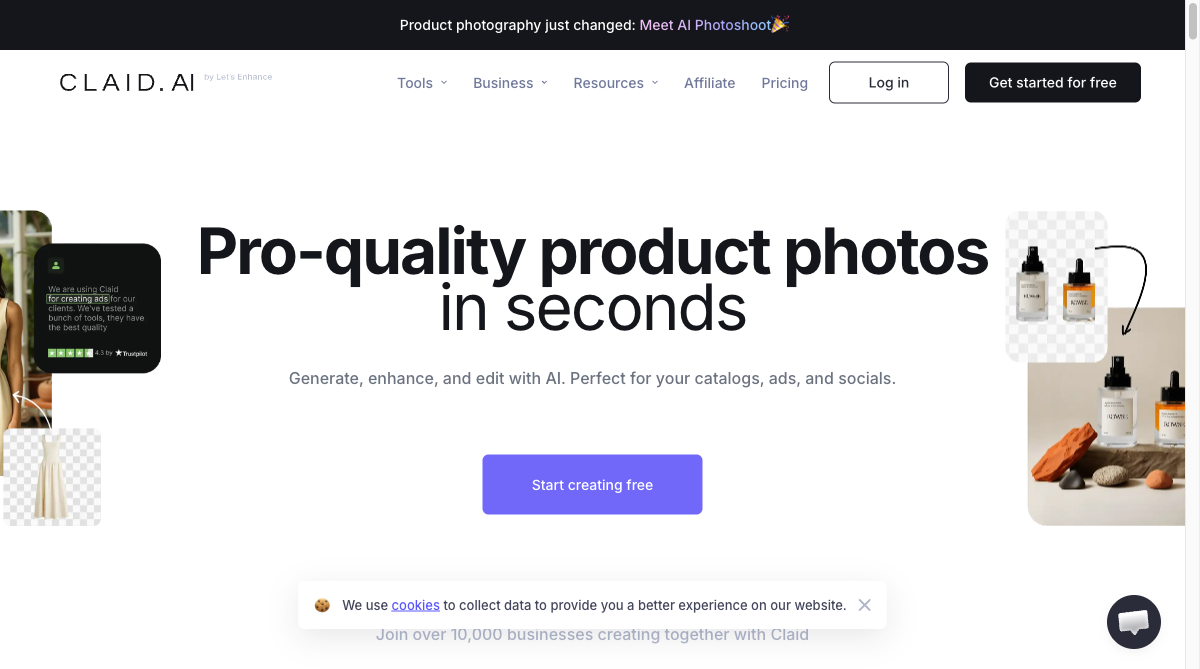
Claid.ai is built specifically for e-commerce product photography and it shows. The AI Photoshoot feature takes a simple product photo and generates full campaign imagery including clean catalog shots and lifestyle scenes with correct lighting, shadows, and textures. The platform excels at maintaining product detail during background removal and color correction, making it a strong choice for catalog-heavy businesses.
The real differentiator is the API. Enterprise teams can integrate Claid.ai directly into their product information management (PIM) systems, automating image enhancement for thousands of SKUs. Brand kits on Pro and Business plans ensure every generated image follows your style guidelines. The trade-off is that Claid.ai is purely a product photography tool -- no creative editing, no video, and the text-based scene descriptions limit creative control compared to visual editing interfaces.
What Users Complain About:
- • "Background generation occasionally adds unintended elements around the product or fails to follow detailed prompt instructions"
- • "Poor handling of glass surfaces, artificial reflections, and delicate textures on more intricate products"
- • "Those unfamiliar with AI systems cannot use the tool to full efficiency -- documentation needs improvement"
- • "Reliance on text-based scene descriptions limits creative control compared to visual editors"
Price: Free trial (5 uploads) | Essential $19/mo | Pro $49/mo | Business custom
5. Pixelcut -- Best Budget Option

Pixelcut (recently rebranded as Pixa) offers the most affordable entry point for product photography at $9.99/mo for Pro. The free tier includes basic background removal and simple editing with no credit limits on core features, making it accessible for sellers just getting started. Design templates help create consistent product listings without graphic design skills.
For the price, Pixelcut handles the basics well: remove backgrounds, apply clean white or colored backdrops, resize for different marketplace requirements, and batch process multiple images. However, AI scene generation quality lags behind AdMakeAI and Pebblely, the Pro plan has a 300 daily credit limit that is not clearly communicated upfront, and there is no video creation or advanced editing. It is a solid starting point, but most growing sellers outgrow it quickly.
What Users Complain About:
- • "The system charges credits for attempts whether anything is produced or not -- failed generations still cost you"
- • "Pro plan advertises access to all AI tools but only provides 25 pictures or logos per day maximum"
- • "Once removing anything for a background, the quality of photos drops immensely"
- • "The interface seems designed to burn credits -- clicking all over to execute simple tasks and edits"
Price: Free (basic, with watermark) | Pro $9.99/mo | Annual $59.99/yr
Feature Comparison
| Feature | BestPhotoAI | AdMakeAI | Pebblely | Claid.ai | Pixelcut |
|---|---|---|---|---|---|
| Starting Price | Free | $19/mo | Free (40 img) | $19/mo | $9.99/mo |
| Background Removal | ✓ (Free tool) | ✓ | ✓ | ✓ | ✓ |
| Lifestyle Scenes | ✓ (Multiple models) | ✓ | ✓ (40+ themes) | ✓ | Limited |
| Batch Processing | ✓ | ✓ (Ad variations) | ✓ | ✓ (Pro+) | ✓ |
| API Access | ✗ | ✗ | ✗ | ✓ (Core strength) | ✓ |
| Video Creation | ✓ (Full video suite) | ✗ | ✗ | Basic clips | ✗ |
| Image Generation | ✓ (Text to image) | ✗ | ✗ | ✗ | ✗ |
| Advanced Editing | 8 modes | Text overlays | Erase/Restore only | Enhancement | Basic editing |
| Custom Model Training | ✓ | ✗ | ✗ | ✗ | ✗ |
| Commercial Rights | All plans | All paid plans | All plans | All paid plans | Pro only |
Why a Full Creative Suite Changes Everything for E-Commerce
Most AI product photography tools solve one problem: replacing backgrounds. That is useful, but e-commerce sellers need far more than clean white backdrops to compete in 2026. Between marketplace listings, social media, email campaigns, and product videos, you need a content pipeline -- not just a background remover.
Single-purpose product photography tools (AdMakeAI, Pebblely, Claid.ai, Pixelcut):
- Background-focused: Great at removing and replacing backgrounds, but that is where capabilities end
- No content variety: Cannot generate product videos, create images from scratch, or perform advanced edits like object removal or style transfer
- Multiple subscriptions required: Need separate tools for video ($20-50/mo), image generation ($15-30/mo), and advanced editing ($10-20/mo) on top of the product photo tool
- No model training: Every generation uses the same generic AI, so maintaining brand consistency across a large catalog requires manual oversight
BestPhotoAI (full creative suite):
- One subscription for everything: Background removal, image editing, image generation, and video creation -- replace 3-4 tools with one
- Product-to-video pipeline: Take a product photo, enhance it, generate a lifestyle scene, then turn it into a product demo video for TikTok Shop or Amazon -- all in one workflow
- Multiple AI models: Switch between photorealistic, fast, or specialized models depending on the product type and use case
- Custom model training: Train AI on your product line so every generated image maintains brand consistency without manual intervention
- Cost comparison: $14/mo vs. $50-100/mo for equivalent capabilities across multiple tools
The math is straightforward. A Shopify seller using AdMakeAI ($19/mo) + a video tool ($20/mo) + an image generator ($15/mo) is spending $54/mo across three platforms with three different interfaces, three logins, and no shared workflow. BestPhotoAI covers all of that for $14/mo with everything in one place.
The Real Cost of Product Photography in 2026
Traditional Photography
$200-500
Per product. Studio rental, photographer, props, post-production. A 50-product catalog costs $10,000-$25,000. Updates require new shoots.
Multiple AI Tools
$40-80/mo
AdMakeAI + video tool + image generator. Three subscriptions, three interfaces, no shared workflow. Adds up over time.
BestPhotoAI
$14/mo
Background removal + editing + generation + video. One platform, one subscription. Generate unlimited variations without reshooting.
What Users Actually Say
We collected real user feedback from Trustpilot, Product Hunt, Reddit, Shopify App Store reviews, and community discussions. Here is what e-commerce sellers are saying about each platform:
On AdMakeAI (Scope):
"Great tool for ad creatives but limited if you need basic catalog shots. Campaign templates start feeling repetitive after generating large batches, and you still need another tool for product retouching."
On Pebblely (Quality):
"The custom backgrounds may not align seamlessly with the product. Close-up shots and texture details are hit-or-miss. You will likely need additional editing after generation."
On Claid.ai (Limitations):
"Poor handling of glass surfaces, artificial reflections, and delicate textures. The text-based scene description limits creative control -- you cannot see what you are building until it is generated."
On Pixelcut (Credits):
"The system charges credits for attempts whether anything is produced or not. It took four support emails to learn about the daily limit. Canceled edits still count toward your usage."
On all-in-one platforms:
"Switching between separate apps for background removal, editing, and video was killing my workflow. Having everything in one platform saved me hours per week and cut my monthly tool spend by 60%."
When to Use Each Tool
Choose BestPhotoAI if:
- • You need background removal AND editing AND video
- • You sell across multiple channels (Amazon, Shopify, social)
- • You want one subscription instead of 3-4
- • Custom model training for brand consistency matters
- • You need product videos for TikTok Shop or social ads
Choose AdMakeAI if:
- • You need ad-ready product creatives for paid campaigns
- • You run A/B testing with many creative variations
- • Multi-platform ad formats (Meta, TikTok, Google) matter
- • You are a DTC brand with performance marketing focus
- • Text overlay on product images is a frequent need
Choose Pebblely if:
- • You only need lifestyle background scenes
- • Simple, theme-based workflow preferred
- • Shopify store integration is important
- • Low volume (under 40 images/mo fits free tier)
- • You want the simplest possible tool
Choose Claid.ai if:
- • API integration is a requirement
- • You manage 1,000+ SKU catalogs
- • Automated pipelines with PIM systems needed
- • Brand kits for team consistency matter
- • Enterprise-scale image processing
Choose Pixelcut if:
- • Budget is your primary concern
- • You only need basic background removal
- • You are just starting an e-commerce store
- • Simple design templates are enough
- • You plan to upgrade tools as you grow
Final Verdict: Which Should You Choose?
Choose BestPhotoAI for the complete e-commerce content suite:
Every competitor on this list does one thing well -- backgrounds. But running an e-commerce store in 2026 requires product photos, lifestyle scenes, social media content, and product videos. BestPhotoAI is the only platform that handles all of it:
- AdMakeAI's strength (ad creatives): We have background removal + scene generation + multiple AI models for diverse creative output
- Pebblely's strength (lifestyle scenes): We have scene generation plus the ability to generate images from text descriptions
- Claid.ai's strength (product enhancement): We have 8 editing modes including enhancement, restoration, and object manipulation
- Pixelcut's strength (affordability): We start free with paid plans from $14/mo -- less than most competitors charge for background-only tools
- Plus exclusives: Video creation for product demos, custom model training for brand consistency, and a full creative suite that eliminates the need for 3-4 separate subscriptions
Ready to Transform Your Product Photography?
Background removal, lifestyle scene generation, product enhancement, image creation, video generation -- all in one platform for $14/mo.
No credit card required • Free tier available
Related Articles & Tools
Try These Tools
- AI Image Editor - Edit product photos with text prompts
- Free Background Removal - Clean white backgrounds instantly
- Background Replace - Swap product backgrounds with AI scenes
- Object Addition - Add props and elements to product shots
- Outfit Changer - Try products on AI models
- AI Image Generator - Create product visuals from descriptions
- View All 40+ Tools
Frequently Asked Questions
What is the best AI tool for product photography on a budget?
BestPhotoAI offers the most value at $14/mo because it replaces multiple tools (background removal, editing, generation, and video). If you only need background removal, Pixelcut at $9.99/mo or Pebblely's free tier (40 images/mo) are affordable starting points. However, most sellers outgrow single-purpose tools quickly as their catalog and content needs expand.
Can AI product photography replace a professional photographer?
For 90% of standard e-commerce product shots, yes. AI tools handle background removal, clean white backgrounds, lifestyle scene generation, and basic retouching at a fraction of the cost. Where professionals still have an edge: highly reflective products (jewelry close-ups, glassware), complex fabric textures requiring exact color reproduction, and luxury brand campaigns where every shadow is hand-crafted. For most Shopify and Amazon sellers, AI saves $10,000+ per year.
Which tool is best for Amazon product listing photos?
Amazon requires a pure white background (RGB 255,255,255) for main listing images. All five tools handle this, but BestPhotoAI and Claid.ai produce the most consistently compliant results. For A+ Content and lifestyle images, BestPhotoAI's scene generation and editing modes give you the most flexibility to create infographics, comparison images, and lifestyle shots that drive conversions.
Do I need an API for product photography?
Only if you manage 1,000+ SKUs and want to automate image processing through your PIM or e-commerce platform. Claid.ai has the strongest API offering for this use case. For most small to mid-size sellers, a visual editing interface like BestPhotoAI or AdMakeAI is faster and more intuitive.
Can I create product videos with AI photography tools?
Only BestPhotoAI offers full video creation capabilities among the tools reviewed. Claid.ai can convert still images into basic video clips, but lacks the advanced video generation, multiple models, and creative control that BestPhotoAI provides. Product videos are increasingly important for TikTok Shop, Instagram Reels, and Amazon video listings.
How much can I save by switching from traditional to AI product photography?
Traditional product photography costs $200-$500 per product when you include studio rental, photographer fees, props, and post-production. A 50-product catalog runs $10,000-$25,000. With BestPhotoAI at $14/mo, you can shoot unlimited products year-round for $168/year -- a savings of 95% or more. Even premium AI tools at $50/mo save you 97% compared to traditional shoots.
Which AI product photography tool has the best image quality?
For pure background generation quality, Claid.ai and AdMakeAI lead with accurate lighting and shadow placement. For overall image quality across editing, generation, and enhancement, BestPhotoAI offers the most flexibility through multiple AI models -- you can choose the best model for each product type rather than being locked into one AI engine that may struggle with certain categories.
Try it on one of your own photos
Most of our photo tools have a free version. Upload a picture and see what it does before you decide anything.