Alternative to Stable Diffusion
No Setup, No GPU, No Coding
Stable Diffusion is powerful but requires technical expertise, a dedicated GPU, and ongoing maintenance. BestPhoto delivers AI image generation through your browser — start creating in seconds, not hours.
What Stable Diffusion Users Say
Mixed feedback from real users — Stable Diffusion offers incredible power but demands significant time investment.
"The flexibility is incredible. With the right LoRA models and settings, you can create anything. Complete creative freedom."
"ComfyUI workflows changed my life. Once you understand nodes, the possibilities are endless. It's like programming with images."
"Free and open source is amazing, but getting it running took me a whole weekend. Python environments, CUDA, model downloads..."
"Every few weeks something breaks. New update, new extension conflict, new troubleshooting session. Worth it, but exhausting."
"The learning curve is steep. CLIP, VAE, samplers, CFG, schedulers — I spent months understanding what everything does."
"You need a decent GPU. My laptop struggles with anything above 512x512. Ended up building a dedicated PC just for this."
Sources: Reddit r/StableDiffusion • GitHub Discussions • Civitai Community
Stable Diffusion vs BestPhoto: Feature Comparison
A direct comparison — Stable Diffusion offers maximum control, BestPhoto offers maximum convenience.
| Feature | Stable Diffusion | BestPhoto |
|---|---|---|
| Cost | Free (open source) + hardware costs | Free tier + affordable paid plans |
| Setup Required | Python, CUDA, dependencies, models | None — works in browser |
| Hardware Needed | GPU with 8GB+ VRAM recommended | Any device with internet |
| Learning Curve | Steep (samplers, CFG, LoRA, etc.) | Gentle — intuitive interface |
| Customization | Unlimited (models, extensions, workflows) | Curated model selection |
| Model Training | DIY with Kohya, DreamBooth (technical) | Built-in, upload photos and go |
| Video Generation | AnimateDiff, SVD (requires setup) | Built-in, multiple options |
| Photo Editing | ControlNet, Inpaint (manual setup) | 8 specialized editing modes |
| Maintenance | Ongoing (updates, conflicts, fixes) | Zero — handled for you |
| Customer Support | Community forums, Discord, Reddit | Direct email support |
Stable Diffusion: Honest Pros & Cons
Stable Diffusion is the most flexible AI image tool available — for those with the skills to use it.
Stable Diffusion Pros
- Completely free and open source — no subscription fees
- Unlimited customization with models, LoRAs, and extensions
- Run locally for complete privacy
- Massive community with constant innovation
- No content restrictions (within legal limits)
- Can achieve professional-grade results with expertise
- Full control over every parameter
- ComfyUI workflows enable complex automations
Stable Diffusion Cons
- Steep learning curve — weeks to months to master
- Requires dedicated GPU (8GB+ VRAM recommended)
- Complex setup (Python, CUDA, dependencies)
- Ongoing maintenance and troubleshooting
- Model management can be overwhelming (GB of files)
- No official support — rely on community help
- Results vary greatly based on user skill
Why Consider BestPhoto
Key areas where BestPhoto offers a different approach.
Zero Setup Required
Stable Diffusion requires installing Python, CUDA drivers, dependencies, downloading multi-gigabyte models, and configuring interfaces like Automatic1111 or ComfyUI. Many users spend hours or days just getting it to run. BestPhoto works instantly in your browser — no downloads, no configuration, no command line.
BestPhoto: Create your first image in under 60 seconds
What you get:
- No Python or coding required
- No GPU or hardware needed
- No model downloads (GB of files)
- Works on any device with a browser
Click to play
One-Click Model Training
Training custom models in Stable Diffusion means learning Kohya_ss, DreamBooth, or LoRA training scripts. You need to understand learning rates, epochs, regularization images, and VRAM optimization. BestPhoto's model training is built-in: upload photos, click train, and your custom model is ready to use.
BestPhoto: Train on your photos without any technical setup
What you get:
- Upload photos, click train — done
- No Python scripts to configure
- No VRAM optimization needed
- Consistent results without tuning




No Maintenance Headaches
Stable Diffusion users know the pain: extension conflicts, broken updates, CUDA version mismatches, model compatibility issues. Every few weeks something needs fixing. BestPhoto is maintained for you — updates happen automatically, everything is tested, and you never debug dependency conflicts.
BestPhoto: Always up-to-date, always working
What you get:
- No extension conflicts to debug
- No Python environment issues
- No CUDA/driver headaches
- Automatic updates and improvements
Click to play
Built-In Editing Modes
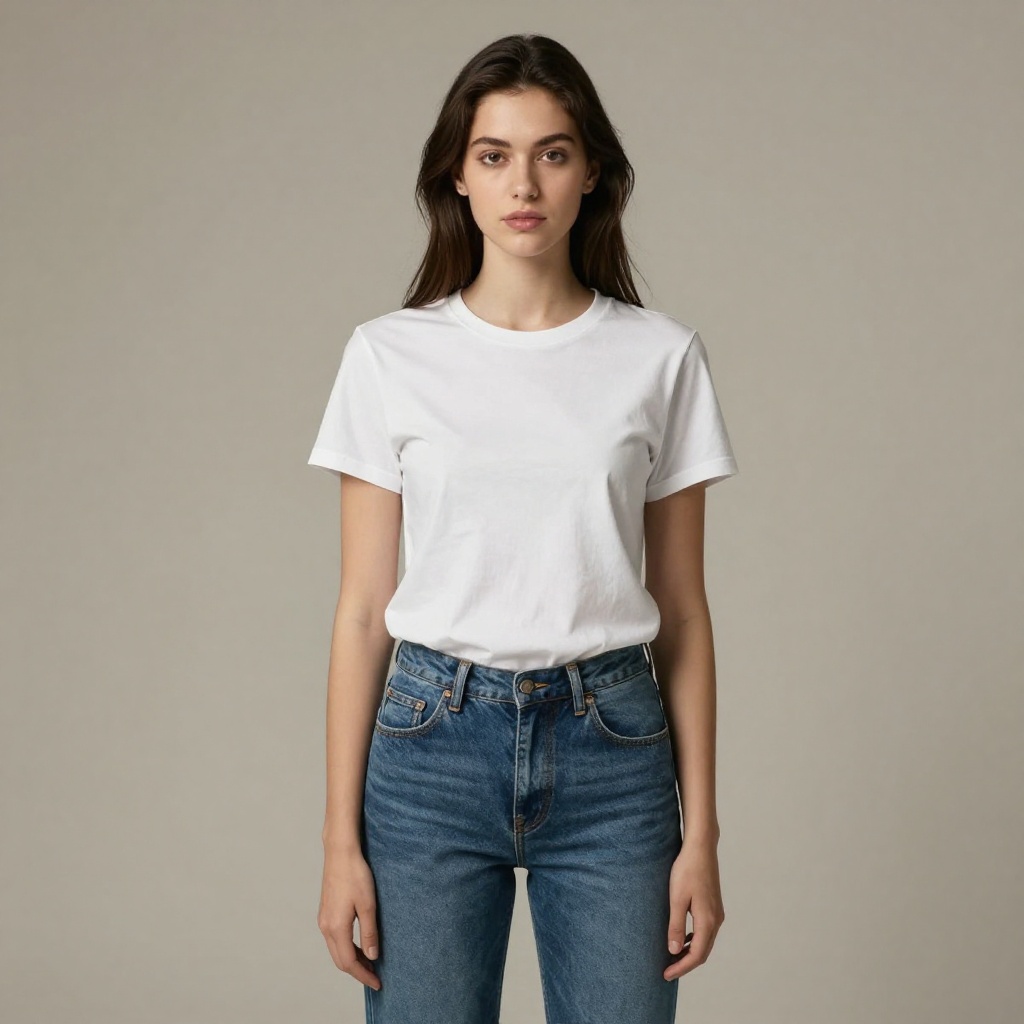
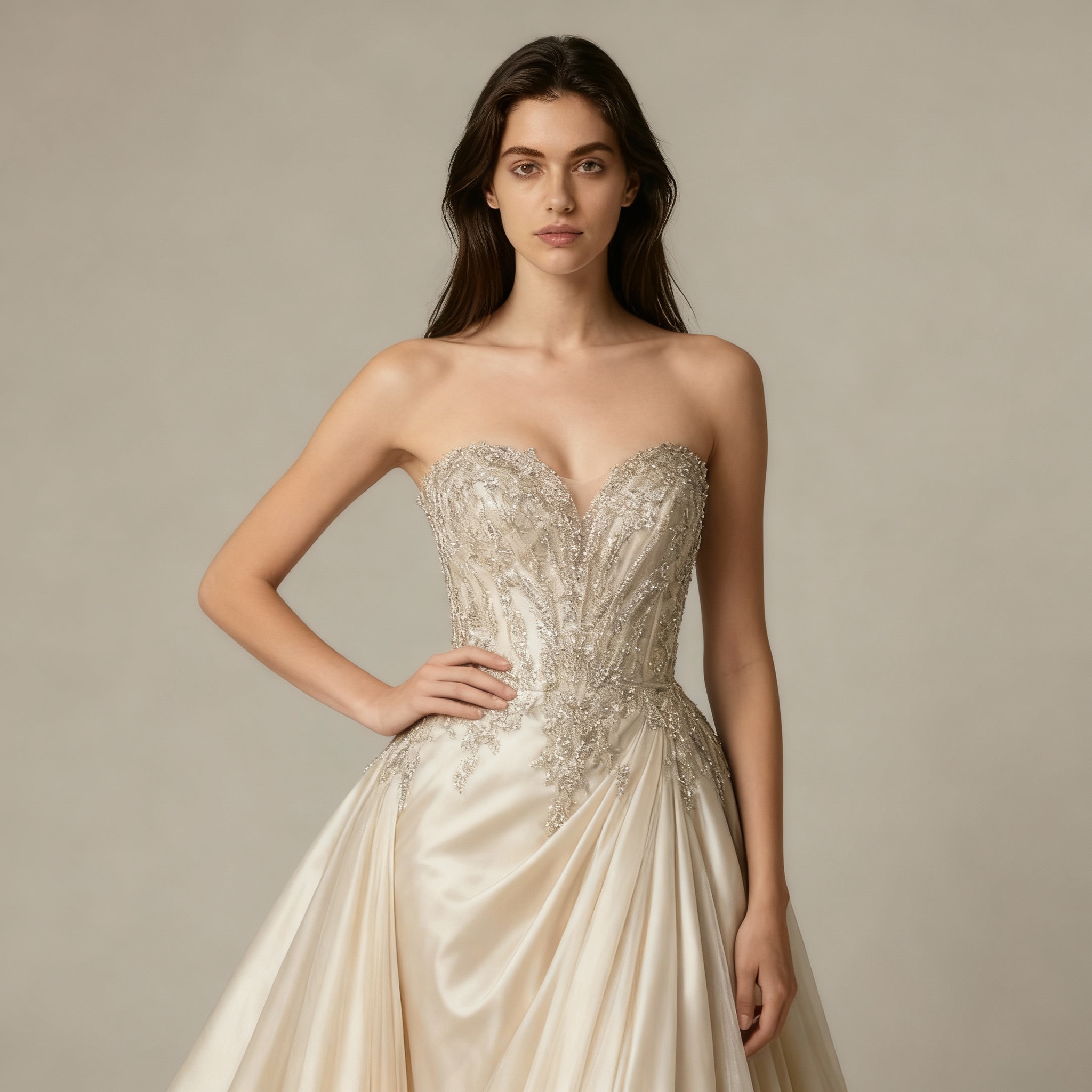
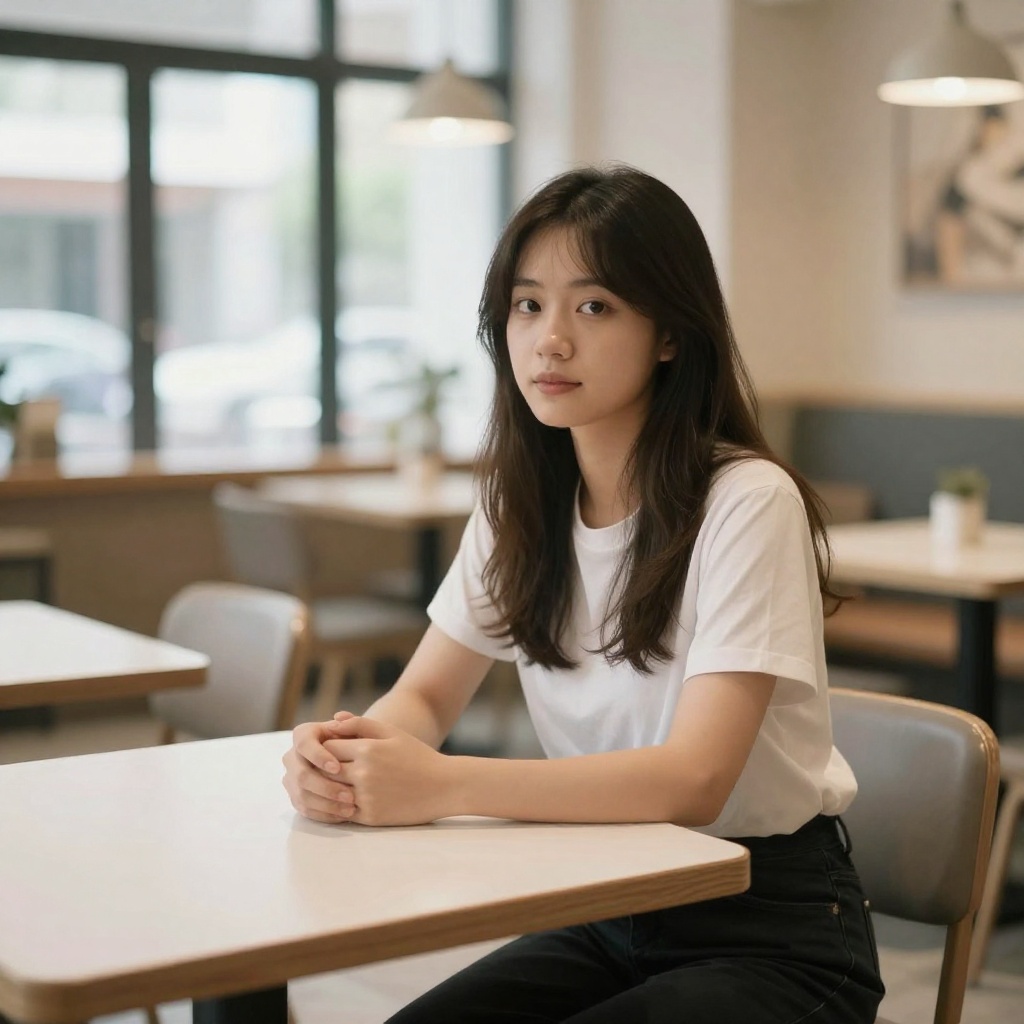
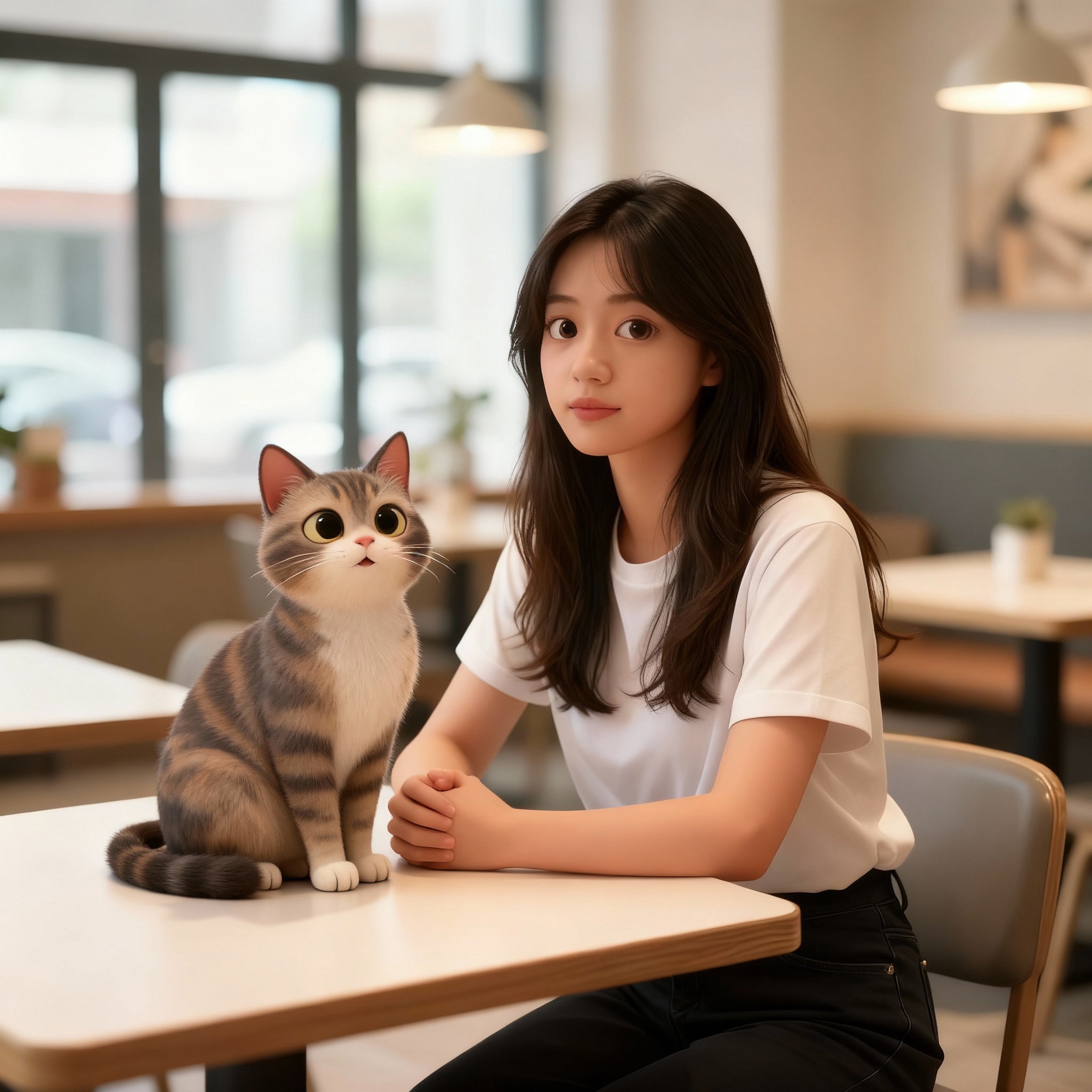
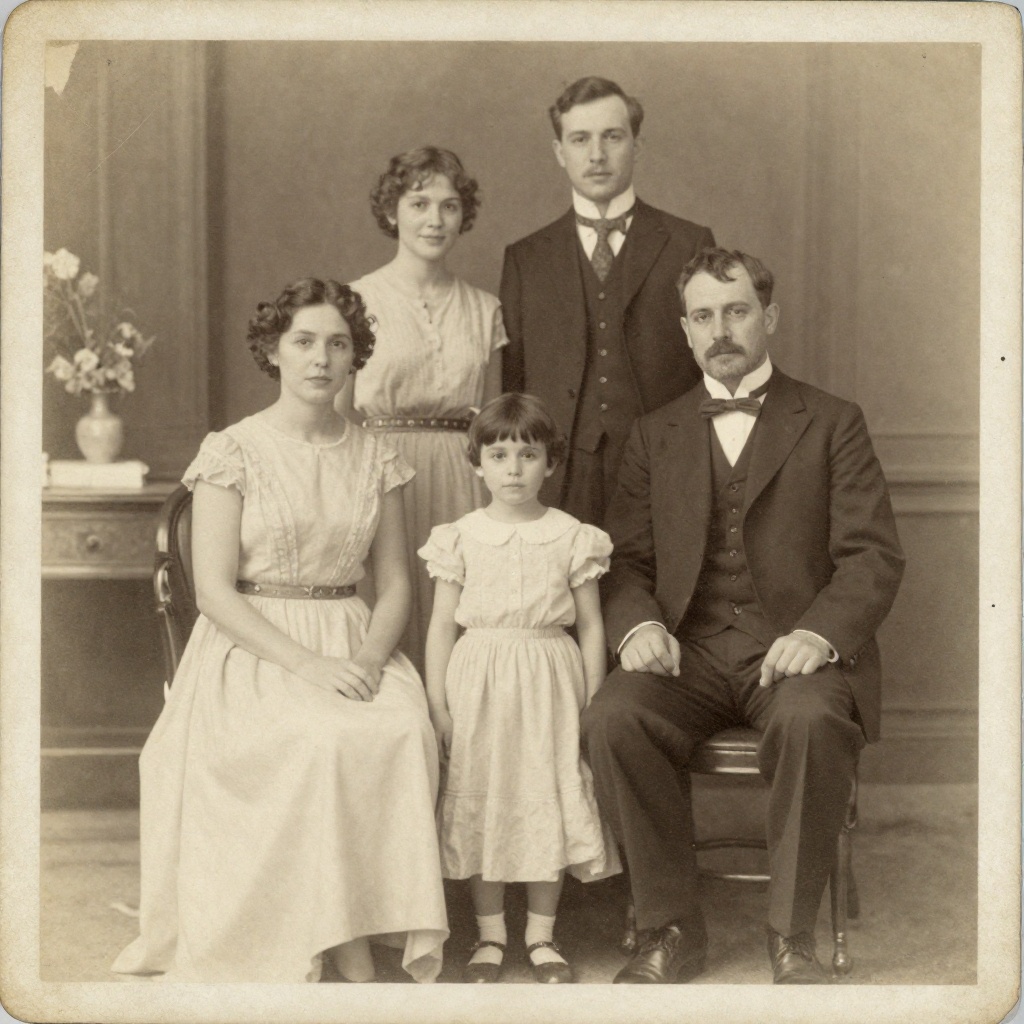
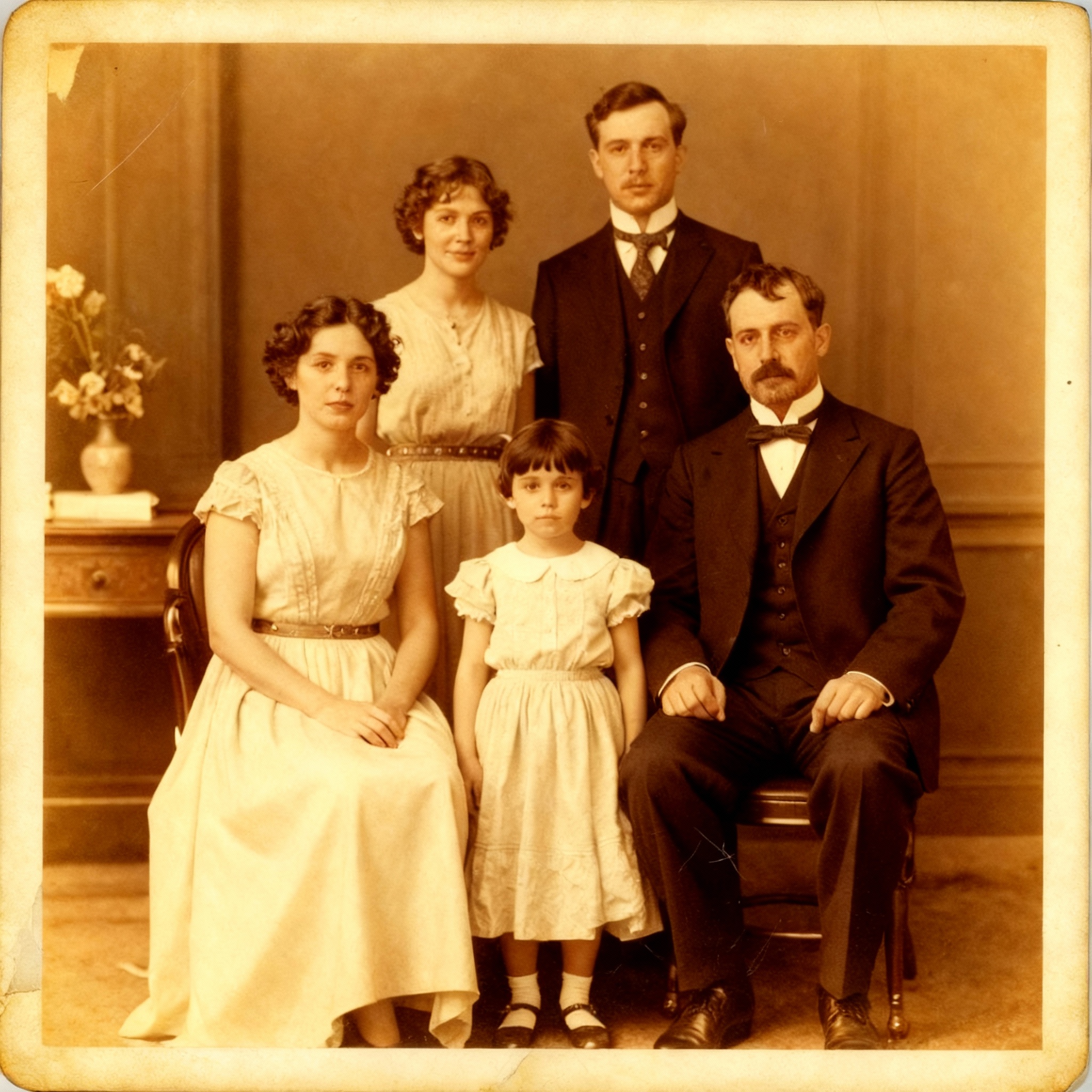
In Stable Diffusion, advanced editing means learning ControlNet, installing IP-Adapter, configuring inpainting models, and understanding mask workflows. BestPhoto offers 8 specialized editing modes ready to use: Replace, Restyle, Remove, Re-composition, Add Objects, Restoration, Clothing Replacement, and Concept Transformation.
BestPhoto: Professional editing without the learning curve
What you get:
- 8 specialized editing modes
- No ControlNet setup required
- One-click photo restoration
- Intuitive masking and selection
Video Without the Complexity
Video generation in Stable Diffusion requires AnimateDiff or Stable Video Diffusion setups, understanding motion modules, managing VRAM for video frames, and often waiting through long render times. BestPhoto includes video generation built-in with multiple output options including talking head videos and image-to-video conversion.
BestPhoto: Video generation that just works
What you get:
- No AnimateDiff setup required
- Multiple video generation models
- Talking head videos included
- Fast cloud-based rendering
Click to play
40+ Free Tools Included
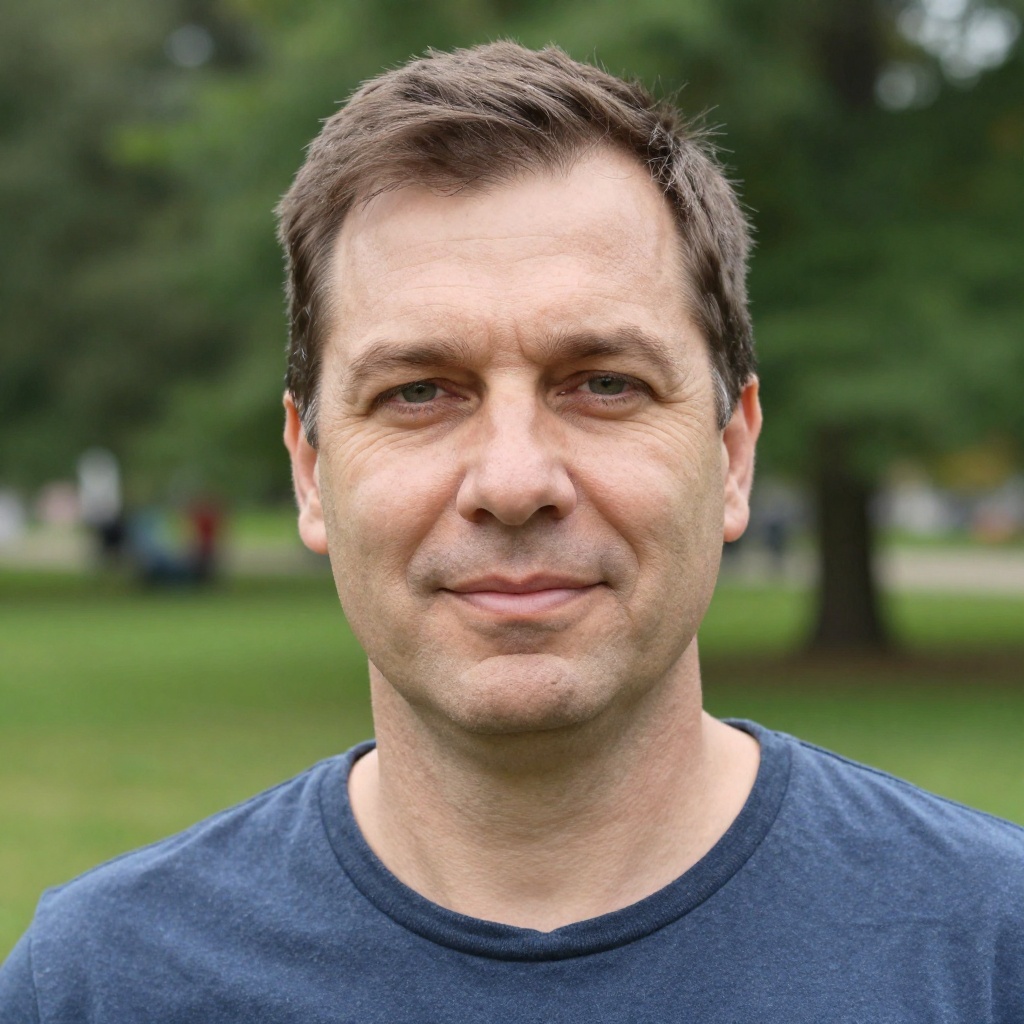
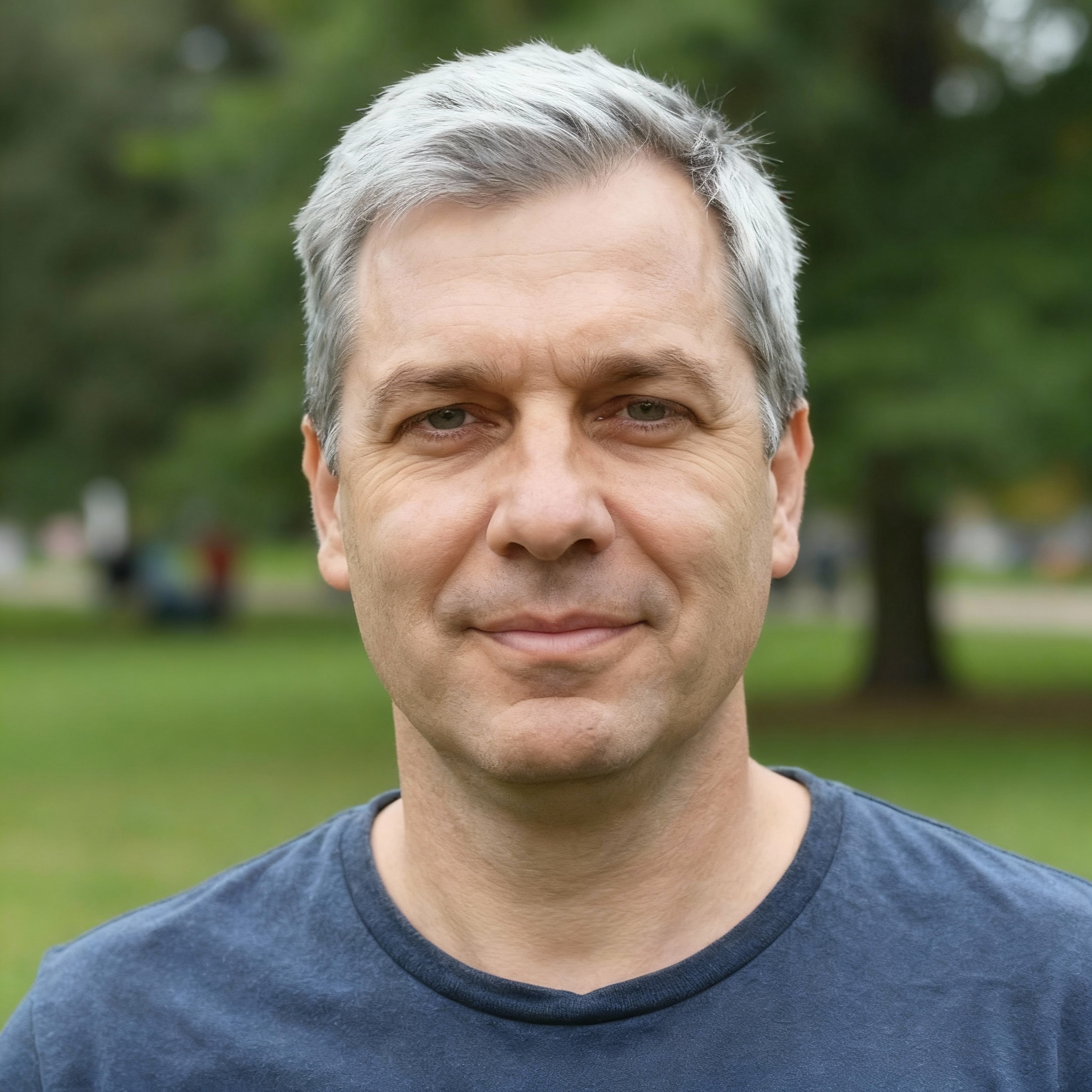
While Stable Diffusion is free to run locally, you pay with time (setup, maintenance) and money (GPU hardware). BestPhoto offers 40+ completely free editing tools — background removal, upscaling, hair color changes, and more — so you can explore AI capabilities without any setup or hardware investment.
BestPhoto: Explore AI tools without any commitment
What you get:
- 40+ free editing tools
- No GPU required
- No setup time investment
- Free tier for image generation
Which Tool is Right for You?
Different tools for different needs. Here's a quick guide.
Stable Diffusion might be better if you:
- Have technical skills and enjoy tinkering
- Own a GPU with 8GB+ VRAM
- Want unlimited local generation (no per-image costs)
- Need maximum customization and control
- Have time to learn and maintain the system
BestPhoto might be better if you:
- Want to start creating immediately, no setup
- Don't have a powerful GPU (or any GPU)
- Prefer an intuitive interface over technical control
- Want built-in model training without the complexity
- Value your time over absolute customization
Important: What to Expect from Any AI Image Tool
- •AI image generation isn't perfect — expect some iterations
- •Hands, fingers, and complex poses can be challenging for any AI
- •Results depend heavily on prompt quality and specificity
- •Some prompts work better than others — there's a learning curve
Frequently Asked Questions
Is Stable Diffusion really free?
Yes, Stable Diffusion is open source and free to download. However, you need to invest in hardware (GPU with 8GB+ VRAM, typically $300-1000+), time for setup and learning (often weeks), and ongoing maintenance. BestPhoto offers a free tier with no hardware requirements — your phone or laptop browser is all you need.
Can I get the same quality from BestPhoto as Stable Diffusion?
BestPhoto uses similar underlying AI models and can produce excellent results for most use cases — especially headshots, realistic photos, and editing tasks. Stable Diffusion offers more fine-tuned control for users who master its parameters, but most users can't tell the difference in output quality.
What if I already have Stable Diffusion set up?
Keep using it! Many users run Stable Diffusion locally for certain tasks while using BestPhoto for convenience features like quick edits, model training without Kohya setup, or generating on devices without GPUs. They're complementary tools, not mutually exclusive.
Can I train custom models like I can with Stable Diffusion?
Yes! BestPhoto includes built-in model training — upload your photos and the system handles everything. No need to learn Kohya_ss, configure learning rates, or manage regularization images. The trade-off: less control over training parameters, but much easier for most users.
What interfaces work with Stable Diffusion?
Popular interfaces include Automatic1111 WebUI (most common for beginners), ComfyUI (node-based workflows for advanced users), InvokeAI (user-friendly alternative), and Fooocus (simplified). Each has different learning curves and capabilities. BestPhoto provides a single, polished interface that works the same for everyone.
Photos That Actually Make a Difference
Whether it's landing the interview or getting the date, people use BestPhoto to create images that open doors.


Professional Headshots
Stand out on LinkedIn, company websites, and professional networks. Profiles with professional photos receive up to 21x more views.


Dating Profile Photos
Get more matches with photos that show your authentic self in the best light. Perfect for Tinder, Bumble, Hinge, and more.


Realistic AI Photos
Generate ultra-realistic images for marketing, content creation, and creative projects. Studio quality without the studio.
Learn More About AI Photo Technology
Stay up to date with the latest AI tools, tips, and techniques. Our guides help you get the most out of your photos.
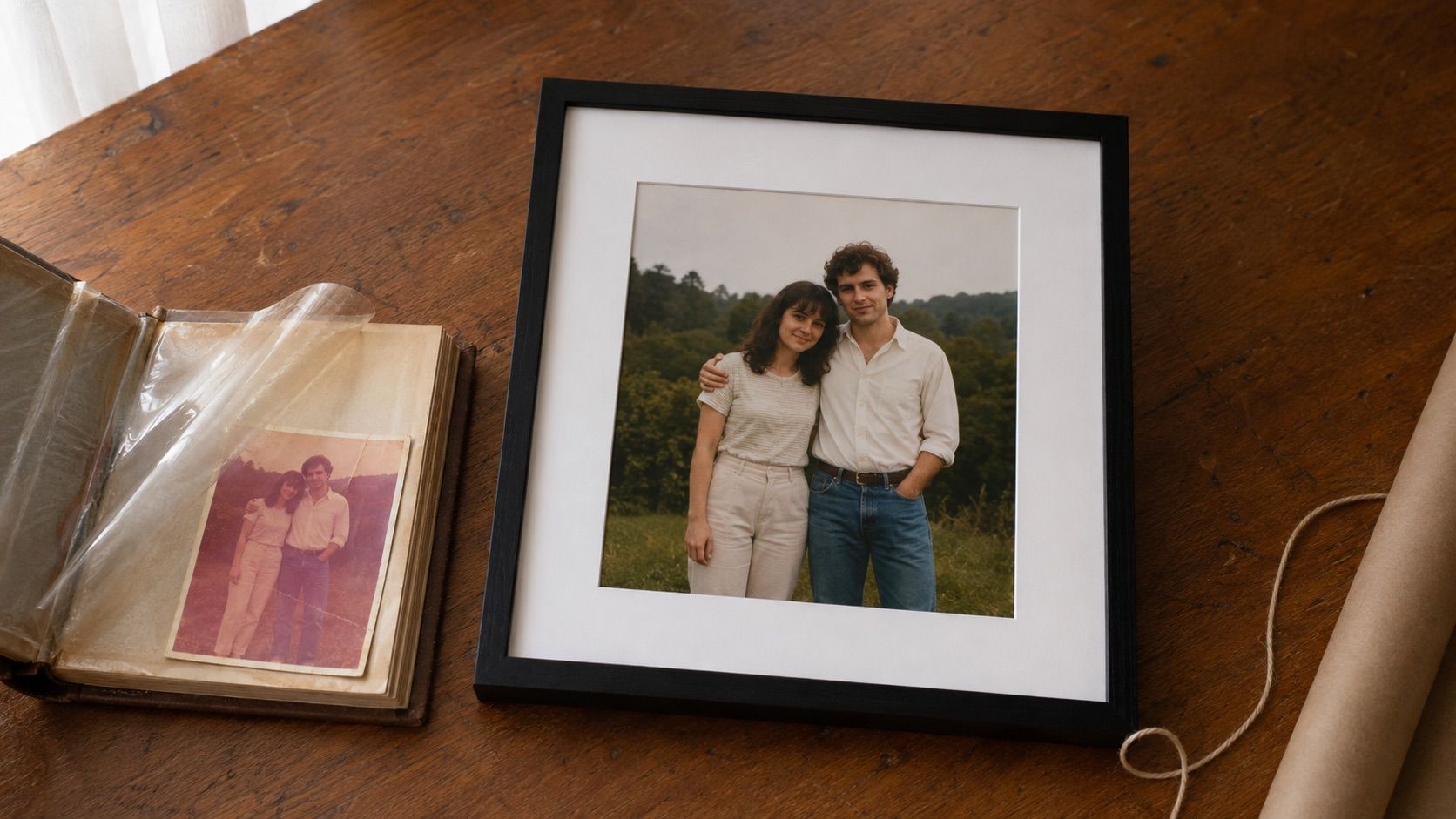
Gifts for Parents Who Have Everything: The One Gift That Isn't Stuff
Your parents don't want more things to dust. Pick one old print, restore it, print it, frame it. What it costs, how long it takes, and which photo to choose.
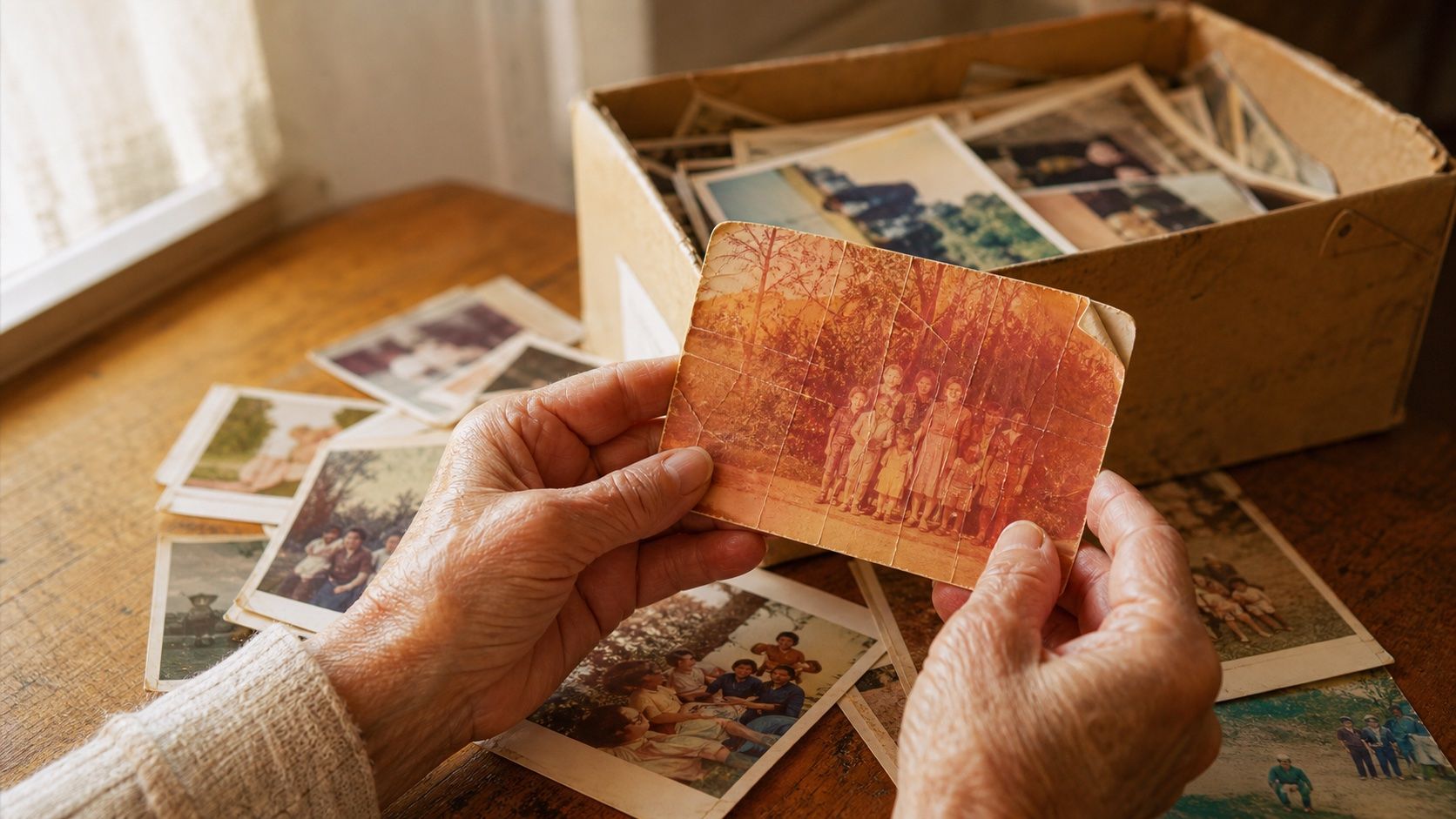
How to Restore Old Photos: The Honest 2026 Guide
Learn how to restore old photos at home with your phone and a free AI tool: scanning tips, fading fixes, and an honest look at what AI gets right and wrong.
How to Fix Grainy Photos: Remove Noise Free with AI
Grainy, noisy photos come from high ISO, low light, and old scans. Here's why it happens and how to remove grain from photos free with AI in about 30 seconds.