Standard Photo Sizes: How Big Can Your Photo Go?
The standard photo sizes are 4x6, 5x7, 8x10, 11x14 and 16x20. Any recent phone photo makes a sharp 8x10; bigger depends on pixels and viewing distance.
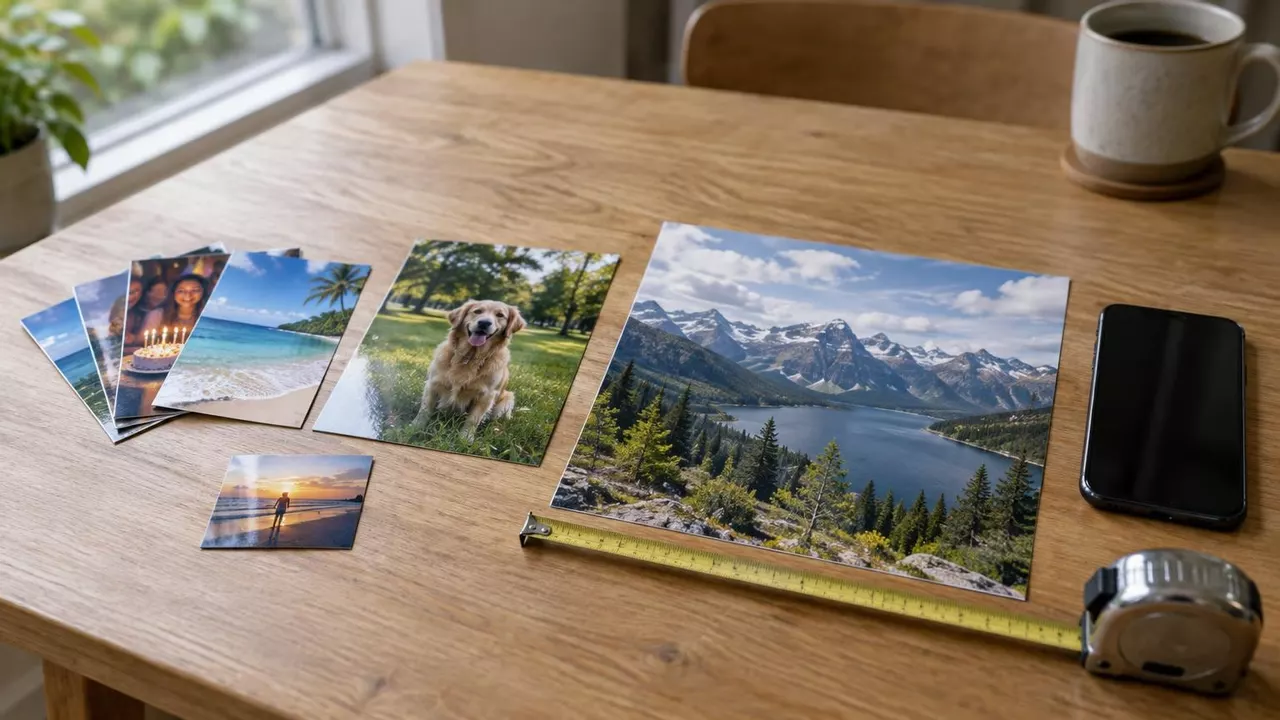
You've got a photo you love. The dog on the beach last summer, your kid mid-laugh, the view from the top of the hike. You want it on the wall, and the photo counter wants you to pick a size.
Here's the short answer. The standard photo sizes are 4 × 6, 5 × 7, 8 × 10, 11 × 14 and 16 × 20 inches, plus wallets and posters. Any photo straight off a recent phone makes a sharp 8 × 10. How much bigger you can go comes down to two things: how many pixels your photo has, and how far away people will stand when they look at it.
Once that clicks, picking a size is easy. And at the end, there's a checker that tells you exactly how big your own photo can go.
The common photo sizes, to scale
Almost every photo lab and store in the US sells the same handful of sizes. Here they are next to a phone, so you can picture them. The small ones are smaller than most people expect.
Wallet (2.5 × 3.5 in · 6 × 9 cm)
For wallets and keepsakes. Some labs make them 2 × 3 instead.
One catch: shape. A phone photo is a little squarer than a 4 × 6 and a little longer than an 8 × 10, so the lab trims the edges to fit. A 4 × 6 cuts about 11% off a phone photo, and an 8 × 10 about 6%. If you want the whole picture on a small print, some labs (Walgreens, Walmart, Snapfish, Mpix) sell 4 × 5.3, which matches a phone photo's shape.
Why a photo gets blurry as it gets bigger
A digital photo is a grid of tiny colored squares called pixels, and the number is fixed the moment you take the picture. A 12-megapixel phone photo is 4,032 pixels wide whether you print it as a postcard or a poster.
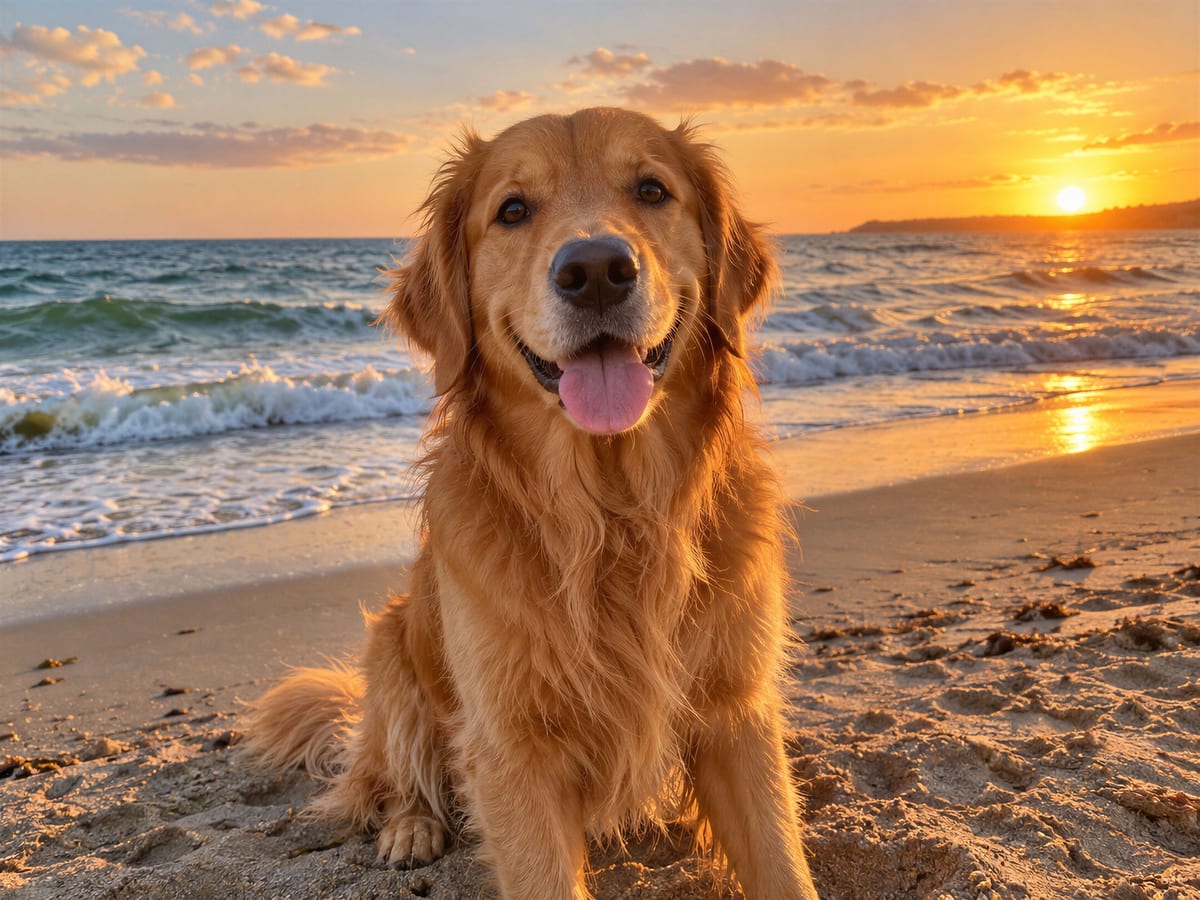
Printing bigger doesn't add pixels. It spreads the same ones over more paper, so each one gets bigger. Watch the magnifier on the dog's eye as the same photo grows over the sofa.
Magnifier on the eye
576pixels per inch
Far more than your eyes can see, even with your nose to the paper.
At 8 × 10 the photo has nearly 380 pixels for every inch of paper, more than your eye can pick out. At poster size it's down to about 110, and up close you can see the little squares. That's what "soft" or "pixelated" means on a print.
Why that poster can still look great
Here's the part most size charts skip. Nobody looks at a poster from a foot away. You see it from across the room, and from there your eyes can't make out the pixels at all.
What you see
1 foot away
You can count the pixels.
The rule of thumb: every time you double the distance, you need half as many pixels per inch. The Paris photo lab Picto puts it the same way. A print in your hands, about a foot from your eyes, wants around 300 pixels per inch to look perfectly crisp. A print on a wall, seen from two feet or more, is fine with 150.
So for a typical 12-megapixel phone photo:
- Up to 8 × 10: sharp, even with your nose to it.
- 11 × 14 and 16 × 20: sharp in your hands or on a wall.
- 20 × 30 and 24 × 36: soft up close, fine from a few feet back.
iPhone 15 and later save 24-megapixel photos by default, which buys you roughly one size up at every step.
When a photo really is too small
The original photo is rarely the problem. The copy is. Photos saved from social media, forwarded in group chats or screenshotted are often shrunk along the way. Instagram, for example, keeps photos no wider than 1,080 pixels, an eighth of the pixels in a 12-megapixel original or less.
That copy still makes a nice 4 × 6. At 8 × 10, though, it's down to 135 pixels per inch, and a framed photo on a desk gets picked up and looked at closely. If you can, find the original on the phone that took it before you order.
Check your own photo
Drop your photo in, or type its size. The checker rates every standard size for sharpness, shows how each one crops your picture, and warns you where a lab might flag the file. It runs in your browser, so your photo never leaves your device.
How big can your photo go?
Your photo stays on your device: it's measured in your browser and never uploaded.
Or drop it here. JPEG, PNG, HEIC, WebP, TIFF.
If your photo comes up short
Print it a size smaller. A sharp 5 × 7 looks better than a soft 8 × 10, especially on a desk where people pick it up.
Go big anyway if it's for a wall. Open a size in the checker to see how far back people need to stand for it to look sharp. Over a sofa, they're usually farther away than that.
Rescan old prints. A 4 × 6 print scanned at 600 dpi becomes 2,400 × 3,600 pixels, enough for a sharp 8 × 12. Our guide to restoring old photos covers scanning and cleanup.
Upscale it. An AI upscaler makes a photo bigger by drawing in new detail. It's good at clean edges and lettering, but it guesses. We ran a small, 100-pixels-per-inch file of a store sign through the same model our free upscaler uses. Drag the slider to compare.
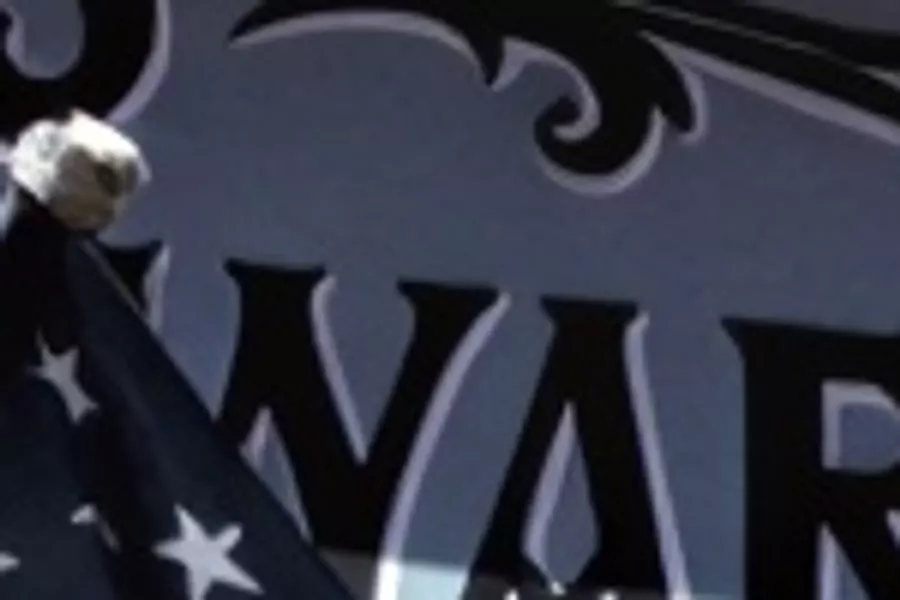

A close-up of a 16 × 24 inch print: the small original file, and the same file upscaled 2×. Photo: Carol M. Highsmith, Library of Congress (public domain).
The letters and stars came out crisp. But the painted wall lost its grain, and the ball on top of the flagpole was redrawn boxier, with a dark spot that isn't in the real photo. An upscaler can make a small file print clean from a normal distance. It can't bring back detail the camera never caught, so find the original first if you can.
Make a small photo big enough to print
Our free upscaler doubles a photo's width and height. Try it without an account: two a day, for files up to 2 MB. Bigger enlargements (4× and up) come with the Starter plan.
Quick answers
How big is a 4x6 photo?
4 by 6 inches, or 10 × 15 cm: about the size of an index card. It's the most common print, and it has the same 3:2 shape as most camera photos. For a crisp 4 × 6 you need 1,200 × 1,800 pixels, and any phone photo has far more.
How big is an 8x10, and is it the same as A4?
8 by 10 inches, or 20.3 × 25.4 cm. It isn't A4: A4 paper is 21 × 29.7 cm, longer and a different shape, and US letter paper is 8.5 × 11 inches. For a crisp 8 × 10 you want about 2,400 × 3,000 pixels.
What size is a wallet photo?
It depends on the lab. Shutterfly, Mpix and most others make wallets 2.5 × 3.5 inches. Walgreens and Snapfish make them 2 × 3, four to a 4 × 6 sheet.
Will changing the DPI make my photo print bigger or sharper?
No. The DPI number saved in a file is just a note for the printer. It doesn't add pixels, and the lab scales your photo to the size you order anyway. Only the number of pixels counts.
Try it on one of your own photos
Most of our photo tools have a free version. Upload a picture and see what it does before you decide anything.