5 Reasons to Restore an Old Photo (Before It's Too Late)
Color prints from the '70s and '80s are fading right now. Five real reasons to restore an old photo today — memorial, genealogy, reunion, gifting, and the photo-death clock.
"My grandma died Saturday. I need this photo fixed by the funeral." That sentence, in some form, is the single most common post on r/genealogy. If you have a photo you've been meaning to restore for five years, the odds are it will become urgent on a Saturday you didn't see coming.
Old photos fade on their own schedule. Color prints from the '70s and '80s are actively shifting toward magenta right now because their dye layers were never stable. The Image Permanence Institute has been tracking this for decades. By the time you need the photo, it's often past the point where casual restoration is easy.
Quick answer: The five real reasons people restore old photos are memorials, genealogy, family reunions, DNA reunions, and beating the fade. All five are time-sensitive. Start with the most important photo in your family, not the easiest. Restore it free in about 30 seconds.
1. Memorials and Funerals
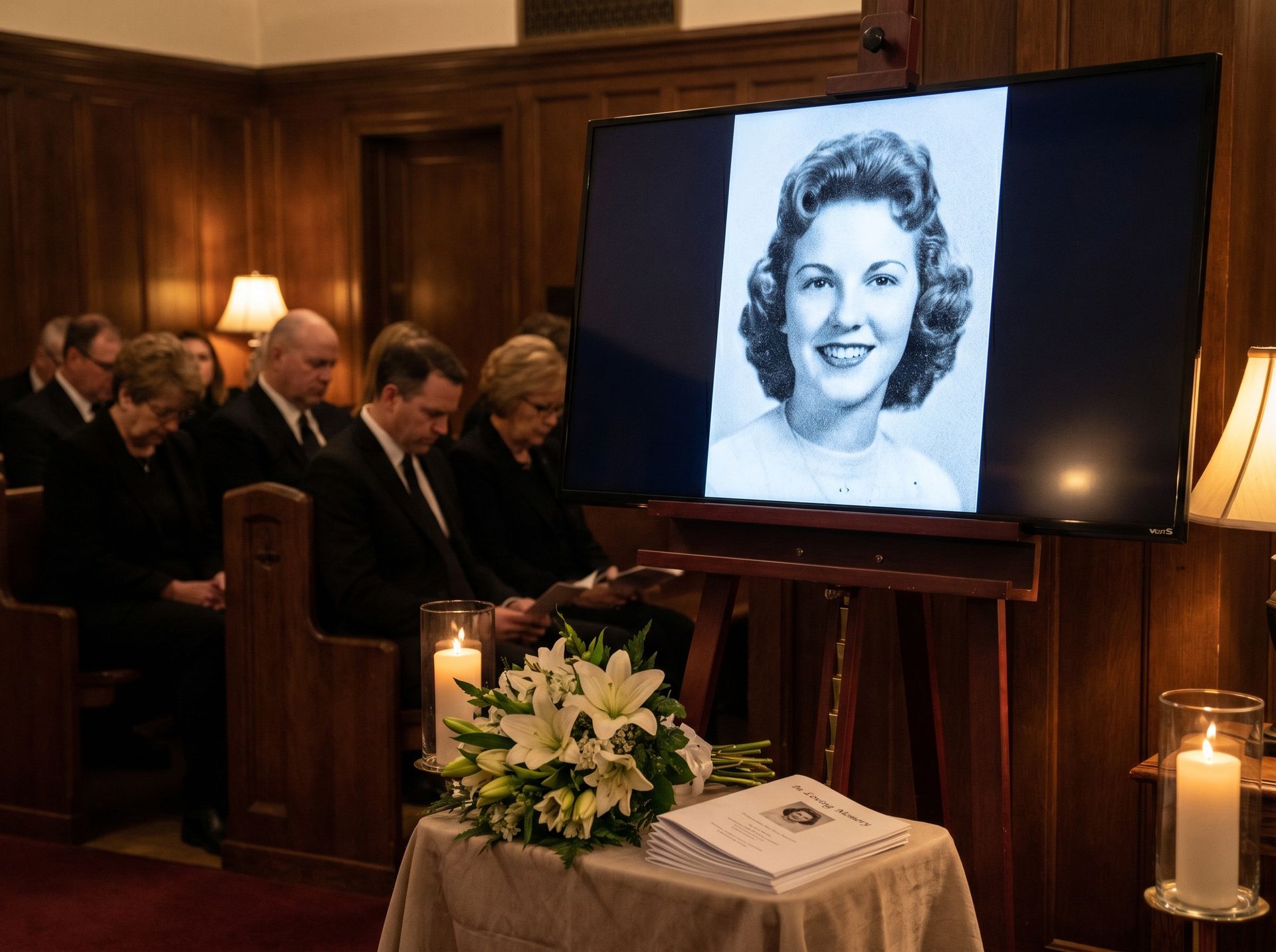
The most common restoration request on genealogy forums is the one with the shortest deadline: a funeral is on Saturday, and the only good photo of mom is faded, yellowed, and dated 1974. Nobody plans for this. It's always sudden.
A restored photo does something a blurry phone-photo-of-a-photo cannot. At a memorial slideshow, a crisp, well-toned portrait projected at 4K reads like the person is still here. A washed-out scan reads like an afterthought.
2. Genealogy and Family Trees
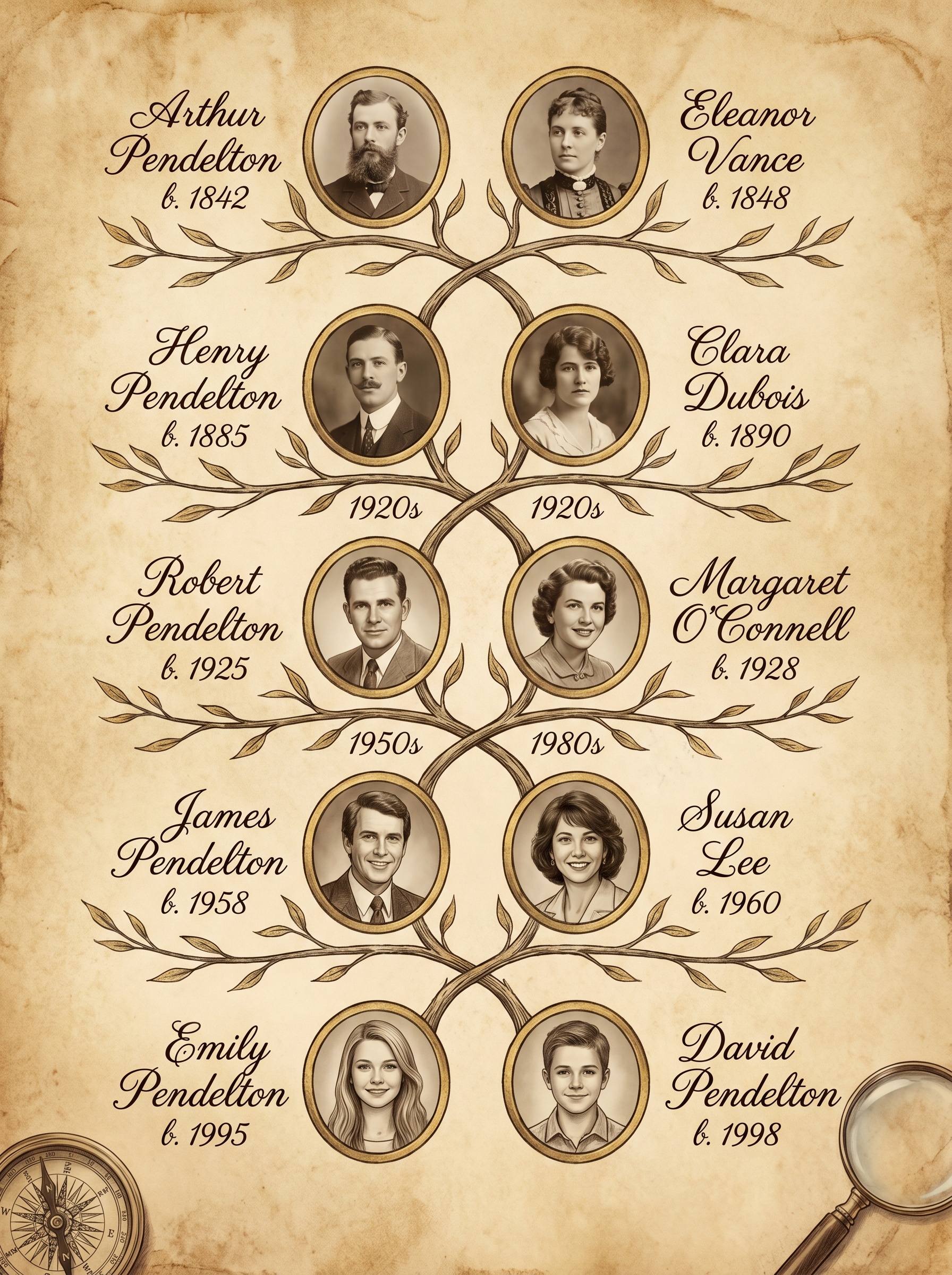
If you've ever built a family tree on Ancestry or FamilySearch, you know the pain: you find a 1915 census record for your great-grandfather, and the only photo of him is a 2×3-inch print so faded you can't tell which kid he is in the group shot.
Restoration makes identification possible. A sharp face lets you cross-reference with other photos, compare against siblings, and match against relatives who look strikingly similar today. Genealogy stops being a spreadsheet of names and becomes faces you can recognize on the street.
3. Family Reunions and Milestone Gifts
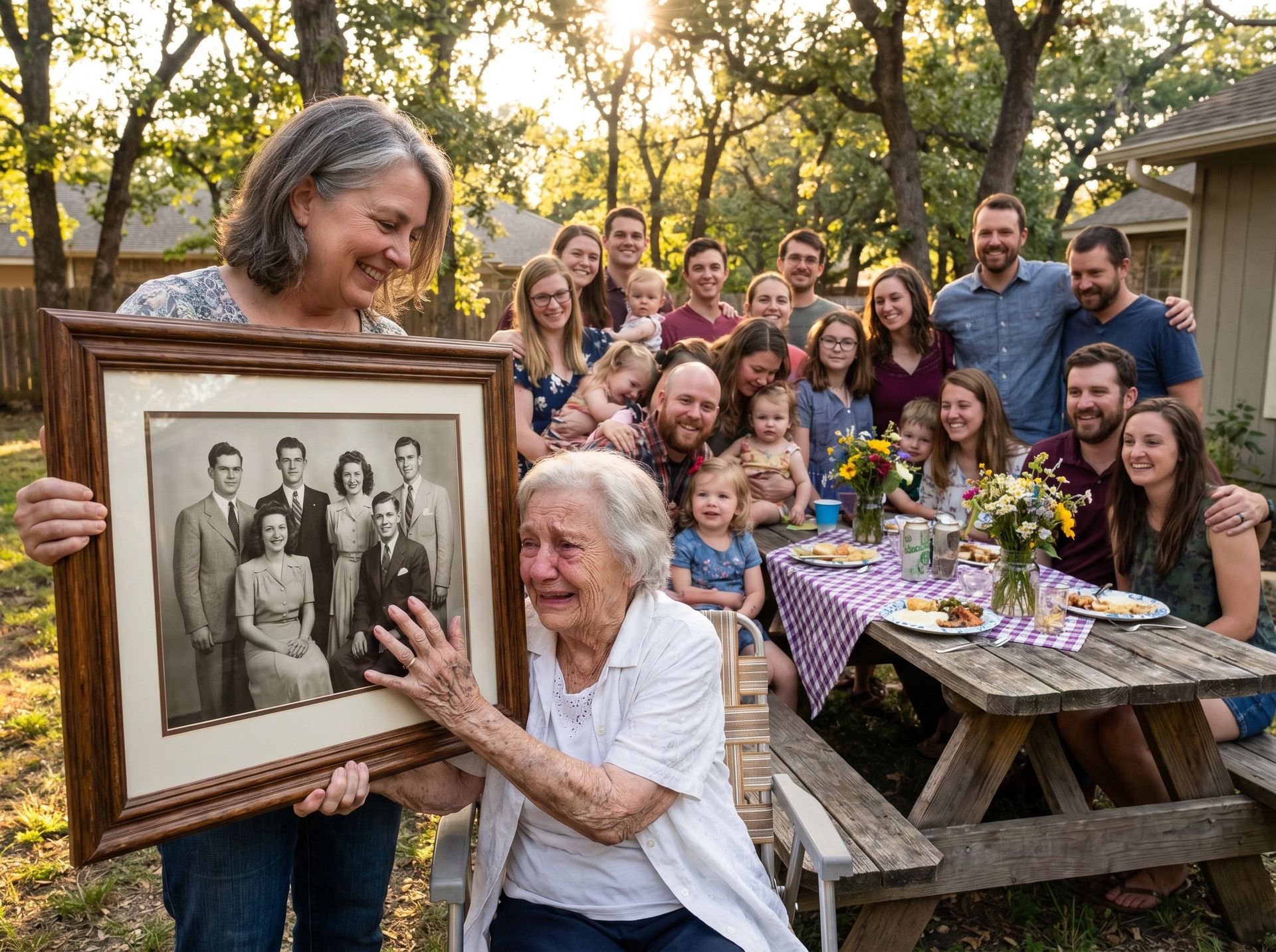
Reunions, 80th birthdays, golden anniversaries. A restored photo is the gift equivalent of a toast. A framed portrait of the family's oldest ancestor, or a group shot nobody has seen looking sharp in 50 years, is the kind of thing people keep on their mantel forever.
Budget: about $15 for a decent frame. The scan, the AI restoration, and the emotional wreckage are all free.
Got Someone's Birthday Coming Up?
Restore a photo of them with their parents, or their grandparents. Change the room.
4. DNA Reunions and Adoption Reconnections
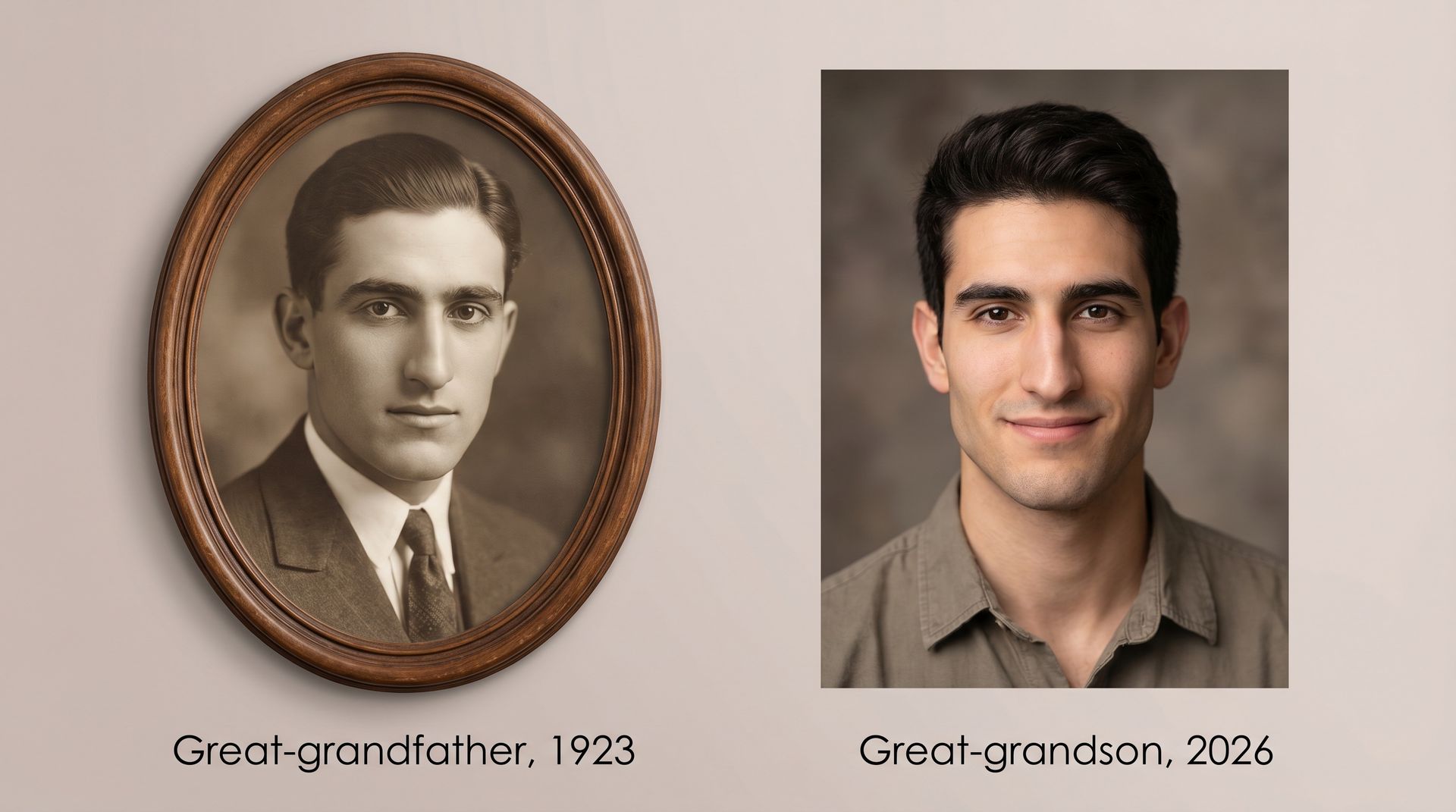
Consumer DNA testing has created a second wave of restoration demand you don't hear about unless you're in those communities. Adoptees finding biological family, distant cousins meeting for the first time, half-siblings trying to verify shared features: they all lean heavily on restored ancestral photos.
When two people who've never met share a 1930s portrait of a great-grandmother they both look exactly like, something very specific happens. You can't do that with a faded print. You can do it trivially with a restored one.
5. The Photo-Death Clock Is Ticking
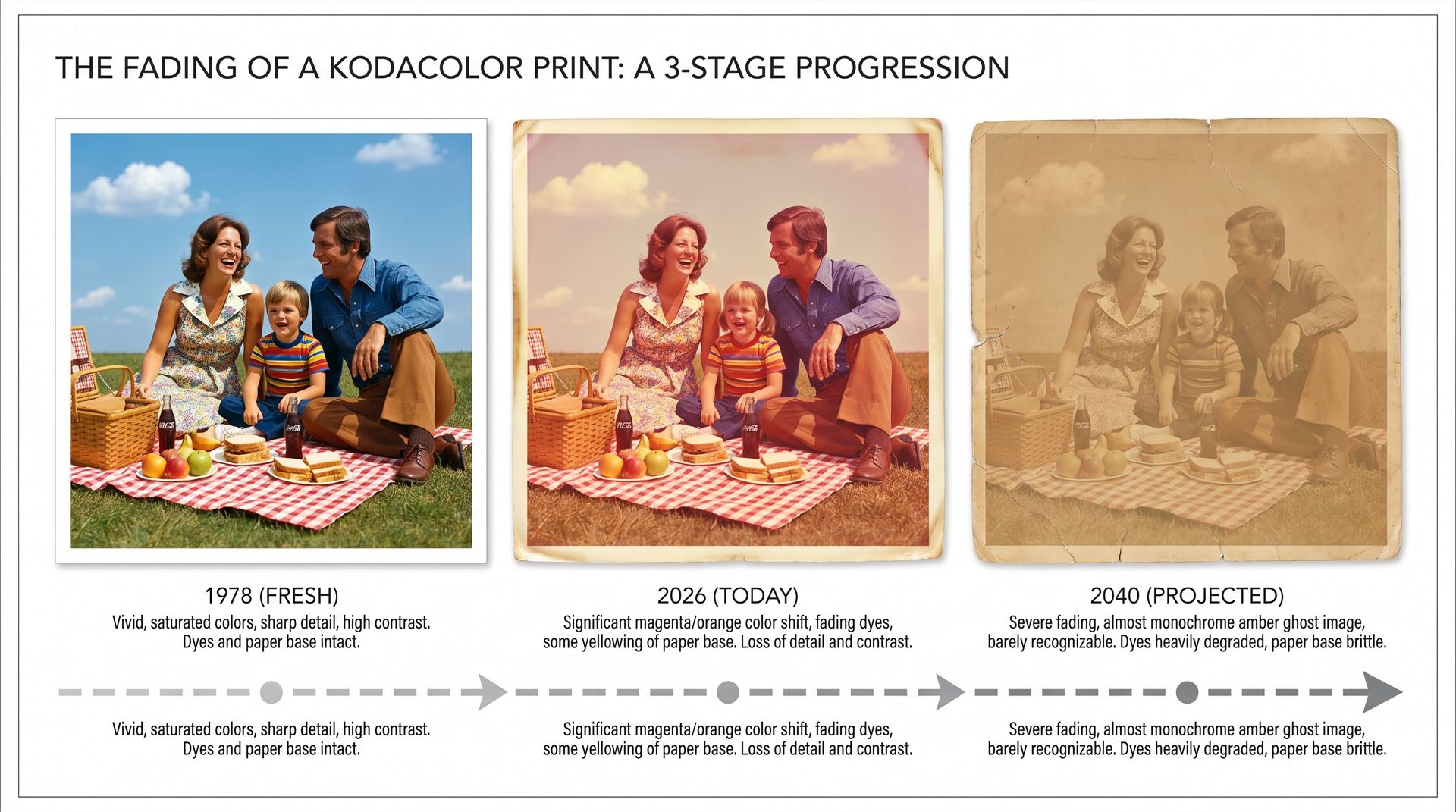
This one isn't emotional. It's chemistry. Color dye couplers in prints made from 1950 through the 1990s are actively degrading. The magenta layer usually goes first, then yellow, and cyan is the most stable. A 1978 Kodacolor print that looked fine in 2005 has visible orange shift today. By 2045, many of them will be almost monochrome amber ghosts.
At that point restoration is archival, not cosmetic. Every year you wait, there's less original data for the AI to work with. A scan taken today preserves more of the actual image than a scan taken in 2040 will.
Check your own boxes
- • 1970s color prints — already shifted. Scan them this year.
- • 1980s Kodacolor — shift is visible. Don't leave them in a warm attic.
- • 1950s black-and-white — usually stable, but watch for foxing and mold if stored in humidity.
- • Tintypes and daguerreotypes — chemically stable, but fragile to handle. Don't try to clean them.
Who Should Restore a Photo Today
Families
- • Anyone with a grandparent over 80 — do it now, not after
- • Parents preparing for a milestone anniversary or birthday
- • Siblings who inherited the "family photo box" after a parent passed
- • Anyone organizing a reunion or writing a family history book
Researchers
- • Genealogists trying to identify faces in group photos
- • Adoptees matching biological family for the first time
- • Historians digitizing local archives and collections
- • Authors researching family history for memoir or fiction
What 30 Seconds of AI Actually Gets You
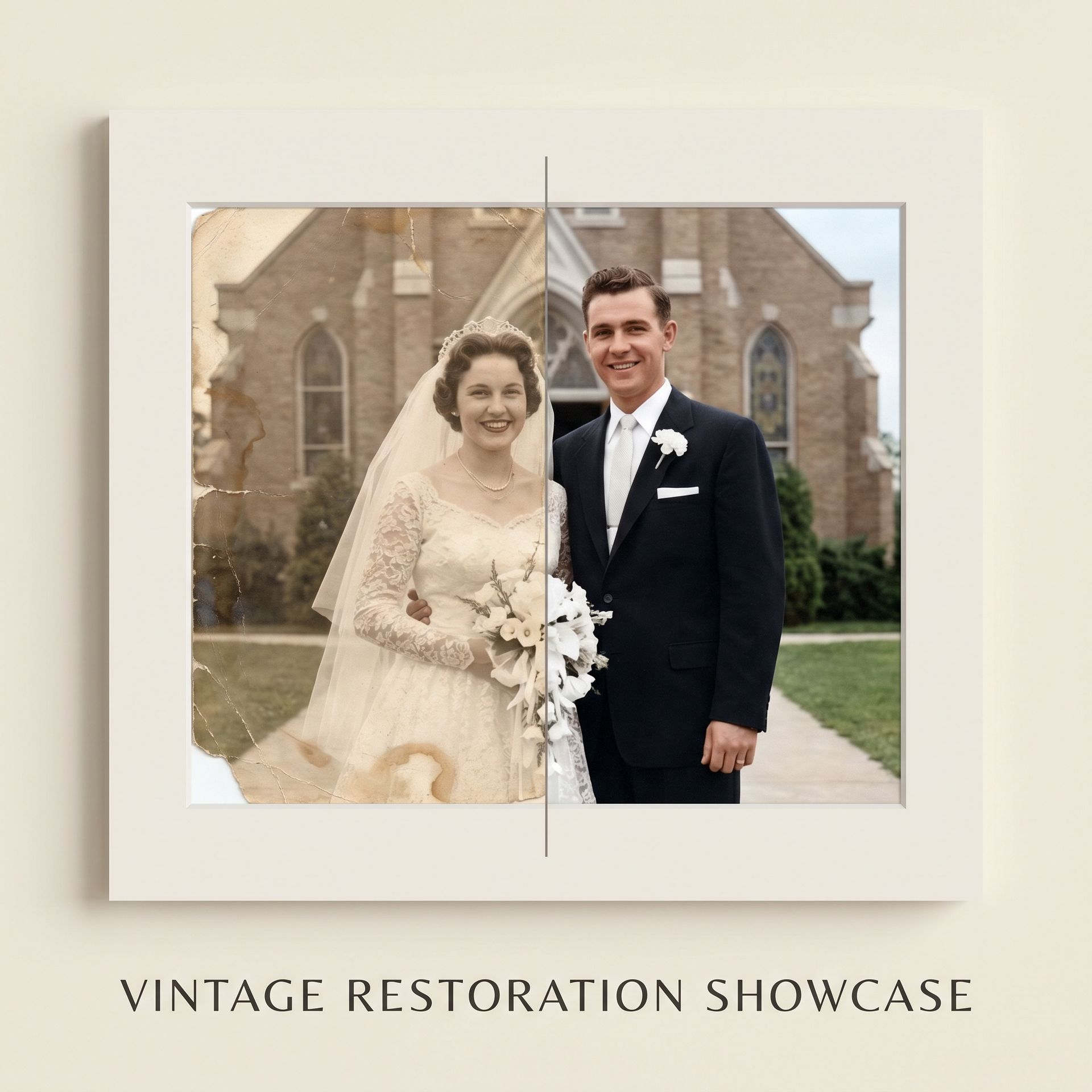
This is a wedding photo from 1958, the kind most families have at least one of. Color shifted, emulsion scratched, a corner torn off at some point. One pass through the restoration tool fixes all of it. Not perfectly, since no restoration is perfect, but well enough to print, frame, and share.
Pro tips
- • Start with the most important photo, not the easiest. The oldest relative, the only photo of a great-grandparent, the wedding photo that matters most. Build up from there.
- • Scan at 600 DPI and save as PNG. You can always downscale later; you can't rescan a photo you already threw out.
- • Restore the whole box in a batch. Future you will thank present you for doing the grunt work once.
- • Back up the restored files to three places. Phone, cloud, and an external drive. The 3-2-1 rule.
- • Share the restored photos with family. The rest of your family may not know this is possible.
The photo is aging. You don't have to let it.
Start with one. The one you'd save in a fire. Restore it today, while the original still has detail the AI can work with.
Frequently asked questions
Are old color photos really fading right now?
Yes. Kodacolor prints from 1970–1990 used unstable dye layers that shift toward magenta or yellow over time. The Image Permanence Institute has documented detectable shift within 20–30 years even in ideal storage conditions.
What if the original photo is really damaged?
AI handles fading, scratches, water damage, and mold stains well. Severe damage like missing faces or torn-out chunks will be reconstructed, but the AI is guessing at that point. Try multiple passes and pick the result that best matches other photos of that person.
I only have a phone photo of an old print. Is that enough?
It's a fallback, not ideal. A flatbed scanner at 600 DPI gives the AI far more detail to work with. If you must use a phone, use Google PhotoScan — it handles glare and perspective automatically.
Should I restore before or after colorizing?
Restore first, always. Scratches and stains confuse the colorization model. Clean up the damage, then add color, then upscale if you're printing.
Try it on one of your own photos
Most of our photo tools have a free version. Upload a picture and see what it does before you decide anything.