Alternative to Leonardo AI
With Trained Face Models & Free Tools
Leonardo AI is a powerful web-based AI image generator with a generous free tier. BestPhoto offers a different approach with face-trained models, specialized editing modes, and 40+ free tools. Here's an honest comparison.
What Leonardo AI Users Say
Mixed feedback from real users — as with any AI tool, experiences vary.
"The quality of the models is incredibly consistent, the interface is fast and intuitive, and the updates feel like they're truly listening to what users need."
"I've never encountered a support team as fast, accurate, and genuinely kind as the one at Leonardo AI. They resolved my issue within hours."
"Leonardo AI blew me away with its photorealistic renders and real-time canvas tools, though the token system took a bit to wrap my head around."
"Not all models delivered consistent results. Sometimes I get a stunning image, while other times the output feels rushed with odd distortions."
"They promise concurrent video generations on their highest plan, then suddenly restrict you. After 2 days they told me my account was restricted for 'excessive usage.'"
"Upscaling images to higher resolutions sometimes leads to minor blurring or loss of fine details. Midjourney handles upscaling a bit more gracefully."
Sources: Trustpilot • All About AI • Reddit
Leonardo AI vs BestPhoto: Feature Comparison
A direct comparison based on publicly available information and user reviews.
| Feature | Leonardo AI | BestPhoto |
|---|---|---|
| Starting Price | Free (150 tokens/day) | Free tier available |
| Free Tier Quality | Lower priority queue, watermarked | Full quality, no watermarks on paid tools |
| Personalized AI Models | Custom model training (higher tiers) | Train your own face model on all paid plans |
| Editing Features | Real-time Canvas (brush tools, masks) | 8 specialized editing modes |
| Video Generation | AI animation, image-to-video | Talking head videos, podcast clips, I2V |
| Free Tools | Token-based (consumes daily allowance) | 40+ completely free tools (separate) |
| Interface | Web-based with real-time canvas | Web-based with guided workflows |
| Commercial Use | Paid tiers only (free tier limited) | Included on all paid plans |
| Customer Support | Mixed feedback (some excellent, some unresponsive) | Team-based email support |
Leonardo AI: Honest Pros & Cons
Leonardo AI is a solid tool with real strengths. Here's the balanced view.
Leonardo AI Pros
- Generous free tier — 150 tokens daily without paying
- Web-based interface (no Discord required like Midjourney)
- Real-time Canvas with live preview as you edit
- Fast generation speeds — images in 10-30 seconds
- Multiple AI models to choose from (Phoenix, etc.)
- Good text generation in images
- Strong community with shared models and prompts
- Recently backed by Canva — likely continued development
Leonardo AI Cons
- Token system takes time to understand
- Free tier has lower priority queue and watermarks
- Results can be inconsistent between models
- Upscaling sometimes causes blurring or detail loss
- Support responsiveness varies by report
- Like all AI tools, not perfect for hands and complex poses
Why Consider BestPhoto
Key areas where BestPhoto offers a different approach.
Personalized AI Models
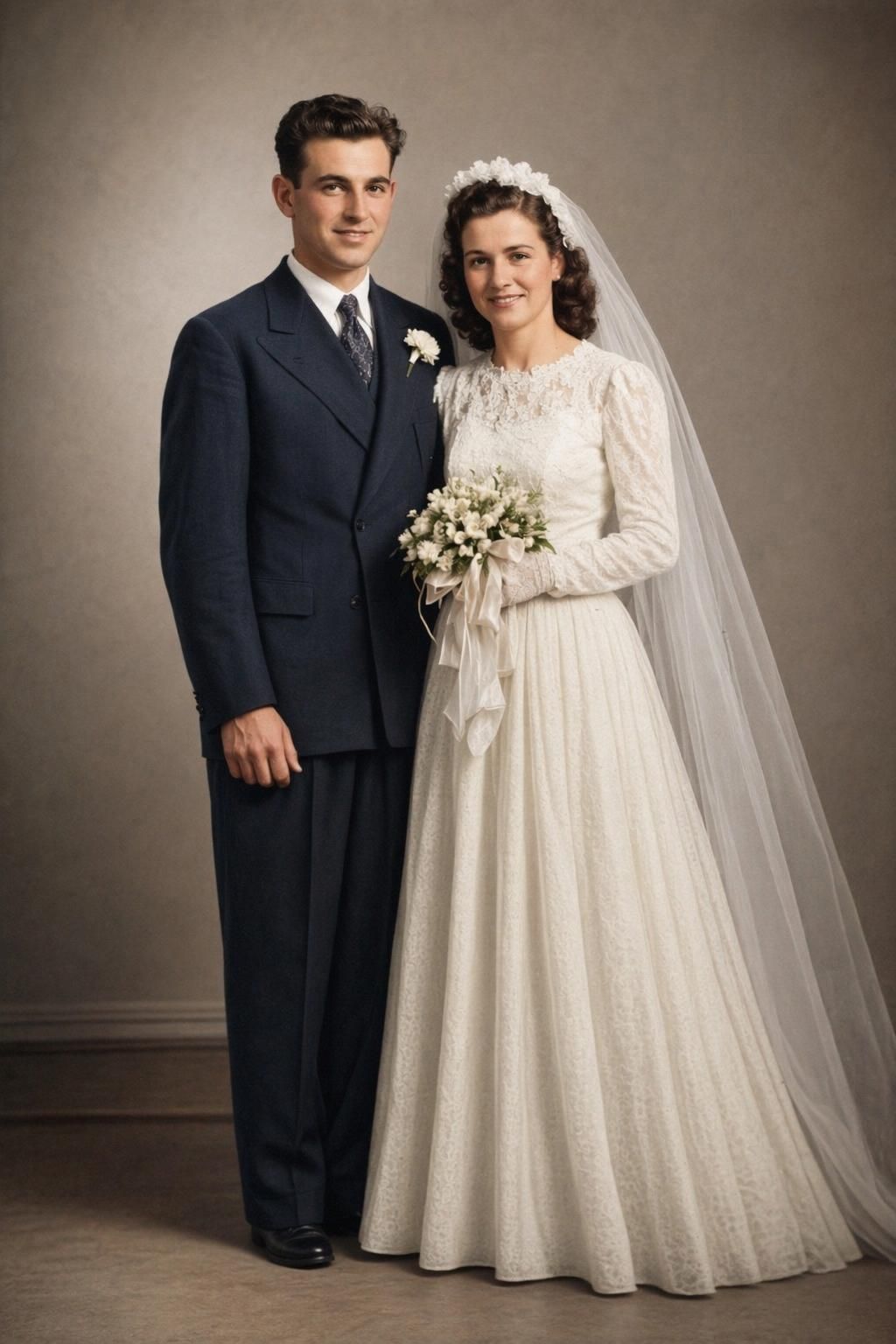
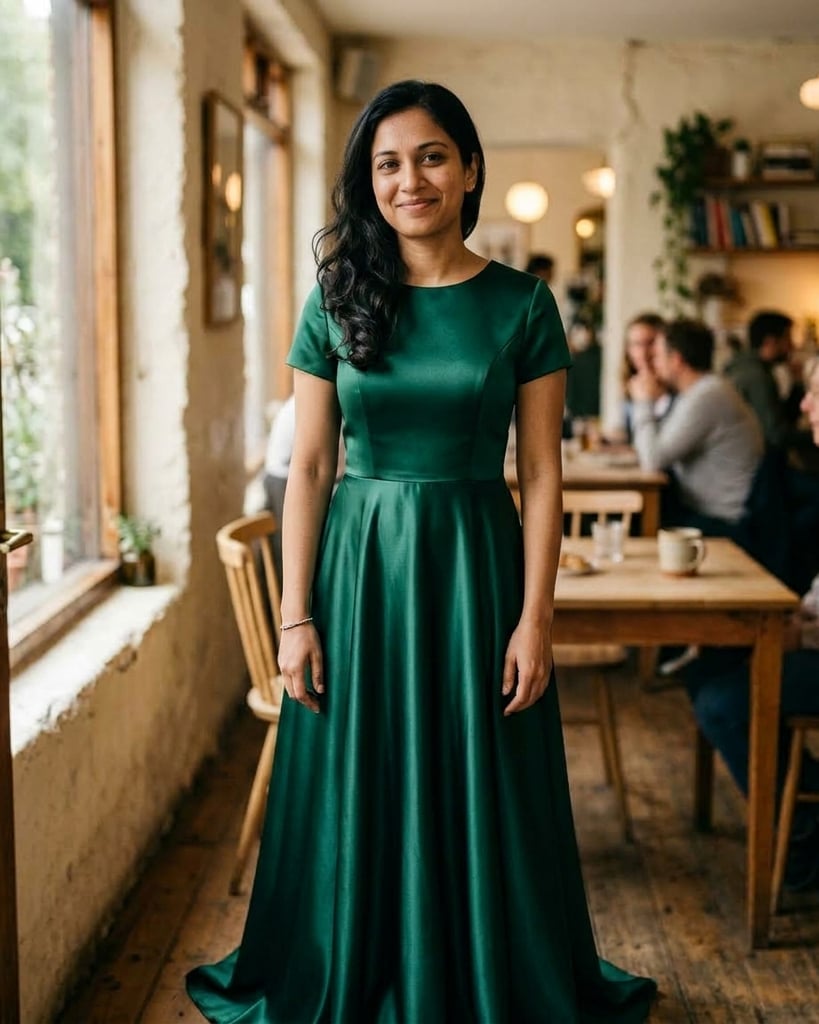
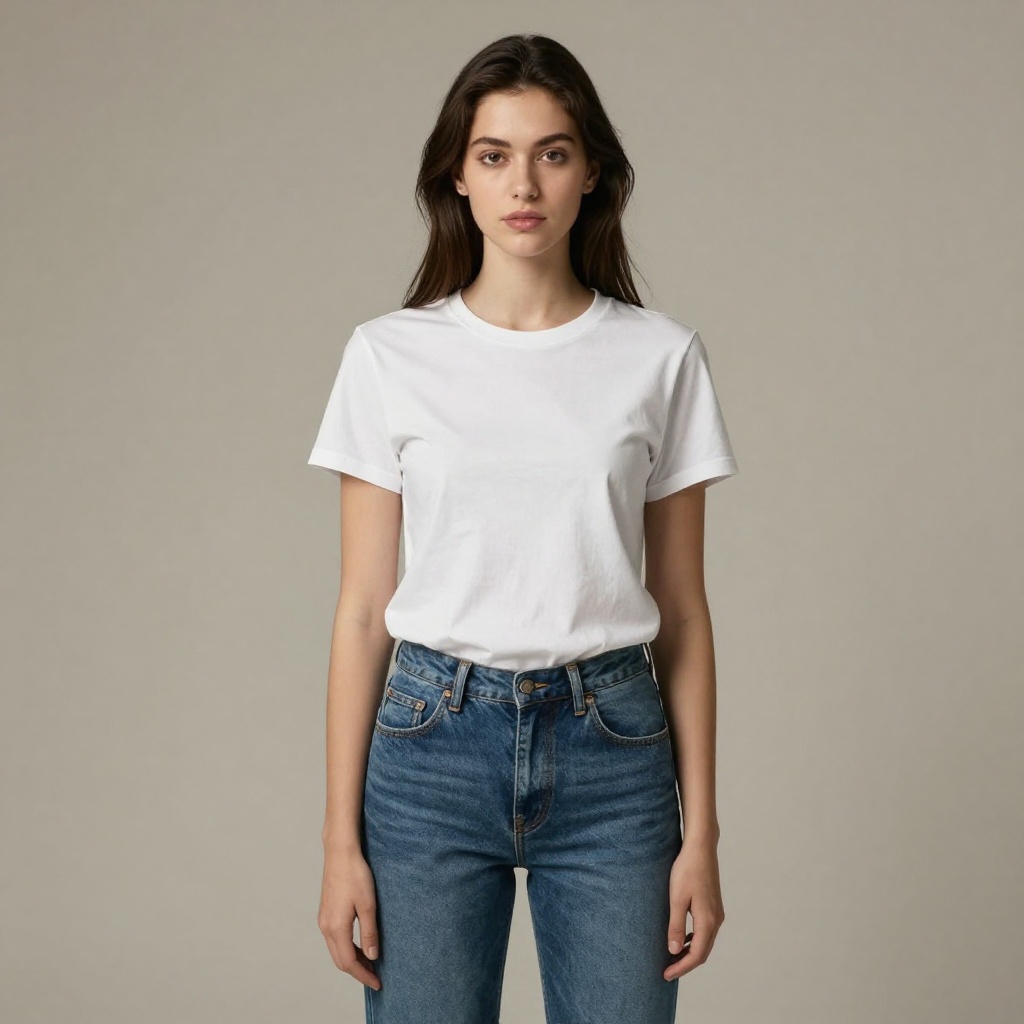
Leonardo AI offers custom model training, but it's primarily designed for artistic styles and objects. BestPhoto's trained models are specifically optimized for human faces — upload 10-20 photos of yourself and generate photorealistic images that actually look like you. Great for headshots, dating profiles, and professional photos.
BestPhoto: Face-optimized model training for realistic results
What you get:
- Models trained specifically on your face
- Optimized for human likeness
- Great for professional headshots
- Works with fewer training photos (10-20)




Specialized Editing Modes
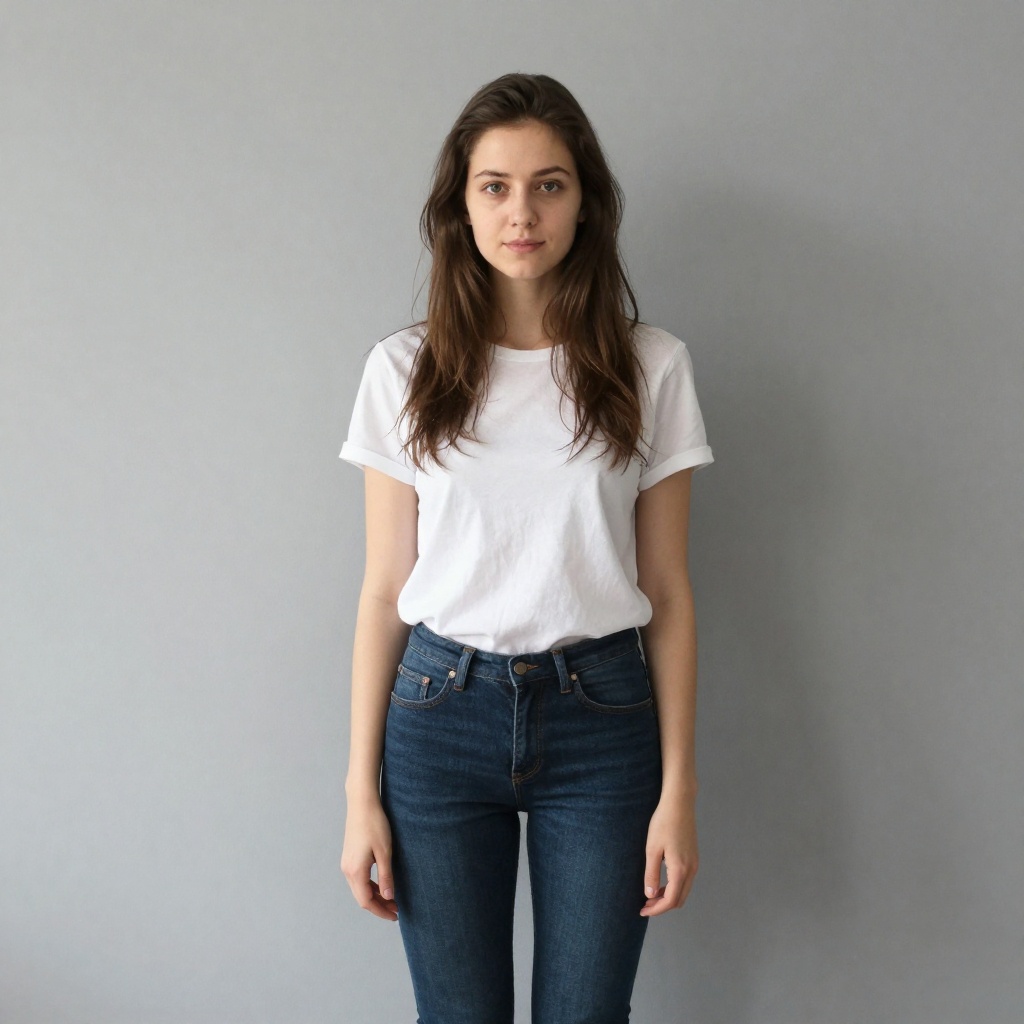
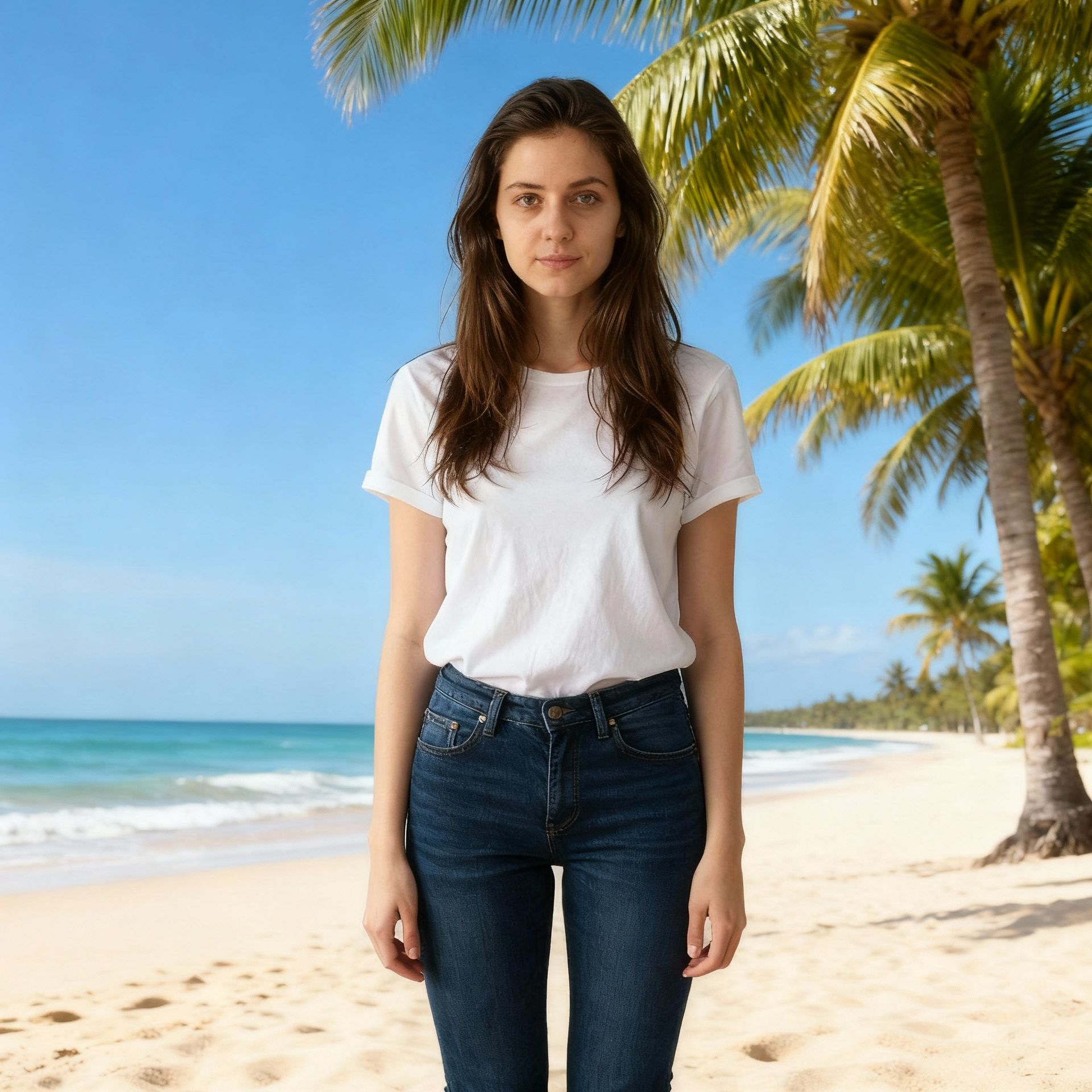
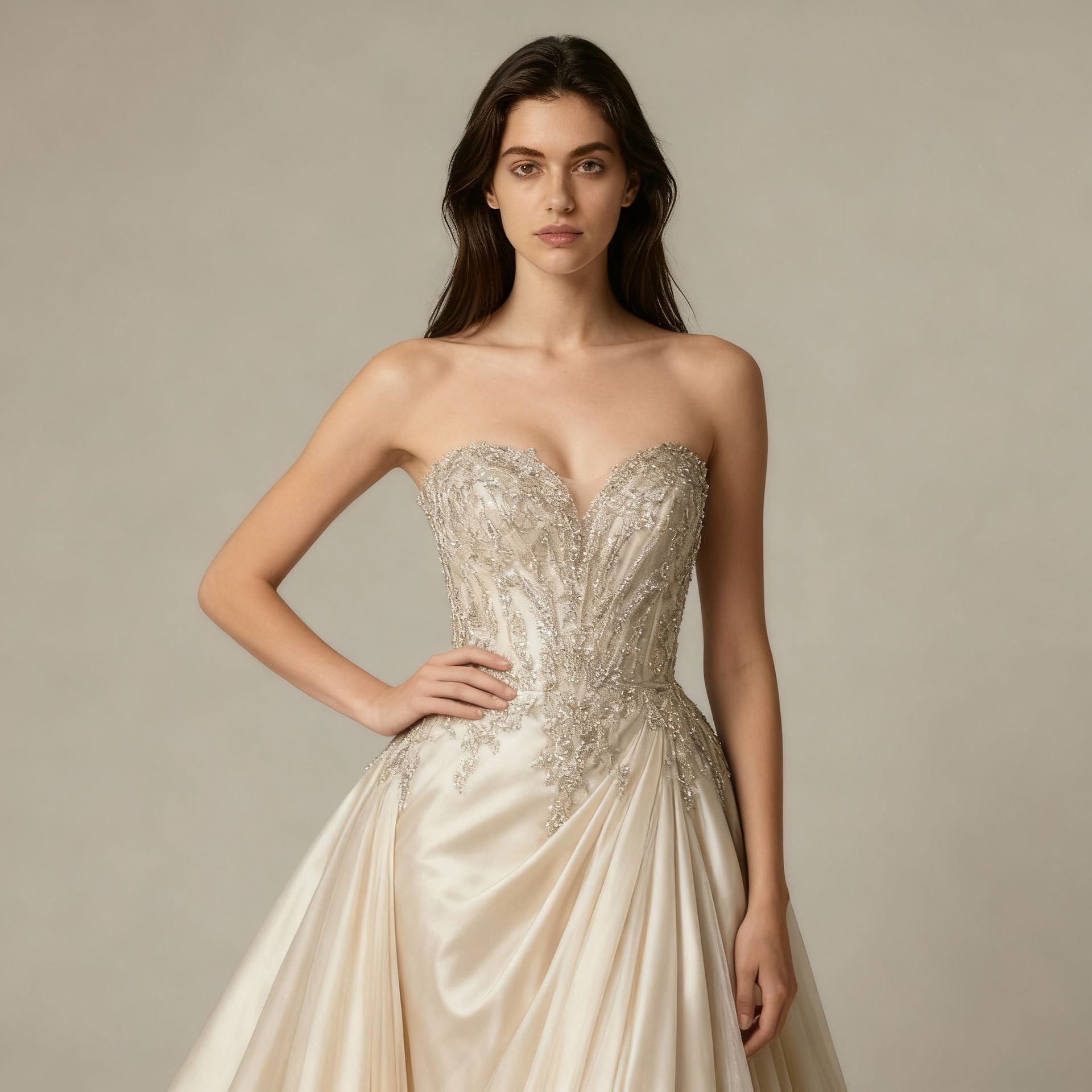
Leonardo AI's Real-time Canvas is great for freeform editing with brushes and masks. BestPhoto takes a different approach with 8 specialized editing modes designed for specific tasks: Replace elements, Restyle images, Remove objects, Re-compose scenes, Add Objects, Restore old photos, Change Clothing, and Concept Transformation.
BestPhoto: Task-specific modes vs general-purpose canvas
What you get:
- Replace mode for swapping specific elements
- Restyle for transforming image aesthetics
- Remove mode for clean object removal
- Restoration for old or damaged photos
Separate Free Tools
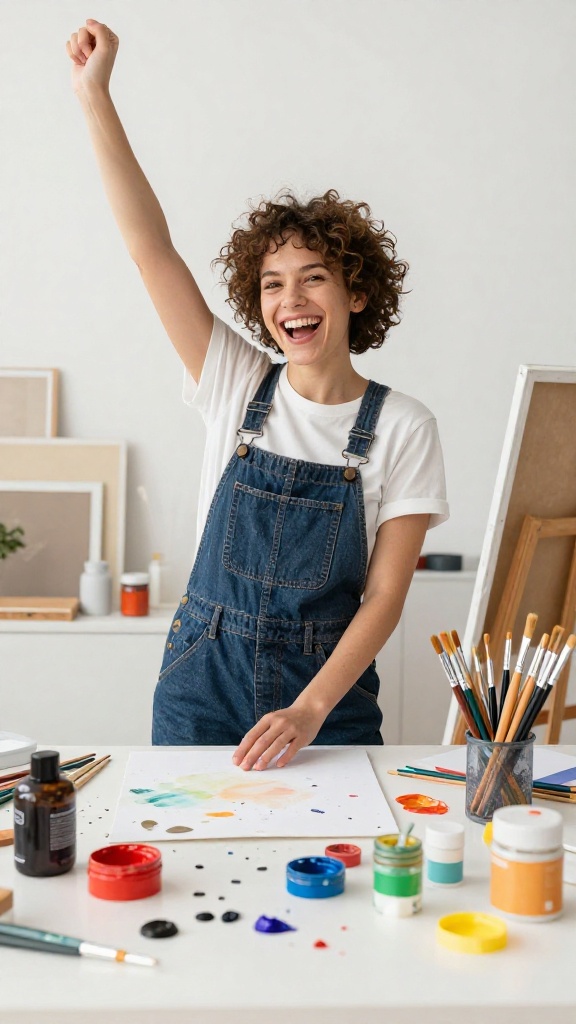
Leonardo AI's free tier gives you 150 tokens daily, but everything counts against that limit. BestPhoto offers 40+ completely separate free tools — background removal, upscaling, hair color changes, and more — that don't touch your generation credits. Use free tools unlimited, save credits for what matters.
BestPhoto: Free tools separate from generation credits
What you get:
- 40+ free editing tools available
- Background removal (free)
- Image upscaling (free)
- Hair and style changes (free)

Video Generation
Leonardo AI offers animation and image-to-video features. BestPhoto takes video further with talking head videos where AI-generated characters speak with synced lip movements, plus podcast-style clips featuring two AI hosts discussing any topic. Great for social media content and marketing.
BestPhoto: Talking videos and podcast clips
What you get:
- Talking head videos with lip sync
- AI podcast clips with two hosts
- Image-to-video conversion
- Multiple video styles and formats
Click to play
Which Tool is Right for You?
Both tools have their strengths. Here's a quick guide.
Leonardo AI might be better if you:
- Want to experiment for free (150 tokens/day)
- Need real-time canvas editing with brushes
- Create artistic/stylized images (not just photos)
- Want to train models on artistic styles
BestPhoto might be better if you:
- Need realistic photos of yourself (trained models)
- Want 40+ free tools separate from your credits
- Need talking head videos or podcast clips
- Prefer guided workflows over freeform canvas
Important: What to Expect from Any AI Photo Tool
- •AI image generation isn't perfect — expect some iterations
- •Hands, fingers, and complex poses can be challenging for any AI
- •Results depend heavily on prompt quality and input photos
- •Some prompts work better than others — there's a learning curve
Frequently Asked Questions
Is Leonardo AI a good tool?
Leonardo AI is a capable AI image generator with a genuinely generous free tier and a polished web interface. It has a 4.5/5 rating on Trustpilot with over 900 reviews. It's particularly strong for artistic and stylized images, with real-time canvas editing that many users love.
What's the main difference between Leonardo AI and BestPhoto?
Leonardo AI excels at artistic image generation with its real-time canvas and multiple style models. BestPhoto focuses more on photorealistic results with face-trained models (for generating images of yourself), specialized editing modes, and unique features like talking head videos. Both have free options, but BestPhoto's 40+ free tools are separate from generation credits.
What does Leonardo AI's free tier include?
Leonardo AI gives free users 150 tokens daily (roughly 20-30 images depending on settings). Free tier outputs use lower priority queues and may include watermarks. Everything you do — generation, editing, upscaling — counts against your token limit.
Can I train a model on my face with Leonardo AI?
Leonardo AI offers custom model training, but it's primarily designed for artistic styles and objects rather than human faces specifically. BestPhoto's trained models are optimized for human likeness — better for headshots, dating profiles, and professional photos where you want images that actually look like you.
Do both tools struggle with hands and anatomy?
Yes — this is a common challenge with all AI image generators. Both Leonardo AI and BestPhoto can occasionally produce imperfect results with hands, fingers, and complex poses. Leonardo AI's canvas tools let you manually fix some issues, while BestPhoto's editing modes offer different approaches.
Photos That Actually Make a Difference
Whether it's landing the interview or getting the date, people use BestPhoto to create images that open doors.


Professional Headshots
Stand out on LinkedIn, company websites, and professional networks. Profiles with professional photos receive up to 21x more views.


Dating Profile Photos
Get more matches with photos that show your authentic self in the best light. Perfect for Tinder, Bumble, Hinge, and more.


Realistic AI Photos
Generate ultra-realistic images for marketing, content creation, and creative projects. Studio quality without the studio.
Learn More About AI Photo Technology
Stay up to date with the latest AI tools, tips, and techniques. Our guides help you get the most out of your photos.
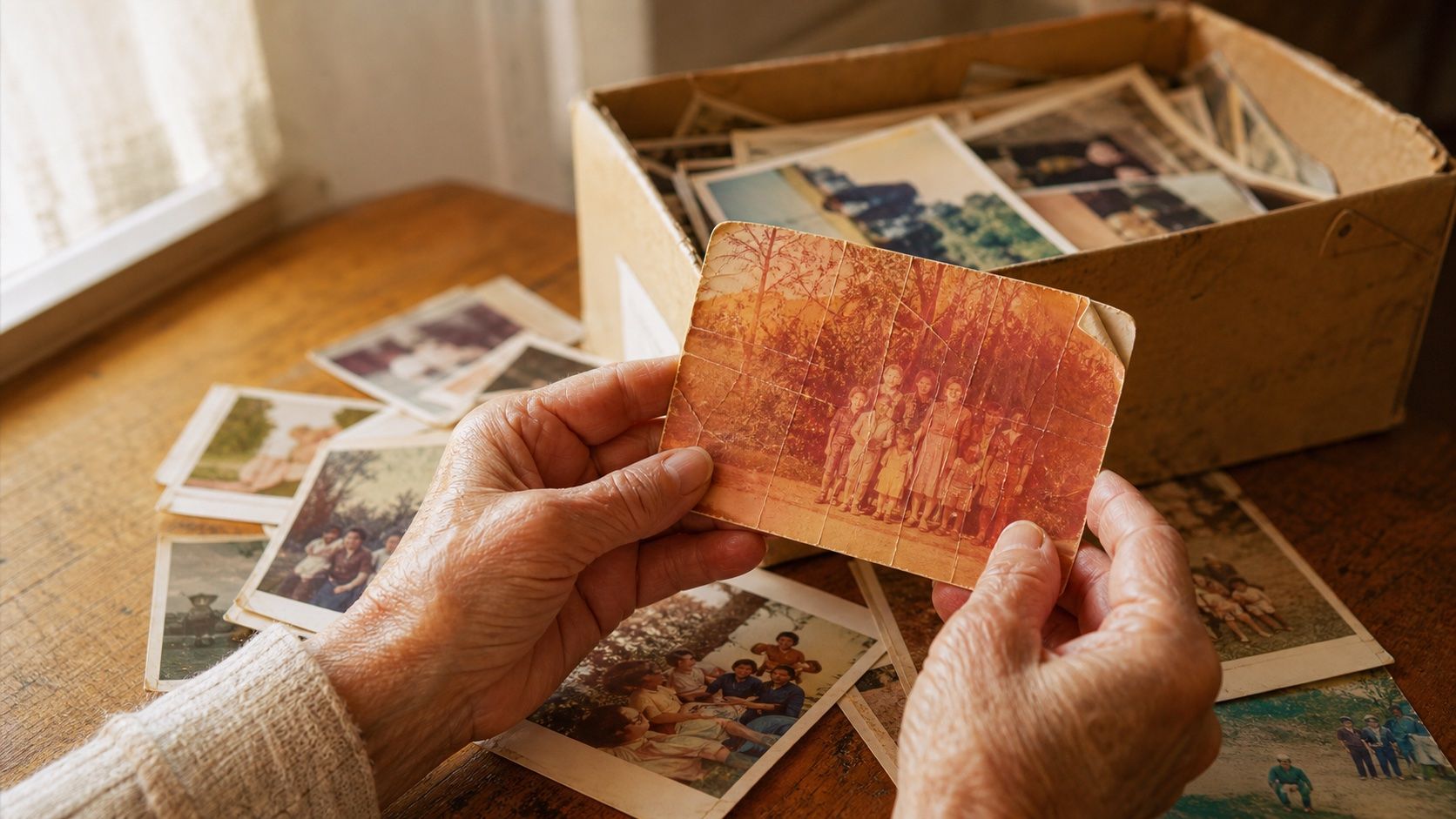
How to Restore Old Photos: The Honest 2026 Guide
Learn how to restore old photos at home with your phone and a free AI tool: scanning tips, fading fixes, and an honest look at what AI gets right and wrong.
How to Fix Grainy Photos: Remove Noise Free with AI
Grainy, noisy photos come from high ISO, low light, and old scans. Here's why it happens and how to remove grain from photos free with AI in about 30 seconds.
How to Fix Overexposed Photos: Recover Blown-Out Detail
Learn how to fix overexposed photos and recover blown-out detail. What AI can rebalance, what clipped highlights it can't, and a step-by-step free fix.
Try BestPhoto Free
See if BestPhoto is the right fit for you. Trained face models, 8 editing modes, and 40+ free tools, no commitment required.
- Free tier available
- Trained face models
- 40+ free tools