Alternative to Fotor
With Multiple AI Models & No Watermarks
Fotor is a popular photo editing platform with AI features. BestPhoto offers a different approach with multiple AI models, 8 editing modes, and a free tier without watermarks. Here's an honest comparison.
What Fotor Users Say
Mixed feedback from real users — as with any AI tool, experiences vary. Fotor has a 4.1/5 rating on Trustpilot.
"The interface is very easy to use on PC. Fotor has become an indispensable part of my life — its ability to edit and improve photo quality is remarkable."
"Great customer support; they've responded promptly to my questions on 2 occasions. The AI video generation and image-to-video features are impressive."
"Sisi is really bad at following instructions and you will waste all your credits. Cannot differentiate left/right or follow basic edits."
"Auto renew subscription without system to cancel that. Free trial operates as a trap — subscription turned into paid plan without explicit confirmation."
"Much cheaper than competitors and produces accurate results for generating images. The AI image generator saves time and produces high-quality, clean images."
"Refund wasn't possible even though it's a simple button press on their Stripe dashboard. Terrible customer service when it comes to billing issues."
Sources: Trustpilot • Software Advice • G2 Reviews
Fotor vs BestPhoto: Feature Comparison
A direct comparison based on publicly available information and user reviews.
| Feature | Fotor | BestPhoto |
|---|---|---|
| Starting Price | $8.99/month (Pro) or $39.99/year | Free tier available |
| Free Tier | Limited features + watermarks on output | 40+ free tools, no watermarks |
| AI Credits System | 100 credits/month (Pro), runs out fast | Generous free tier + affordable plans |
| AI Image Generation | Basic text-to-image with Sisi AI | Multiple AI models to choose from |
| AI Video Generation | 4-8 second clips only, landscape only | Multiple video models, various lengths |
| Photo Editing | Full editing suite with templates | 8 specialized editing modes |
| Prompt Accuracy | Often misinterprets instructions | Multiple models for better results |
| Subscription Cancellation | Reported difficulties, auto-renew issues | Simple cancellation anytime |
| Platform Availability | Web, Windows, Mac, iOS, Android | Web-based (accessible anywhere) |
Fotor: Honest Pros & Cons
Fotor is a capable platform with its own strengths. Here's the balanced view.
Fotor Pros
- Intuitive, easy-to-use interface across platforms
- Cross-platform availability (web, desktop, mobile)
- Affordable pricing compared to some competitors
- Strong template library for designs and collages
- Good basic photo editing tools
- AI background removal works well
- Responsive customer support for general inquiries
Fotor Cons
- AI assistant (Sisi) often misinterprets prompts
- Credits run out quickly with failed generations
- Auto-renewal issues and difficult cancellation reported
- Free tier has watermarks on output
- Video generation limited to 4-8 second clips
- Refund policy criticized by users
Why Consider BestPhoto
Key areas where BestPhoto offers a different approach.
Multiple AI Models
Fotor uses a single AI assistant (Sisi) that users report often misinterprets instructions, especially with directional commands like left/right. BestPhoto offers multiple AI models, so if one doesn't produce the results you want, you can try another approach without wasting all your credits on one model.
BestPhoto: Multiple models for different styles and needs
What you get:
- Choose the right model for each task
- Nano Banana Pro for 4K quality
- Faster models for quick iterations
- Better prompt interpretation overall




Better Credit Value
Fotor's credit system (100 credits/month on Pro) can drain quickly, especially when the AI misinterprets your prompts and you need to regenerate. Multiple users report wasting credits on failed generations. BestPhoto offers a free tier to test before committing, and multiple models means you're more likely to get good results.
BestPhoto: Free tier lets you test before buying
What you get:
- 40+ free tools, no credit card needed
- Test different models without commitment
- Better prompt understanding reduces waste
- Transparent pricing without hidden auto-renewals


Specialized Editing Modes
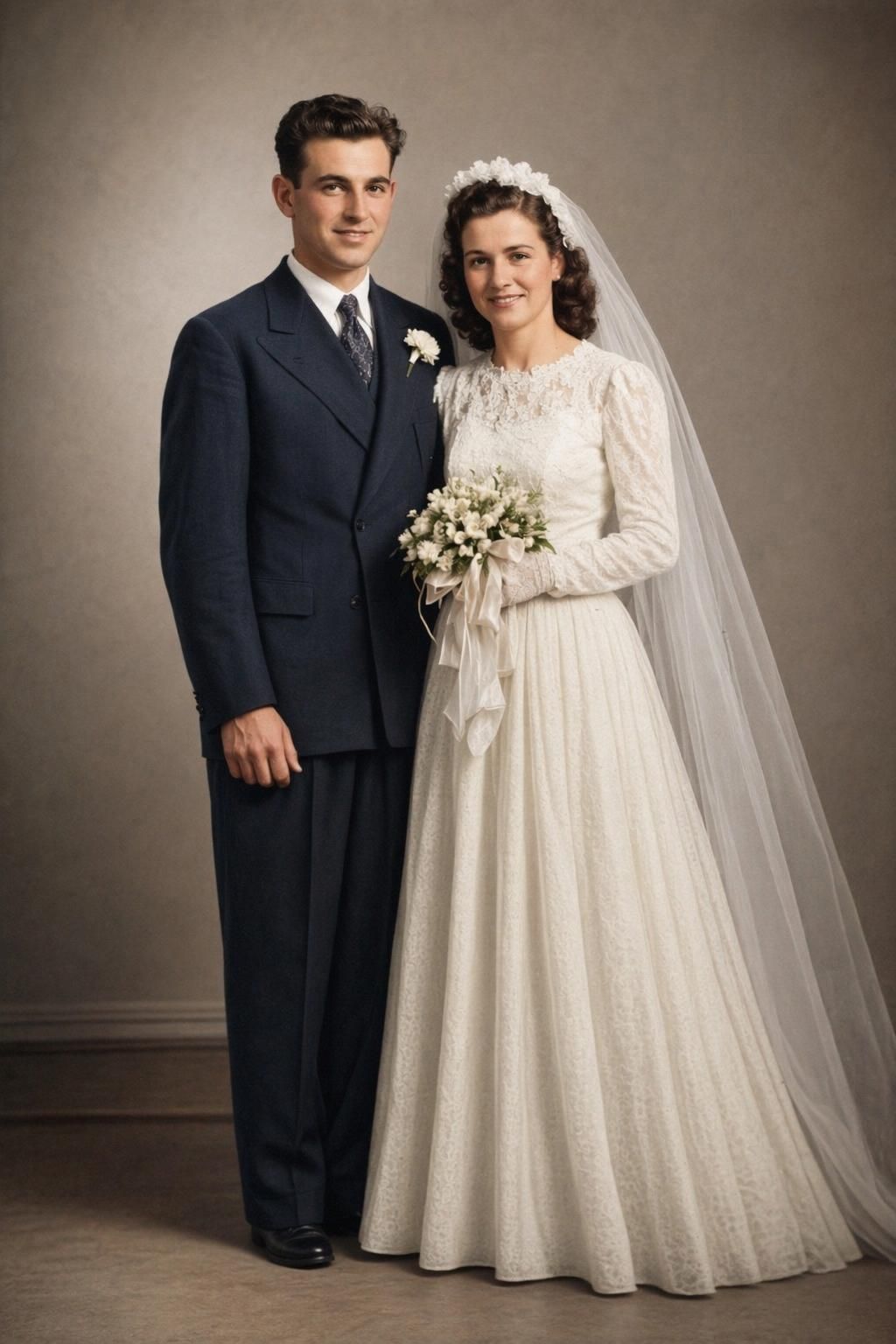
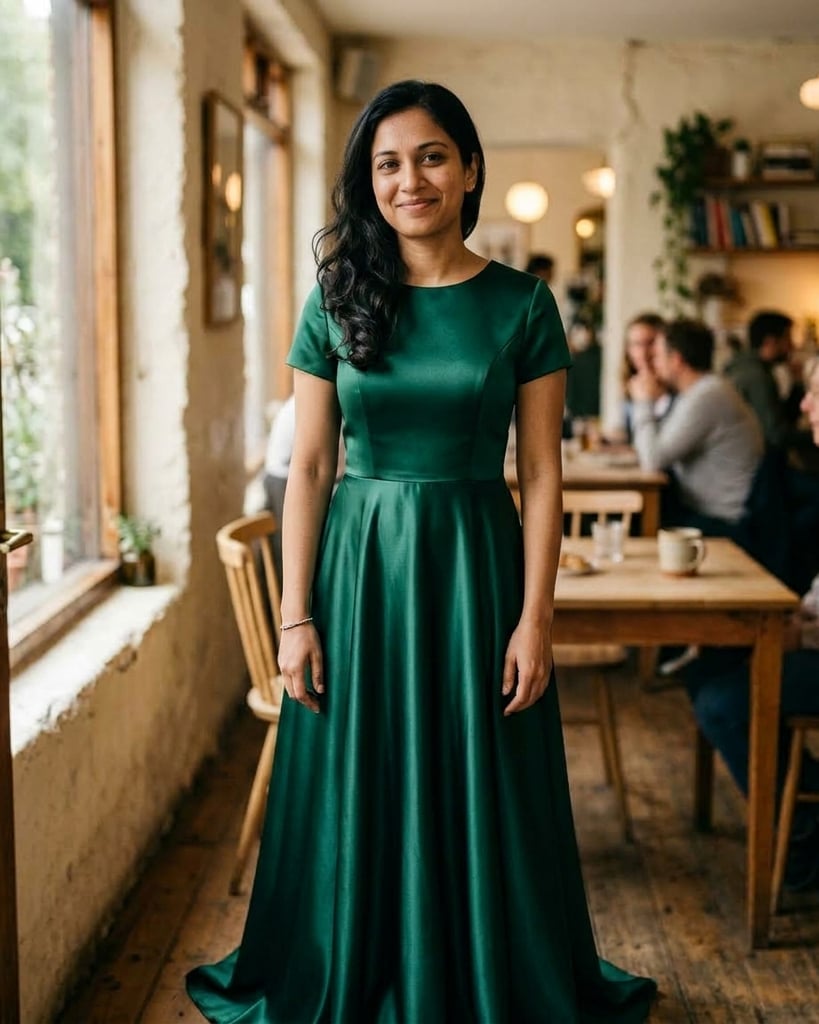
While Fotor offers solid basic photo editing and templates, BestPhoto includes 8 specialized AI editing modes: Replace, Restyle, Remove, Re-composition, Add Objects, Restoration, Clothing Replacement, and Concept Transformation. These go beyond traditional editing to enable creative transformations.
BestPhoto: 8 AI-powered editing modes
What you get:
- Replace mode for swapping elements
- Restyle for creative transformations
- Remove mode for object removal
- Restoration for old photos



More Video Options
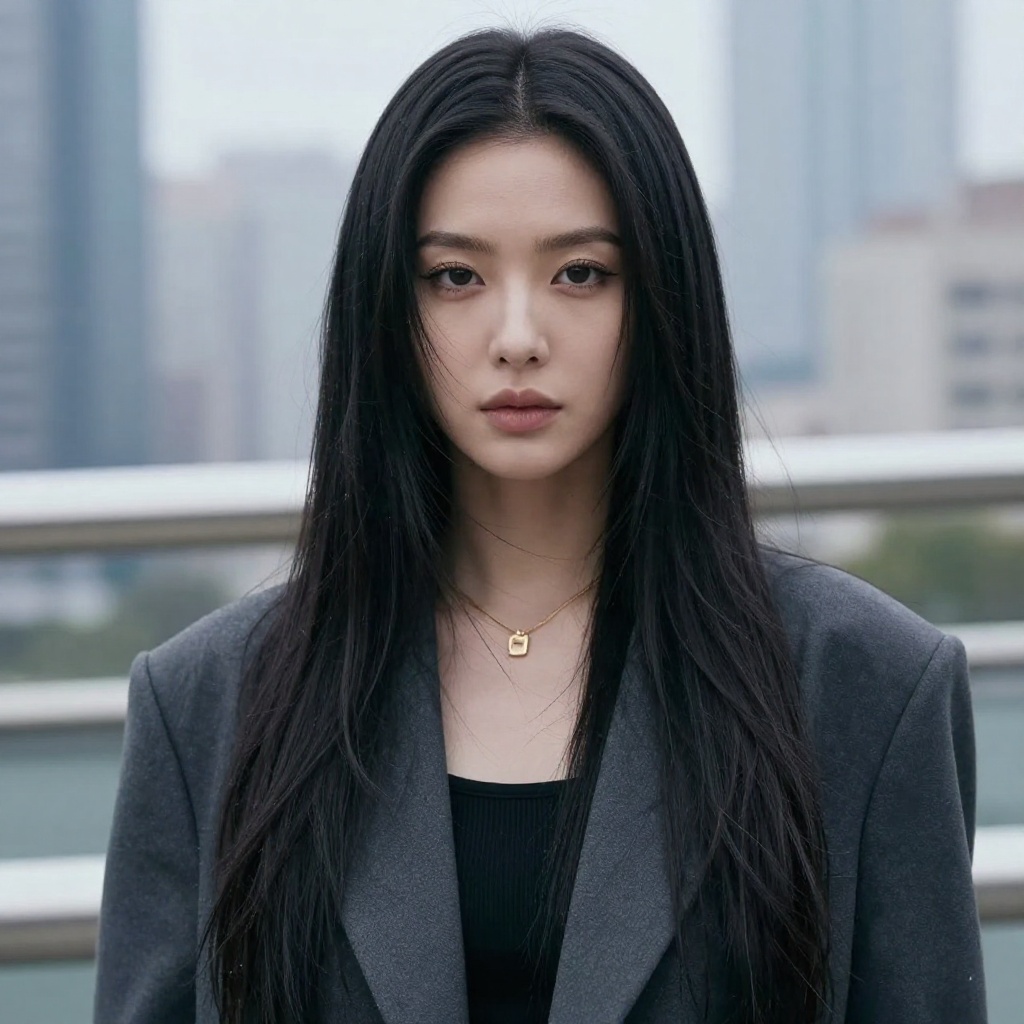
Fotor's AI video generator creates only very short clips (4-8 seconds) in landscape orientation. BestPhoto offers multiple video generation models with various lengths and aspect ratios, including talking head videos and image-to-video conversion for more versatile content creation.
BestPhoto: Multiple video models and formats
What you get:
- Longer video generation options
- Multiple aspect ratios (portrait, landscape, square)
- Talking head videos
- Image-to-video conversion
Click to play
Which Tool is Right for You?
Both tools have their strengths. Here's a quick guide.
Fotor might be better if you:
- Need a mobile app for editing on the go
- Want lots of design templates and collages
- Prefer an all-in-one desktop app experience
- Only need basic AI features occasionally
BestPhoto might be better if you:
- Want to try before you buy (free tier, no watermarks)
- Need better AI prompt understanding
- Want multiple AI models to choose from
- Need more video generation options
Important: What to Expect from Any AI Photo Tool
- •AI image generation isn't perfect — expect some iterations
- •Hands, fingers, and complex poses can be challenging for any AI
- •Results depend heavily on input photo quality
- •Some prompts work better than others — there's a learning curve
Frequently Asked Questions
Is Fotor a good tool?
Fotor is a capable photo editing platform with a 4.1/5 Trustpilot rating. It excels at basic photo editing, templates, and collages. The AI features work well for simple tasks, though users report the AI assistant can misinterpret complex prompts. The main considerations are the credit-based system and reported billing/cancellation issues.
What's the main difference between Fotor and BestPhoto?
Fotor is an all-in-one editing platform with desktop/mobile apps and template-focused design. BestPhoto focuses specifically on AI image generation with multiple models and specialized editing modes. Fotor's free tier adds watermarks; BestPhoto's doesn't. BestPhoto offers more AI model choices for better results.
Why do users complain about Fotor's AI?
Users report that Fotor's AI assistant "Sisi" often misinterprets prompts, particularly with directional commands (left/right) and detailed instructions. This leads to wasted credits when regenerating. Having multiple AI models to choose from, as BestPhoto offers, can help avoid this issue.
Can I try either platform for free?
Fotor offers a free tier but it adds watermarks to your output and has limited AI credits. BestPhoto offers a free tier with 40+ tools and no watermarks on output. BestPhoto doesn't require a credit card to start, and you can test multiple AI models before committing.
What about Fotor's subscription issues?
Multiple Trustpilot reviews mention difficulties with auto-renewal, unclear cancellation processes, and inflexible refund policies. Some users report being charged after free trials without explicit confirmation. BestPhoto offers straightforward cancellation anytime without these reported issues.
Photos That Actually Make a Difference
Whether it's landing the interview or getting the date, people use BestPhoto to create images that open doors.


Professional Headshots
Stand out on LinkedIn, company websites, and professional networks. Profiles with professional photos receive up to 21x more views.


Dating Profile Photos
Get more matches with photos that show your authentic self in the best light. Perfect for Tinder, Bumble, Hinge, and more.


Realistic AI Photos
Generate ultra-realistic images for marketing, content creation, and creative projects. Studio quality without the studio.
Learn More About AI Photo Technology
Stay up to date with the latest AI tools, tips, and techniques. Our guides help you get the most out of your photos.
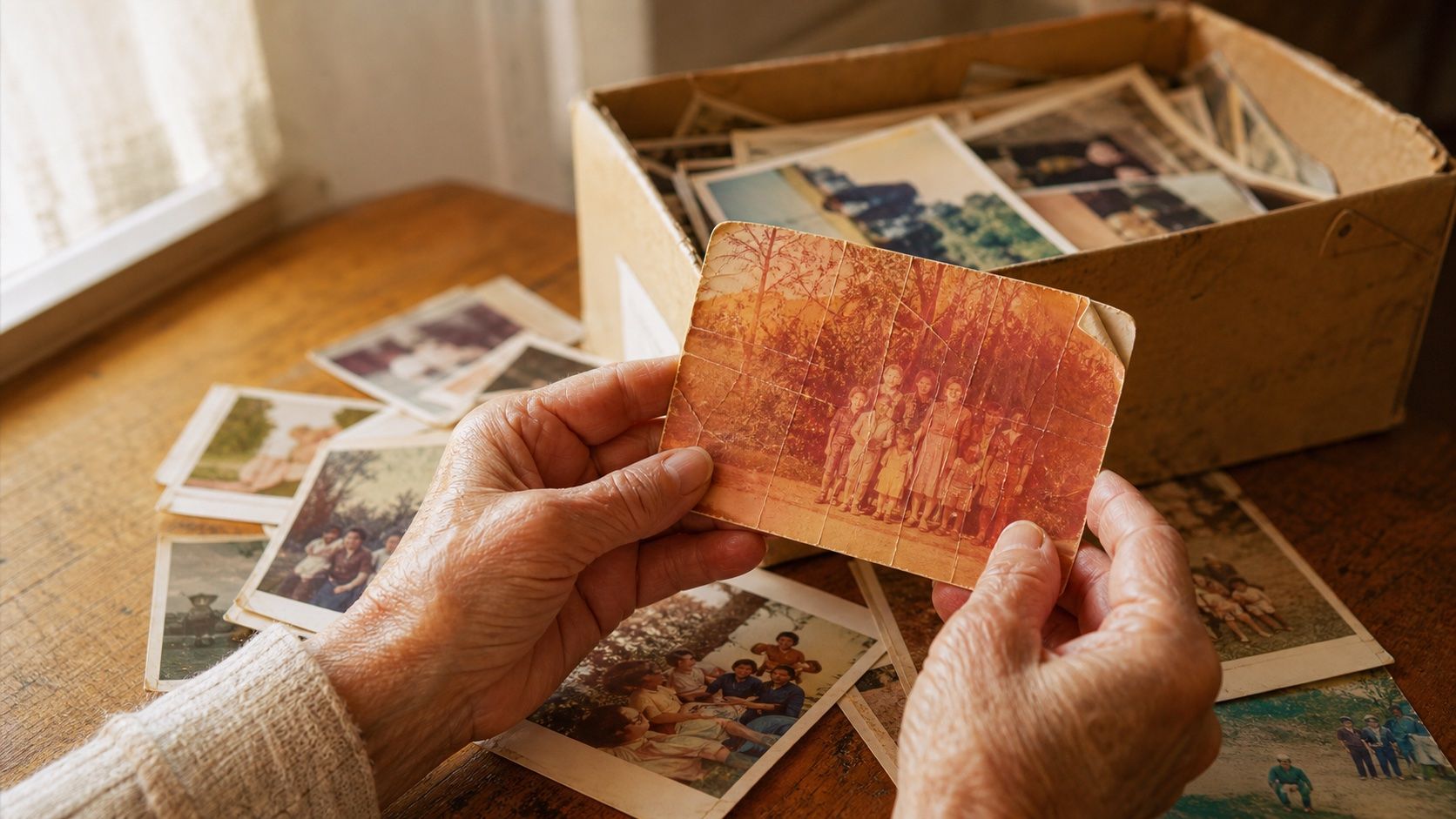
How to Restore Old Photos: The Honest 2026 Guide
Learn how to restore old photos at home with your phone and a free AI tool: scanning tips, fading fixes, and an honest look at what AI gets right and wrong.
How to Fix Grainy Photos: Remove Noise Free with AI
Grainy, noisy photos come from high ISO, low light, and old scans. Here's why it happens and how to remove grain from photos free with AI in about 30 seconds.
How to Fix Overexposed Photos: Recover Blown-Out Detail
Learn how to fix overexposed photos and recover blown-out detail. What AI can rebalance, what clipped highlights it can't, and a step-by-step free fix.
Try BestPhoto Free
See if BestPhoto is the right fit for you. Multiple AI models, 8 editing modes, and 40+ free tools, no watermarks, no commitment required.
- Free tier available
- No watermarks
- Multiple AI models