Alternative to Pika
With Images, Videos & Editing Combined
Pika is a fast-growing AI video generator with impressive creative effects. BestPhoto offers an all-in-one approach with video generation, image generation, and editing tools. Here's an honest comparison.
What Pika Users Say
Mixed feedback from real users — impressive technology, but some operational concerns.
"By a long distance, the best free to use AI video generator. On subscription basis, frontier service shouldering with RunwayML."
"Pika 2.5 delivers on the promise of ultra-realistic generations and impressive physics, making it a joy for both casual creators and serious professionals."
"There is no cancel subscription button and no clear guide for cancellation. You can only accidentally find that you need to switch to the 'Basic' plan manually."
"Paid upfront for 50 credits, managed to create 6 videos but for the past 3 weeks all I got were 'generation failed' and 'error during video processing.'"
"Fast generation times with the Turbo model — averaged 12 seconds for a three-second video, outpacing competitors in latency tests."
"Sent 6 emails to support requesting a full refund but after 5 days, not a single response! Not even an acknowledgment."
Sources: Trustpilot • Product Hunt • AI Founder Kit
Pika vs BestPhoto: Feature Comparison
A direct comparison based on publicly available information and user reviews.
| Feature | Pika | BestPhoto |
|---|---|---|
| Starting Price | $8/month (billed yearly) | Free tier available |
| Free Tier | 80 credits/month (480p only, watermarked) | 40+ free tools, no watermarks on free tier |
| Commercial Use | Only on paid plans ($8+/month) | Included on all paid plans |
| Video Resolution | 480p free, 720p-1080p paid | Up to 1080p on all plans |
| AI Image Generation | Video-only platform | Multiple AI models for images |
| AI Image Editing | Not available | 8 editing modes on all plans |
| Talking Head Videos | Not specialized for this | Purpose-built talking head feature |
| Customer Support | Widely reported response issues | Team-based email support |
| Cancellation Process | Manual plan downgrade required | Standard subscription management |
Pika: Honest Pros & Cons
Pika has real strengths in AI video generation. Here's the balanced view.
Pika Pros
- Fast video generation — Turbo model averages 12 seconds for 3-second clips
- Free tier available (80 credits/month)
- Unique creative effects (Pikaffects, PikaSwaps, Pikadditions)
- Text-to-video, image-to-video, and video-to-video capabilities
- Impressive physics and motion in generated content
- Well-funded company ($80M+ in funding)
- Active development with frequent model updates
Pika Cons
- Video-only platform — no image generation or editing
- Free tier limited to 480p with watermarks
- Widely reported customer support response issues
- Confusing cancellation process (manual plan downgrade)
- Generation failures reported by some users
- Resolution limited to 1080p (no 4K option)
Why Consider BestPhoto
Key areas where BestPhoto offers a different approach.
All-in-One Creative Platform
Pika is focused exclusively on video generation. If you also need AI image generation or image editing, you'd need additional tools. BestPhoto combines AI image generation, video generation, and image editing in a single platform, so you can create and refine content without switching between services.
BestPhoto: One platform for images, videos, and editing
What you get:
- AI image generation with multiple models
- AI video generation with talking heads
- 8 specialized image editing modes
- Train custom AI models on your face




Talking Head Videos
Pika excels at creative video effects and transformations, but isn't specialized for talking head content. BestPhoto offers purpose-built talking head video generation — perfect for social media content, educational videos, and marketing materials where you need a consistent AI presenter.
BestPhoto: Specialized talking head video generation
What you get:
- AI talking videos for social content
- AI podcast clip generation
- Consistent presenter across videos
- Multiple voice options available
Click to play
Responsive Customer Support
A common complaint about Pika is difficulty getting support responses — users report sending multiple emails without acknowledgment, and a confusing cancellation process. BestPhoto offers team-based email support with actual response times, so you're not left waiting indefinitely when issues arise.
BestPhoto: Team-based support that responds
What you get:
- Email support with actual responses
- Clear subscription management
- Straightforward cancellation process
- No hidden billing surprises
Help when you need it
AI Image Editing
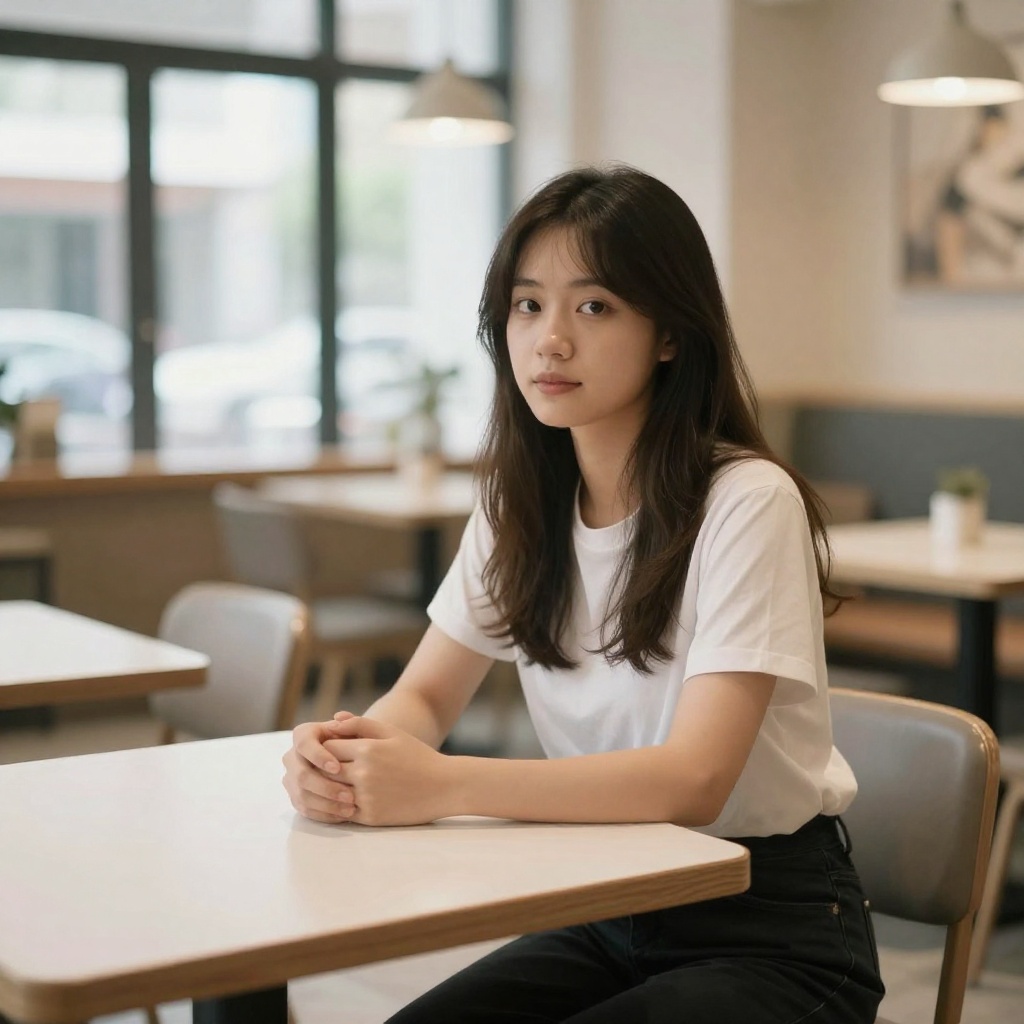
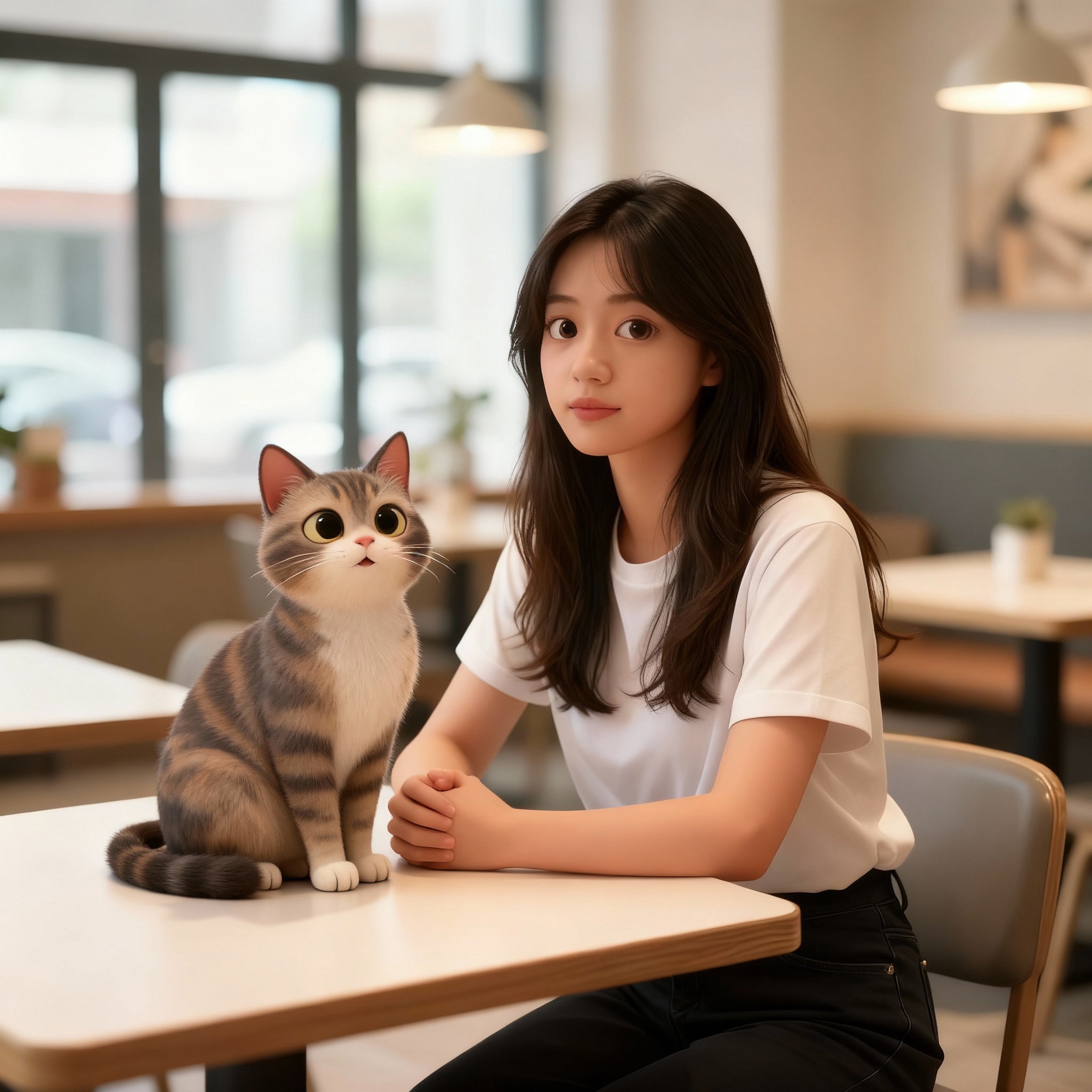
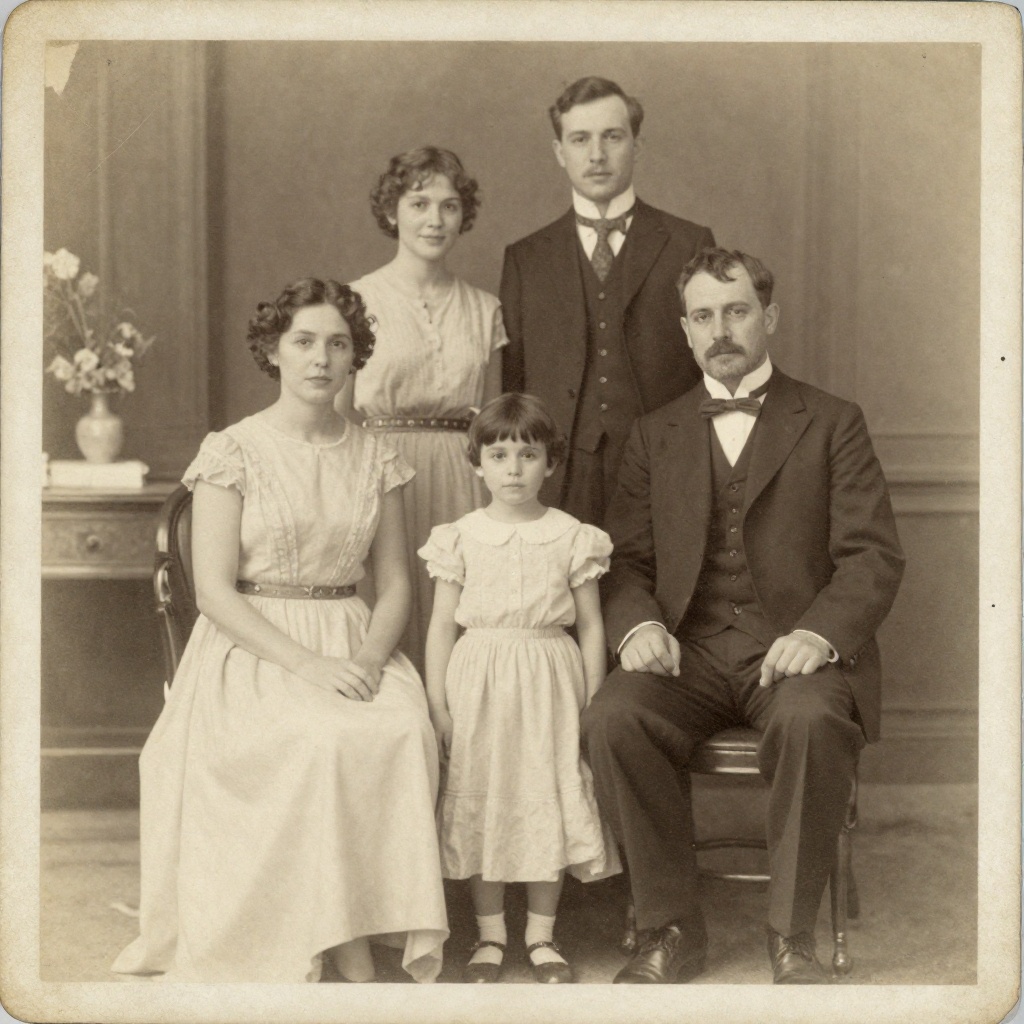
Pika is a video-only platform — if you want to edit images or photos, you'll need a separate tool. BestPhoto includes 8 specialized AI editing modes: Replace, Restyle, Remove, Re-composition, Add Objects, Restoration, Clothing Replacement, and Concept Transformation.
BestPhoto: Full image editing suite included
What you get:
- Remove unwanted objects from photos
- Replace backgrounds instantly
- Restyle photos with AI transformations
- Restore old or damaged photos

Free Tools to Explore
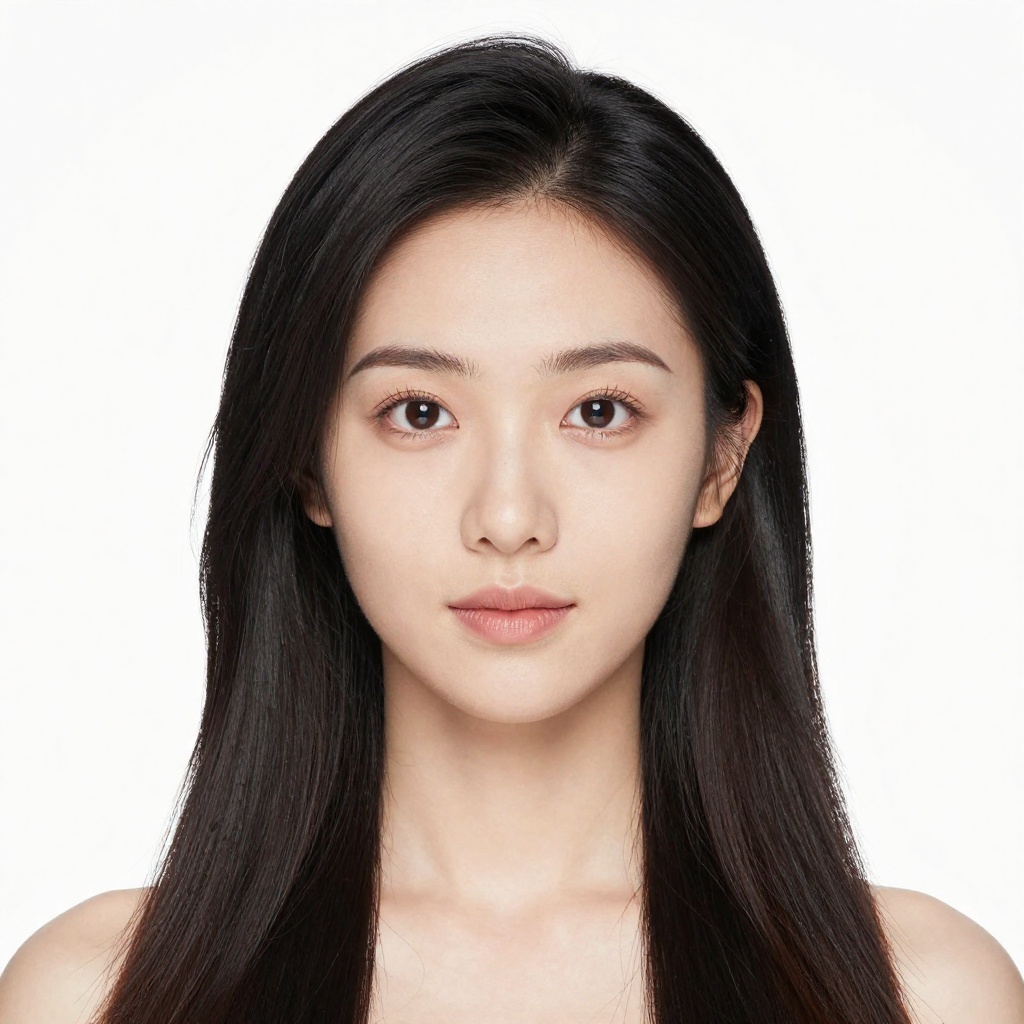
Pika's free tier gives you 80 credits per month with watermarked 480p output — limited for evaluating the platform. BestPhoto offers 40+ completely free tools with no watermarks, plus a free tier for the main features, so you can thoroughly explore before committing to a paid plan.
BestPhoto: 40+ free tools, no watermarks
What you get:
- 40+ free editing tools
- Free image generators
- No credit card required to start
- No watermarks on free tools

Which Tool is Right for You?
Both tools have their strengths. Here's a quick guide.
Pika might be better if you:
- Focus exclusively on AI video generation
- Want creative effects like Pikaffects and PikaSwaps
- Need the fastest possible generation times
- Creating stylized rather than photorealistic content
BestPhoto might be better if you:
- Need images AND videos in one platform
- Want AI image editing capabilities
- Creating talking head or presenter videos
- Value responsive customer support
Important: What to Expect from Any AI Video Tool
- •AI video generation can produce inconsistent results
- •Complex motion and physics remain challenging for all AI tools
- •Results depend on prompt quality and specificity
- •Some generations may need multiple attempts to get right
Frequently Asked Questions
Is Pika a good tool?
Pika is a capable AI video generator with impressive creative effects and fast generation times. Their Pika 2.5 model produces good quality video with realistic physics. The main concerns users report are around customer support responsiveness and the confusing cancellation process.
What's the main difference between Pika and BestPhoto?
Pika is a video-only platform focused on AI video generation with creative effects. BestPhoto is an all-in-one platform combining AI image generation, video generation, and image editing. If you only need video, Pika may be more specialized. If you need the full creative toolkit, BestPhoto offers more versatility.
How does pricing compare?
Pika's free tier gives 80 credits/month at 480p with watermarks. Paid plans start at $8/month (billed yearly) for 700 credits/month. BestPhoto offers 40+ free tools without watermarks and a free tier, with paid plans that include images, videos, and editing together.
Can I create talking head videos with Pika?
Pika isn't specialized for talking head content — it's focused on creative video effects and transformations. BestPhoto has purpose-built talking head video generation for creating AI presenters, social media content, and podcast-style clips.
What are Pikaffects and PikaSwaps?
These are Pika's signature creative effects. Pikaffects apply unique transformations like "Melt," "Crush," "Cake-ify," and "Explode" to videos. PikaSwaps let you modify objects in videos using text prompts and reference images. These are genuinely creative features that Pika does well.
Photos That Actually Make a Difference
Whether it's landing the interview or getting the date, people use BestPhoto to create images that open doors.


Professional Headshots
Stand out on LinkedIn, company websites, and professional networks. Profiles with professional photos receive up to 21x more views.


Dating Profile Photos
Get more matches with photos that show your authentic self in the best light. Perfect for Tinder, Bumble, Hinge, and more.


Realistic AI Photos
Generate ultra-realistic images for marketing, content creation, and creative projects. Studio quality without the studio.
Learn More About AI Photo Technology
Stay up to date with the latest AI tools, tips, and techniques. Our guides help you get the most out of your photos.

Gifts for Parents Who Have Everything: The One Gift That Isn't Stuff
Your parents don't want more things to dust. Pick one old print, restore it, print it, frame it. What it costs, how long it takes, and which photo to choose.

How to Restore Old Photos: The Honest 2026 Guide
Learn how to restore old photos at home with your phone and a free AI tool: scanning tips, fading fixes, and an honest look at what AI gets right and wrong.
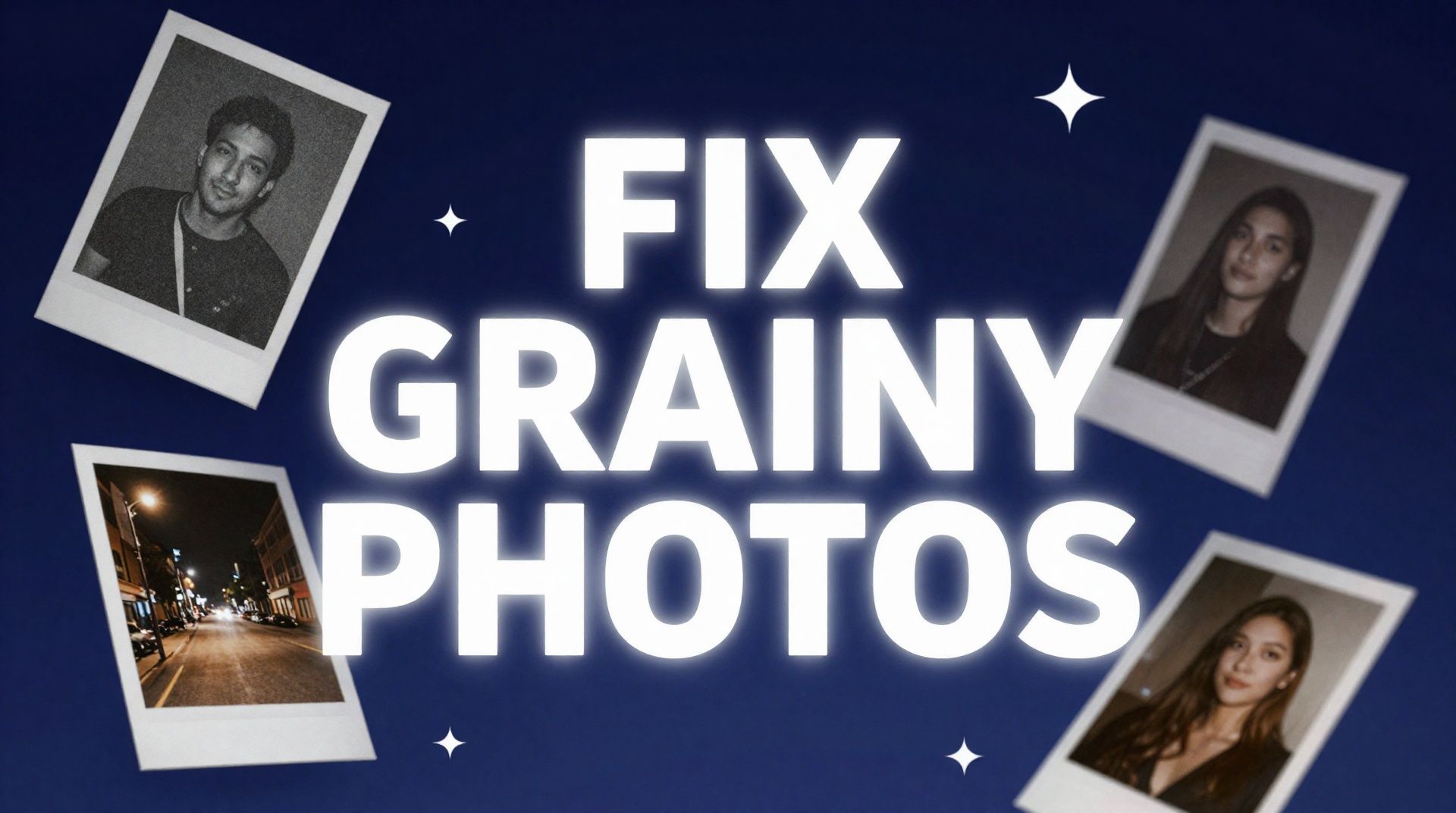
How to Fix Grainy Photos: Remove Noise Free with AI
Grainy, noisy photos come from high ISO, low light, and old scans. Here's why it happens and how to remove grain from photos free with AI in about 30 seconds.