Alternative to Adobe Firefly
No Creative Cloud Required
Adobe Firefly is a capable AI image generator with strong Creative Cloud integration. BestPhoto offers a standalone alternative with multiple AI models, simpler pricing, and no ecosystem lock-in. Here's an honest comparison.
What Adobe Firefly Users Say
Mixed feedback from real users — as with any AI tool, experiences vary.
"The quality and accuracy, as well as the integration with Adobe Creative Cloud features are the game changer in Design + AI generators mergers."
"Seamless integration with Photoshop and Illustrator. All generated content is safe for commercial use, which is important for client work."
"The credit system makes zero sense. I have apparently used 750 credits from making about 30 very basic images."
"It's very expensive for video generators, in fact the whole Creative Cloud is very expensive. $60/month is a lot."
"Easy to use, even for beginners. It helps graphic designers create posters and editorial illustrations, speeds up workflow."
"When comparing the same prompts to Firefly and ChatGPT, there is no comparison. Firefly is laughable for quality."
Sources: Trustpilot • Capterra • G2
Adobe Firefly vs BestPhoto: Feature Comparison
A direct comparison based on publicly available information and user reviews.
| Feature | Adobe Firefly | BestPhoto |
|---|---|---|
| Starting Price | Free (25 credits) or $4.99/mo (100 credits) | Free tier available |
| Full Feature Access | $59.99/month (Creative Cloud) | From $9/month |
| Credit System | Complex — varies by feature and model | Simple credit system |
| AI Models Available | Single Firefly model | Multiple models (incl. Flux, SDXL) |
| Photo Editing Features | Generative Fill, Recolor (in Adobe apps) | 8 editing modes on all plans |
| Video Generation | New — requires Standard plan ($9.99/mo) | Available on all paid plans |
| Standalone Tool | Best with Creative Cloud subscription | Fully standalone web app |
| Content Restrictions | Strict — some prompts blocked | More flexible content policies |
| Commercial Use | Yes — trained on Adobe Stock | Yes — included on all paid plans |
Adobe Firefly: Honest Pros & Cons
Adobe Firefly has real strengths, especially for Creative Cloud users. Here's the balanced view.
Adobe Firefly Pros
- Seamless integration with Adobe Creative Cloud apps
- Trained on Adobe Stock — safe for commercial use
- User-friendly interface, good for beginners
- Generative Fill is excellent for photo editing in Photoshop
- Text Effects feature works well in Adobe Express
- Strong enterprise/team features and data security
- 14-day refund policy available
Adobe Firefly Cons
- Full potential requires expensive Creative Cloud ($59.99/mo)
- Confusing credit system — costs vary by feature and model
- Free tier very limited (25 credits)
- Image quality often lags behind competitors like Midjourney
- Video generation feature still immature with mixed reviews
- Strict content restrictions — some prompts blocked unnecessarily
- Like all AI tools, results can be inconsistent
Why Consider BestPhoto
Key areas where BestPhoto offers a different approach.
Simpler, More Affordable Pricing
Adobe Firefly works best when you're already paying $59.99/month for Creative Cloud. The standalone plans ($9.99-$29.99/mo) offer limited credits, and the free tier gives only 25 credits. BestPhoto offers a generous free tier and affordable paid plans without requiring an expensive ecosystem subscription.
BestPhoto: No expensive ecosystem subscription required
What you get:
- Generous free tier to try before buying
- Paid plans start much lower
- No Creative Cloud lock-in
- Simple, transparent credit system


Multiple AI Models
Adobe Firefly uses a single AI model trained on Adobe Stock images. While this ensures commercial safety, it limits style variety. BestPhoto offers multiple AI models including Flux, SDXL, and more — giving you flexibility to find the right style for each project.
BestPhoto: Choose from multiple AI models for different needs
What you get:
- Flux for high-quality realistic images
- SDXL for artistic styles
- Switch models to match your project
- More variety in outputs




Comprehensive Image Editing
Adobe Firefly's editing features like Generative Fill work best inside Photoshop (which requires Creative Cloud). BestPhoto includes 8 specialized editing modes directly in the web app: Replace, Restyle, Remove, Re-composition, Add Objects, Restoration, Clothing Replacement, and Concept Transformation.
BestPhoto: Full editing in-app without extra software
What you get:
- 8 editing modes built-in
- No Photoshop required
- Replace, remove, and restyle objects
- Photo restoration and enhancement



Video Generation
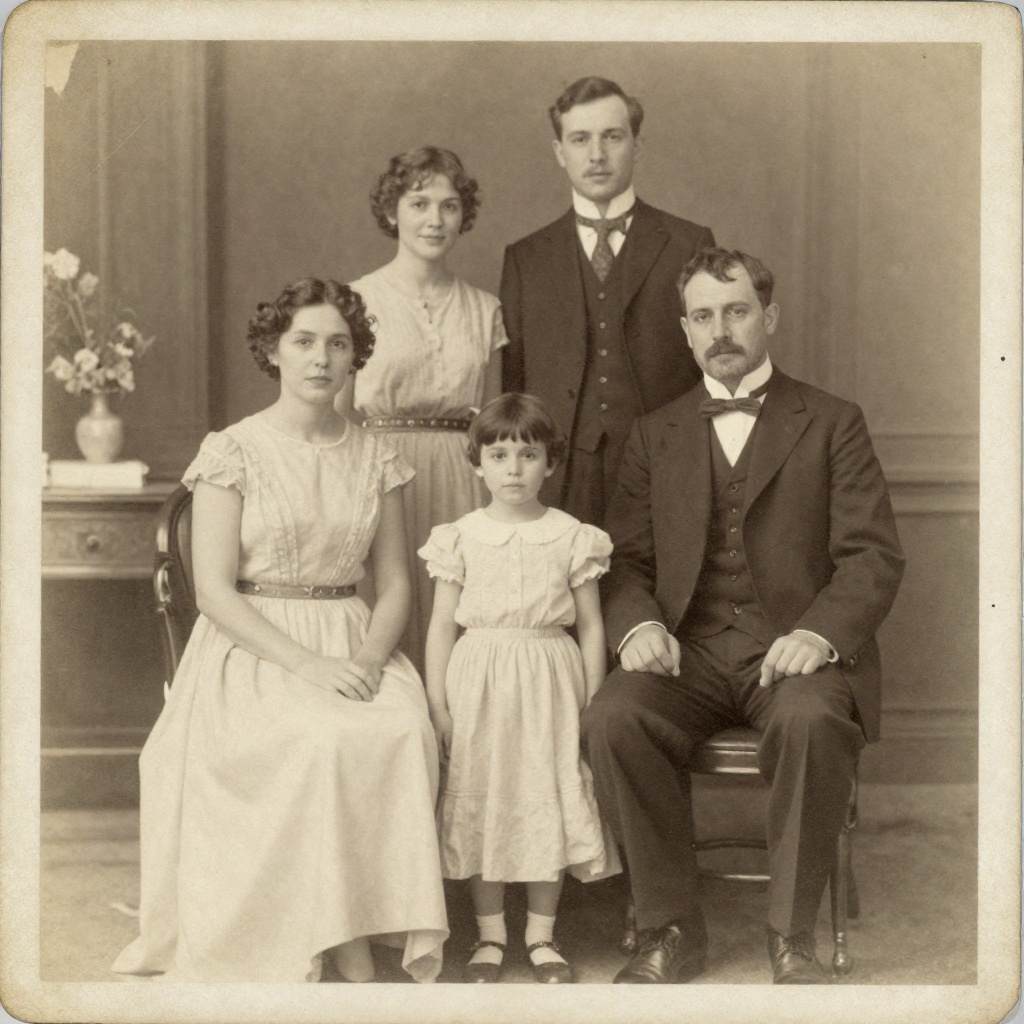
Adobe recently launched Firefly Video, but reviews have been mixed — users report quality issues and it requires the Standard plan ($9.99/mo). BestPhoto offers video generation on all paid plans with multiple output options including talking head videos and image-to-video conversion.
BestPhoto: More reliable video generation options
What you get:
- Multiple video generation models
- Talking head videos
- Image-to-video conversion
- Better quality feedback from users
Click to play
Which Tool is Right for You?
Both tools have their strengths. Here's a quick guide.
Adobe Firefly might be better if you:
- Already pay for Adobe Creative Cloud
- Need seamless Photoshop/Illustrator integration
- Work in enterprise requiring Adobe's security compliance
- Primarily need Generative Fill for photo editing
BestPhoto might be better if you:
- Want to try before committing (free tier)
- Don't want Creative Cloud subscription lock-in
- Need multiple AI models to choose from
- Want a standalone tool without extra software
Important: What to Expect from Any AI Photo Tool
- •AI image generation isn't perfect — expect some iterations
- •Hands, fingers, and complex poses can be challenging for any AI
- •Results depend heavily on input photo quality
- •Some prompts work better than others — there's a learning curve
Frequently Asked Questions
Is Adobe Firefly a good tool?
Adobe Firefly is a solid AI image generator, especially if you're already in the Adobe ecosystem. Its Generative Fill feature in Photoshop is excellent, and all generated content is commercially safe. The main considerations are the pricing structure (best value requires $60/mo Creative Cloud) and that image quality sometimes trails competitors like Midjourney.
What's the main difference between Adobe Firefly and BestPhoto?
Adobe Firefly is designed to integrate with Adobe's Creative Cloud apps like Photoshop and Illustrator. BestPhoto is a standalone web app that doesn't require additional software subscriptions. Firefly uses a single AI model trained on Adobe Stock, while BestPhoto offers multiple models for different styles.
Is Adobe Firefly free?
Adobe Firefly has a limited free tier with 25 credits per month. After that, you'll need a paid plan: $4.99/mo for 100 credits, $9.99/mo (Standard) for 2,000 credits, or $29.99/mo (Pro) for 7,000 credits. If you subscribe to Creative Cloud All Apps ($59.99/mo), you get 1,000 Firefly credits included.
How does Firefly's video generation compare?
Adobe recently launched Firefly Video, but user reviews have been mixed. Many report quality issues and that results don't match prompts well. It requires at least the Standard plan ($9.99/mo). Both tools offer video generation, but BestPhoto includes it on all paid plans with multiple generation options.
Can I use Adobe Firefly images commercially?
Yes — this is one of Firefly's strengths. Adobe trained Firefly on Adobe Stock images and public domain content, making all generated images safe for commercial use. BestPhoto also allows commercial use on all paid plans. Both tools take content licensing seriously.
Photos That Actually Make a Difference
Whether it's landing the interview or getting the date, people use BestPhoto to create images that open doors.


Professional Headshots
Stand out on LinkedIn, company websites, and professional networks. Profiles with professional photos receive up to 21x more views.


Dating Profile Photos
Get more matches with photos that show your authentic self in the best light. Perfect for Tinder, Bumble, Hinge, and more.


Realistic AI Photos
Generate ultra-realistic images for marketing, content creation, and creative projects. Studio quality without the studio.
Learn More About AI Photo Technology
Stay up to date with the latest AI tools, tips, and techniques. Our guides help you get the most out of your photos.

How to Restore Old Photos: The Honest 2026 Guide
Learn how to restore old photos at home with your phone and a free AI tool: scanning tips, fading fixes, and an honest look at what AI gets right and wrong.
How to Fix Grainy Photos: Remove Noise Free with AI
Grainy, noisy photos come from high ISO, low light, and old scans. Here's why it happens and how to remove grain from photos free with AI in about 30 seconds.
How to Fix Overexposed Photos: Recover Blown-Out Detail
Learn how to fix overexposed photos and recover blown-out detail. What AI can rebalance, what clipped highlights it can't, and a step-by-step free fix.
Try BestPhoto Free
See if BestPhoto is the right fit for you. Multiple AI models, 8 editing modes, and 40+ free tools, no Creative Cloud subscription required.
- Free tier available
- Multiple AI models
- No ecosystem lock-in