Top 5 AI Lip Sync & Talking Photo Tools in 2026: Complete Comparison Guide
Looking for the best AI lip sync tool? We tested HeyGen, D-ID, Synthesia, Hedra, and more. Compare features, pricing, real user opinions, and results to find the perfect talking photo tool for your needs.
AI lip sync and talking photo technology has exploded in 2026. What used to require expensive studio setups and professional voice actors can now be done with a single photo and a few clicks. We spent 80+ hours testing the top AI lip sync and talking photo tools to help you find the right one for your needs - whether you're creating marketing videos, podcast clips, or multilingual content.
Quick Answer: For lip sync with the voiceover generated in the same step, plus model training, try BestPhotoAI. For standalone tools: HeyGen for enterprise video translation, D-ID for quick talking photos, Hedra for character-driven animation.
Important Reality Check
No AI lip sync tool is perfect. Expect occasional misaligned mouth movements, unnatural expressions during fast speech, and artifacts on extreme head angles. The tools below represent the best available today, but results vary by input photo quality, audio clarity, and lighting. Always test with your specific content before committing to a paid plan.
The 5 Tools at a Glance
1. BestPhotoAI - Best Overall
Click to play
BestPhotoAI stands apart from dedicated lip sync tools because it combines built-in AI voice audio, multiple video AI models (Kling, Seedance, Minimax, and more), and photo-to-talking-video capabilities all in one platform. Upload a photo, write what the person should say, and generate a realistic talking video with the voice included - no separate TTS subscription needed.
The real differentiator is model training. Train a custom model on a person using just a few photos, then generate that person in any scenario - different outfits, locations, poses - and animate those generated images into talking videos with lip-synced audio. This end-to-end workflow from photo to trained model to talking video is something no other tool on this list can match.
Why BestPhotoAI Ranks #1
- Built-in AI voices: Write the dialogue in your prompt and the video generator creates the voice and the lip-synced video together
- Multiple video models: Switch between Kling, Seedance, Minimax, and others depending on what works best for your content
- Model training: Create a consistent character that you can generate in any scenario, then animate with lip sync
- Full creative suite: 40+ image tools, video generation, image generation, and editing - not just lip sync
- No queue times: Direct API access means instant processing instead of waiting hours
Price: Free tier (1 video/day + 25 credits) | Paid from $14/mo
2. HeyGen - Best for Enterprise Video Translation
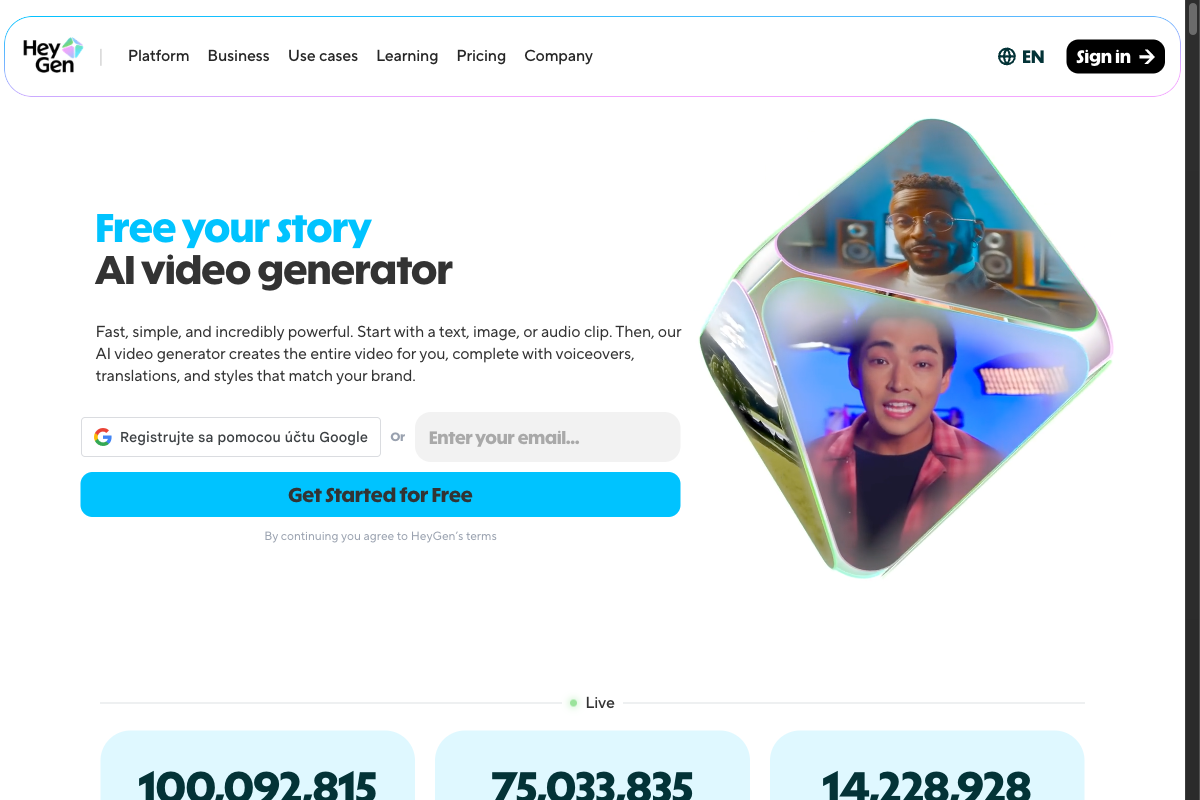
HeyGen has positioned itself as the go-to enterprise solution for AI-powered video translation and avatar creation. Avatar IV, their latest model, turns a single photo into a fully animated, realistic video with natural lip sync, micro-expressions, and hand gestures. Their video translation feature localizes content across 175+ languages with lip-sync adaptation.
The November 2025 update introduced Precision Mode for best-in-class translation accuracy with improved occlusion handling and multi-speaker support. However, HeyGen recently switched from unlimited plans to a credit-based system (Premium Credits), which caught many existing subscribers off guard. Avatar IV consumes roughly 20 credits per minute of video, meaning the Creator plan's 200 credits yield about 10 minutes of Avatar IV content per month.
What Users Complain About:
- • "I AM ANOTHER VICTIM OF HEYGEN - they promise 'unlimited' plans and then take everything away. My annual plan was unilaterally changed to a restricted version with only 2 hours of translation per month."
- • "ZERO CUSTOMER SUPPORT. The company is completely unresponsive to messages. They hold your videos in pending status until you upgrade and pay more."
- • "My account was upgraded from $29/month Creator to $78/month Teams without my consent or notification. Billing practices are deceptive."
- • "Avatars feel a bit stiff when expressing emotions. Great for corporate content, but not expressive storytelling."
Price: Free (3 videos/mo, watermark) | Creator $29/mo | Team $39/seat/mo | Pro $99/mo
3. D-ID - Best for Quick Talking Photos
D-ID's Creative Reality Studio is one of the original talking photo platforms. Upload any portrait photo, add text or audio, and the AI animates the face to create a talking video. Their deep-learning face animation technology combined with text-to-image capabilities makes it straightforward to go from a still image to a speaking avatar in minutes.
D-ID also offers video translation into 100+ languages using neural networks for realistic dubbing. The Lite plan starts at just $5.99/month for 10 minutes of video, making it one of the cheapest entry points. However, the Pro plan jumps to $49.99/month and even then you only get 15 minutes - a sharp price increase that many users find frustrating given the limited output.
What Users Complain About:
- • "The free unlimited credit first month is misleading. The $29 premium plan was exhausted in less than 3 videos for 17 seconds of footage each."
- • "The platform rejects uploaded images for avatar creation, incorrectly flagging them as 'celebrities.' Multiple attempts fail and consume credits."
- • "Terrible customer service. Avatars don't perform as promised. Support button is literally broken and doesn't function when clicked."
- • "Auto-renewal trapped me. Customer service referred me to fine print in a 15-page agreement saying auto-renewed memberships cannot be refunded."
Price: Lite $5.99/mo (10 min) | Pro $49.99/mo (15 min) | Advanced $299.99/mo (65 min) | Enterprise custom
4. Synthesia - Best for Corporate Training Videos
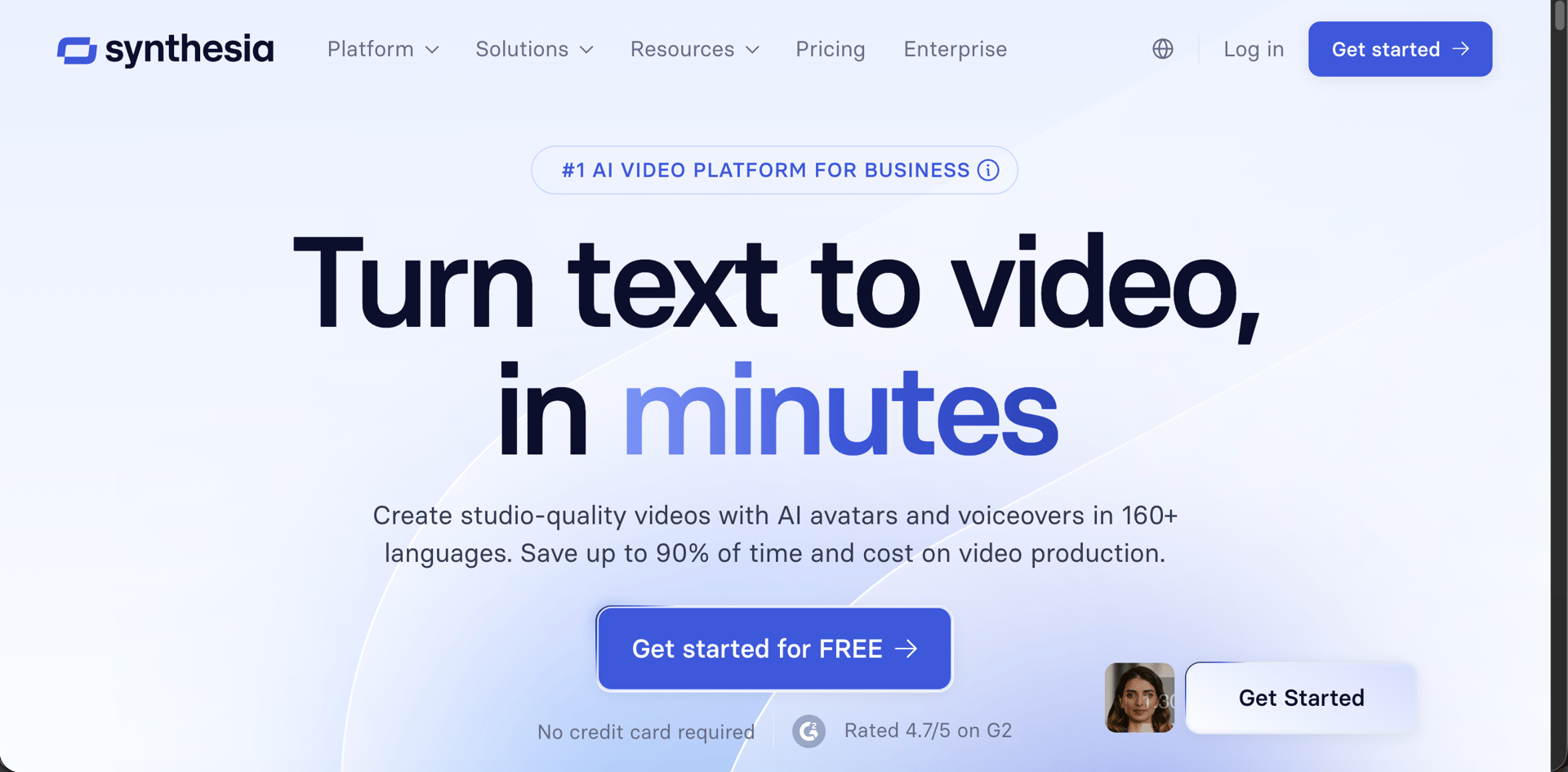
Synthesia is the enterprise standard for AI-generated training and explainer videos. With 240+ stock avatars speaking 160+ languages, it's designed for corporate teams that need to produce large volumes of talking-head content without filming. Their PowerPoint-to-video converter retains original designs and turns speaker notes into scripts automatically.
Recent updates include customizable avatars with action capabilities, an AI Playground with access to Veo 3.1 and Sora 2, and upcoming Video Agents for Enterprise customers in early 2026. The catch: Personal Avatars (your digital twin) cost $1,000/year as an add-on, and every video requires human moderation review. Synthesia also blocks entire industries - healthcare, biotech, and financial services cannot use stock avatars even for educational content.
What Users Complain About:
- • "Every video requires human review which adds days to the process. Content gets rejected without clear reasons, and nearly identical versions get flagged after earlier ones were approved."
- • "The 'uncanny valley' effect is real. Avatars look almost human but not quite, creating an unsettling viewing experience that undermines professional credibility."
- • "We're in medical diagnostics - entirely educational, factual content - and Synthesia's moderation rules mean we cannot use stock avatars at all. This wasn't clear before purchasing."
- • "Creating a custom avatar takes days, then every video takes more days for human review. Refund requests are ignored past promised deadlines."
Price: Free (10 min/mo, 9 avatars) | Starter $18/mo | Creator $64/mo | Enterprise custom
5. Hedra - Best for Character Animation
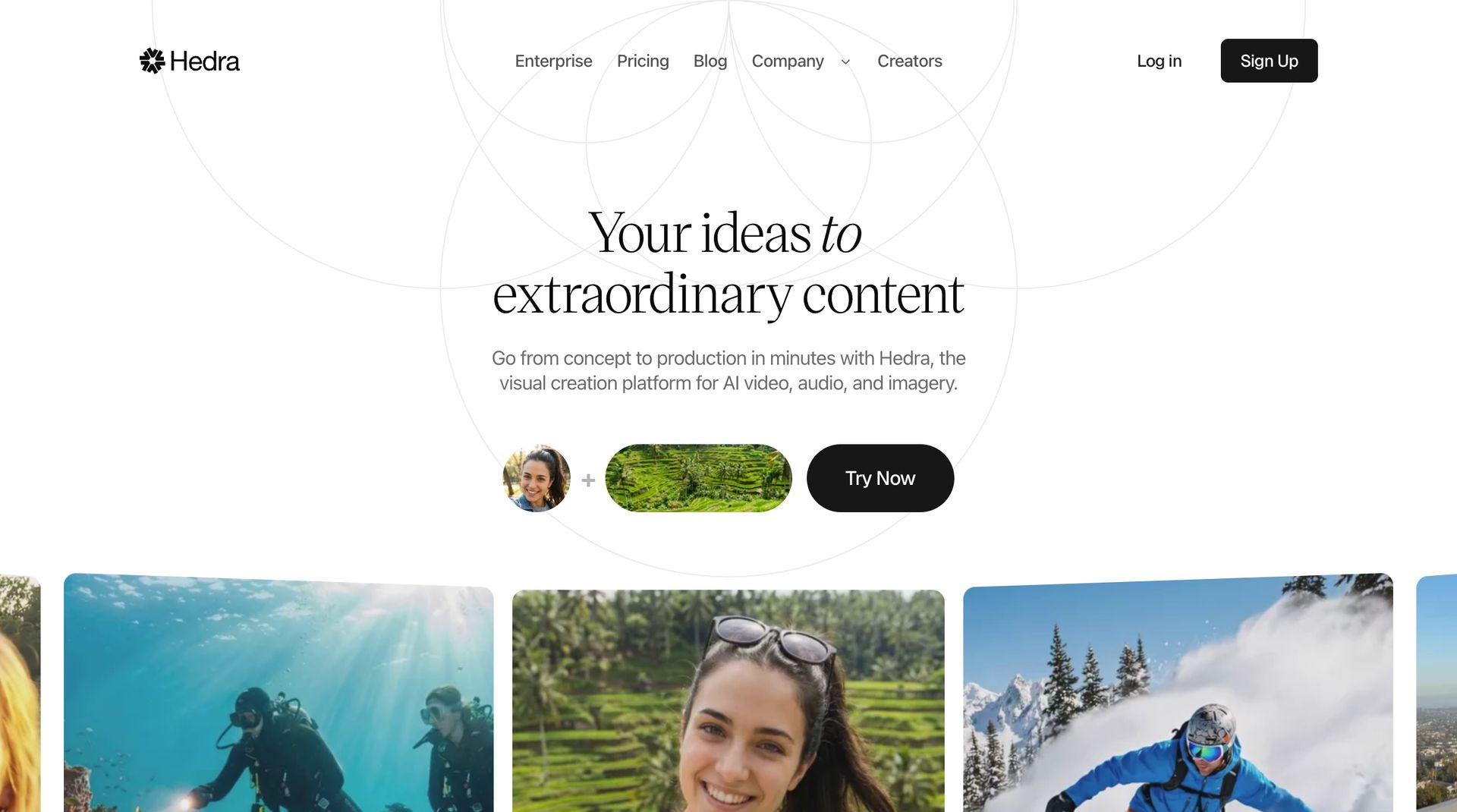
Hedra has emerged as a strong contender with their Character-3 model - the first omnimodal AI that jointly reasons across image, text, and audio simultaneously. Upload a photo and audio, and Character-3 generates full-body or upper-body animation with lip sync, facial micro-expressions, and body language. Characters can speak, sing, and even perform with expressive range that goes beyond basic lip sync.
The July 2025 launch of Live Avatars brought real-time streaming at $0.05/minute - 15x cheaper than competitors for conversational AI applications. The January 2026 Hedra Elements update added modular content with pre-built characters, outfits, and environments. With 3 million users and 10 million+ videos generated, Hedra is growing fast. However, the free tier has significant limitations including 200 character limits and watermarked output.
What Users Complain About:
- • "Spent $30-$50 above free access trying to animate content. Tried multiple AI engines and nothing worked acceptably for my use case."
- • "The $30/month Creator plan only produces a few seconds of video rather than the advertised 15 minutes. Credit math doesn't add up."
- • "Steep learning curve - this is not a general public tool. Limited customization for video, image, and audio. No post-production features to fine-tune before rendering."
- • "Animation lacks nuance. Occasionally unnatural movements that break immersion, especially on longer clips."
Price: Free (watermarked, limited) | Creator $24/mo | Enterprise custom | Live Avatars $0.05/min
Feature Comparison
| Feature | BestPhotoAI | HeyGen | D-ID | Synthesia | Hedra |
|---|---|---|---|---|---|
| Starting Price | Free | $29/mo | $5.99/mo | $18/mo | $24/mo |
| Built-in AI Voice Audio | ✓ Generated with video | Text-to-speech | Text-to-speech | Text-to-speech | Audio upload |
| Lip-Sync Quality | Excellent | Excellent | Good | Good | Very Good |
| Model Training | ✓ | ✗ | ✗ | $1,000/yr add-on | ✗ |
| Video AI Models | 10+ models | Avatar IV only | 1 model | Veo 3.1, Sora 2* | Character-3 + others |
| Photo-to-Talking-Video | ✓ | ✓ | ✓ | Stock avatars only | ✓ |
| Languages Supported | Varies by model | 175+ | 100+ | 160+ | 140+ |
| Image Generation | 40+ tools | ✗ | Basic | ✗ | ✗ |
| Content Moderation | Minimal | Moderate | Celebrity detection | Heavy (days delay) | Minimal |
| Queue Wait Time | Instant | Minutes | Minutes | Hours-Days | Minutes |
*Synthesia's AI Playground with Veo 3.1/Sora 2 is for asset generation only, not core avatar video creation.
Why Generating Voice + Video Together Changes Everything
Most lip sync tools force you into a fragmented workflow: clone or create a voice in one tool, generate audio in another, then lip-sync in a third. Each step costs money, time, and quality is lost in translation between platforms.
The typical workflow with separate tools:
- Step 1 - Voice clone: Pay $20-50/mo for a voice cloning service (ElevenLabs, PlayHT, etc.)
- Step 2 - Generate audio: Create text-to-speech with your cloned voice, export audio file
- Step 3 - Lip sync: Upload audio + photo to a lip sync tool (another $24-99/mo subscription)
- Total cost: $50-150+/mo across multiple platforms, with format compatibility issues and manual file transfers
BestPhotoAI:
- Voice generation built in: Write the dialogue in your prompt and the model creates the voiceover - no separate TTS subscription needed
- One-step lip sync: The voice and the lip-synced video come out of a single generation - no audio files to export or transfer between tools
- Add model training: Train a model on a person, generate them in any pose or scenario, then animate them into talking videos
- Total cost: Free to start, $14/mo for full access - one subscription covers everything
What Users Actually Say
On HeyGen:
"I subscribed to an annual unlimited plan. In July 2025, HeyGen unilaterally changed it to a restricted version with only 2 hours of translation per month and no notification. Zero customer support."
On D-ID:
"The $29 premium plan was exhausted in less than 3 videos of 17 seconds each. Platform rejects images flagging them as 'celebrities' even when they clearly aren't. Support button literally doesn't work."
On Synthesia:
"Content gets rejected without clear reasons. Nearly identical versions get flagged after earlier ones were approved. Our healthcare company was blocked from using stock avatars entirely - this wasn't disclosed before purchase."
On Hedra:
"Spent $30-50 above free access trying to animate content. Tried multiple engines and nothing worked acceptably. The Creator plan advertises 15 minutes but in reality you get a few seconds of usable video."
On all-in-one platforms:
"Having voice generation, lip sync, image generation, and video creation in one place saves hours of switching between tools. The model training feature means I can create consistent character content without starting from scratch every time."
When to Use Each Tool
Choose BestPhotoAI if:
- • You want the voice and lip sync generated in one tool
- • You need consistent character across videos
- • You create talking videos or podcast clips
- • You want multiple video AI models to choose from
- • Budget matters - free tier + $14/mo paid
Choose HeyGen if:
- • You need enterprise video translation at scale
- • You require 175+ language support
- • Your budget allows $29-99/mo per seat
- • Corporate talking-head content is your primary need
Choose D-ID if:
- • You need the cheapest entry point ($5.99/mo)
- • You want simple photo-to-talking-video
- • You're building with their API
- • You only need short clips occasionally
Choose Synthesia if:
- • You're creating corporate training videos
- • You need 240+ pre-built stock avatars
- • PowerPoint-to-video matters for your workflow
- • You can accept days-long moderation delays
Choose Hedra if:
- • You want characters that sing and perform
- • Real-time Live Avatars matter ($0.05/min)
- • You need the Character-3 omnimodal model
- • You're building conversational AI applications
Final Verdict: Which Should You Choose?
Choose BestPhotoAI for the complete lip sync + built-in voice experience:
The biggest limitation with every other tool on this list is that they do one thing well but force you to cobble together multiple subscriptions for a complete workflow. BestPhotoAI combines everything in one platform:
- HeyGen's strength (lip sync): We have lip sync with multiple AI models plus built-in AI voice audio
- D-ID's strength (simplicity): We have one-click photo-to-talking-video with more AI model options
- Synthesia's strength (avatars): We have model training for unlimited custom characters - no $1,000/yr add-on
- Hedra's strength (expression): We have multiple video models optimized for different expression styles
- Plus exclusives: 40+ image tools, video generation, image generation, and editing in one subscription
Ready to Create Talking Videos?
Built-in AI voice audio, lip-synced talking videos, 10+ video AI models, model training, 40+ image tools - one platform, one subscription.
No credit card required • Free tier available
Related Articles & Tools
Frequently Asked Questions
What is AI lip sync and how does it work?
AI lip sync uses deep learning models to animate a still photo or avatar so that mouth movements, facial expressions, and head gestures match a given audio track. You provide a photo and audio (recorded or generated via text-to-speech), and the AI creates a video where the person appears to be naturally speaking the words.
Which AI lip sync tool has built-in AI voices?
BestPhotoAI's video generator creates the voice and the lip-synced video in a single generation: write the dialogue in your prompt and the model produces both together. HeyGen, D-ID, and Synthesia include text-to-speech voices on their platforms, while Hedra is built around uploading your own audio.
What's the cheapest AI lip sync tool in 2026?
D-ID's Lite plan starts at $5.99/mo but only includes 10 minutes of video. BestPhotoAI is free to start with 1 video/day + 25 credits, then $14/mo for full access to multiple AI models plus image generation and 40+ additional tools - the best overall value.
Can I create a talking video of a specific person?
With BestPhotoAI's model training, you can train a custom model on a few photos of any person, generate new images of them in any scenario, and then animate those images with lip-synced audio. Synthesia offers custom avatars but charges $1,000/year as an add-on. HeyGen, D-ID, and Hedra require you to already have the exact photo you want to animate.
Why does Synthesia take so long to generate videos?
Synthesia requires human moderation review for every video generated on the platform. This adds hours to days of delay depending on volume. They also block certain industries entirely (healthcare, biotech, financial services) from using stock avatars. BestPhotoAI has direct API access with instant processing and no manual review queue.
Can AI lip sync tools handle singing or music?
Hedra's Character-3 model is specifically designed for singing and performance animation. BestPhotoAI generates speech audio with its videos and is built for spoken dialogue rather than music. Most other tools (HeyGen, D-ID, Synthesia) are optimized for speech only and may produce poor results with singing audio.
Are AI lip sync videos good enough for professional use?
For social media, marketing, training videos, and content creation - yes. The latest models from BestPhotoAI, HeyGen, and Hedra produce results that pass casual viewing. For broadcast television or film, results may still show artifacts during close-up examination. Quality varies significantly by input photo quality and lighting.
Can I use AI lip sync videos commercially?
BestPhotoAI includes commercial rights on all plans. HeyGen and Synthesia include commercial rights on paid plans. D-ID requires paid plans for commercial use. Hedra includes commercial rights on paid Creator and Enterprise plans. Always ensure you have rights to the photos and audio used as inputs.
Try it on one of your own photos
Most of our photo tools have a free version. Upload a picture and see what it does before you decide anything.