AI Headshots for Remote Teams: Unified Branding Without the Logistics
Your 47-person team is scattered across 12 time zones. Getting matching headshots shouldn't require a world tour. Learn how companies unify their visual brand with AI.
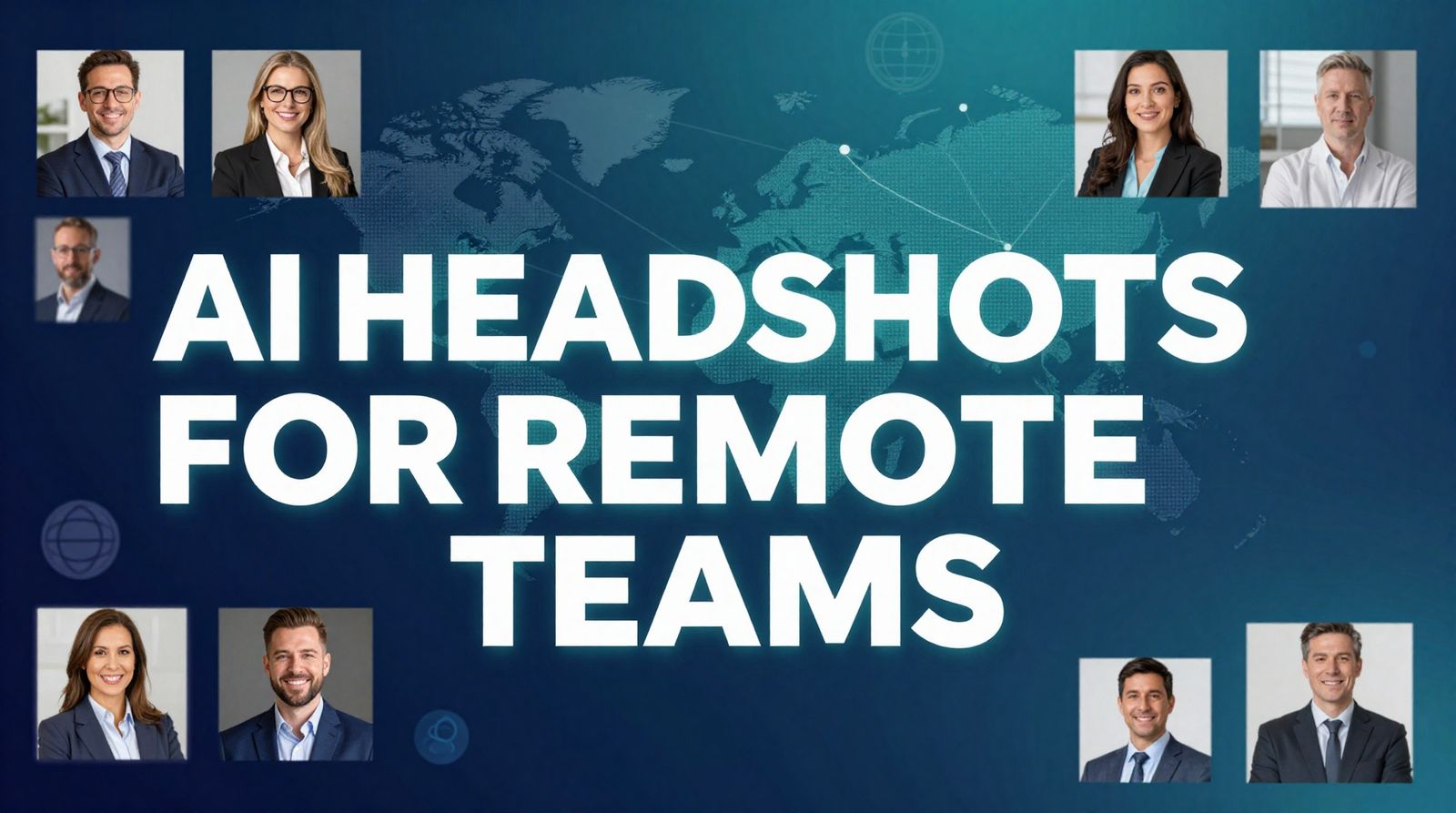
Your 47-person team is scattered across 12 time zones. New York, London, Tokyo, Sydney, São Paulo. Getting matching headshots shouldn't require a world tour—or a $14,000 budget. But that's exactly what traditional corporate photography demands. There's a better way.
Quick Answer: AI headshots let remote teams upload selfies from anywhere in the world and receive professionally consistent portraits—same background, same lighting, same style—in hours instead of weeks, at a fraction of the cost. Try it free to see the quality.
The Distributed Team Photo Problem
Remote work isn't a trend anymore—it's the default. 73% of teams will have remote workers by 2028. 52% of the global workforce already works remotely at least part-time. This is great for talent and flexibility. It's terrible for consistent team photos.
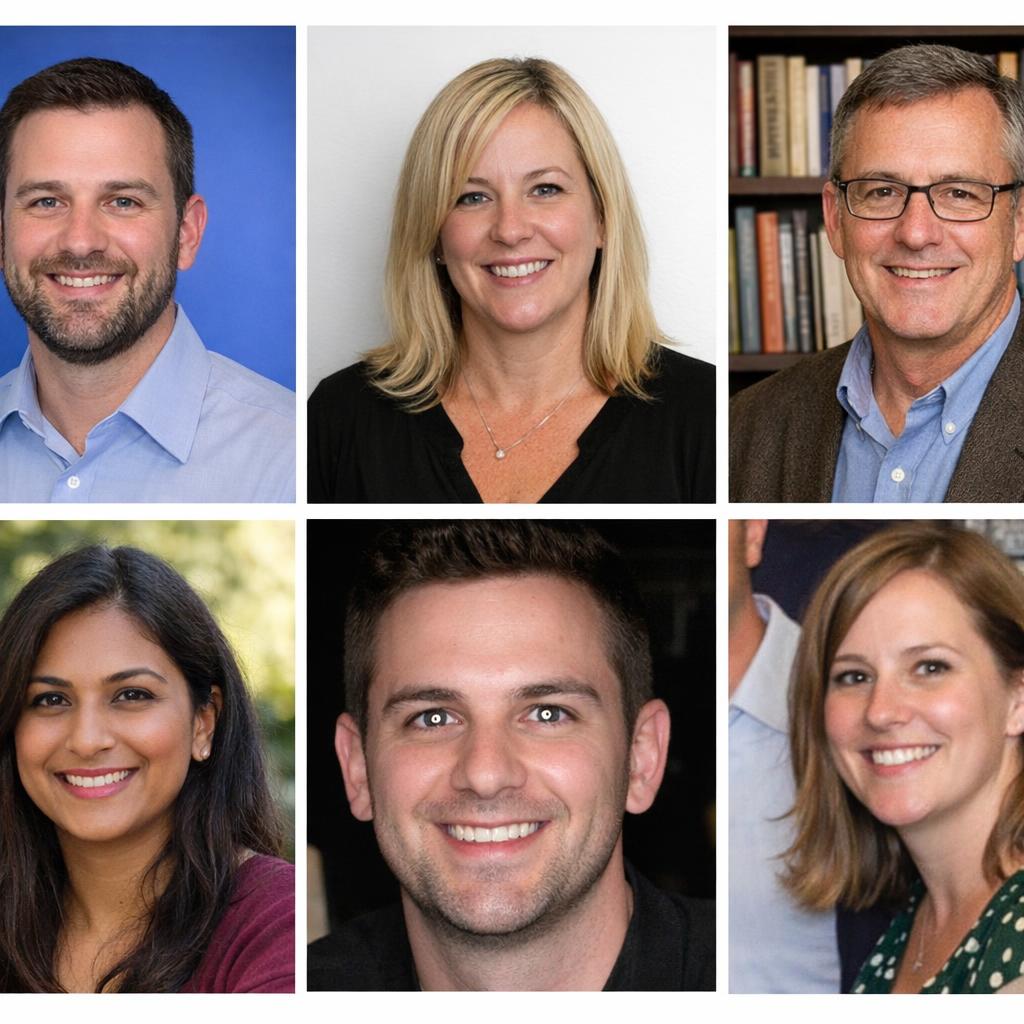
✗ Before: The DIY Approach
Different backgrounds, lighting, quality, angles. Looks like six strangers, not a team.
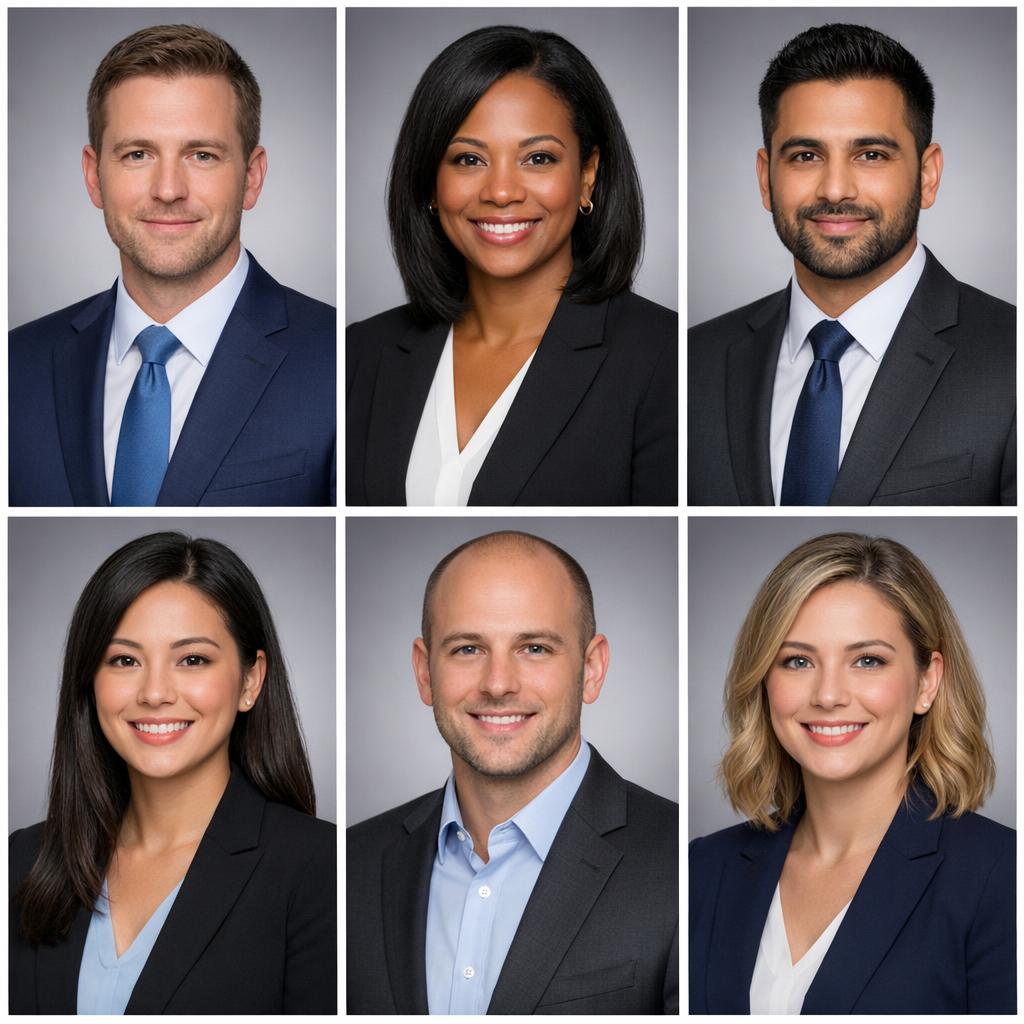
✓ After: AI-Unified Style
Same background, same lighting, same professional quality. One cohesive team identity.
When employees submit their own photos, you get exactly what you'd expect: bathroom selfies next to professional headshots. Ring light reflections next to natural daylight. Vacation photos next to LinkedIn defaults. The result screams "disorganized" to clients and candidates.
The Real Cost of Traditional Team Photography
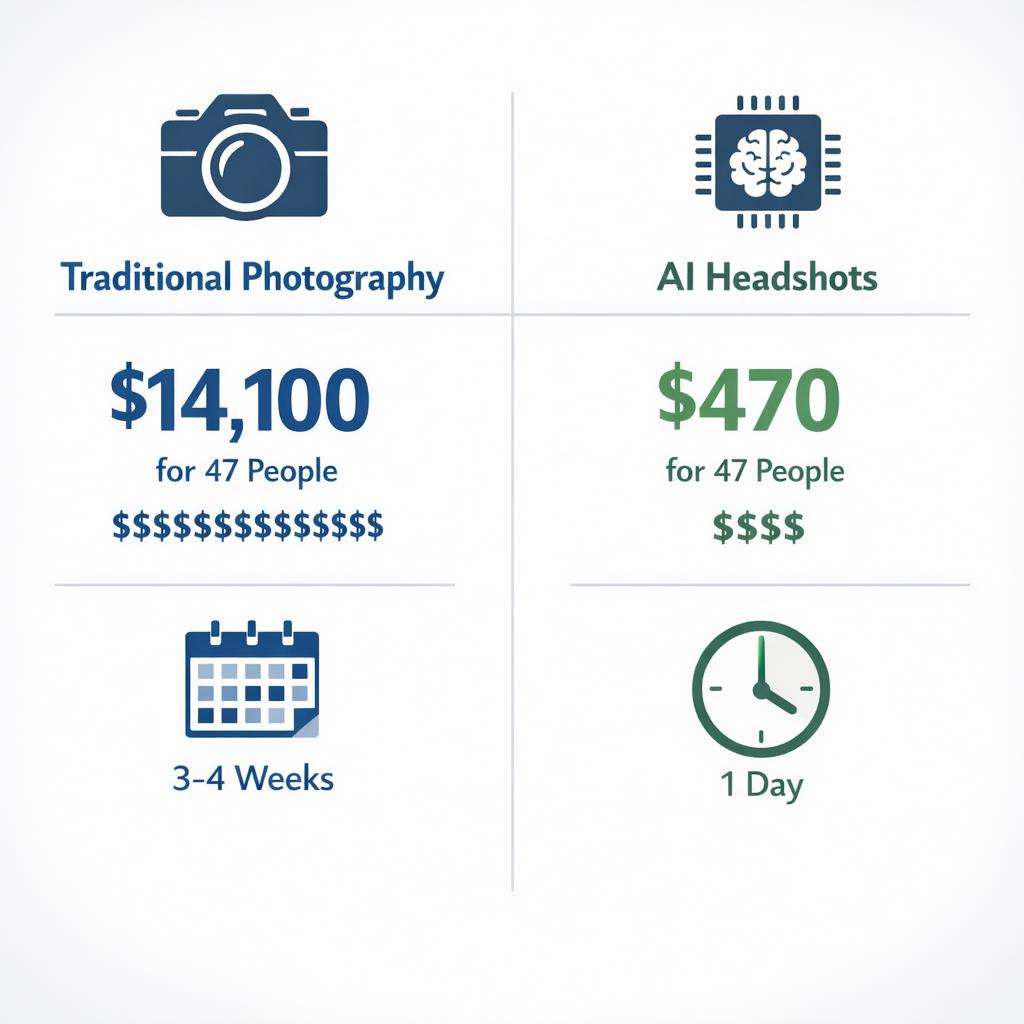
Let's do the math for a 47-person distributed team:
Traditional Photography Costs
Plus hidden costs: coordination time, scheduling across time zones, rescheduling for absences, getting new hires done later, maintaining consistency as the team grows...
AI Headshot Costs
Plus benefits: done in 1 day, new hires get matching photos immediately, easy updates, perfect consistency
See the Quality Before You Commit
Try a free AI headshot with your own photo.
Why Visual Consistency Actually Matters
This isn't just aesthetics. Brand consistency has measurable business impact:
of consumers say trust is a dealbreaker
revenue increase from consistent branding
boost in brand recognition
more LinkedIn views with professional headshots
When your team page shows 15 different photo styles, it subtly suggests chaos. When every headshot matches—same background, same lighting, same professional quality—it signals organization, investment, and attention to detail. Clients notice. Candidates notice.
How AI Team Headshots Work
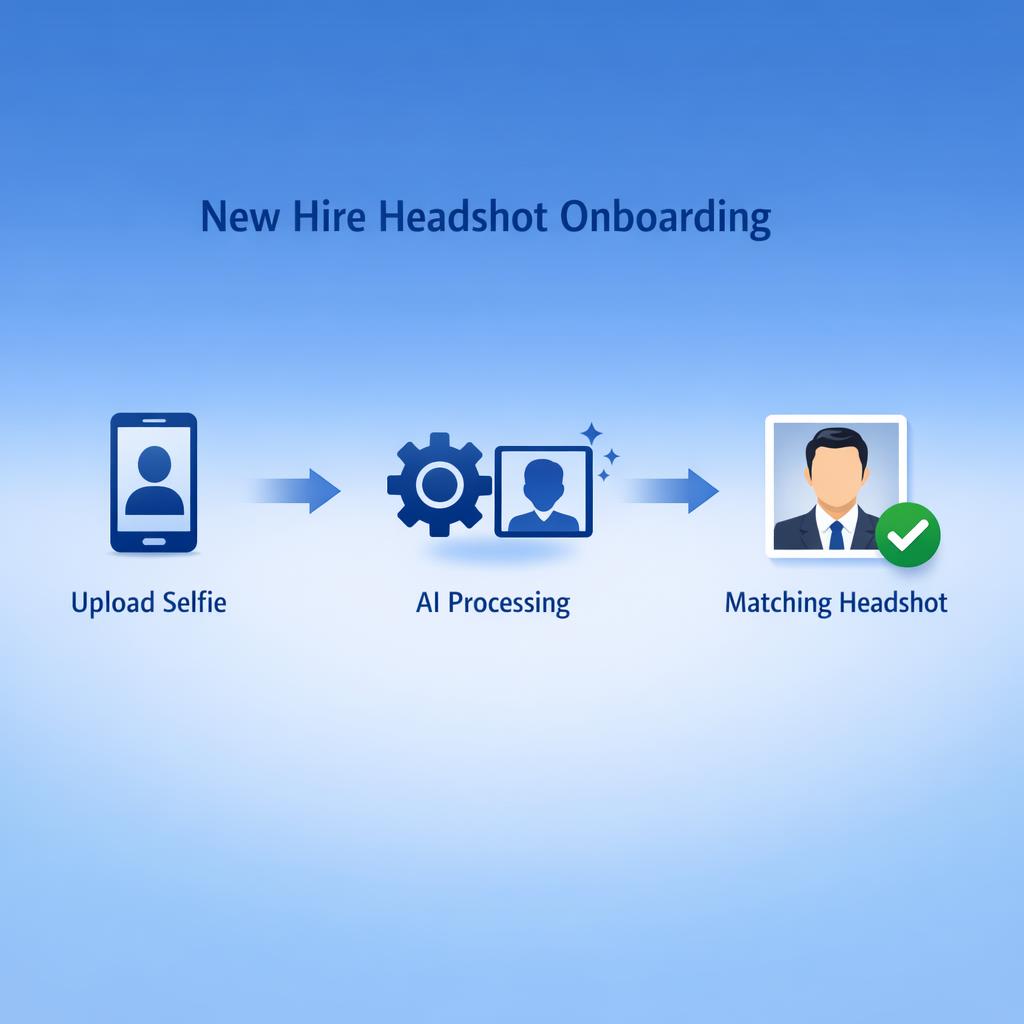
- 1. Define Your Brand Style
Choose your standard: background color, lighting style, framing (head and shoulders vs. chest up), expression tone (approachable vs. serious). This becomes your template.
- 2. Team Members Upload Selfies
Send a link to your team. Each person uploads a few clear photos from their phone—natural light, face clearly visible. Takes 2 minutes. Can be done from Tokyo at 3am or London at 9am.
- 3. AI Generates Consistent Headshots
The AI applies your brand template to each photo: matching background, consistent lighting, uniform framing. Everyone looks like they walked into the same studio—even though they're on different continents.
- 4. Review and Deploy
HR or marketing reviews the batch. Minor adjustments if needed. Then deploy to your website, LinkedIn company page, email signatures, and everywhere else.
Where Unified Team Headshots Get Used
External-Facing
- • Company website "About Us" / "Team" page
- • LinkedIn company page and employee profiles
- • Sales decks and proposal documents
- • Press kits and speaker bios
- • Email signatures
- • Event materials and conference badges
Internal
- • Employee directory and org charts
- • Slack/Teams profile photos
- • Internal wiki and knowledge base
- • New hire announcements
- • All-hands slides
- • Company swag and gifts
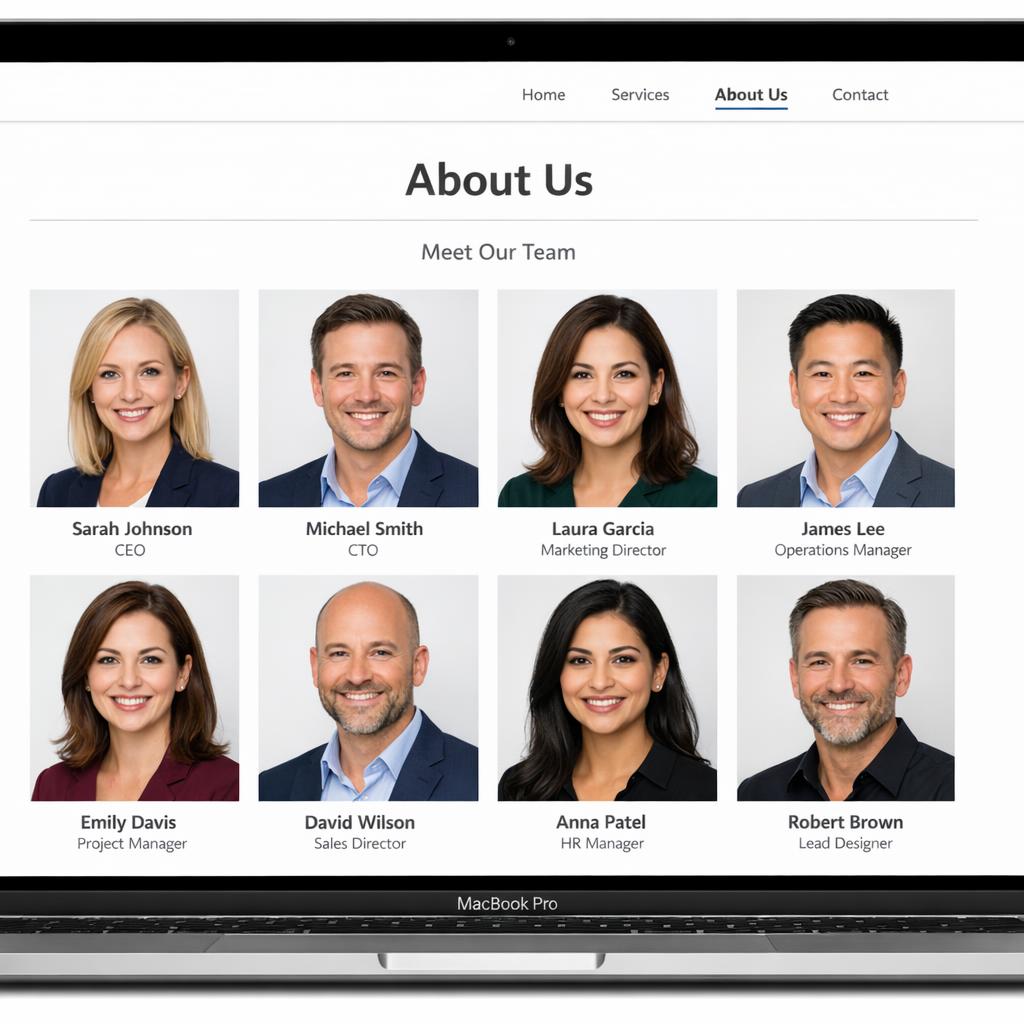
Website Team Page
Consistent headshots create a professional, cohesive impression
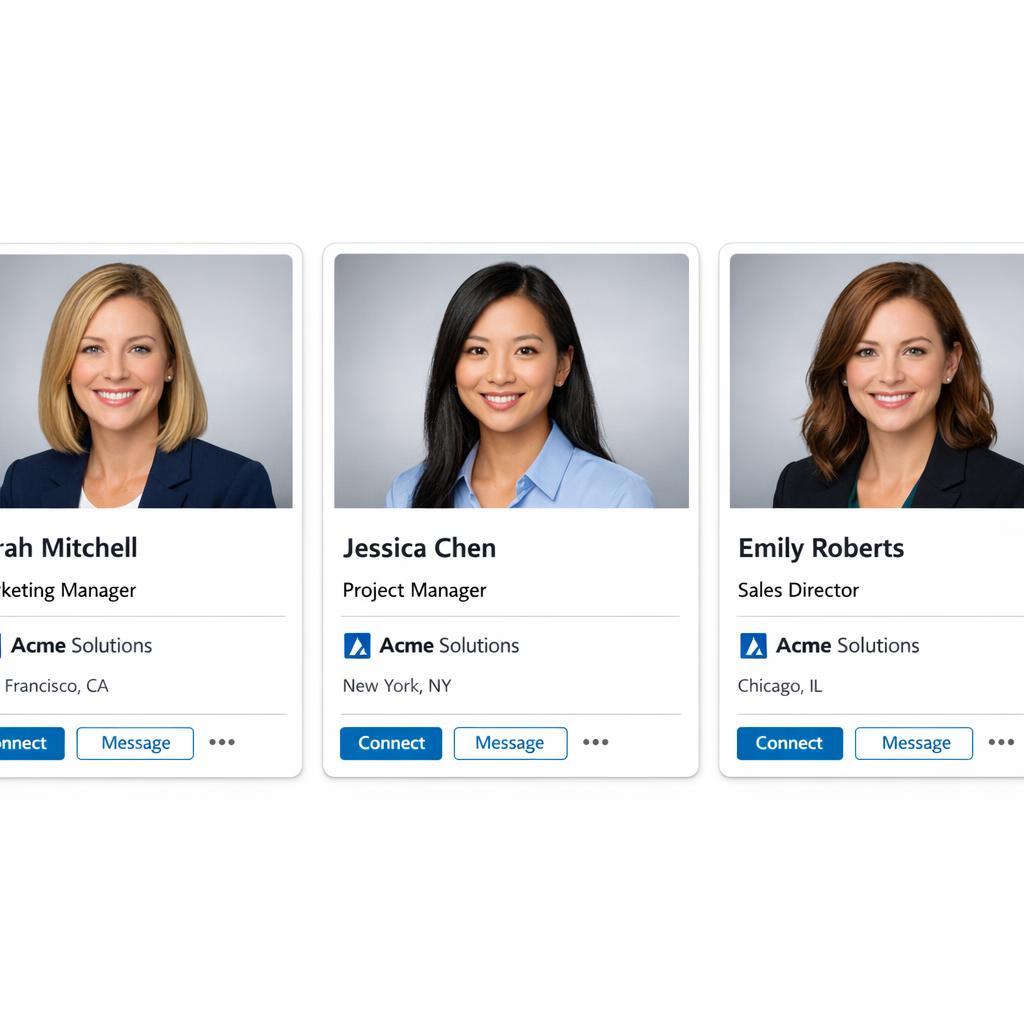
LinkedIn Presence
Unified style across employee profiles strengthens brand
One Style, Any Time Zone
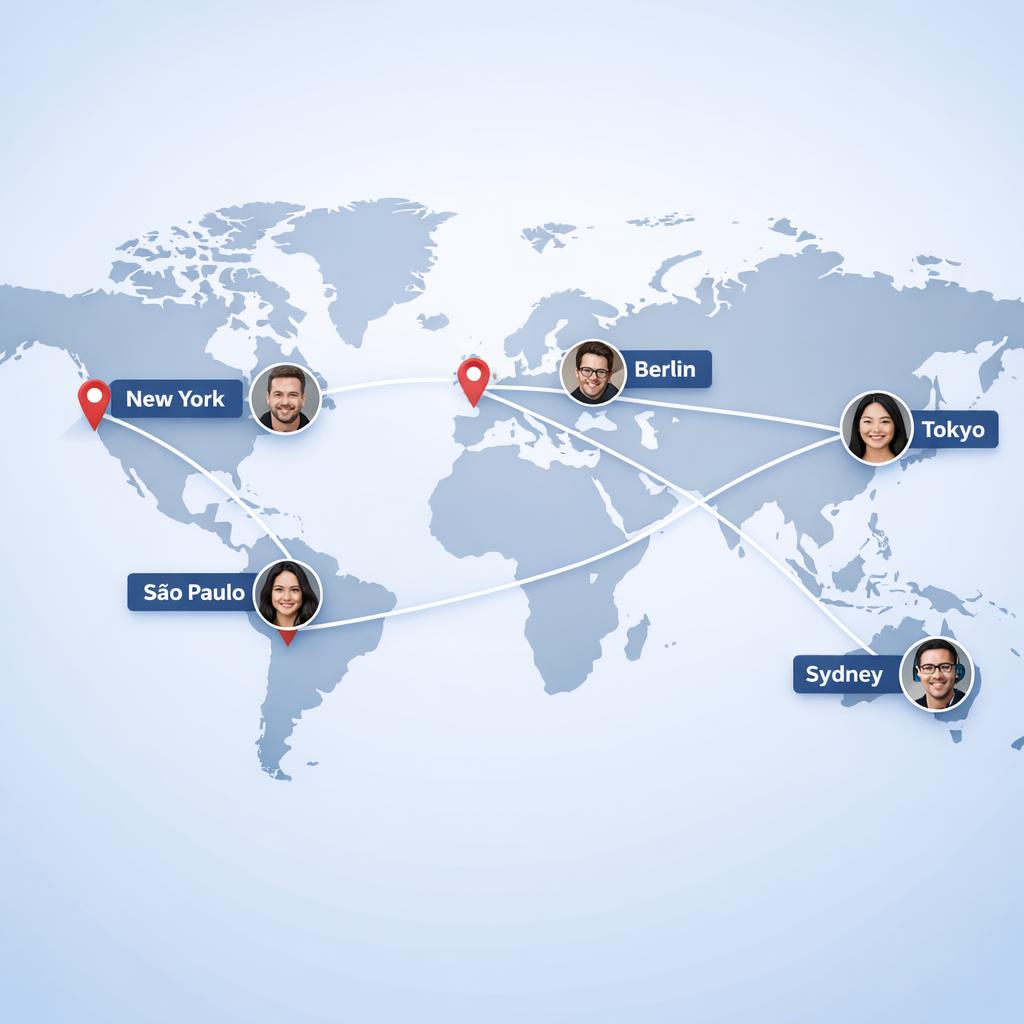
Team members upload from anywhere. AI ensures everyone matches.
Ready to Unify Your Team?
Start with a free test headshot.
The New Hire Advantage
Here's where AI really shines: onboarding new hires.
With traditional photography, new employees either wait for the next photo day (weeks or months away), get a one-off photo that doesn't match the team style, or their bio goes live with a placeholder. None of these are good.
With AI headshots, new hires can submit their selfie during onboarding paperwork and have a matching team headshot within hours. Day one, their photo is already on the website, in the directory, everywhere it needs to be—and it matches everyone else perfectly.
Onboarding Workflow
- • Day -7: New hire receives onboarding docs + headshot upload link
- • Day -5: HR reviews and processes AI headshot
- • Day 1: New hire appears on website, directory, all systems—fully integrated
Professional Team Photos. No Logistics Nightmare.
Your team is distributed. Your brand shouldn't look like it. AI headshots give you studio-quality consistency without coordinating photographers across 12 time zones.
No credit card for trial • Bulk team discounts available • Results in hours
Frequently Asked Questions
Will all the headshots actually look consistent?
Yes—that's the entire point. AI applies the same background, lighting style, and framing to every photo. The result looks like everyone visited the same studio, even if they're on different continents.
What if someone's source photo is low quality?
AI can work with decent smartphone photos, but garbage in = garbage out. We recommend: natural light, face clearly visible, no heavy filters. Most modern phone cameras are sufficient if lighting is good.
How do we handle employees who don't want AI photos?
Some teams offer a choice: AI headshot or a stipend for local photography that meets brand guidelines. In studies, 70%+ of employees prefer the convenience of AI once they see the quality.
Can we customize the background and style?
Yes. You can specify background color, lighting angle, framing, and overall tone. Many companies match their brand colors or use a neutral gray that works everywhere.
What about data privacy for employee photos?
We don't store or use employee photos for training. Images are processed, delivered, and deleted according to your retention preferences. Enterprise plans include additional security options and compliance documentation.
Related Tools & Guides
Free AI Professional Headshots
Generate professional headshots instantly - no signup required
AI Background Remover
Remove or replace headshot backgrounds instantly
Top 5 AI Headshot Generators (2026)
Compare the best AI headshot tools side by side
Why AI Headshots Look Fake (And How to Fix It)
Tips for getting natural-looking AI headshots
Try it on one of your own photos
Most of our photo tools have a free version. Upload a picture and see what it does before you decide anything.