Alternative to PicsArt
For AI Photo Generation
PicsArt is one of the most popular creative platforms with 150M+ users, offering everything from photo editing to templates. BestPhoto takes a focused approach with professional AI headshots, multiple generation models, and custom model training. Here's an honest comparison.
What PicsArt Users Say
PicsArt has a 3.3/5 Trustpilot rating with polarized reviews — many love it, but billing complaints are common.
“I've been using PicsArt for 5 plus years. It is my go-to digital art app and I love it.”
“The best photo/video editing app in my opinion. And it grows and gets better all the time.”
“This photo editing app is user-friendly and has so many really cool features for creative work.”
“Stay away from this company! They kept trying to charge my card after cancellation. Very deceptive subscription practices.”
“I have 1 year pro and the AI pics generator doesn't work properly. Filters tend to break, especially on desktop.”
“Why change a winning formula? The new AI features provide multiple mutations that I didn't ask for. The free version is way too limited now.”
Sources: Trustpilot • Trustpilot (alternate) • G2 Reviews
PicsArt vs BestPhoto: Feature Comparison
A direct comparison based on publicly available information and user reviews.
| Feature | PicsArt | BestPhoto |
|---|---|---|
| Starting Price | $5/mo (annual) or $13/mo (monthly) | Free tier available |
| Try Before You Pay | 7-day free trial (auto-renews) | Yes — 40+ free tools, no credit card needed |
| AI Image Generation | Built-in generator + GPT Image | Multiple models (incl. Flux, SDXL) |
| AI Headshot Quality | AI Avatars (artistic styles) | Professional, realistic AI headshots |
| Custom Model Training | Not available for individuals | Train on your own photos |
| AI Image Editing | AI Replace, Enhance, Background | 8 specialized editing modes |
| Video Generation | Basic AI video (limited) | AI video generation with multiple models |
| Templates & Design | Extensive template library | Focused on AI generation, not templates |
| Subscription Transparency | Auto-renewal complaints common | Straightforward cancellation |
PicsArt: Honest Pros & Cons
PicsArt is a massive platform with clear strengths. Here's the balanced view.
PicsArt Pros
- Massive platform with 150M+ users and a mature, feature-rich ecosystem
- Intuitive interface that's easy to learn for beginners
- Extensive template library for social media, marketing, and design
- Available on web, iOS, Android, and Windows — true cross-platform
- Built-in AI tools for background removal, enhancement, and generation
- Large community of creators sharing stickers, effects, and templates
- Regular updates adding new AI features and models
PicsArt Cons
- Free tier is heavily limited with frequent paywall pop-ups and ads
- Subscription billing complaints are the most common negative review
- AI image generation quality can be inconsistent and hit-or-miss
- No custom model training for individual users
- Desktop app can be buggy with crashes and UI issues reported
- Like all AI tools, complex prompts don't always produce expected results
Why Consider BestPhoto
Key areas where BestPhoto offers a different approach.
Professional AI Headshots
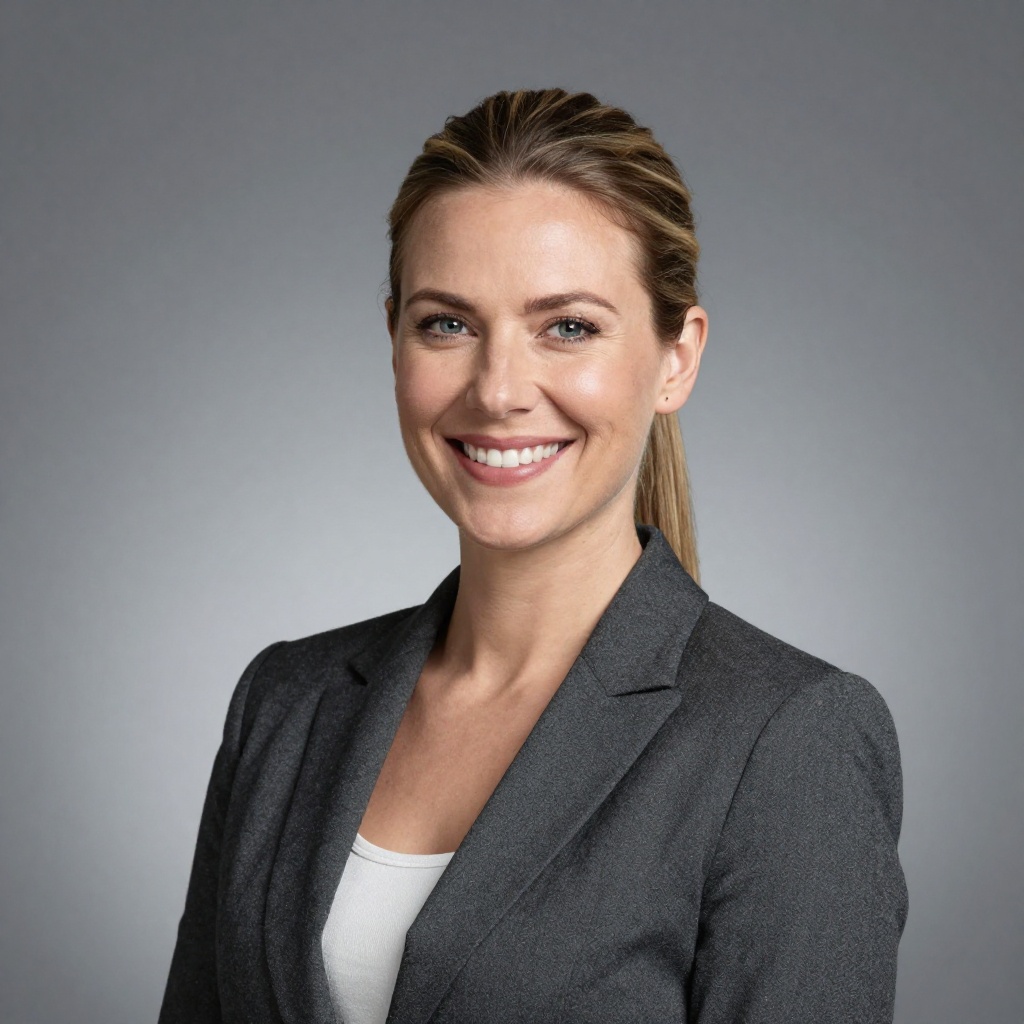
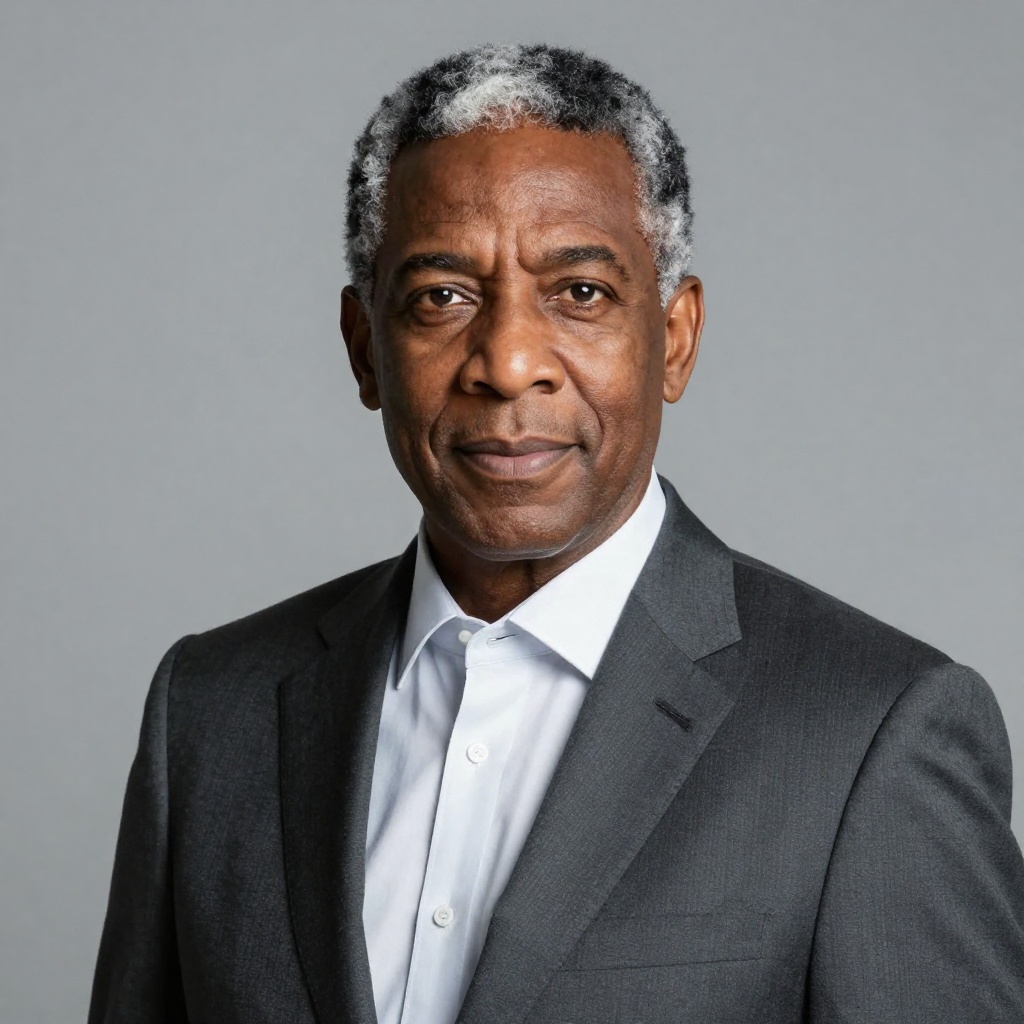
PicsArt offers AI Avatars for stylized portraits in artistic themes like cartoon and fantasy. BestPhoto takes a different approach with custom model training — upload your photos, train a model on your likeness, and generate realistic professional headshots you can use for LinkedIn, resumes, and business profiles. The results closely resemble you, not just artistic interpretations.
BestPhoto: Train on your photos for realistic professional headshots
What you get:
- Custom model training on your own photos
- Professional quality for LinkedIn and business use
- Realistic likeness, not just artistic styles
- Multiple AI models for different looks


Multiple AI Models
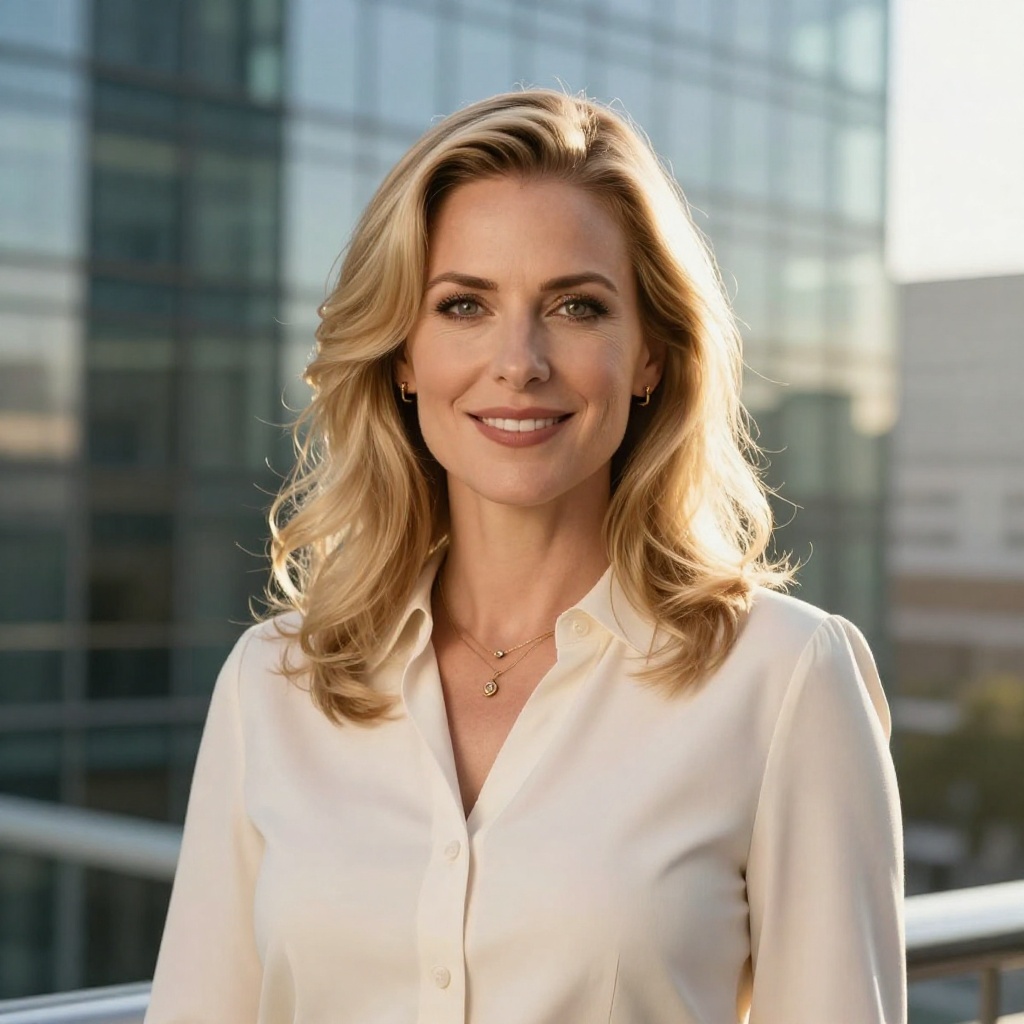
PicsArt uses its own AI engine plus a GPT Image integration for generation. BestPhoto gives you access to multiple specialized AI models — including Flux, SDXL, and more — so you can pick the best model for each specific task. Different models excel at different things: photorealism, artistic styles, specific subjects. Having options means better results.
BestPhoto: Multiple specialized AI models to choose from
What you get:
- Multiple AI models with different strengths
- Better results for specific use cases
- New models added regularly
- Compare outputs across models



Free Tier Without Paywalls
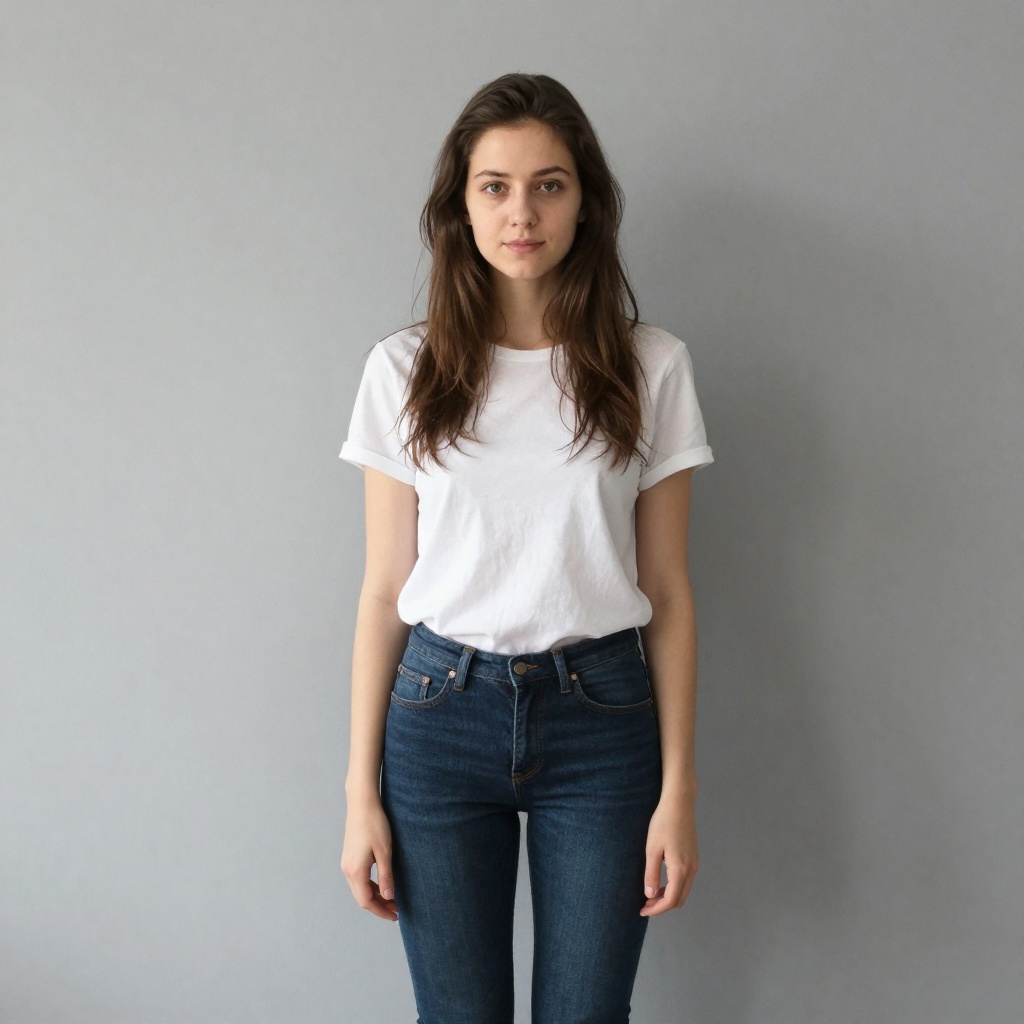
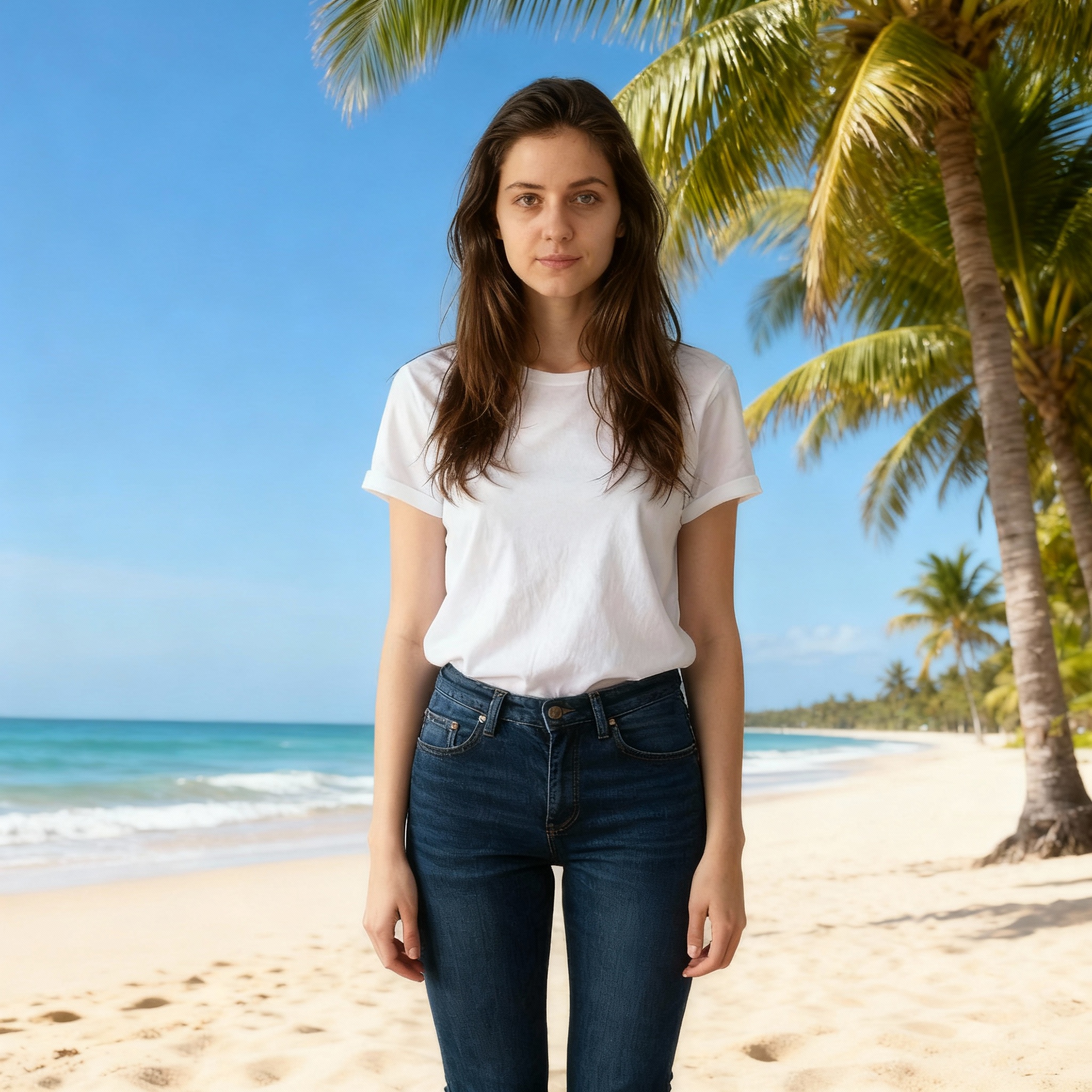
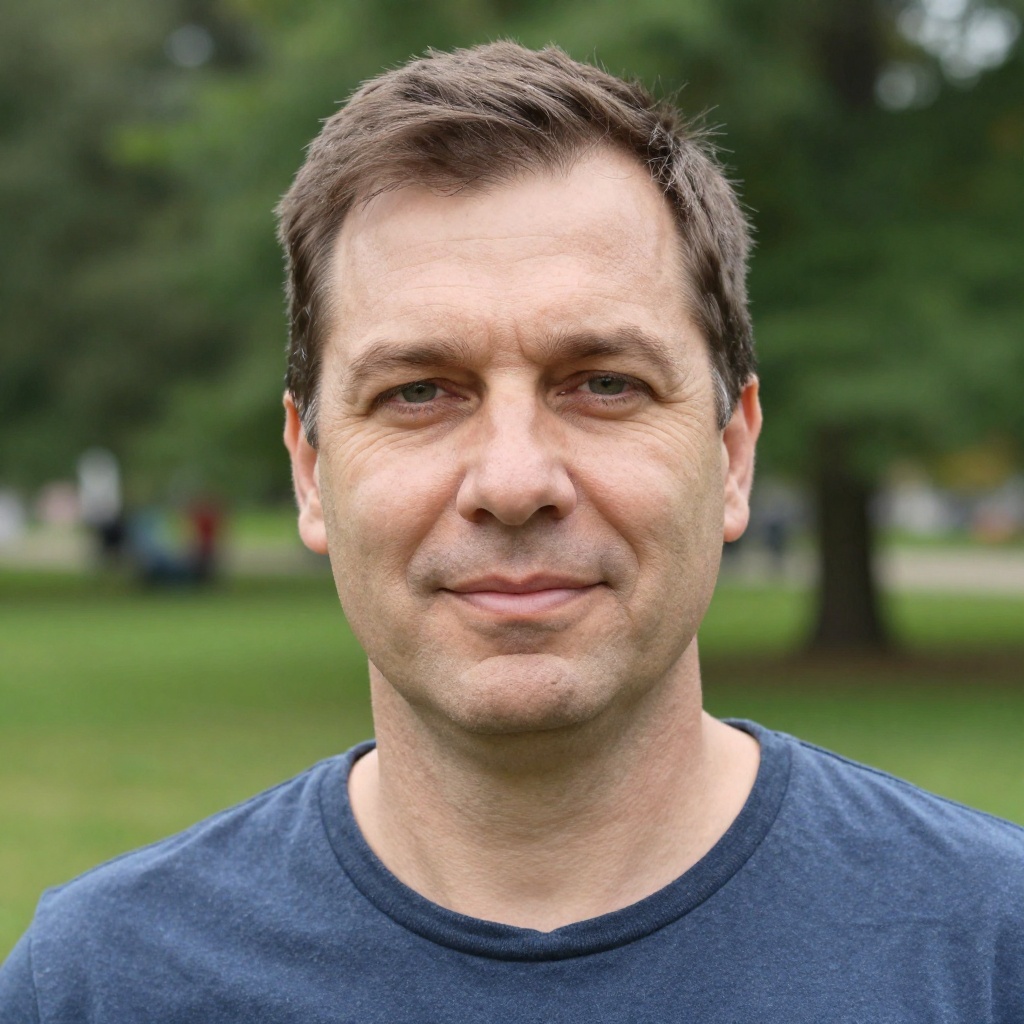
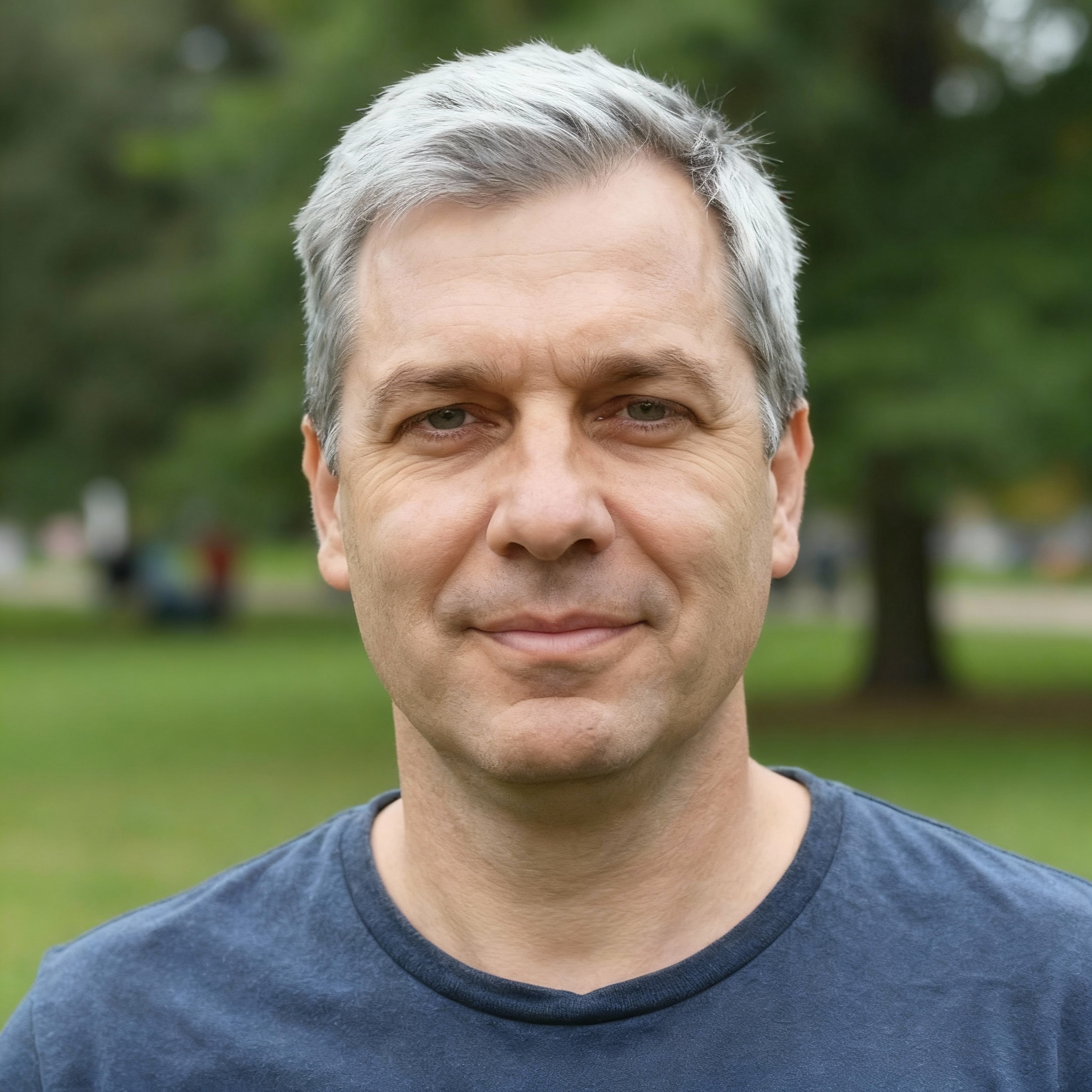
PicsArt's free tier is limited — many tools are locked behind a paywall, ads are frequent, and users report aggressive upselling with pop-ups. BestPhoto offers 40+ completely free editing tools with no watermarks, no credit card required, and a free tier that lets you genuinely test the platform before paying anything.
BestPhoto: 40+ free tools with no paywalls or watermarks
What you get:
- No paywall pop-ups interrupting your workflow
- 40+ free editing tools included
- No credit card required to start
- No watermarks on free tier output
AI Video Generation
PicsArt has introduced basic AI video features, but users report they're still limited and inconsistent. BestPhoto offers dedicated AI video generation including talking head videos, image-to-video conversion, and podcast-style clips — all powered by specialized video models on paid plans.
BestPhoto: Dedicated AI video generation with multiple models
What you get:
- AI talking head video generation
- Image-to-video conversion
- Podcast-style clip creation
- Multiple video output styles
Click to play
Which Tool is Right for You?
Both tools have their strengths. Here's a quick guide.
PicsArt might be better if you:
- Need an all-in-one platform with templates, stickers, and design tools
- Want a large community of creators sharing resources
- Prefer a native mobile app for quick social media edits
- Need batch background removal for product photos
BestPhoto might be better if you:
- Need professional, realistic AI headshots for business use
- Want to train a custom AI model on your own photos
- Prefer choosing from multiple AI generation models
- Want a free tier without paywalls, ads, or watermarks
Important: What to Expect from Any AI Photo Tool
- •AI image generation isn't perfect — expect some iterations
- •Hands, fingers, and complex poses can be challenging for any AI
- •Results depend heavily on input photo quality
- •Some prompts work better than others — there's a learning curve
Frequently Asked Questions
Is PicsArt a good app?
PicsArt is one of the most popular creative apps available, with 150M+ users and a wide range of tools. It excels at quick social media edits, templates, and community-driven content. The main considerations are the limited free tier with aggressive upselling, subscription billing complaints on Trustpilot, and inconsistent AI generation quality. For general-purpose creative work, it's a solid choice.
What's the main difference between PicsArt and BestPhoto?
PicsArt is a broad creative platform — think templates, stickers, social media tools, and AI features bundled together. BestPhoto is focused specifically on AI photo generation with professional headshots, custom model training, multiple AI models, and specialized editing. PicsArt is a generalist; BestPhoto is a specialist for AI photo creation.
Why do users complain about PicsArt subscriptions?
The most common complaints on Trustpilot involve automatic subscription renewals, difficulty cancelling, and being charged after free trials. 59% of Trustpilot reviews are 1-star, with many related to billing. Some users report being charged even after cancellation. BestPhoto offers straightforward cancellation without these reported issues.
Can I train a custom AI model on PicsArt?
PicsArt does not currently offer custom model training for individual users — their AI tools use pre-built models. BestPhoto lets you upload your own photos, train a personalized AI model, and generate images that closely resemble you. This is especially useful for professional headshots and consistent branding.
Can I try either platform for free?
PicsArt offers a free tier with limited features and ads, plus a 7-day trial of premium (which auto-renews). BestPhoto offers a free tier with 40+ tools, no watermarks, no ads, and no credit card required. You can test multiple AI models on BestPhoto before deciding if a paid plan is worth it.
Photos That Actually Make a Difference
Whether it's landing the interview or getting the date, people use BestPhoto to create images that open doors.


Professional Headshots
Stand out on LinkedIn, company websites, and professional networks. Profiles with professional photos receive up to 21x more views.


Dating Profile Photos
Get more matches with photos that show your authentic self in the best light. Perfect for Tinder, Bumble, Hinge, and more.


Realistic AI Photos
Generate ultra-realistic images for marketing, content creation, and creative projects. Studio quality without the studio.
Learn More About AI Photo Technology
Stay up to date with the latest AI tools, tips, and techniques. Our guides help you get the most out of your photos.
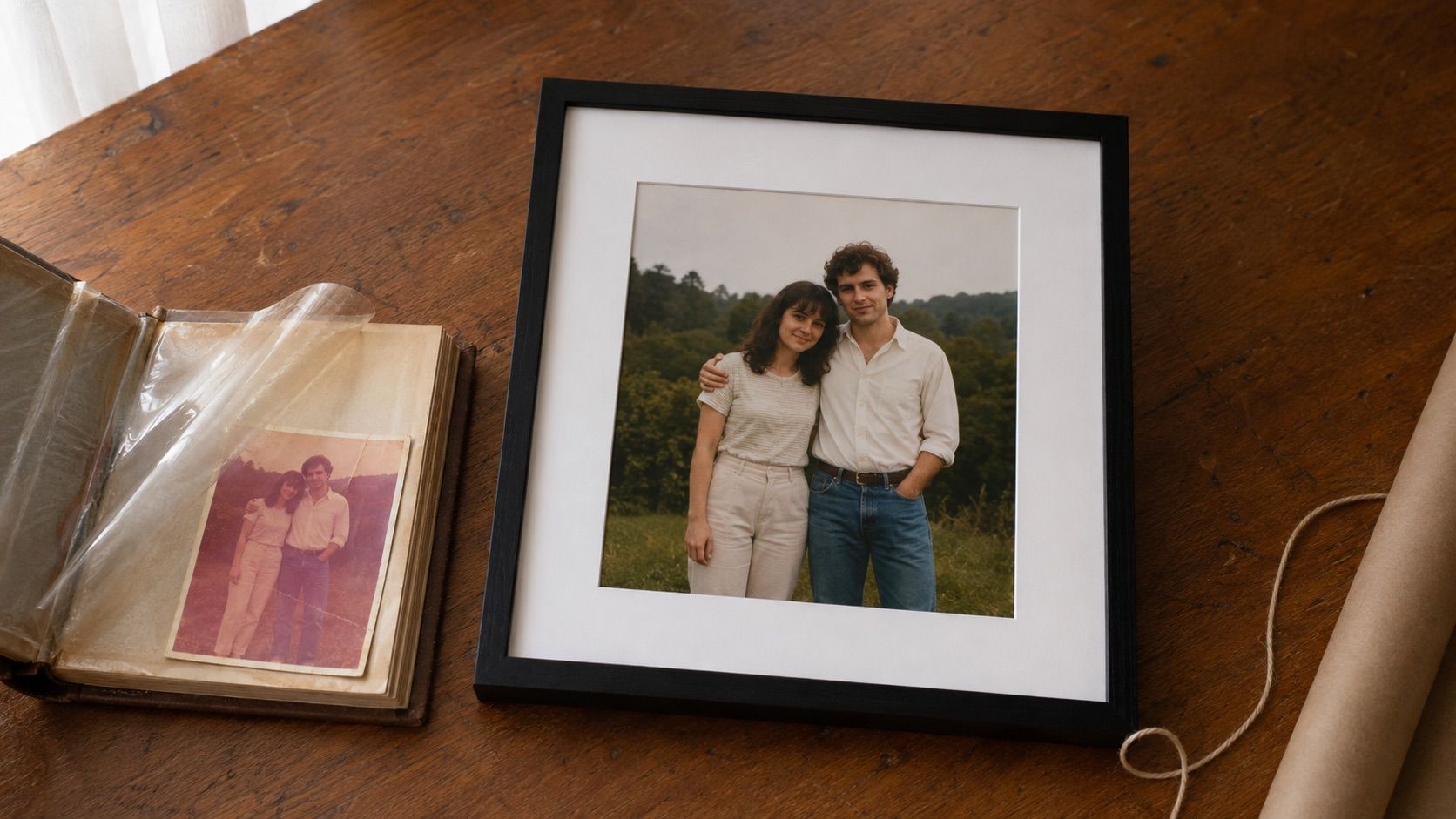
Gifts for Parents Who Have Everything: The One Gift That Isn't Stuff
Your parents don't want more things to dust. Pick one old print, restore it, print it, frame it. What it costs, how long it takes, and which photo to choose.
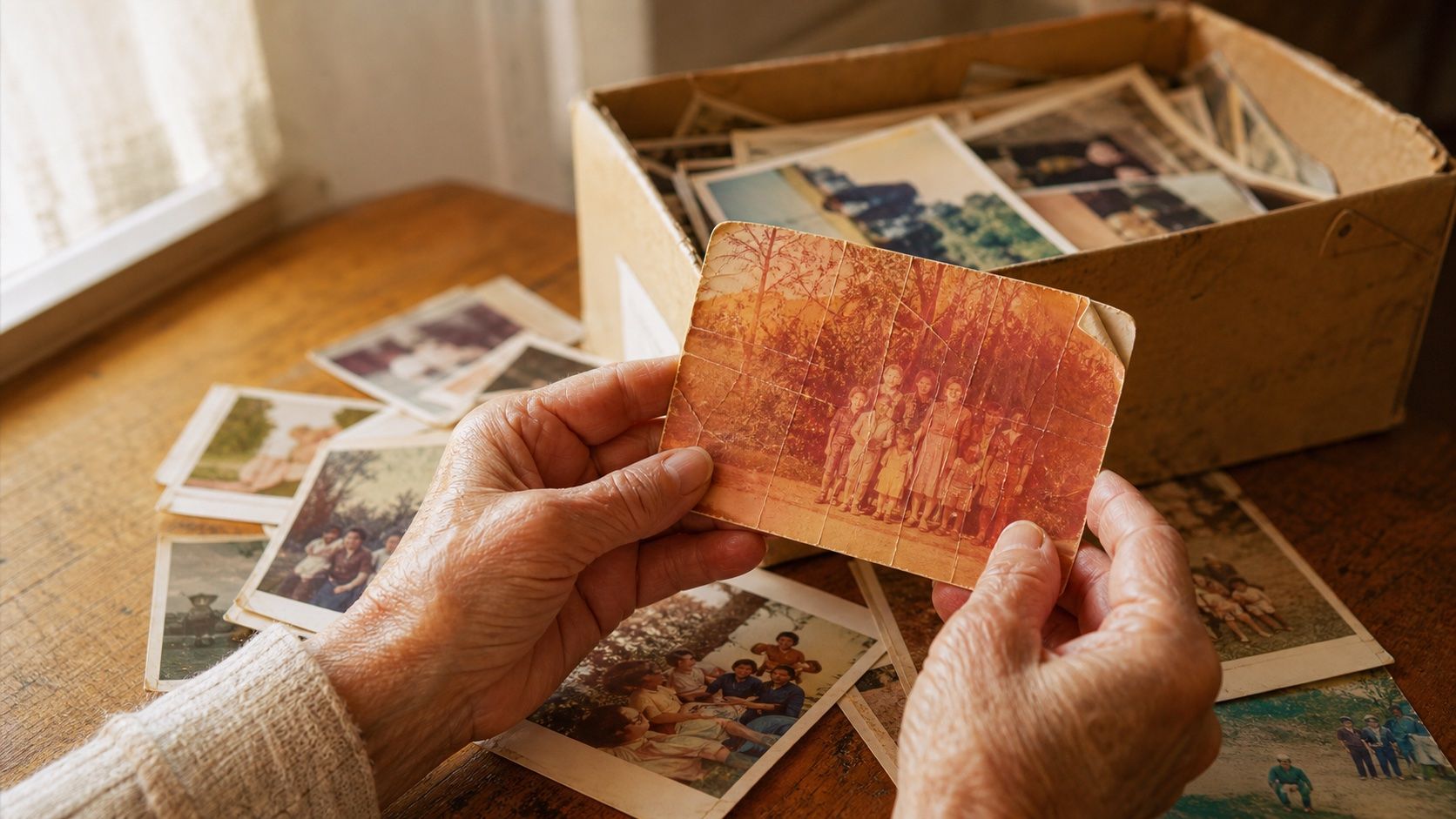
How to Restore Old Photos: The Honest 2026 Guide
Learn how to restore old photos at home with your phone and a free AI tool: scanning tips, fading fixes, and an honest look at what AI gets right and wrong.
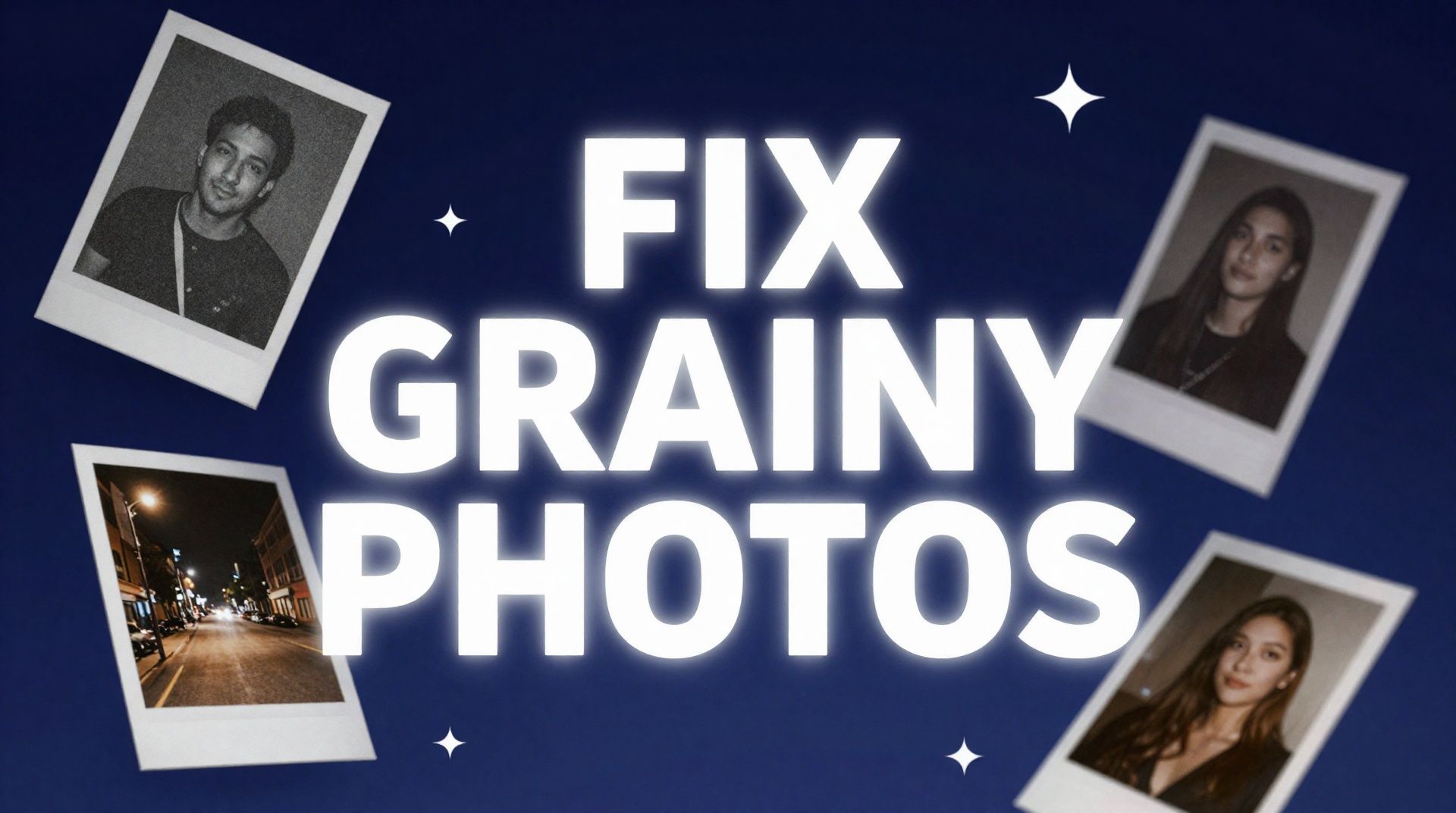
How to Fix Grainy Photos: Remove Noise Free with AI
Grainy, noisy photos come from high ISO, low light, and old scans. Here's why it happens and how to remove grain from photos free with AI in about 30 seconds.