Alternative to Bing Image Creator
With Commercial Rights & Custom Training
Bing Image Creator is Microsoft's free DALL-E 3 powered tool — great for casual use. BestPhoto offers commercial rights, custom model training, and more flexibility for serious creators.
What Bing Image Creator Users Say
Mixed feedback from real users — the free access is appreciated, but limitations frustrate many.
"It's free and uses DALL-E 3 which is impressive. Great for casual use and experimenting with AI art."
"The boost system is frustrating. Once you run out, generation takes 5+ minutes per image."
"Easy to use, no signup required if you have a Microsoft account. Results are usually good quality."
"Can't use images commercially which is a dealbreaker for my business. Had to find alternatives."
"The content filters are very strict. Many innocent prompts get blocked for no clear reason."
"Only 1:1 square images. No aspect ratio options at all. Very limiting for social media content."
Sources: Capterra • G2 • TechJockey
Bing Image Creator vs BestPhoto: Feature Comparison
Bing is free but limited. Here's what you get with each platform.
| Feature | Bing Image Creator | BestPhoto |
|---|---|---|
| Price | Free (with limitations) | Free tier + paid plans |
| Commercial Use | Not allowed | Allowed on all paid plans |
| Aspect Ratios | 1:1 square only | Multiple ratios (1:1, 16:9, 9:16, etc.) |
| Custom Model Training | Not available | Train on your face for personalized results |
| Image-to-Image | Not supported | Full image-to-image capabilities |
| AI Models | DALL-E 3 only | Multiple models (Flux, SDXL, and more) |
| Video Generation | Not available | Multiple video generation options |
| Photo Editing | No editing features | 8 editing modes included |
| Generation Speed | Fast with boosts, 5+ min without | Consistent speed on all plans |
| Content Restrictions | Very strict filters | Standard content policy |
Bing Image Creator: Honest Pros & Cons
It's free and uses DALL-E 3 — that's genuinely valuable. But it comes with significant limitations.
Bing Image Creator Pros
- Completely free to use (with boosts)
- Powered by DALL-E 3 — high quality outputs
- No account required if you have Microsoft login
- Integrated with Bing Chat and Microsoft Edge
- Simple, straightforward interface
- Good for casual experimentation and learning
- Unlimited generations (slower without boosts)
Bing Image Creator Cons
- No commercial use allowed — images can't be monetized
- Only 1:1 square aspect ratio
- No image-to-image or editing features
- Can't train custom models on your face
- Very strict content filters block many prompts
- Slow generation (5+ minutes) after boosts run out
- No video generation capabilities
- Recent quality issues with model updates
Why Consider BestPhoto
Key areas where BestPhoto offers more than Bing's free service.
Commercial Use Rights
Bing Image Creator explicitly prohibits commercial use of generated images. This means you can't use them for your business, marketing, products, or any monetized content. BestPhoto allows commercial use on all paid plans, so you can freely use your AI-generated images for business purposes.
BestPhoto: Full commercial rights on all paid plans
What you get:
- Use images for marketing and advertising
- Create product mockups and designs
- Build content for monetized channels
- No legal concerns for business use

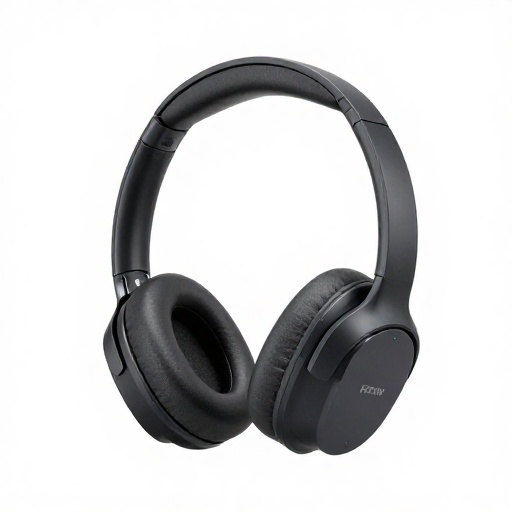
Flexible Aspect Ratios
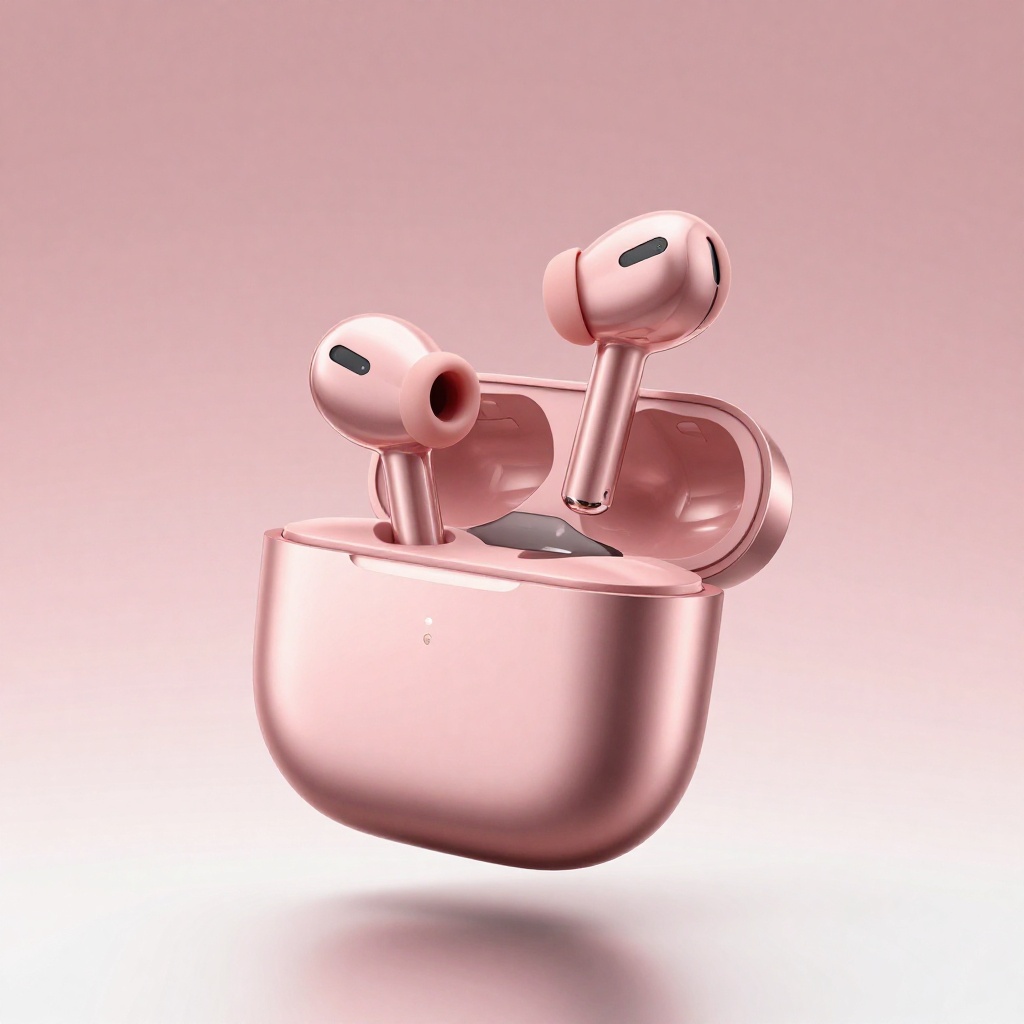
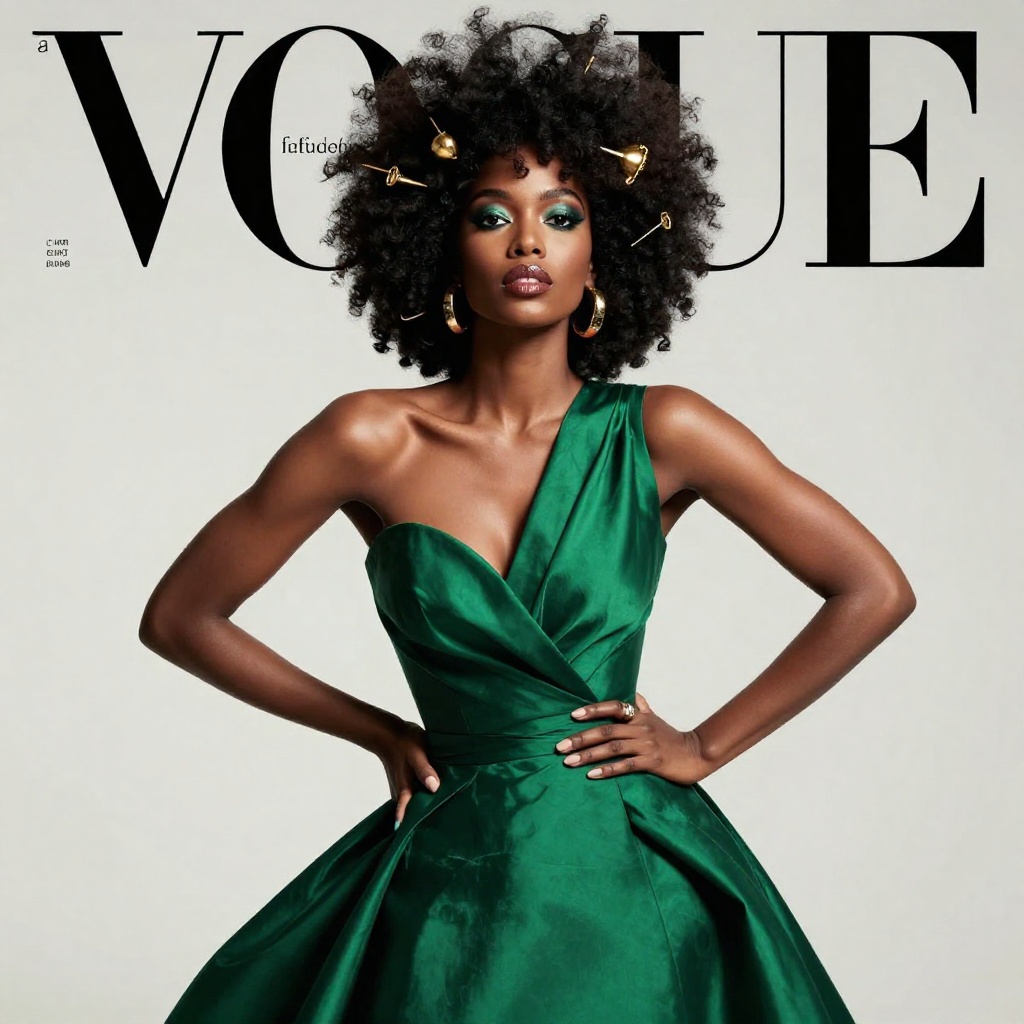
Bing Image Creator only generates 1024x1024 square images. For social media, you often need 16:9 for YouTube thumbnails, 9:16 for Instagram Stories/TikTok, or 4:5 for Instagram posts. BestPhoto supports multiple aspect ratios so you can create content optimized for any platform.
BestPhoto: Multiple aspect ratios for every platform
What you get:
- 16:9 for YouTube thumbnails and banners
- 9:16 for Stories, Reels, and TikTok
- 4:5 for Instagram feed posts
- Custom sizes for specific needs
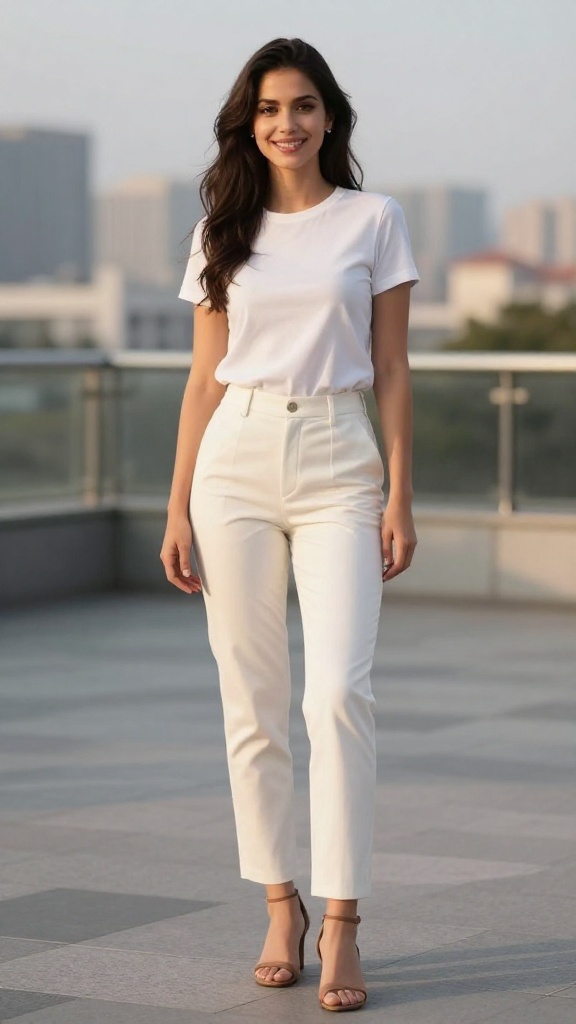
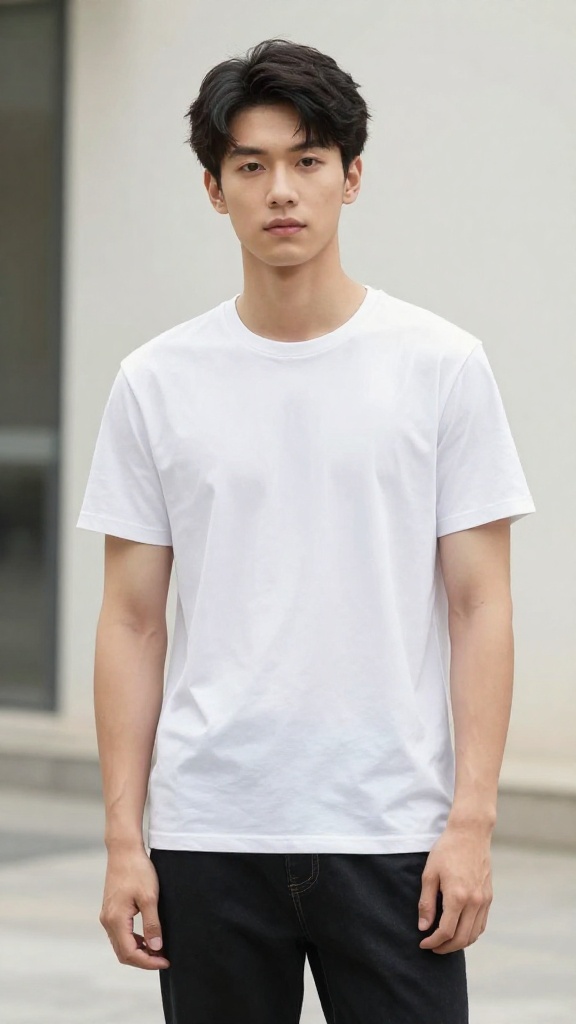
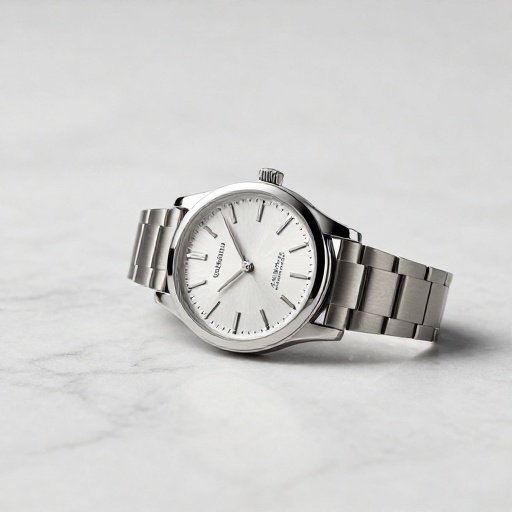
Custom Model Training
Bing Image Creator can't learn your face or style — it only works with text prompts. BestPhoto lets you train custom models on your photos, so the AI learns your unique features and can generate consistent, personalized images of you in any scenario.
BestPhoto: Train models on your face for personalized results
What you get:
- AI learns your unique facial features
- Consistent results across generations
- Perfect for professional headshots
- Create content featuring yourself
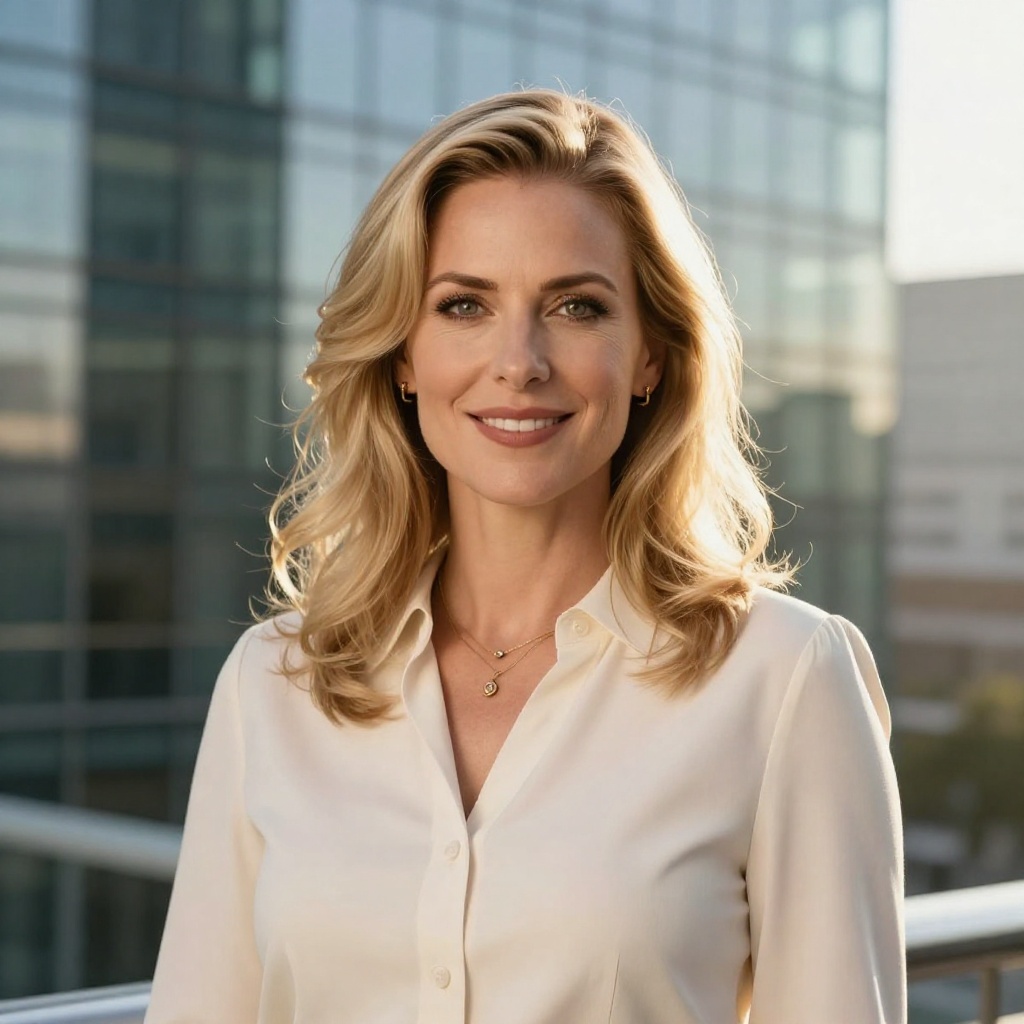

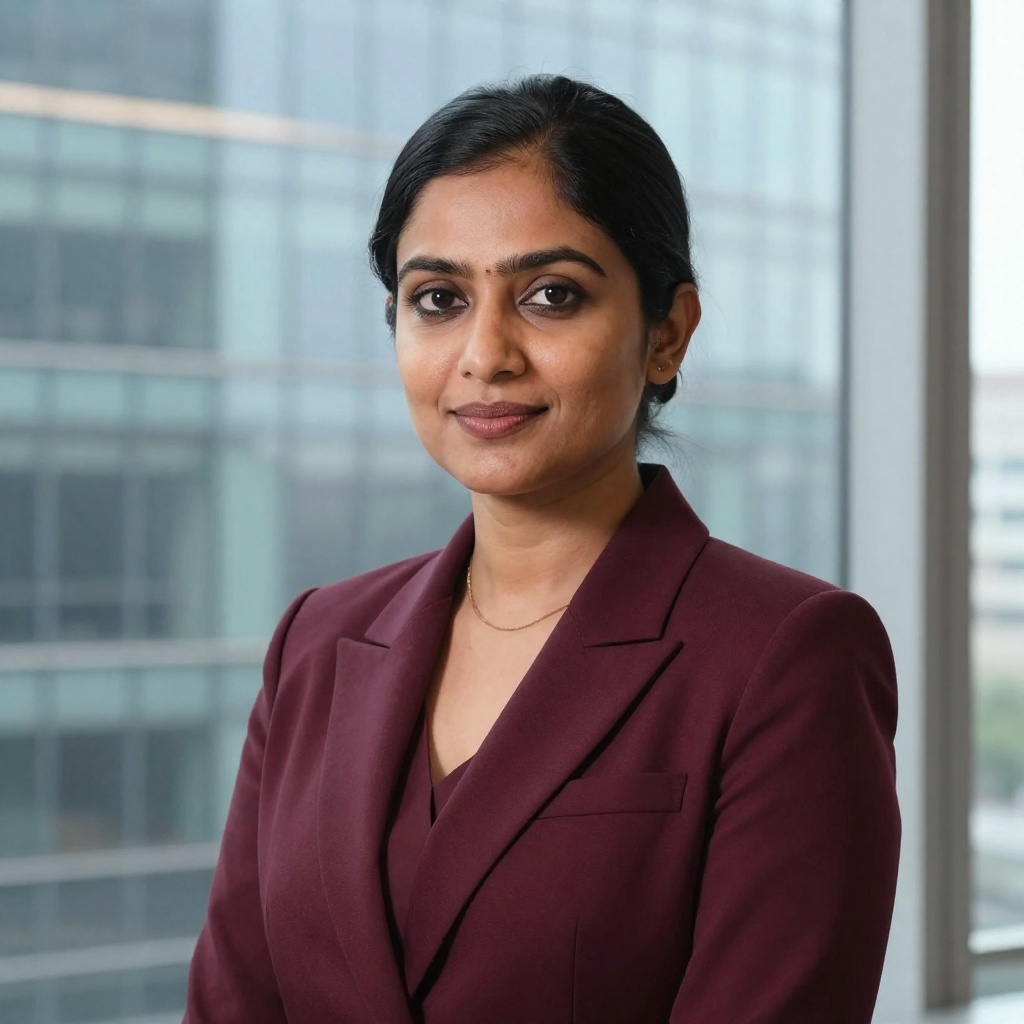
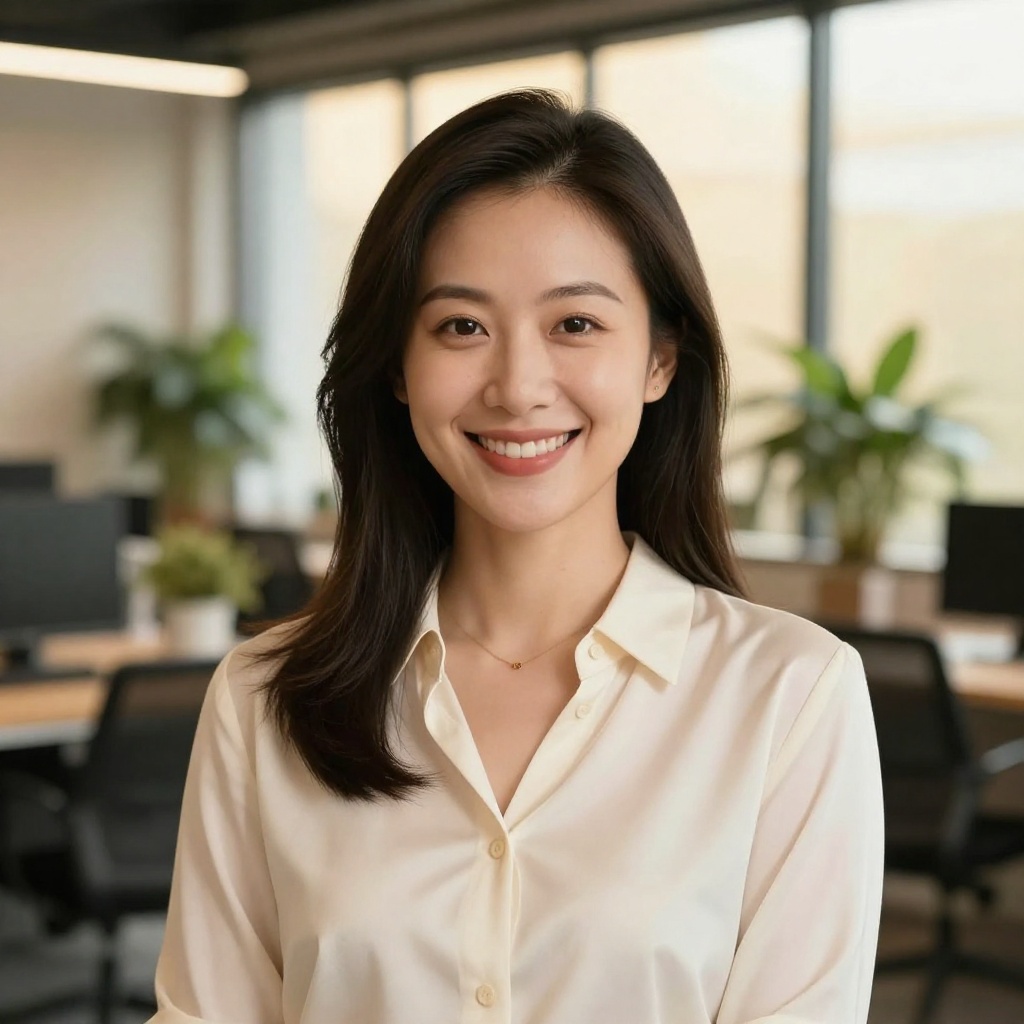
Image Editing & Manipulation
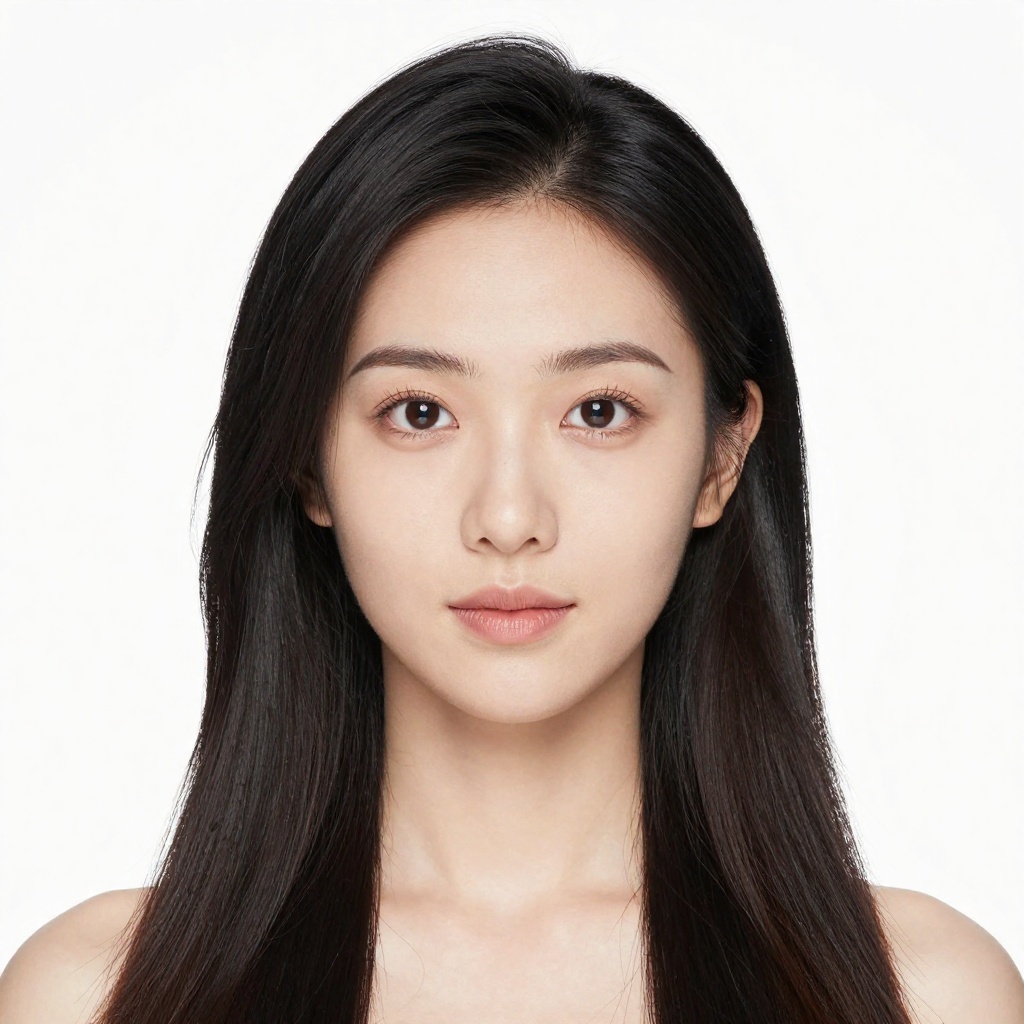
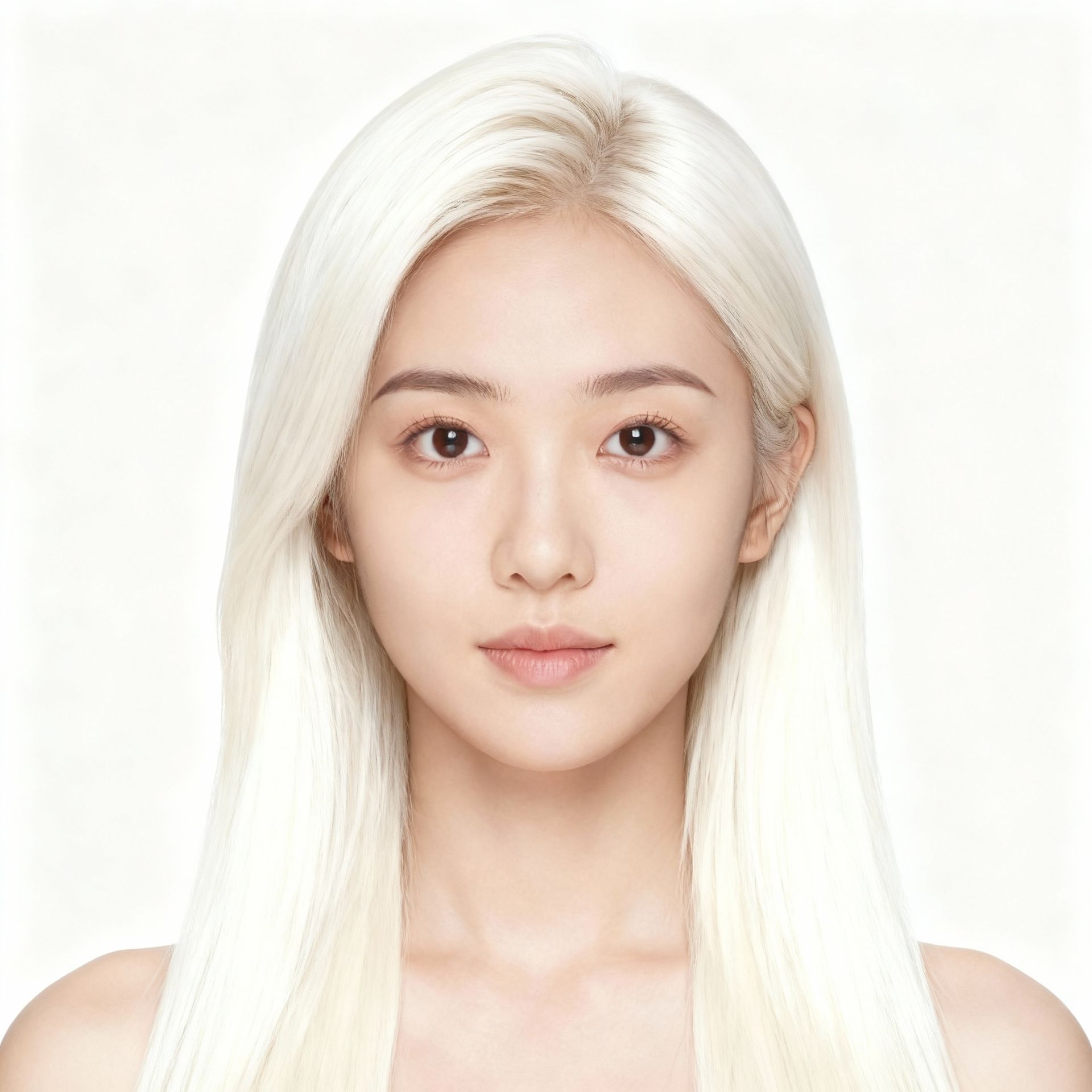
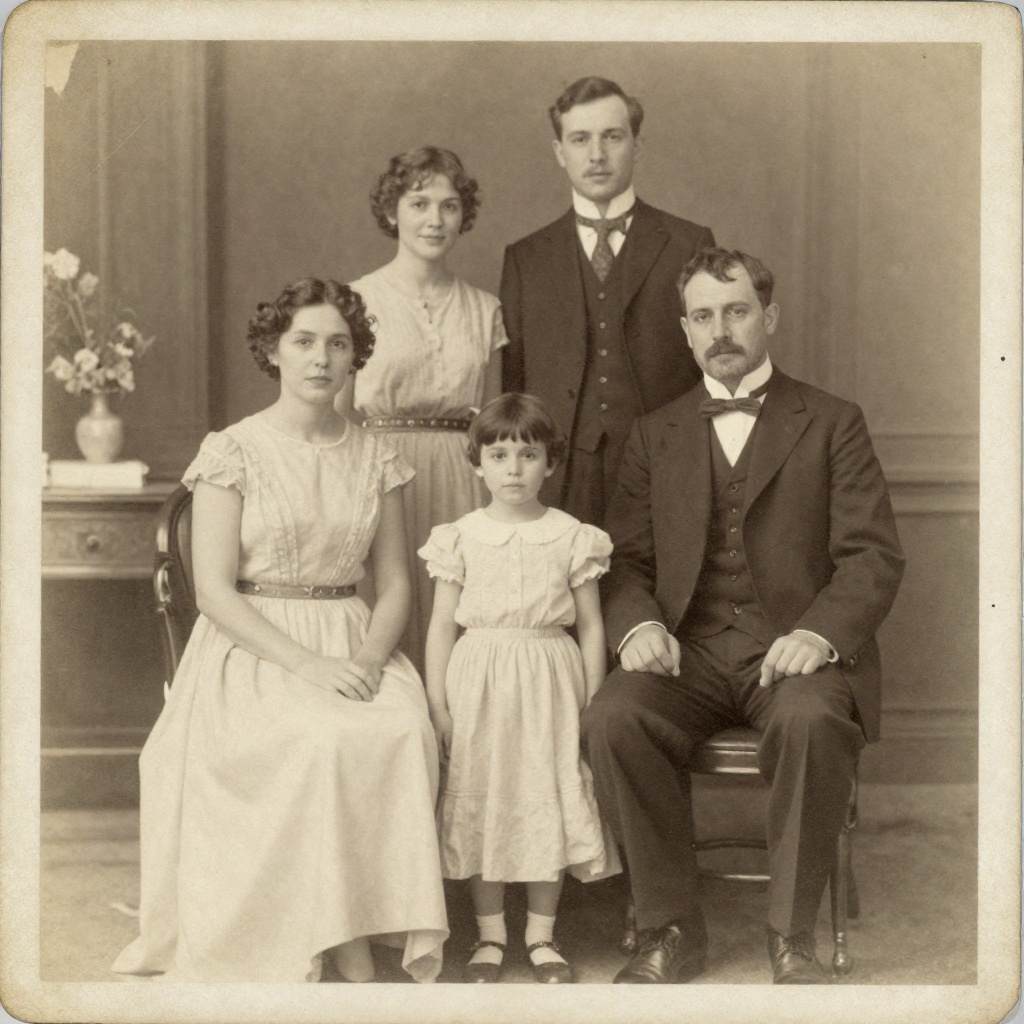
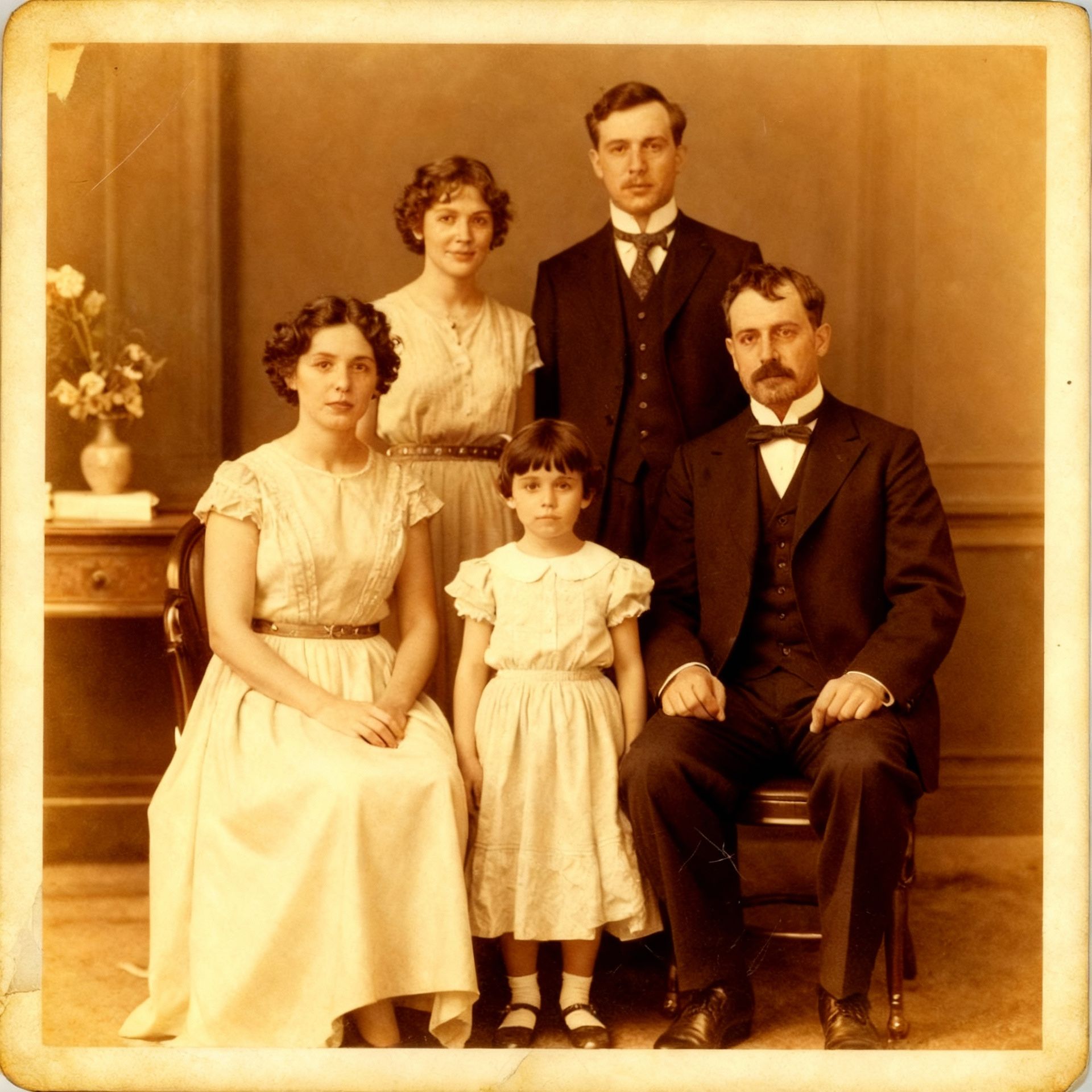
Bing Image Creator is text-to-image only — you can't upload images to edit, enhance, or transform them. BestPhoto includes 8 specialized editing modes: Replace, Restyle, Remove, Re-composition, Add Objects, Restoration, Clothing Replacement, and Concept Transformation.
BestPhoto: 8 editing modes for complete control
What you get:
- Upload and transform existing photos
- Remove or replace objects
- Change backgrounds and settings
- Restore old or damaged photos
Video Generation
Bing Image Creator only generates static images. BestPhoto offers comprehensive video generation including text-to-video, image-to-video conversion, and talking head videos — all from the same platform. No need to switch between multiple tools.
BestPhoto: Full video generation capabilities
What you get:
- Text-to-video generation
- Image-to-video animation
- Talking head videos
- Multiple video models to choose from
Click to play
Which Tool is Right for You?
Both tools have their place. Here's a quick guide.
Bing Image Creator might be better if you:
- Just want to experiment with AI art casually
- Don't need to use images commercially
- Only need square 1:1 images
- Want a completely free solution (with limitations)
BestPhoto might be better if you:
- Need commercial rights for business use
- Want to train custom models on your face
- Need multiple aspect ratios for social media
- Want video generation and image editing
Important: What to Expect from Any AI Image Tool
- •AI image generation isn't perfect — expect some iterations
- •Hands, fingers, and complex poses can be challenging for any AI
- •Results depend heavily on prompt quality and specificity
- •Some prompts work better than others — there's a learning curve
Frequently Asked Questions
Is Bing Image Creator good?
Bing Image Creator is a solid free option for casual AI image generation. It's powered by DALL-E 3 which produces quality results. The main limitations are: no commercial use allowed, only 1:1 square images, no custom training, and slow generation after your boosts run out.
Can I use Bing Image Creator images commercially?
No. Microsoft's terms explicitly prohibit commercial use of images generated with Bing Image Creator. If you need images for business, marketing, products, or any monetized content, you'll need a tool that grants commercial rights like BestPhoto.
What are "boosts" in Bing Image Creator?
Boosts are priority processing tokens. You get 25 per week for free. With boosts, images generate in about 30 seconds. Without boosts, generation can take 5+ minutes per image. You can earn more boosts with Microsoft Rewards points.
Why are my Bing Image Creator prompts getting blocked?
Bing has stricter content filters than most AI image tools. Many prompts that seem innocent get flagged. This is especially true for any prompts involving people, celebrities, or anything that could be considered sensitive. BestPhoto has standard content policies that are less restrictive.
Can I create images of myself with Bing Image Creator?
Not really. Bing Image Creator doesn't support custom model training or image uploads. You can only generate from text prompts. For personalized images of yourself, you'd need a tool like BestPhoto that lets you train a custom model on your photos.
Photos That Actually Make a Difference
Whether it's landing the interview or getting the date, people use BestPhoto to create images that open doors.

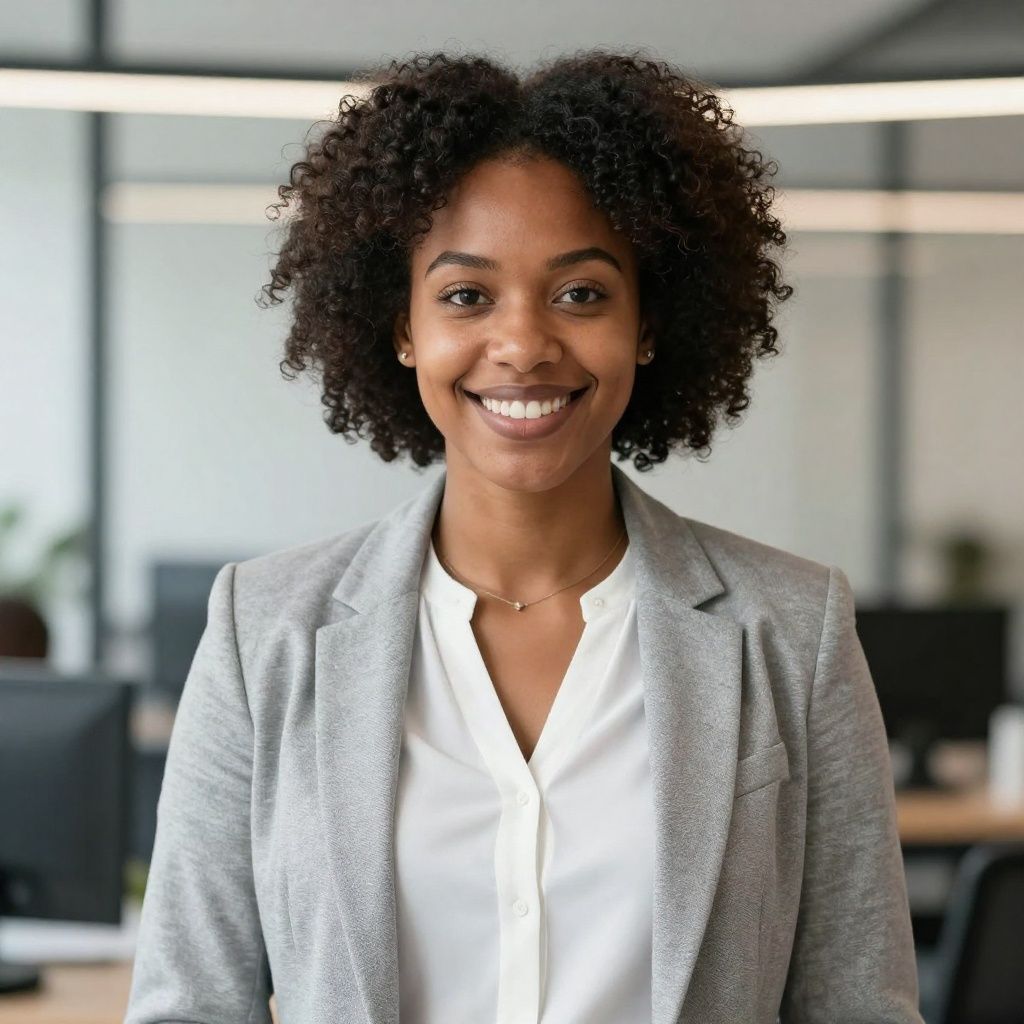
Professional Headshots
Stand out on LinkedIn, company websites, and professional networks. Profiles with professional photos receive up to 21x more views.


Dating Profile Photos
Get more matches with photos that show your authentic self in the best light. Perfect for Tinder, Bumble, Hinge, and more.


Realistic AI Photos
Generate ultra-realistic images for marketing, content creation, and creative projects. Studio quality without the studio.
Learn More About AI Photo Technology
Stay up to date with the latest AI tools, tips, and techniques. Our guides help you get the most out of your photos.
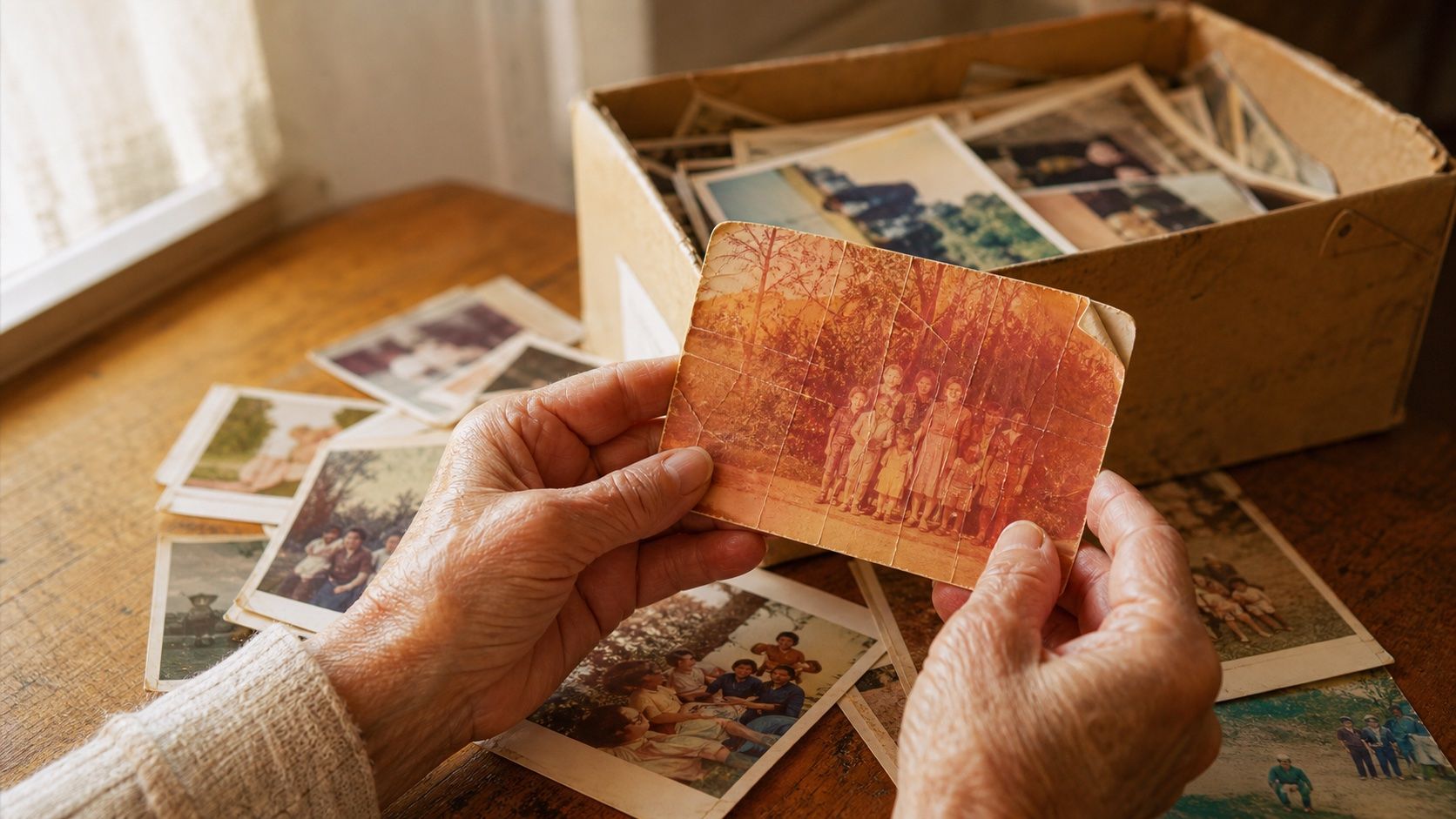
How to Restore Old Photos: The Honest 2026 Guide
Learn how to restore old photos at home with your phone and a free AI tool: scanning tips, fading fixes, and an honest look at what AI gets right and wrong.
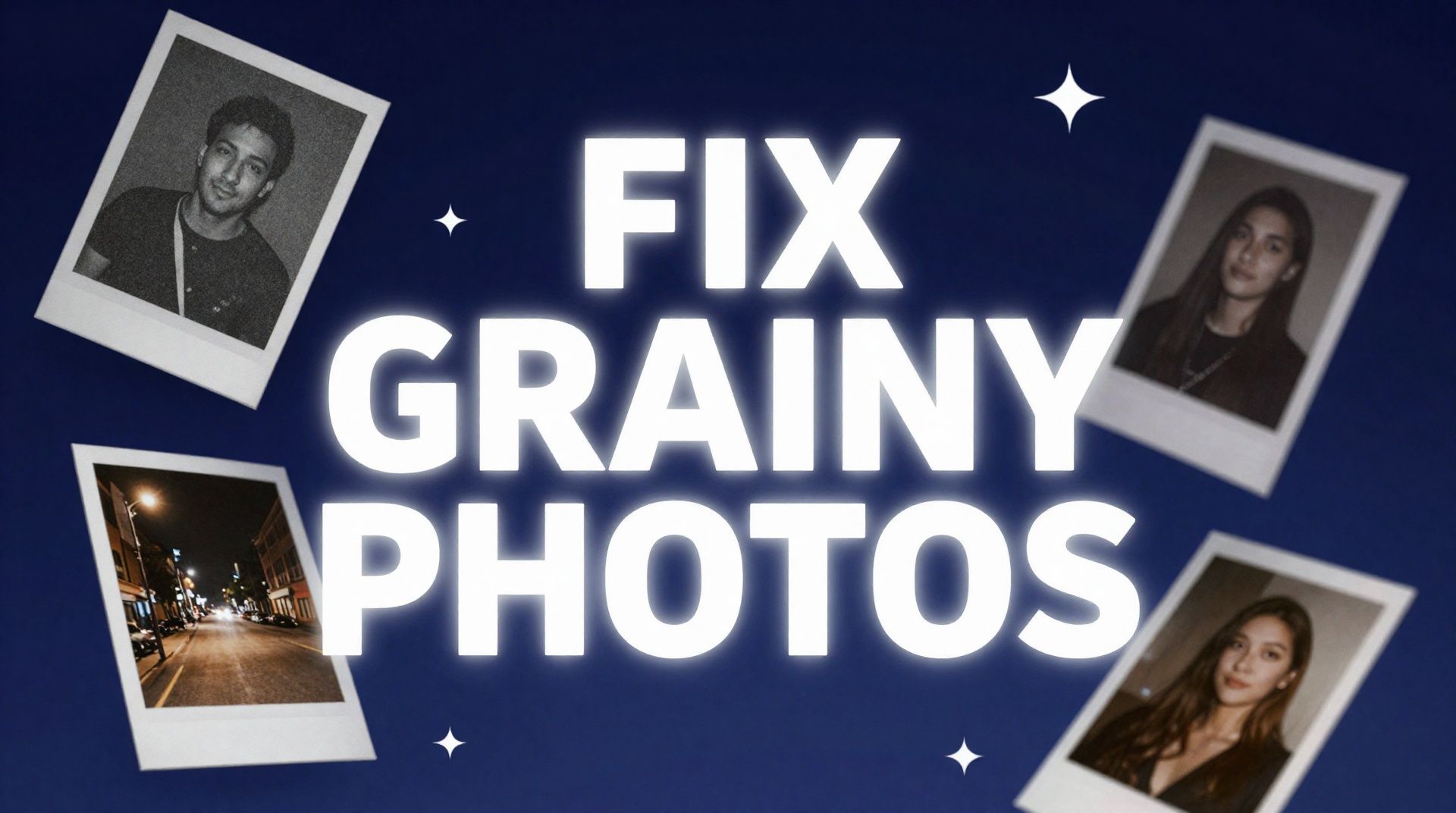
How to Fix Grainy Photos: Remove Noise Free with AI
Grainy, noisy photos come from high ISO, low light, and old scans. Here's why it happens and how to remove grain from photos free with AI in about 30 seconds.
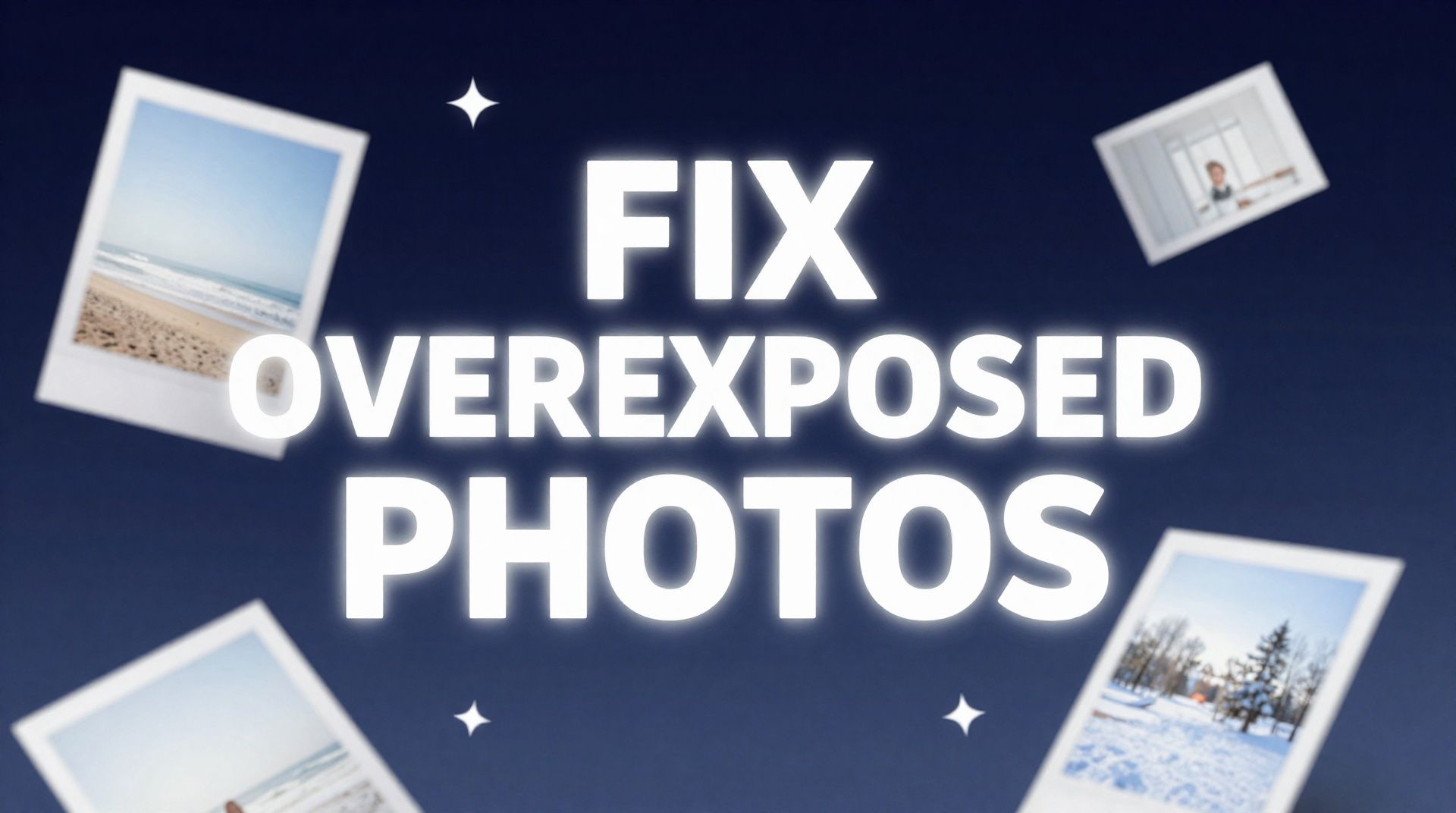
How to Fix Overexposed Photos: Recover Blown-Out Detail
Learn how to fix overexposed photos and recover blown-out detail. What AI can rebalance, what clipped highlights it can't, and a step-by-step free fix.
Try BestPhoto Free
See if BestPhoto is the right fit for you. Commercial rights, custom training, multiple aspect ratios, and video generation, explore our free tier first.
- Commercial use allowed
- Custom model training
- Multiple aspect ratios