Alternative to Remini
With AI Generation & 40+ Free Tools
Remini is a popular photo enhancement app with 120M+ downloads. BestPhoto offers a different approach: full AI photo generation, advanced editing tools, and a generous free tier. Here's an honest comparison.
What Remini Users Say
Mixed feedback from real users — strong on photo restoration, but billing concerns on Trustpilot.
“App works just as it should. You can achieve some really amazing results with old family photos.”
“The best available one for denoising photos. The app does quickly de-noise photos and bring them back to life.”
“The difference in quality has come very far. You can use it with random things, not just faces.”
“They were taking $9.99 out a week without my knowledge. Using something called 'dark patterns' to hoodwink people into hidden high costs.”
“I wanted to pay the yearly subscription that showed it was $80 for the year. Once I hit purchase I saw a charge for $126 get declined.”
“After the photo is converted, it will NOT show you the end result without paying. Falsely advertised as free.”
Sources: Trustpilot • App Store
Remini vs BestPhoto: Feature Comparison
A direct comparison based on publicly available information and user reviews.
| Feature | Remini | BestPhoto |
|---|---|---|
| Starting Price | $9.99/week Pro (~$520/year weekly) | Free tier available |
| Free Tier | Very limited — watermarks, ads, 6hr cooldowns | 40+ free tools, no watermarks, no ads |
| AI Photo Generation | Enhancement/restoration only — no new photo generation | Full AI photo generation with multiple models |
| Photo Enhancement | Excellent face restoration and upscaling | AI-powered restoration and upscaling tools |
| Photo Editing Tools | No manual editing — fully automated one-click | 8 editing modes with full control |
| Video Generation | Video enhancement only (Pro plan) | AI video generation on all paid plans |
| AI Headshots | AI portrait feature available | Multiple models for AI headshots with training |
| Subscription Model | Weekly billing default ($9.99/week Pro) | Monthly plans, no surprise charges |
| Old Photo Restoration | Industry-leading face restoration | Free photo restoration tool |
Remini: Honest Pros & Cons
Remini is excellent at what it does — photo enhancement. Here's the balanced view.
Remini Pros
- Excellent at restoring old and damaged family photos
- Very easy to use — one-click enhancement, no technical skills needed
- Fast processing for individual photos
- Available on iOS, Android, and web — 120M+ downloads
- Video enhancement feature for improving video quality (Pro)
- Particularly strong at facial detail restoration
- Can bring old photos of loved ones back to life
Remini Cons
- Free tier has watermarks, ads, and 6-hour cooldowns
- Weekly billing at $9.99/week can add up quickly ($520/year)
- No photo generation — only enhances existing photos
- No manual editing control — fully automated with no customization
- Reports of billing issues and unauthorized charges on Trustpilot
- Like all AI tools, face reconstruction can sometimes alter features
Why Consider BestPhoto
Key areas where BestPhoto offers a different approach.
Full AI Photo Generation
Remini focuses on enhancing and restoring existing photos — it makes blurry photos clearer and old photos look new. BestPhoto goes further by letting you generate entirely new AI photos using trained models. Upload your photos, train a model, and create professional headshots, creative portraits, and more in styles that never existed before.
BestPhoto: Generate new AI photos, not just enhance existing ones
What you get:
- Train custom AI models on your photos
- Generate professional headshots and portraits
- Multiple AI models for different styles
- Create photos in scenes you've never been in




Advanced Editing Tools
Remini offers one-click automated enhancement with no way to customize the result. If the AI changes your features or skin tone in a way you don't like, there's nothing you can do. BestPhoto provides 8 specialized editing modes — Replace, Restyle, Remove, Re-composition, Add Objects, Restoration, Clothing Replacement, and more — giving you full control over the final result.
BestPhoto: 8 editing modes with control vs one-click automation
What you get:
- Replace mode for swapping elements
- Remove mode for object removal
- Background replacement
- Full control — not just one-click auto



Genuinely Free Tools
Remini's free tier comes with watermarks, unskippable 30-second ads, a 6-hour cooldown between uses, and only the base AI model. Many users report being shown results and then hit with a paywall. BestPhoto offers 40+ completely free editing tools — no watermarks, no ads, no cooldowns, no credit card required.
BestPhoto: 40+ free tools without watermarks or ads
What you get:
- No watermarks on free tool outputs
- No unskippable ads
- No cooldown timers between uses
- No credit card required to start




AI Video Generation
Remini offers video enhancement on its Pro plan — making existing videos clearer. BestPhoto takes a different approach with full AI video generation: create talking head videos, convert images to video, and generate AI podcast clips. It's creation, not just enhancement.
BestPhoto: Generate new AI videos, not just upscale old ones
What you get:
- Text-to-video and image-to-video
- AI talking head videos
- AI podcast clip generation
- Available on all paid plans
Click to play
Which Tool is Right for You?
These tools serve different purposes. Here's a quick guide.
Remini might be better if you:
- Primarily need to restore old family photos
- Want one-click enhancement with zero learning curve
- Need a mobile-first app for quick photo fixes
- Only need to enhance existing photos, not create new ones
BestPhoto might be better if you:
- Want to generate new AI photos and headshots
- Need advanced editing tools with full control
- Want free tools without watermarks, ads, or cooldowns
- Prefer transparent monthly pricing without weekly charges
Important: What to Expect from Any AI Photo Tool
- •AI image generation isn't perfect — expect some iterations
- •Hands, fingers, and complex poses can be challenging for any AI
- •Results depend heavily on input photo quality
- •Some prompts work better than others — there's a learning curve
Frequently Asked Questions
Is Remini a good app?
Remini is an excellent photo enhancement app, particularly for restoring old and damaged family photos. Its face restoration technology is considered among the best in the industry, with 4.6/5 on the App Store. The main concerns are around billing practices — Trustpilot reviews (1.4/5) primarily cite unexpected charges and difficulty cancelling subscriptions.
What's the main difference between Remini and BestPhoto?
Remini enhances existing photos — making blurry photos clearer, restoring old images, and improving face details. BestPhoto generates entirely new AI photos using trained models, plus offers 40+ free editing tools. They serve different primary needs: Remini for restoration, BestPhoto for creation and editing.
How much does Remini actually cost?
Remini's pricing can be confusing. The Pro plan defaults to $9.99/week (~$520/year). Annual billing brings it to ~$76/year. The free tier includes watermarks, ads, 6-hour cooldowns, and only the base AI model. BestPhoto offers a free tier with no watermarks or ads, plus affordable monthly plans.
Can Remini generate new AI headshots?
Remini has an AI portrait feature, but it's primarily an enhancement tool. It doesn't train custom models on your photos the way BestPhoto does. With BestPhoto, you can train a model and generate unlimited professional headshots, creative portraits, and more in various styles.
Do AI photo tools always produce perfect results?
No — both Remini and BestPhoto (and all AI photo tools) have limitations. Remini may sometimes alter facial features or lighten skin tones during enhancement. AI generation tools may produce imperfect hands or anatomy. The key is having options to iterate and refine, which is where BestPhoto's multiple models and editing modes help.
Photos That Actually Make a Difference
Whether it's landing the interview or getting the date, people use BestPhoto to create images that open doors.


Professional Headshots
Stand out on LinkedIn, company websites, and professional networks. Profiles with professional photos receive up to 21x more views.


Dating Profile Photos
Get more matches with photos that show your authentic self in the best light. Perfect for Tinder, Bumble, Hinge, and more.


Realistic AI Photos
Generate ultra-realistic images for marketing, content creation, and creative projects. Studio quality without the studio.
Learn More About AI Photo Technology
Stay up to date with the latest AI tools, tips, and techniques. Our guides help you get the most out of your photos.

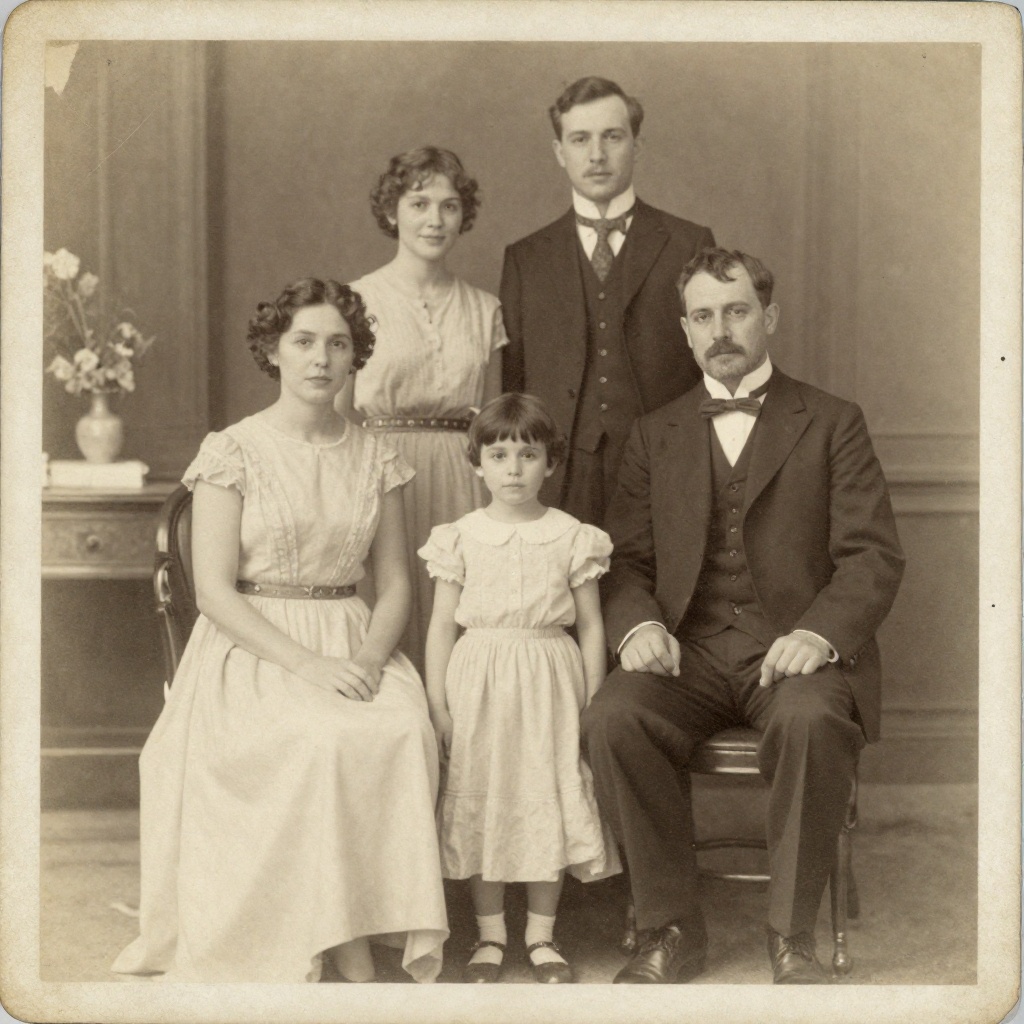
Gifts for Parents Who Have Everything: The One Gift That Isn't Stuff
Your parents don't want more things to dust. Pick one old print, restore it, print it, frame it. What it costs, how long it takes, and which photo to choose.
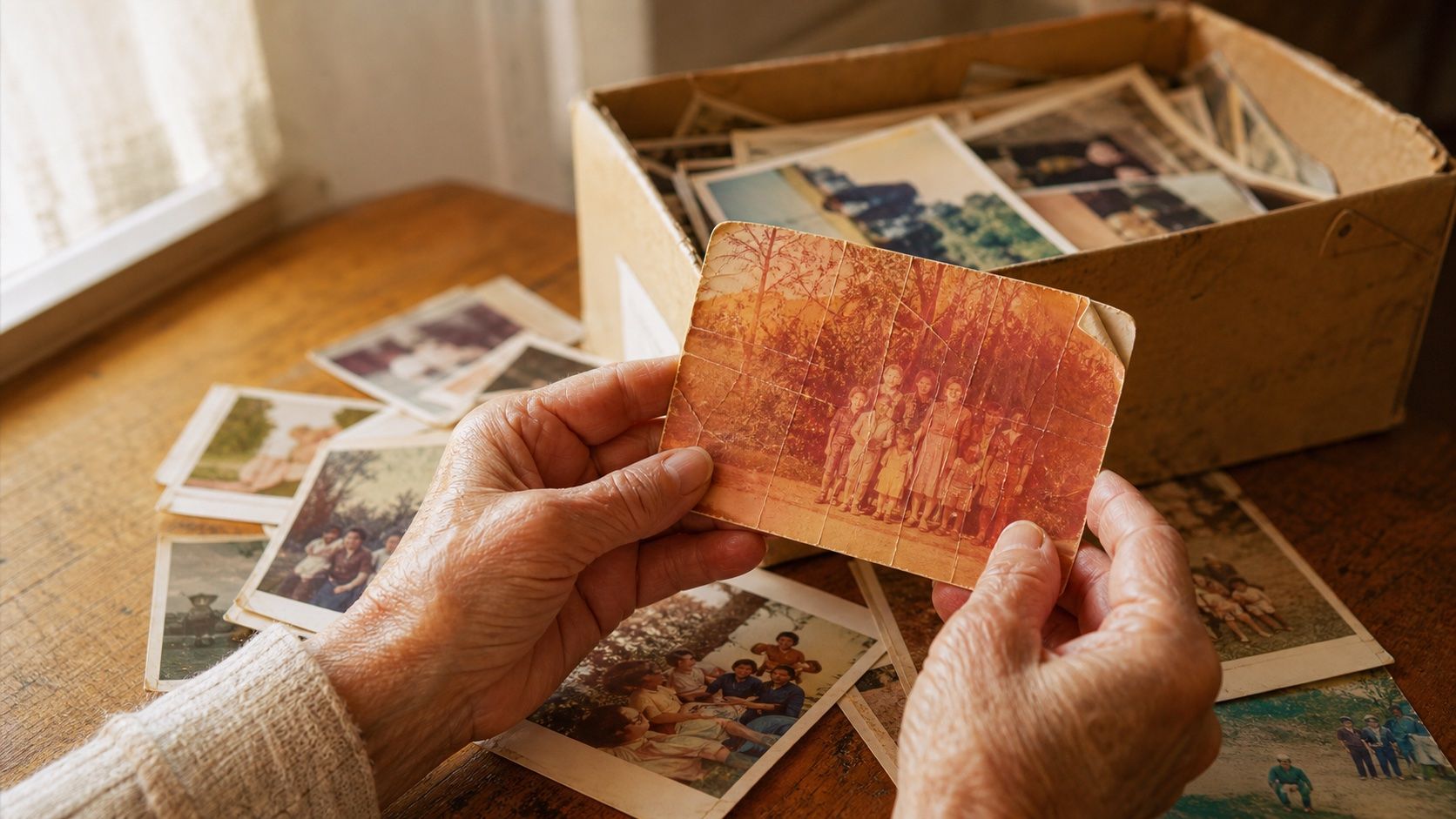
How to Restore Old Photos: The Honest 2026 Guide
Learn how to restore old photos at home with your phone and a free AI tool: scanning tips, fading fixes, and an honest look at what AI gets right and wrong.
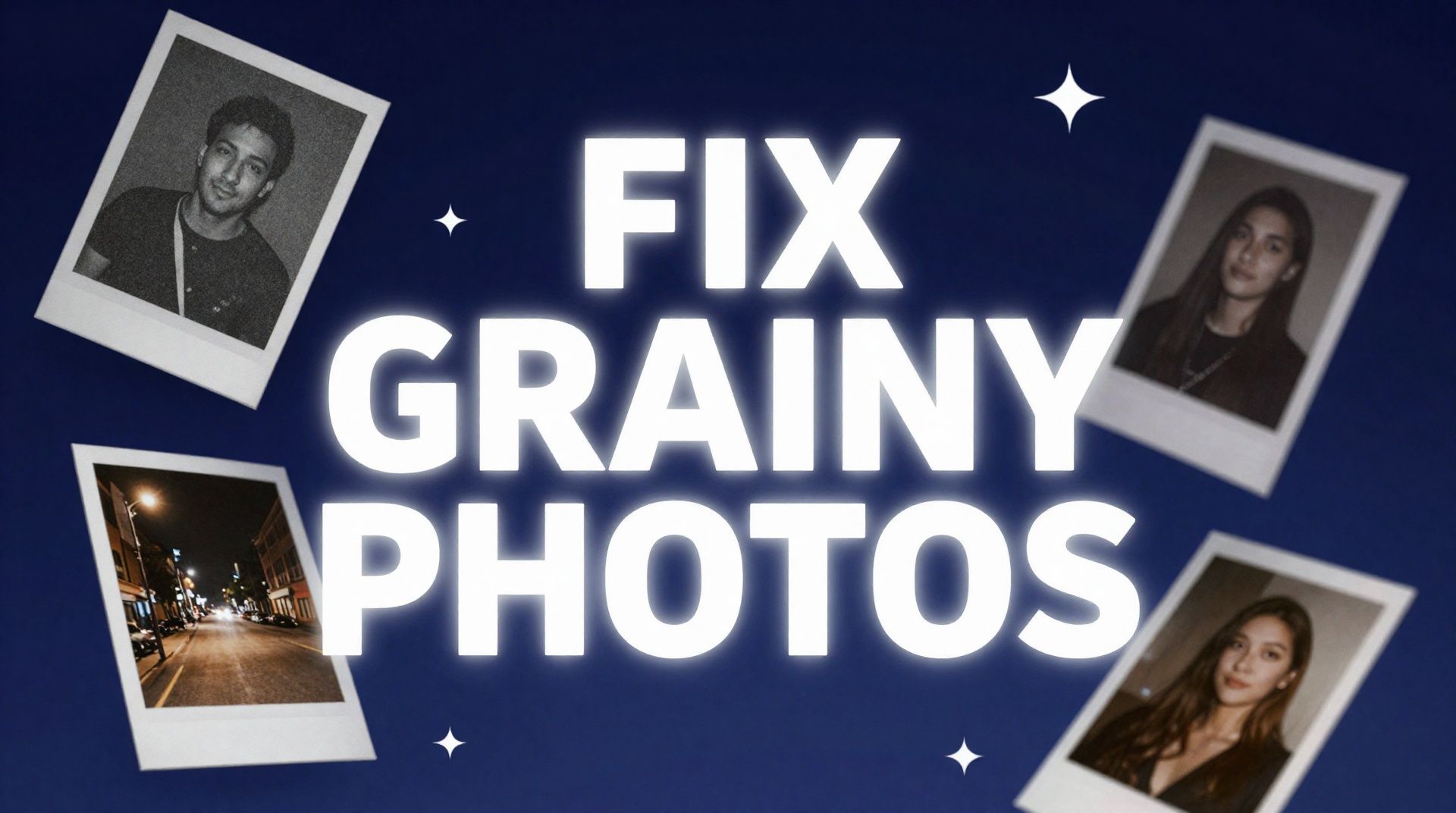
How to Fix Grainy Photos: Remove Noise Free with AI
Grainy, noisy photos come from high ISO, low light, and old scans. Here's why it happens and how to remove grain from photos free with AI in about 30 seconds.