Free AI Tattoo Generator
Add tattoos to photos with AI. Try different tattoo styles and designs!
Free to try • No signup required • Instant results
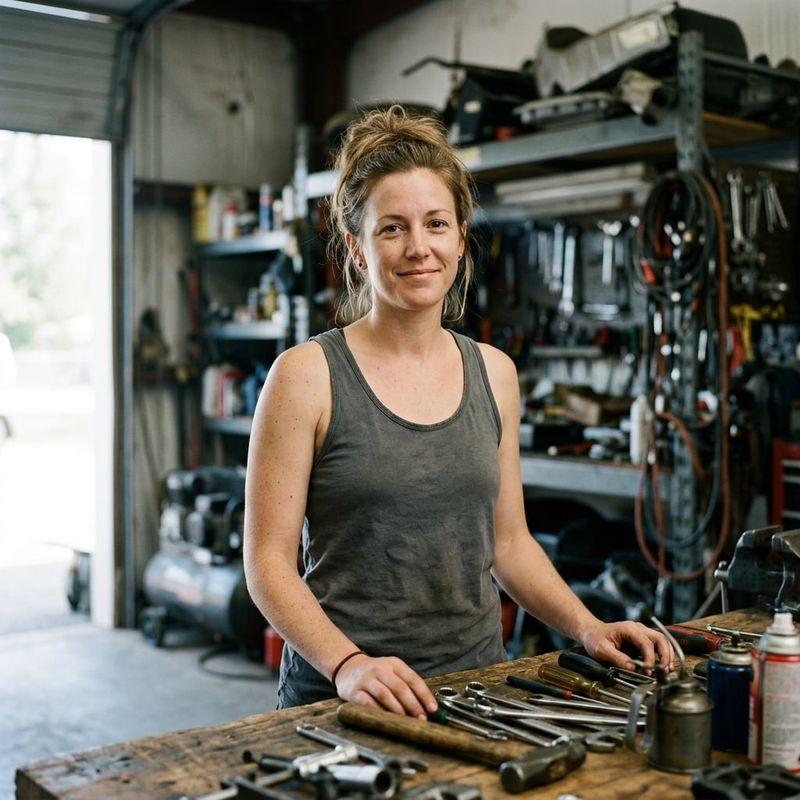
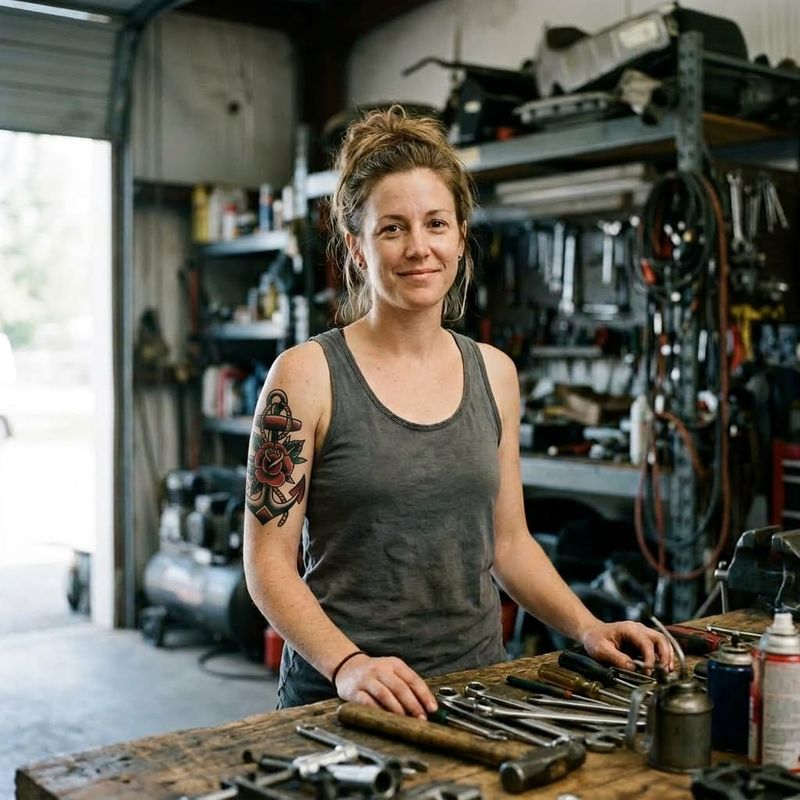
"Add a tattoo on the person's visible skin in a 'traditional tattoo style'. The tattoo design should be 'an…"
Generated Images
No generated images yet
Upload a photo to start generating your transformations
How Our AI Tattoo Generator Works
Permanent decisions, temporary preview
Upload Your Photo
Use a photo showing the area where you want the tattoo. Clear skin visibility helps our AI place the design naturally.
Design Your Tattoo
Choose from traditional, realistic, geometric, or other styles. Describe your design idea and let our AI bring it to life.
See Your Inked Self
Our AI adds the tattoo with realistic shading, depth, and skin integration. See exactly how you'd look with that permanent addition.
Classic traditional ink
Try bold traditional tattoo style with classic designs like anchors and roses. See how this timeless style looks on you before committing.
Photorealistic tattoo art
See yourself with stunning realistic tattoo artwork. Our AI shows how lifelike rose tattoos would look on your skin.


Bold tribal patterns
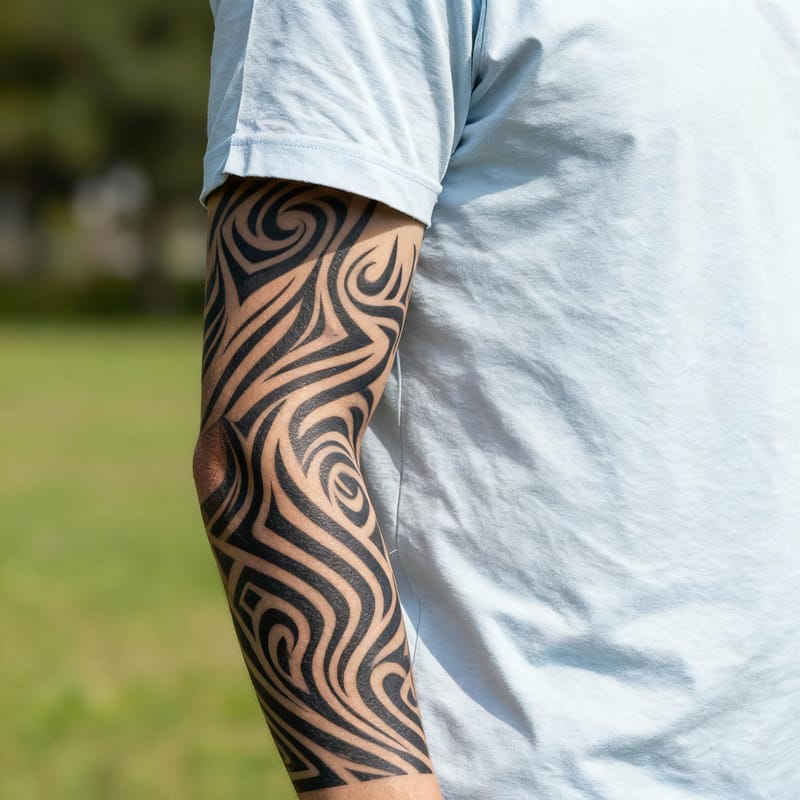
Preview powerful tribal tattoo patterns on your body. These bold designs make a statement and our AI shows exactly how they'll look.

More Than Just 'Add Tattoos'
See how easy it is to edit images with simple text instructions. No advanced skills required. Our advanced AI understands your instructions and delivers professional-quality results every time.
See What's Possible
Explore different transformations with Add Tattoos
"Add a tattoo on the person's visible skin in a 'traditional tattoo style'. The tattoo design should be 'an…"
"Realistic tattoo style - beautiful rose"
"Tribal tattoo style - bold patterns"
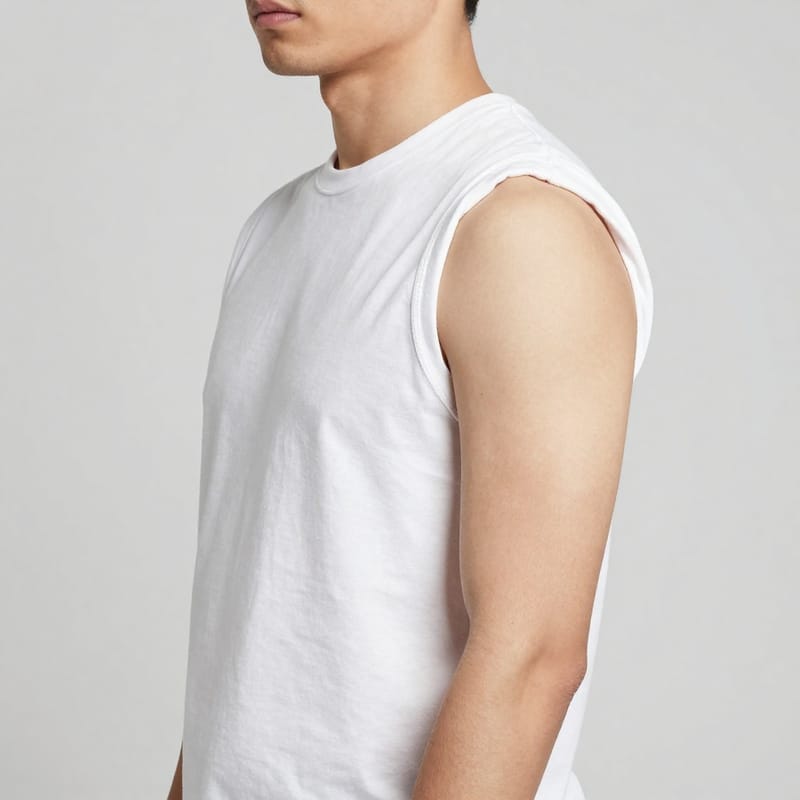

"Japanese tattoo style - koi fish with waves"


"Watercolor tattoo style - butterfly"


"Geometric tattoo style - sacred geometry"
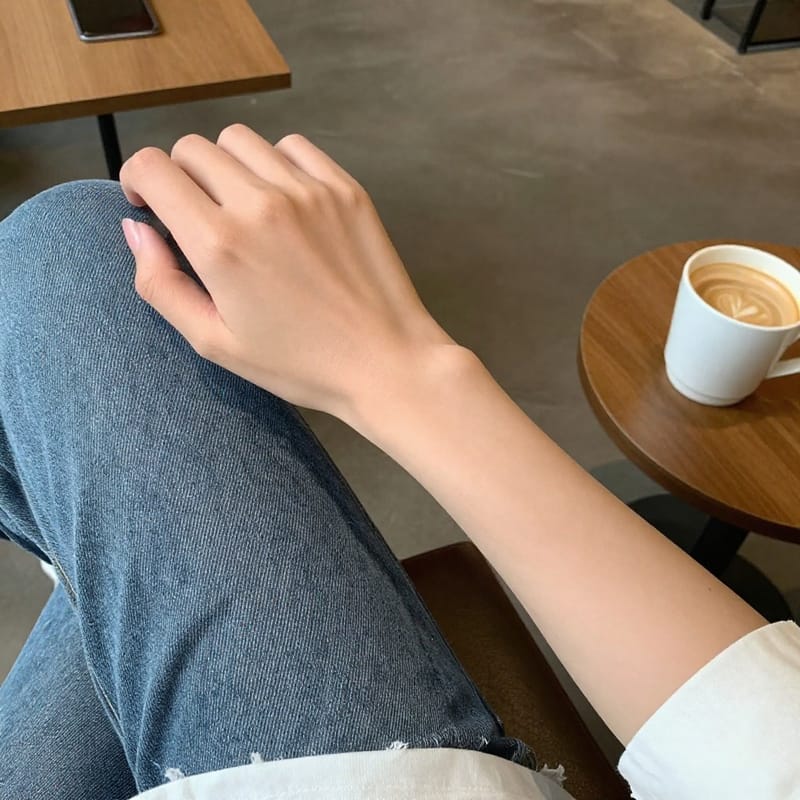

"Minimalist tattoo style - mountain silhouette"
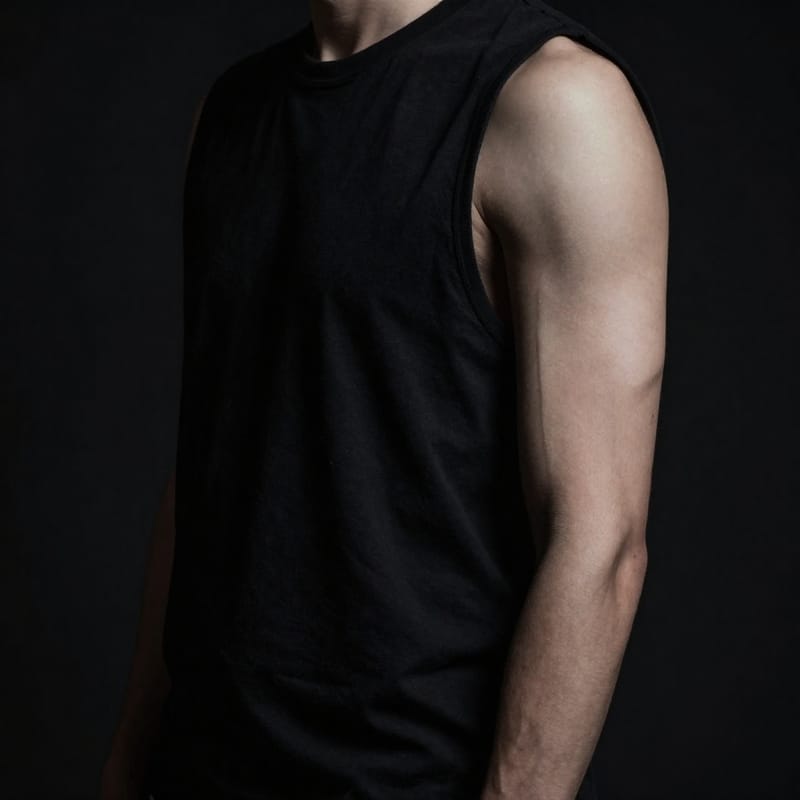

"Blackwork tattoo style - ornate mandala"
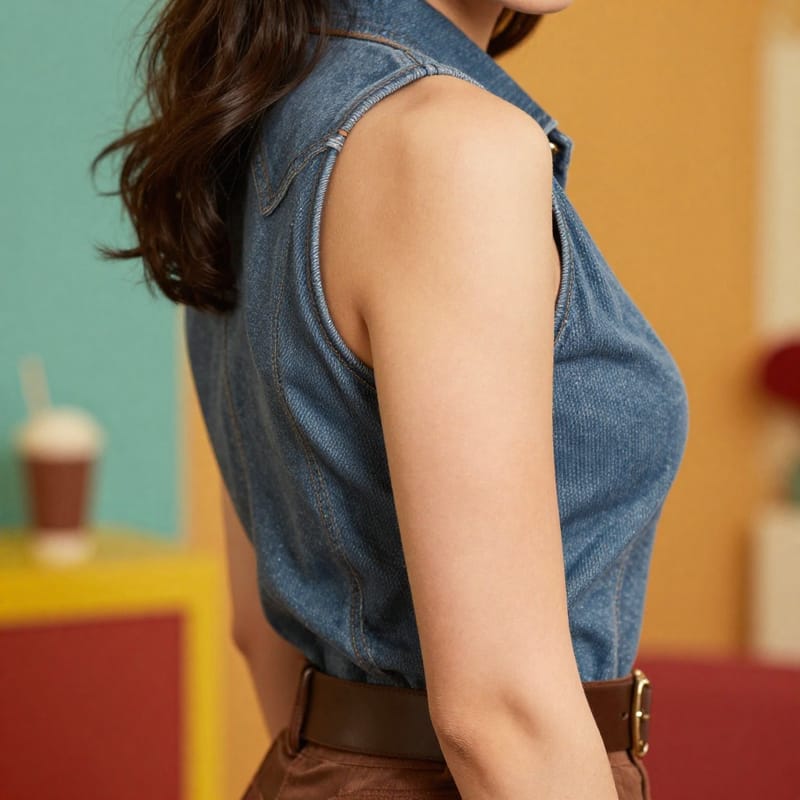
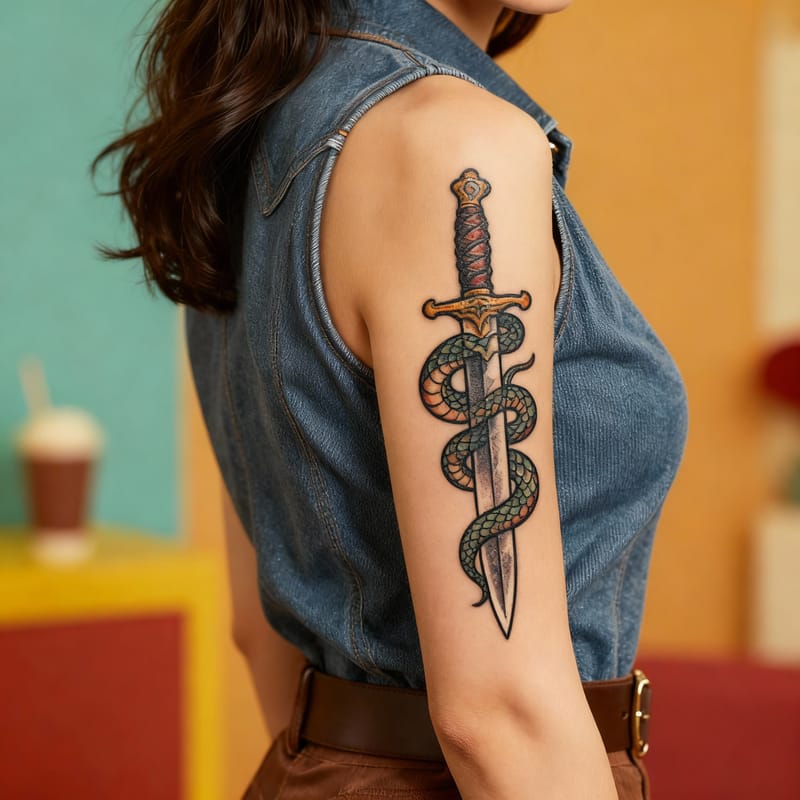
"Neo-traditional tattoo style - dagger with snake"


"Dotwork tattoo style - detailed lion face"
Try More AI Tools
Pro AI Tools


Free-to-try AI Tools


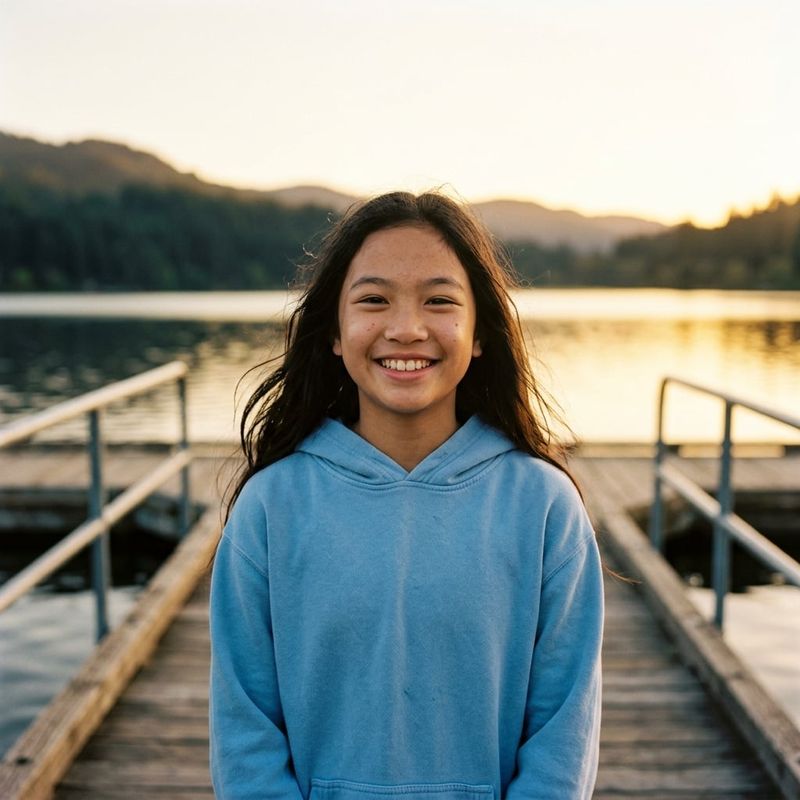
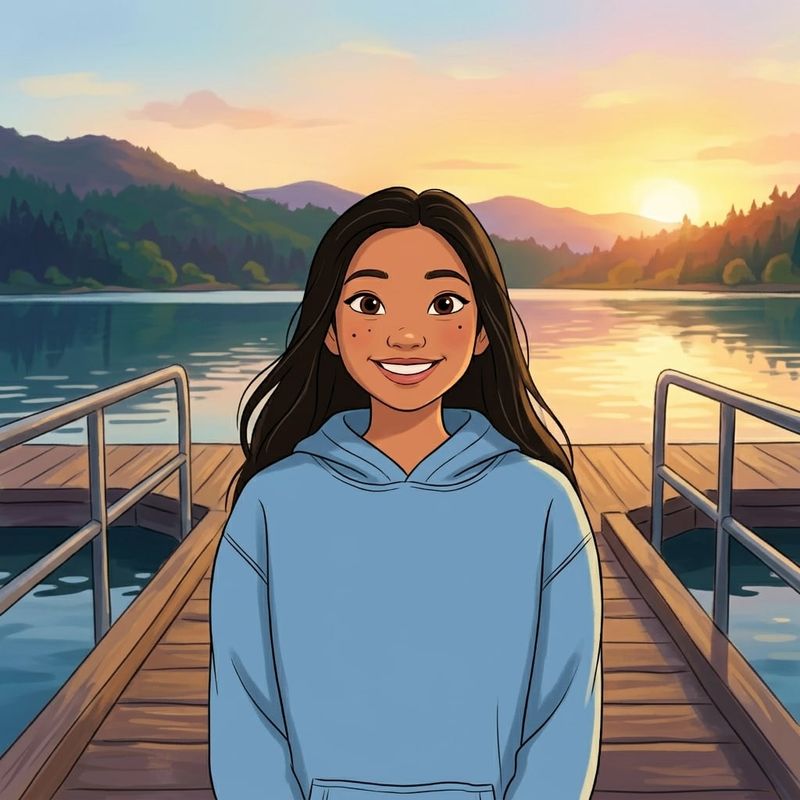
Photos That Actually Make a Difference
Whether it's landing the interview or getting the date, people use BestPhoto to create images that open doors.


Professional Headshots
Stand out on LinkedIn, company websites, and professional networks. Profiles with professional photos receive up to 21x more views.


Dating Profile Photos
Get more matches with photos that show your authentic self in the best light. Perfect for Tinder, Bumble, Hinge, and more.


Realistic AI Photos
Generate ultra-realistic images for marketing, content creation, and creative projects. Studio quality without the studio.
Learn More About AI Photo Technology
Stay up to date with the latest AI tools, tips, and techniques. Our guides help you get the most out of your photos.
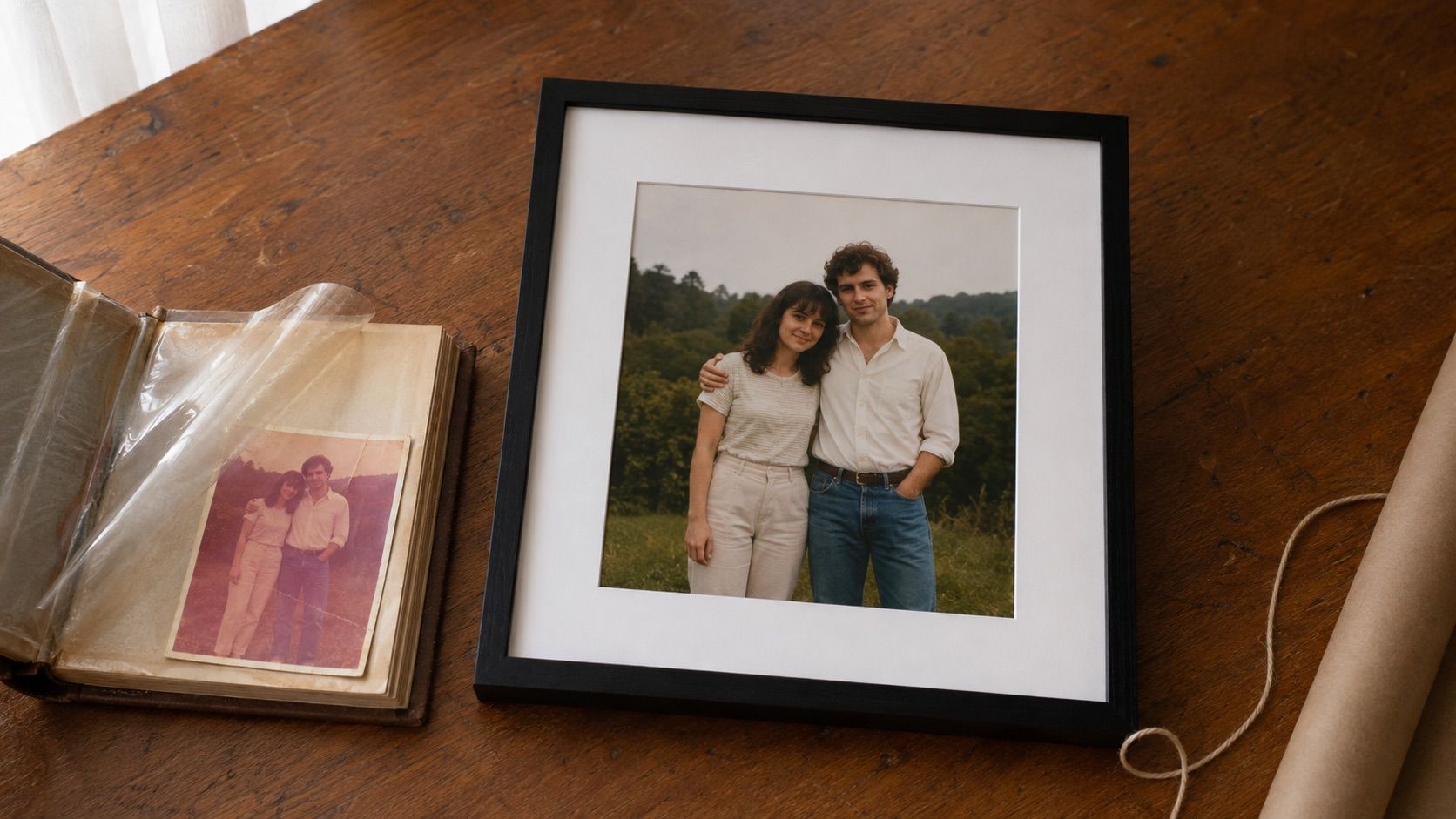
Gifts for Parents Who Have Everything: The One Gift That Isn't Stuff
Your parents don't want more things to dust. Pick one old print, restore it, print it, frame it. What it costs, how long it takes, and which photo to choose.
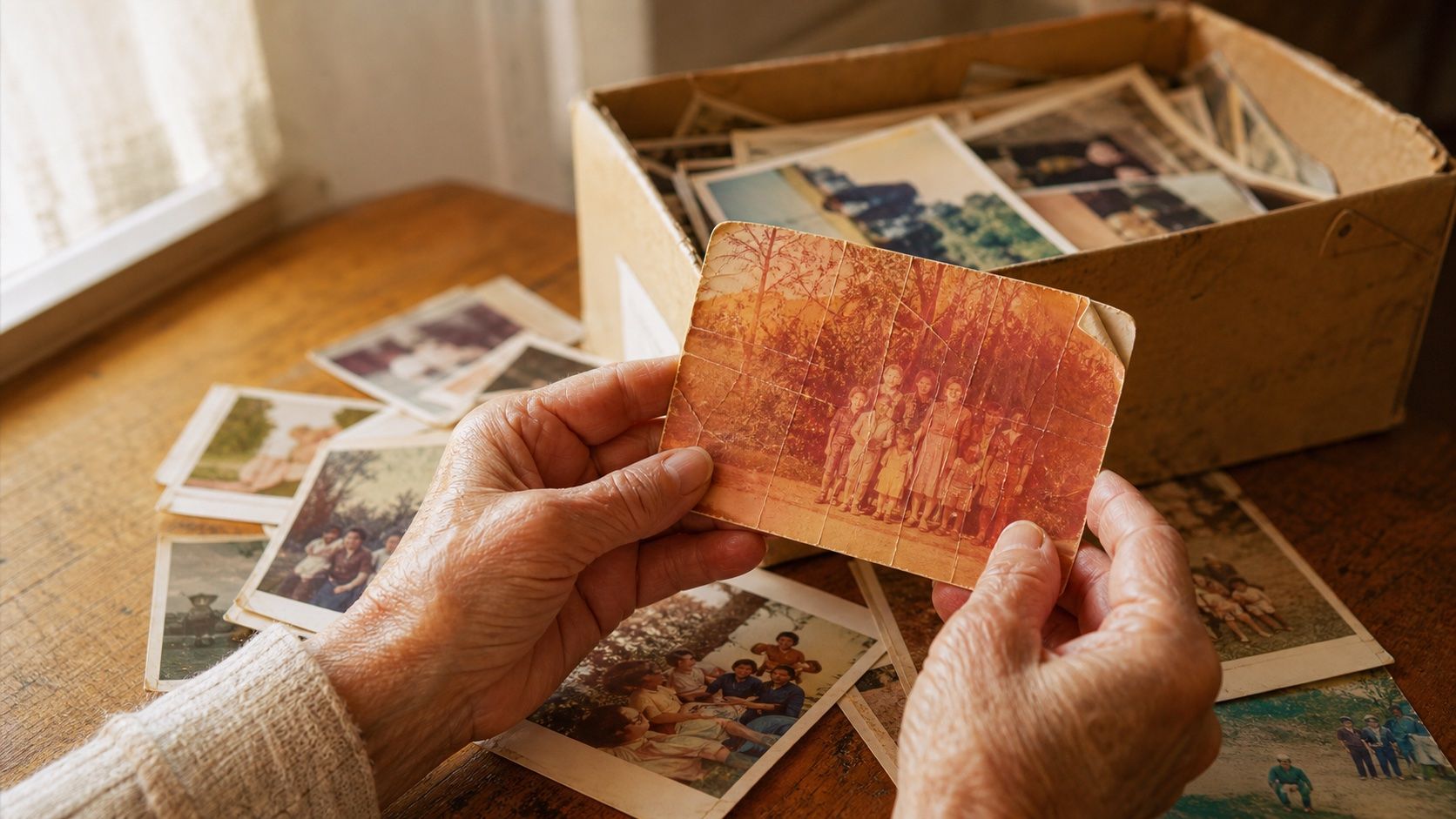
How to Restore Old Photos: The Honest 2026 Guide
Learn how to restore old photos at home with your phone and a free AI tool: scanning tips, fading fixes, and an honest look at what AI gets right and wrong.
How to Fix Grainy Photos: Remove Noise Free with AI
Grainy, noisy photos come from high ISO, low light, and old scans. Here's why it happens and how to remove grain from photos free with AI in about 30 seconds.
Frequently Asked Questions
Have questions? We're here to help.