Free AI Skin Tone Changer
Change skin tone in photos with AI. See how you look with different skin tones!





53,000+ happy customers
Real results
See it on real photos
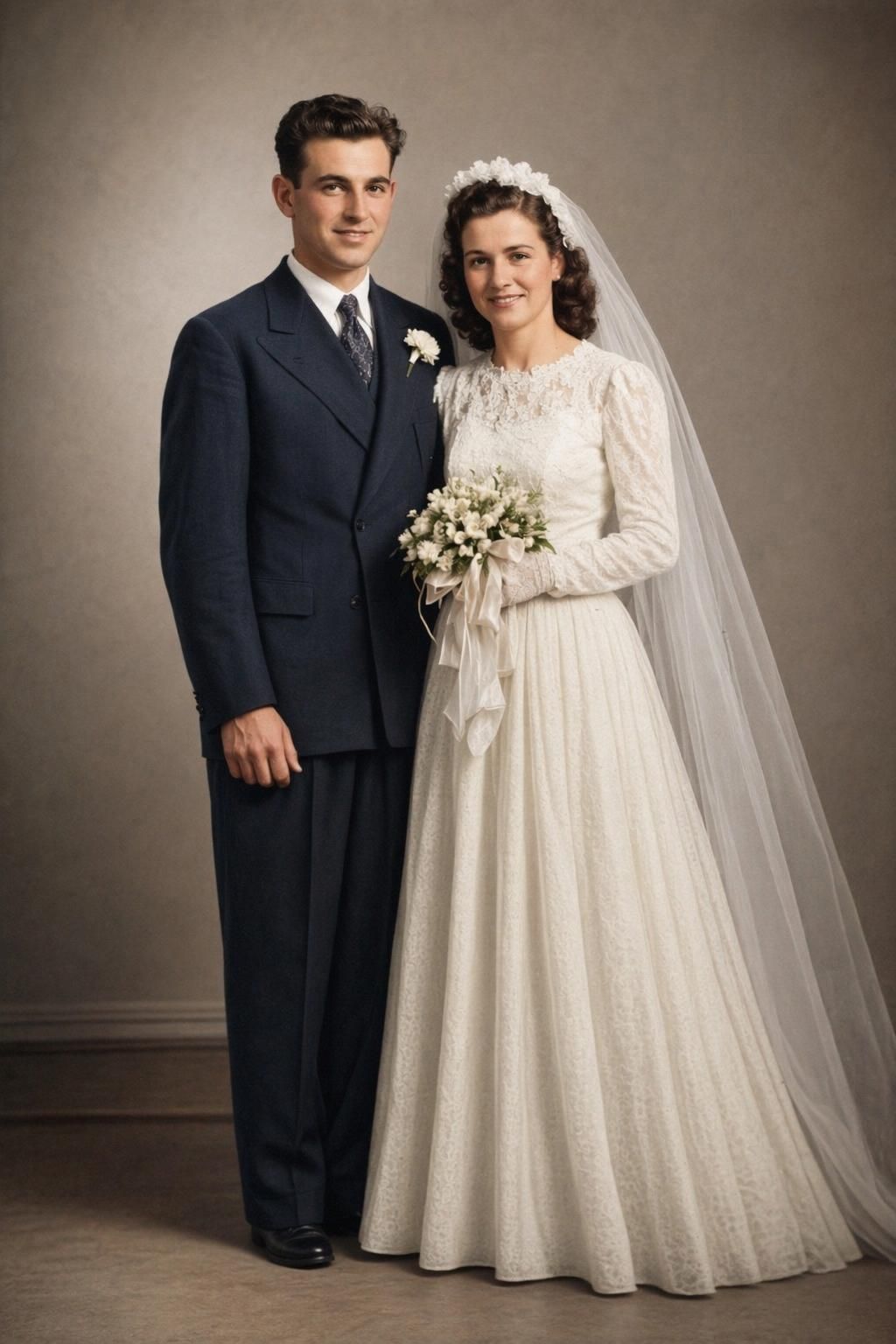
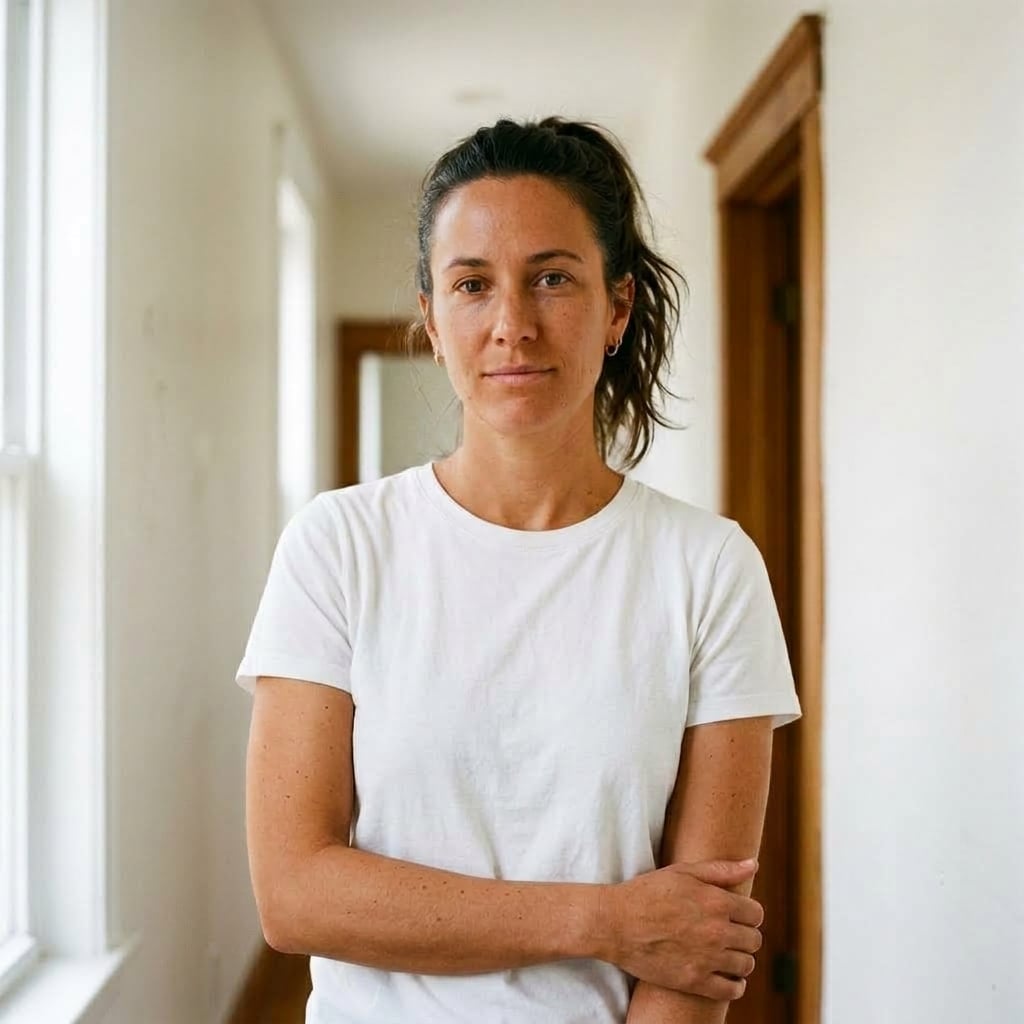
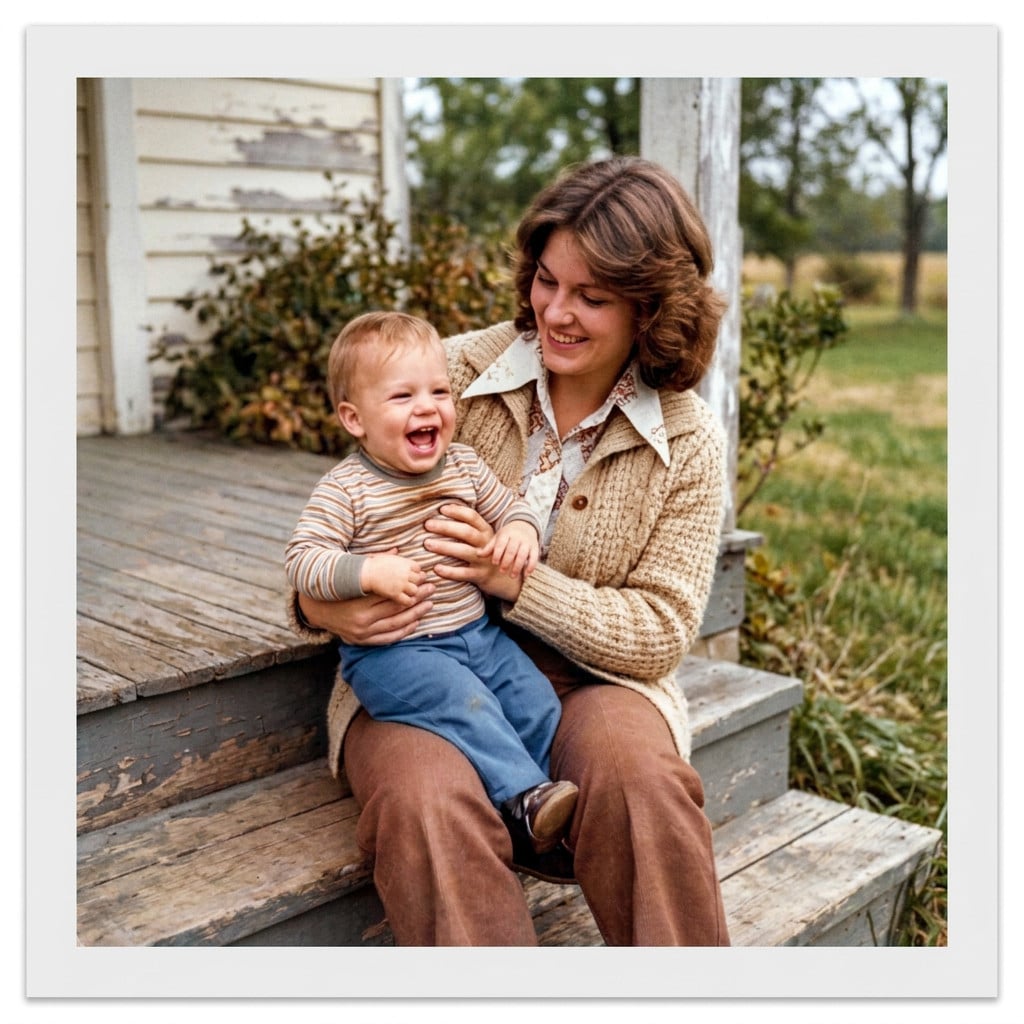
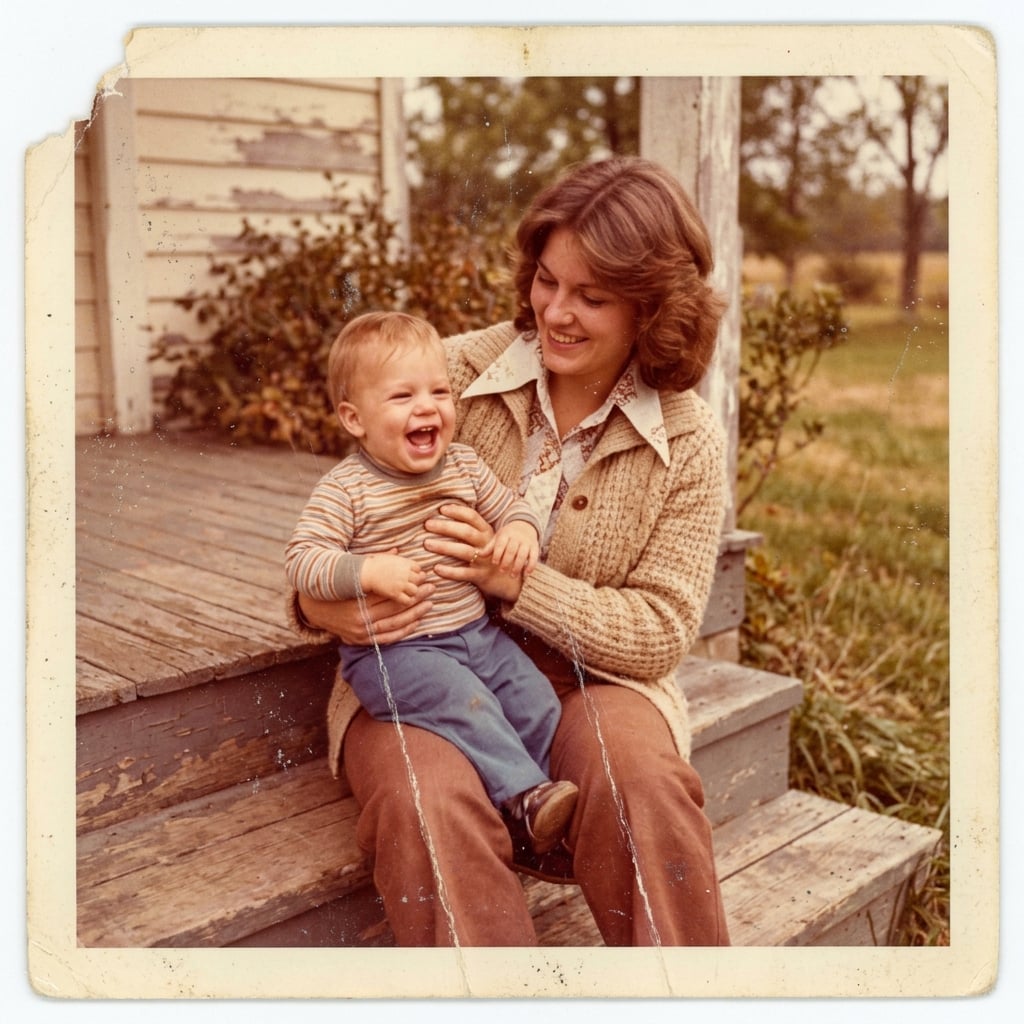
Drag the line on any photo to see the before and after.


Explore Mediterranean tones


Lighten skin tone naturally

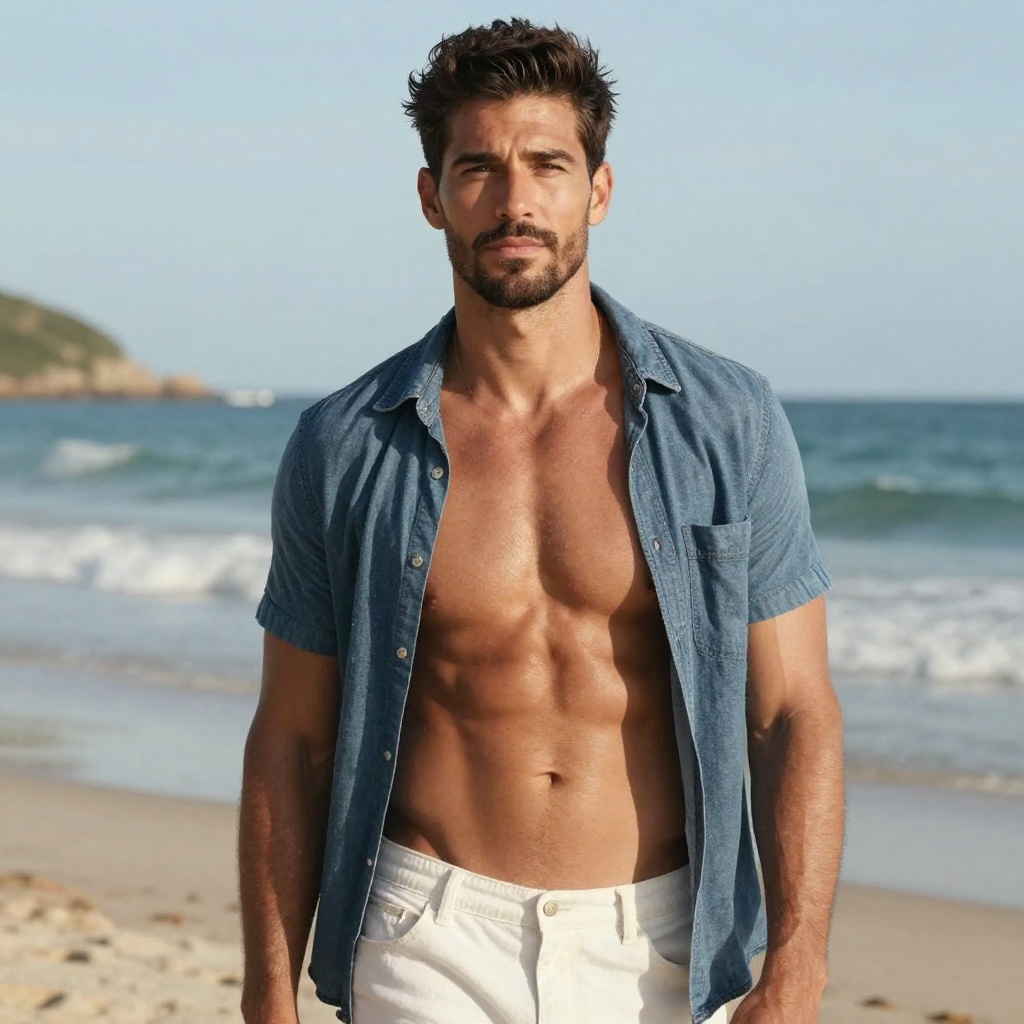
Explore lighter complexions
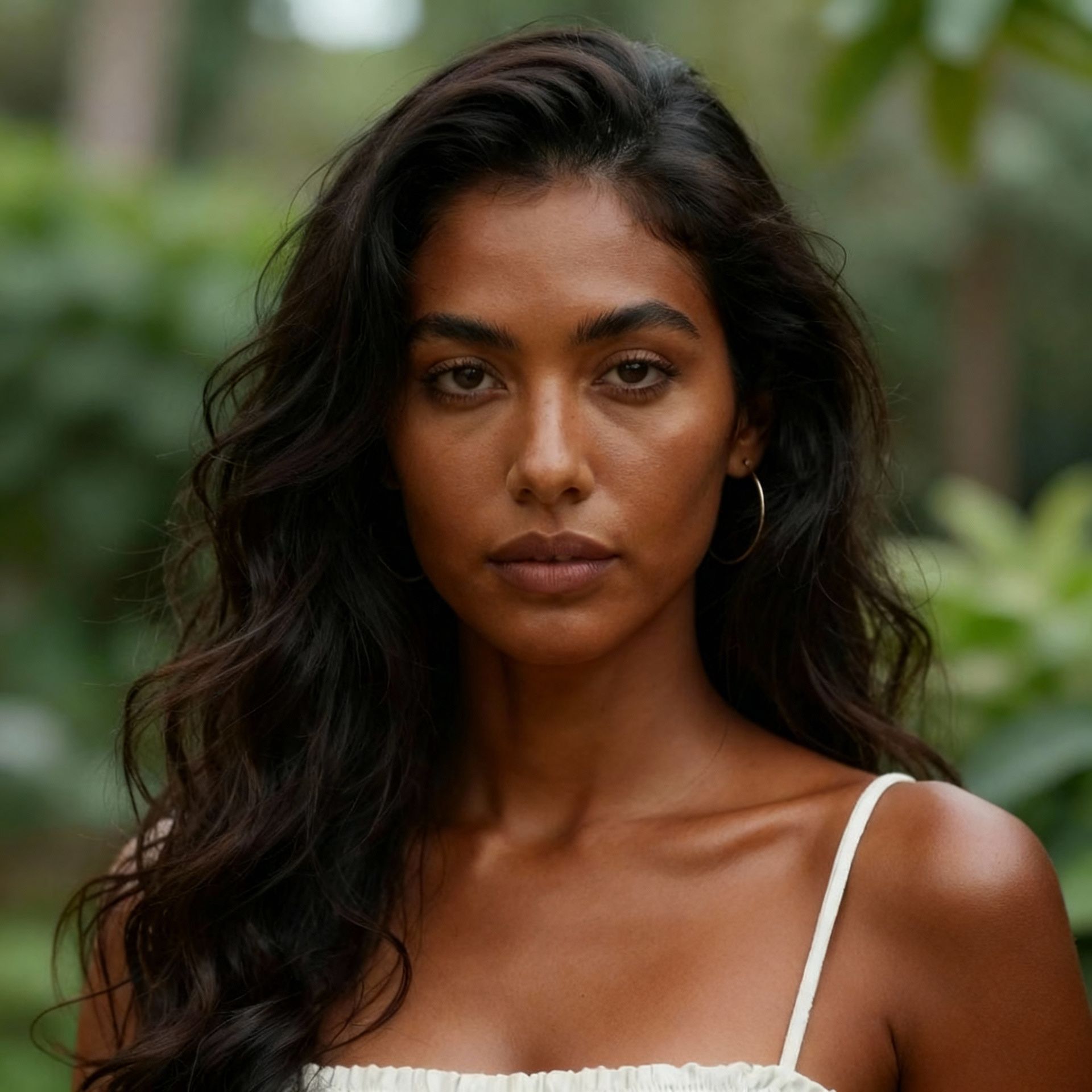
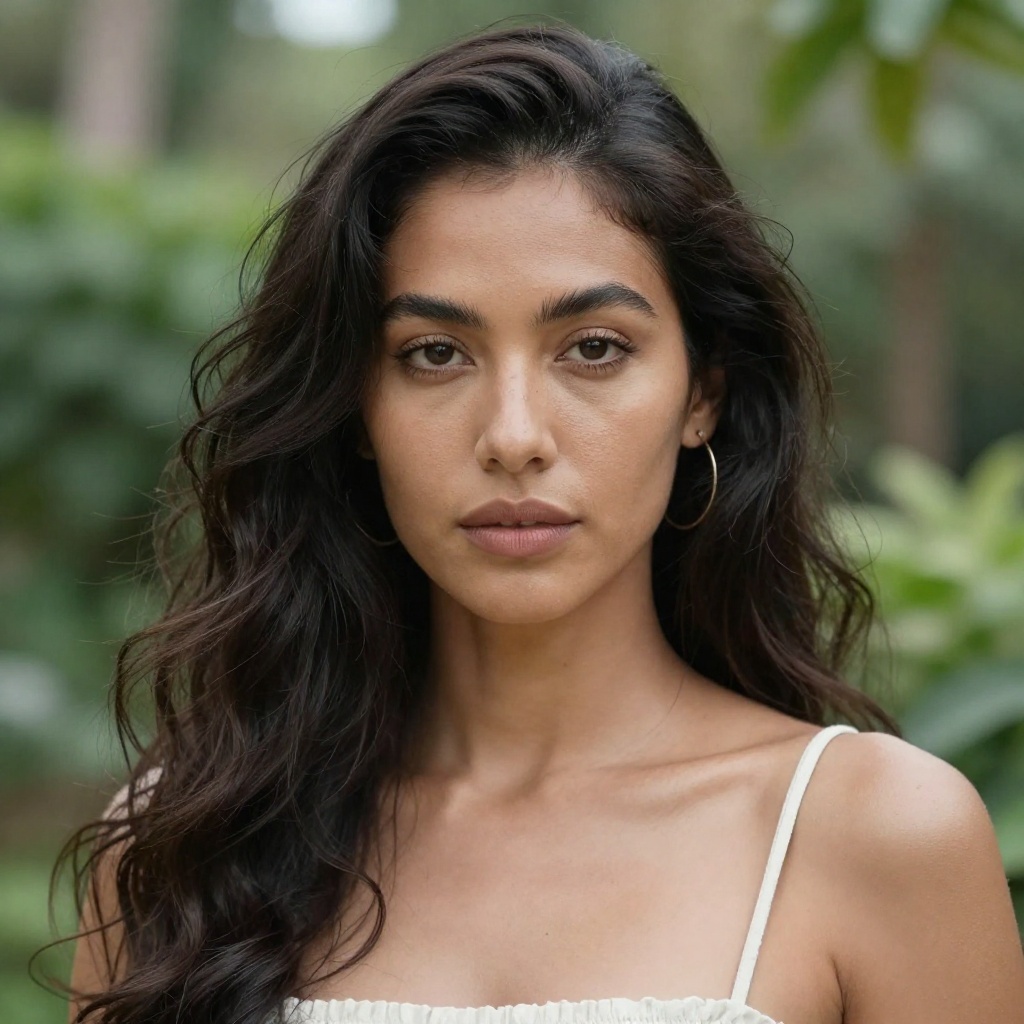
Deepen skin tone


Medium tone transformation
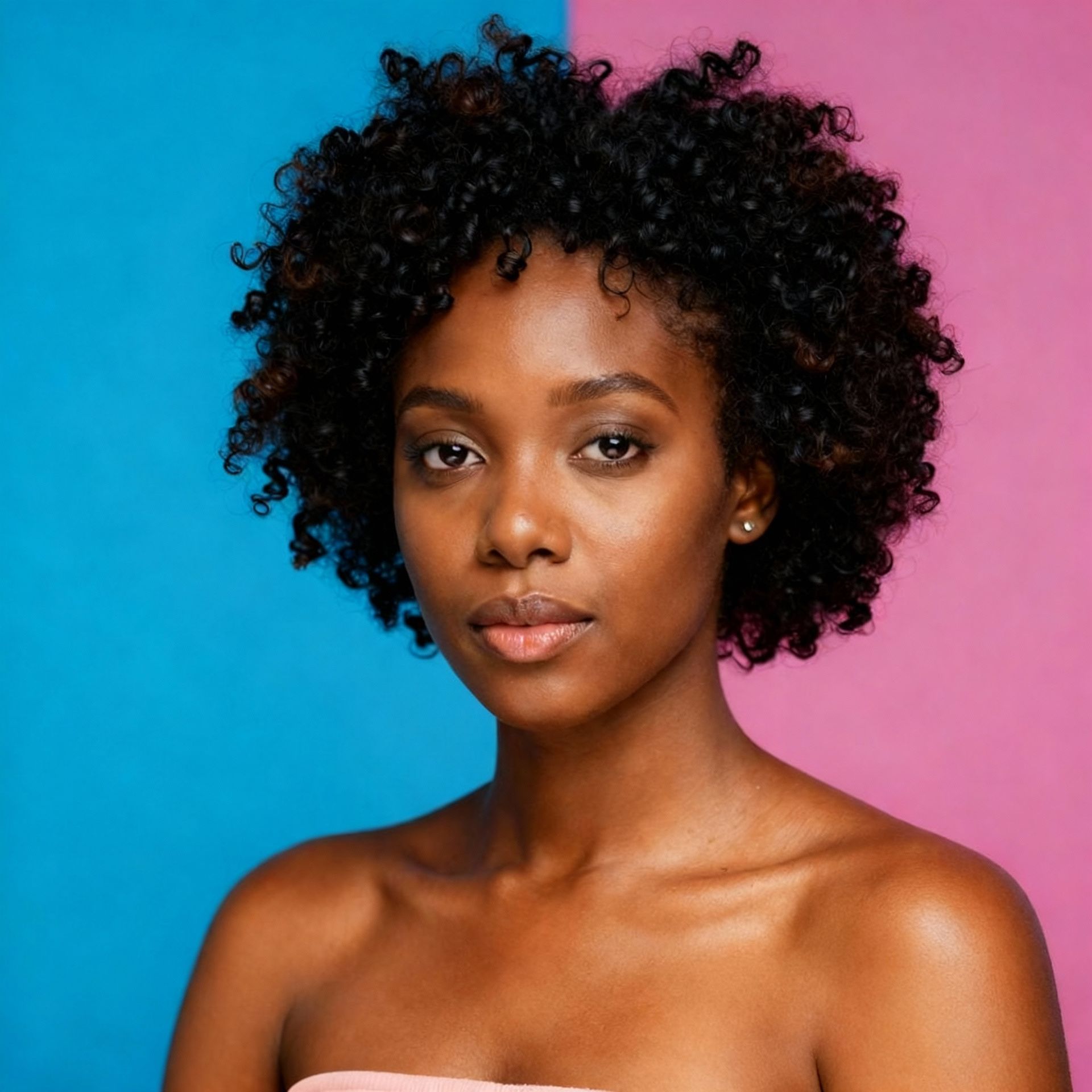
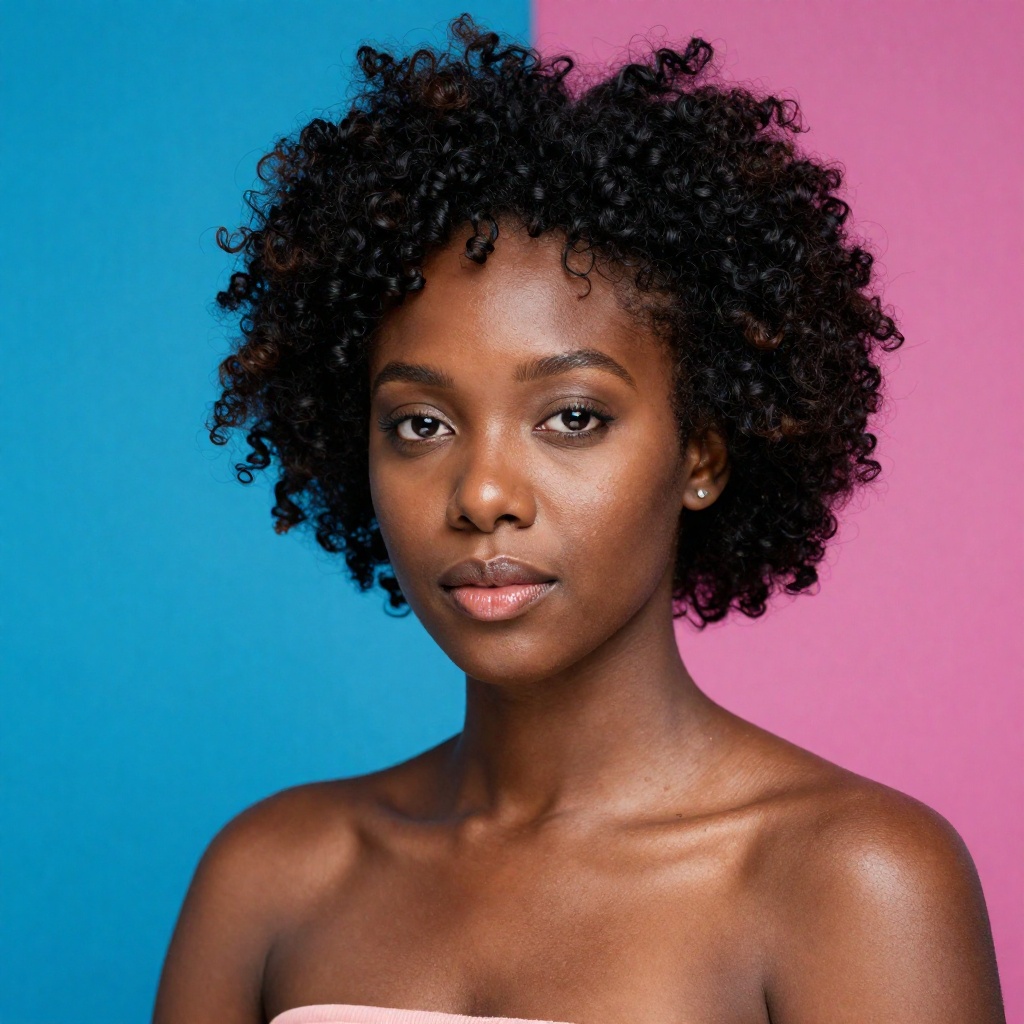
Lighter skin exploration

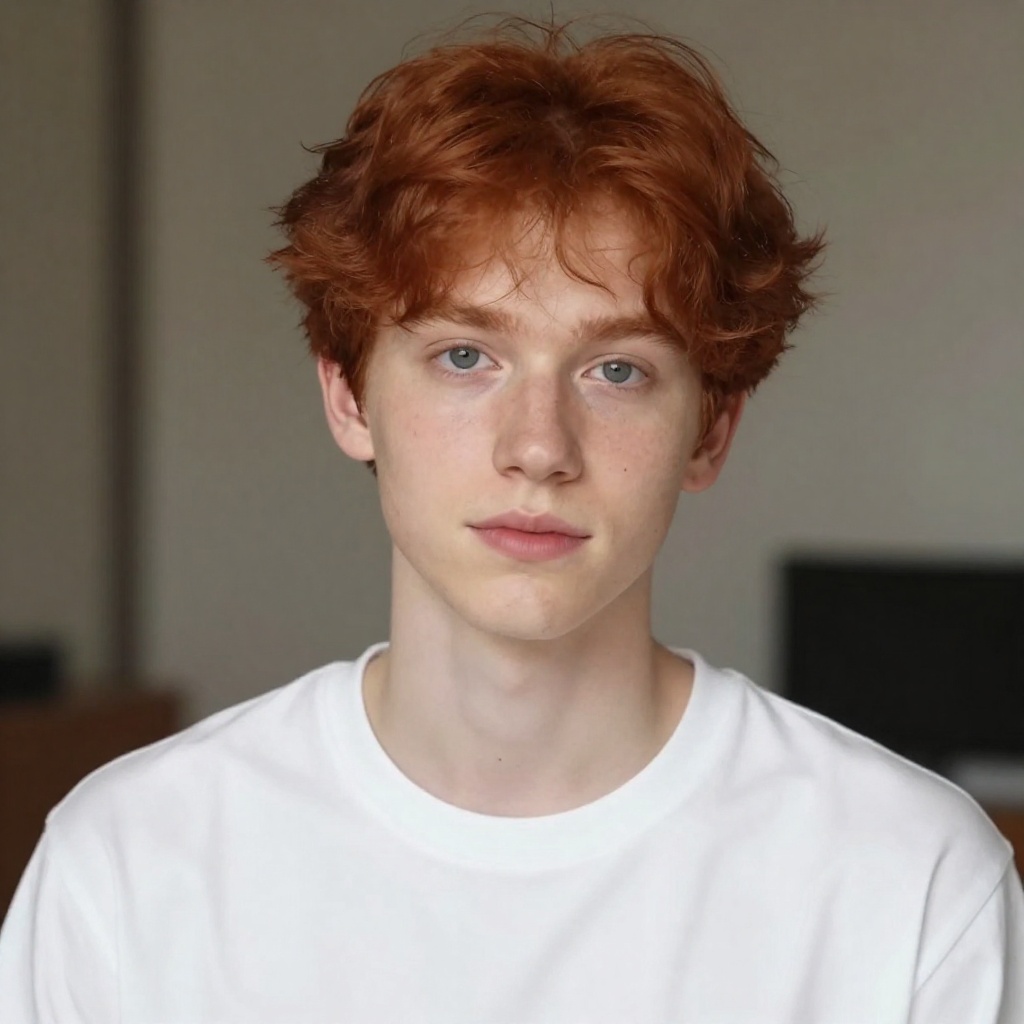
Natural tan look
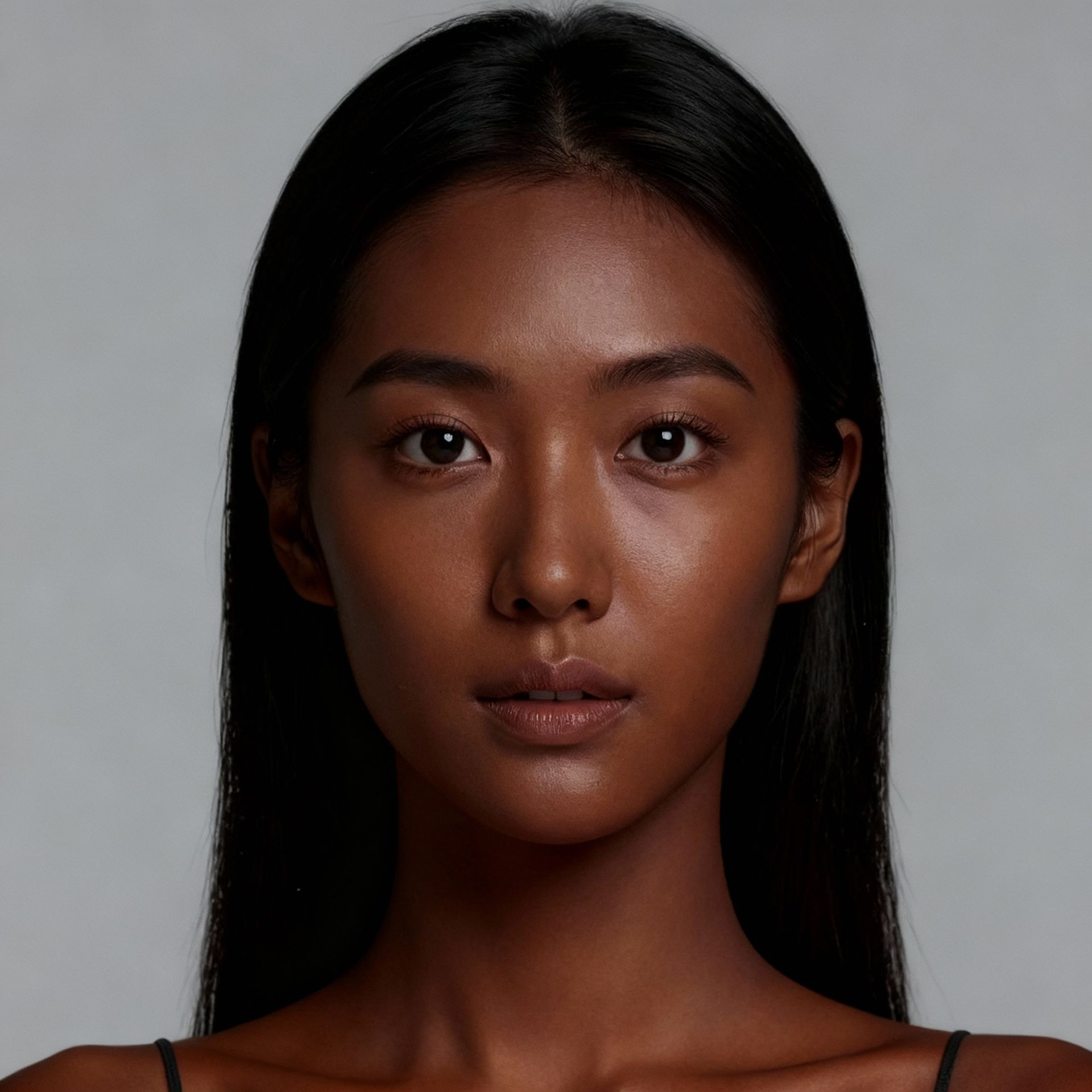
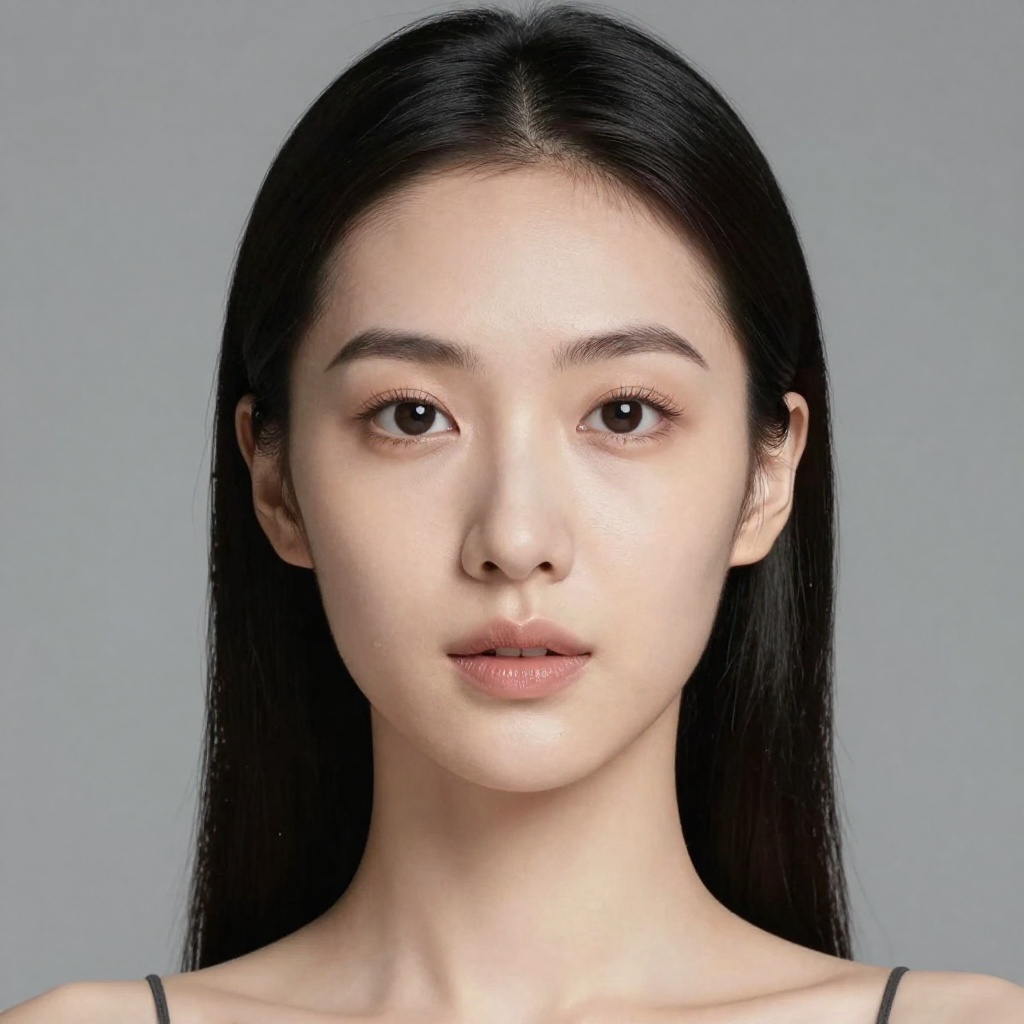
Dramatic skin transformation


Olive complexion look
Takes 20-40 seconds.
How it works
How Our AI Skin Tone Changer Works
Change tone in 3 steps
- 1
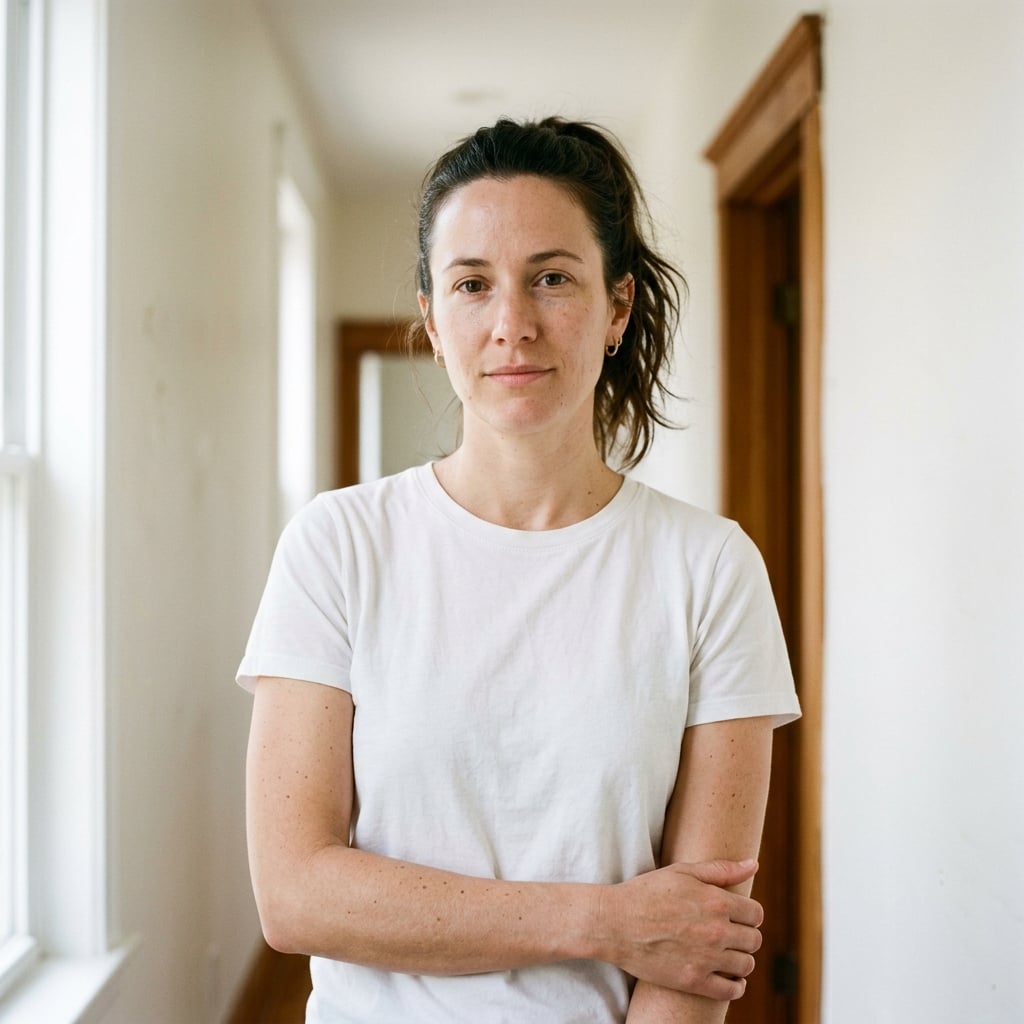
Upload Your Photo
Upload a clear photo with visible skin. Works best with well-lit portraits.
- 2FairLight
Select Skin Tone
Choose from our range of natural skin tones or describe a custom shade.
- 3Saved
See the Transformation
Our AI naturally changes the skin tone while preserving all facial features and details.
More free photo tools
Same photo, a different change. Every one of these is free to try.







Read next
Photo editing guides & ideas
What to try next, and what people use these tools for.
All posts





Ready to Try More AI Tools?
Explore our full suite of AI-powered photo editing tools to transform your images.
- Professional Headshots
- Face Swap
- Image Generation