Free AI Photo to Drawing Converter

Transform any photo into a beautiful drawing with AI. Choose from pencil sketch, charcoal, pen & ink, and more artistic styles!

4.9

53,000+ happy customers

View all tools

Real results

See it on real photos

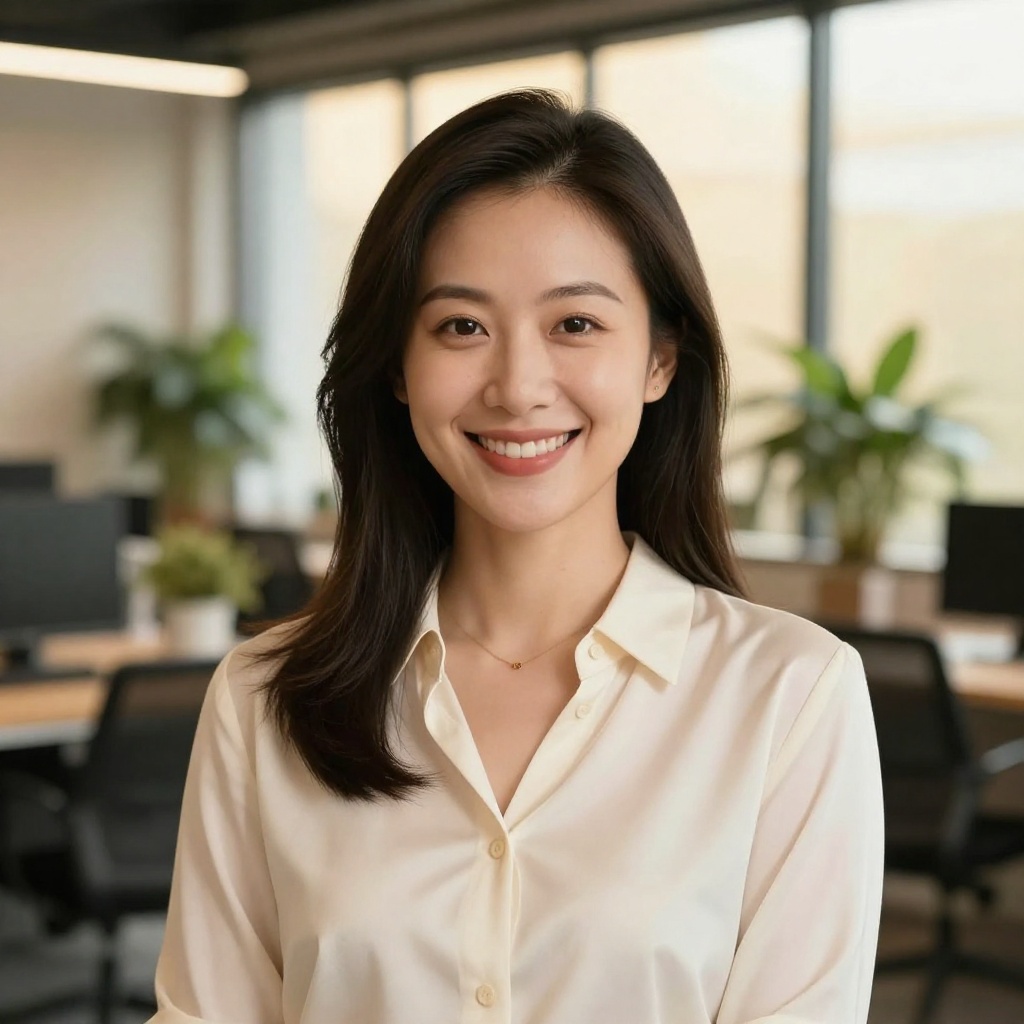
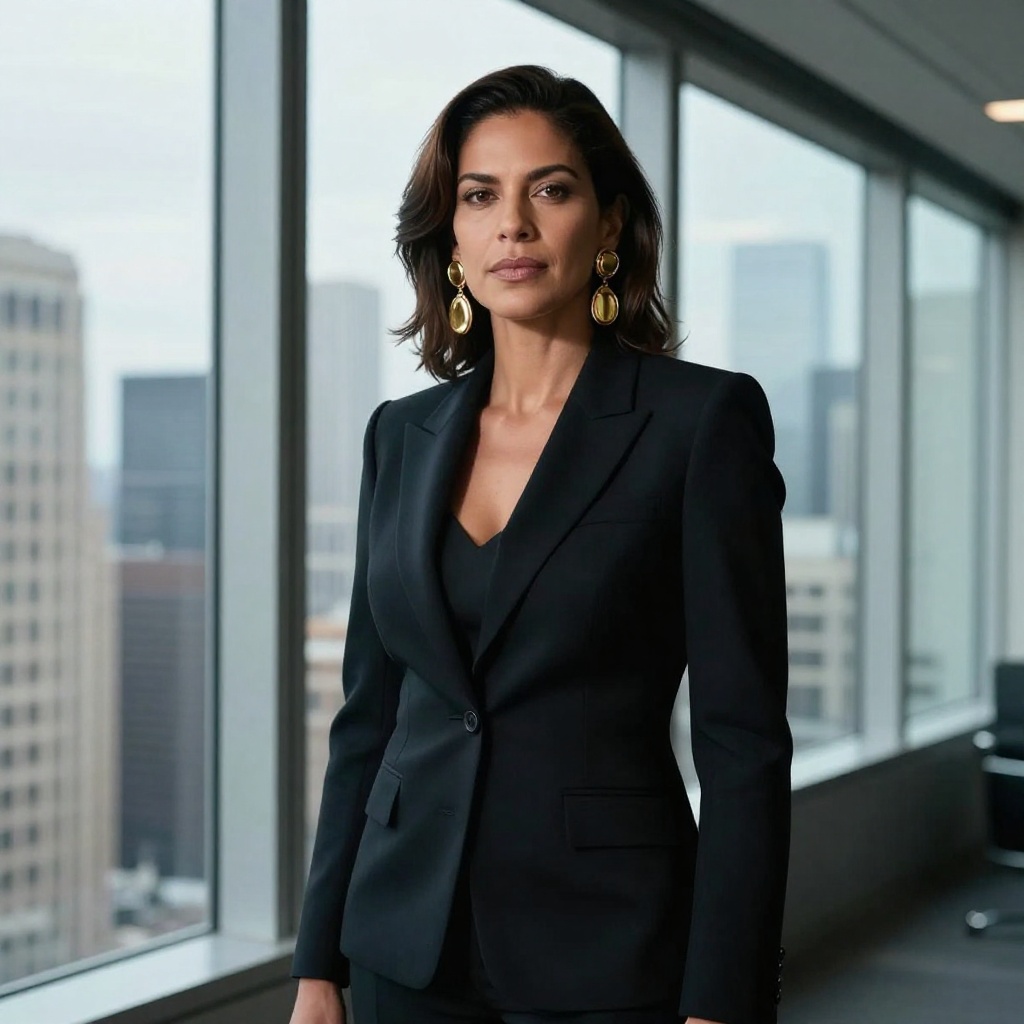
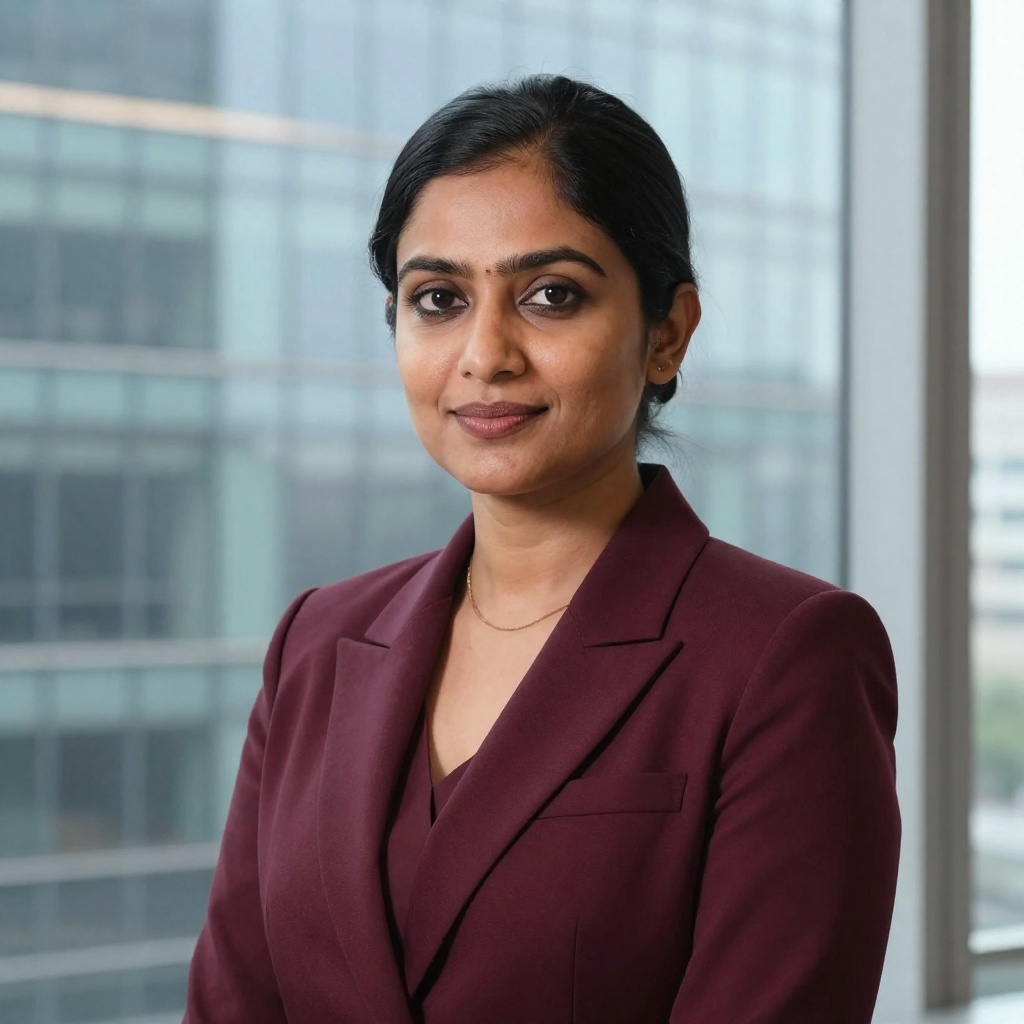
Drag the line on any photo to see the before and after.
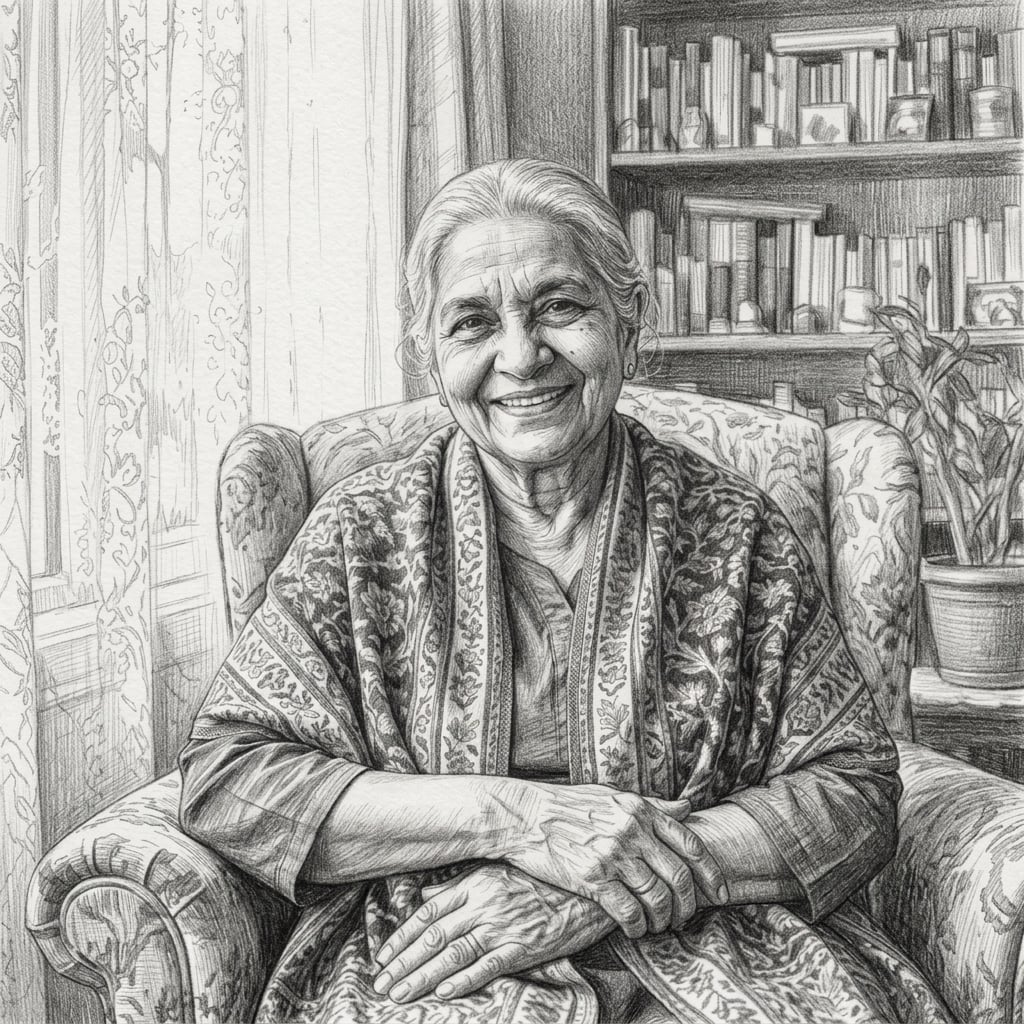
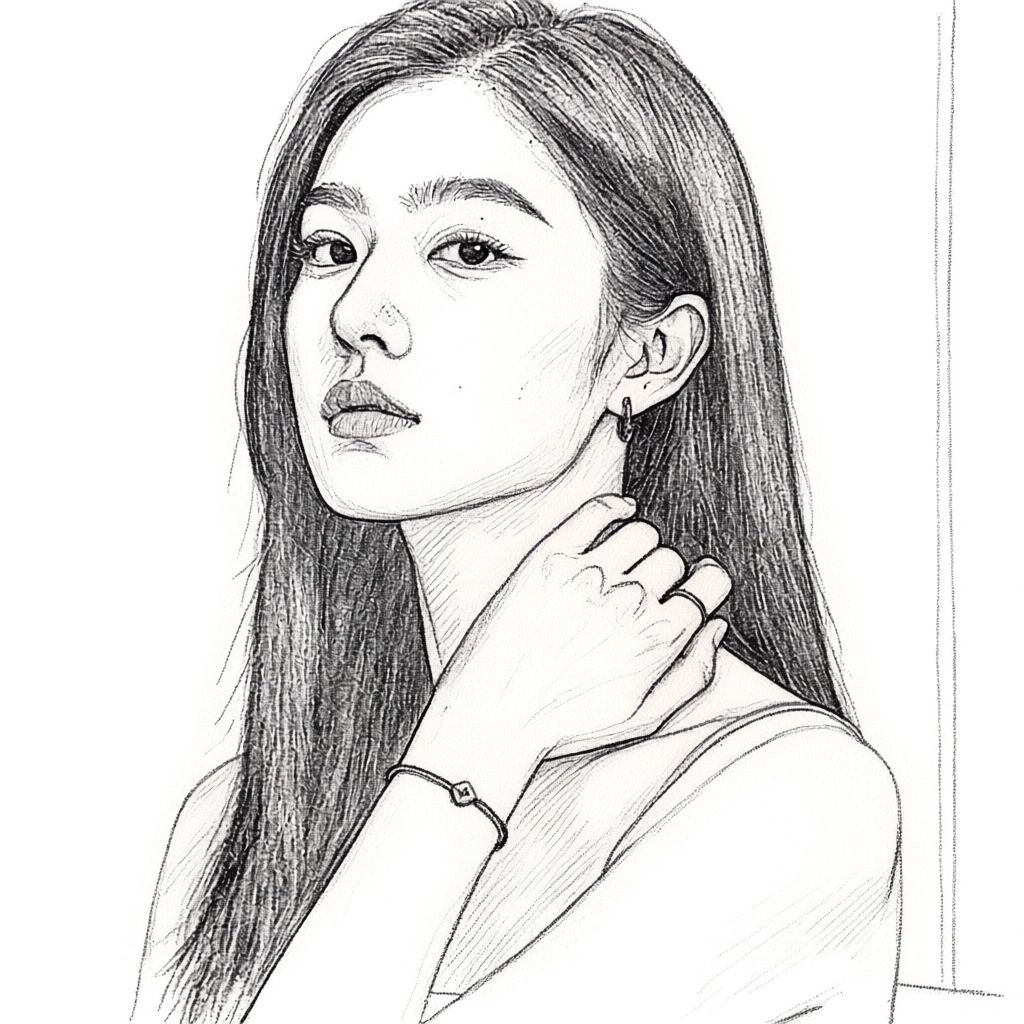
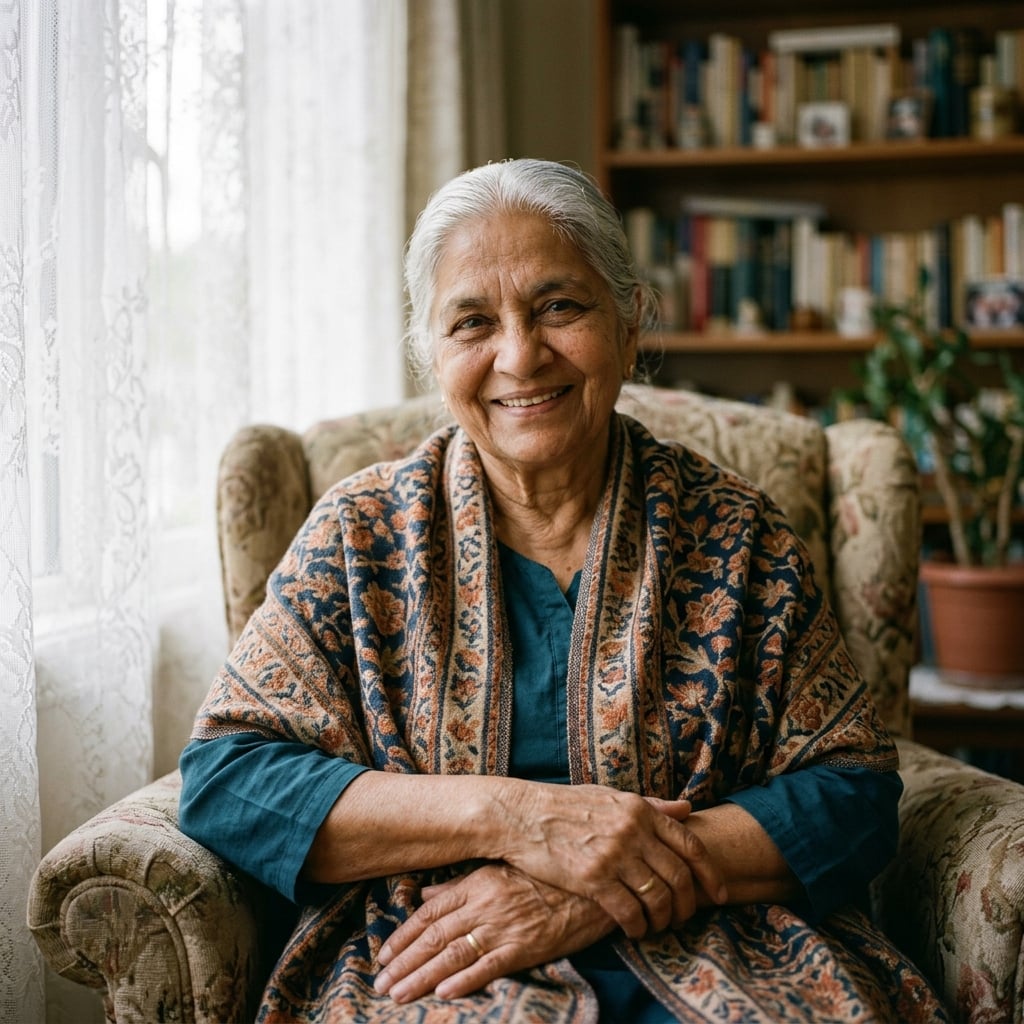
After: Turn portraits into timeless pencil sketches
BeforeAfter
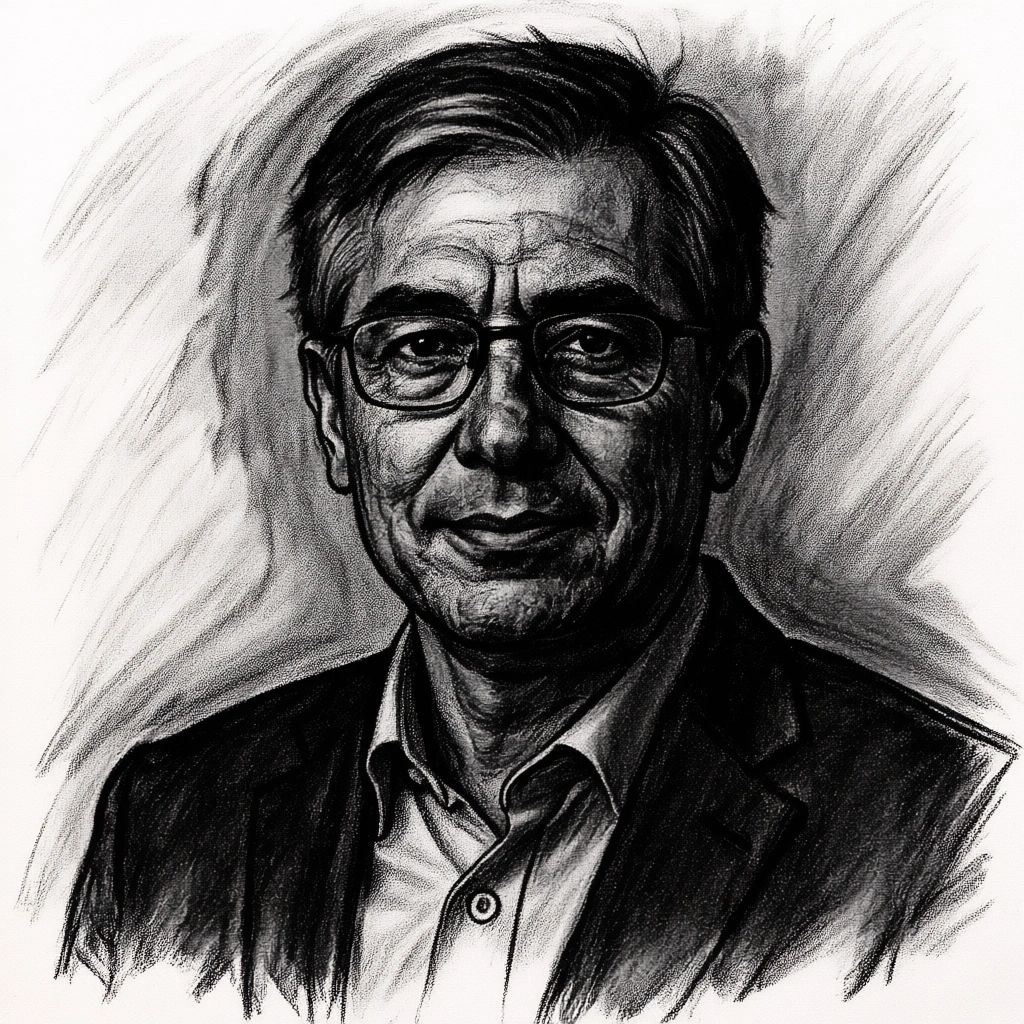
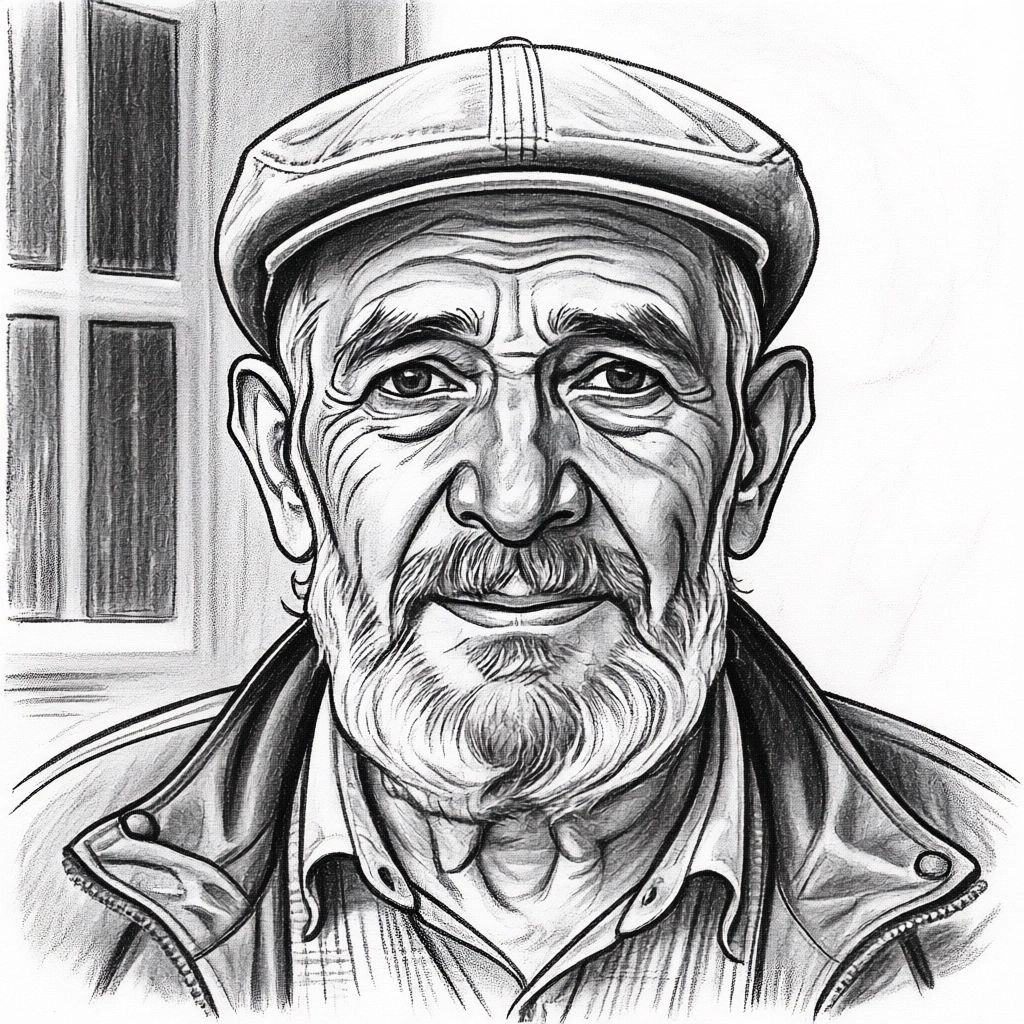
Create dramatic charcoal artwork, after
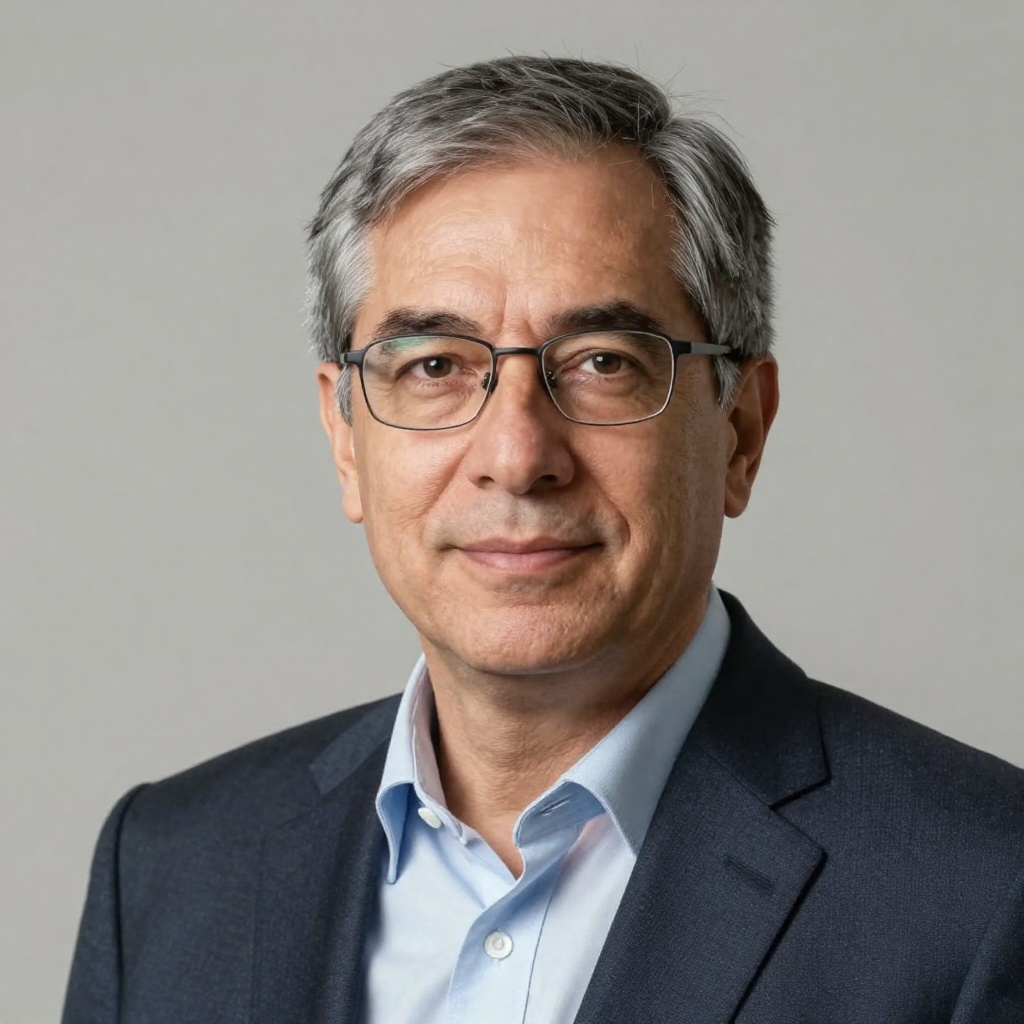
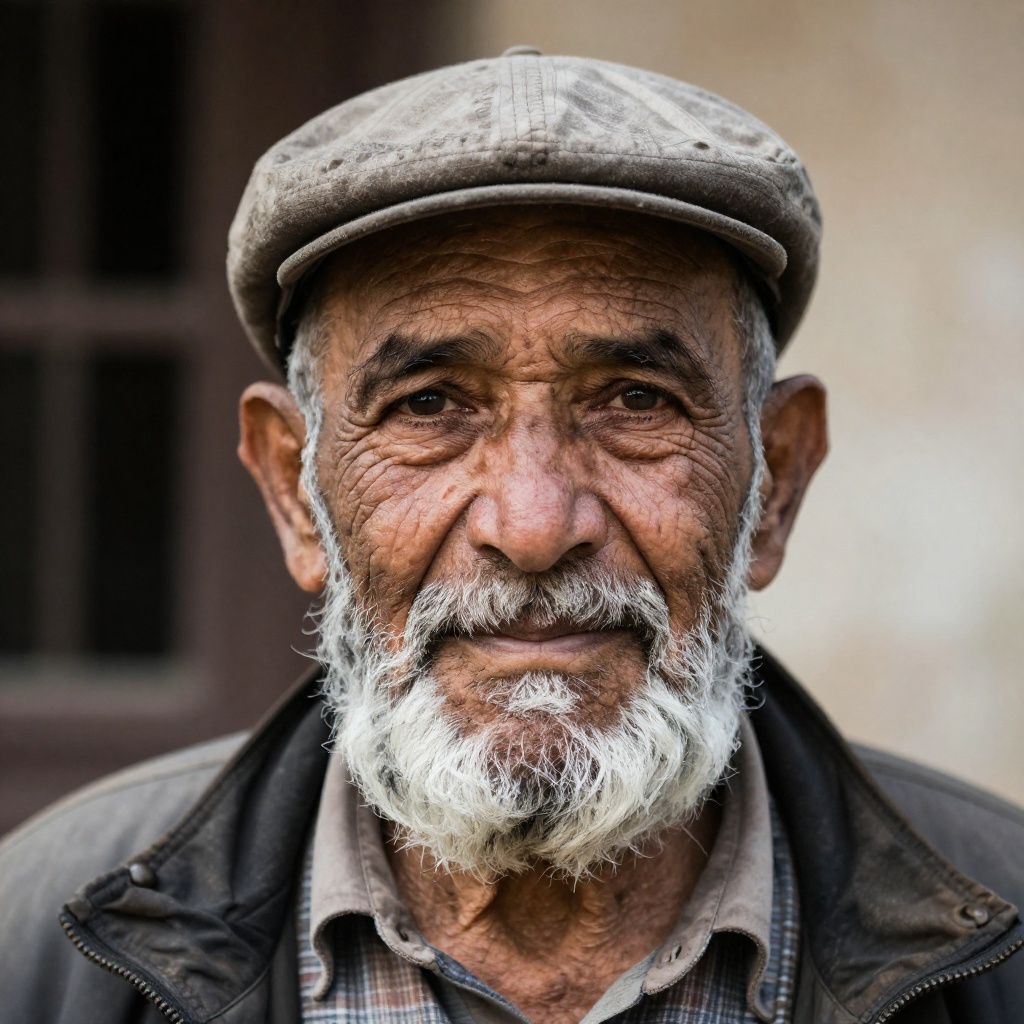
Create dramatic charcoal artwork, before
BeforeAfter

Create dramatic charcoal artwork

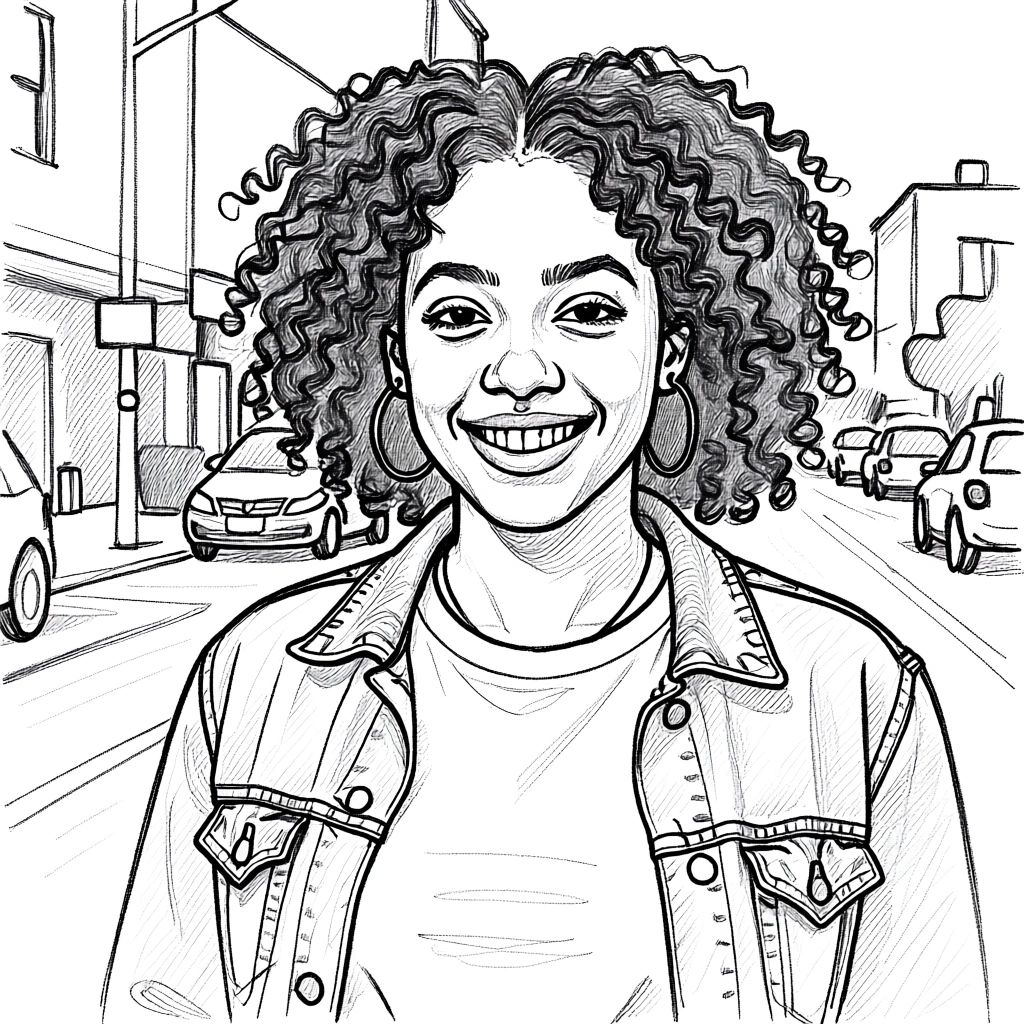
Elegant pen & ink illustrations, after
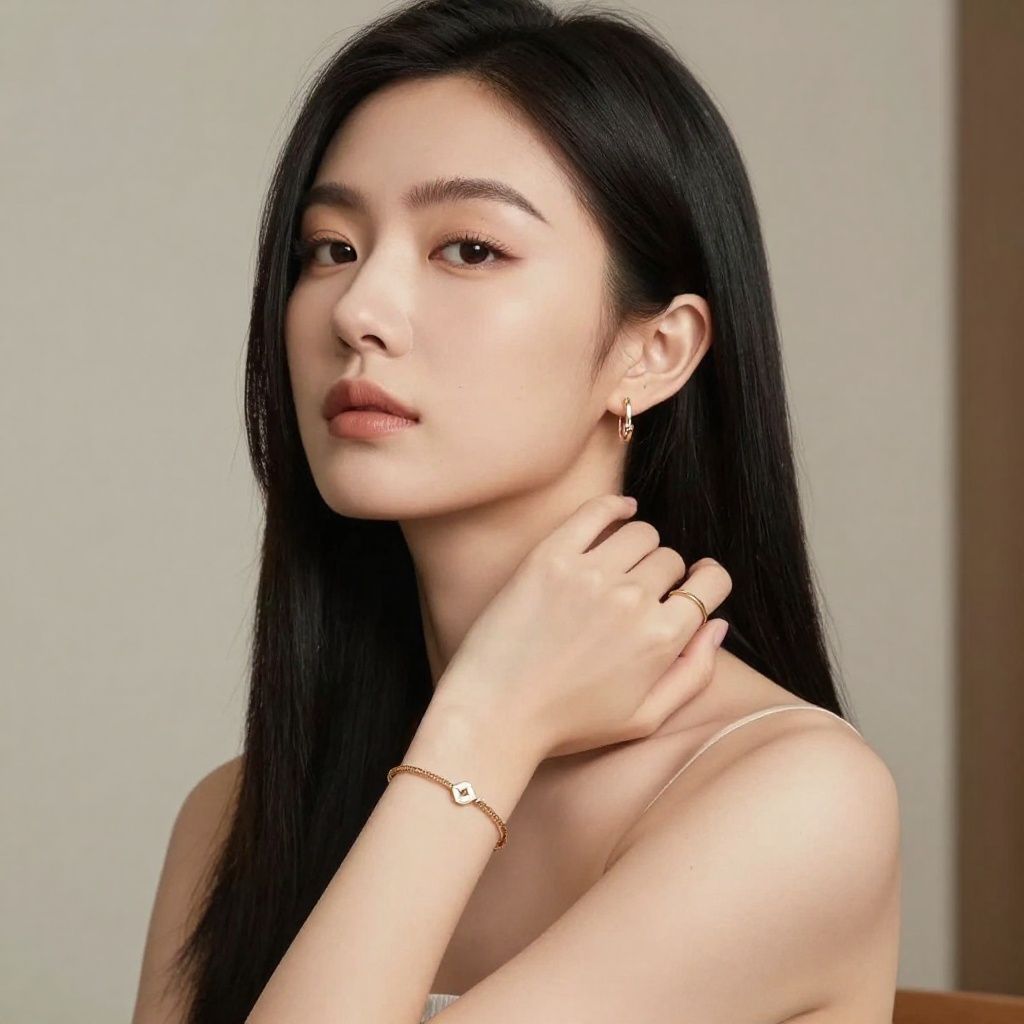
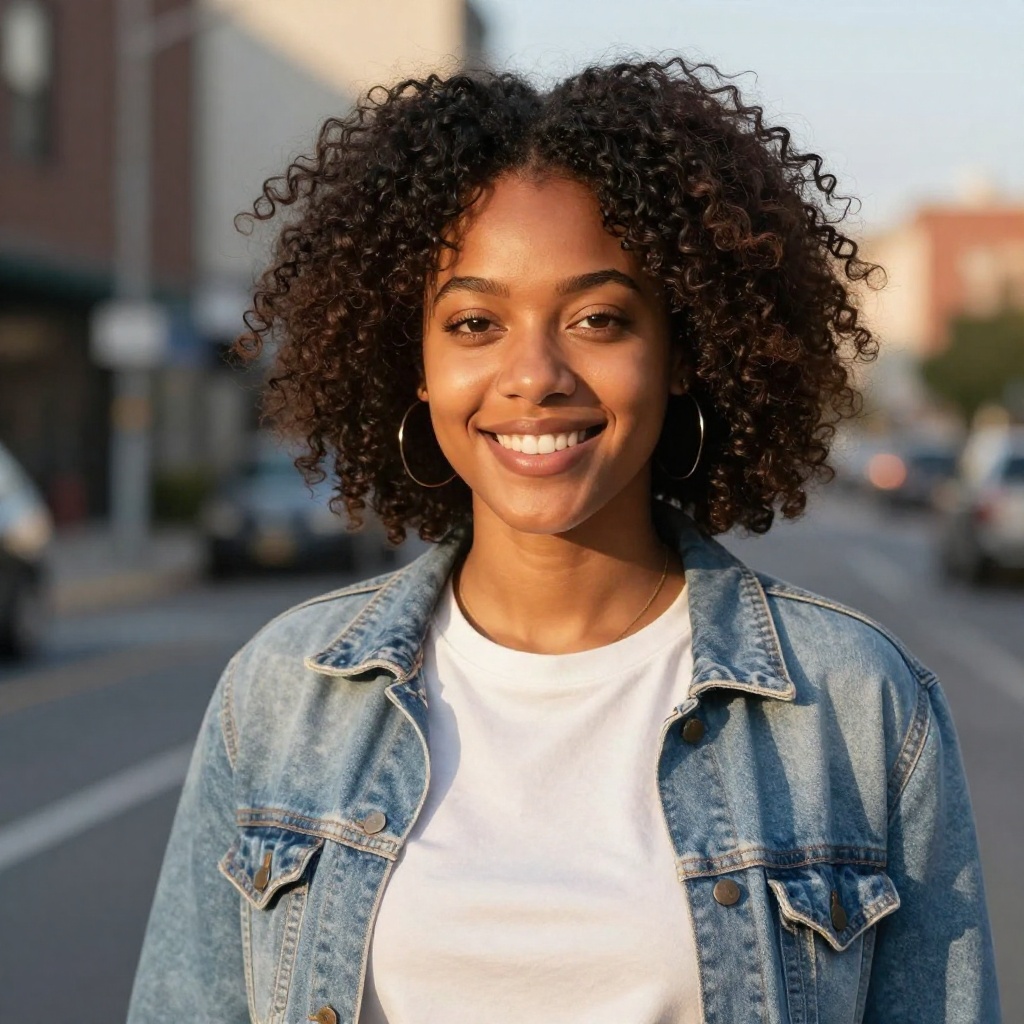
Elegant pen & ink illustrations, before
BeforeAfter

Elegant pen & ink illustrations

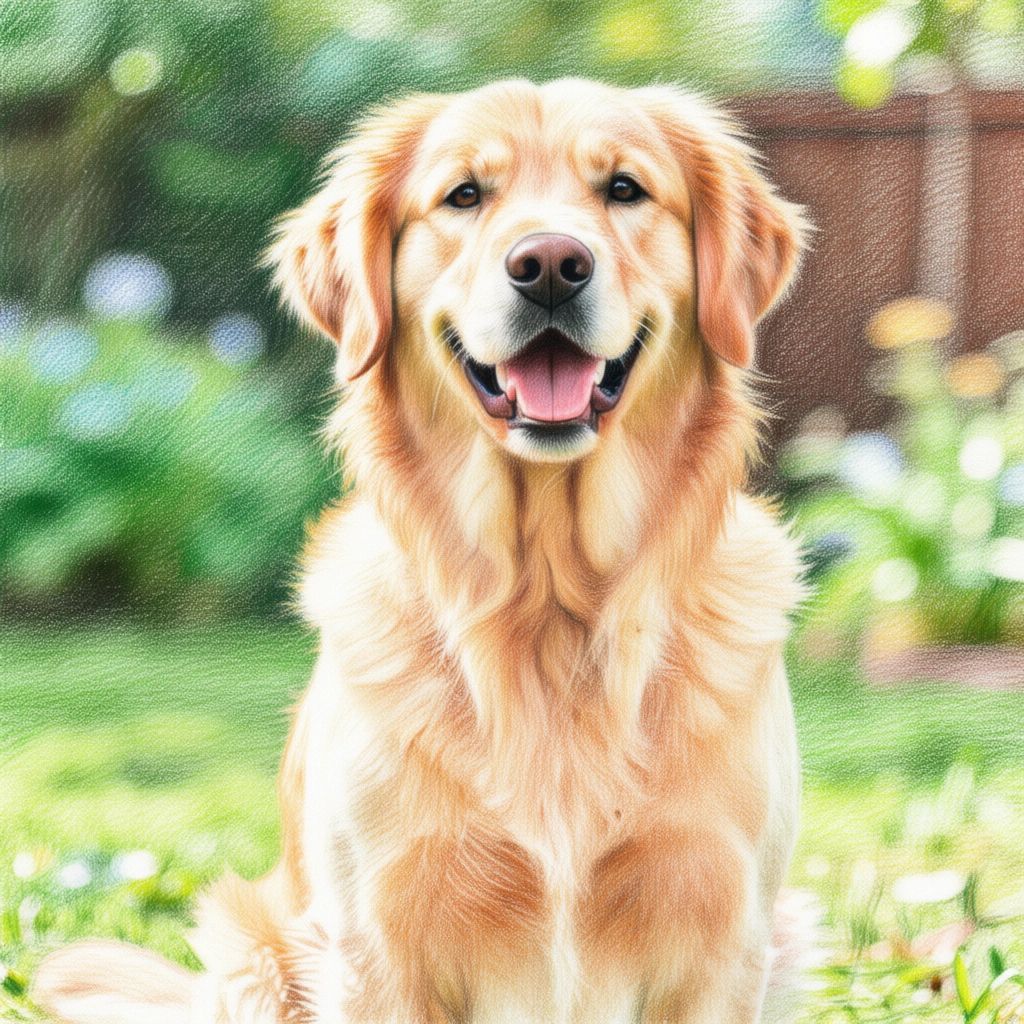
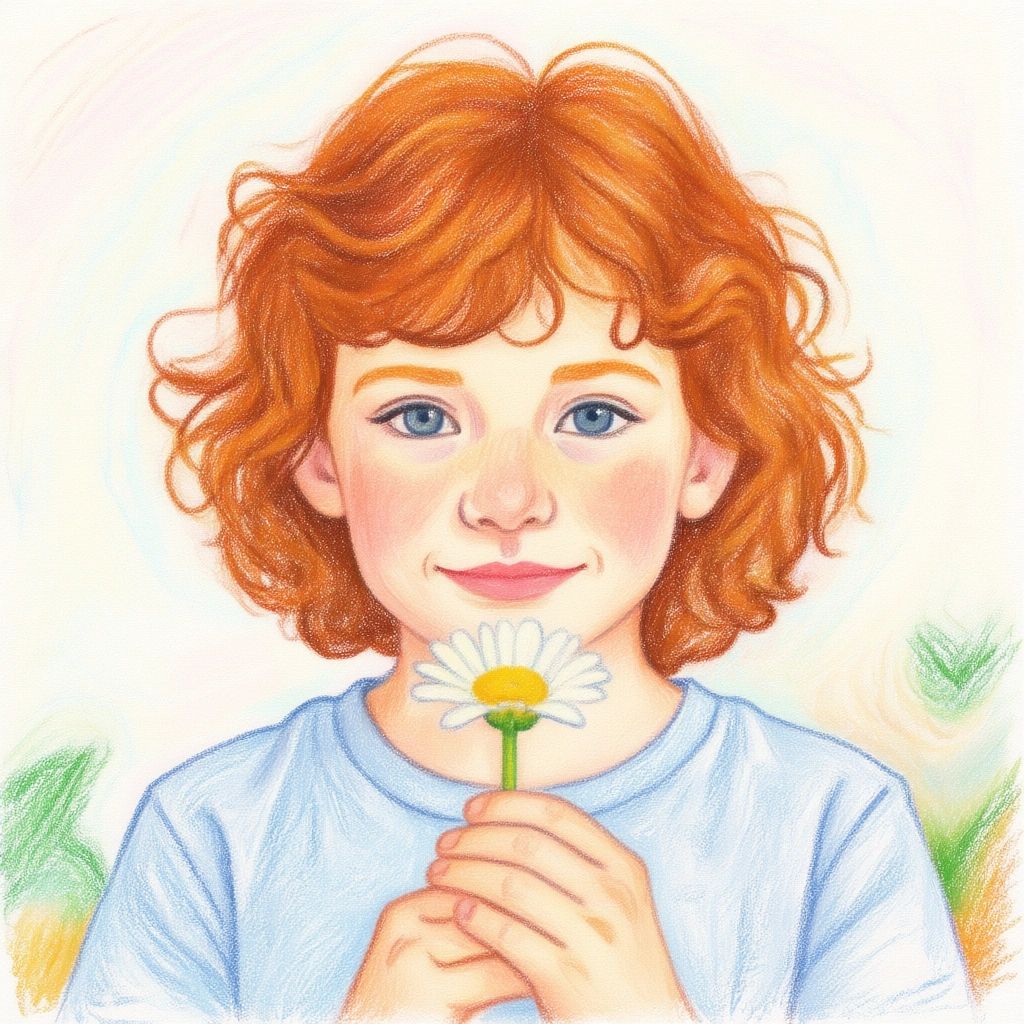
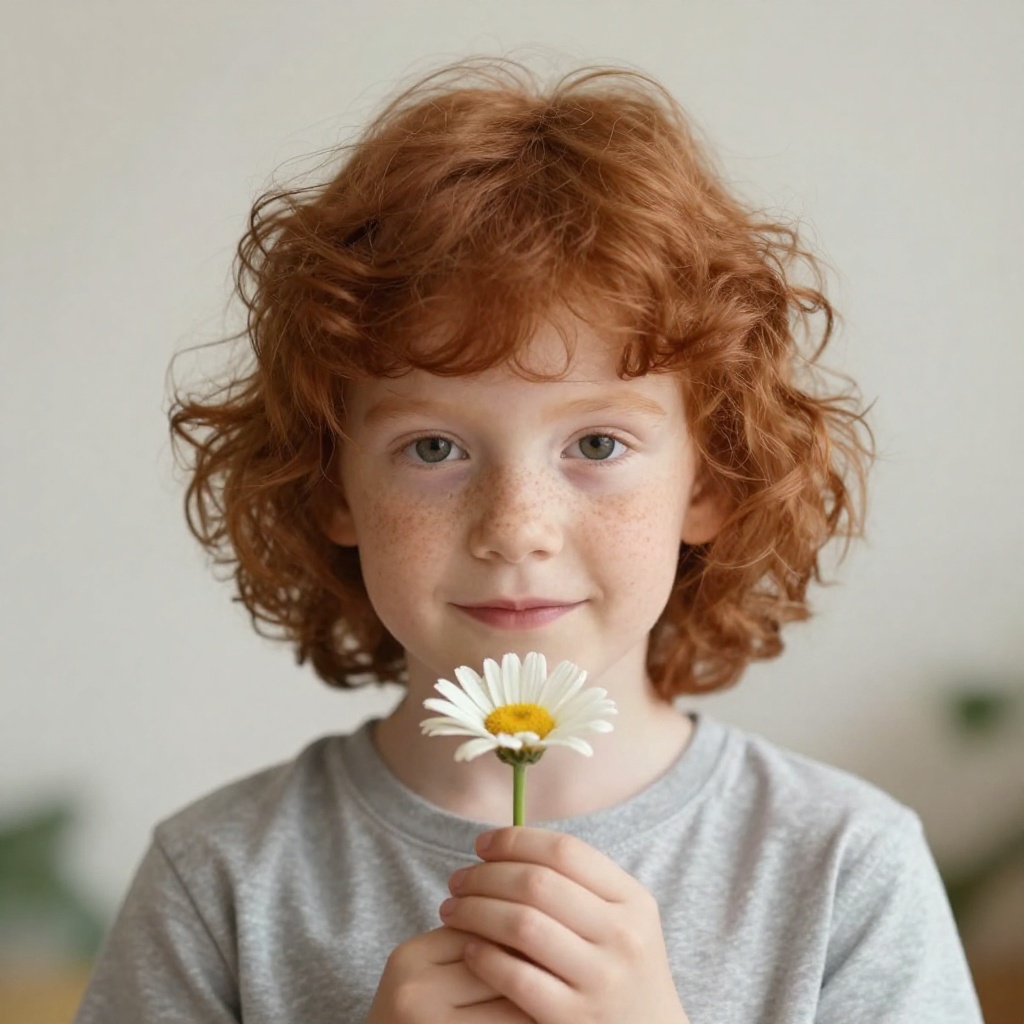
Vibrant colored pencil artwork, after
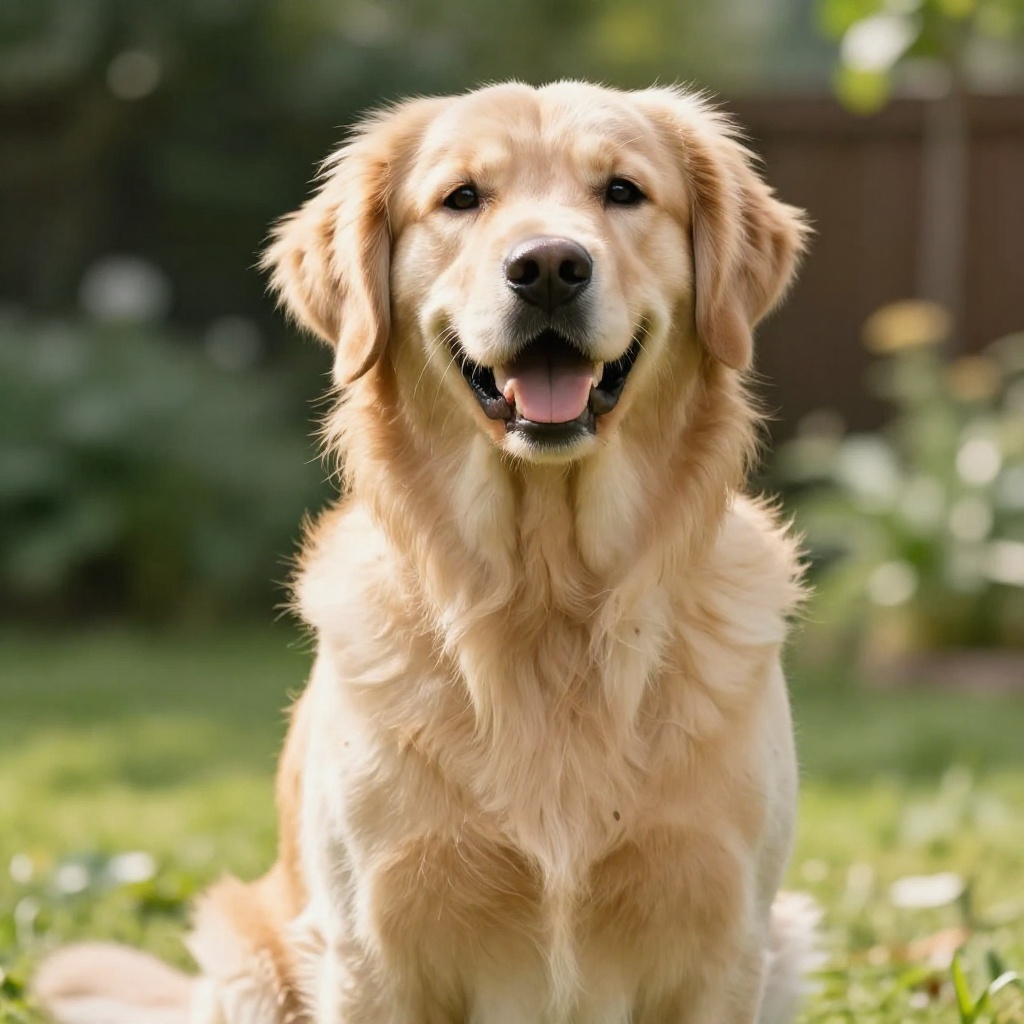
Vibrant colored pencil artwork, before
BeforeAfter

Vibrant colored pencil artwork

Smooth graphite masterpieces, after
Smooth graphite masterpieces, before
BeforeAfter

Smooth graphite masterpieces

Expressive quick sketches, after
Expressive quick sketches, before
BeforeAfter

Expressive quick sketches

Soft pastel dream artwork, after
Soft pastel dream artwork, before
BeforeAfter

Soft pastel dream artwork

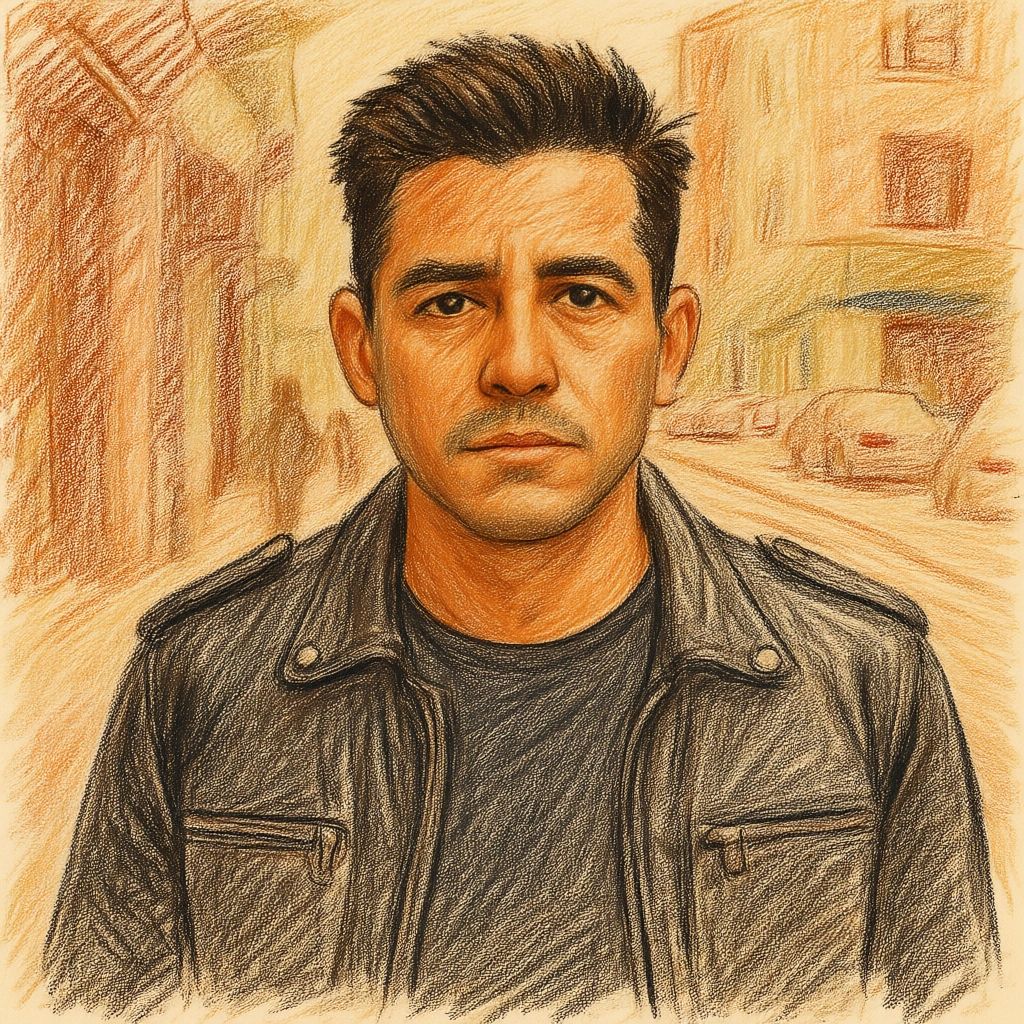
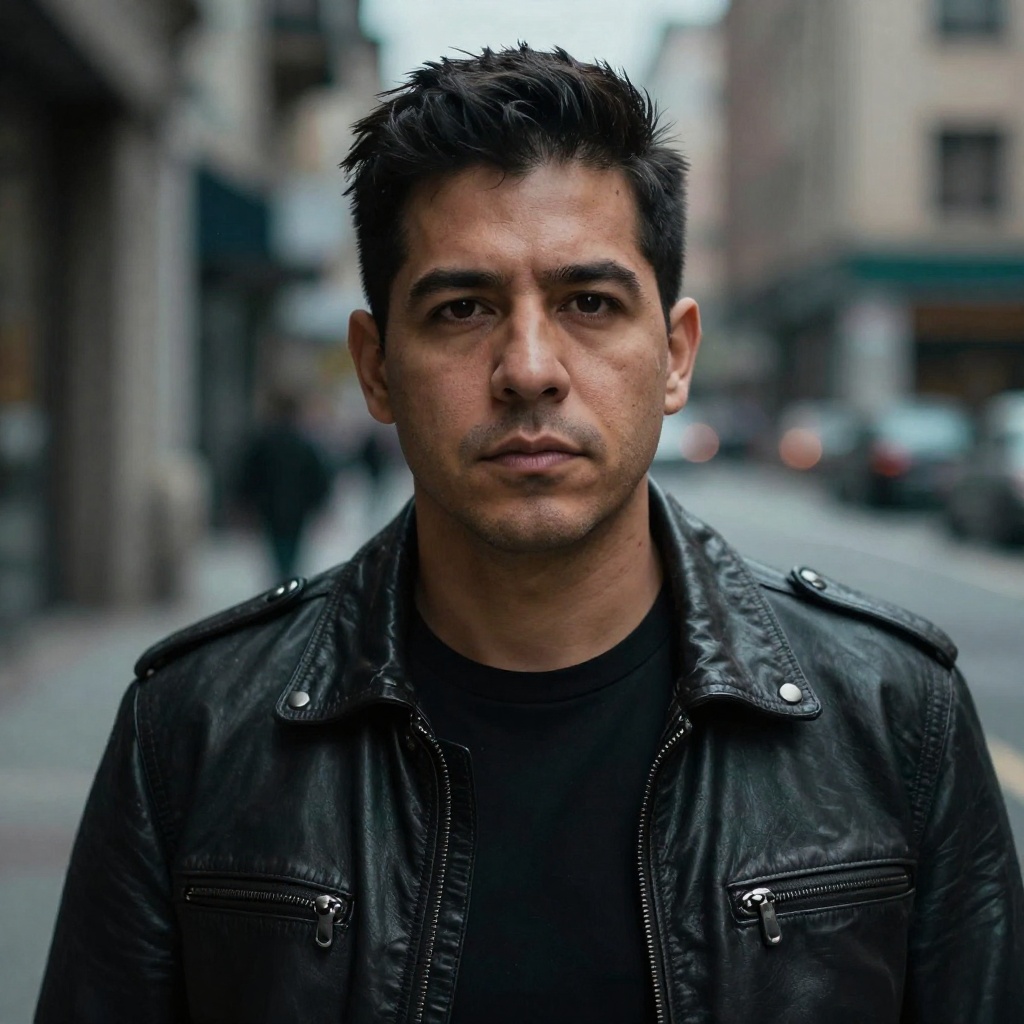
Classic conté crayon style, after
Classic conté crayon style, before
BeforeAfter

Classic conté crayon style

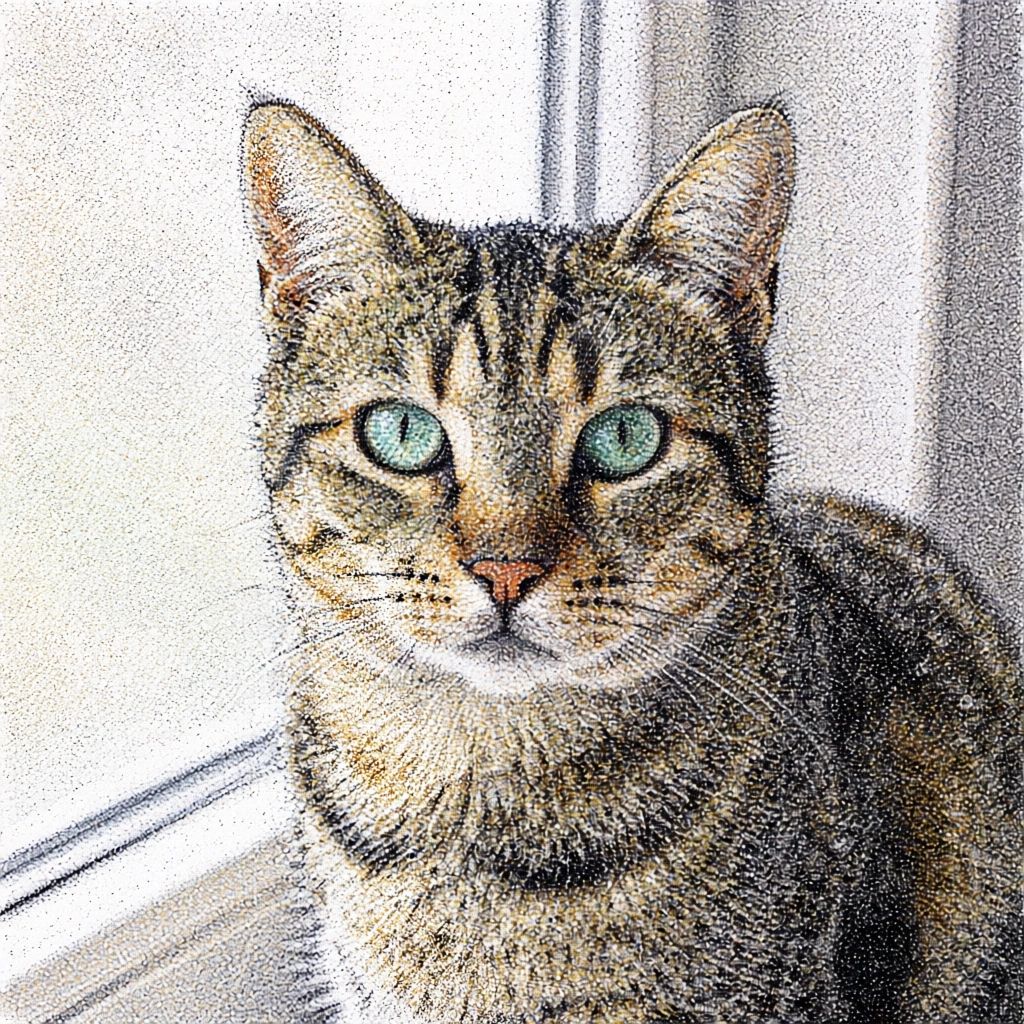
Intricate stippling artwork, after
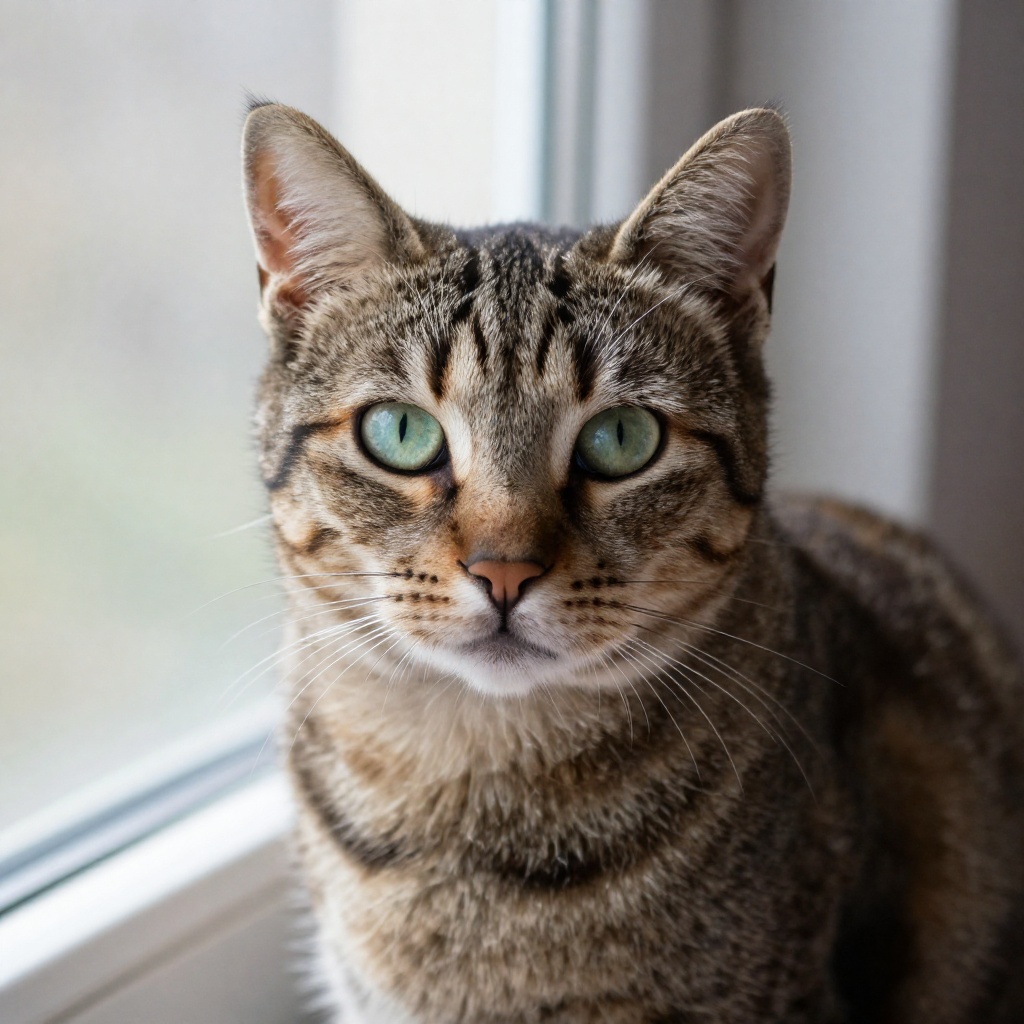
Intricate stippling artwork, before
BeforeAfter

Intricate stippling artwork

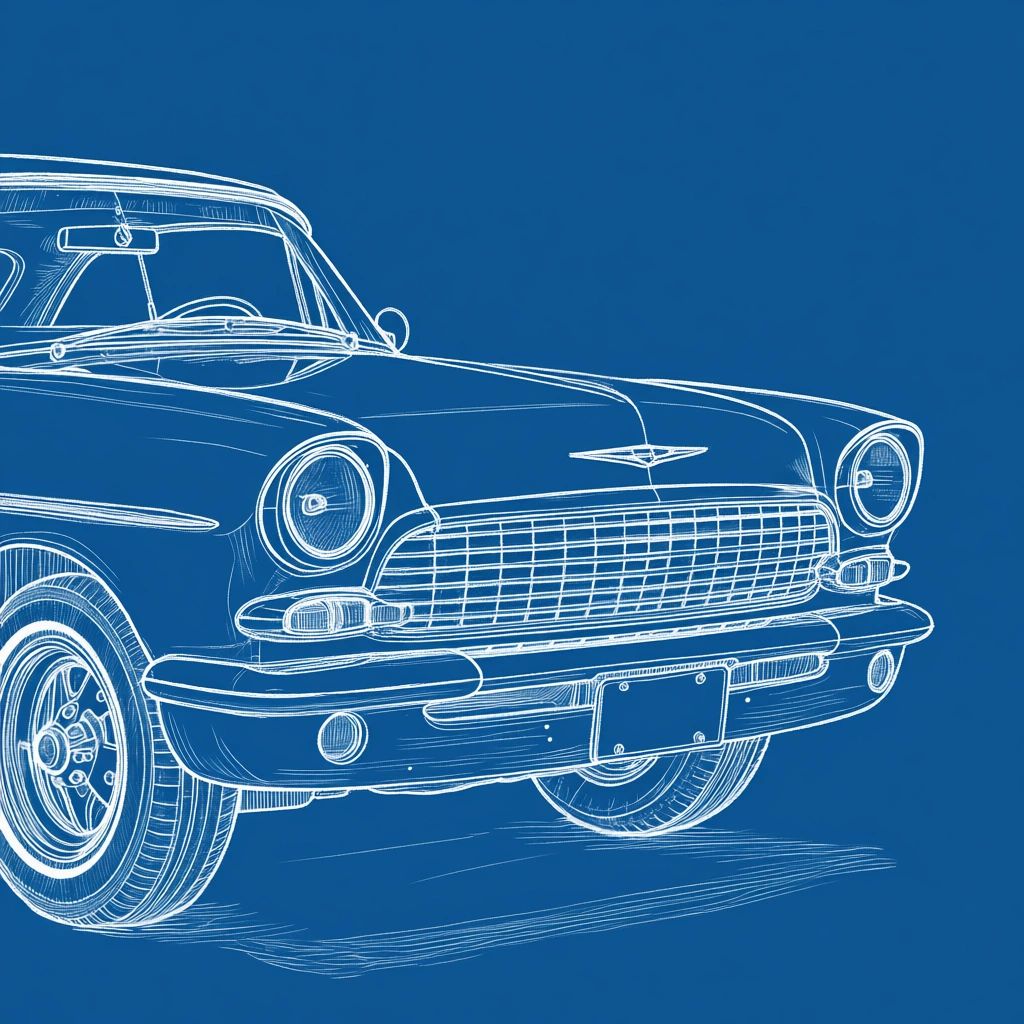
Unique blueprint style drawings, after
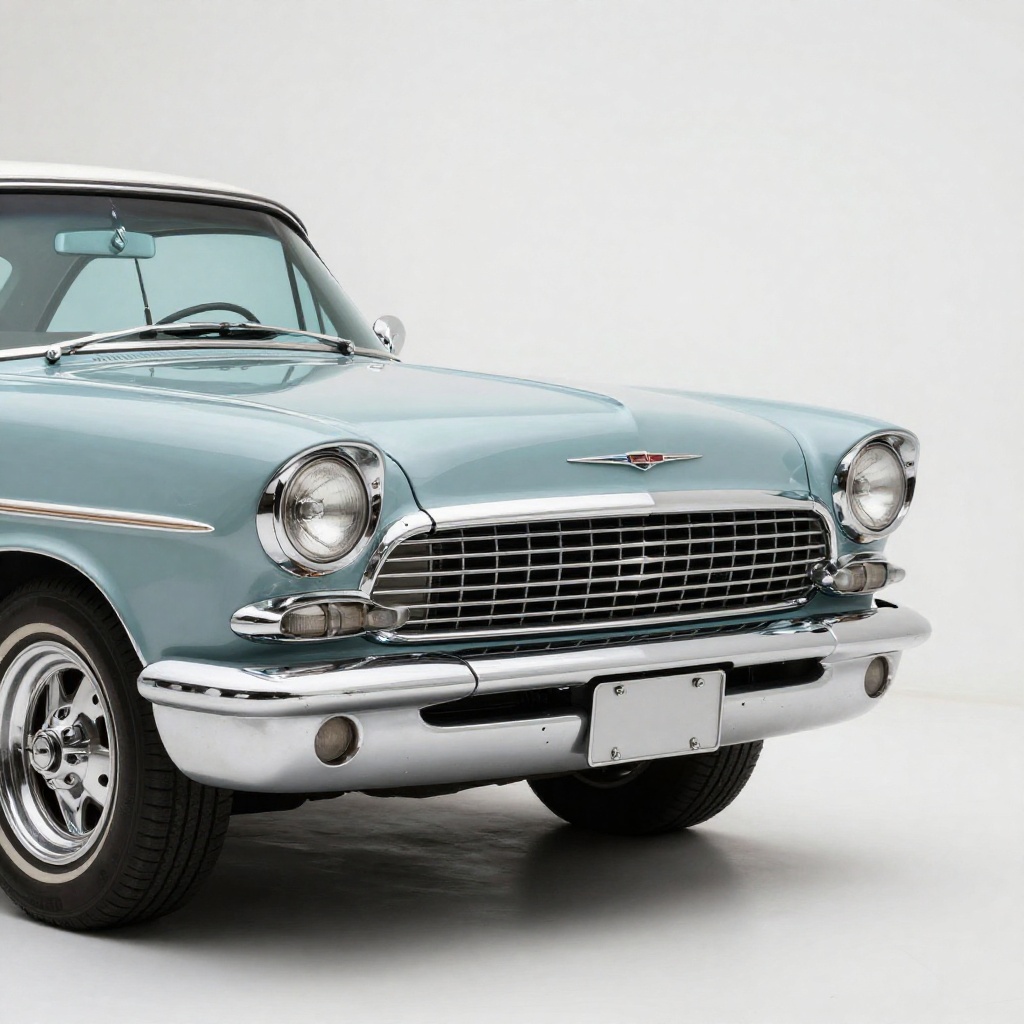
Unique blueprint style drawings, before
BeforeAfter

Unique blueprint style drawings

Takes 20-40 seconds.

How it works

How Our AI Photo to Drawing Converter Works

Transform any photo into art in 3 simple steps

  1. 1

    Upload Your Photo

    Upload any photo you want to transform into a drawing. Works great with portraits, landscapes, pets, products, or any image.

  2. Pencil DrawingCharcoal Drawing
    2

    Choose Your Style

    Select from pencil sketch, charcoal, pen & ink, colored pencil, and more drawing styles. You can also describe a custom style.

  3. Saved
    3

    Get Your Artwork

    Our AI transforms your photo into a beautiful hand-drawn style artwork in seconds. Download and use for prints, gifts, or social media.

FAQ

Frequently Asked Questions

Can't find your answer? Email [email protected].

You can try any tool 2 times without creating an account. After that, you'll need to sign up to continue using our free tools.

When you create a free account, you receive 20 credits to use across all our tools. Most transformations cost 1-2 credits, so you can create many images!

Free users get images resized to 1024px before processing, while pro users can process images up to 2048px for higher quality results.

Our AI produces highly realistic transformations. The quality depends on the clarity of your original image and the complexity of the requested changes. Clear, well-lit photos work best.

Free users can use images for personal projects. Pro users get full commercial usage rights for business and marketing purposes.

Most transformations complete in 20-40 seconds. Complex edits may take longer. Pro users get priority processing for faster results.

Yes, we prioritize your privacy. Images are processed securely during processing. We never store or share your personal photos for longer than a week unless you're signed in.

Yes! You can generate multiple variations by adjusting your preferences or running the tool again. Each generation uses credits, but you can compare different results.

Ready to Try More AI Tools?

Explore our full suite of AI-powered photo editing tools to transform your images.

  • Professional Headshots
  • Face Swap
  • Image Generation