Free AI Freckle Editor

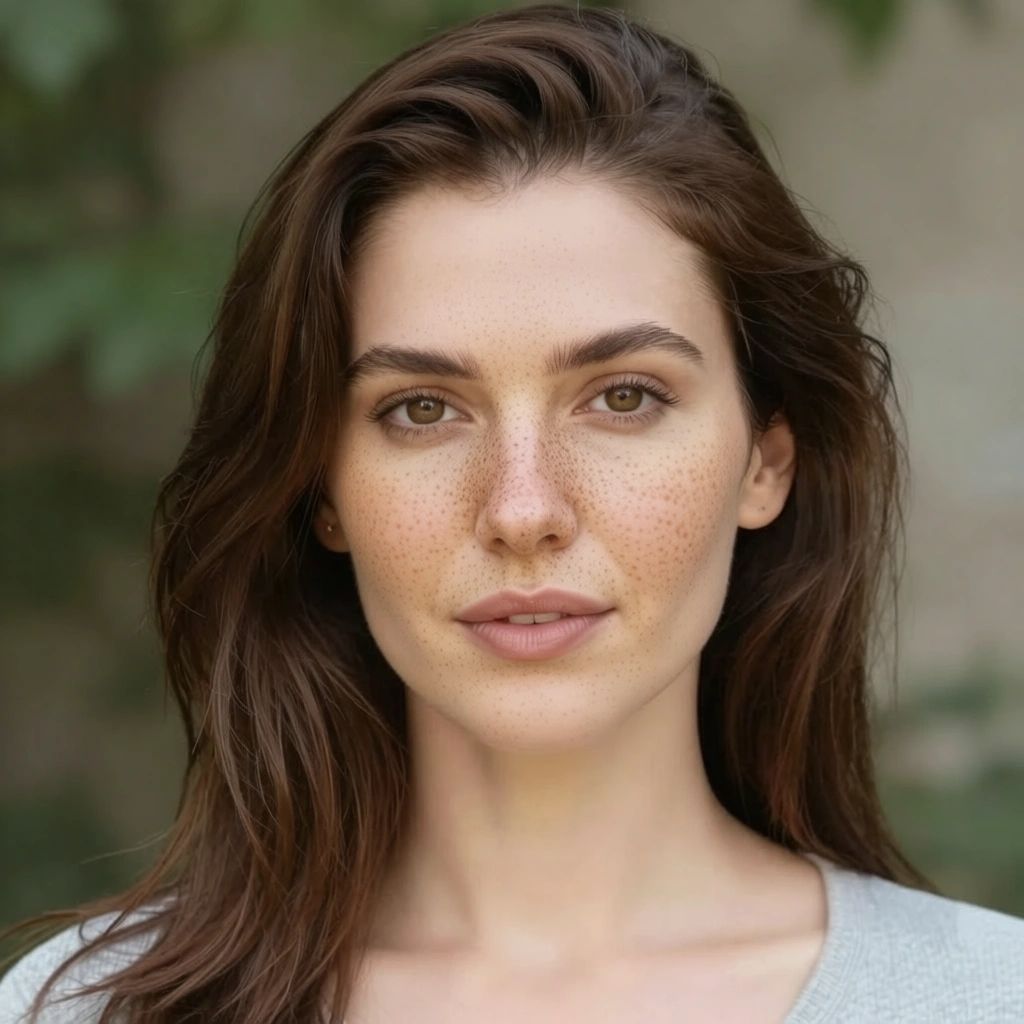
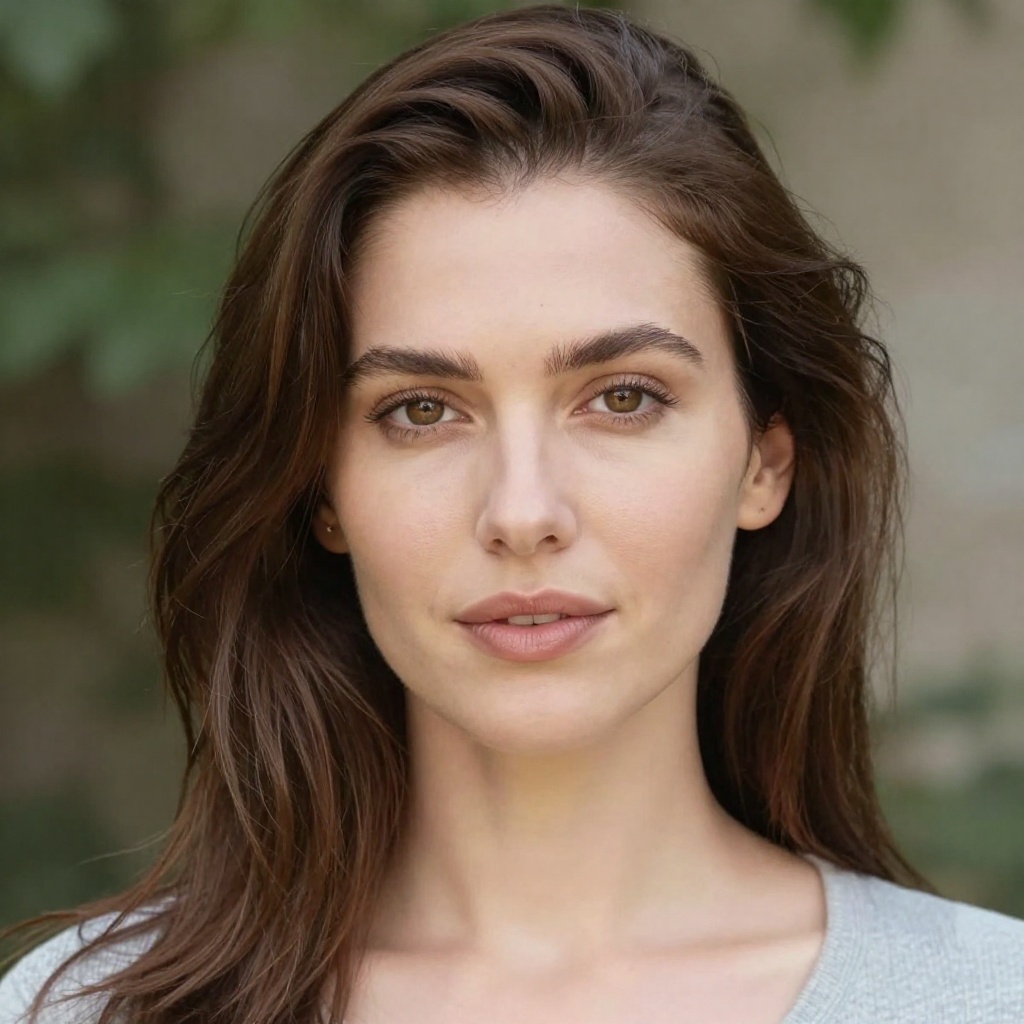
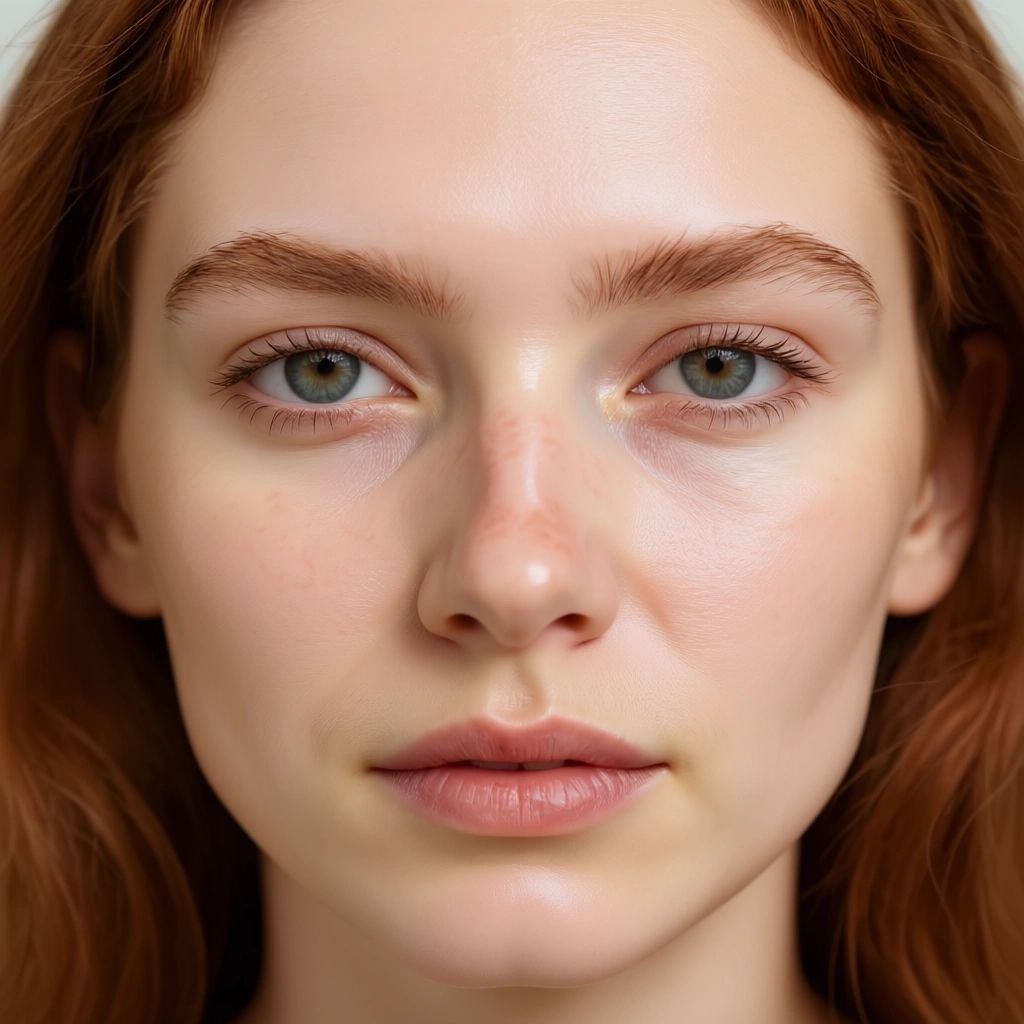
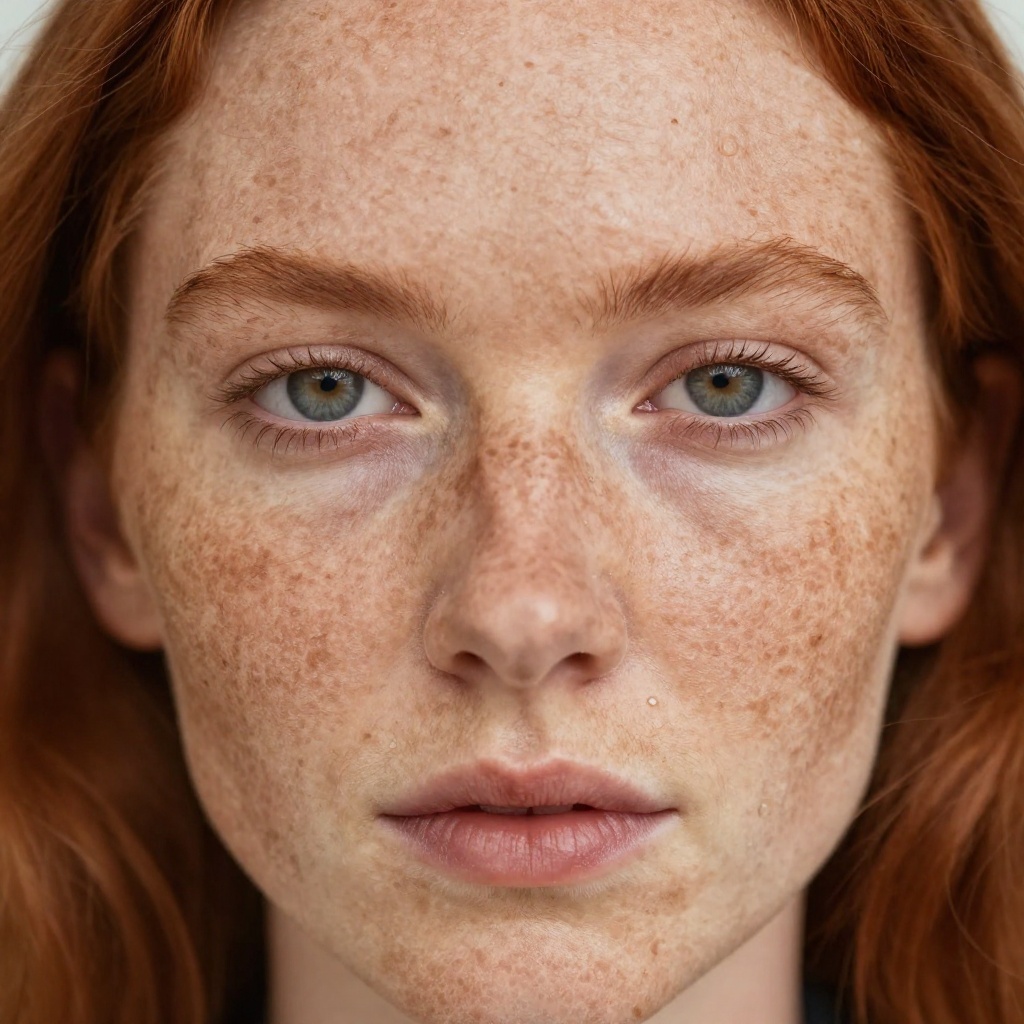
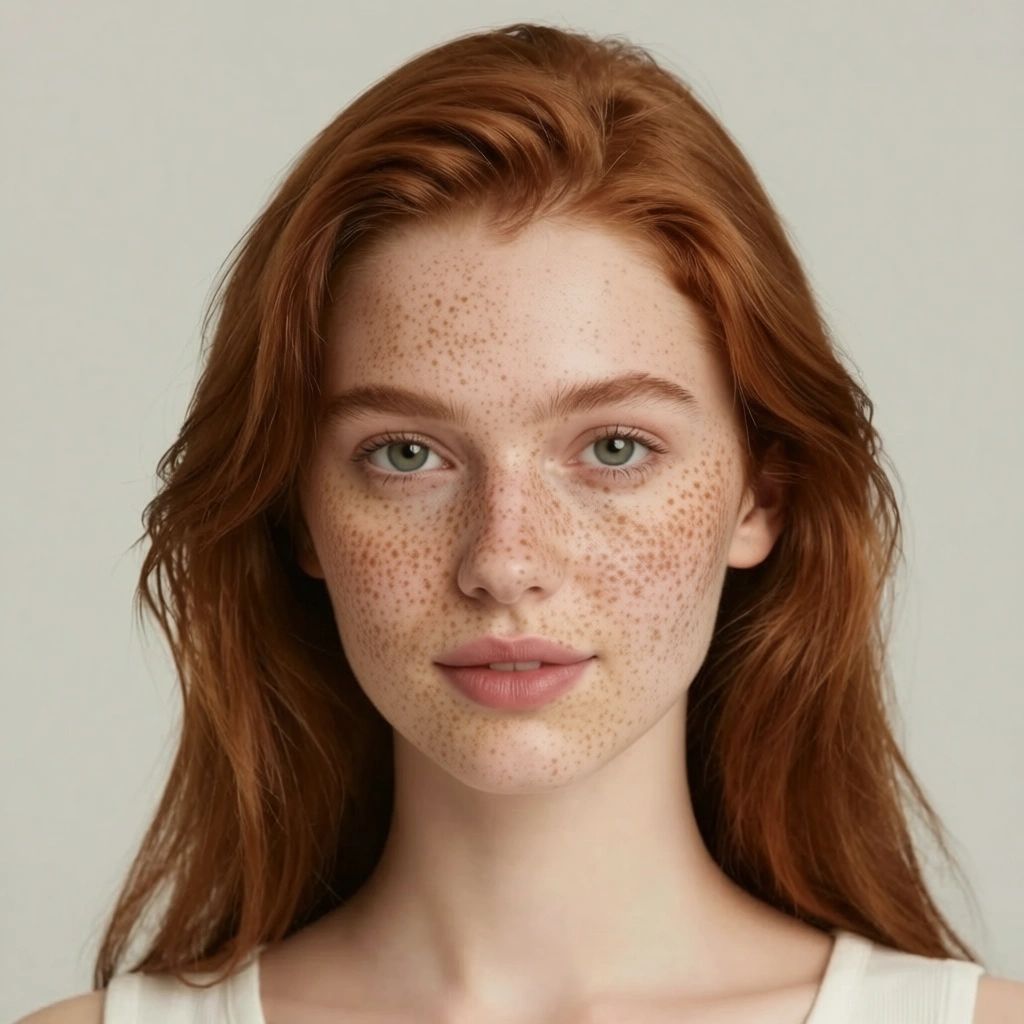
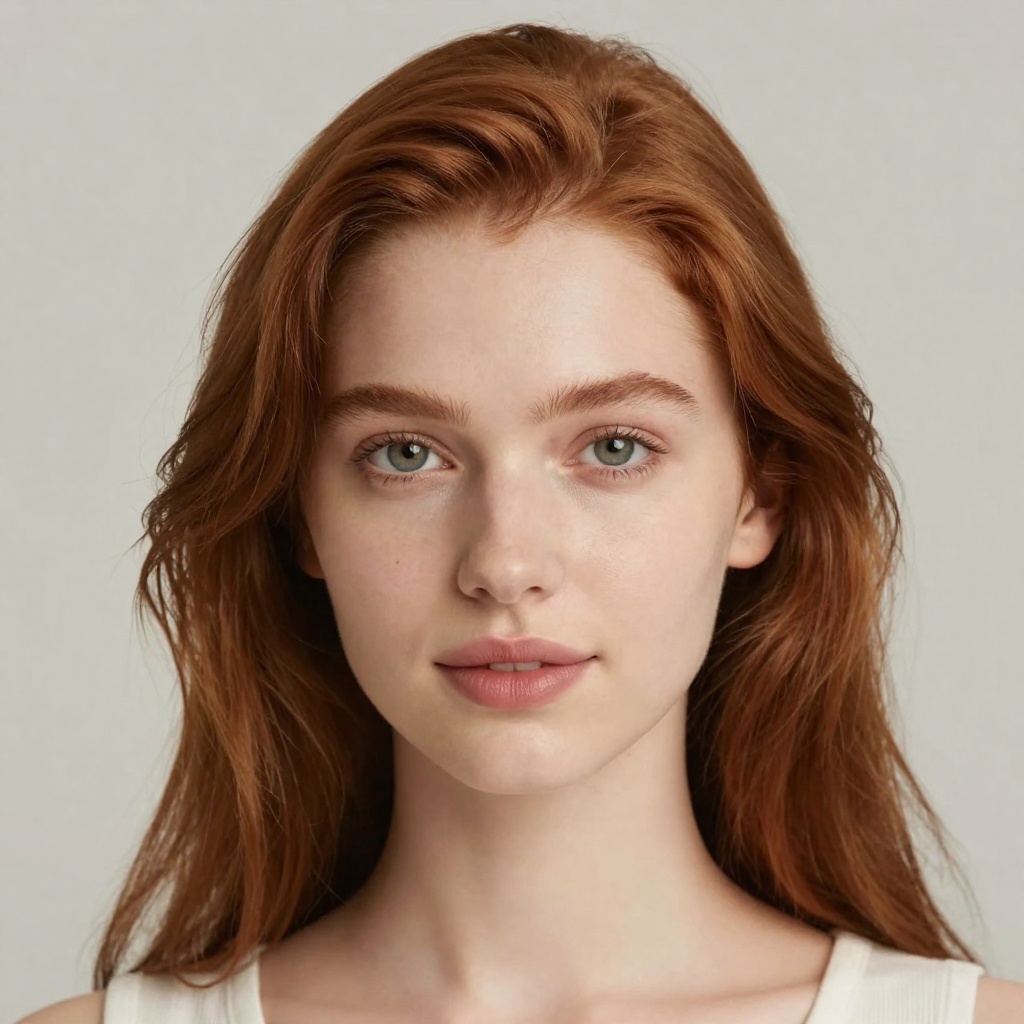
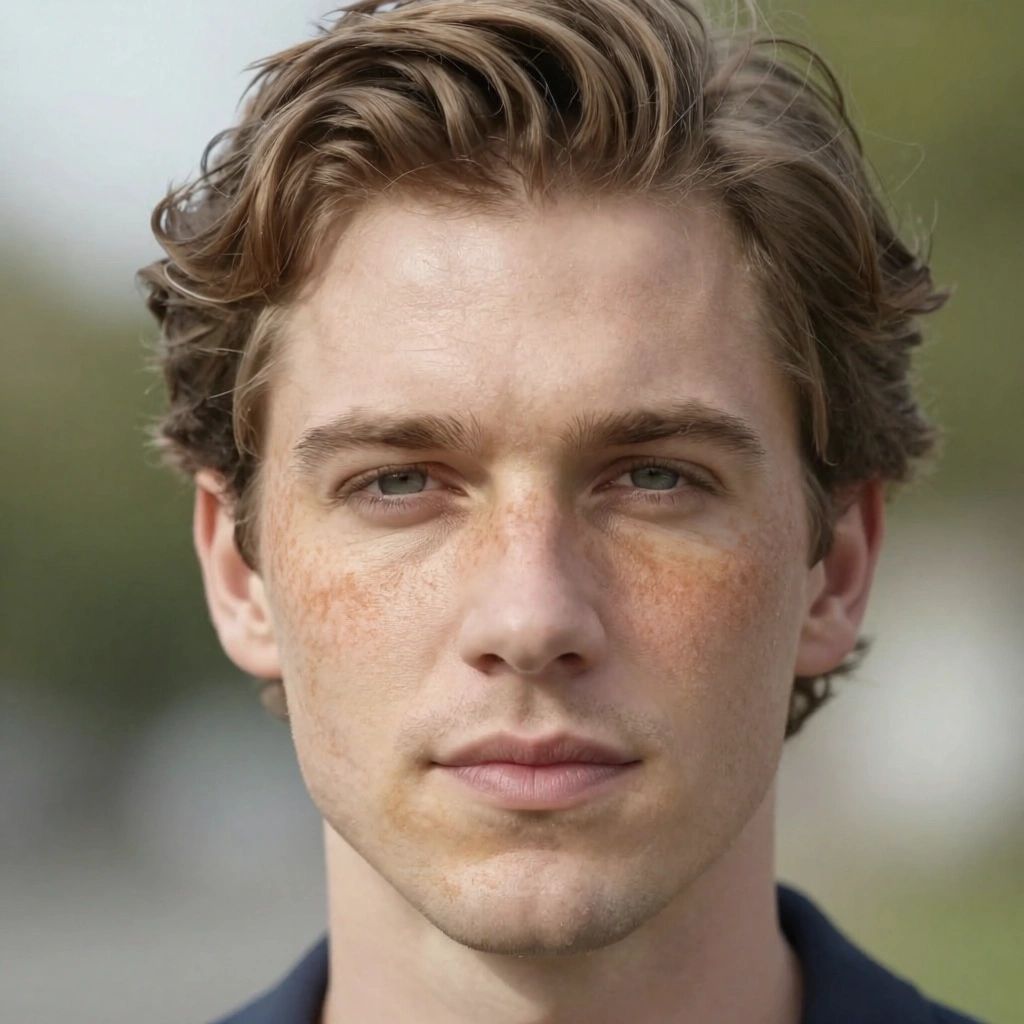
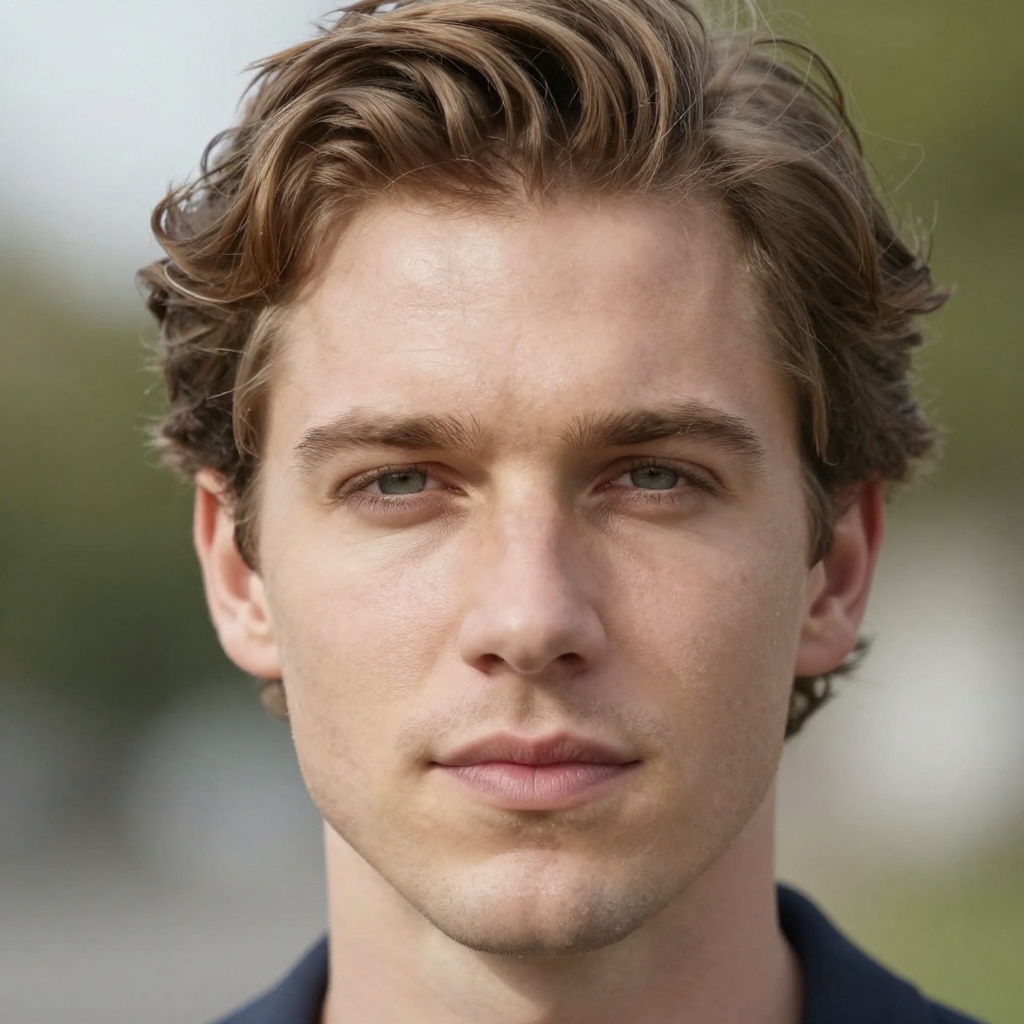
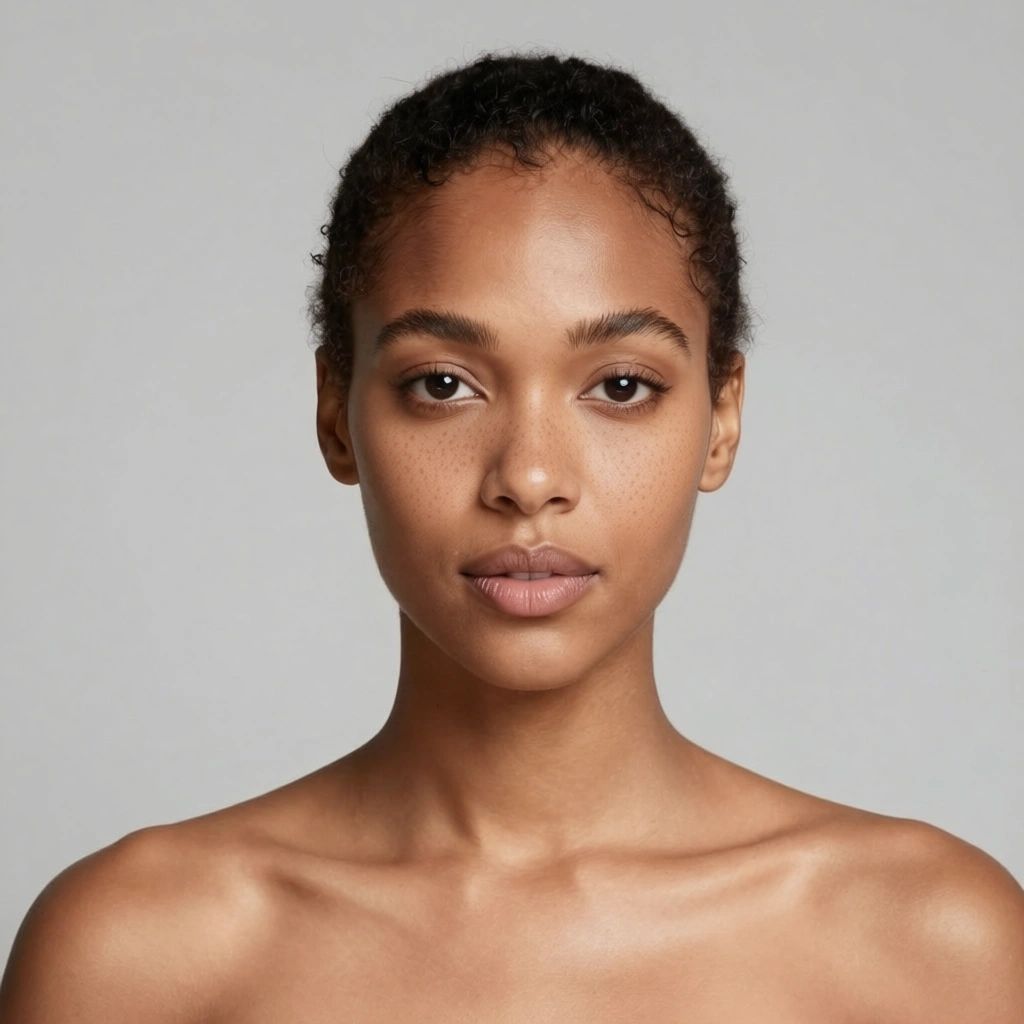
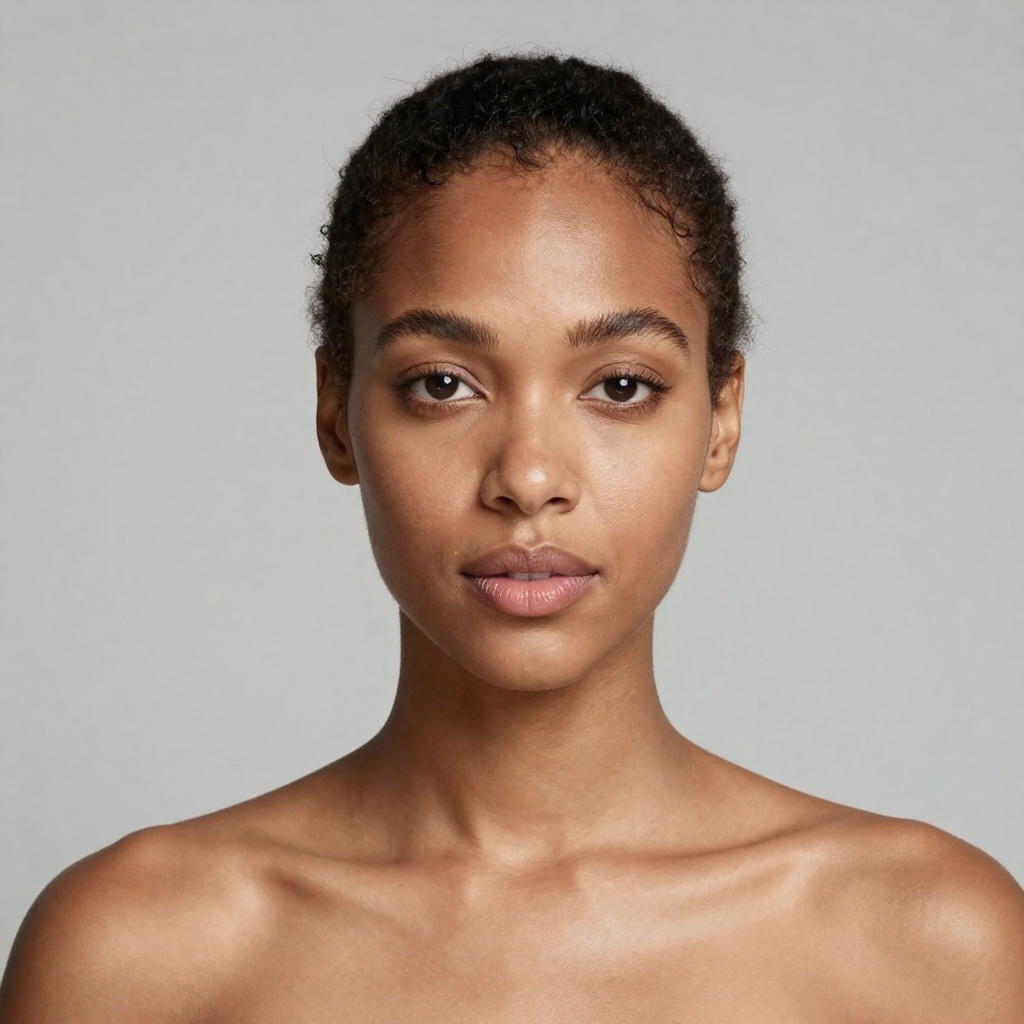
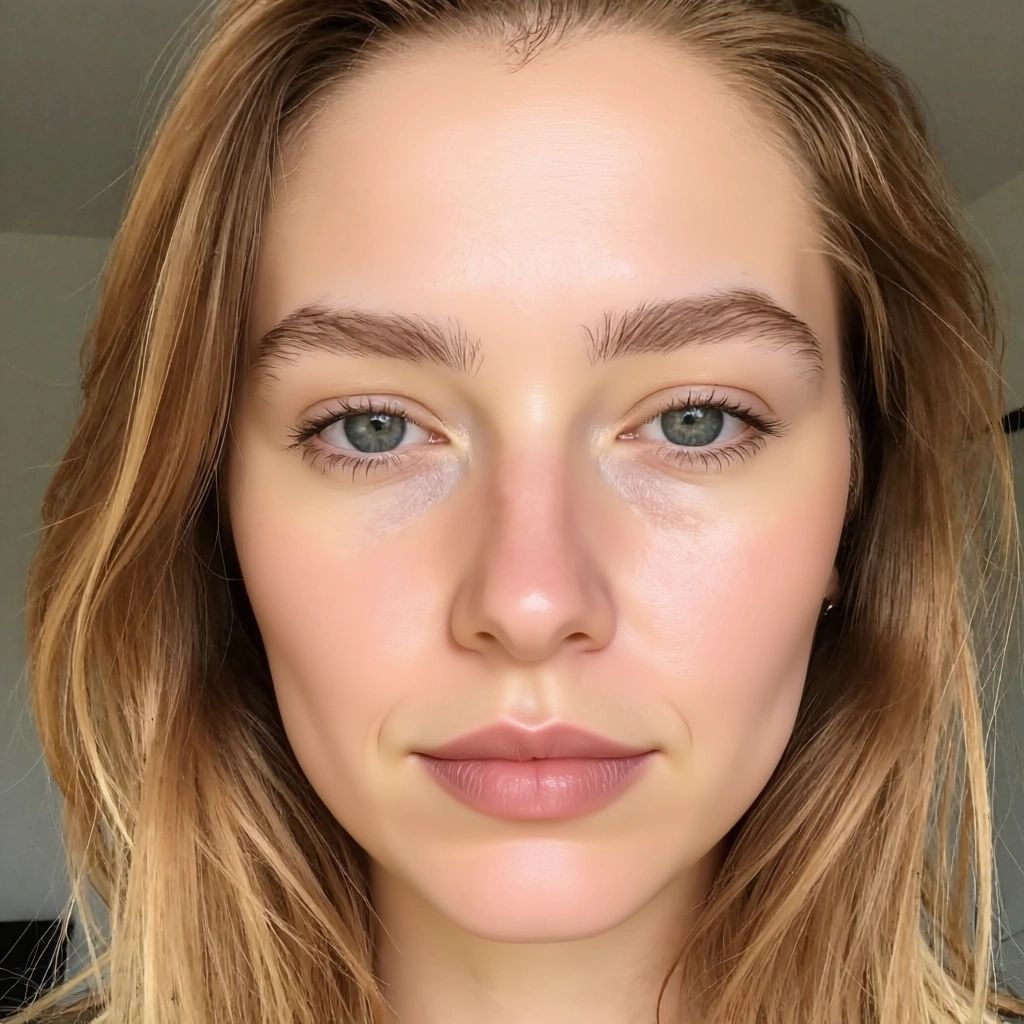
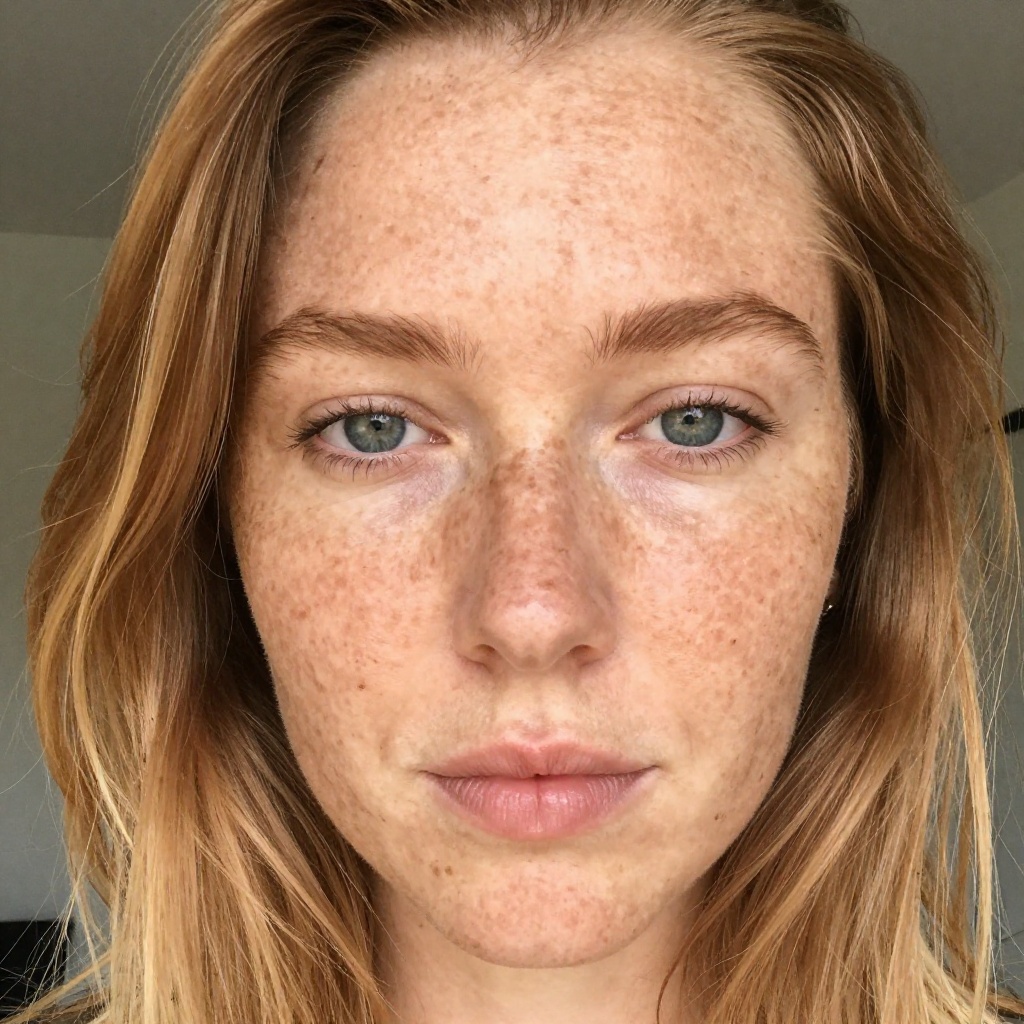
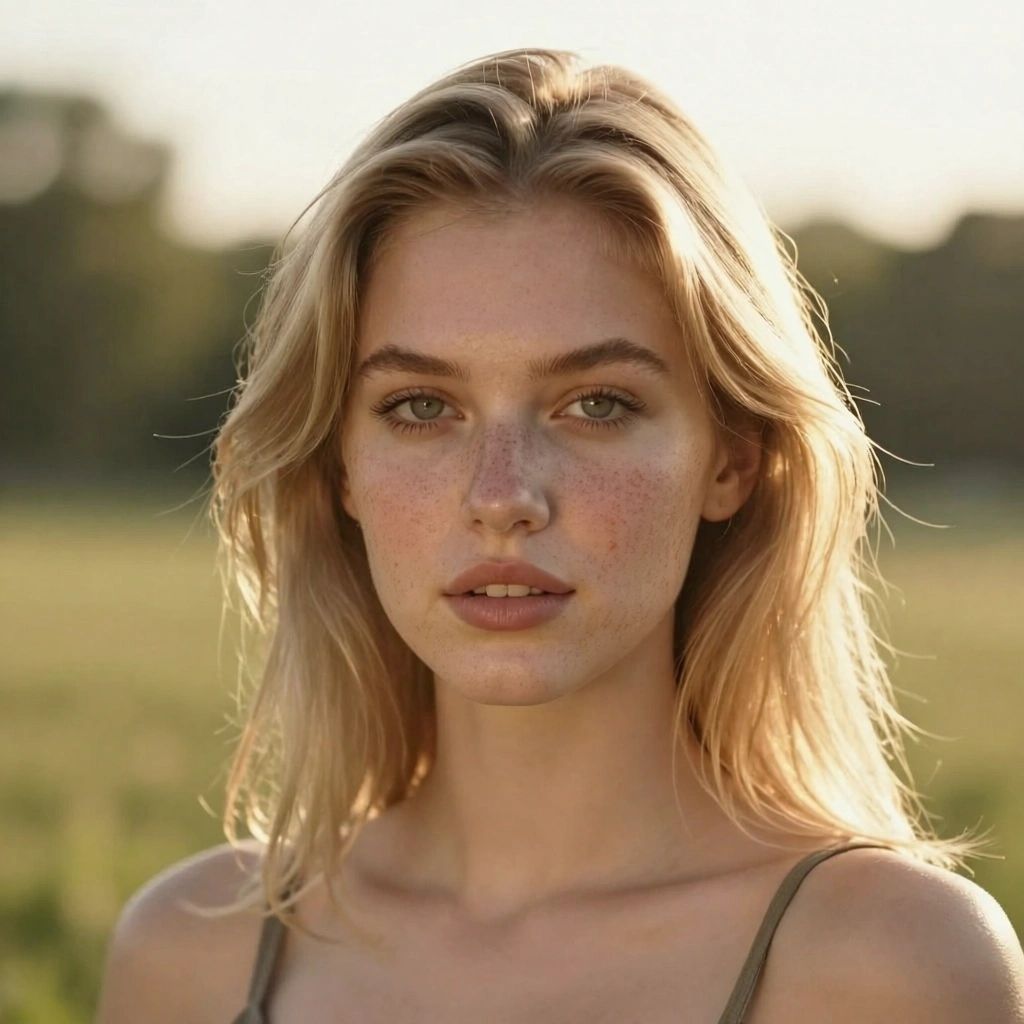
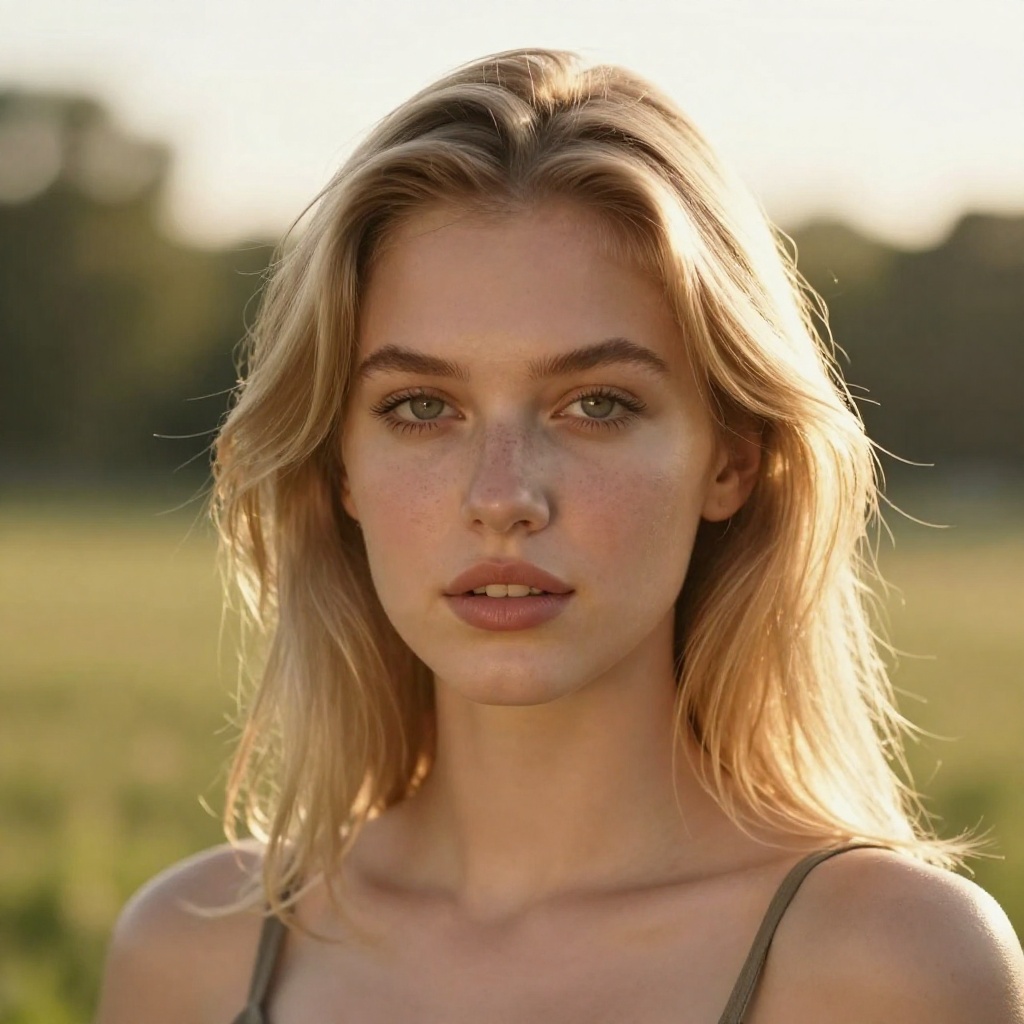
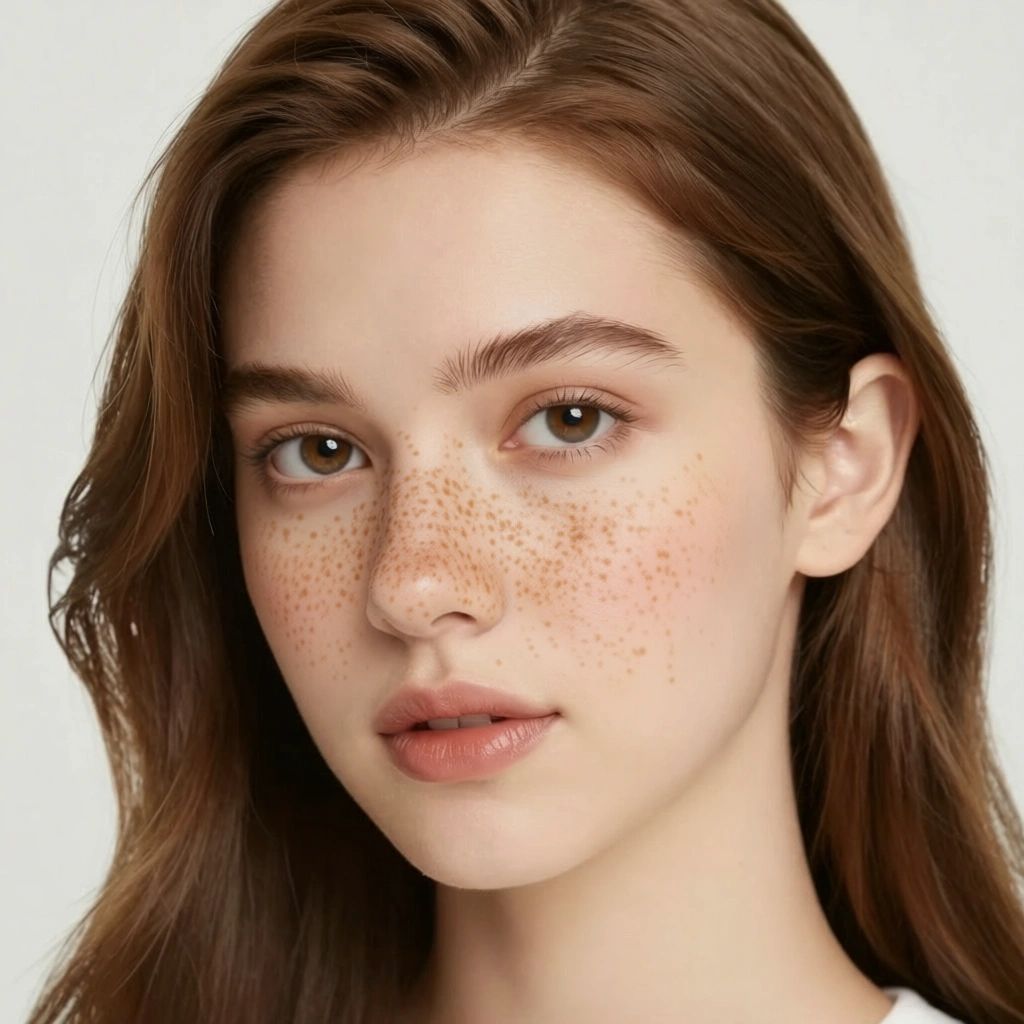
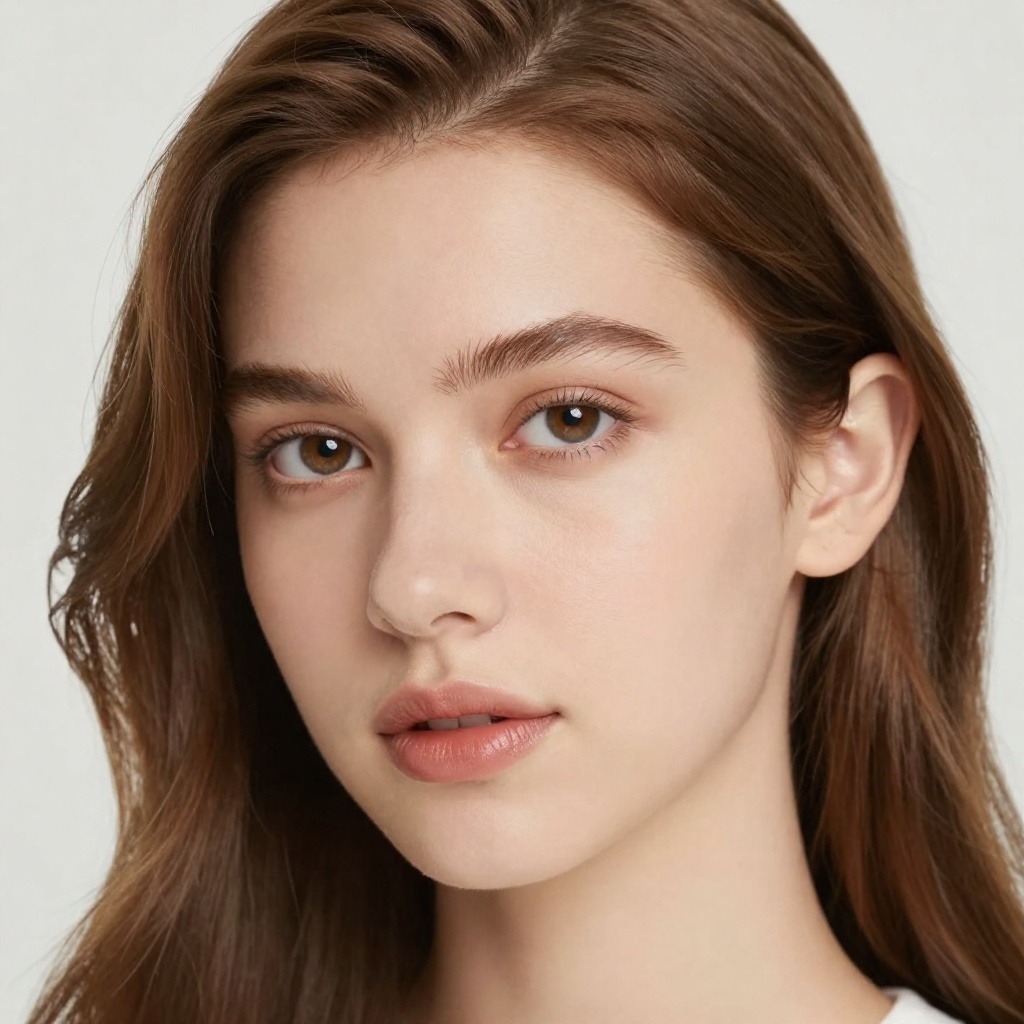
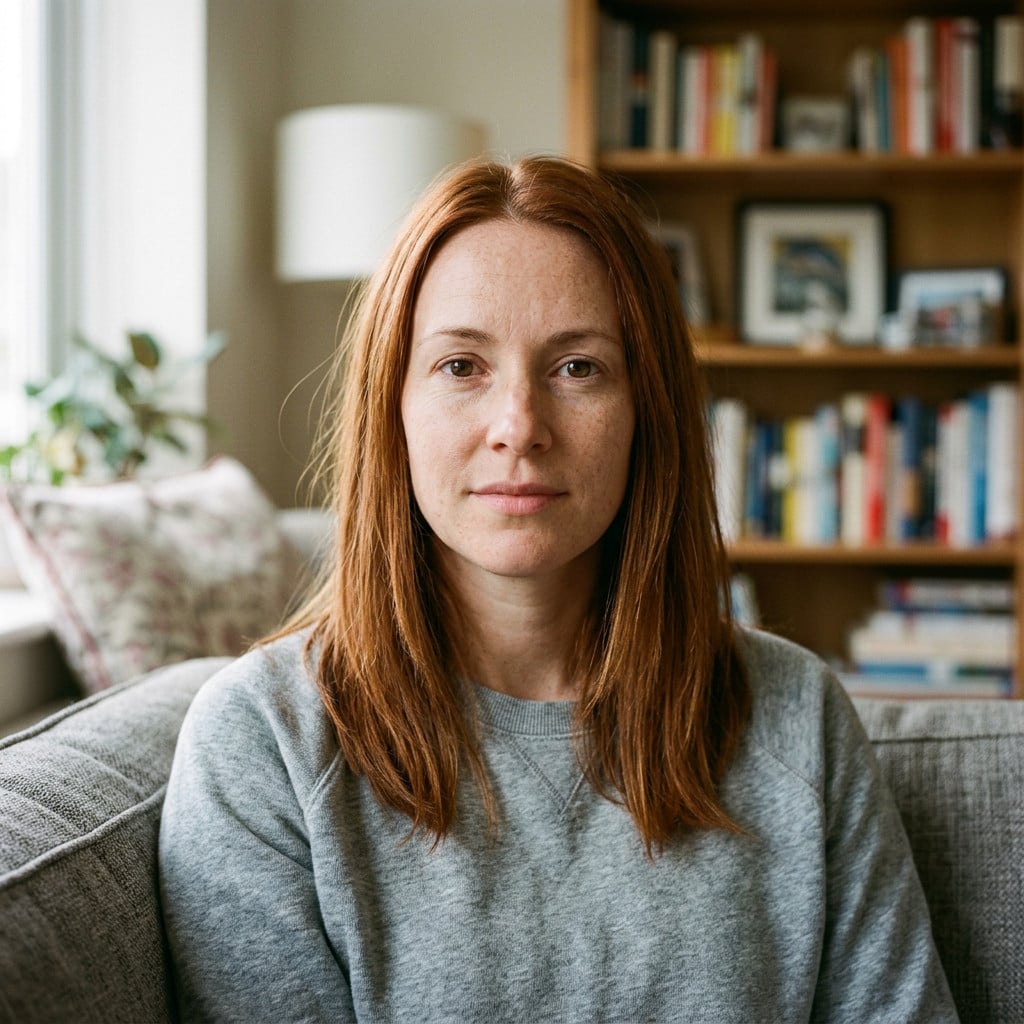
Add natural-looking freckles or remove existing ones from any photo. Perfect for trying a sun-kissed look or achieving clear skin!

4.9

53,000+ happy customers

View all tools

Real results

See it on real photos

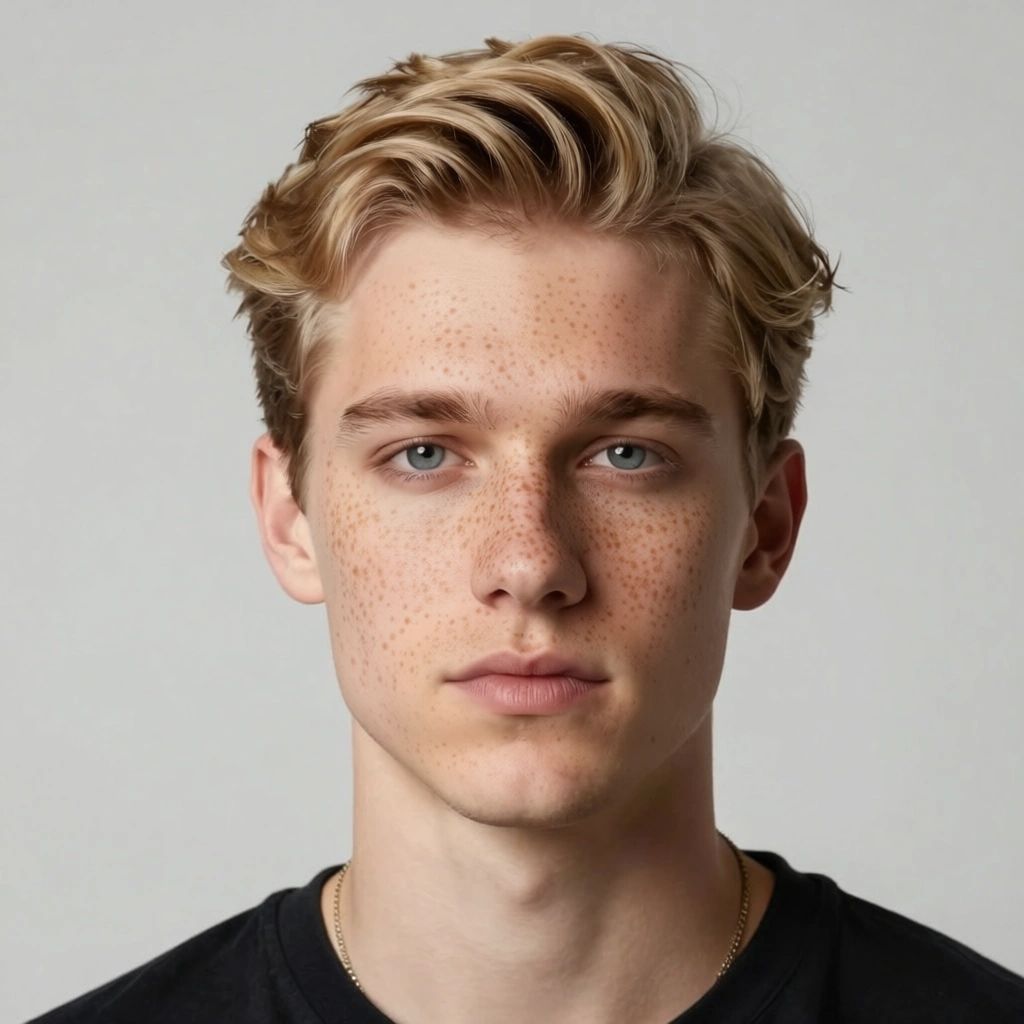
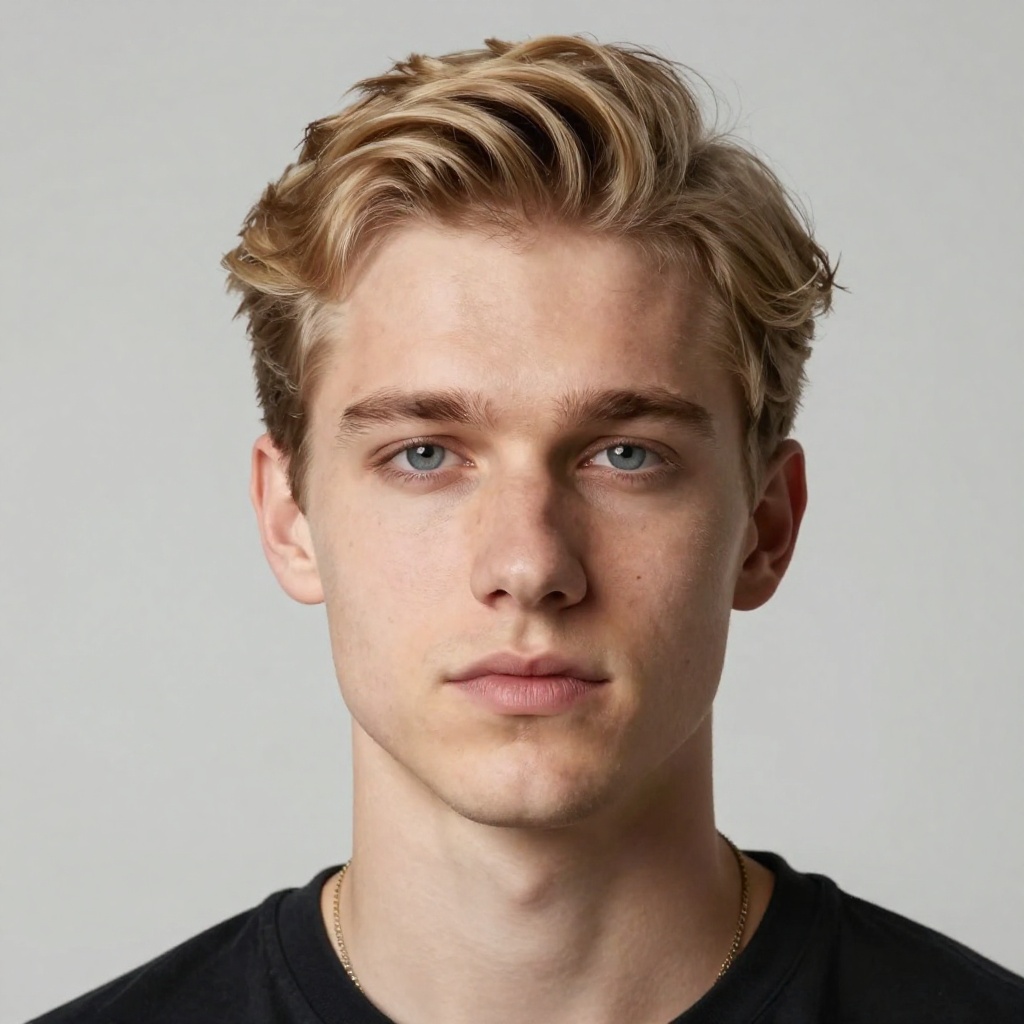
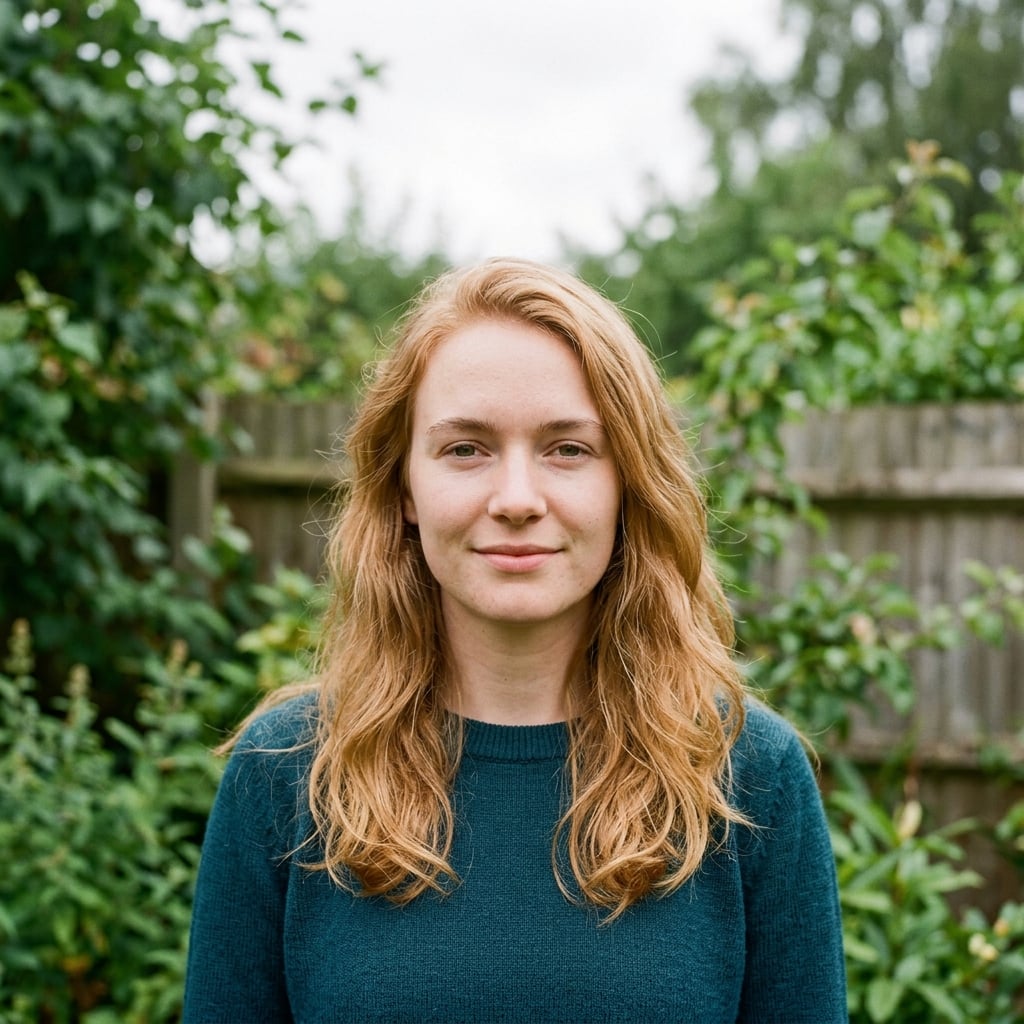
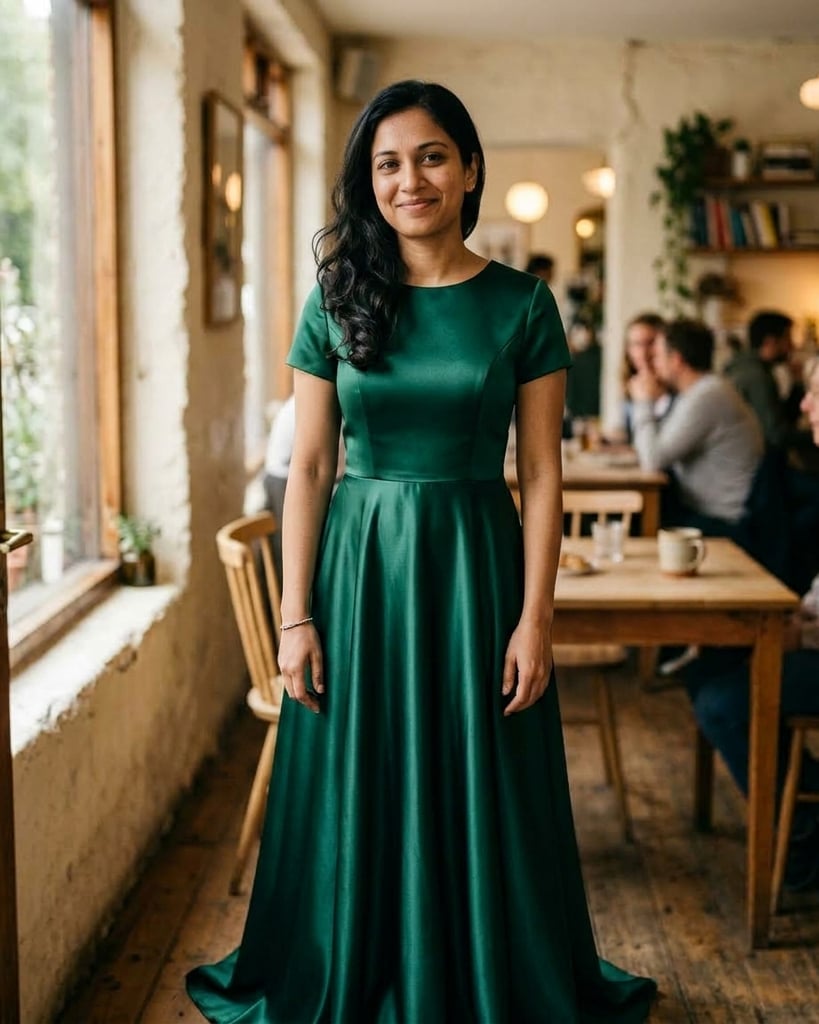
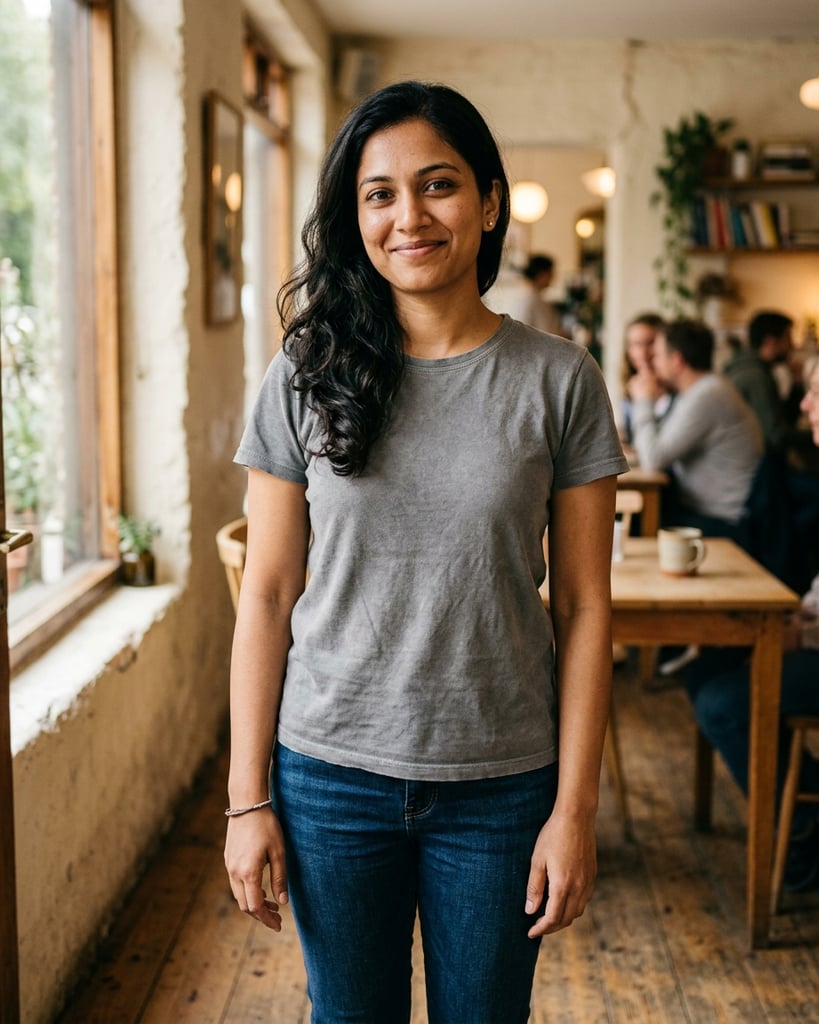
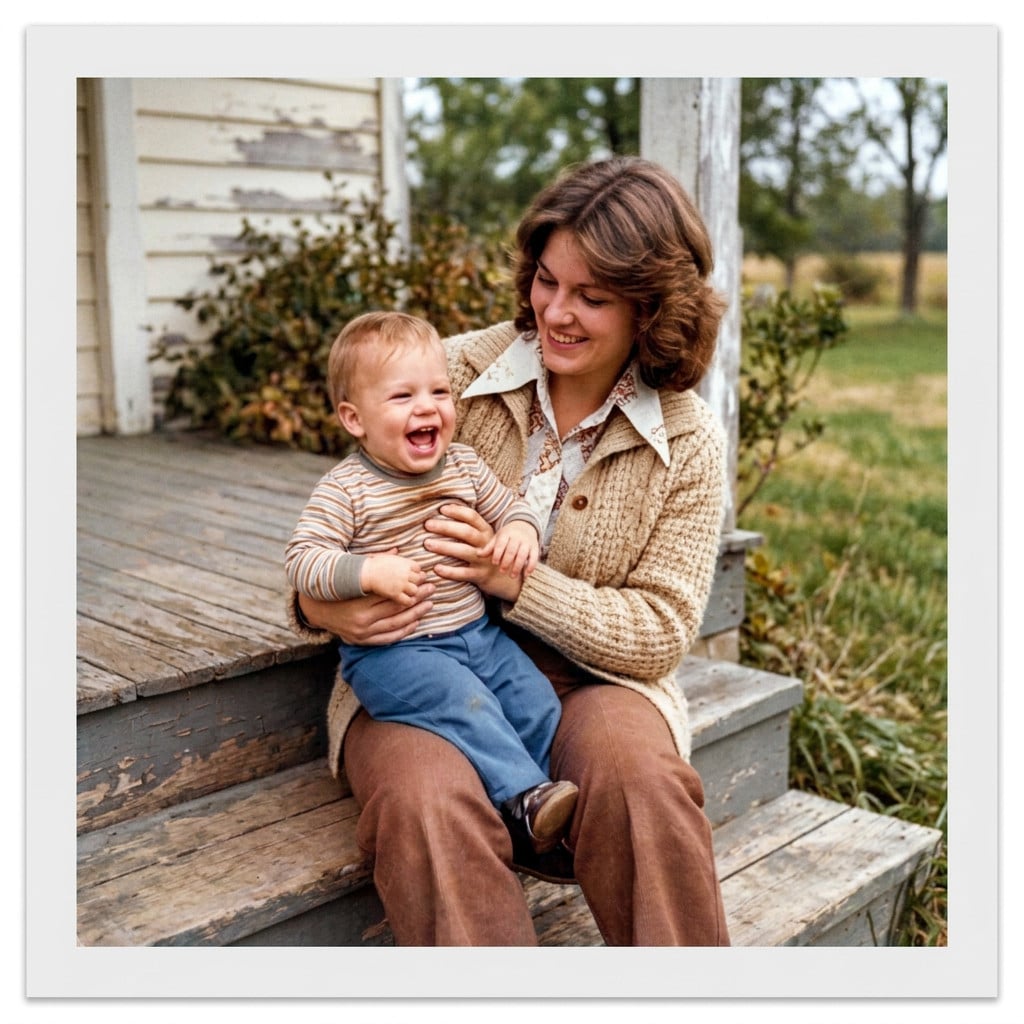
Drag the line on any photo to see the before and after.
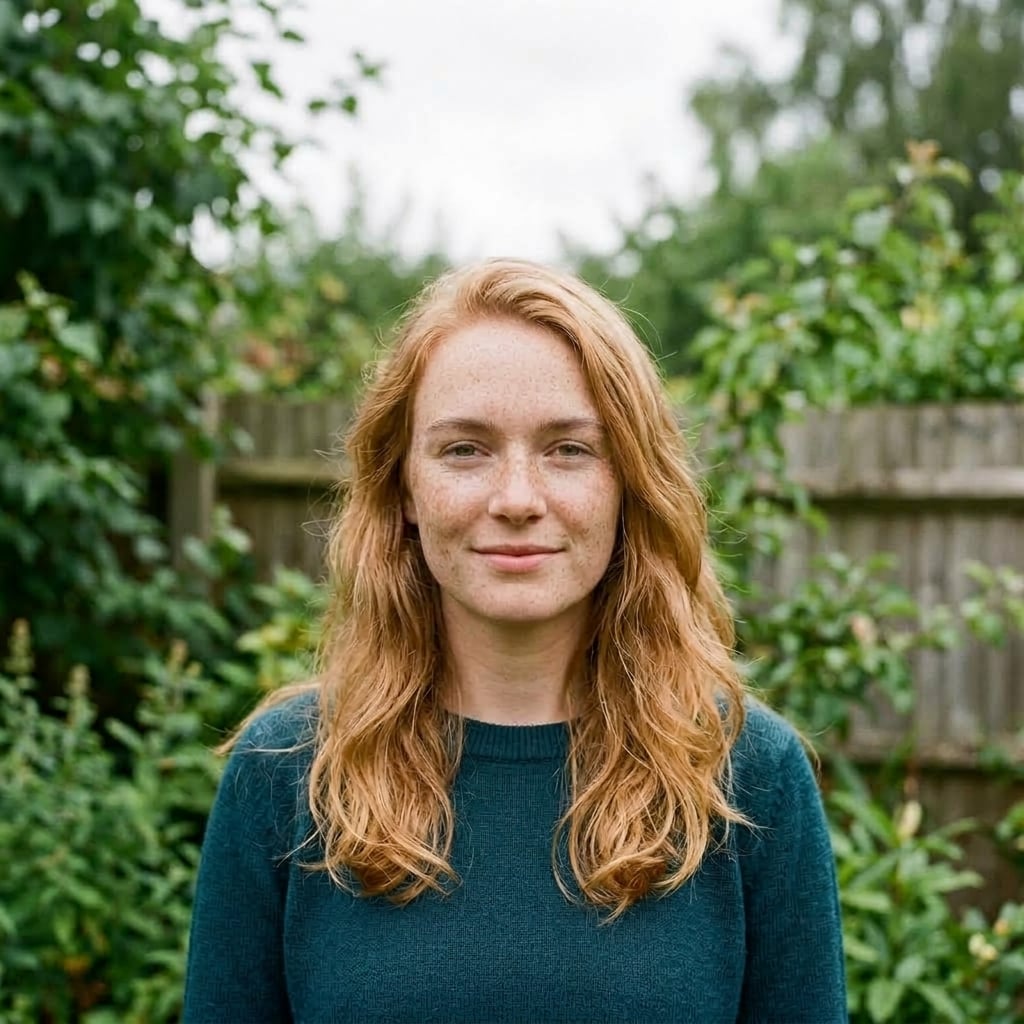
After: Get a natural sun-kissed glow
BeforeAfter
Try the trendy freckled look, after
Try the trendy freckled look, before
BeforeAfter

Try the trendy freckled look

Cute nose and cheek freckles, after
Cute nose and cheek freckles, before
BeforeAfter

Cute nose and cheek freckles

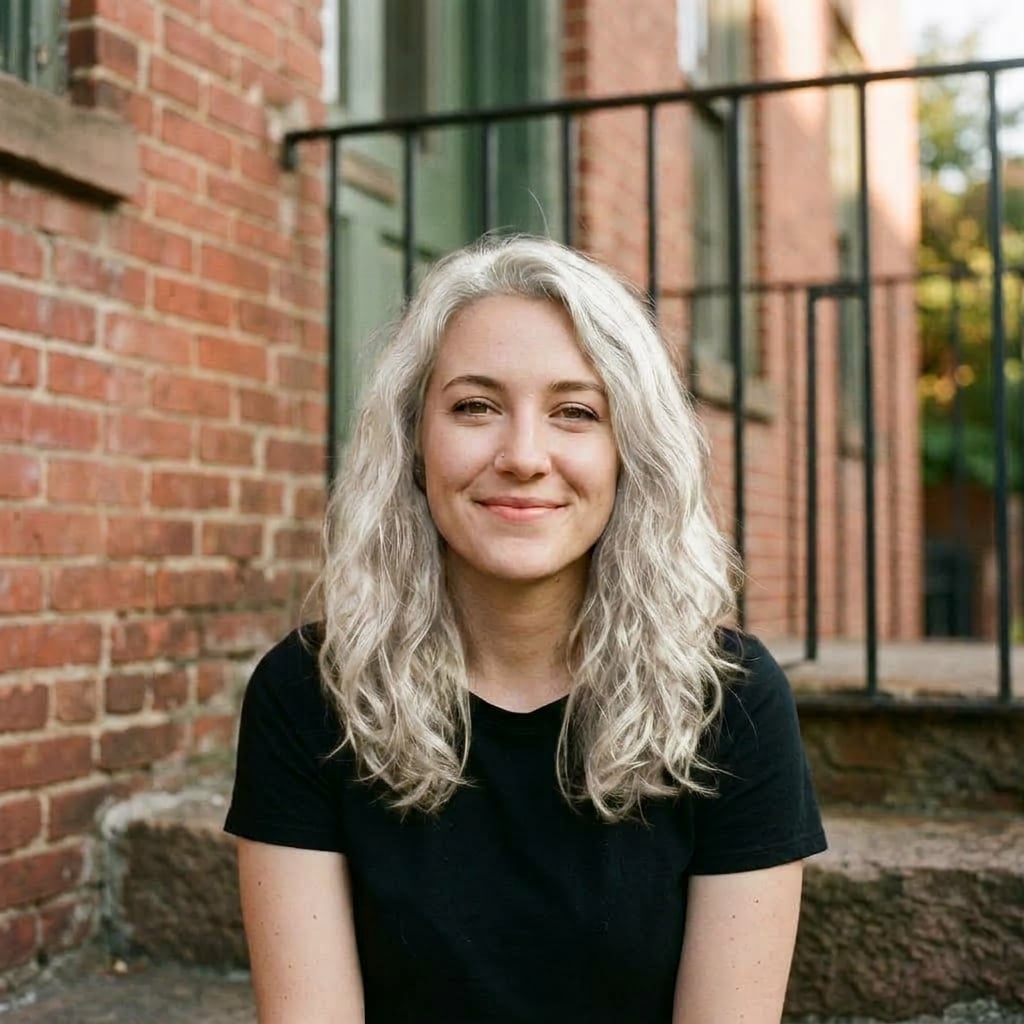
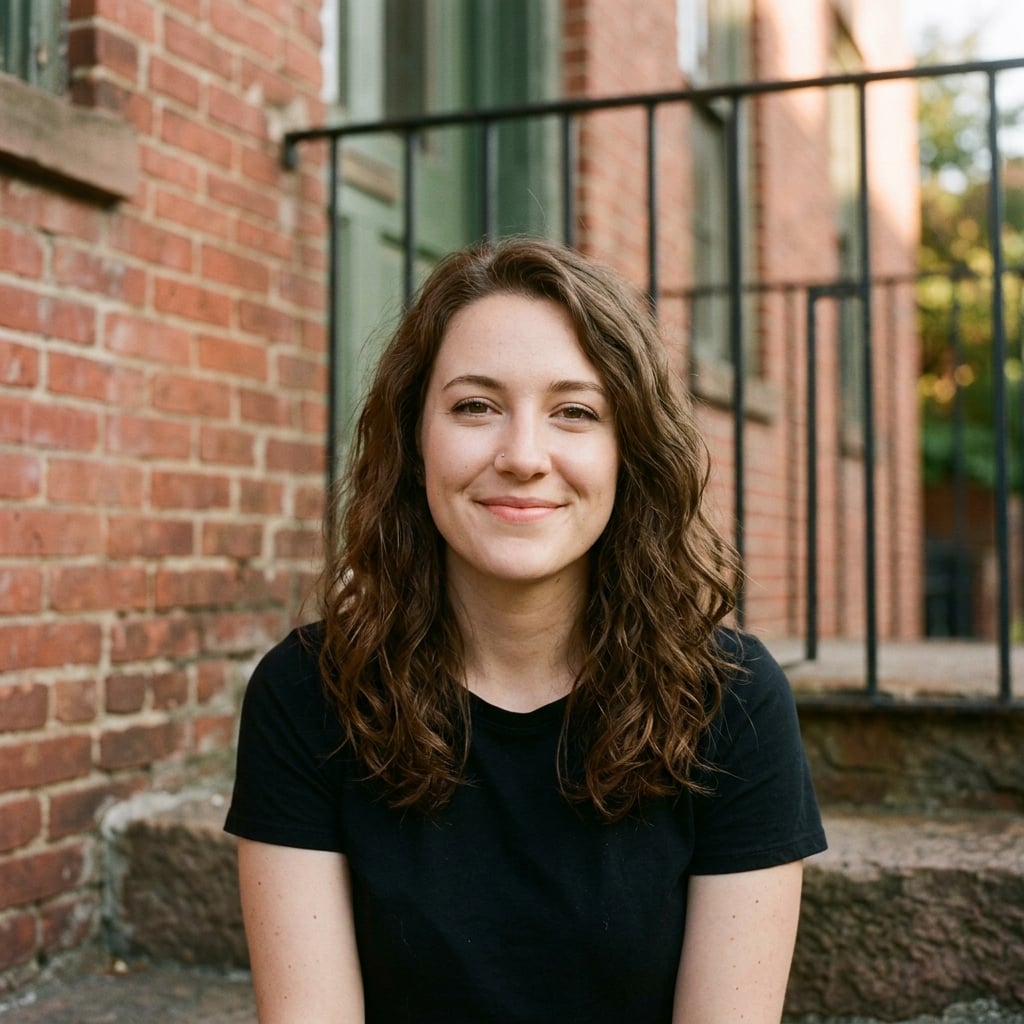
Achieve smooth, clear skin, after
Achieve smooth, clear skin, before
BeforeAfter

Achieve smooth, clear skin

Bold and beautiful full freckles, after
Bold and beautiful full freckles, before
BeforeAfter

Bold and beautiful full freckles

Full face freckle coverage, after
Full face freckle coverage, before
BeforeAfter

Full face freckle coverage

Subtle freckles for any skin tone, after
Subtle freckles for any skin tone, before
BeforeAfter

Subtle freckles for any skin tone

Clean canvas for makeup looks, after
Clean canvas for makeup looks, before
BeforeAfter

Clean canvas for makeup looks

Perfect Instagram-worthy freckles, after
Perfect Instagram-worthy freckles, before
BeforeAfter

Perfect Instagram-worthy freckles

Youthful freckle placement, after
Youthful freckle placement, before
BeforeAfter

Youthful freckle placement

Takes 20-40 seconds.

How it works

How Our AI Freckle Editor Works

Add or remove freckles in 3 simple steps

  1. 1

    Upload Your Photo

    Upload a clear photo of your face. Front-facing, well-lit images work best for natural-looking freckle results.

  2. Add Light FrecklesAdd Medium Freckles
    2

    Choose Your Option

    Select to add light, medium, or heavy freckles, choose a specific placement, or remove existing freckles entirely.

  3. Saved
    3

    Get Natural Results

    Our AI adds or removes freckles while maintaining your natural skin texture. Download your transformed photo instantly!

FAQ

Frequently Asked Questions

Can't find your answer? Email [email protected].

You can try any tool 2 times without creating an account. After that, you'll need to sign up to continue using our free tools.

When you create a free account, you receive 20 credits to use across all our tools. Most transformations cost 1-2 credits, so you can create many images!

Free users get images resized to 1024px before processing, while pro users can process images up to 2048px for higher quality results.

Our AI produces highly realistic transformations. The quality depends on the clarity of your original image and the complexity of the requested changes. Clear, well-lit photos work best.

Free users can use images for personal projects. Pro users get full commercial usage rights for business and marketing purposes.

Most transformations complete in 20-40 seconds. Complex edits may take longer. Pro users get priority processing for faster results.

Yes, we prioritize your privacy. Images are processed securely during processing. We never store or share your personal photos for longer than a week unless you're signed in.

Yes! You can generate multiple variations by adjusting your preferences or running the tool again. Each generation uses credits, but you can compare different results.

Ready to Try More AI Tools?

Explore our full suite of AI-powered photo editing tools to transform your images.

  • Professional Headshots
  • Face Swap
  • Image Generation