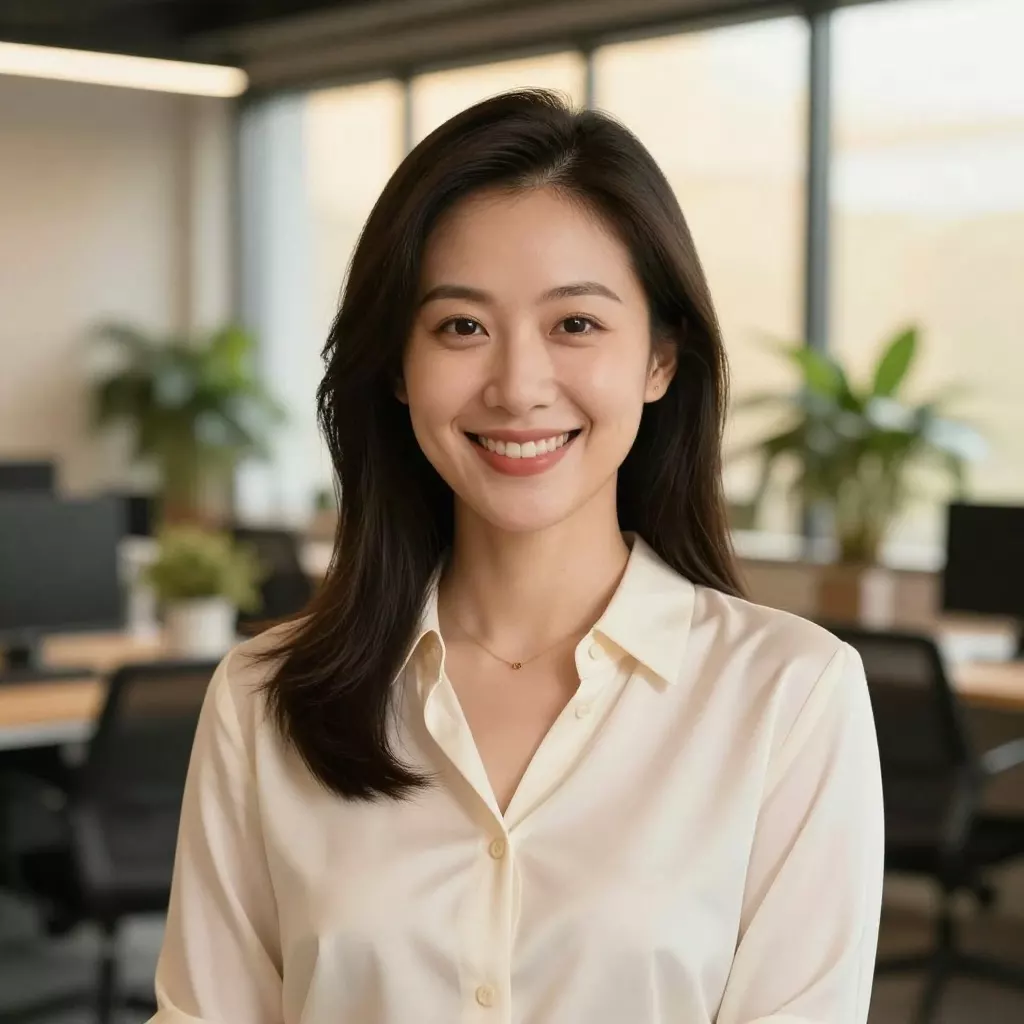
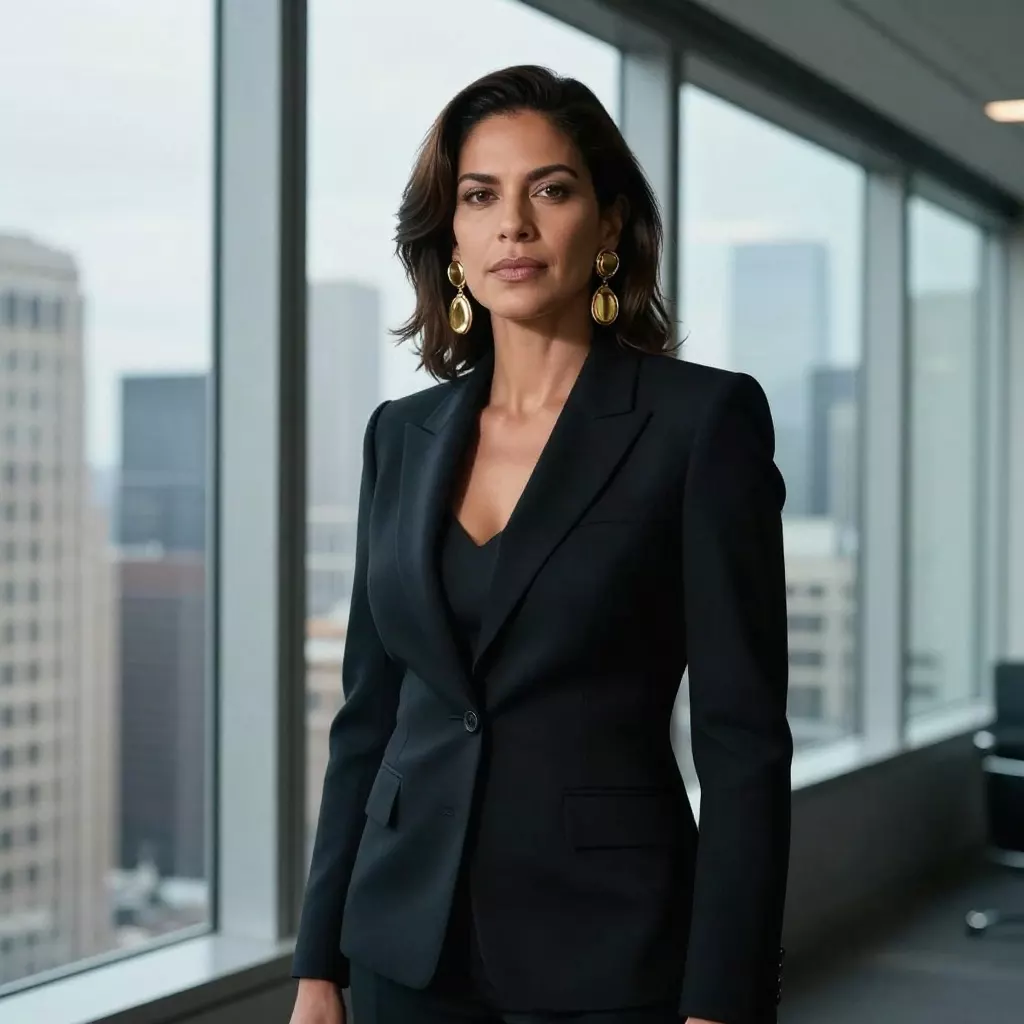
Free AI Object Addition

Add any object to your photos with AI. Perfect for creative compositions!
4.9

53,000+ happy customers

View all tools

Real results

See it on real photos

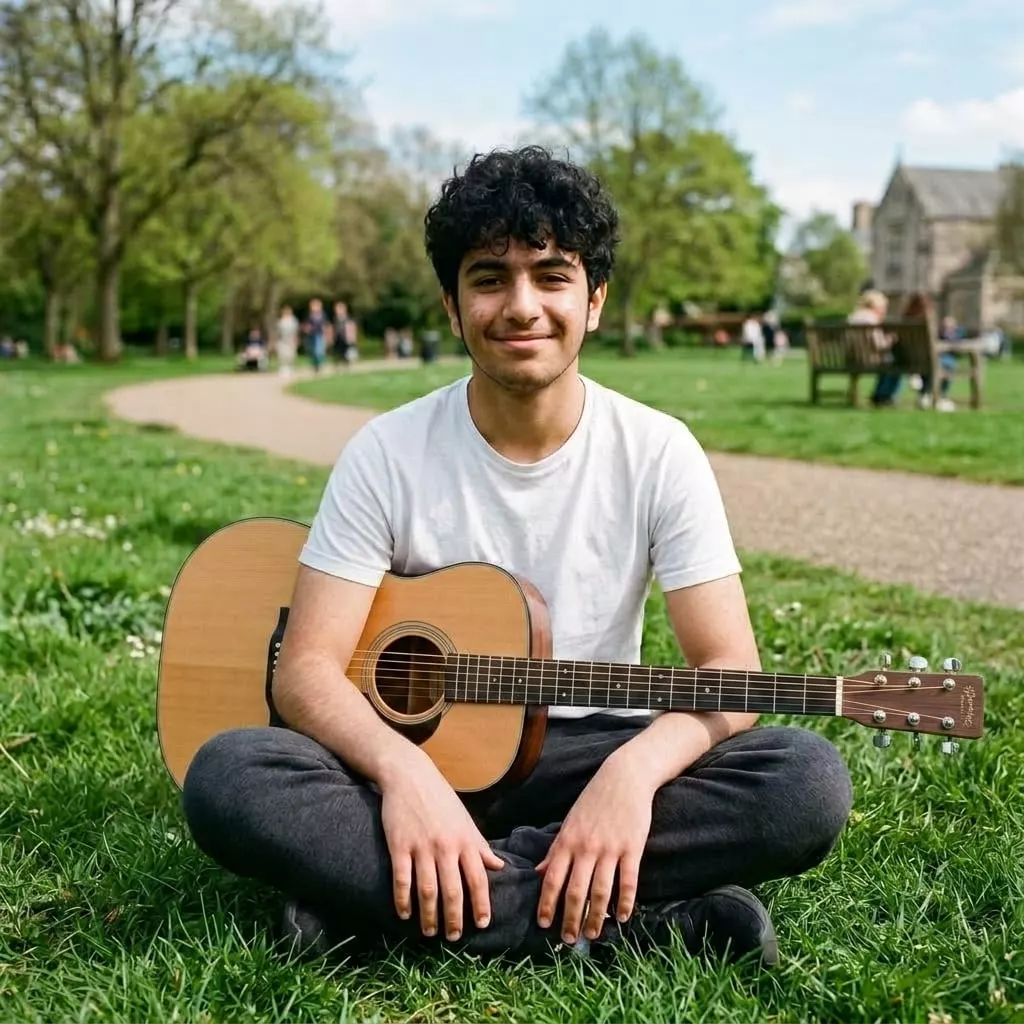
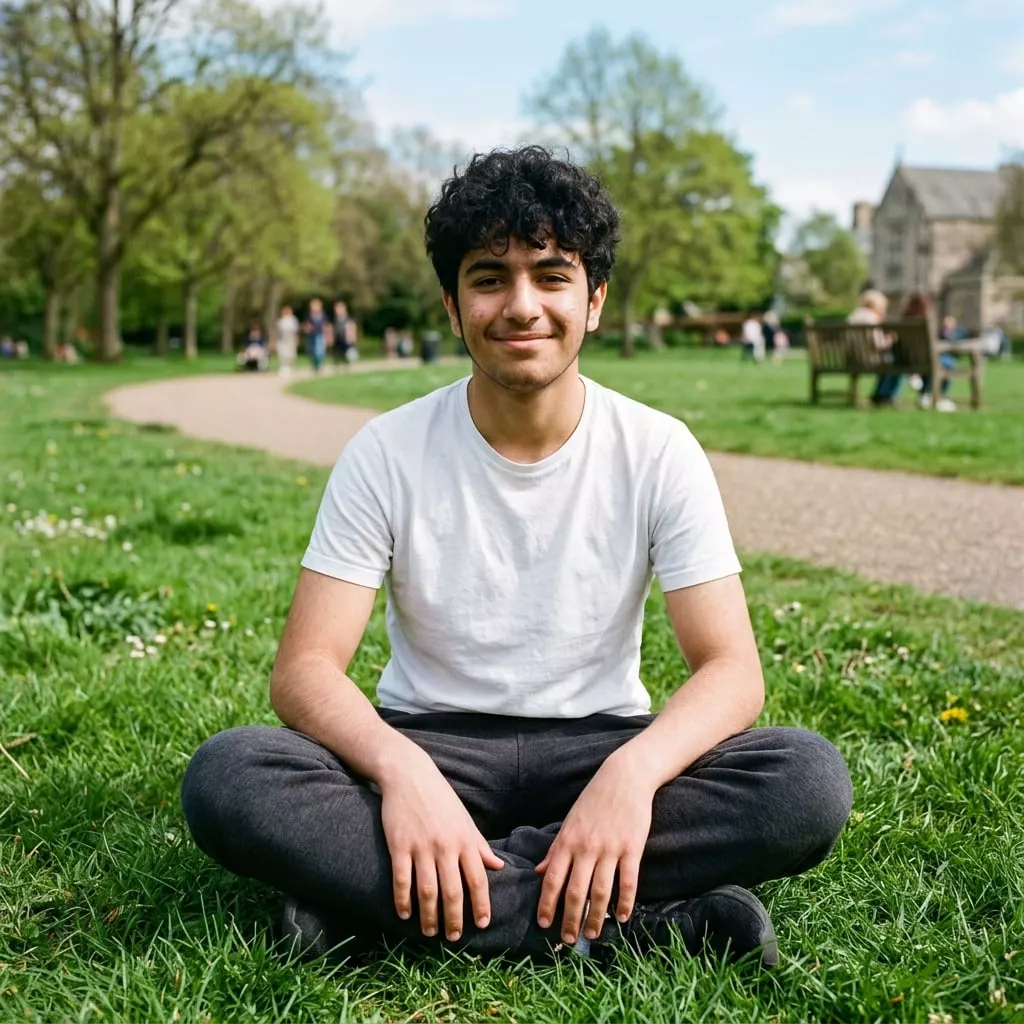
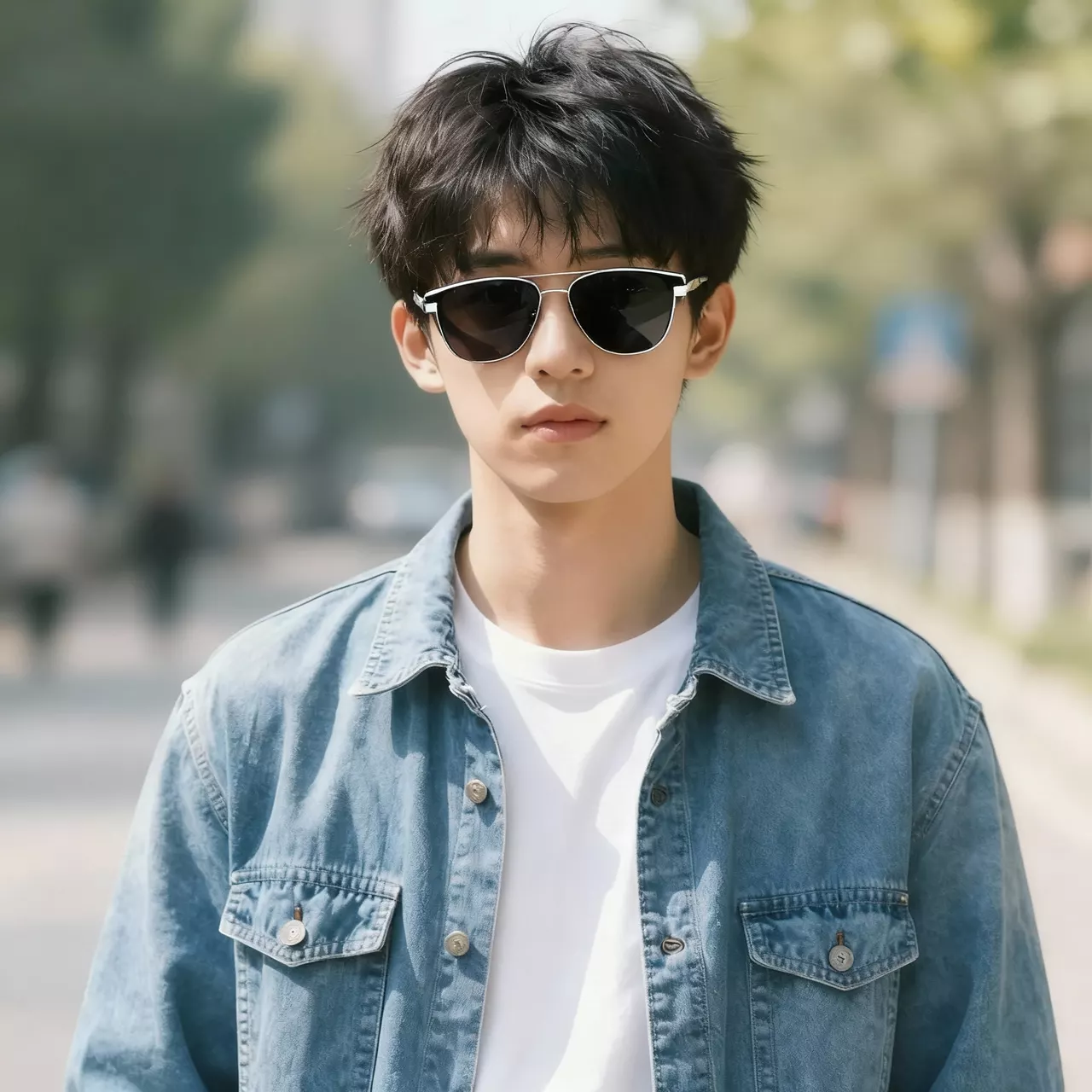
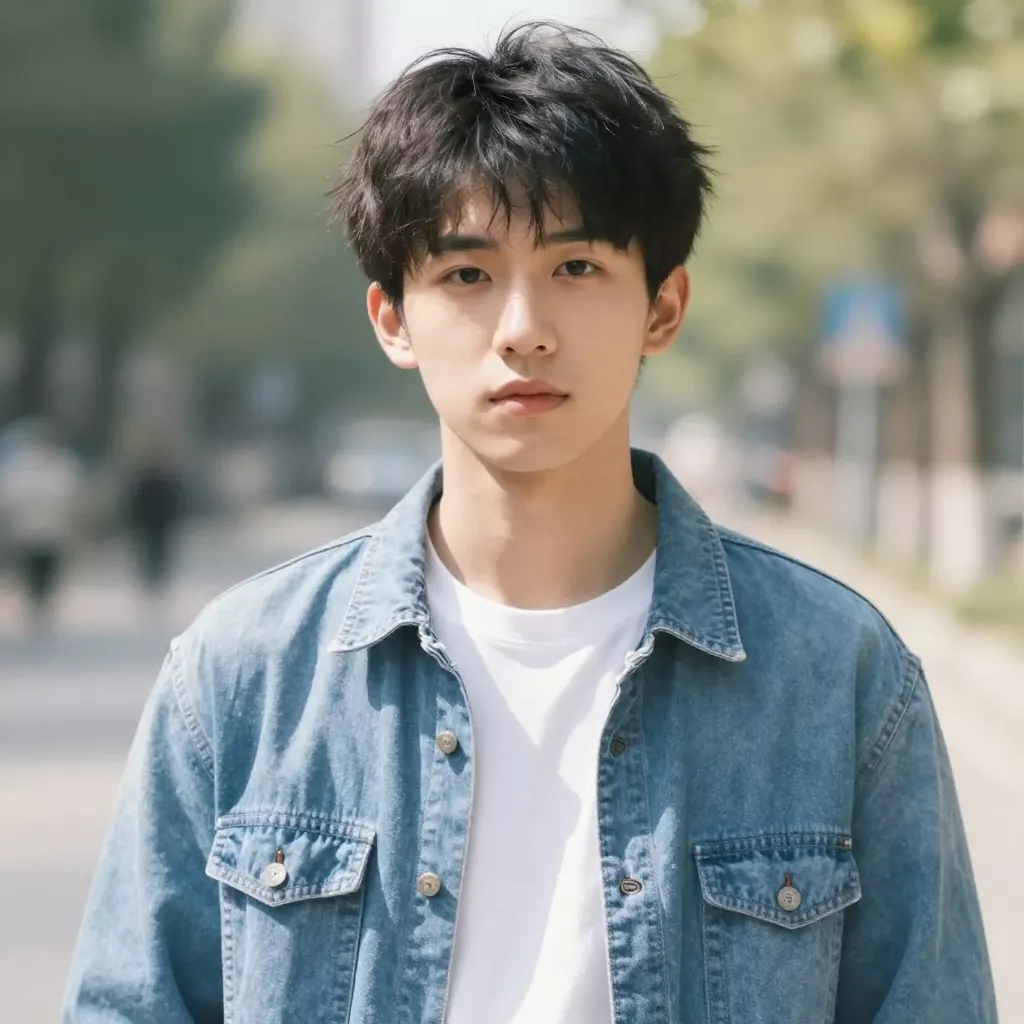
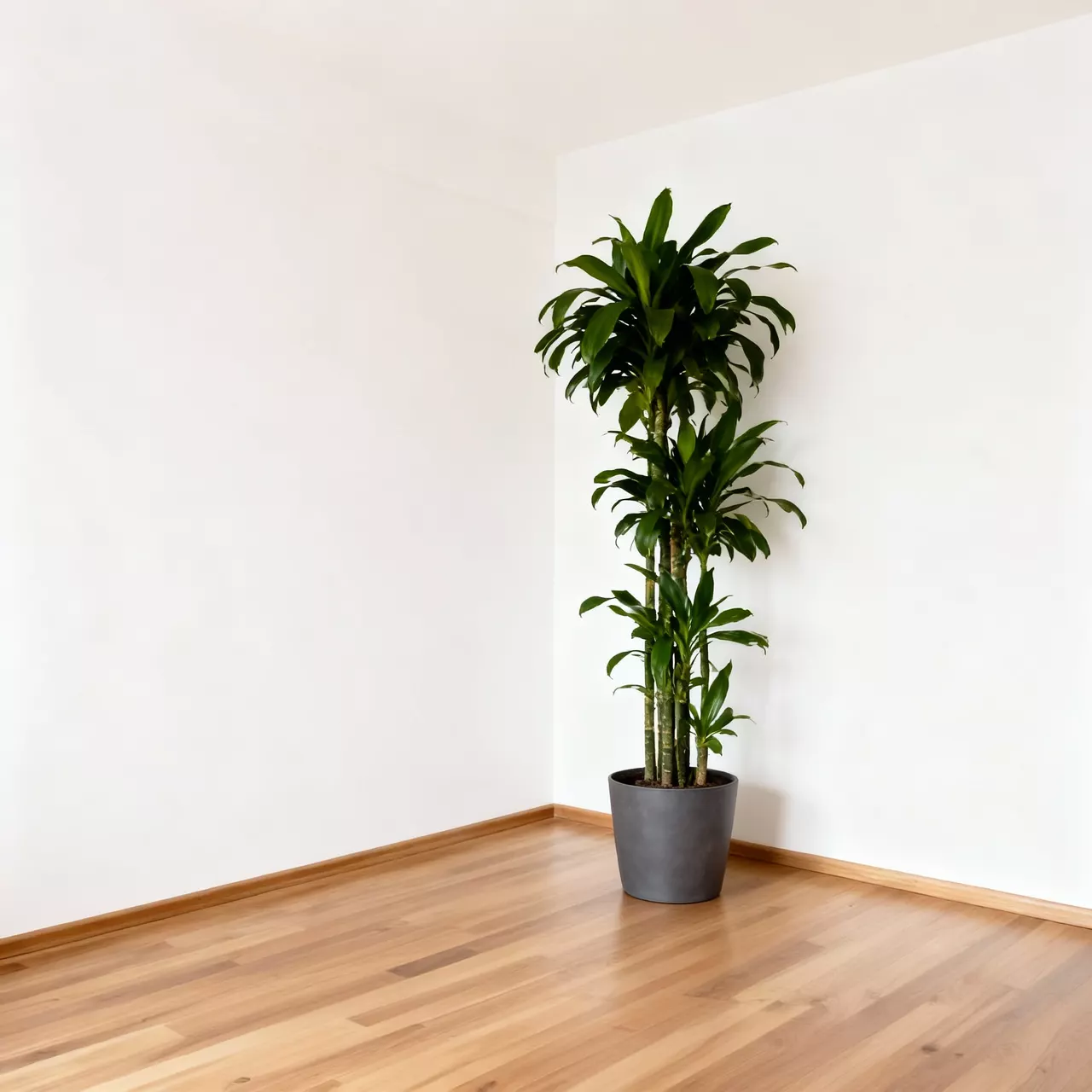
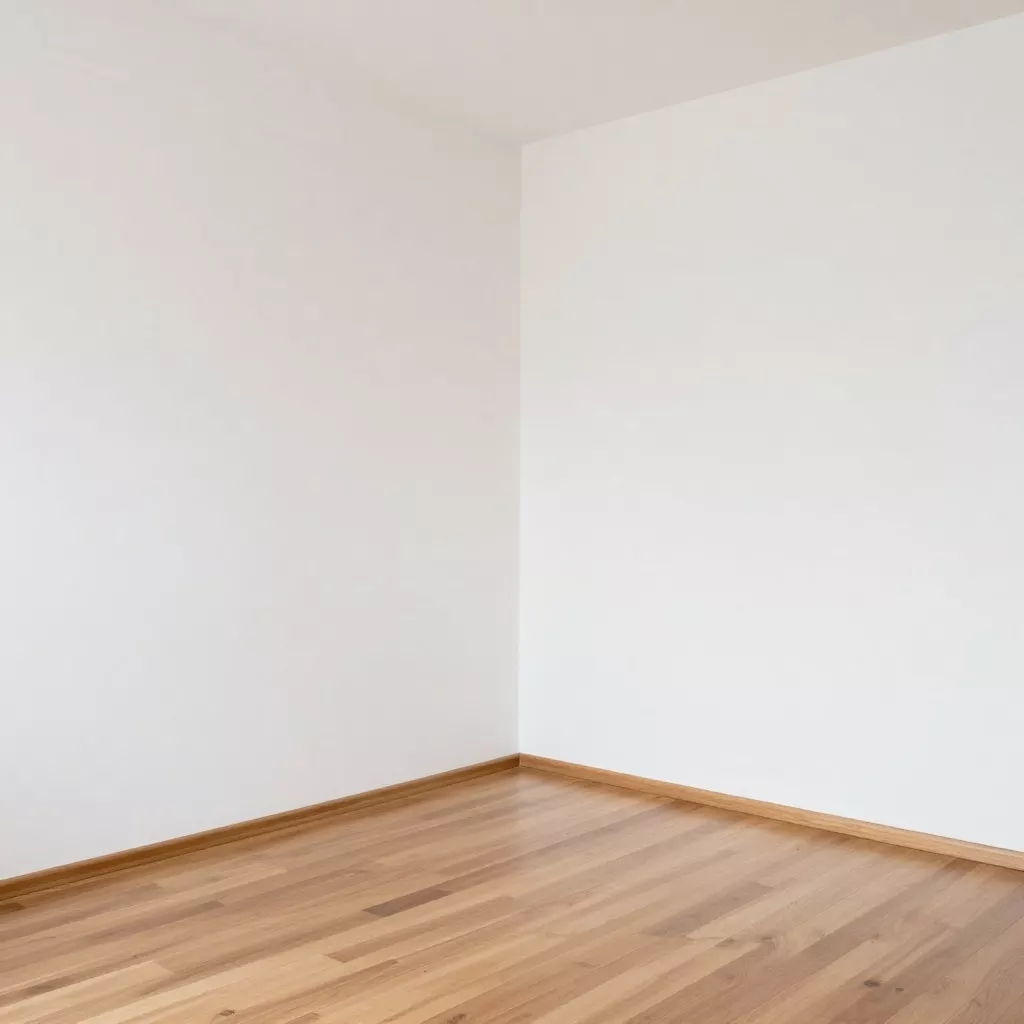
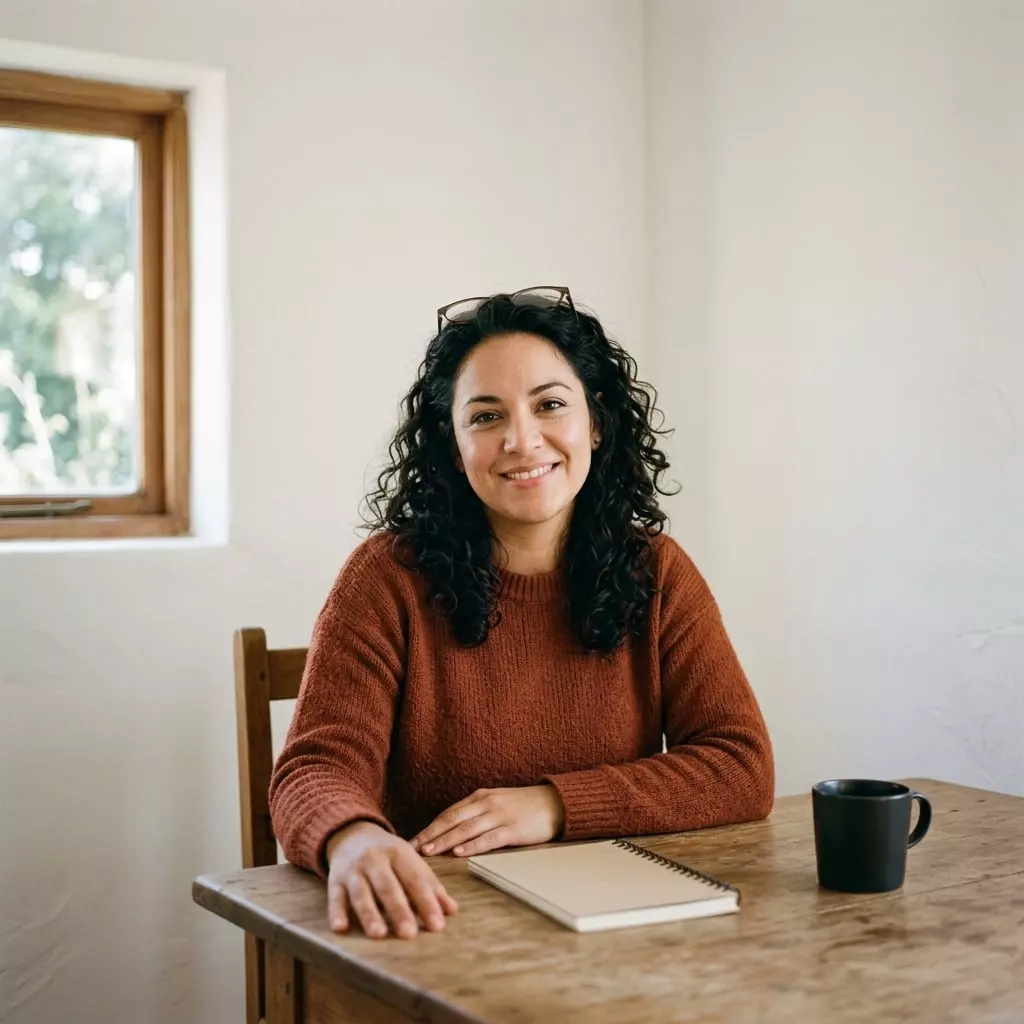
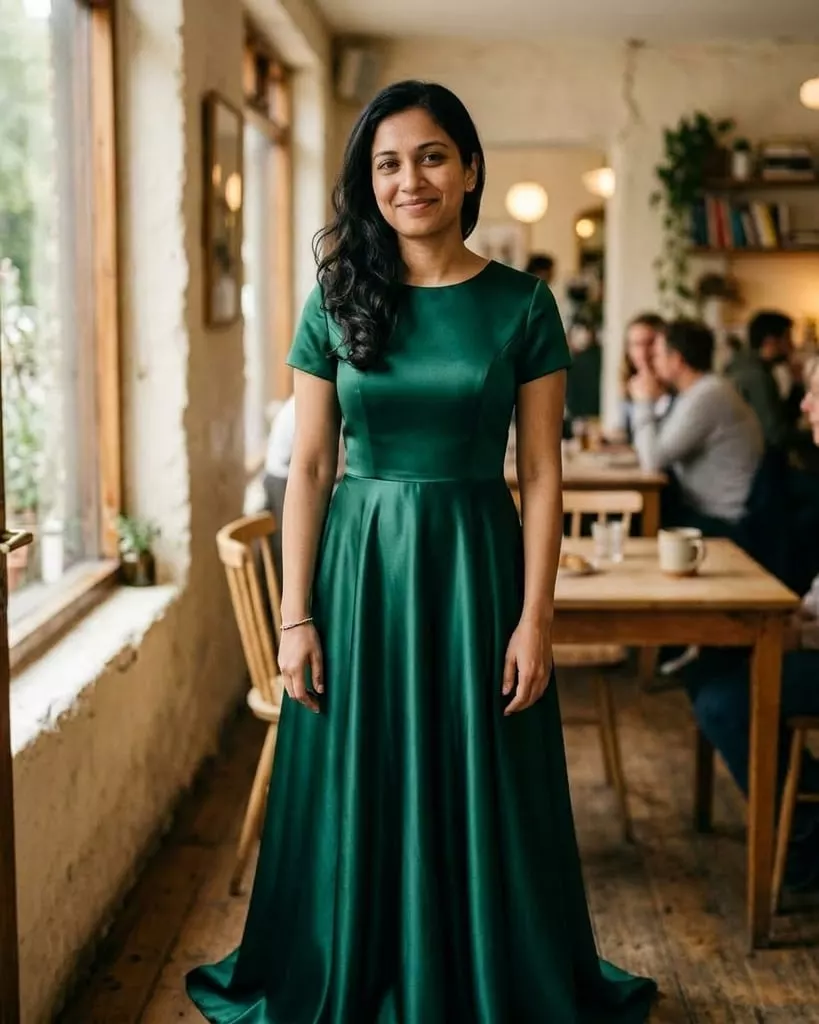
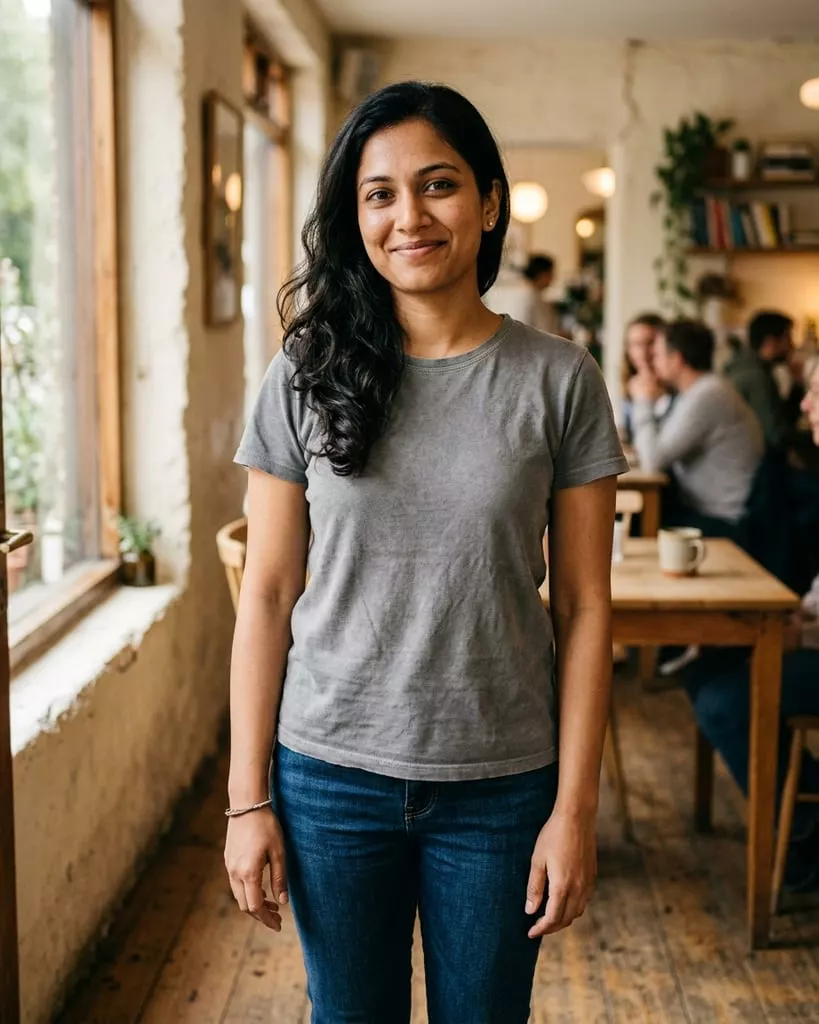
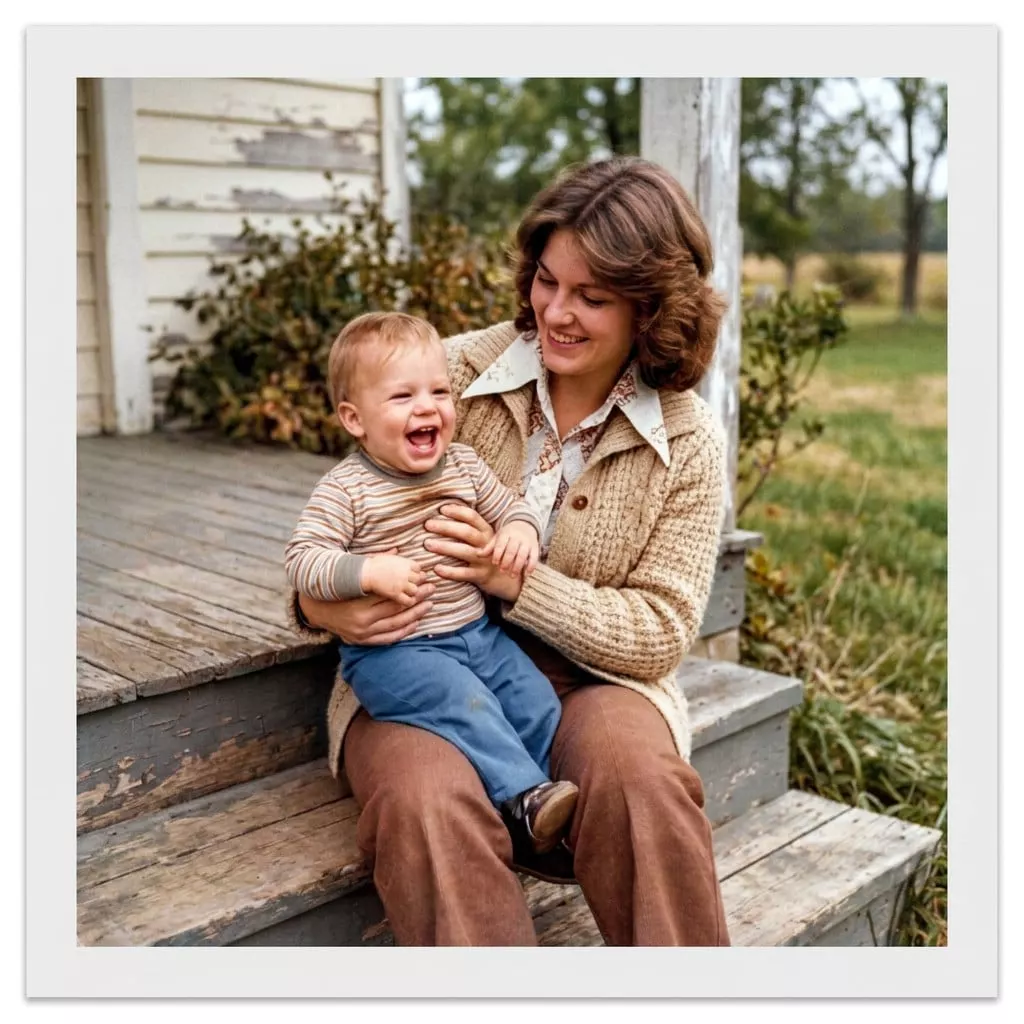
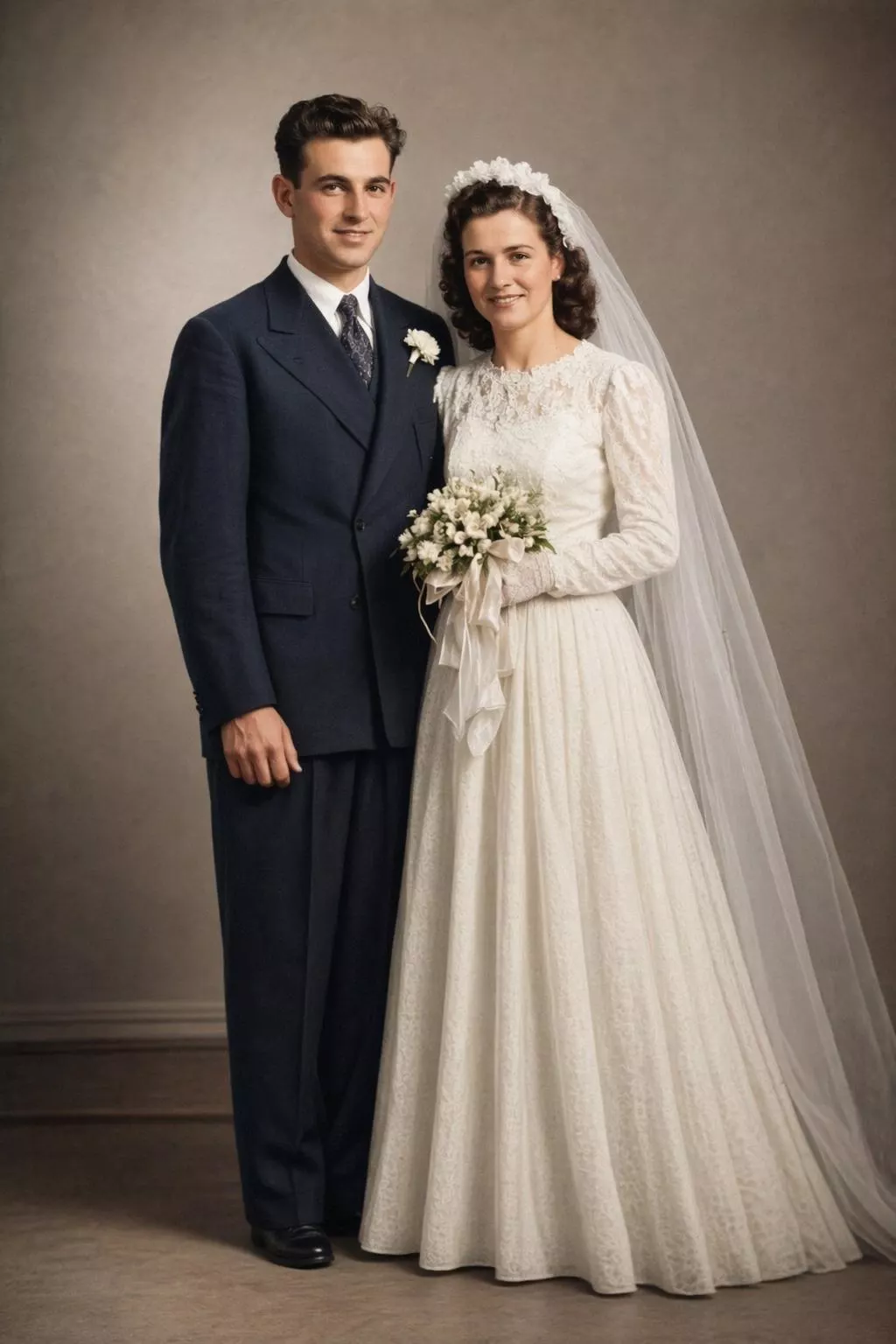
Drag the line on any photo to see the before and after.
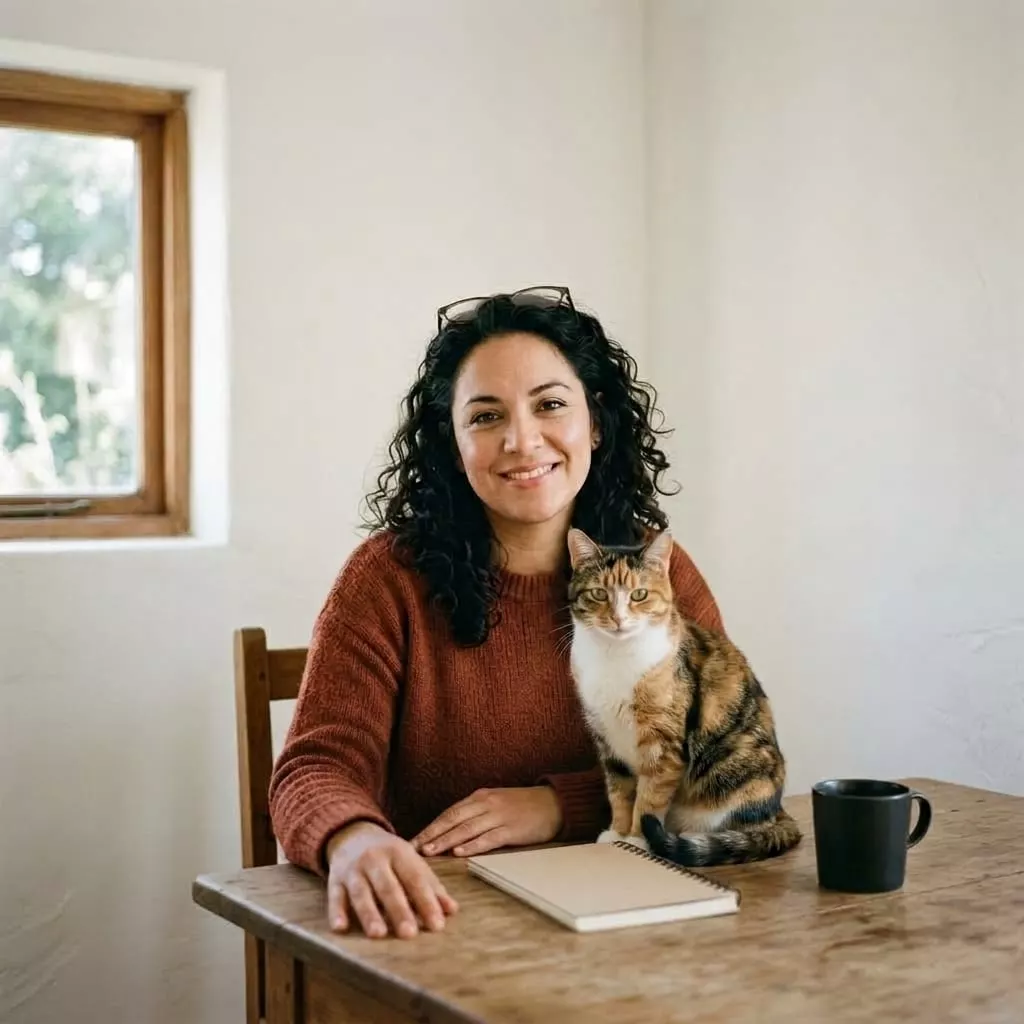
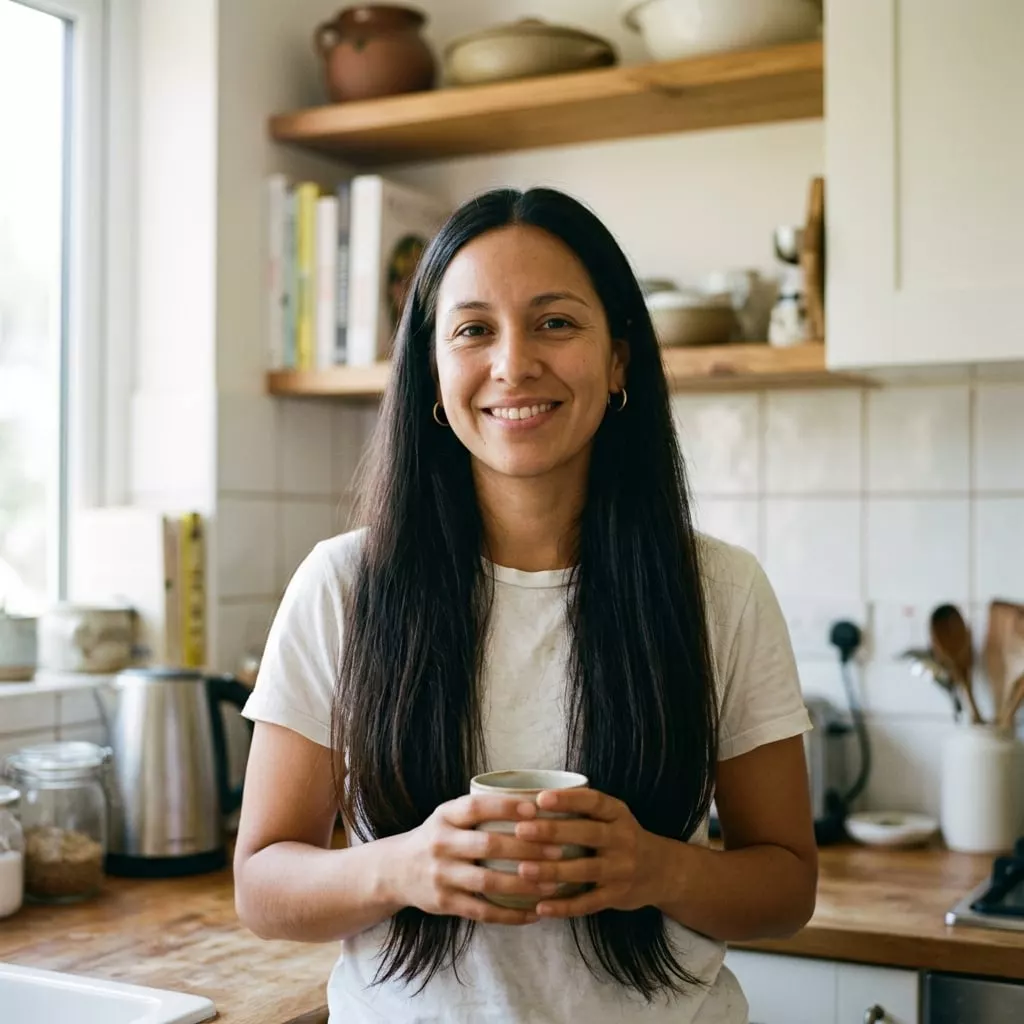
After: That perfect shot was missing one thing
BeforeAfter
Create the scene you imagined, after
Create the scene you imagined, before
BeforeAfter

Create the scene you imagined

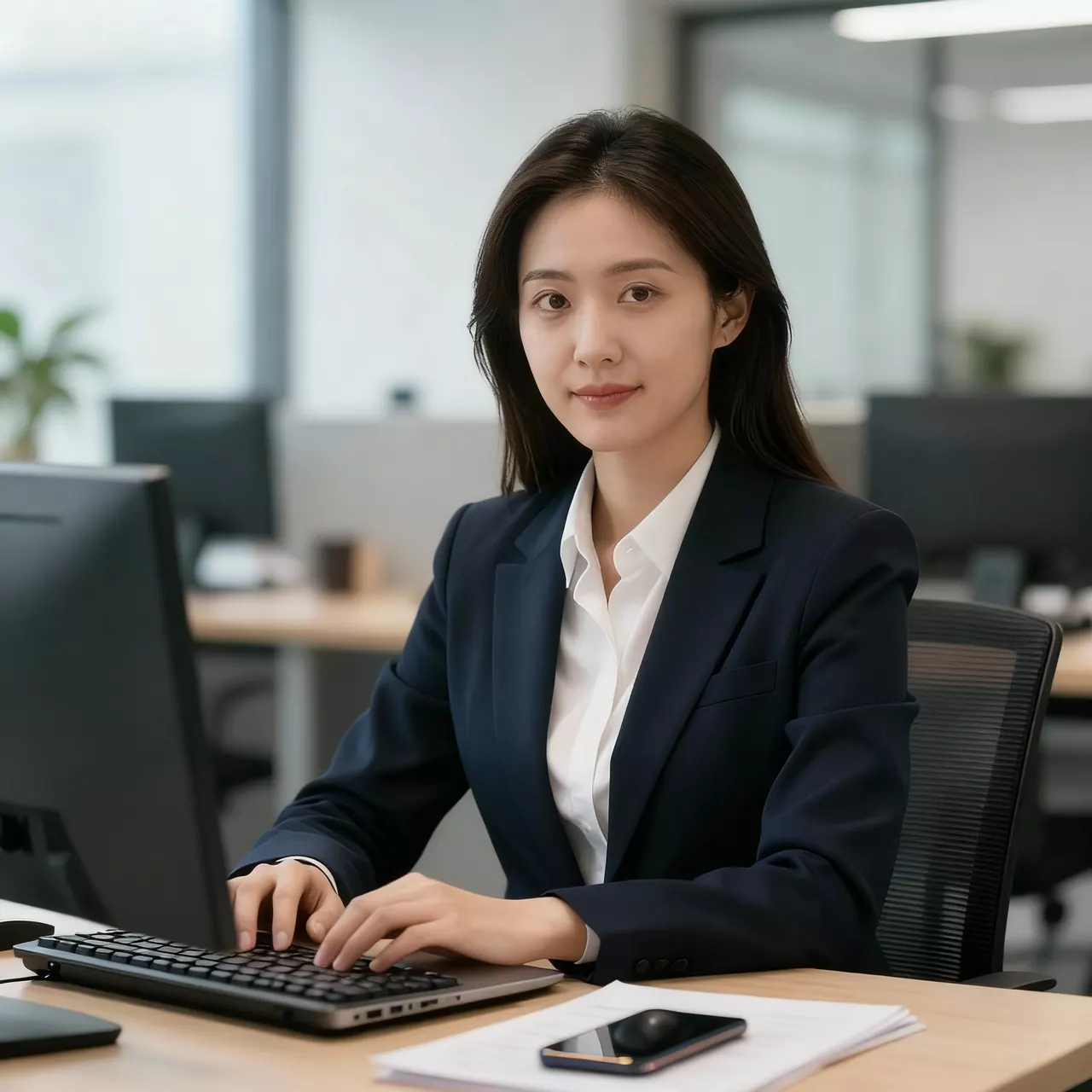
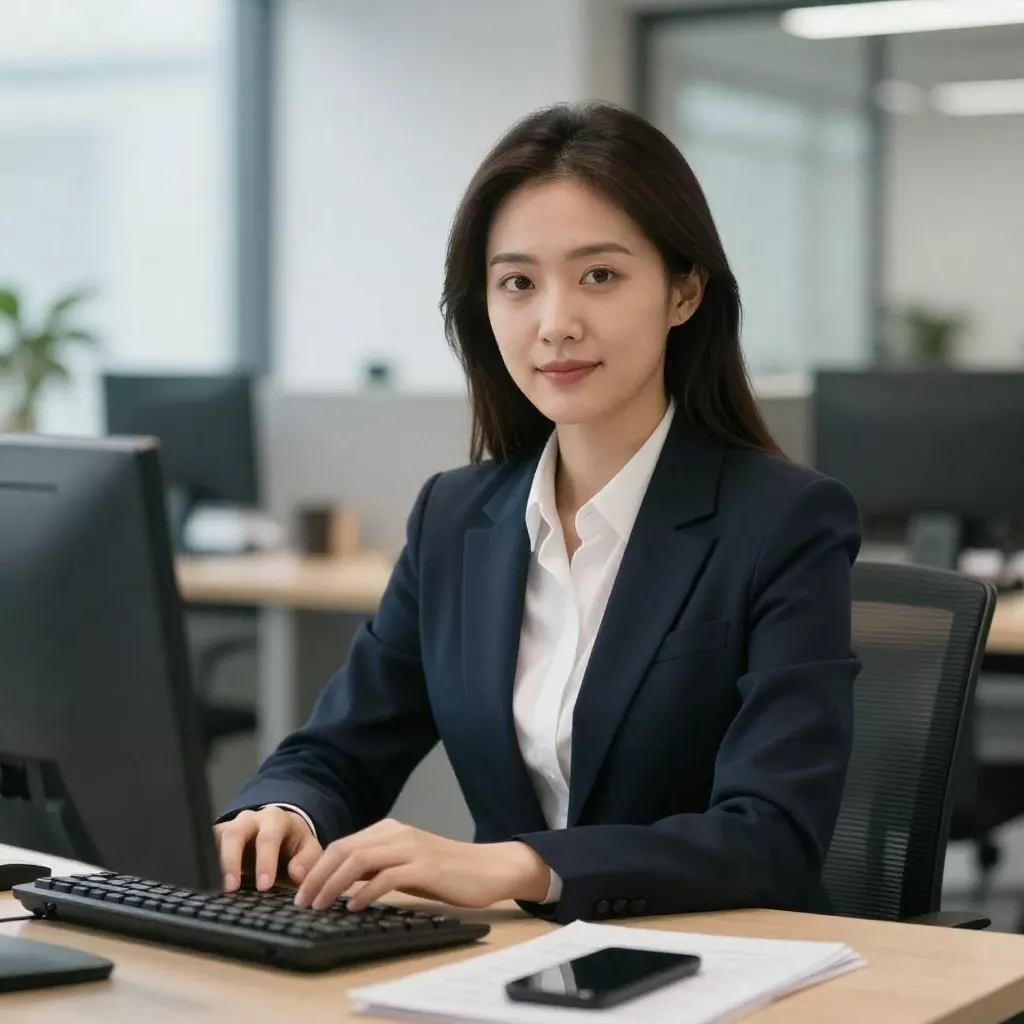
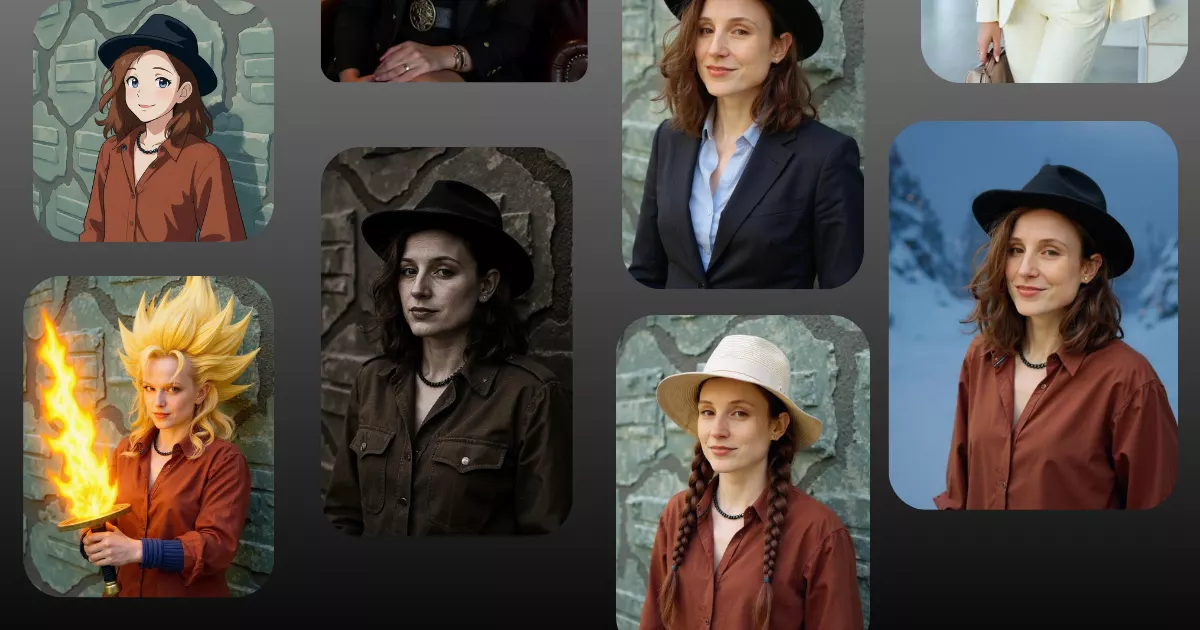
Perfect for professional photos, after
Perfect for professional photos, before
BeforeAfter

Perfect for professional photos

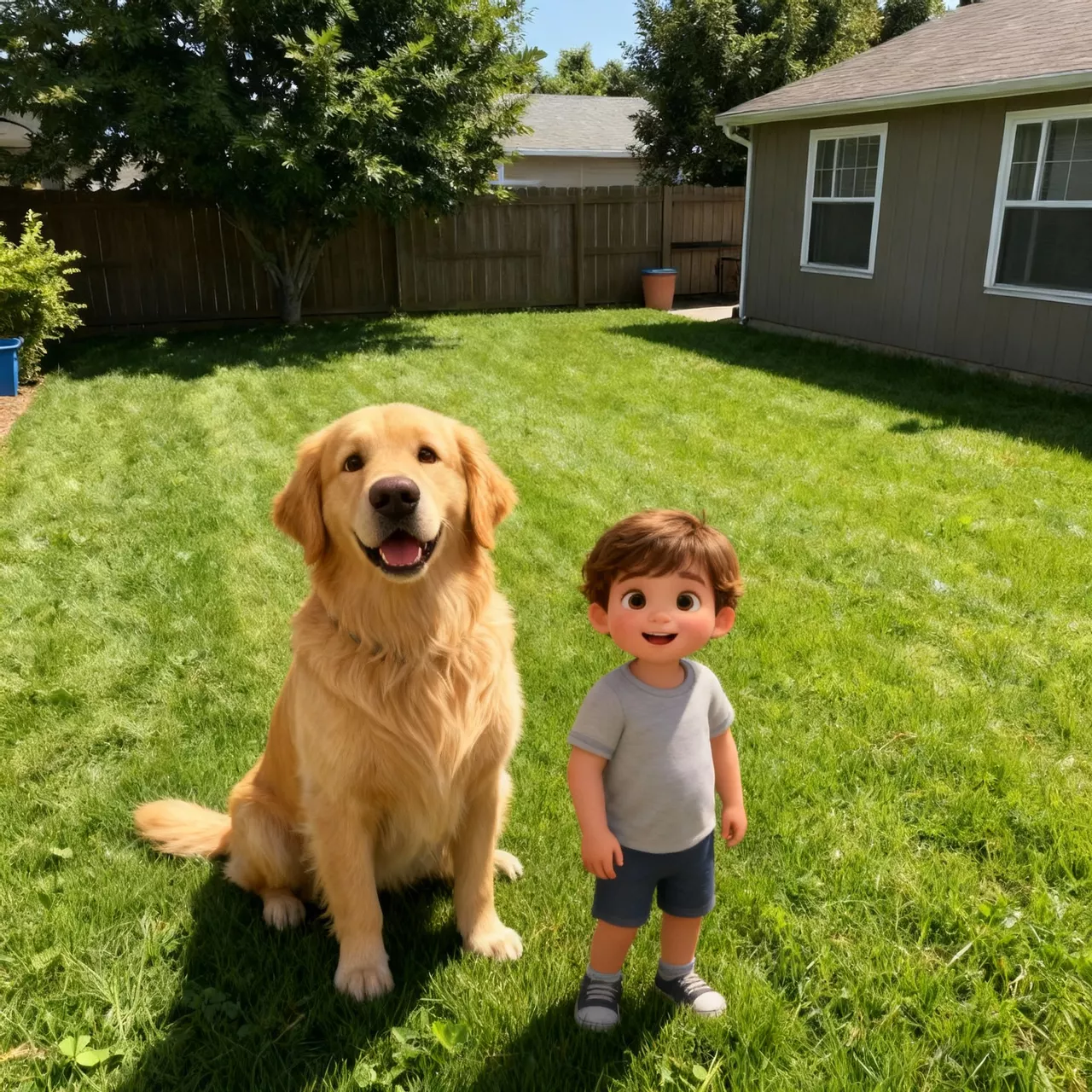
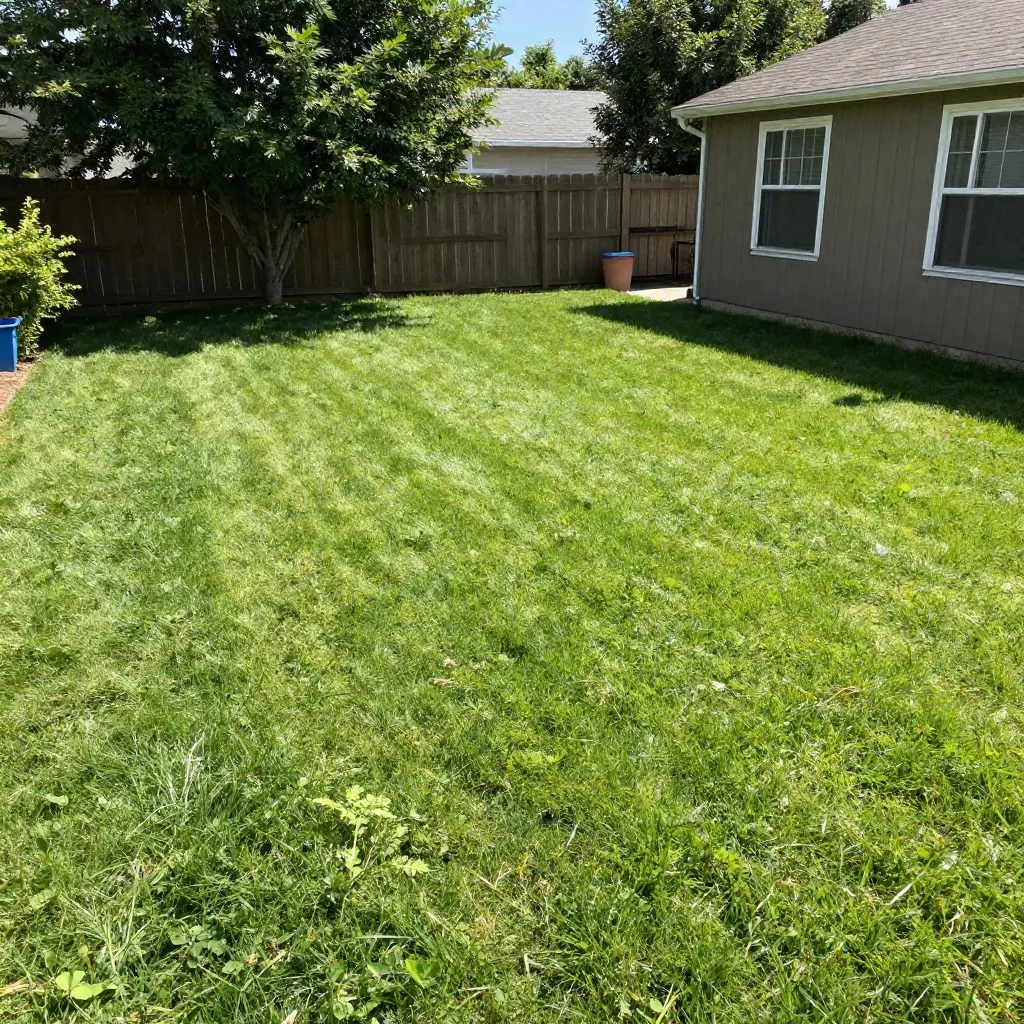
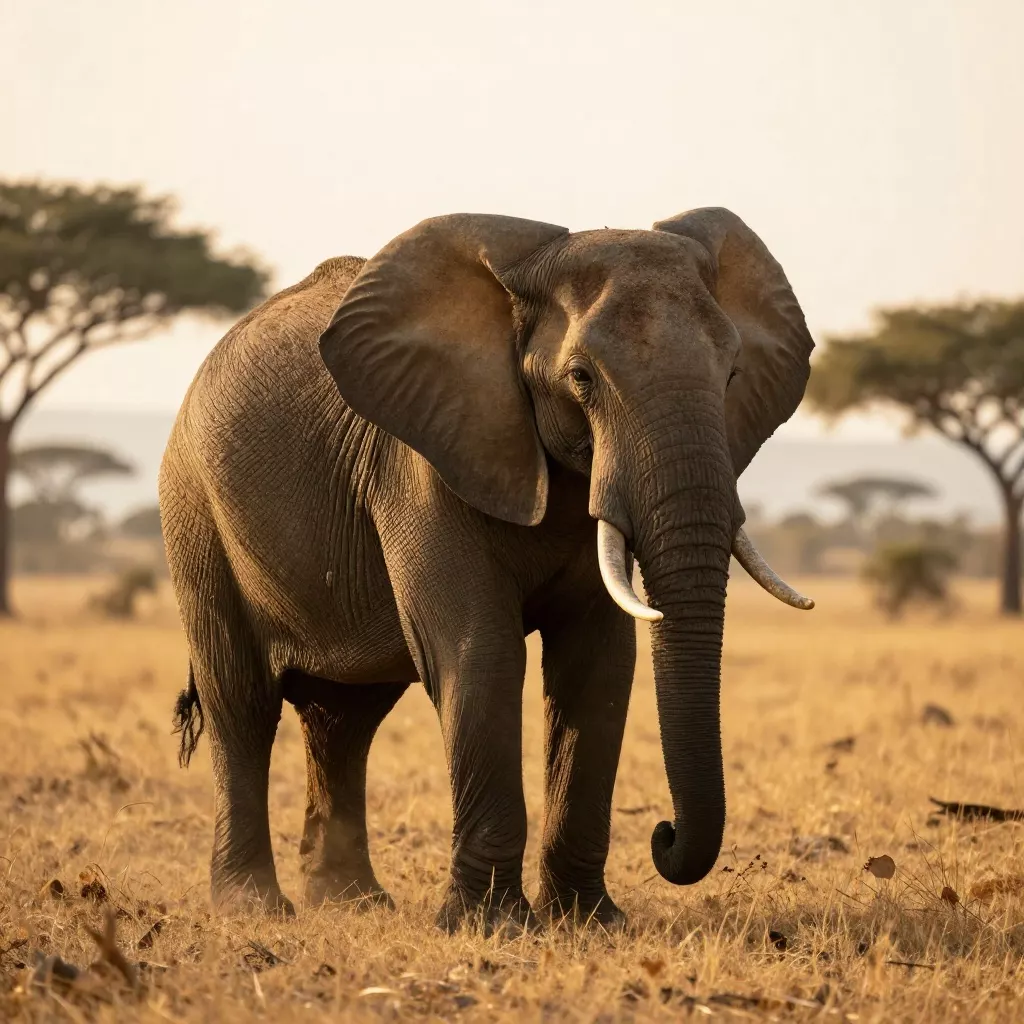
Add pets to any photo, after
Add pets to any photo, before
BeforeAfter

Add pets to any photo

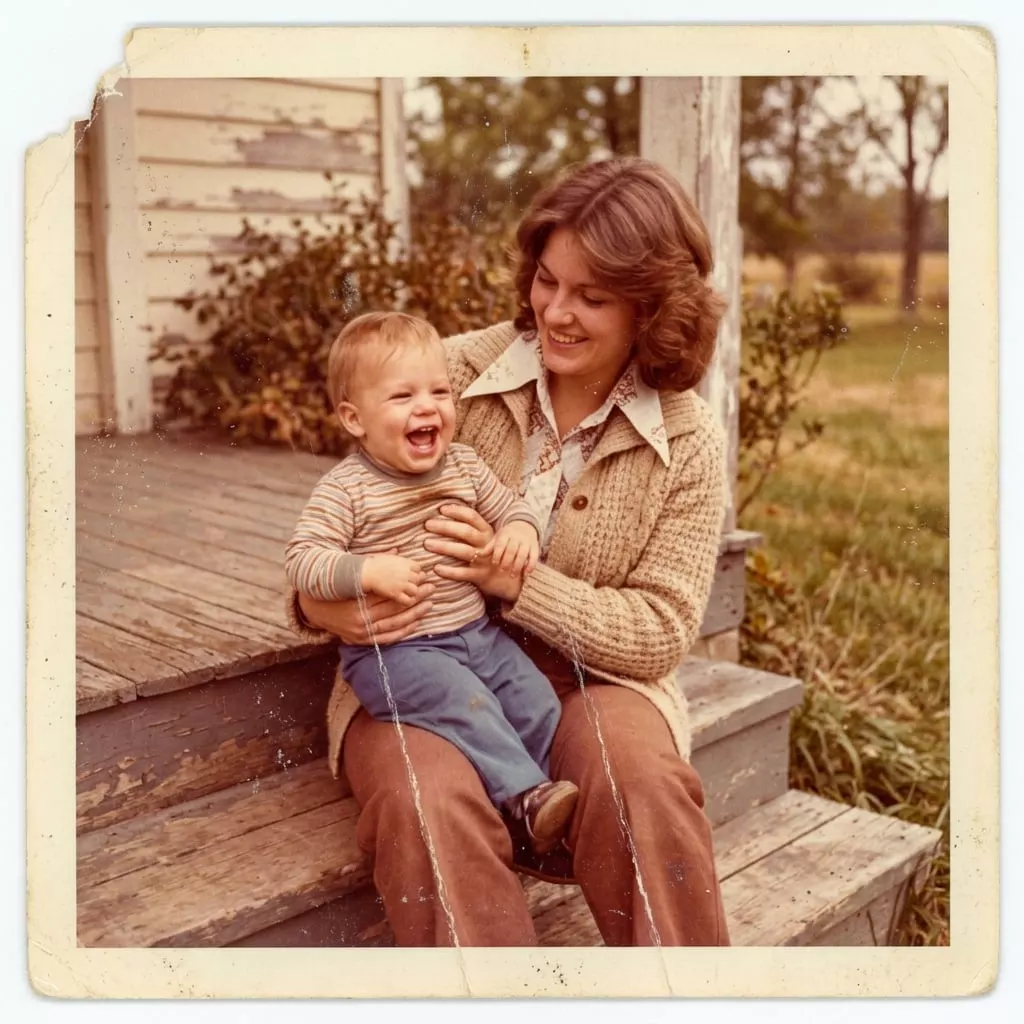
Fix photos retroactively, after
Fix photos retroactively, before
BeforeAfter

Fix photos retroactively

Decorate any space, after
Decorate any space, before
BeforeAfter

Decorate any space

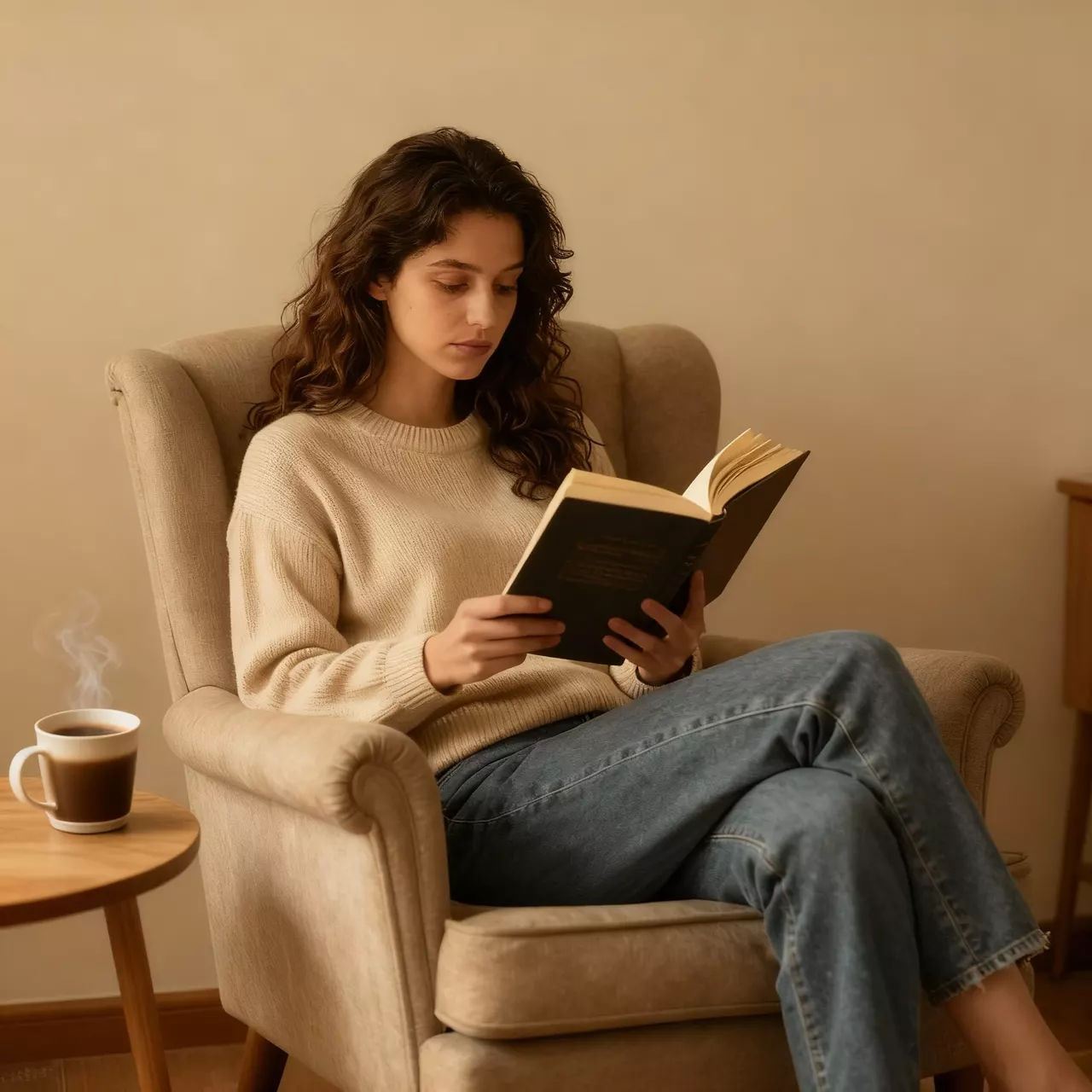
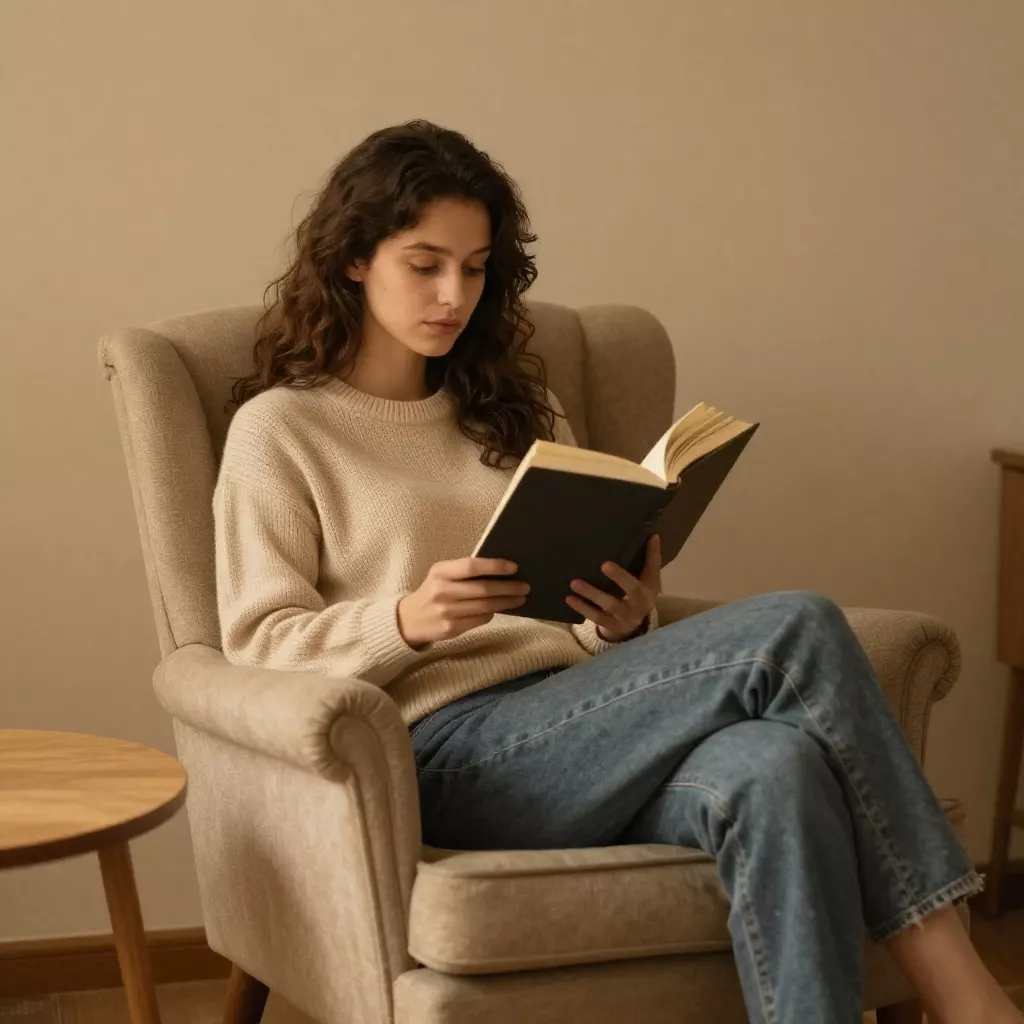
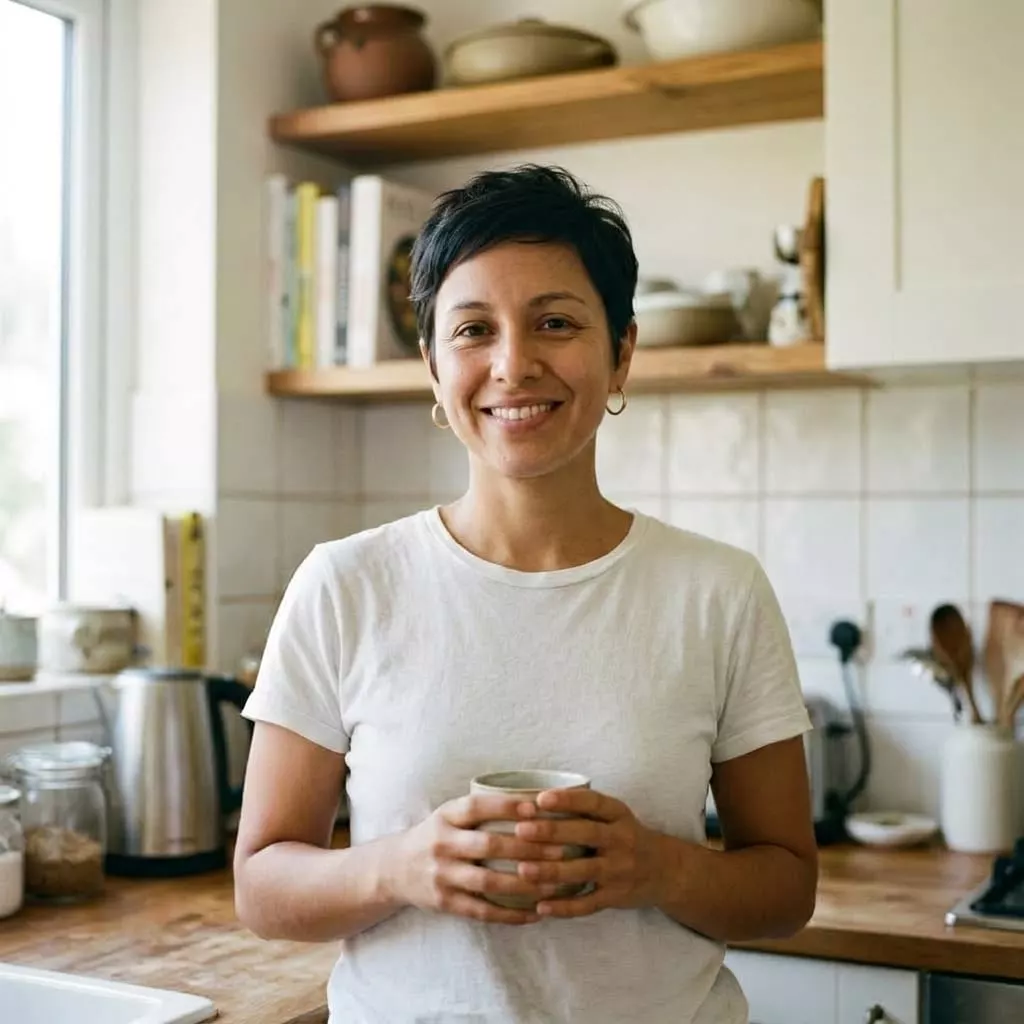
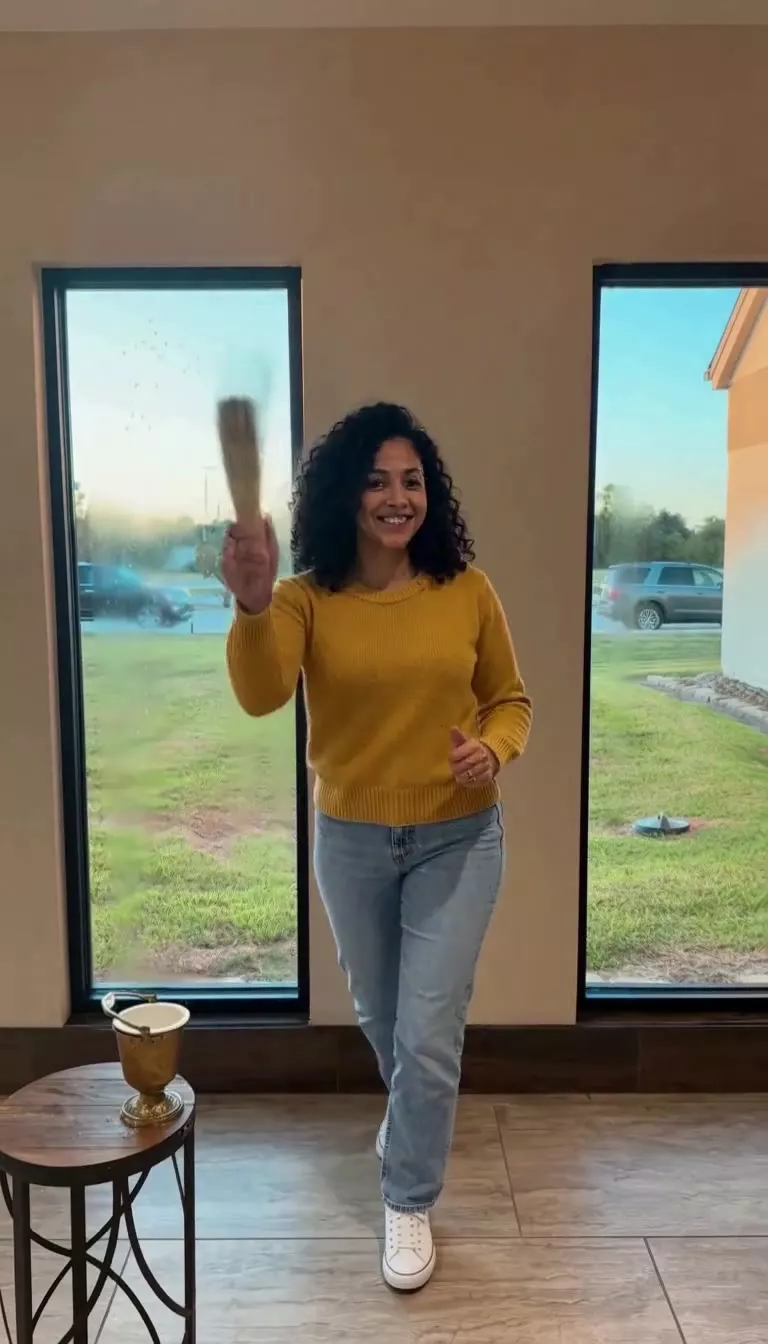
Add cozy details, after
Add cozy details, before
BeforeAfter

Add cozy details

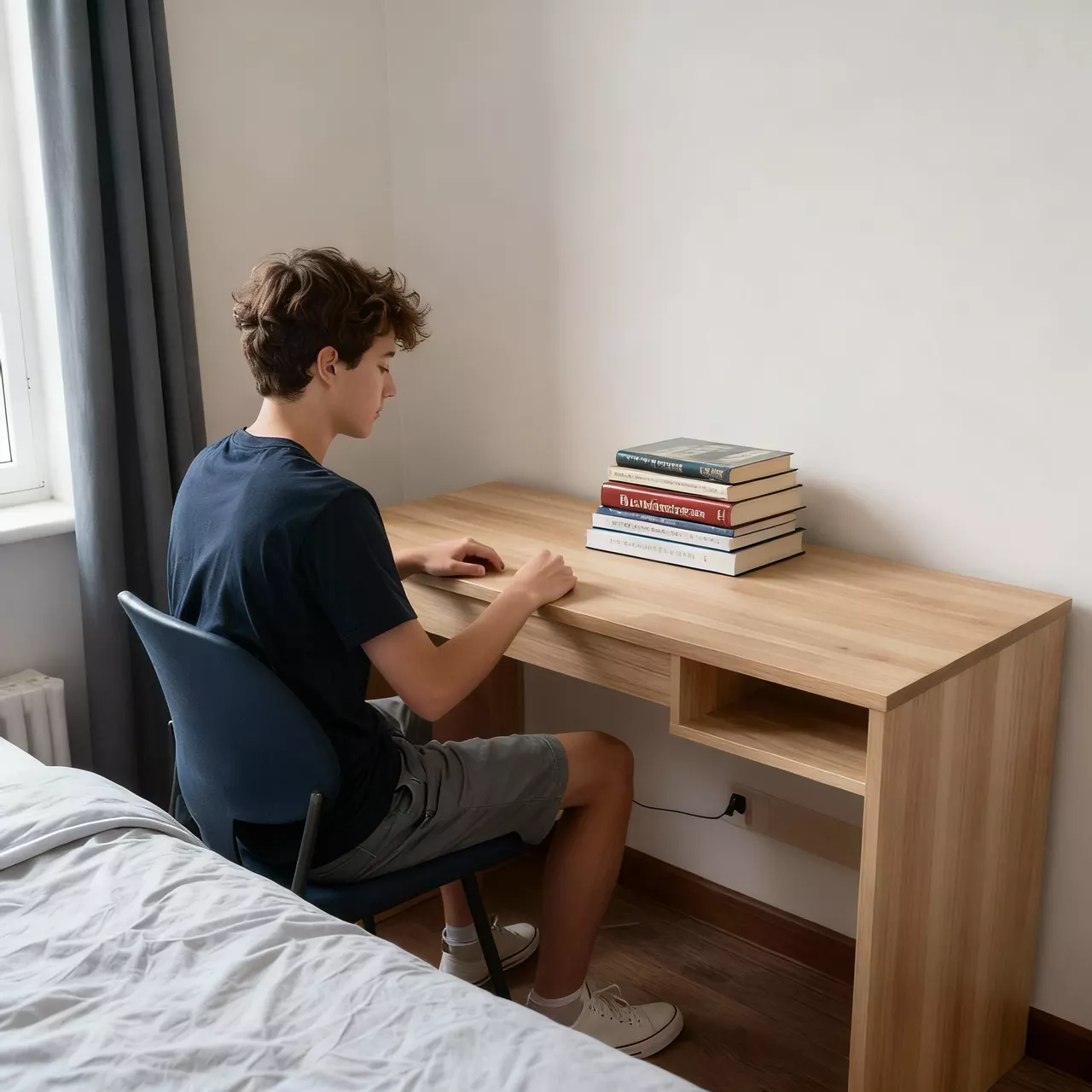
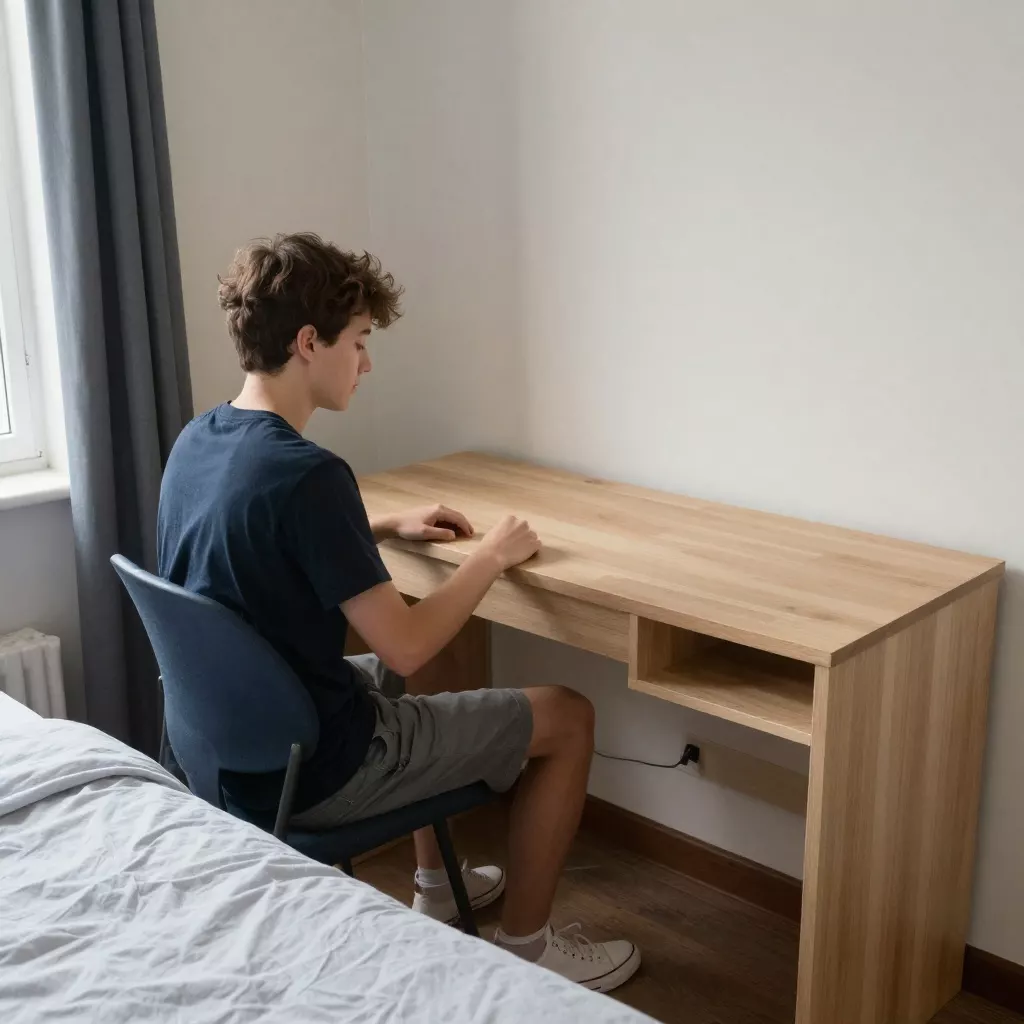
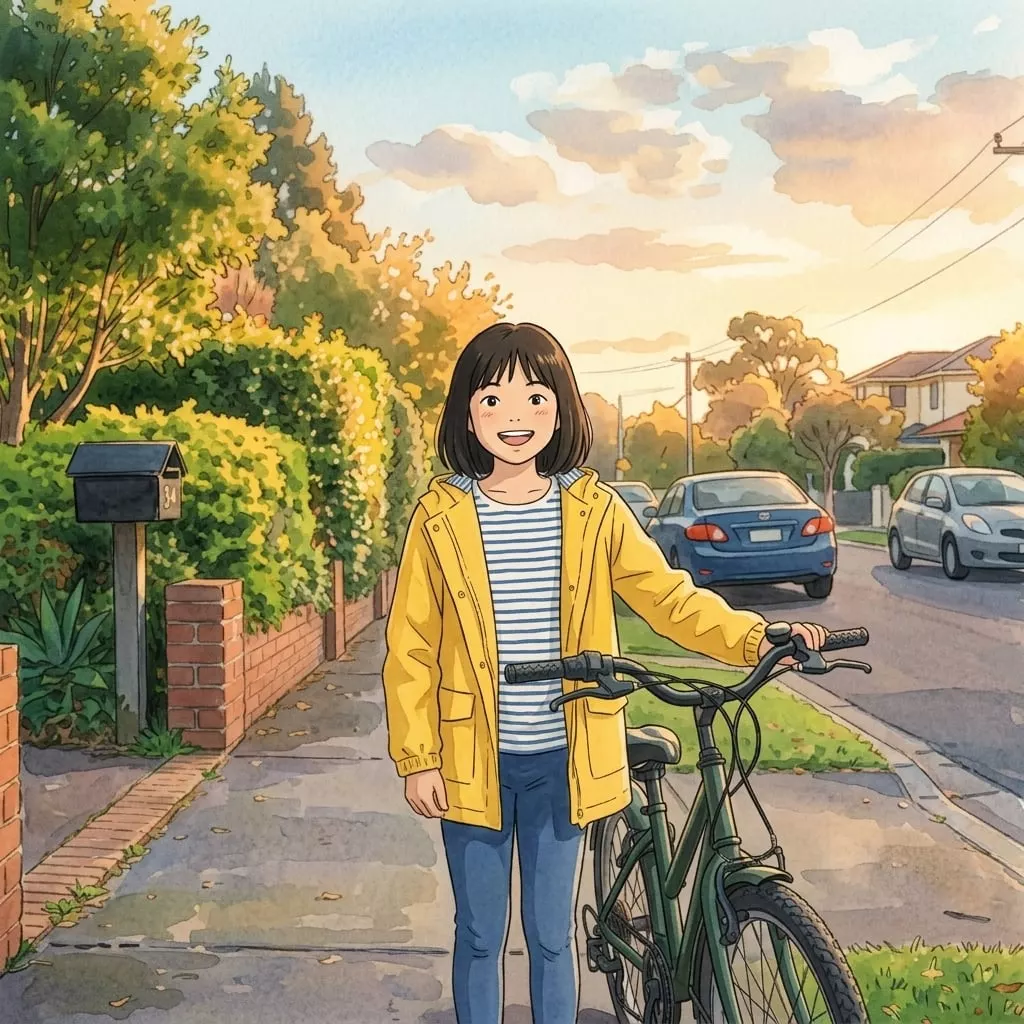
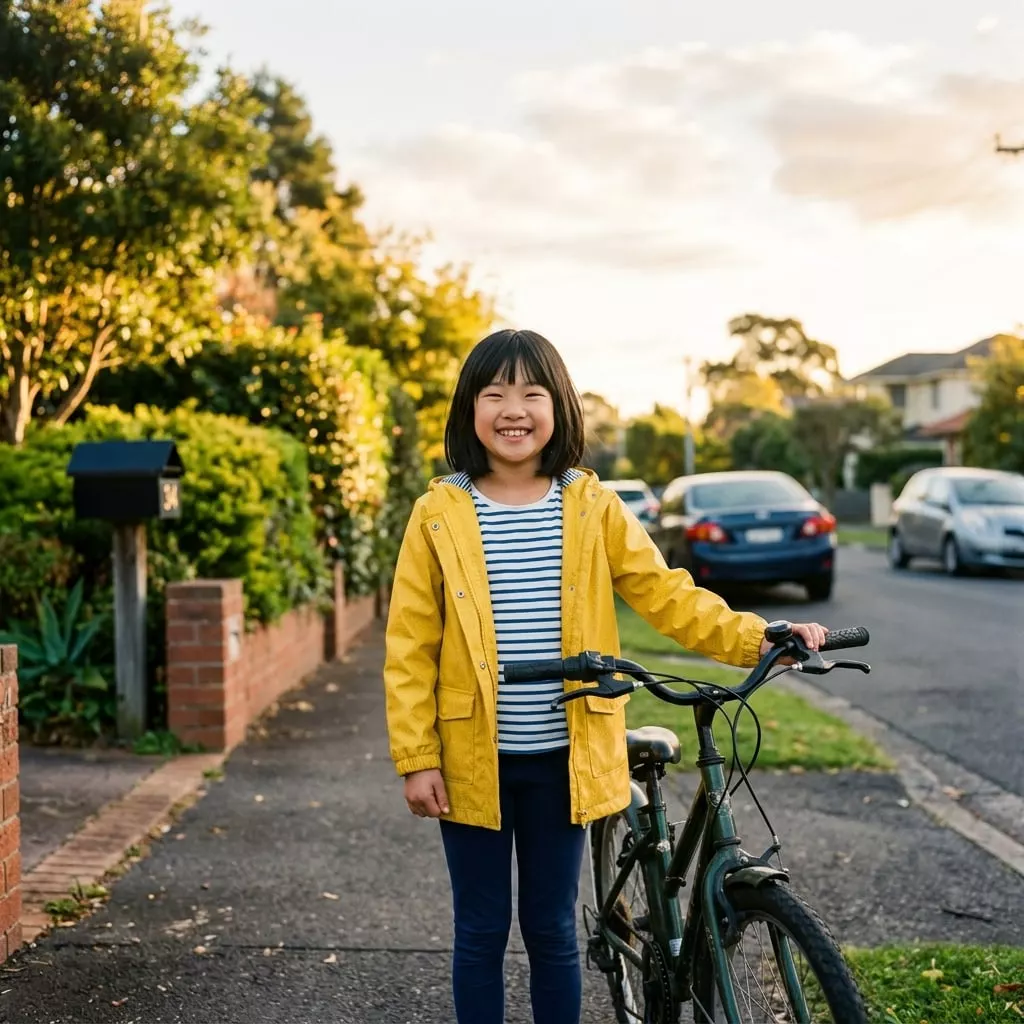
Create the perfect scene, after
Create the perfect scene, before
BeforeAfter

Create the perfect scene

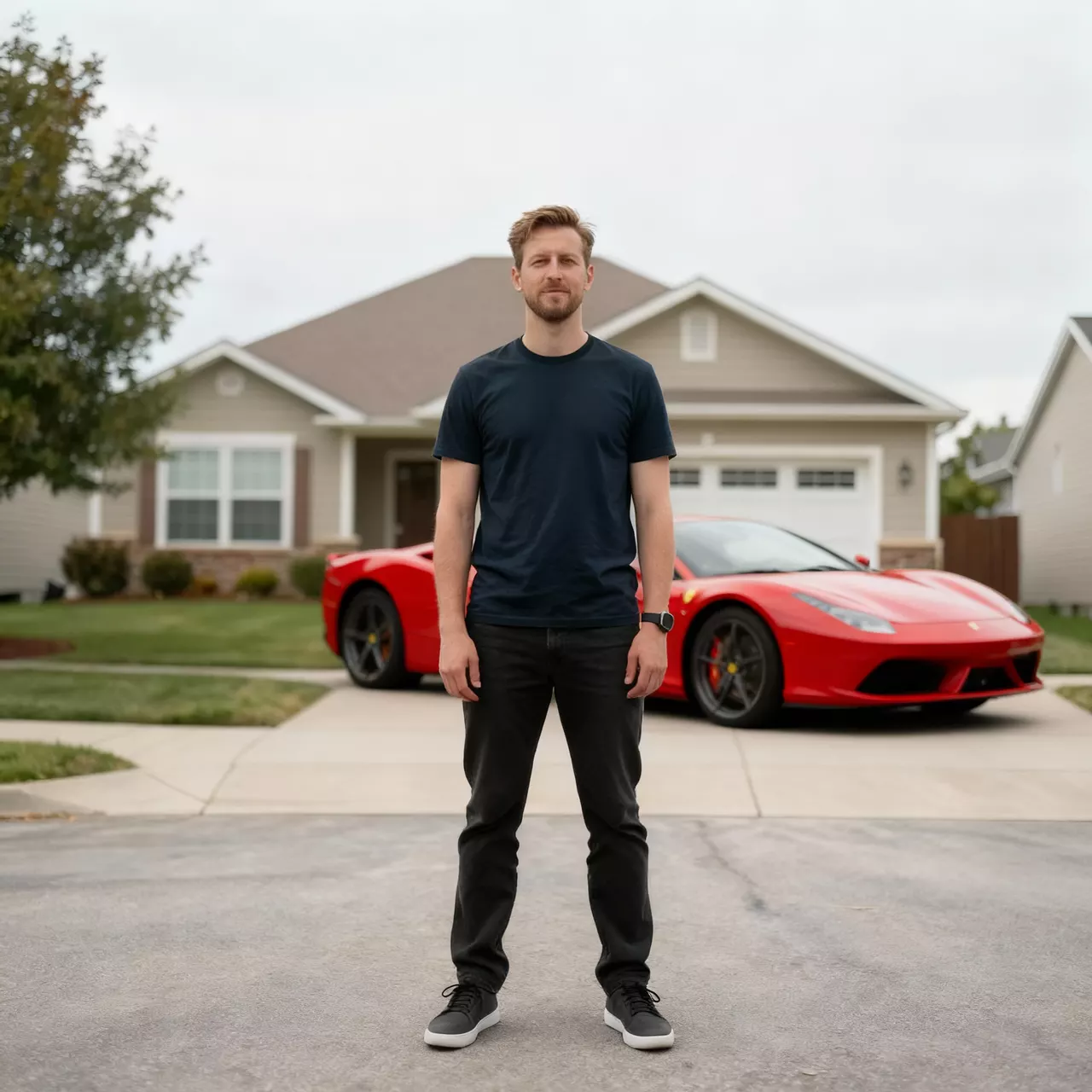
Add vehicles to any scene, after
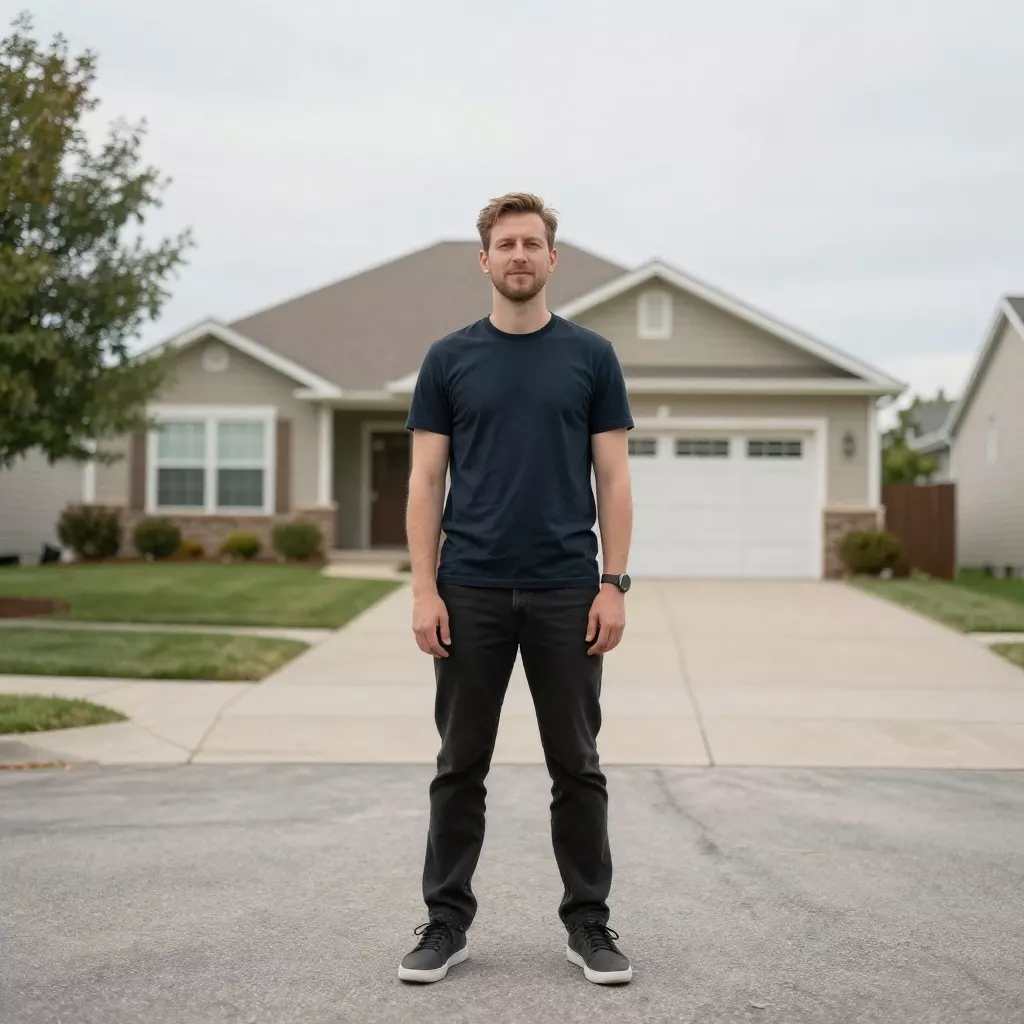
Add vehicles to any scene, before
BeforeAfter

Add vehicles to any scene

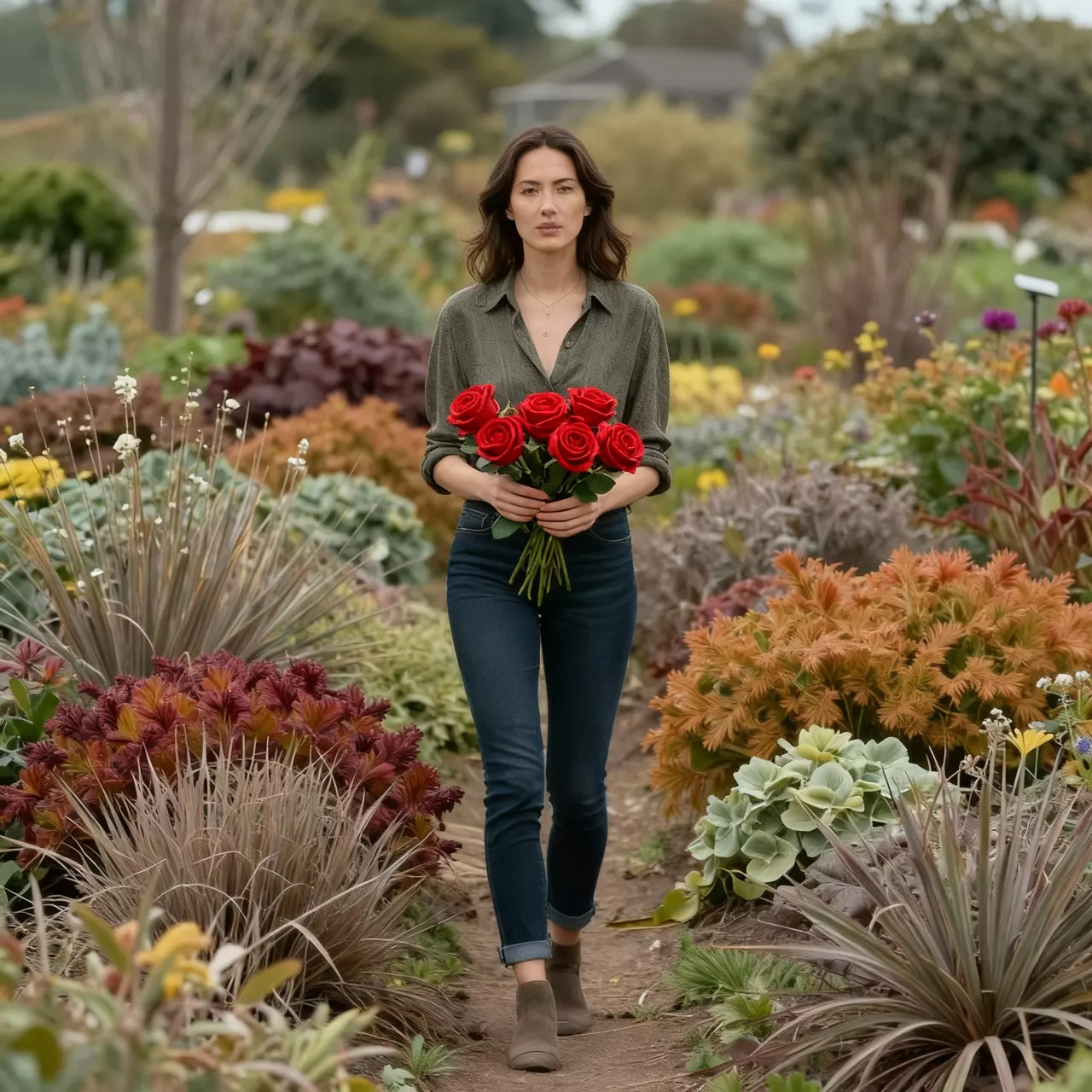
Add natural beauty, after
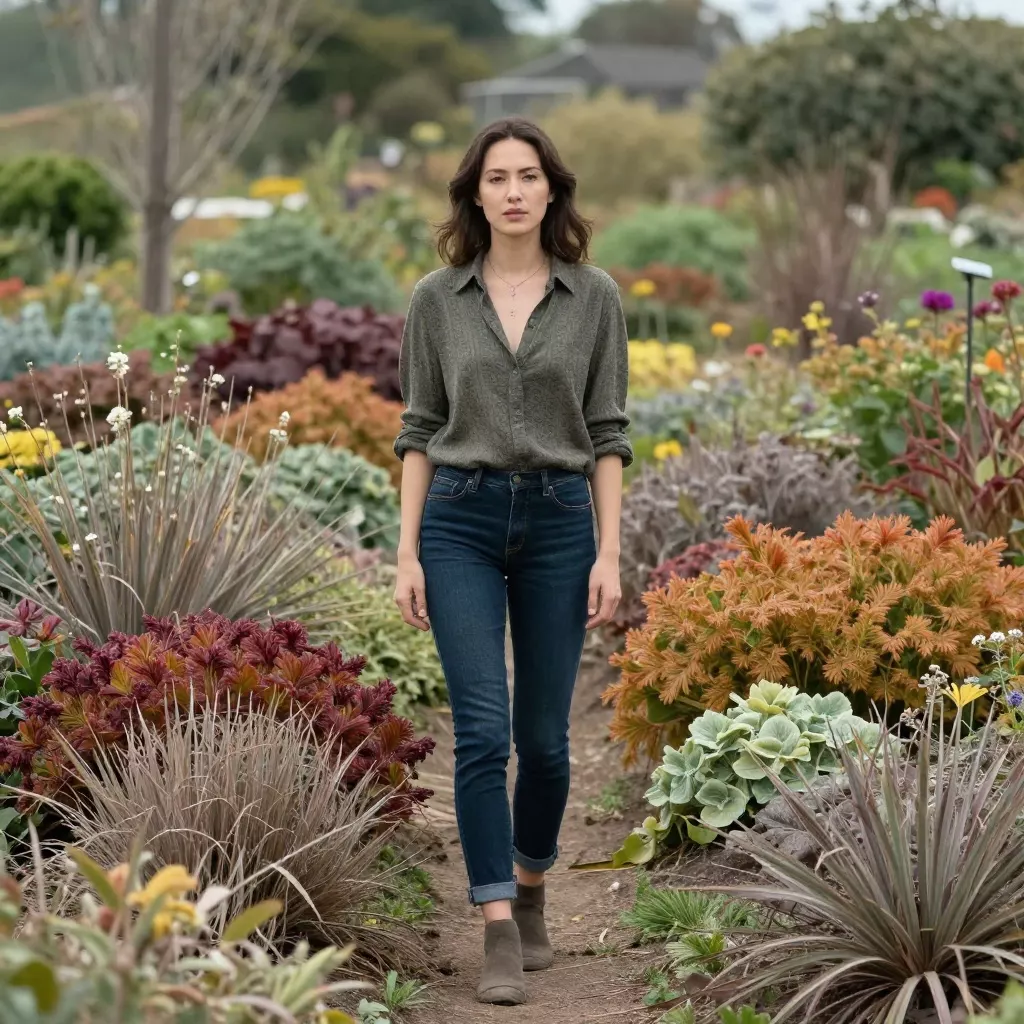
Add natural beauty, before
BeforeAfter

Add natural beauty

Takes 20-40 seconds.

How it works

How Our AI Object Addition Works

Add anything to any photo in 3 steps

  1. 1

    Upload Your Photo

    Start with any photo where you want to add something. Our AI analyzes the lighting, shadows, and perspective to place objects naturally.

  2. chairdog
    2

    Describe What to Add

    Type what you want to add—anything from props and accessories to animals and background elements. Be as specific as you want.

  3. Saved
    3

    Watch Magic Happen

    Our AI seamlessly integrates the new object with proper lighting, shadows, and perspective. The result looks like it was always there.

FAQ

Frequently Asked Questions

Can't find your answer? Email [email protected].

You can try any tool 2 times without creating an account. After that, you'll need to sign up to continue using our free tools.

When you create a free account, you receive 20 credits to use across all our tools. Most transformations cost 1-2 credits, so you can create many images!

Free users get images resized to 1024px before processing, while pro users can process images up to 2048px for higher quality results.

Our AI produces highly realistic transformations. The quality depends on the clarity of your original image and the complexity of the requested changes. Clear, well-lit photos work best.

Free users can use images for personal projects. Pro users get full commercial usage rights for business and marketing purposes.

Most transformations complete in 20-40 seconds. Complex edits may take longer. Pro users get priority processing for faster results.

Yes, we prioritize your privacy. Images are processed securely during processing. We never store or share your personal photos for longer than a week unless you're signed in.

Yes! You can generate multiple variations by adjusting your preferences or running the tool again. Each generation uses credits, but you can compare different results.

Ready to Try More AI Tools?

Explore our full suite of AI-powered photo editing tools to transform your images.

  • Professional Headshots
  • Face Swap
  • Image Generation