Top 5 AI Video Generators in 2025: Complete Comparison Guide
Looking for the best AI video generator? We tested Kling, Runway, Pika, Hailuo, and more. Compare features, pricing, real user opinions, and results to find the perfect tool for your needs.
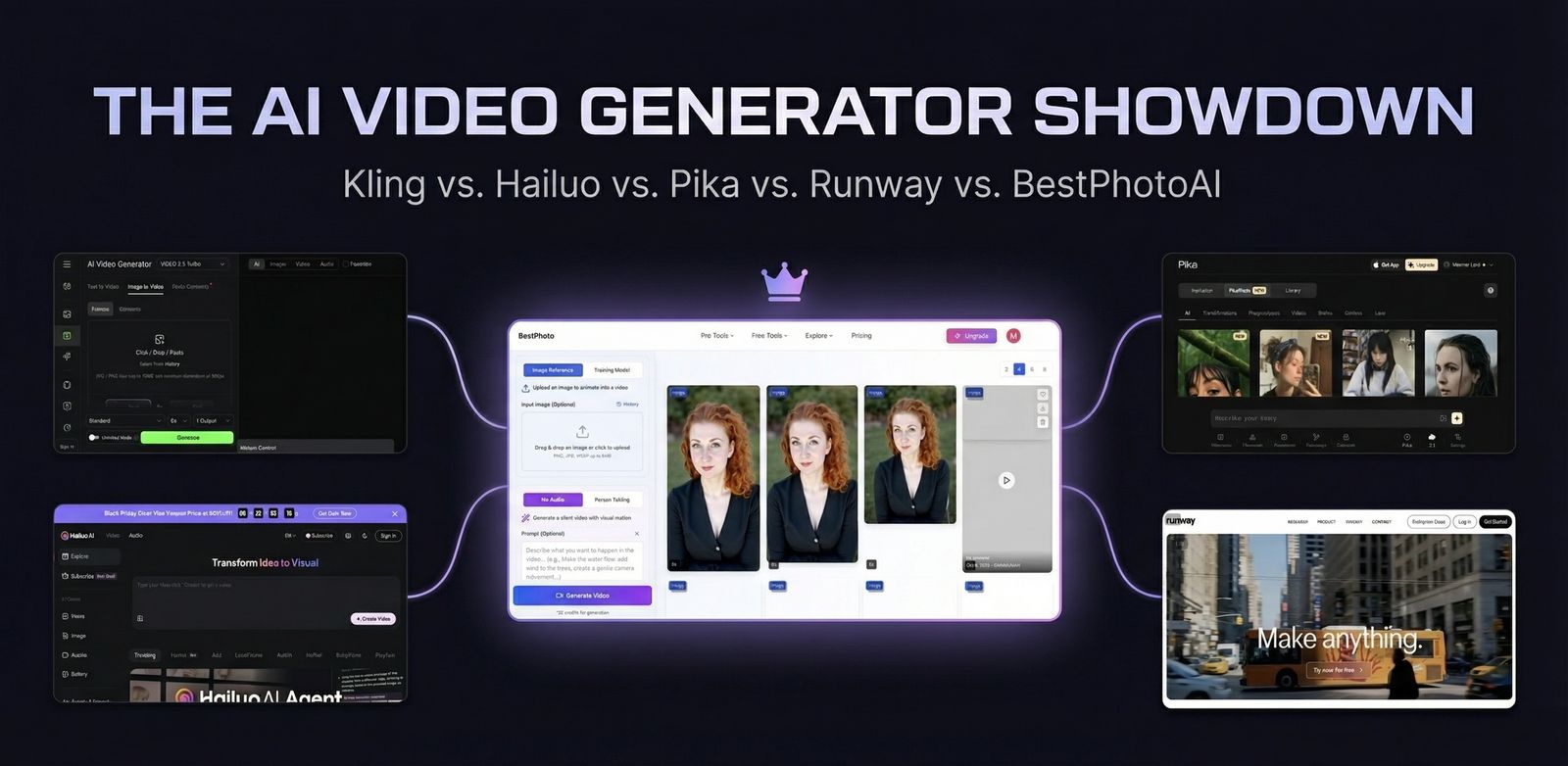
AI video generation has exploded in 2025. Every week brings new tools and capabilities. We spent 100+ hours testing the top AI video generators to help you find the right tool for your needs.
Quick Answer: For maximum flexibility with 10+ AI models, instant generation, and free credits to start, try BestPhotoAI. For standalone tools: Kling for motion control, Runway for professional filmmaking, Hailuo for budget work.
The 5 Tools at a Glance
1. BestPhotoAI – Best Overall
Unlike single-model platforms, BestPhotoAI gives you access to 10+ video models (Kling, Wan, Veo3, Sora2, and more) under one subscription. If one model struggles with your use case, switch to another — no new signup required. Direct API access means instant processing with no queue wait times.
Train custom models on people or products, then generate new images of that subject in any scenario and animate them. Includes best-in-class lip-sync with voice cloning, face reference, and 40+ image editing tools.
Price: Free (1 video/day + 25 credits) | Paid from $14/mo
Try BestPhotoAI Free →2. Kling AI 2.0 – Best Motion Control
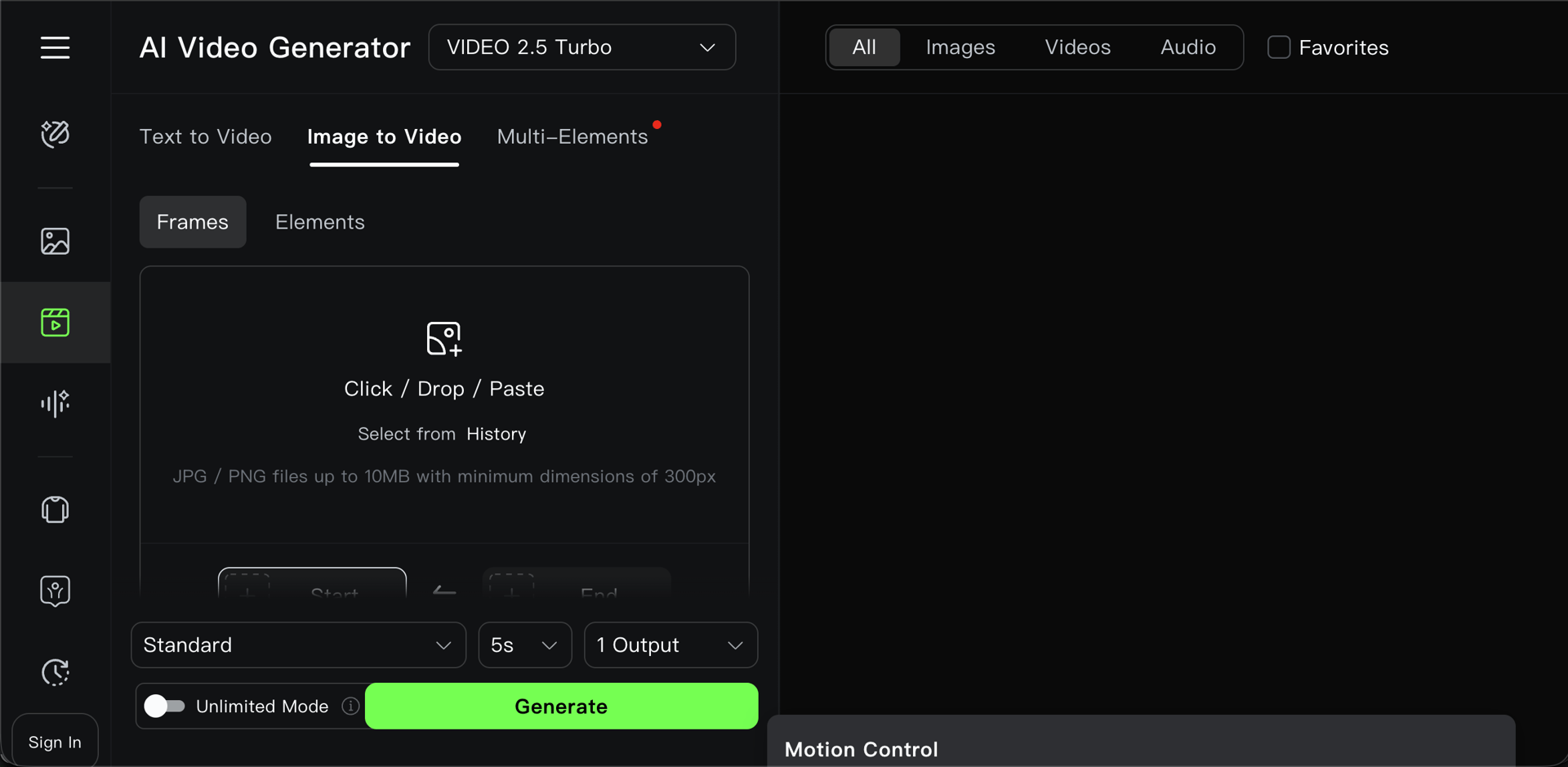
Kling from Kuaishou Technology excels at precise motion control with its Motion Brush feature — select specific areas of your image to animate with fine-grained control. Good lip-sync capabilities for talking head videos.
Supports camera controls (pan, tilt, zoom), video extension to chain clips up to 3 minutes, and 1080p output at 30fps. Character elements feature helps maintain consistency across scenes.
Price: Free (66 credits/day) | Paid from $10/mo
3. Runway Gen-4 – Best for Filmmakers
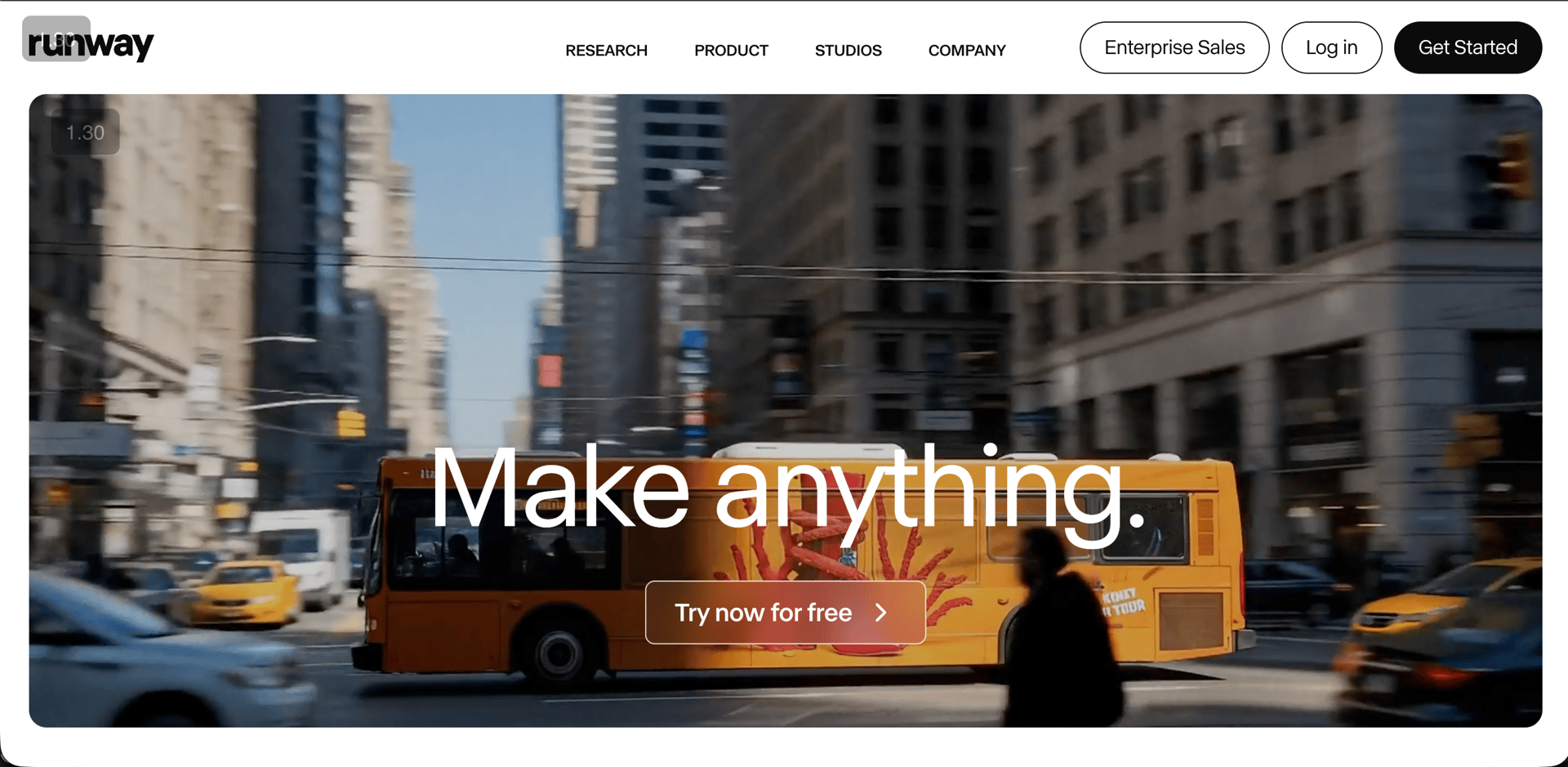
Runway pioneered commercial AI video generation with Gen-2 in 2023 and remains popular with professional filmmakers. Gen-4 offers character consistency across scenes, 4K upscaling, and Director Mode for precise camera movements.
Features a built-in timeline editor for an all-in-one workflow — generate, edit, and finish in one place. Video-to-video transforms existing footage with AI styling. Good for teams who want to stay within one ecosystem.
Price: From $12/mo | Unlimited at $188/mo
4. Pika 2.2 – Best for Social Media
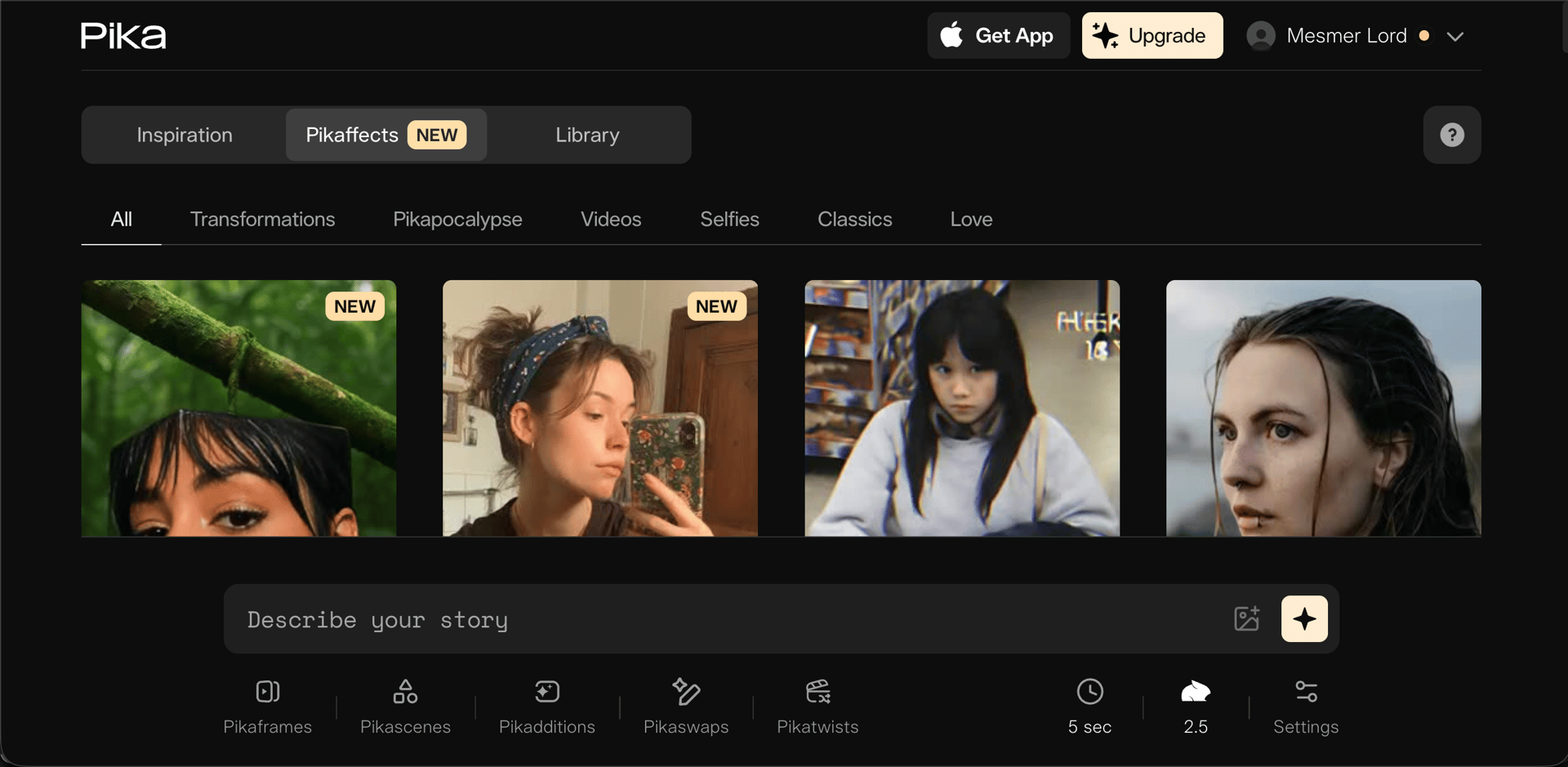
Pika focuses on fun, viral-ready effects called "Pikaffects" — unique transformations like "Melt," "Crush," "Cake-ify," and "Explode" that are perfect for TikTok and Instagram content.
Also offers "Pikadditions" to seamlessly add people or objects into existing videos. Up to 1080p output at 12 seconds per generation. Known for quicker rendering times compared to some competitors.
Price: Free (80 credits, older models) | Pro from $35/mo for Pika 2.0+
5. Hailuo Minimax – Best Budget Option
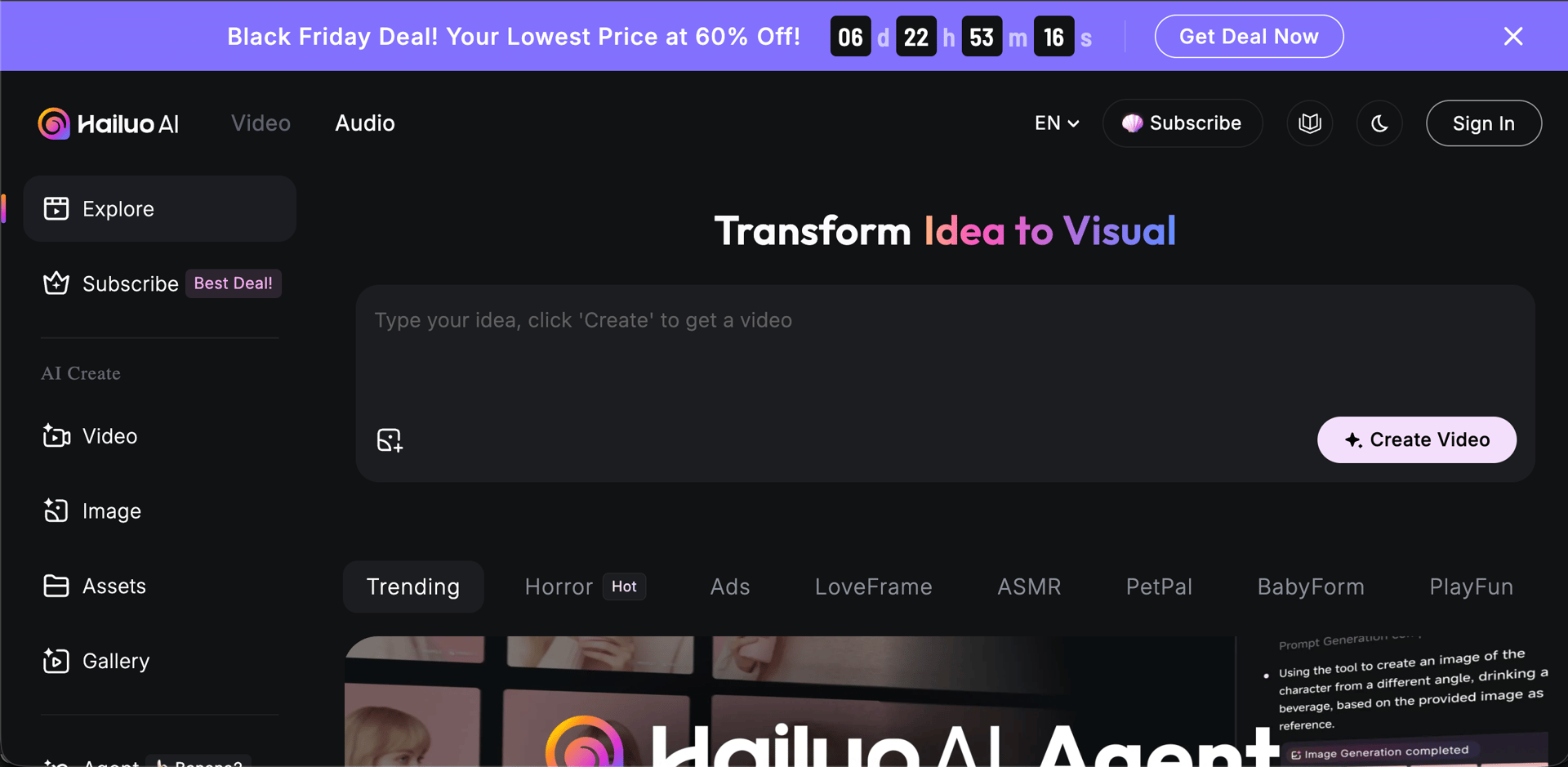
Hailuo V2 from MiniMax ($2.5B valuation) ranks #2 globally on AI video benchmarks, outperforming Google Veo 3 in image-to-video. Particularly strong at realistic human motion and natural movements.
Features director-level camera controls with custom pans, tilts, and zooms at specific timestamps. Includes 300+ voice options with voice cloning for text-to-speech. You can start generating without even signing up.
Price: Free (daily credits, 768p) | Paid from $9.99/mo
Feature Comparison
| Feature | BestPhotoAI | Kling | Runway | Pika | Hailuo |
|---|---|---|---|---|---|
| Starting Price | Free | $10/mo | $12/mo | $35/mo* | $9.99/mo |
| AI Models | 10+ | 1 | 1 | 3 | 1 |
| Wait Time | Instant | 6+ min / stuck | 2-10 min | Hours+ | ~5 min |
| Max Resolution | 2K | 1080p | 4K (upscale) | 1080p | 1080p |
| Lip-Sync | Best + Voice Clone | Good | Yes | Yes | Yes |
| Model Training | ✓ | ✗ | ✗ | ✗ | ✗ |
| Free Effects | 26 tools | ✗ | ✗ | Pikaffects | ✗ |
| Image Tools | 40+ | ✗ | Editor | ✗ | ✗ |
*Pika's free tier only includes old models. Latest features require $35/mo Pro plan.
Why Model Training Changes Everything
This is the biggest differentiator that most comparisons miss. Here's the limitation with every other tool on this list:
Other tools (Kling, Runway, Pika, Hailuo):
- Text-to-video: Generates random people — no way to create videos of a specific person consistently
- Image-to-video: You must already have the exact photo you want to animate. Need your client jumping? You need a photo of them mid-jump first.
BestPhotoAI:
- Train a model on yourself, a client, or a product using just a few photos
- Generate new images of that subject in any scenario (jumping, running, different outfits, different locations)
- Then animate those generated images into videos
- Or use face reference to add specific faces to any generation without training
This workflow is impossible with single-model platforms. It's the difference between "animate what you already have" and "create whatever you can imagine."
What Users Actually Say
We collected real user feedback from Reddit, Quora, and review sites. Here's the unfiltered truth:
On Kling:
"I burned up all my free credits trying to get one video past 99%. Waste of time."
On Kling:
"As soon as the one-month subscription ended, all my remaining credits disappeared."
On Kling:
"The Kling AI stuck at 99% issue has been ongoing for over 6 months. On the free plan, you can expect waiting times of up to 2-3 days."
On Runway:
"Once you get past the first 2 seconds of each generation, the details and facial features typically fall apart. You can almost guarantee that your generations will have flickering issues."
On Pika:
"A recurring and highly negative complaint is the persistent 'High Demand' message, leading to extremely long wait times — hours, days, even months — or generations never completing."
Why Multi-Model Platforms Win
Each AI model has different strengths and weaknesses. When you're locked into a single platform and the model struggles with your use case, you're stuck — or you sign up for another service and pay another subscription.
Multi-model platforms like BestPhotoAI let you switch between 10+ models based on what works best for each project. No new subscription, no learning curve, no wasted credits on a model that doesn't fit your needs.
Example: Kling excels at lip-sync but struggles with certain motions. Wan handles artistic styles better. Veo3 delivers specific motion types well. Instead of choosing one and living with its limitations, you can pick the right model for each shot.
Final Verdict: Which Should You Choose?
Choose BestPhotoAI if you want ALL the benefits:
Since BestPhotoAI includes access to Kling, Wan, Veo3, Sora2, and more, you get the best features from every platform in one place:
- Kling's strengths: Lip-sync, motion capabilities
- Runway's strengths: Cinematic quality, consistency
- Pika's strengths: Fun effects — we counter with 10+ pro video models and photo animation
- Hailuo's strengths: Realistic motion, budget-friendly — plus we have a free tier
- Plus exclusives: Model training, face reference, AI image editing, voice cloning, 2K resolution, instant generation
Still want to use standalone tools? Here's when each makes sense:
Choose Kling if:
You specifically need their Motion Brush for selective animation and can tolerate stuck generations and 2-3 day wait times.
Choose Runway if:
You're a professional filmmaker who needs their specific built-in timeline editor and 4K upscaling.
Choose Pika if:
You want their specific Pikaffects (Melt, Cake-ify, etc.) and are okay with $35/mo for the latest models.
Choose Hailuo if:
You want to try without any signup at all and don't need subject consistency (model training).
Ready to Create AI Videos?
10+ AI models, instant generation, model training, 2K resolution
No credit card required • 1 free video/day + 25 credits to start
Related Articles & Tools
Frequently Asked Questions
What's the cheapest good AI video generator?
Hailuo at $9.99/mo for single-model. BestPhotoAI is free to start with 1 video/day + 25 credits, then $14/mo for access to 10+ models plus 40+ image tools.
Which has the best lip-sync?
BestPhotoAI's OVI and OmniHuman models offer best-in-class lip-sync with voice cloning. Kling is also good for lip-sync but without voice cloning.
Why are Kling generations stuck at 99%?
Server overload. This has been ongoing for 6+ months. Free users can wait 2-3 days. Paid users report faster times but still occasional stuck generations.
Can I create videos of a specific person consistently?
Only with BestPhotoAI's model training feature. Train a model on a few photos, then generate that person in any scenario. Other tools require you to already have the exact image you want to animate.
Why does BestPhotoAI have no queue wait times?
Direct API access. Your generations process immediately instead of waiting in a queue with thousands of other users like on Kling or Pika.
Can I use AI-generated videos commercially?
BestPhotoAI includes commercial rights on all plans. Pika requires the $35/mo Pro plan for commercial rights. Always check the specific terms of service for each platform.
Try it on one of your own photos
Most of our photo tools have a free version. Upload a picture and see what it does before you decide anything.