Top 5 AI Image Upscalers in 2026: Complete Comparison Guide
Looking for the best AI image upscaler? We tested Topaz Gigapixel, Magnific AI, LetsEnhance, Upscale.media, and more. Compare features, pricing, real user opinions, and results to find the perfect tool for your needs.
AI image upscaling has transformed dramatically in 2026. Topaz Labs moved entirely to subscription pricing, Magnific AI introduced Precision mode for photographic upscaling, and new tools now upscale images up to 16x while adding genuine detail that never existed in the original. We spent 70+ hours testing the top AI image upscalers to help you find the right tool for your needs.
Quick Answer: For free AI upscaling with multiple enhancement modes and no watermarks, try BestPhotoAI. For standalone tools: Topaz Gigapixel for professional photography, Magnific AI for creative upscaling, LetsEnhance for cloud-based workflows, Upscale.media for quick free upscales.
The 5 Tools at a Glance
1. BestPhotoAI – Best Overall
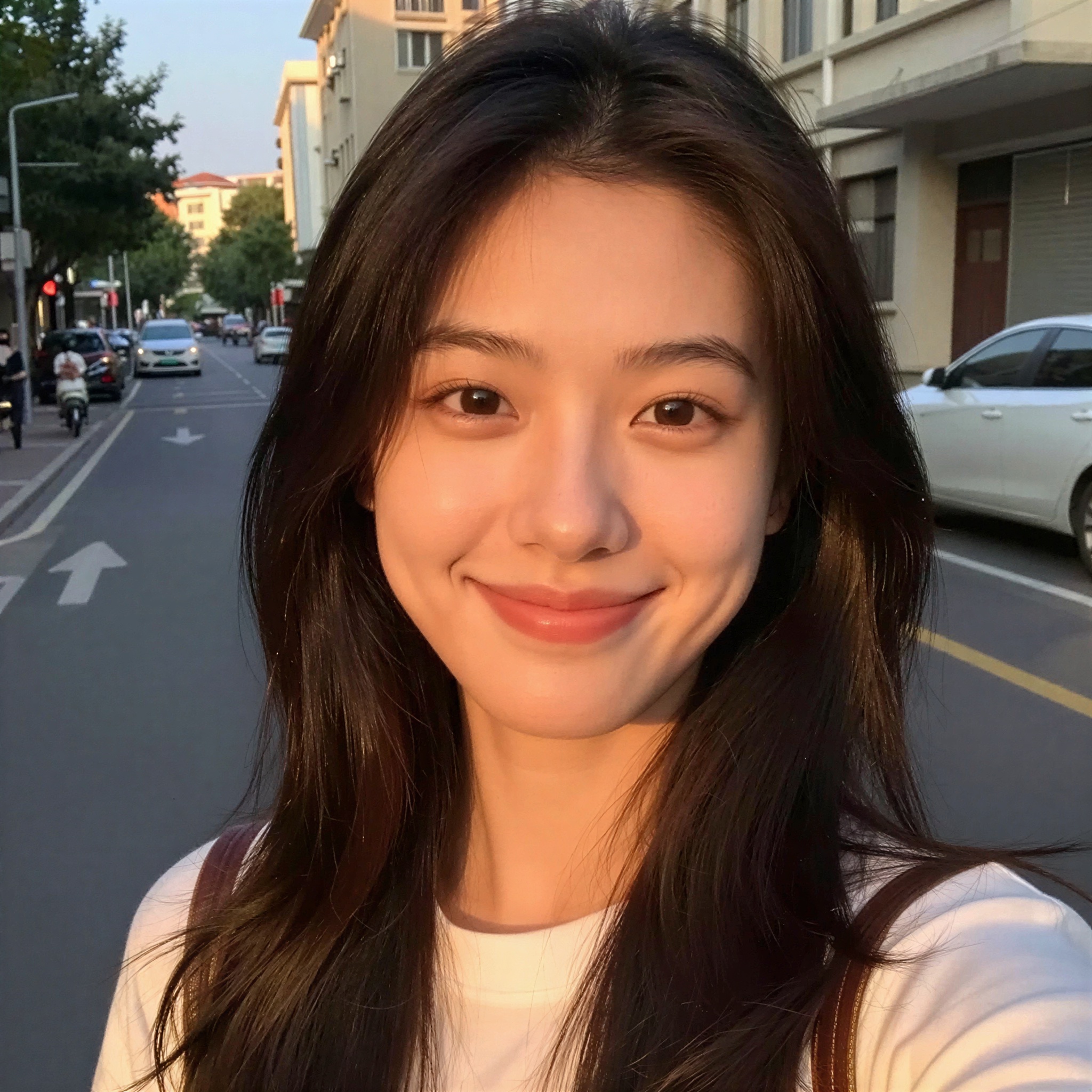
Selfie Upscale (2x)

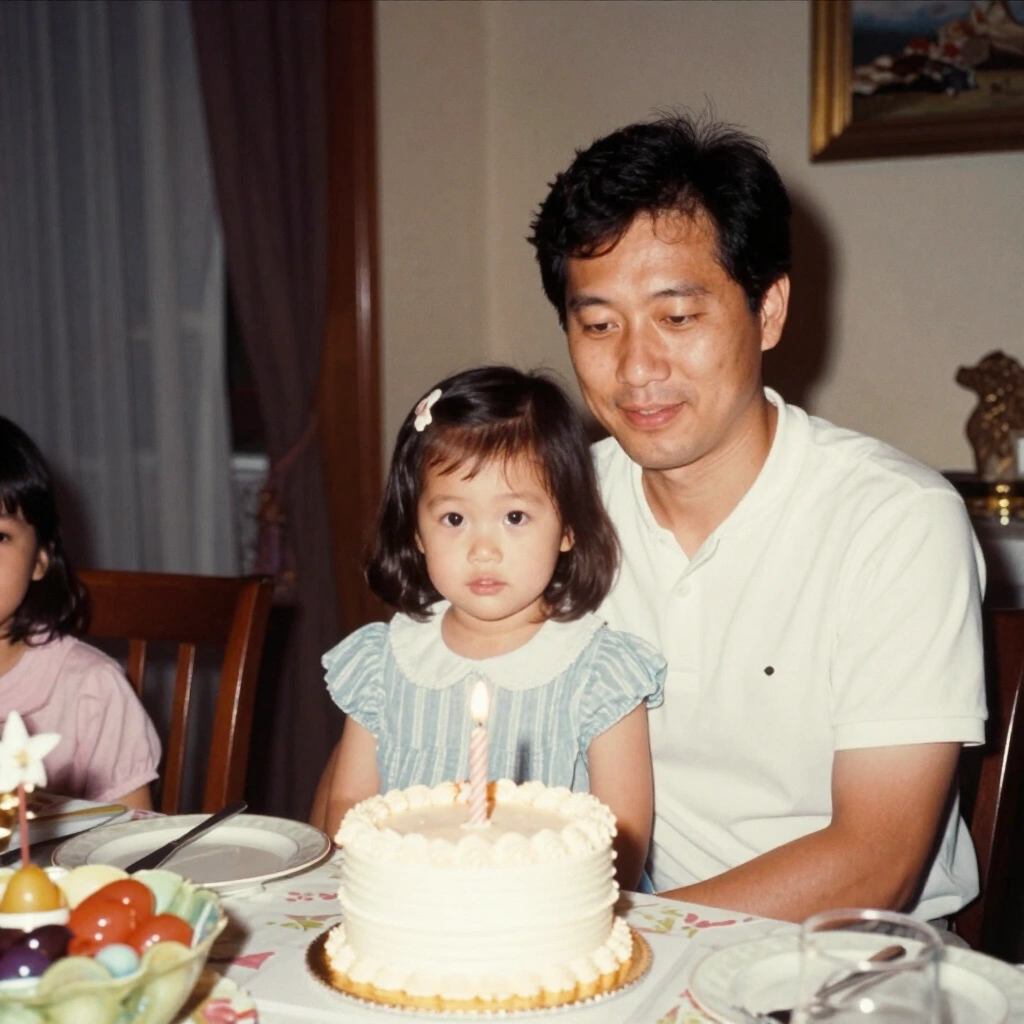
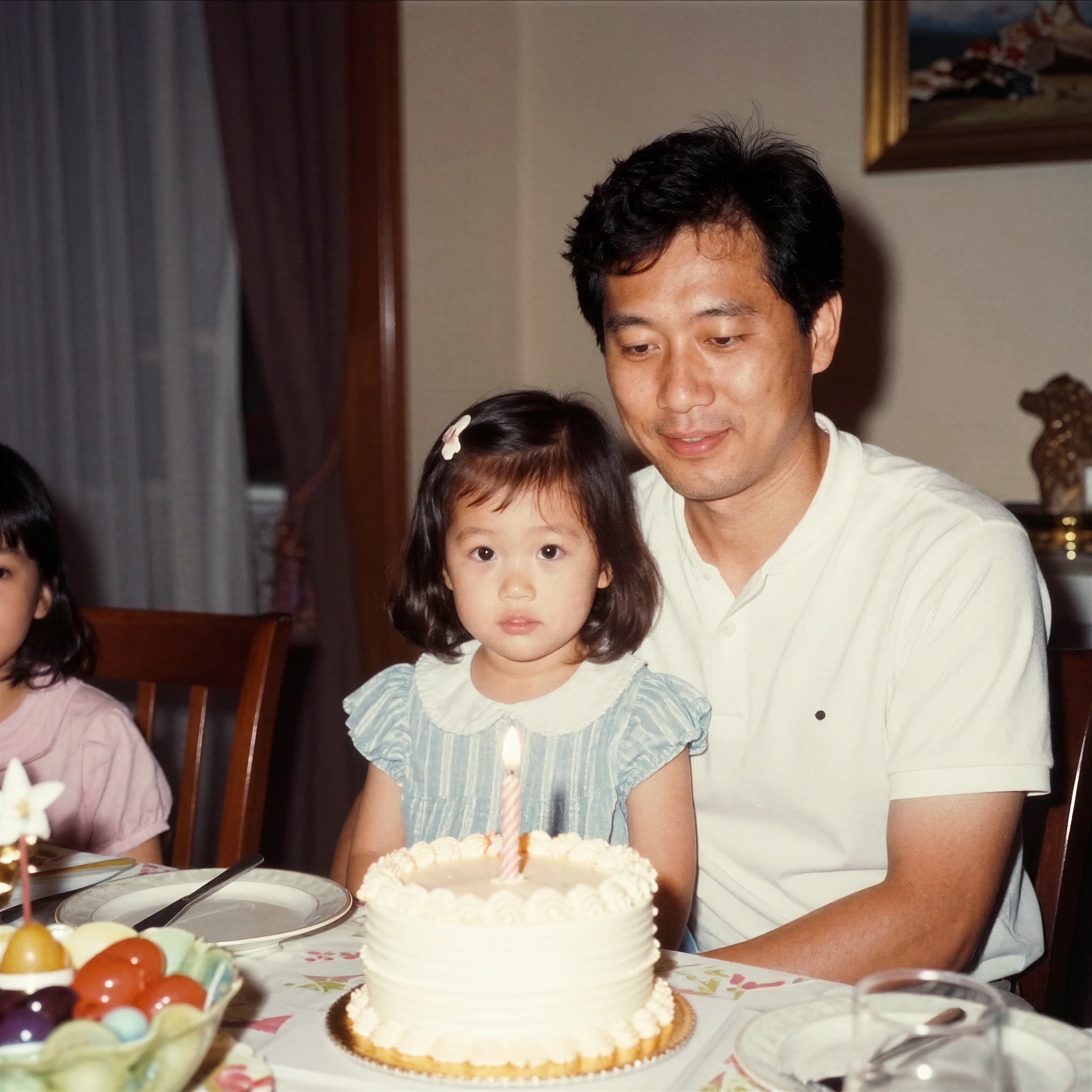
Old Photo Upscale (4x)
Product Photo (6x)
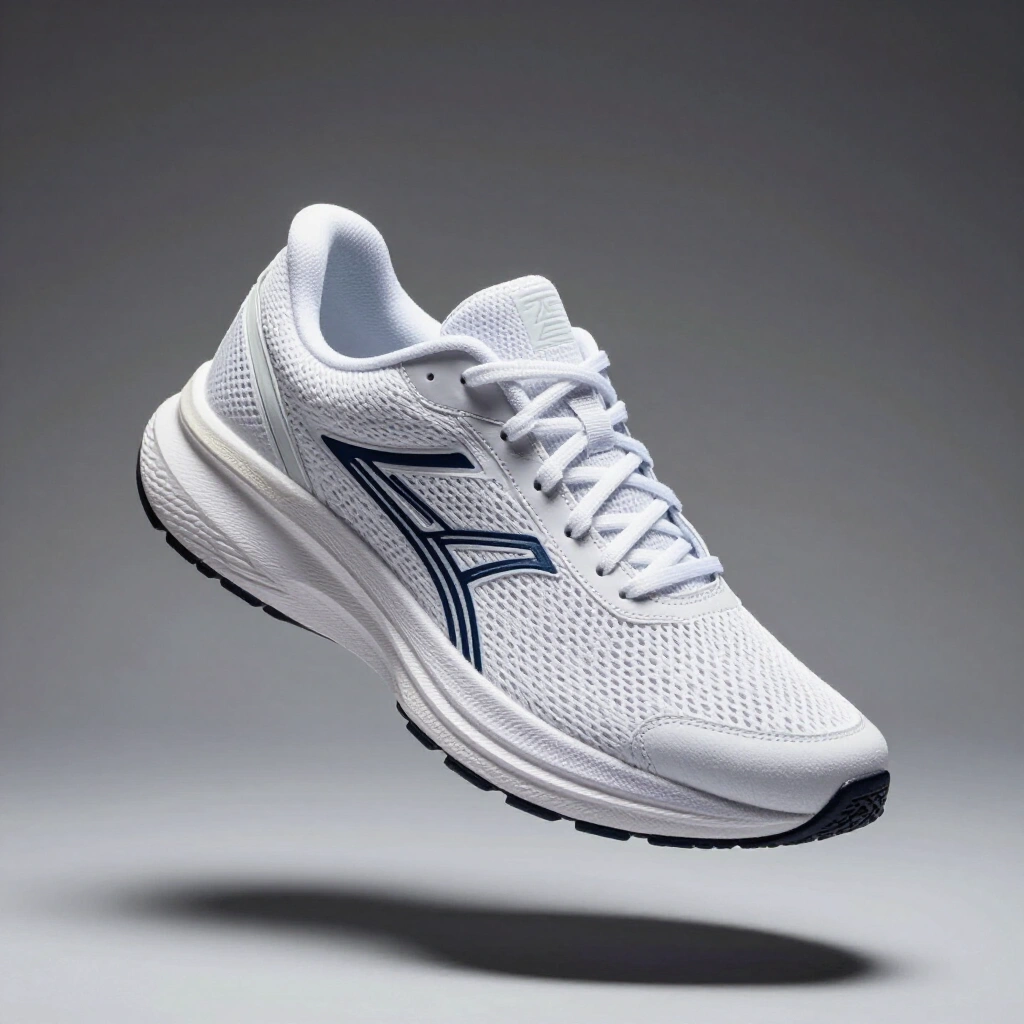
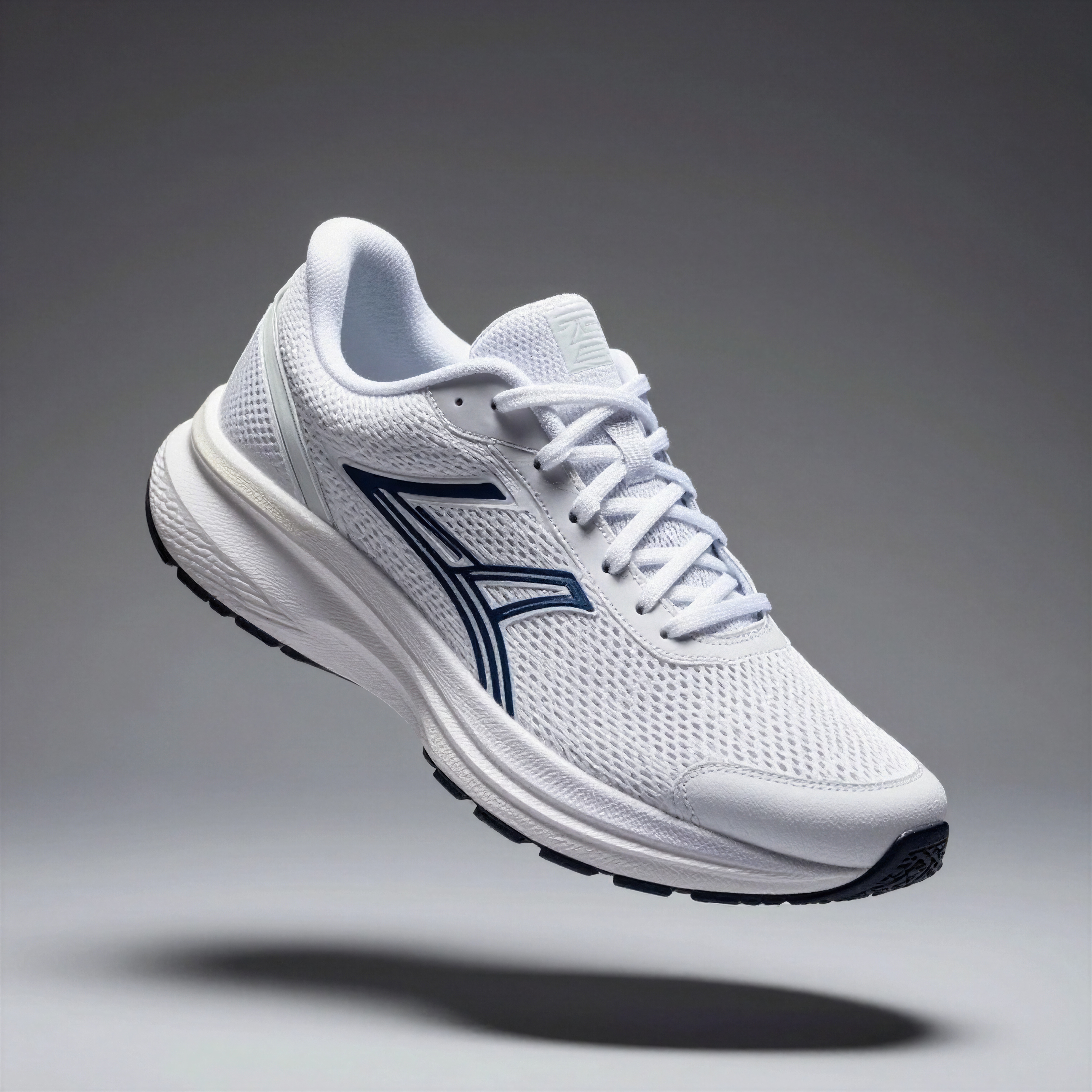
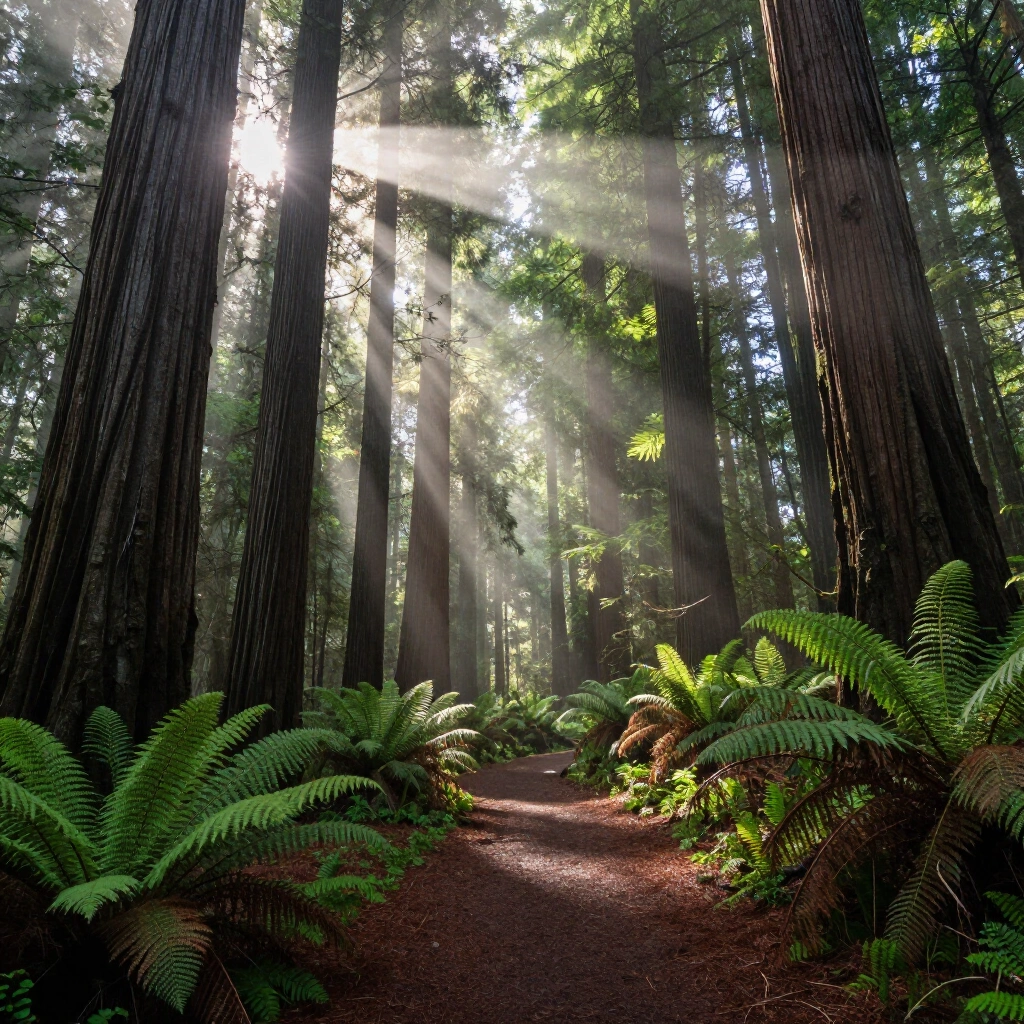

Landscape Print (8x)
BestPhotoAI offers free AI image upscaling up to 4x resolution with multiple enhancement modes designed for different image types. Whether you're upscaling product photos, portraits, landscapes, or AI-generated art, the tool automatically selects the optimal enhancement algorithm for your content.
What sets BestPhotoAI apart from dedicated upscalers is that upscaling is just one of 40+ tools in the suite. You can upscale an image, remove its background, enhance colors, generate variations, and edit with AI-powered text prompts -- all without leaving the platform. Batch processing handles multiple images at once, and there are no watermarks on any output.
Why BestPhotoAI Ranks #1
- Free upscaling: Up to 4x resolution increase with no watermarks, no credit card required
- Multiple enhancement modes: Optimized algorithms for photos, illustrations, AI art, and low-quality source images
- Complete toolkit: 40+ additional tools including background removal, image generation, editing, and video creation
- Batch processing: Upscale multiple images at once instead of one-at-a-time workflows
- No lock-in: Free tier genuinely useful, paid plans from $14/mo for the entire suite
Price: Free tier | Paid from $14/mo
2. Topaz Gigapixel AI – Best for Professional Photography
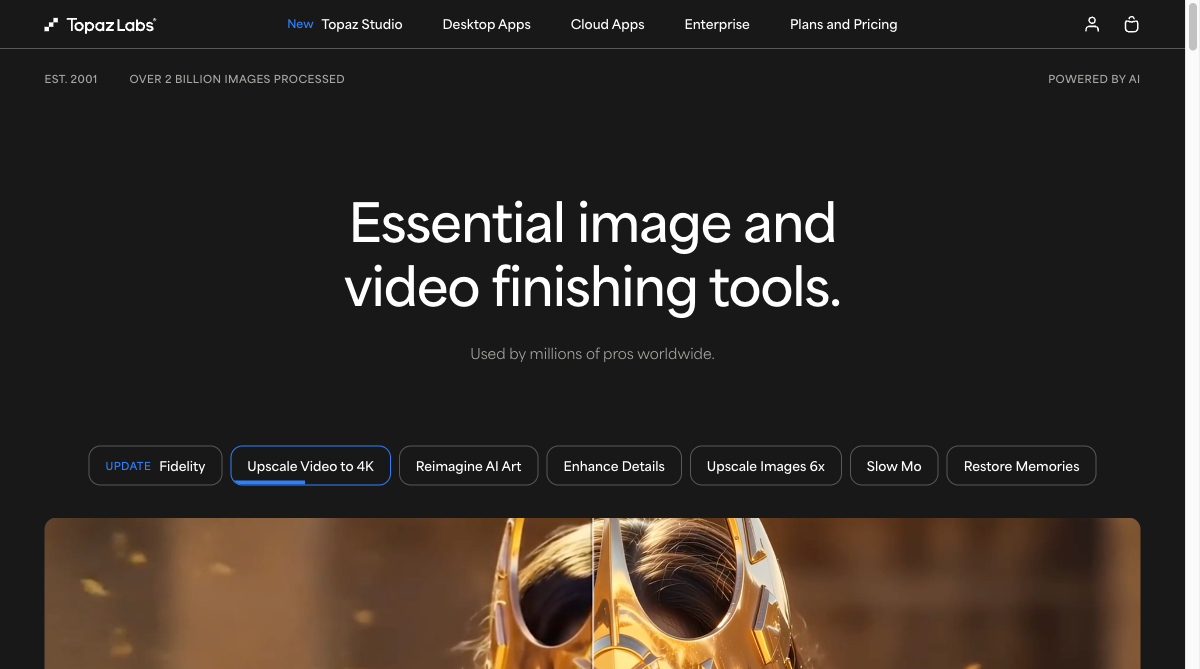
Topaz Gigapixel AI remains the industry benchmark for professional image upscaling. With nine specialized AI models -- including Standard, High Fidelity, Low Resolution recovery, and Art/CG modes -- it maximizes both detail and fidelity to the original image. Files never leave your computer with local rendering, making it ideal for professionals handling confidential material.
The big story for 2025/2026 is the controversial switch to subscription-only pricing. In October 2025, Topaz Labs discontinued perpetual licenses entirely. The old $99 one-time purchase for Gigapixel is gone, replaced by Topaz Studio subscriptions starting at $29/month or $149/year. Cloud rendering was added for faster processing, but all new AI models and major features are now subscription-exclusive.
What Users Complain About:
- • "Topaz moved to subscription-only in 2025 and the pricing is aggressive. The old $99 perpetual license is gone."
- • "I tried the free trial and was fairly unimpressed with the results. After looking at the various filters I really don't see this software being worth $200."
- • "Processing times can be painfully slow, especially at higher upscale factors. It's resource-hungry and needs a powerful GPU."
- • "The software can produce unnatural artifacts if you push the settings too far. Faces sometimes look plasticky."
Price: Subscription only -- Standard $29/mo or $149/yr | Pro $699/yr (includes Video AI and Photo AI)
3. Magnific AI – Best for Creative Upscaling
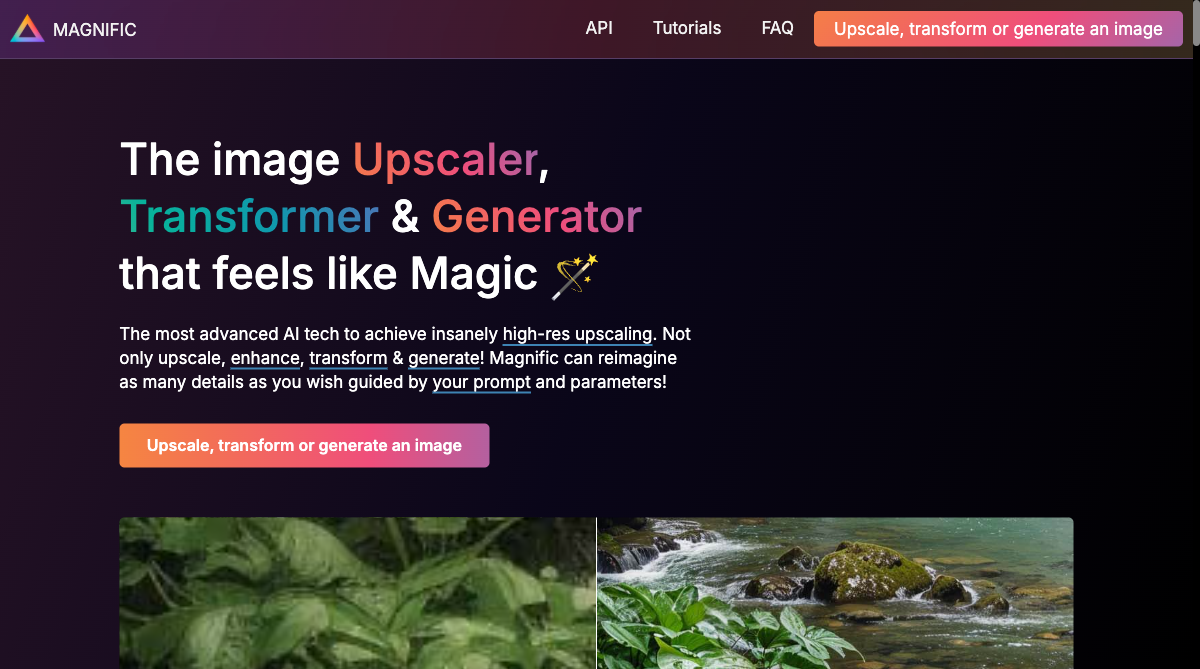
Magnific AI takes a fundamentally different approach to upscaling. Instead of just enlarging pixels, it reimagines and generates new details guided by your prompts and adjustable parameters. The "Creativity" slider lets you control how much the AI hallucinates new details -- from faithful reproduction to dramatic reinterpretation. This makes it the preferred tool for digital artists, illustrators, and 3D designers.
In summer 2025, Magnific introduced Precision mode specifically for real-life photography, addressing earlier complaints that the tool was too creative for photographic work. The platform supports upscaling up to 16x resolution, making it capable of turning tiny thumbnails into wall-sized prints. However, at $39/month with no free trial, the barrier to entry is steep.
What Users Complain About:
- • "$39/month with no free trial and no refunds. You're locked into paying upfront with no way to test it first."
- • "Unused tokens don't roll over month to month -- misleading token system means you lose credits you've paid for."
- • "Customer support takes 2-3 days to respond. I had a weekend outage that ate my credits and nobody was available."
- • "Faces in old photos sometimes get weird distortions. Results can be inconsistent, especially with vague prompts."
Price: Pro $39/mo | Premium $99/mo | Enterprise $299/mo (no free trial, annual saves 2 months)
4. LetsEnhance – Best for Cloud-Based Workflows
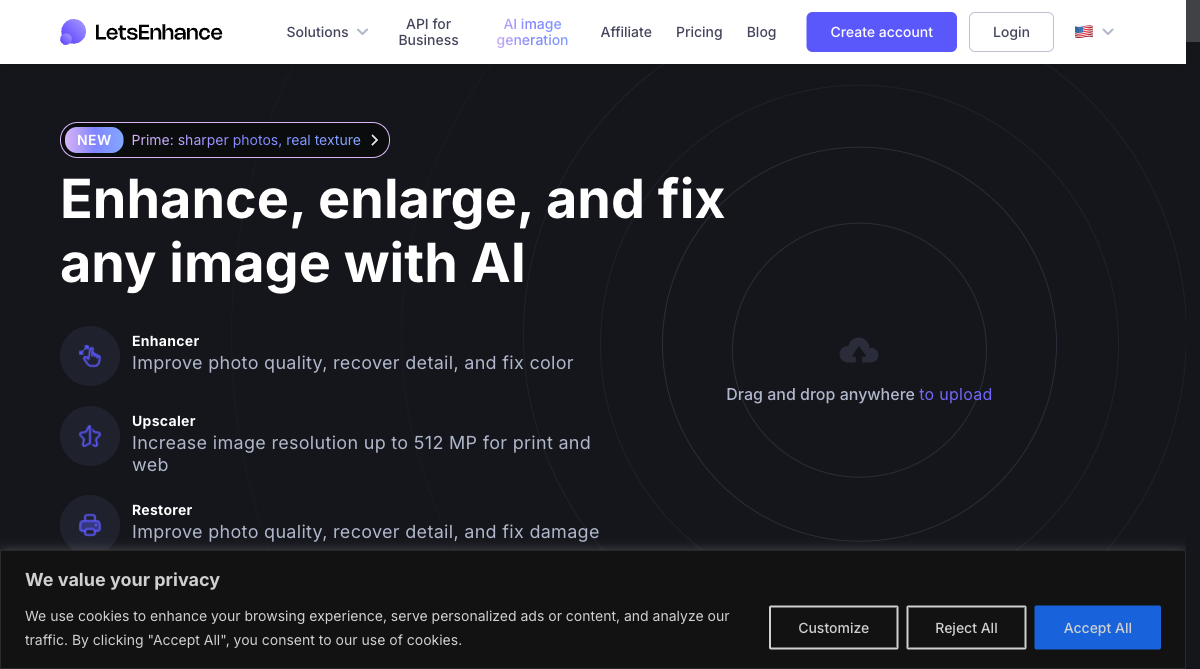
LetsEnhance operates entirely in the cloud, meaning zero hardware requirements on your end. The platform offers six super-resolution modes -- Gentle, Balanced, Strong, Ultra, Digital Art, and Old Photo -- each optimized for different source material. Free accounts upscale to 64 MP while paid plans reach up to 512 MP, enough for large-format print.
For developers and e-commerce businesses, LetsEnhance offers API access through their Claid platform for automated bulk processing. Built-in denoising, artifact cleanup, and color enhancement make it a solid all-in-one solution. However, watermarks on free-tier outputs and occasional payment processing issues have frustrated users.
What Users Complain About:
- • "Watermarks on free-tier images make them unusable for professional work. You have to pay to get clean outputs."
- • "I couldn't access my account after using credits and lost about 70% of my money. Support was hard to reach."
- • "The payment system hangs when trying to upgrade -- both PayPal and credit card processing had issues."
- • "Background removal eats away at edges of transparent backgrounds, leaving distorted versions of the original."
Price: Free (10 credits, watermarked) | Paid from $9/mo | API pricing via Claid
5. Upscale.media – Best Free Quick Upscaler
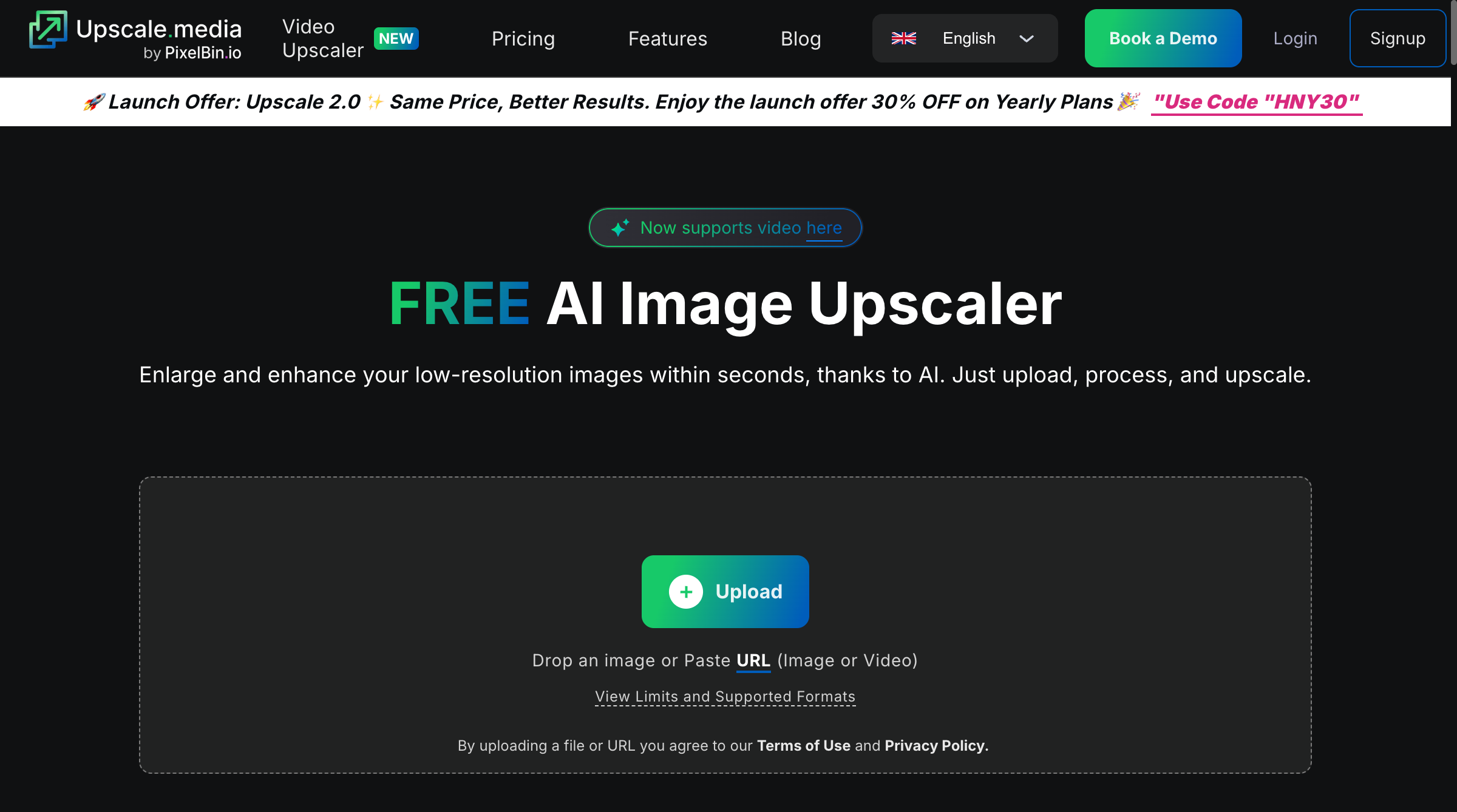
Upscale.media uses next-generation neural networks to automatically increase image resolution up to 4x-8x while reducing artifacts. The platform supports drag-and-drop uploads (PNG, JPG, JPEG, WebP, HEIC) and includes built-in noise reduction and smart sharpening. You can upscale one image per day for free without signing up, or create an account for 3 free credits.
The service is available on iOS and Android for mobile editing, and offers API access and bulk processing for enterprise users. It handles the basics well -- 2x to 4x enlargement with reliable artifact cleanup -- making it popular among designers, students, and casual users who need occasional upscaling without a subscription commitment.
What Users Complain About:
- • "The mobile app stutters, crashes during upload, and ads cover essential menu items. Paid plans don't link properly to the app."
- • "Text in photos becomes blurry after upscaling. Small text and fine details get soft instead of sharper."
- • "The website has too many ads. The daily free-use limit is very restrictive for any real workflow."
- • "Limited upscaling control -- you can't fine-tune sharpness, detail level, or choose different AI models like premium tools offer."
Price: Free (1 image/day) | 3 free credits on signup | Pro $9.99/mo (unlimited) | Enterprise custom pricing
Feature Comparison
| Feature | BestPhotoAI | Topaz Gigapixel | Magnific AI | LetsEnhance | Upscale.media |
|---|---|---|---|---|---|
| Starting Price | Free | $29/mo | $39/mo | $9/mo | $9.99/mo |
| Max Upscale | 4x | 6x | 16x | 4x-16x | 4x-8x |
| Free Tier | ✓ No watermark | ✗ | ✗ | ✓ Watermarked | ✓ 1/day |
| Batch Processing | ✓ | ✓ | ✗ | ✓ | Pro only |
| Platform | Web (any device) | Desktop only | Web | Web + API | Web + Mobile |
| AI Models | Multiple modes | 9 models | Generative AI | 6 modes | 1 model |
| Creative Control | ✓ Enhancement modes | ✓ Model selection | ✓ Creativity slider | ✓ Mode selection | ✗ |
| Additional Tools | 40+ tools | Denoise, sharpen | Upscale only | BG removal, color fix | Noise reduction |
| Local Processing | Cloud-based | ✓ Local + Cloud | Cloud-based | Cloud-based | Cloud-based |
Why a Complete Toolkit Beats Standalone Upscalers
The biggest shift in image upscaling for 2026 is that upscaling rarely exists in isolation. A photo that needs upscaling usually also needs noise reduction, color correction, background cleanup, or other enhancements. Using separate tools for each step wastes time and money.
Standalone upscalers (Topaz, Magnific, LetsEnhance, Upscale.media):
- Single-purpose: Great at making images larger, but you need separate tools for editing, background removal, or generation
- Stacking subscriptions: Topaz for upscaling + another tool for editing + another for generation adds up fast
- Fragmented workflow: Download from one tool, upload to another, export, re-upload -- time wasted on file management
- Pricing pressure: Topaz now costs $29/mo minimum, Magnific $39/mo -- just for upscaling alone
BestPhotoAI:
- All-in-one platform: Upscale, then edit, remove backgrounds, generate variations, and create videos -- all in one place
- One subscription: $14/mo gives you upscaling plus 40+ tools that would cost $100+/mo separately
- Seamless workflow: Upscaled images are immediately available for further editing without downloading and re-uploading
- Free to start: No credit card required, no watermarks on free-tier outputs, no token expiration tricks
For photographers who only ever upscale images and need absolute maximum quality with local processing, Topaz Gigapixel is hard to beat. But for everyone else -- content creators, marketers, designers, e-commerce sellers -- a complete toolkit with built-in upscaling delivers more value at a fraction of the cost.
What Users Actually Say
We collected real user feedback from reviews, forums, and community discussions. Here's the unfiltered truth about each platform:
On Topaz Gigapixel (pricing shift):
"Topaz killed perpetual licenses in October 2025. The $99 one-time purchase is gone. Now it's $29/month minimum for what used to be a simple upscaler. Many long-time users feel betrayed."
On Topaz Gigapixel (quality):
"Despite the pricing controversy, Gigapixel remains the most reliable industry standard for image upscaling. The nine AI models cover nearly every use case. Local processing is essential for my client work."
On Magnific AI:
"$39/month with no free trial and tokens that don't roll over. I paid for a month, used half my tokens, and the rest just vanished. Support took three days to respond with a generic email."
On Magnific AI (creative work):
"For digital art and AI-generated images, nothing comes close. The creativity slider lets you control exactly how much detail the AI adds. Precision mode finally made it usable for photos too."
On LetsEnhance:
"The watermark on free images is a dealbreaker. I couldn't access my account after using credits and lost most of my money. The payment system kept hanging when I tried to upgrade."
On Upscale.media:
"The mobile app is frustrating -- ads cover the menus, it crashes during upload, and my paid plan doesn't sync to the app. Text in photos gets blurry instead of sharper after upscaling."
On value for money:
"I was paying $39/mo for Magnific and $29/mo for Topaz just for upscaling. Switching to a platform with built-in upscaling plus dozens of other tools at $14/mo was a no-brainer."
When to Use Each Tool
Choose BestPhotoAI if:
- • You want free upscaling without watermarks
- • You need more than just upscaling
- • Batch processing is important
- • Budget-friendly all-in-one solution
- • You also need image editing and generation
Choose Topaz Gigapixel if:
- • Maximum upscaling quality is essential
- • You need local/offline processing
- • Professional photography workflow
- • Confidential client images
- • Budget allows $29+/mo
Choose Magnific AI if:
- • You're a digital artist or illustrator
- • Creative detail generation matters
- • You need extreme upscaling (16x)
- • AI art enhancement is primary use
- • Budget allows $39+/mo
Choose LetsEnhance if:
- • You need API integration
- • E-commerce bulk processing
- • Cloud-only workflow preferred
- • Multiple enhancement modes needed
- • Developer-friendly features matter
Choose Upscale.media if:
- • You need occasional free upscales
- • Mobile upscaling is important
- • Simple 2x-4x enlargement is enough
- • No subscription commitment wanted
- • Quick one-off upscaling tasks
Final Verdict: Which Should You Choose?
Choose BestPhotoAI for the best value in AI upscaling:
With free AI upscaling up to 4x, multiple enhancement modes, batch processing, and 40+ additional tools, BestPhotoAI delivers capabilities that match or exceed standalone upscalers at a fraction of the cost:
- Topaz's strength: Professional-grade upscaling -- we offer multiple enhancement modes optimized for different image types
- Magnific's strength: Creative detail generation -- we include AI image generation and editing for creative enhancement
- LetsEnhance's strength: Cloud workflow and modes -- we operate entirely in the cloud with zero downloads
- Upscale.media's strength: Free access -- we offer free upscaling without watermarks plus 40+ additional free tools
- Plus exclusives: AI image generation, text-based editing, background removal, video creation, model training -- all under one subscription
Ready to Upscale Your Images?
Free AI upscaling up to 4x, multiple enhancement modes, batch processing, plus 40+ tools for editing, generation, and more
No credit card required • Free tier available
Related Articles & Tools
Try These Tools
Frequently Asked Questions
What is AI image upscaling and how does it work?
AI image upscaling uses neural networks to increase an image's resolution while adding realistic detail that wasn't in the original. Unlike traditional upscaling (which just stretches pixels), AI models predict and generate new detail based on patterns learned from millions of images, producing sharper and more detailed results.
What's the cheapest good AI image upscaler in 2026?
BestPhotoAI offers free AI upscaling with no watermarks. Upscale.media provides one free upscale per day. LetsEnhance starts at $9/mo but watermarks free outputs. Topaz Gigapixel and Magnific AI are the most expensive at $29/mo and $39/mo respectively, with no free tiers.
Can AI upscalers really add detail that wasn't there?
Yes, but with caveats. Tools like Magnific AI use generative AI to imagine and create new details. Topaz Gigapixel focuses on recovering likely detail based on existing patterns. The "hallucinated" details look realistic but aren't guaranteed to be accurate to the original scene -- this matters for forensic or archival work but is fine for creative and commercial use.
Should I use a desktop app or web-based upscaler?
Desktop apps like Topaz Gigapixel offer local processing (files never leave your computer) and can leverage your GPU for faster results. Web-based tools like BestPhotoAI, LetsEnhance, and Magnific AI require no installation and work on any device. For confidential material, local processing is preferred. For convenience and cross-device access, web-based tools win.
Why did Topaz Gigapixel switch to subscription pricing?
In October 2025, Topaz Labs discontinued perpetual licenses for all products. The company cited the need for ongoing cloud infrastructure and AI model development. Existing perpetual license holders keep their licenses but won't receive major updates. New users must subscribe starting at $29/month or $149/year.
What's the maximum upscale factor I should use?
For photos, 2x-4x typically gives the best quality-to-accuracy ratio. Beyond 4x, AI tools start inventing more detail, which can look great for art but less accurate for photography. Magnific AI supports up to 16x but with increasing creative interpretation. For print work, 2x-4x from a decent source image usually provides sufficient resolution.
Can I use AI-upscaled images commercially?
BestPhotoAI includes commercial rights on all plans. Topaz Gigapixel allows commercial use with a valid license. Magnific AI grants commercial rights on paid plans. LetsEnhance permits commercial use on business plans. Upscale.media allows commercial use on Pro plans. Always check the specific terms for your use case.
Ready to Transform Your Photos?
Join thousands of users creating amazing AI-generated photos with BestPhoto