Top 5 AI Video Generators in 2026: Complete Comparison Guide
Looking for the best AI video generator in 2026? We tested Runway Gen-4, Kling 2.0, Pika 2.0, and more. Compare features, pricing, real user opinions, and results.

AI video generation has reached new heights in 2026. With Runway Gen-4.5, Kling 2.5, Pika 2.5, and breakthrough models like Sora 2 now widely available, choosing the right tool has never been more important. We spent 150+ hours testing the top AI video generators to help you make the best decision.
Quick Answer: For maximum flexibility with 10+ AI models (including Kling 2.0, Minimax, Runway Gen-3/Gen-4, Pika, and more), instant generation, and free credits to start, try BestPhotoAI. For standalone tools: Kling for motion control, Runway for professional filmmaking, Sora for integrated audio.
The 5 Tools at a Glance
1. BestPhotoAI - Best Overall
Unlike single-model platforms, BestPhotoAI gives you access to 10+ video models (Kling 2.0, Minimax, Runway Gen-3/Gen-4, Pika, and more) under one subscription. If one model struggles with your use case, switch to another - no new signup required. Direct API access means instant processing with no queue wait times.
Train custom models on people or products, then generate new images of that subject in any scenario and animate them. Includes best-in-class lip-sync with voice cloning, face reference, and 40+ image editing tools. Now supporting 2K resolution output for professional-quality results.
Price: Free (1 video/day + 25 credits) | Paid from $14/mo
Try BestPhotoAI Free →2. Kling AI 2.5 - Best Motion Control
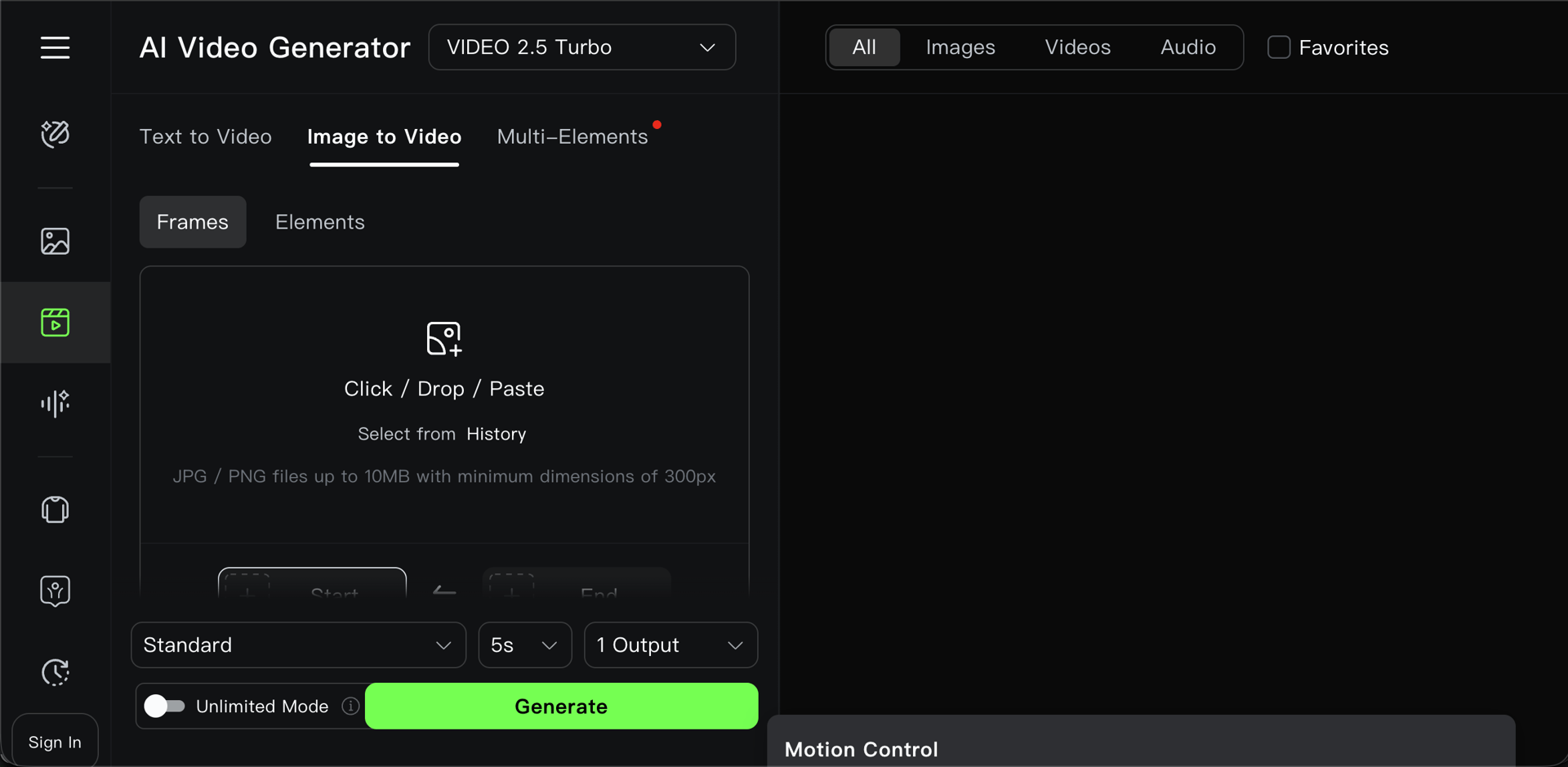
Kling from Kuaishou Technology excels at precise motion control with its Motion Brush feature - select specific areas of your image to animate with fine-grained control. The 2025 release of Kling 2.5 Turbo delivered 40% faster generation times and 48fps output at 1080p.
The December 2025 Kling Video O1 model introduced Chain of Thought (CoT) reasoning for better physics understanding. Supports camera controls (pan, tilt, zoom), video extension to 2 minutes, and 4K output. Character consistency across scenes has significantly improved.
Price: Free (66-166 daily credits, 720p) | Standard $10/mo | Pro $37/mo
What Users Complain About
"I burned up all my free credits trying to get one video past 99%. Waste of time."
- Trustpilot review
"As soon as the one-month subscription ended, all my remaining credits disappeared."
- Reddit r/KlingAI
"Following the 2.0 update, users noted a significant decline in generated content quality while costs increased."
- User feedback aggregation
"I paid $6 for 660 credits expecting 33 videos, but each video costs 50 credits. The platform uses purchased credits before monthly ones."
- Product Hunt review
3. Runway Gen-4.5 - Best for Filmmakers
Runway pioneered commercial AI video generation and remains popular with professional filmmakers. Gen-4.5, released November 2025, holds the top position in the Artificial Analysis Text to Video benchmark with 1,247 Elo points. Objects now move with realistic weight, momentum, and force.
Gen-4 introduced character consistency across scenes without fine-tuning. Features include 4K upscaling, Director Mode for precise camera movements, and a built-in timeline editor. Video-to-video transforms existing footage with AI styling. 95-98% cost reduction versus traditional VFX.
Price: Free (125 one-time credits) | Standard $12/mo | Pro $28/mo | Unlimited $95/mo
What Users Complain About
"Their $95/month 'Unlimited' plan isn't unlimited. I was banned after just 15 days for 'suspicious activity' - which was simply using the service I paid for."
- Reddit r/RunwayML
"Even failed generations that produce static images or distorted videos still consume credits. Credits do not roll over monthly."
- Trustpilot review
"The platform is full of bugs, renders often fail, and customer support takes forever to respond. Chatbot-only support with slow email response times - often days or weeks."
- G2 review
"They are literally stealing your money. I selected a monthly subscription and right before payment they switch it to annual."
- Reddit user
4. Pika 2.5 - Best for Social Media
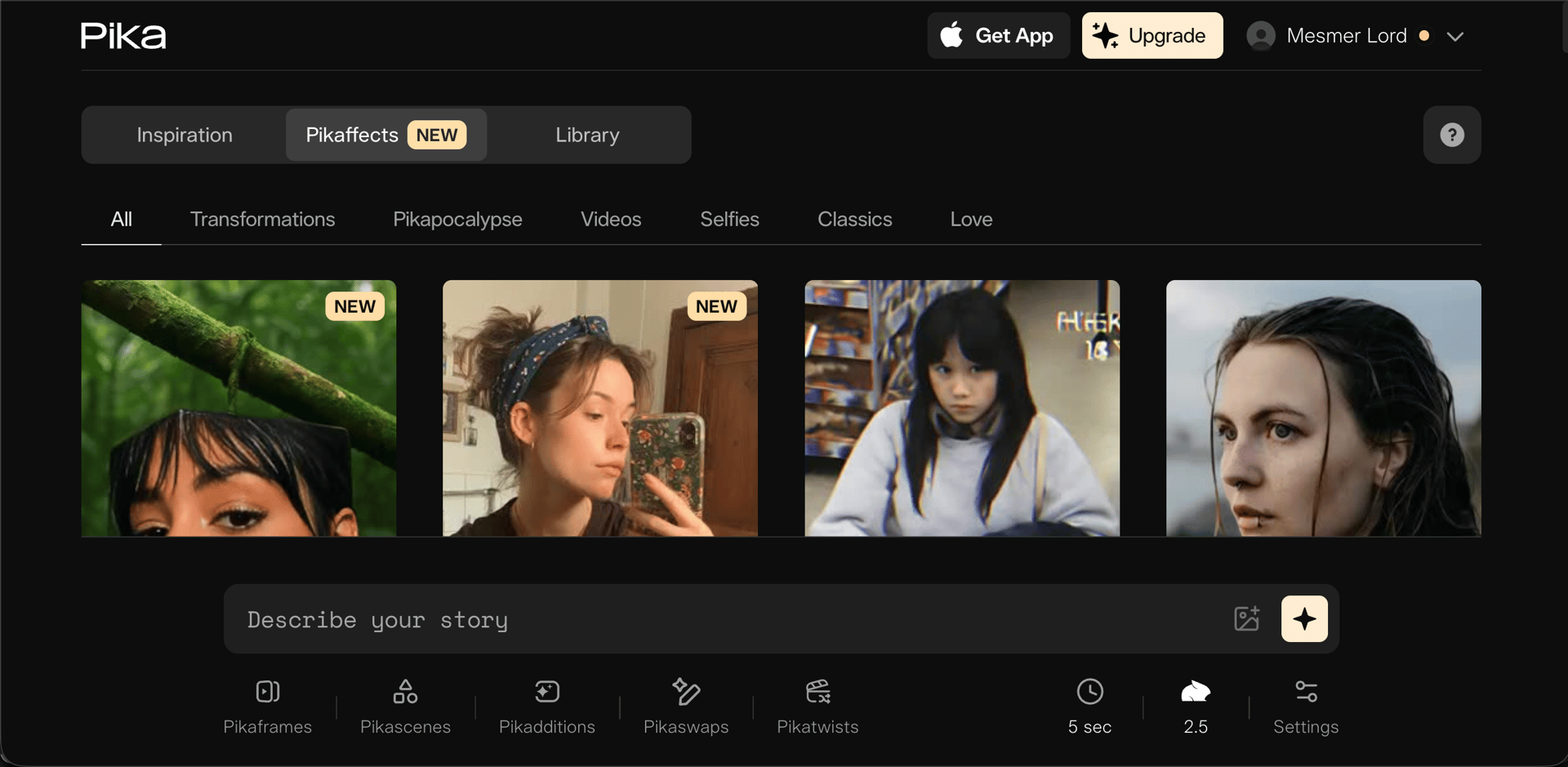
Pika focuses on fun, viral-ready effects called "Pikaffects" - unique transformations like "Melt," "Crush," "Cake-ify," and "Explode" perfect for TikTok and Instagram. Pika 2.5 added a timeline + layer-based editor, making it feel more like a compact motion design app.
The 2025 update Pika 2.2 introduced Pikaframes for keyframe transitions spanning 1-10 seconds, plus 1080p output. Pikaswaps replaces objects with full lighting preservation, and Pikadditions inserts new elements into existing footage. Over 11 million users with 2 billion+ video views generated.
Price: Free (80 credits, 480p, old models) | Standard $8/mo | Pro $28/mo | Fancy $76/mo
What Users Complain About
"A recurring and highly negative complaint is the persistent 'High Demand' message, leading to extremely long wait times - hours, days, even months - or generations never completing."
- Reddit feedback
"You lose credits even when the output fails or looks wrong. The results are a complete lottery - strange visual bugs, faces melting into backgrounds, total lack of consistency."
- User review aggregation
"People complain about being charged after they've canceled, finding it nearly impossible to stop their subscription, and sending email after email into a support black hole with no response."
- Trustpilot reviews
"Control is limited - if something weird happens, there's no fixing it. Pikascenes currently lacks the reliability needed for precise results, which is what brands want."
- Professional user feedback
5. OpenAI Sora 2 - Best for Audio Integration
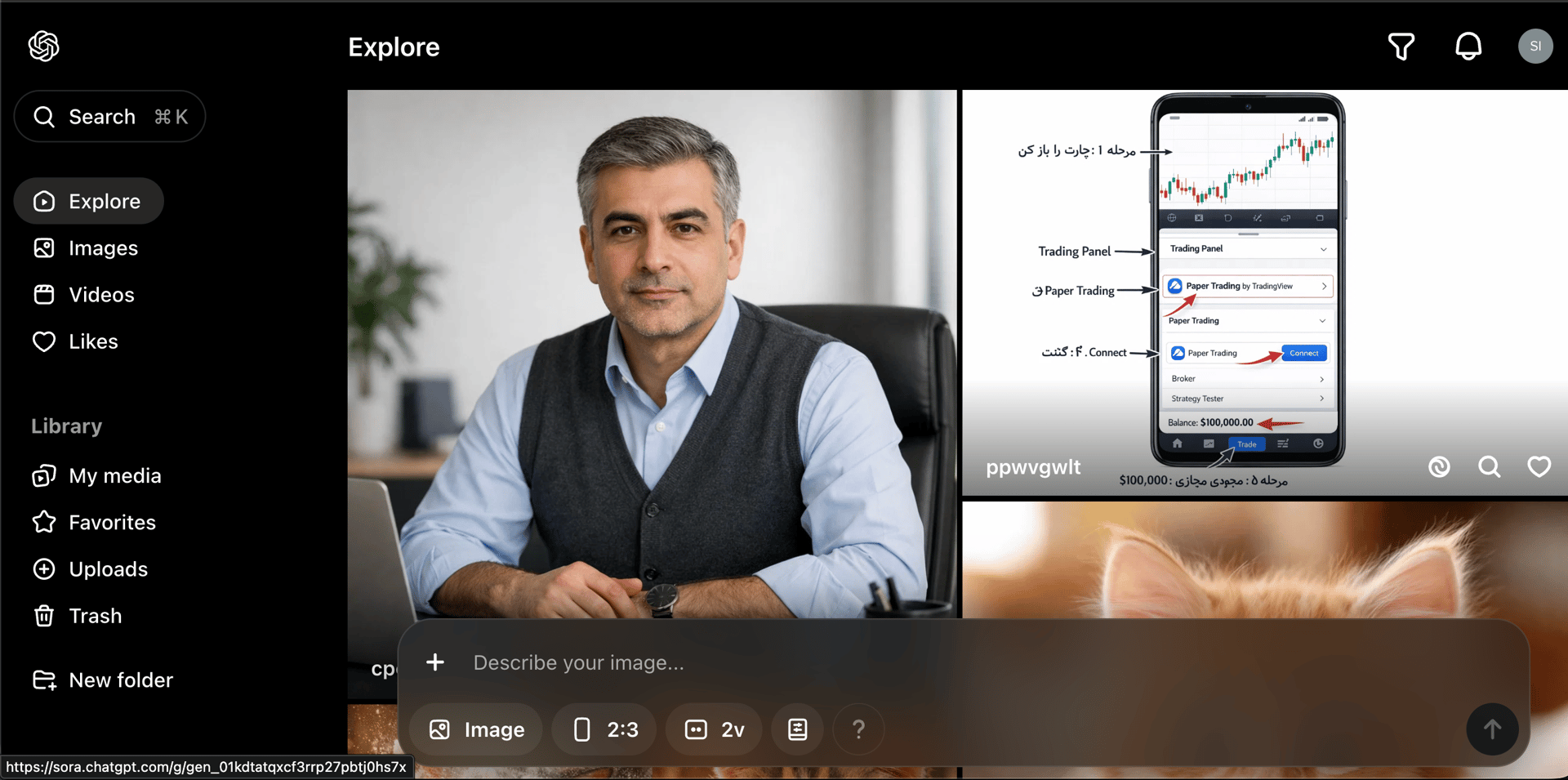
Sora 2 from OpenAI represents a breakthrough in integrated audio-visual generation. Videos come with synchronized background soundscapes, speech synthesis, and sound effects - no separate audio production needed. Supports up to 1080p at 20 seconds on the Pro tier.
The Cameo feature enables accurate identity capture for consistent character representation. Available to ChatGPT Plus subscribers ($20/mo) with 50 monthly generations at 480p, or ChatGPT Pro ($200/mo) for 500 priority generations, unlimited relaxed queue, higher resolution, and no watermarks. Currently limited to US and Canada.
Price: ChatGPT Plus $20/mo (50 videos, 480p) | ChatGPT Pro $200/mo (500 videos, 1080p, no watermark)
What Users Complain About
"A critical issue is the 75% audio generation failure rate. Videos frequently generate completely silent despite audio being requested in prompts."
- OpenAI Community Forum
"Paying $20/month for Plus doesn't remove the watermark - only the $200/month Pro tier does. Users are capped at 720p unless they pay for Pro."
- Reddit r/ChatGPT
"It's official, Sora 2 is completely boring and useless with these copyright restrictions. Simple prompts fail for moderation reasons while basic nature scenes work fine."
- Reddit user
"Only available in the US and Canada. UK, Switzerland, and European users are locked out entirely. iOS only - no Android or web app."
- International user feedback
Feature Comparison
| Feature | BestPhotoAI | Kling 2.5 | Runway Gen-4.5 | Pika 2.5 | Sora 2 |
|---|---|---|---|---|---|
| Starting Price | Free | $10/mo | $12/mo | $8/mo* | $20/mo** |
| AI Models | 10+ | 3 | 3 | 4 | 2 |
| Wait Time | Instant | Hours / stuck at 99% | 2-10 min | Hours+ | ~5 min |
| Max Resolution | 2K | 4K | 4K (upscale) | 1080p | 1080p |
| Max Duration | Variable by model | 2 min | 10 sec | 10 sec | 20 sec |
| Lip-Sync | Best + Voice Clone | Good | Yes | Yes | Yes |
| Native Audio | ✓ | ✓ (O1) | ✗ | ✗ | ✓ |
| Model Training | ✓ | ✗ | ✗ | ✗ | Cameo (limited) |
| Free Effects | 26 tools | ✗ | ✗ | Pikaffects | ✗ |
| Image Tools | 40+ | ✗ | Editor | ✗ | ✗ |
*Pika's free tier only includes old models at 480p. Latest features require paid plans. **Sora requires ChatGPT Plus/Pro subscription.
Why Model Training Changes Everything
This is the biggest differentiator that most comparisons miss. Here's the limitation with every other tool on this list:
Other tools (Kling, Runway, Pika, Sora):
- Text-to-video: Generates random people - no way to create videos of a specific person consistently
- Image-to-video: You must already have the exact photo you want to animate. Need your client jumping? You need a photo of them mid-jump first.
- Sora's Cameo: Limited identity capture that requires video recording process and has geographic restrictions
BestPhotoAI:
- Train a model on yourself, a client, or a product using just a few photos
- Generate new images of that subject in any scenario (jumping, running, different outfits, different locations)
- Then animate those generated images into videos
- Or use face reference to add specific faces to any generation without training
This workflow is impossible with single-model platforms. It's the difference between "animate what you already have" and "create whatever you can imagine."
What Users Actually Say (2025-2026 Reviews)
We collected real user feedback from Reddit, Trustpilot, and review sites. Here's the unfiltered truth about the competition:
On Kling:
"The Kling AI stuck at 99% issue has been ongoing for over 6 months. On the free plan, you can expect waiting times of up to 2-3 days. Even on paid plans, some videos take over 20 hours to process."
On Runway:
"Got the unlimited plan. Generated 50 videos in first month. Account suspended. They kept my money. Customer service rating is 1.4 on Trustpilot."
On Pika:
"The biggest issue is that the results are a complete lottery. Strange visual bugs, faces melting into backgrounds, and total lack of consistency from one frame to the next."
On Sora:
"75% audio generation failure rate. Videos frequently generate completely silent. Sora 2's moderation is absurd - simple prompts like 'walking on shore hand in hand' fail while basic nature scenes work."
Why Multi-Model Platforms Win
Each AI model has different strengths and weaknesses. When you're locked into a single platform and the model struggles with your use case, you're stuck - or you sign up for another service and pay another subscription.
Multi-model platforms like BestPhotoAI let you switch between 10+ models based on what works best for each project. No new subscription, no learning curve, no wasted credits on a model that doesn't fit your needs.
Example: Kling excels at motion control but has queue issues. Runway offers cinematic quality but suspends heavy users. Pika has fun effects but inconsistent results. Minimax handles realistic motion well. Instead of choosing one and living with its limitations, you can pick the right model for each shot.
Key 2025-2026 Model Updates
Runway Gen-4.5
November 2025: #1 on Artificial Analysis benchmark. Unprecedented physical accuracy - objects move with realistic weight, liquids flow properly. Maintains Gen-4 speed without compromising quality.
Kling 2.5 Turbo & O1
September-December 2025: 40% faster generation, 48fps output. Video O1 uses Chain of Thought reasoning for better physics understanding. 62% lower costs vs Kling 2.0.
Pika 2.5 Studio
2025: Evolved from simple generator to timeline + layer-based editor. Pikaframes for keyframe transitions. Pikaformance model for hyper-real expressions synced to any sound.
Google Veo 3.1
May 2025: First model with native audio generation - dialogue, sound effects, ambient noise all generated together. Flow tool has generated 275M+ videos.
Final Verdict: Which Should You Choose?
Choose BestPhotoAI if you want ALL the benefits:
Since BestPhotoAI includes access to Kling, Minimax, Runway, Pika models, and more, you get the best features from every platform in one place:
- Kling's strengths: Motion control, lip-sync capabilities
- Runway's strengths: Cinematic quality, character consistency
- Pika's strengths: Fun effects - we counter with 10+ pro video models and photo animation
- Minimax strengths: Realistic human motion, budget-friendly
- Plus exclusives: Model training, face reference, AI image editing, voice cloning, 2K resolution, instant generation
Still want to use standalone tools? Here's when each makes sense:
Choose Kling if:
You specifically need their Motion Brush for selective animation, require 2-minute clips, and can tolerate potential queue times and credit expiration.
Choose Runway if:
You're a professional filmmaker who needs their specific built-in timeline editor, 4K upscaling, and Gen-4.5's physics simulation.
Choose Pika if:
You want viral Pikaffects (Melt, Cake-ify, etc.) for social content and are okay with inconsistent results on complex prompts.
Choose Sora if:
You're in the US/Canada, already have ChatGPT Plus, and want native audio generation without separate audio production.
Ready to Create AI Videos?
10+ AI models, instant generation, model training, 2K resolution, voice cloning
No credit card required - 1 free video/day + 25 credits to start
Related Articles & Tools
Frequently Asked Questions
What's the cheapest good AI video generator in 2026?
Pika at $8/mo (Standard) or Kling at $10/mo for single-model tools. BestPhotoAI is free to start with 1 video/day + 25 credits, then $14/mo for access to 10+ models plus 40+ image tools - the best value for multi-model access.
Which AI video generator has the best lip-sync?
BestPhotoAI's OVI and OmniHuman models offer best-in-class lip-sync with voice cloning. Kling is also good for lip-sync but without voice cloning. Sora 2 has integrated audio but suffers from 75% audio generation failure rates.
Why are Kling generations still stuck at 99%?
Server overload. This has been ongoing since 2024 despite multiple updates. Free users can wait 2-3 days. Paid users report faster times but still occasional stuck generations. The O1 and 2.5 Turbo updates improved this but didn't eliminate the issue.
Can I create videos of a specific person consistently?
Only with BestPhotoAI's model training feature. Train a model on a few photos, then generate that person in any scenario. Sora has "Cameo" but it's limited to US/Canada and requires a recording process. Other tools require you to already have the exact image you want to animate.
Which AI video generator has native audio?
Sora 2 and Google Veo 3 generate audio natively with video. Kling's O1 model added audio support. BestPhotoAI includes voice cloning for lip-sync without needing separate audio production.
Why does BestPhotoAI have no queue wait times?
Direct API access. Your generations process immediately instead of waiting in a queue with thousands of other users like on Kling or Pika. This is a significant advantage for professional workflows where time matters.
Is Sora available outside the US?
Currently only available in the US and Canada. UK, Switzerland, and European Economic Area users are locked out. OpenAI has indicated plans for expansion but no specific timeline. BestPhotoAI is available worldwide with no geographic restrictions.
Can I use AI-generated videos commercially?
BestPhotoAI includes commercial rights on all plans. Pika requires the $8/mo+ paid plans for commercial rights. Runway includes commercial rights on paid plans. Sora requires ChatGPT Pro ($200/mo) for watermark removal. Always check the specific terms of service for each platform.
Try it on one of your own photos
Most of our photo tools have a free version. Upload a picture and see what it does before you decide anything.