Best Free AI Christmas Photo Effects in 2025
Want to create stunning Christmas photos without expensive shoots? We tested the top AI Christmas photo editors to add Santa hats, snow effects, festive backgrounds, and holiday transformations. All free tools included.
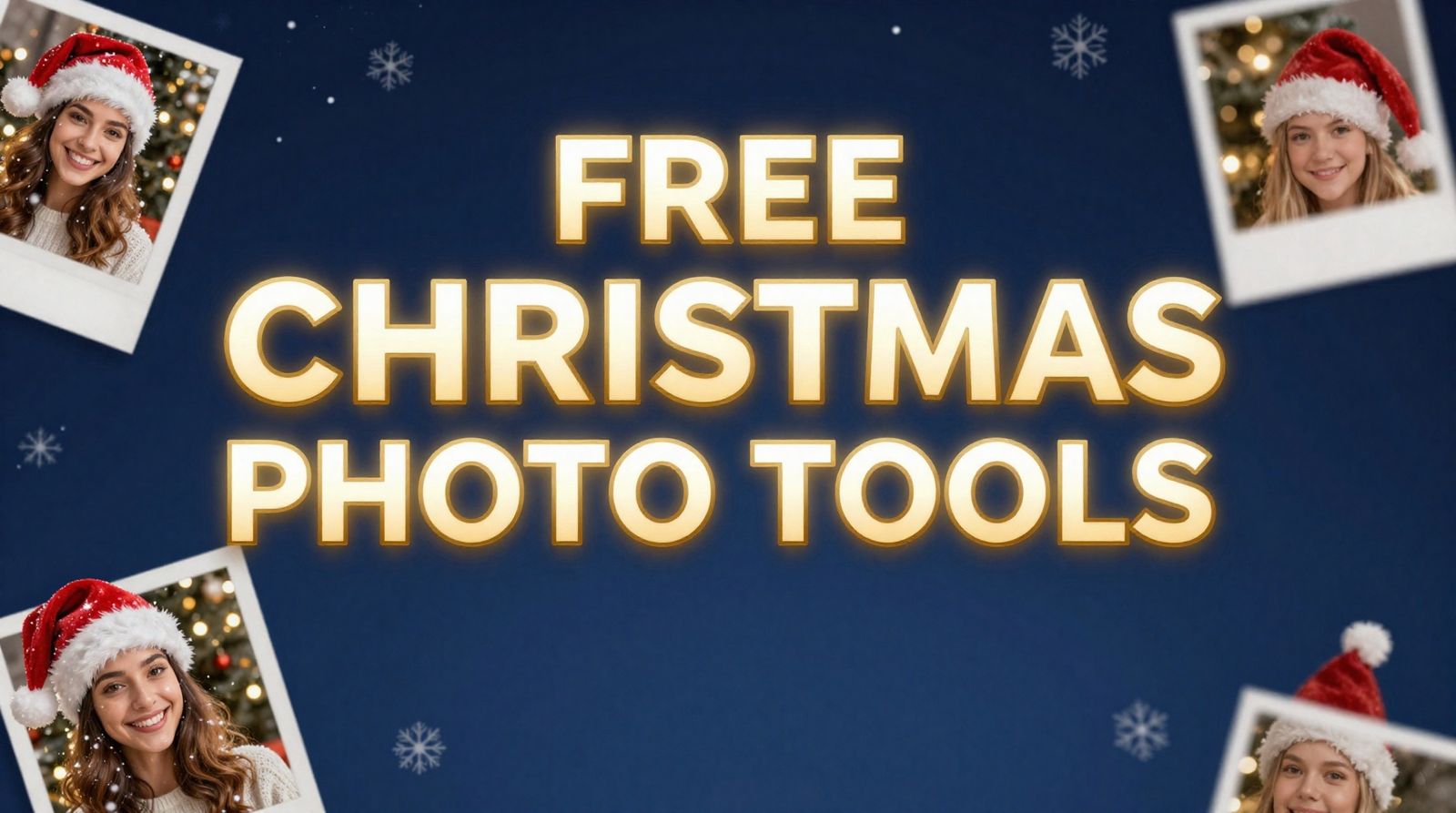
Christmas is around the corner, and everyone wants that perfect festive photo. But professional holiday photoshoots cost $200-500+, and let's be honest—coordinating matching outfits and perfect timing with the whole family is a nightmare. AI photo editors have changed the game. Now you can add Santa hats, snow effects, and festive magic to any existing photo in seconds—completely free.
Quick Answer: For the most comprehensive free Christmas photo editing, use BestPhoto's Christmas Hat Tool to add Santa hats and snow effects, or the Santa Claus Transform for full Santa makeovers. Both are 100% free with no sign-up required.
What People Actually Want in Christmas Photo Editors
We researched what people are actually searching for when it comes to Christmas photo editing. Here's what Reddit users, forum posts, and search trends tell us:
- 1.Santa Hats — The #1 request. People want to add realistic Santa hats that match the head angle and lighting.
- 2.Snow Effects — Gentle falling snowflakes that blend naturally with the photo's atmosphere.
- 3.Christmas Backgrounds — Replace boring backgrounds with cozy living rooms, Christmas trees, or winter wonderlands.
- 4.Festive Outfits — Christmas sweaters, Santa costumes, elf outfits without actually buying them.
- 5.Holiday Card Creation — Turn regular photos into card-ready festive images.
The key frustration? Most AI tools either produce unrealistic results, require expensive subscriptions, or force you to sign up just to see what the tool can do. We focused on tools that actually work and are genuinely free.
Best Free AI Christmas Photo Tools (Tested & Ranked)
1. AI Christmas Hat & Snow Effect
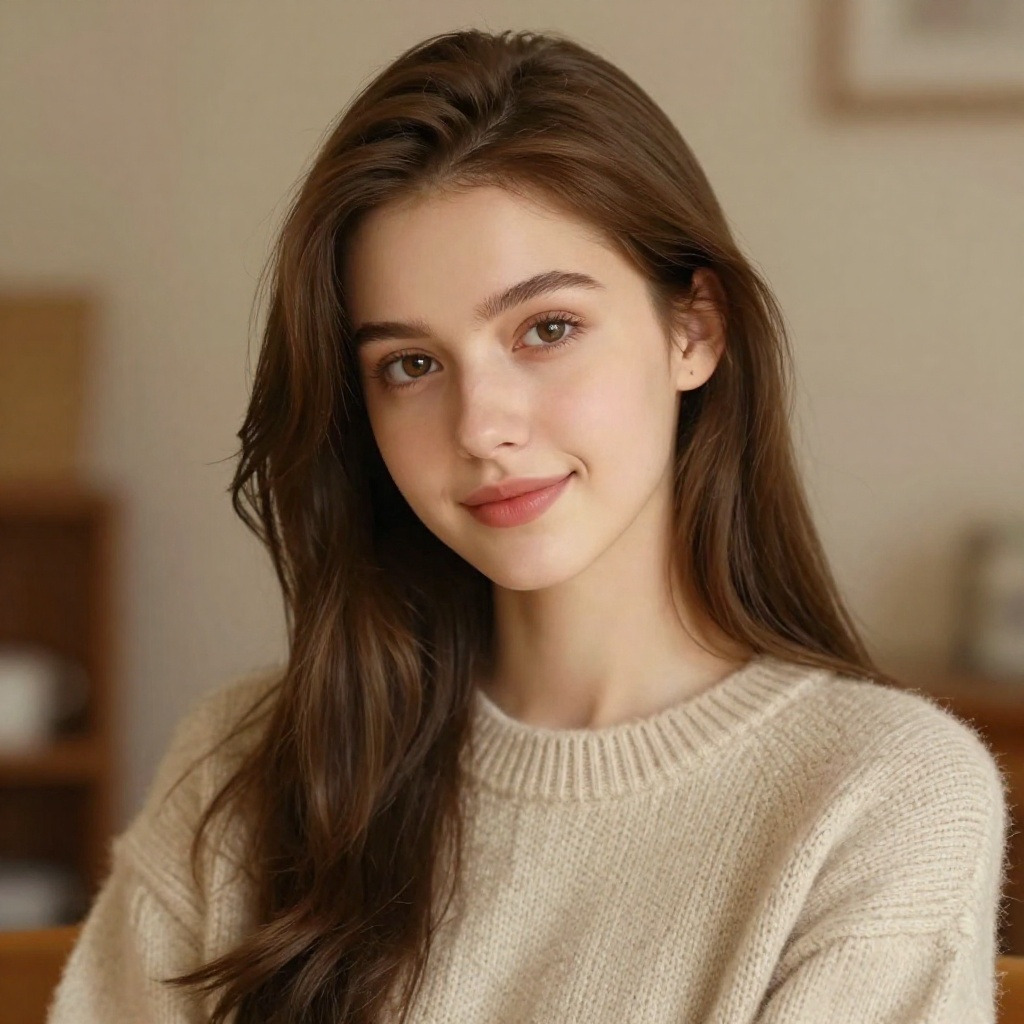
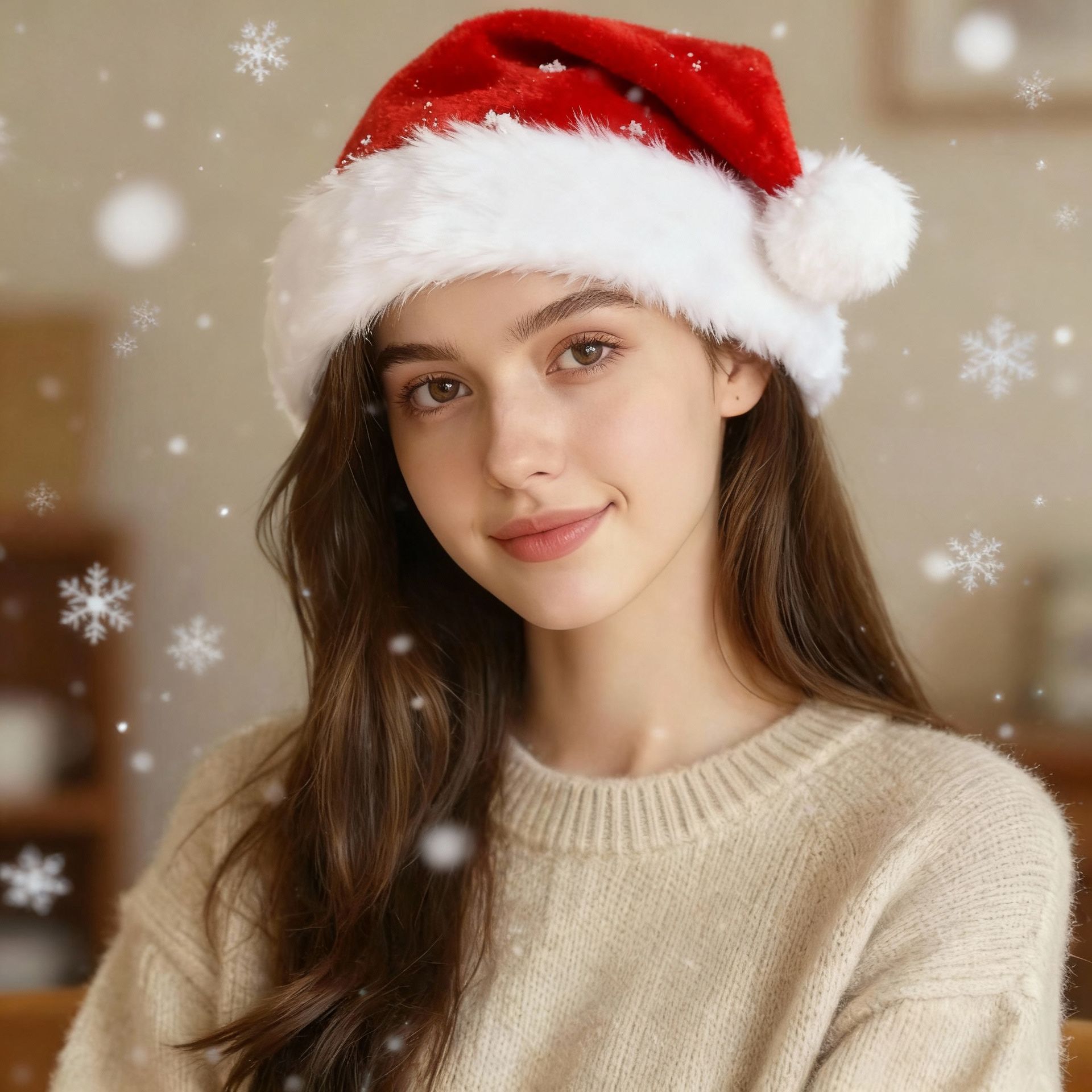




This is the tool most people are looking for. Upload any photo, and the AI automatically detects faces and adds a perfectly positioned Santa hat with natural lighting. It also adds gentle falling snowflakes that blend seamlessly with your photo's atmosphere.
What makes it different: Unlike basic overlay tools that just paste a hat on top, this uses AI to understand head angles, lighting direction, and perspective. The hat actually looks like it belongs in the photo.
Best for: Quick festive social media posts, holiday cards, family photos
Try Christmas Hat Tool Free →2. AI Santa Claus Transform

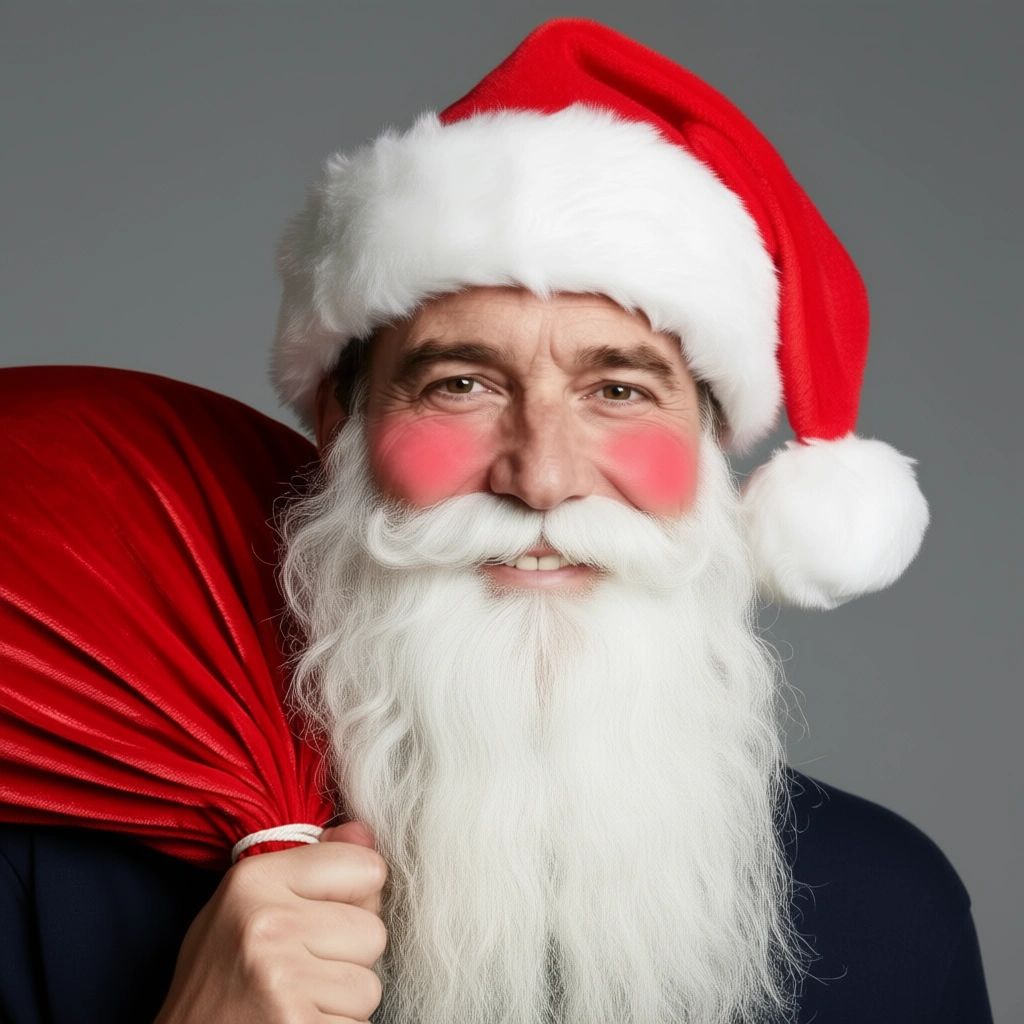

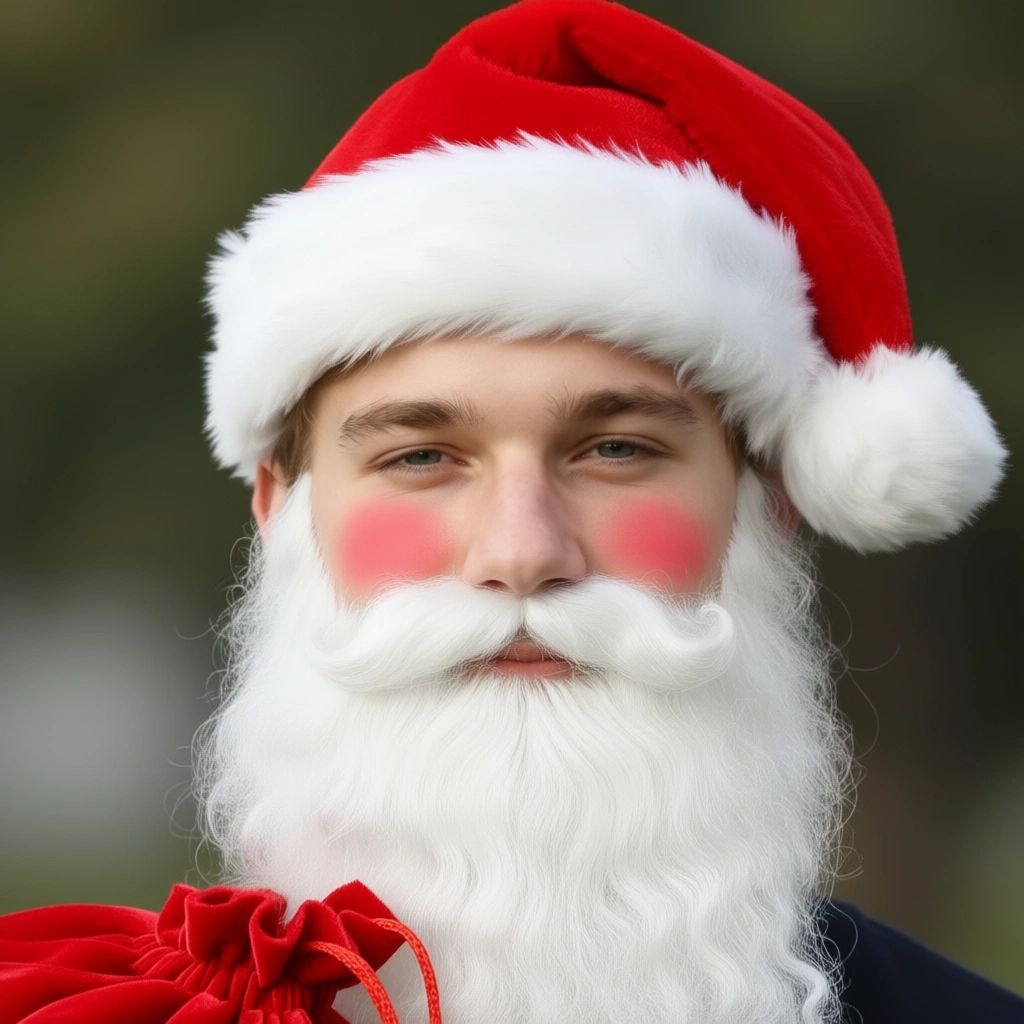

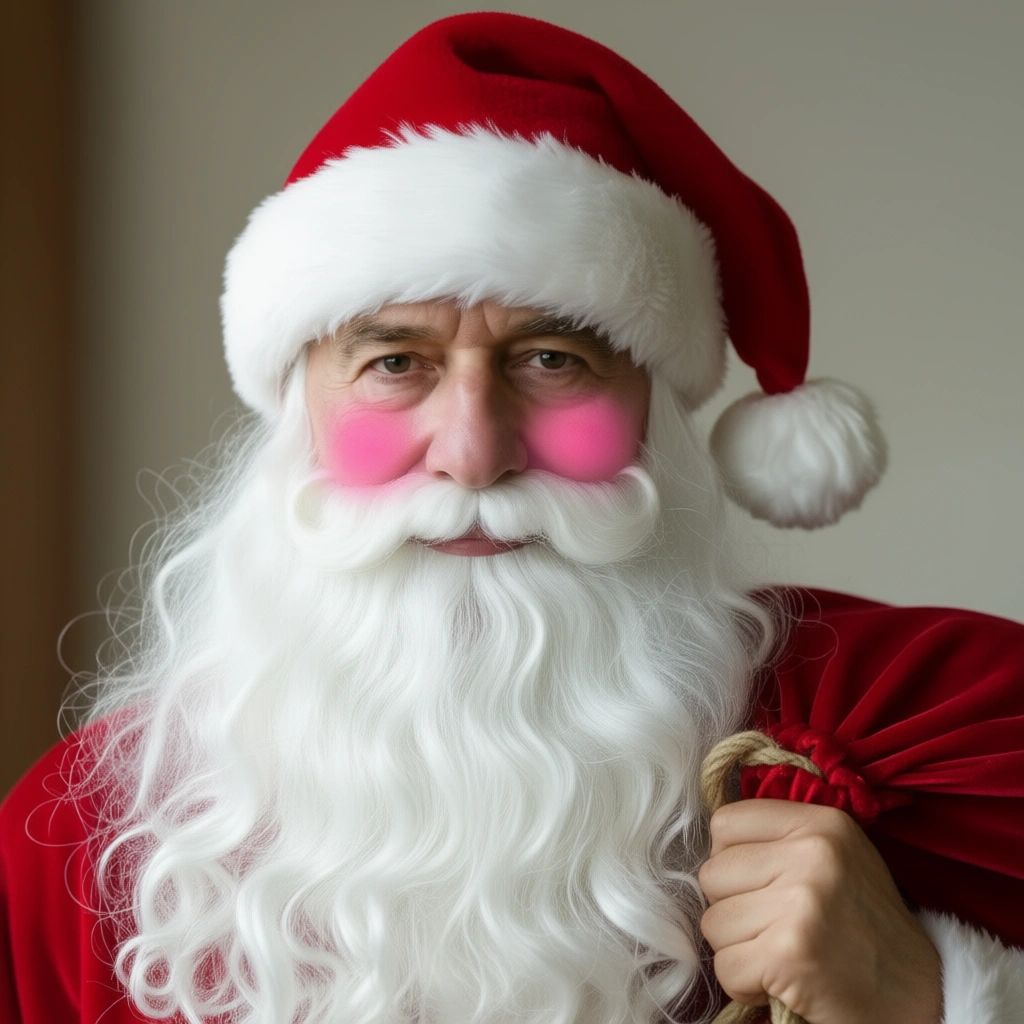
Want the full Santa experience? This tool goes beyond just a hat. It adds a flowing white beard, Santa hat with white fur trim, rosy cheeks, and even a gift sack—while keeping your face recognizable.
Important: The AI preserves your actual facial features. You'll still look like yourself, just with Santa's iconic look. Perfect for holiday cards where you want people to recognize you.
Best for: Fun holiday cards, gag gifts, "Dad as Santa" photos
Try Santa Transform Free →3. AI Background Replacer (Christmas Scenes)
Christmas Living Room

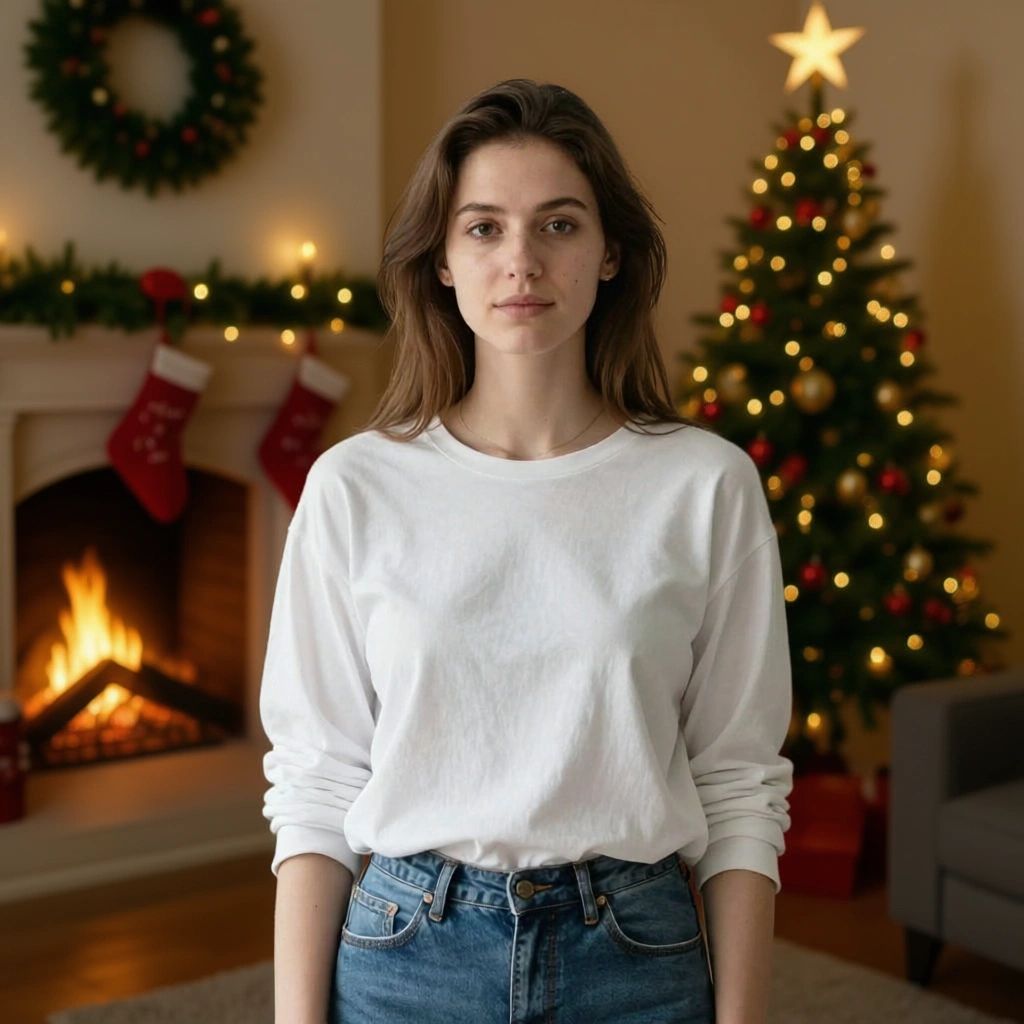
Winter Wonderland

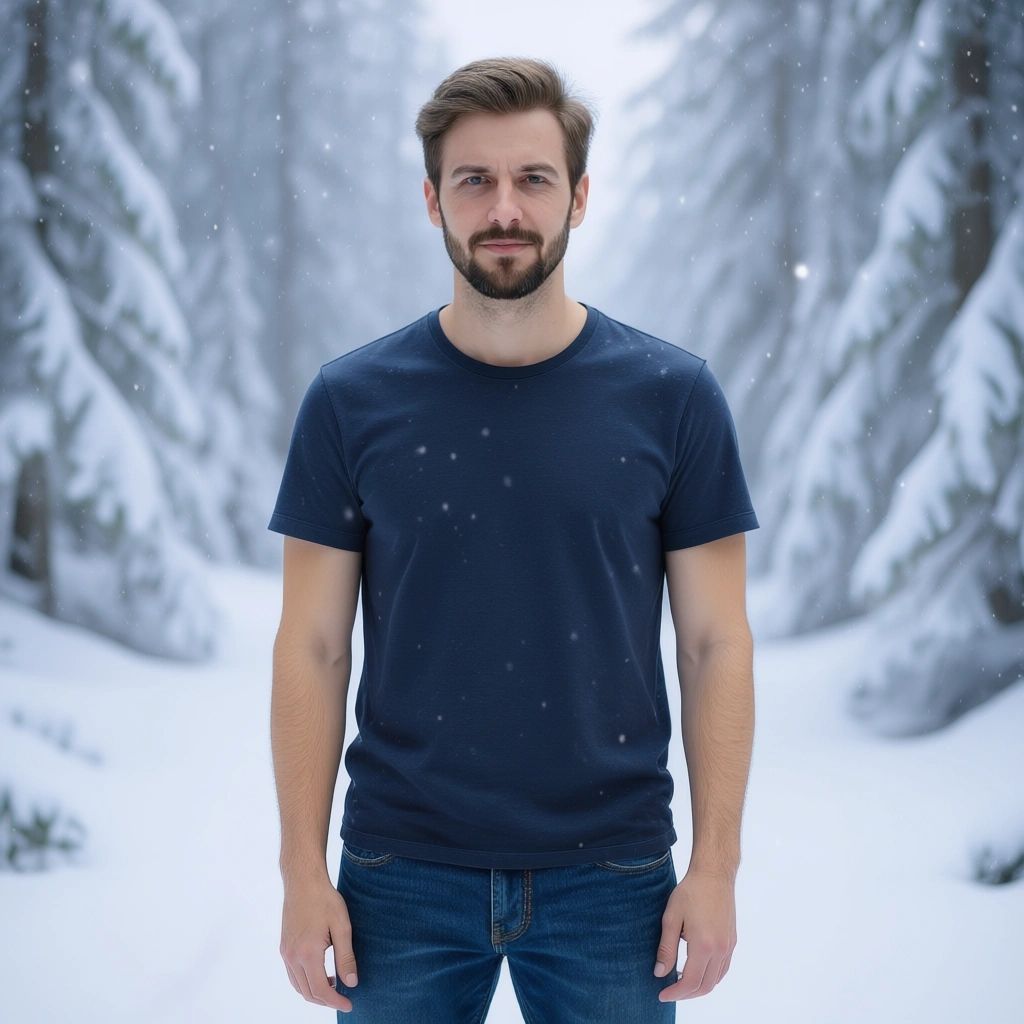
Turn any photo into a Christmas scene by replacing the background. Describe what you want—"cozy living room with Christmas tree and fireplace" or "snowy winter wonderland"—and the AI generates a matching background while keeping you perfectly cut out.
Pro tip: You can also upload a reference image of exactly the background you want. Found a perfect Christmas living room on Pinterest? Upload it as a reference.
Best for: Making ordinary photos look like they were taken in festive settings
Try Background Replacer Free →4. AI Outfit Changer (Christmas Outfits)
Reindeer Sweater
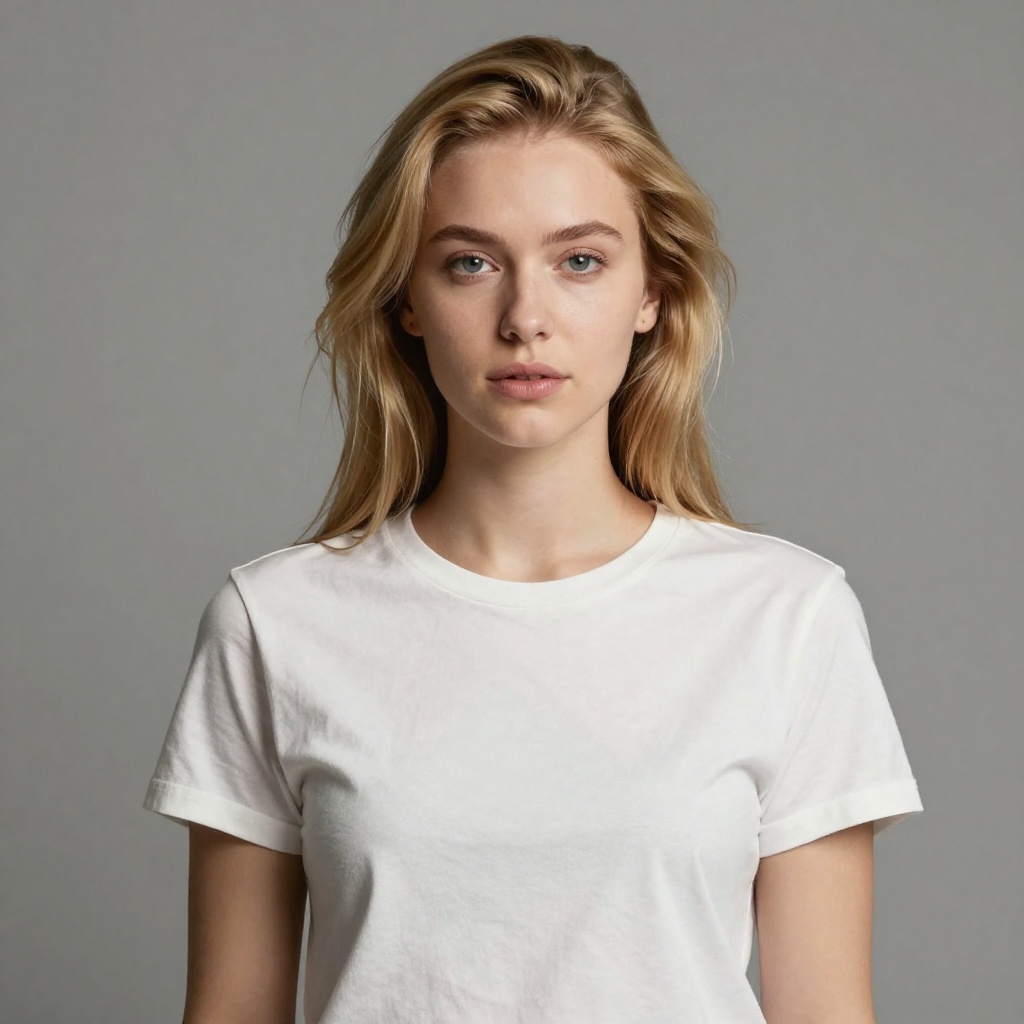
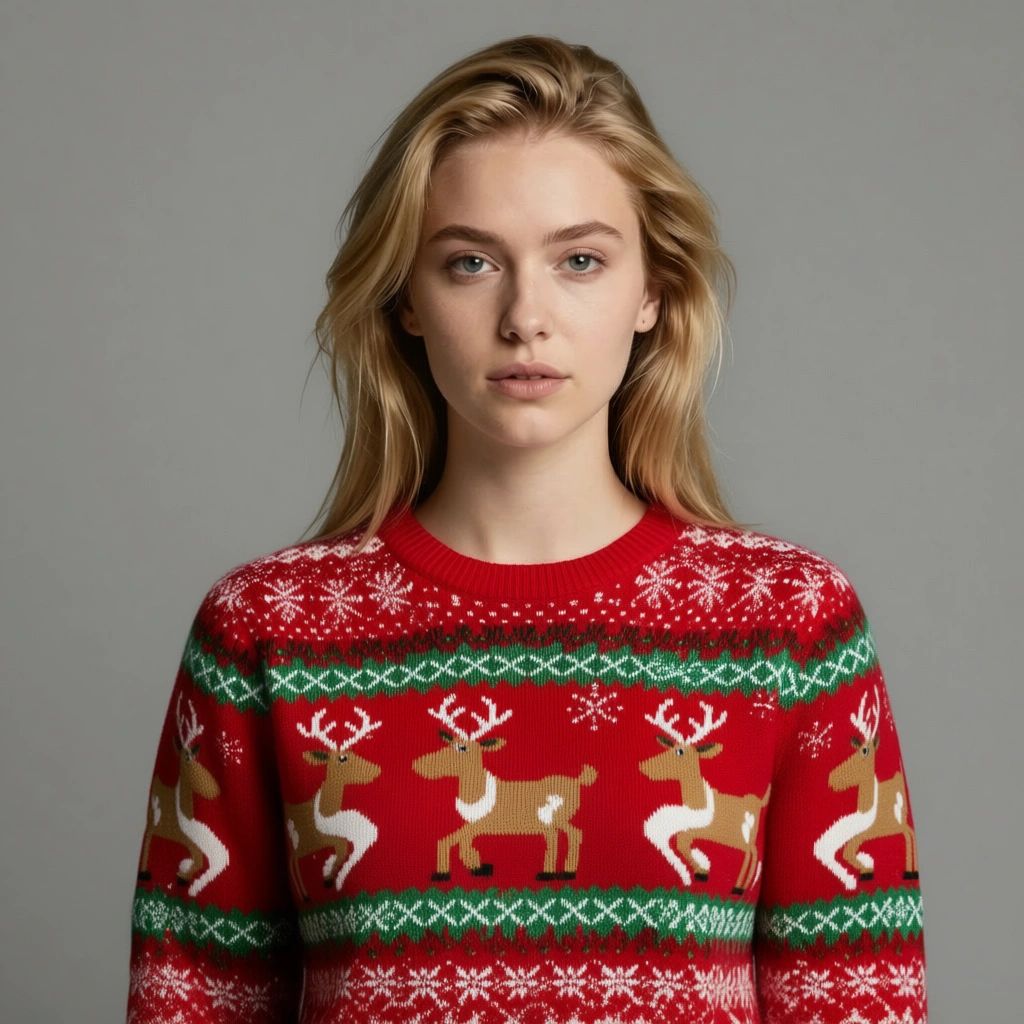
Ugly Christmas Sweater

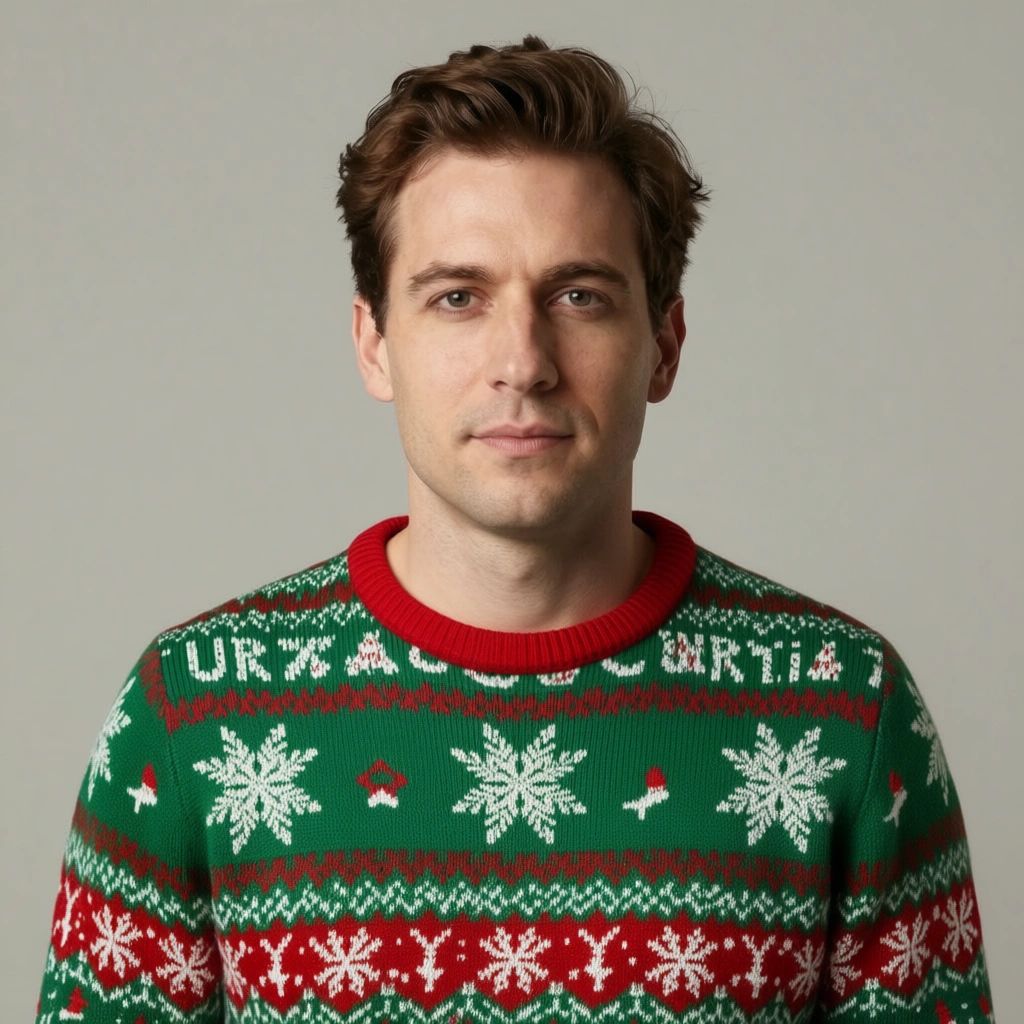
Don't own an ugly Christmas sweater? Don't want to buy one? This tool lets you virtually try on any outfit. Type "red Christmas sweater with reindeer pattern" or "elf costume" and see the result in seconds.
Creative use: Make the whole family match in coordinated Christmas outfits without actually buying matching clothes. Great for family cards where you couldn't get everyone together in the same outfit.
Best for: Christmas sweater photos, coordinated family outfits, costume photos
Try Outfit Changer Free →How These Compare to Other Christmas Photo Editors
We tested popular alternatives like Fotor, Media.io, Createimg, and Photoleap. Here's the honest comparison:
| Feature | BestPhoto | Fotor | Media.io | Createimg |
|---|---|---|---|---|
| Santa Hat Tool | Free, no sign-up | Free with limits | Free with limits | Free |
| Full Santa Transform | Yes, free | Limited | No | No |
| Custom Backgrounds | Yes + reference images | Presets only | Limited | Text prompts |
| Outfit Changing | Yes, any outfit | No | No | No |
| Face Preservation | Excellent | Good | Good | Varies |
| Watermarks | No watermarks | Free has watermarks | Some tools | No |
Creative Christmas Photo Ideas to Try
Family Card Ideas
- • Add Santa hats to everyone in a casual family photo
- • Replace your backyard with a snowy winter scene
- • Put the whole family in matching Christmas sweaters
- • Transform dad into Santa for a funny card
Social Media Ideas
- • Update your profile picture with a Santa hat
- • Create a "winter wonderland" selfie
- • Make festive versions of pet photos
- • Christmas sweater "try-on" photos
Gift Ideas
- • Create a "Dad as Santa" framed photo
- • Make festive versions of old photos
- • Pet portraits with Santa hats
- • Grandparents with grandkids in matching outfits
Business Ideas
- • Team photos with festive elements
- • Holiday-themed product photos
- • Seasonal email header images
- • Christmas social media content
Tips for Best Results
- 1. Use high-quality source photos — The AI works better with clear, well-lit photos. Blurry or dark photos will give blurry results.
- 2. Front-facing works best — While the AI handles angles, front-facing photos give the most natural Santa hat placement.
- 3. Keep backgrounds simple — If you're adding a Santa hat, photos with simpler backgrounds make the AI's job easier.
- 4. Try multiple times — AI results can vary. If the first result isn't perfect, try again—it's free.
- 5. Combine tools — Add a Santa hat first, then change the background. Layer effects for the best results.
Ready to Create Your Christmas Photos?
All tools are free to use. No expensive subscriptions, no hidden fees.
No credit card required • No sign-up for basic tools • No watermarks
Frequently Asked Questions
Are these Christmas photo tools really free?
Yes. The Christmas Hat and Santa Transform tools are 100% free with no sign-up required. Background Replacer and Outfit Changer require a free account but include free credits to use.
Will the AI add Santa hats to multiple people in one photo?
The AI can detect and add hats to multiple faces in a photo. For best results with group photos, make sure faces are clearly visible and not too small in the frame.
Can I use these photos commercially (like for business cards)?
Yes, you can use the generated images for personal and commercial purposes. There are no watermarks or usage restrictions on the free tools.
What photo formats work with these tools?
JPG, PNG, and WEBP formats all work. For best results, use photos that are at least 512x512 pixels. Higher resolution photos will give higher resolution results.
Can I edit pet photos with these tools?
Yes! The Christmas Hat tool works on pet photos too. The AI can detect and add hats to dogs, cats, and other pets. Santa Transform is primarily designed for human faces but can produce fun results with pets.
Try it on one of your own photos
Most of our photo tools have a free version. Upload a picture and see what it does before you decide anything.