Top 5 AI Photo Restoration Tools in 2026: Complete Comparison Guide
Looking for the best AI photo restoration tool? We tested BestPhotoAI, FixFade, MyHeritage, VanceAI, and Fotor. Compare features, pricing, real user opinions, and results to find the perfect tool for restoring your old photos.
Restoring an old photo used to mean hours of manual Photoshop work: cloning out scratches, patching tears, correcting faded colors, and sharpening blurry faces. The right AI tool now does most of that in seconds. We spent 75+ hours testing the five photo restoration tools people actually use so you can pick the one that fits your photos.
Quick Answer: For the most versatile restoration with multiple AI models, free upscaling, and a full suite of 40+ editing tools, try BestPhotoAI. For standalone tools: FixFade for pay-once family album restoration, MyHeritage for genealogy-focused restoration, VanceAI for batch processing, Fotor for all-in-one editing.
Important Reality Check
No AI tool can reconstruct detail that is genuinely gone. Severely damaged areas, blown-out highlights, or a face that is only a few pixels wide get "hallucinated": the AI invents plausible-looking detail instead of recovering the original. How good the result looks depends heavily on your source image, so scan old photos at the highest resolution you can before running them through any of these tools.
The 5 Tools at a Glance
1. BestPhotoAI: Best Overall
Scratch & Damage Removal
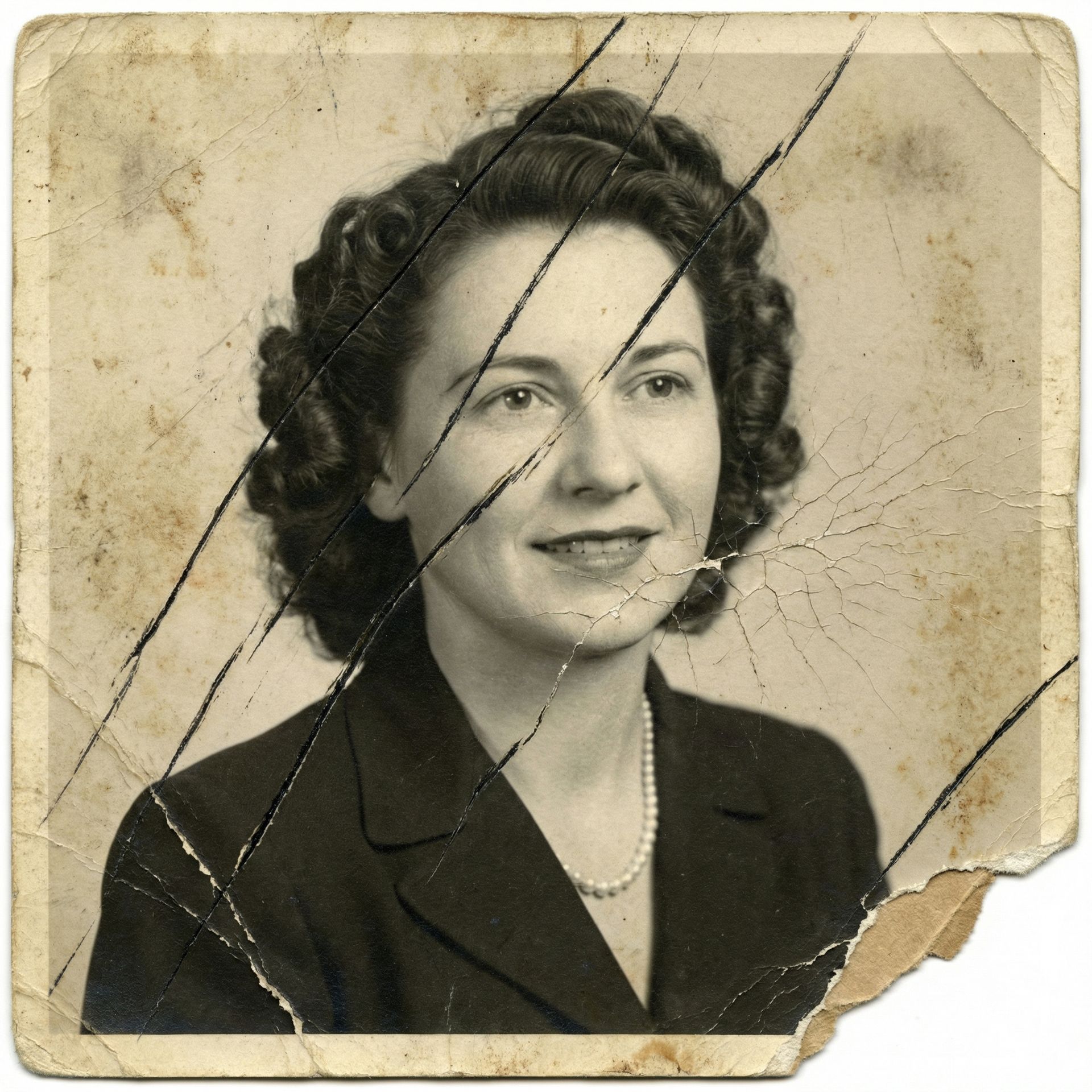

Face Enhancement
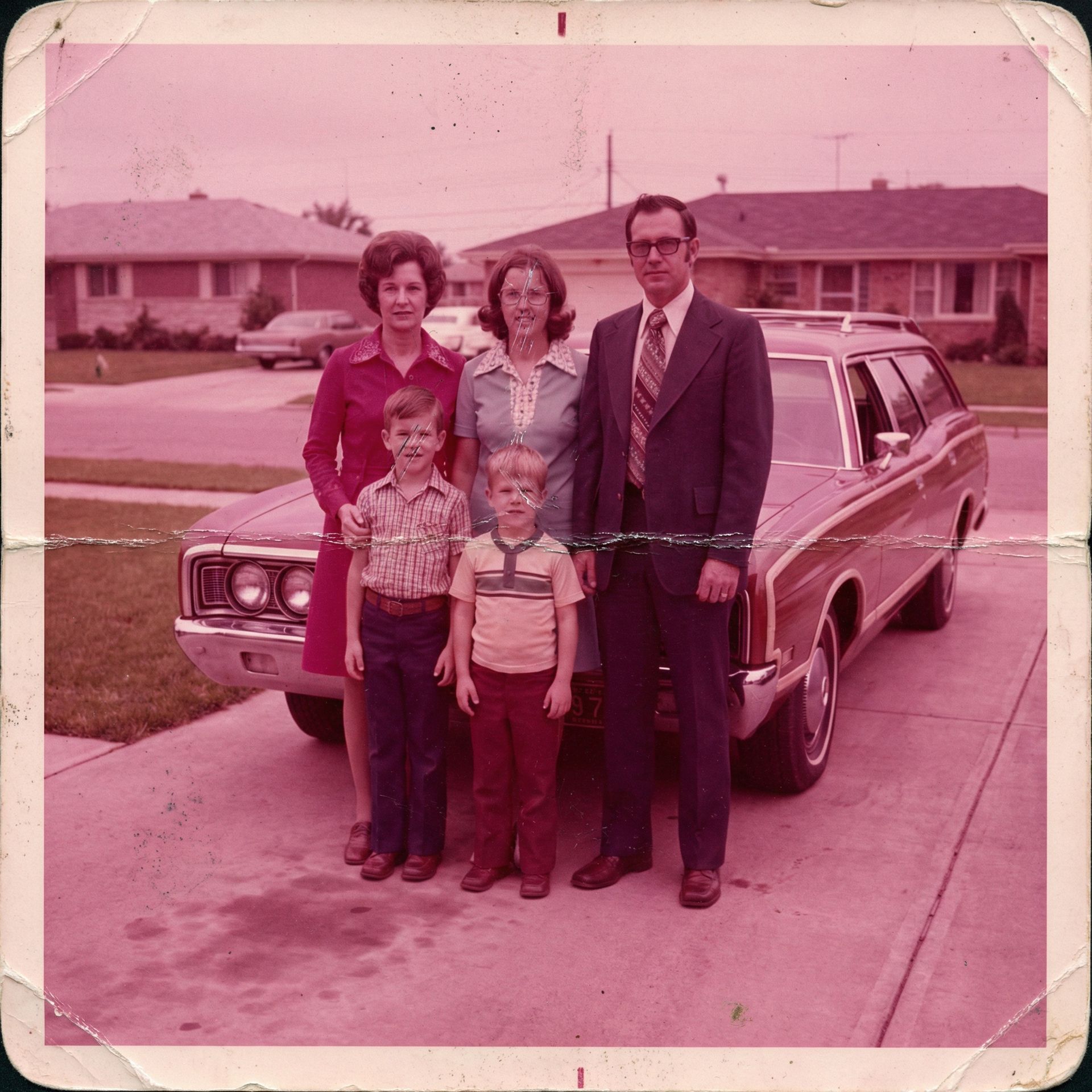
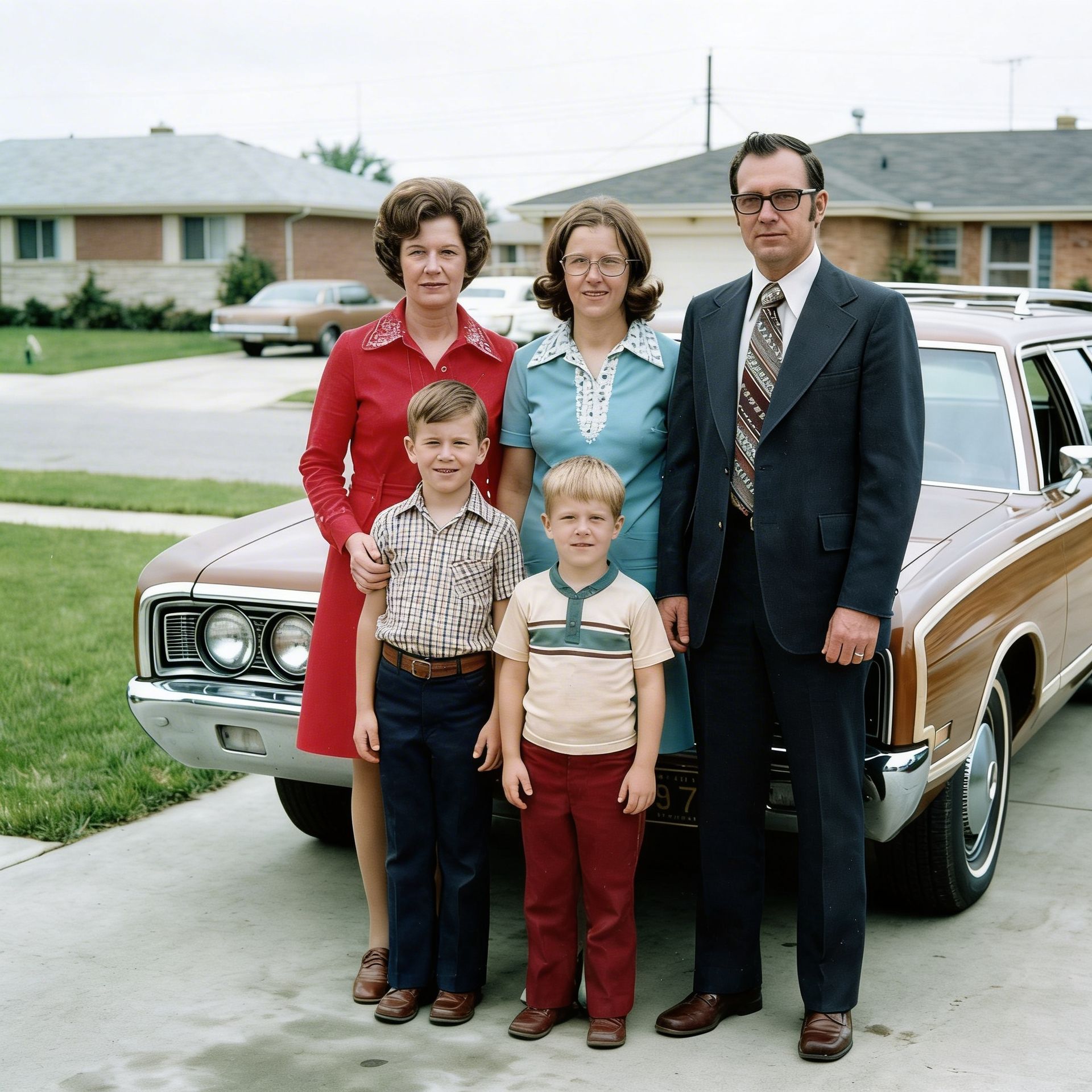
Color Restoration
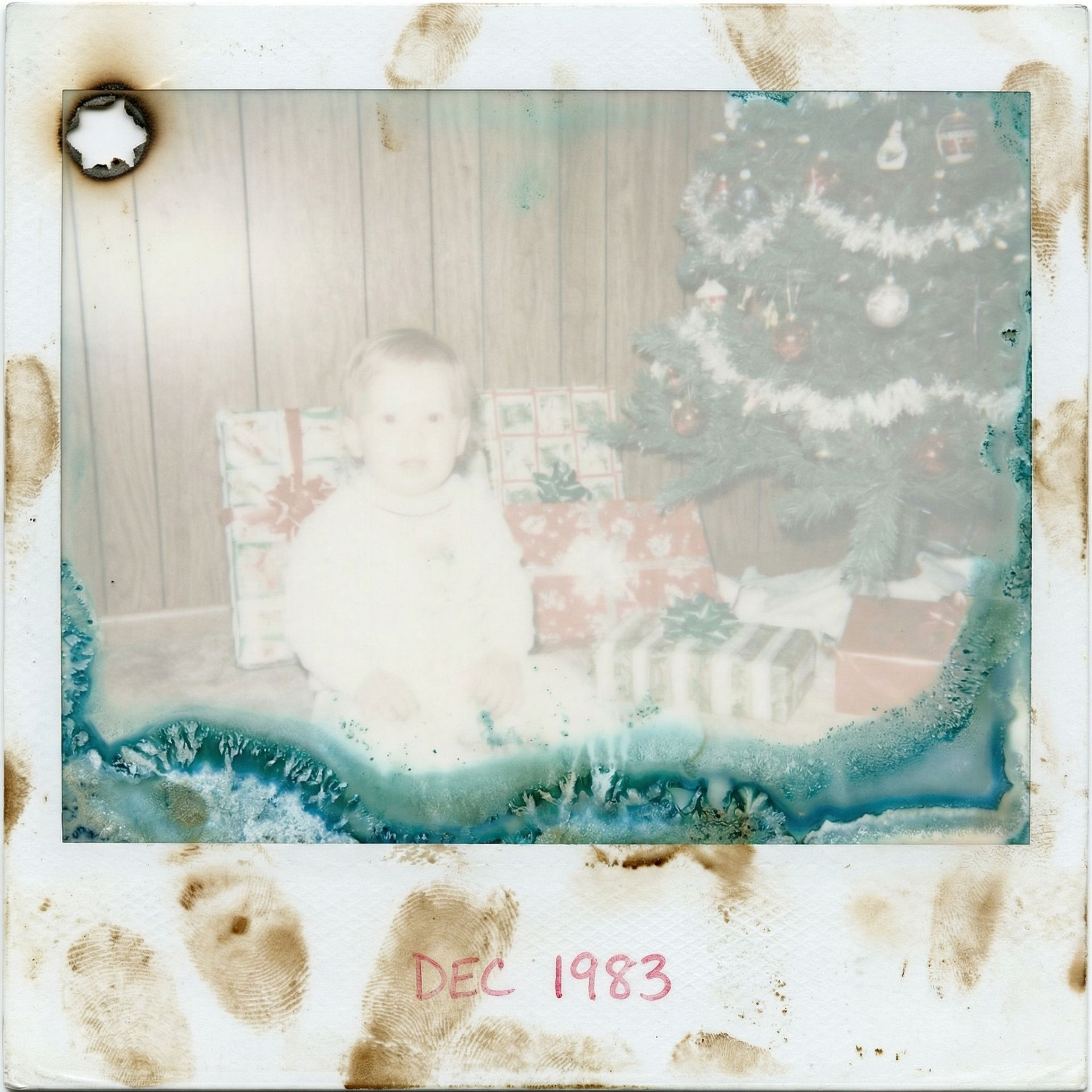
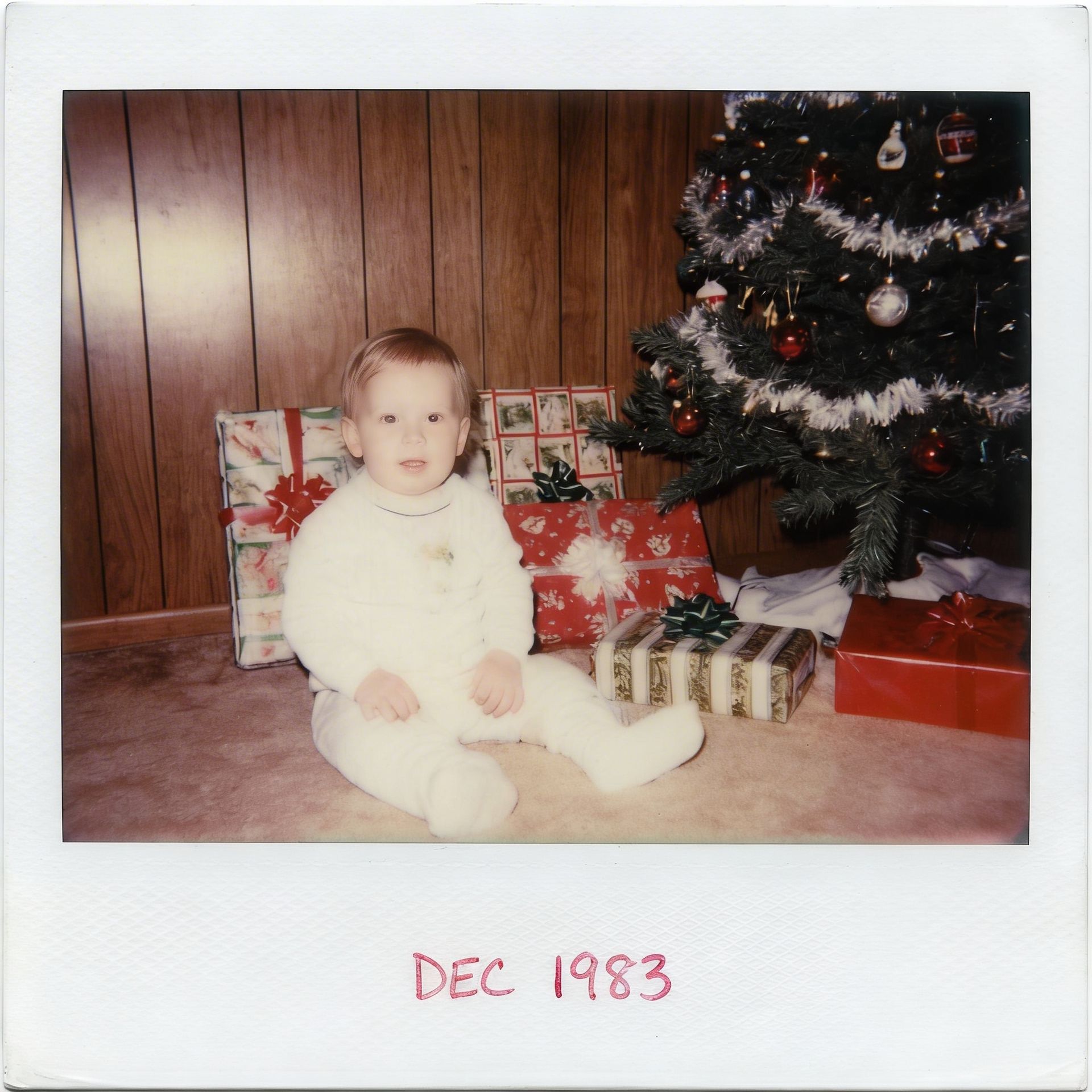
Full Restoration
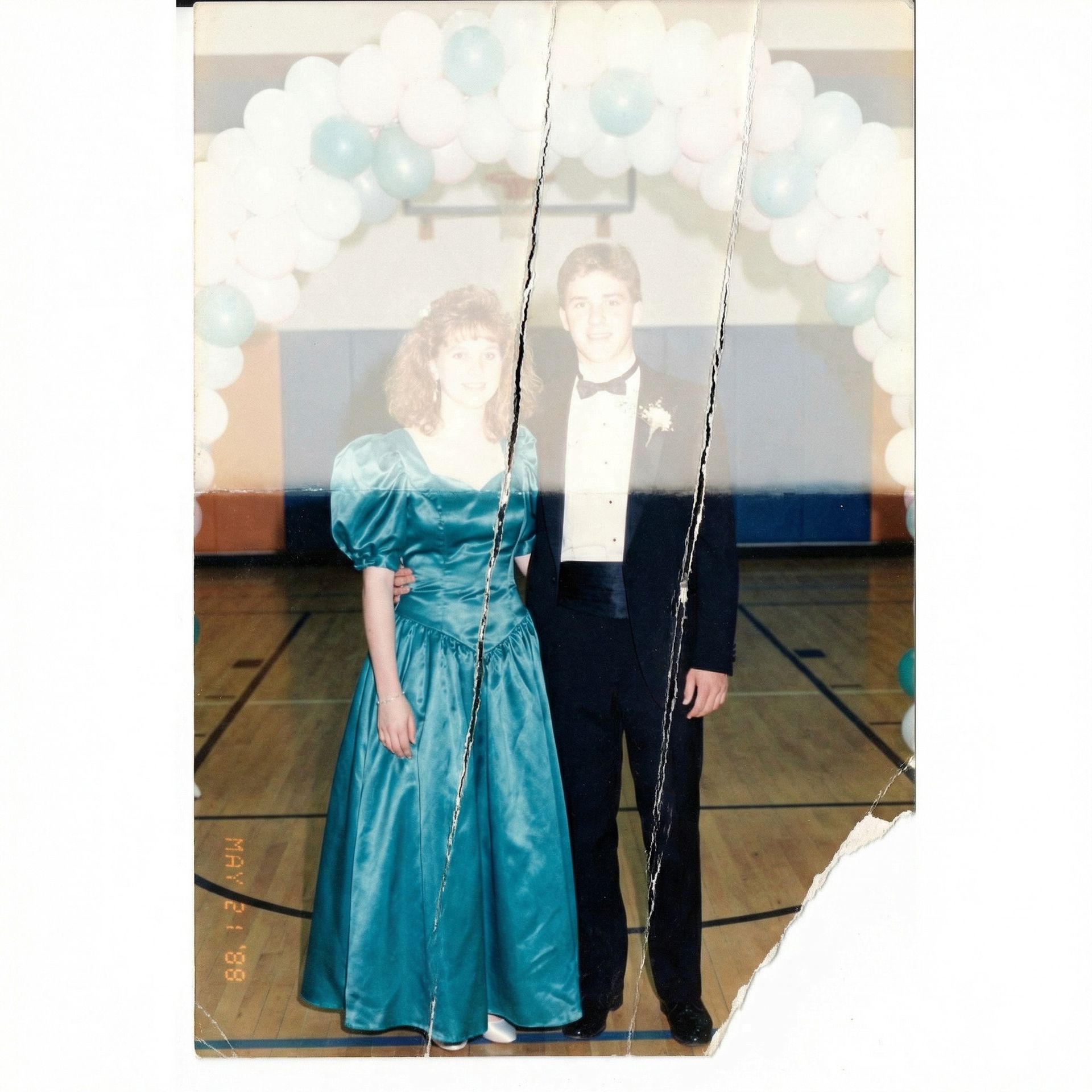
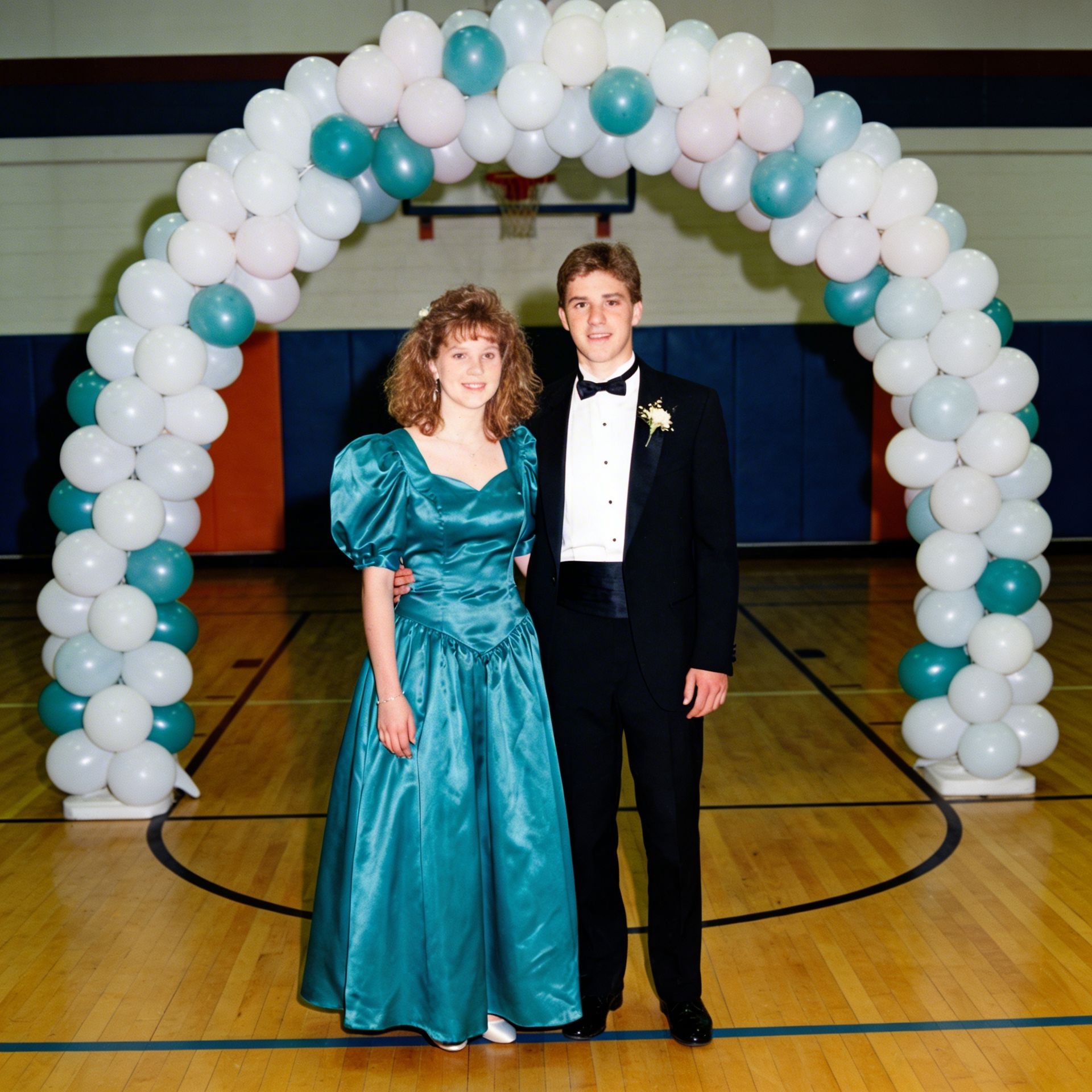
BestPhotoAI differs from dedicated restoration tools in one important way: it gives you several AI models, each suited to a different restoration task. To remove scratches and repair tears, you use the image-to-image editor with a restoration prompt. To enlarge a low-resolution scan, the free upscaler handles it without spending a credit. To colorize a black-and-white photo, you pick the model that produces the most natural colors.
Single-purpose apps run one algorithm on every photo; BestPhotoAI lets you match the model to the job. GPT Image 1.5 reads context well and fills in missing detail sensibly. FLUX.2 is stronger on photorealistic face restoration. The free upscaler then enlarges the result for printing at no extra cost. With 40+ other tools (background removal, person removal, object removal), the rest of your editing happens in the same place.
Why BestPhotoAI Ranks #1
- Multiple AI models: Choose the best model for each restoration task instead of being locked into one algorithm
- Free image upscaling: Enlarge restored photos for printing at no cost via the free upscaler
- Complete restoration workflow: Scratch removal, colorization, face enhancement, denoising, and upscaling all in one platform
- Try before you pay: The free tier gives watermarked previews; paid plans download clean, watermark-free files
- 40+ additional tools: Background removal, object removal, and more for complete photo editing after restoration
- Step-by-step guide available: How to restore old photos with AI
Price: Free tier | Paid from $14/mo
2. FixFade: Best for Restoring a Family Album
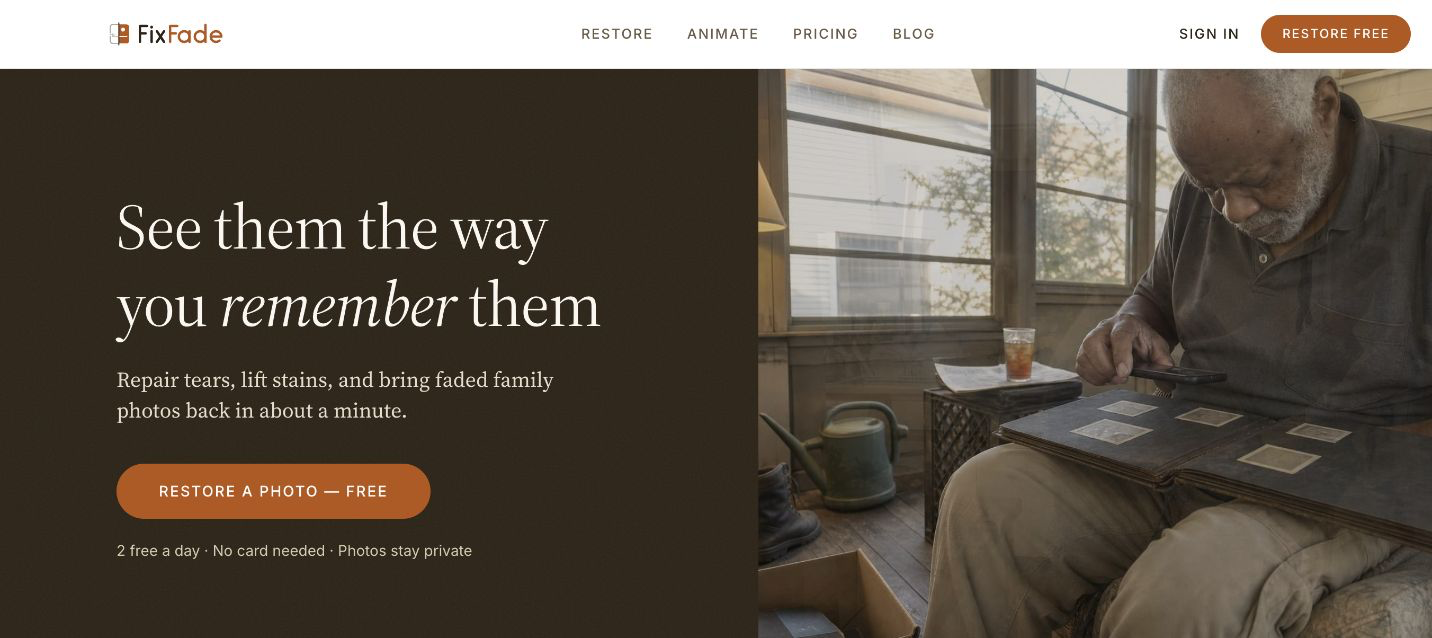
FixFade is built for one job: damaged family photos. Upload a print and it repairs tears, lifts stains, and recovers faded color in about a minute, all in the browser. You get 2 free restorations a day with no account and no card, so you can judge the quality on your own photos before spending anything.
Instead of a subscription, you buy a package once: $19 covers 10 restorations, $39 covers 40, and $89 covers 100 -- between 89¢ and $1.90 per photo. Every package also includes 2K enhancements and touch-ups: point out a detail the restoration got wrong, like a coat's color or the lettering on a sign, and it redoes exactly that instead of re-rolling the whole image. Packages also come with credits to animate a restored photo into a short video.
What Makes FixFade Stand Out
- Pay-once pricing: packages from 89¢ per photo with no subscription to remember to cancel
- Touch-ups: redo the specific detail a restoration got wrong instead of re-rolling the whole photo
- Photo animation: turn a restored photo into a short animated video, with credits included in every package
Price: Free (2 restores/day) | One-time packages from $19
3. MyHeritage Photo Enhancer: Best for Family & Genealogy Photos
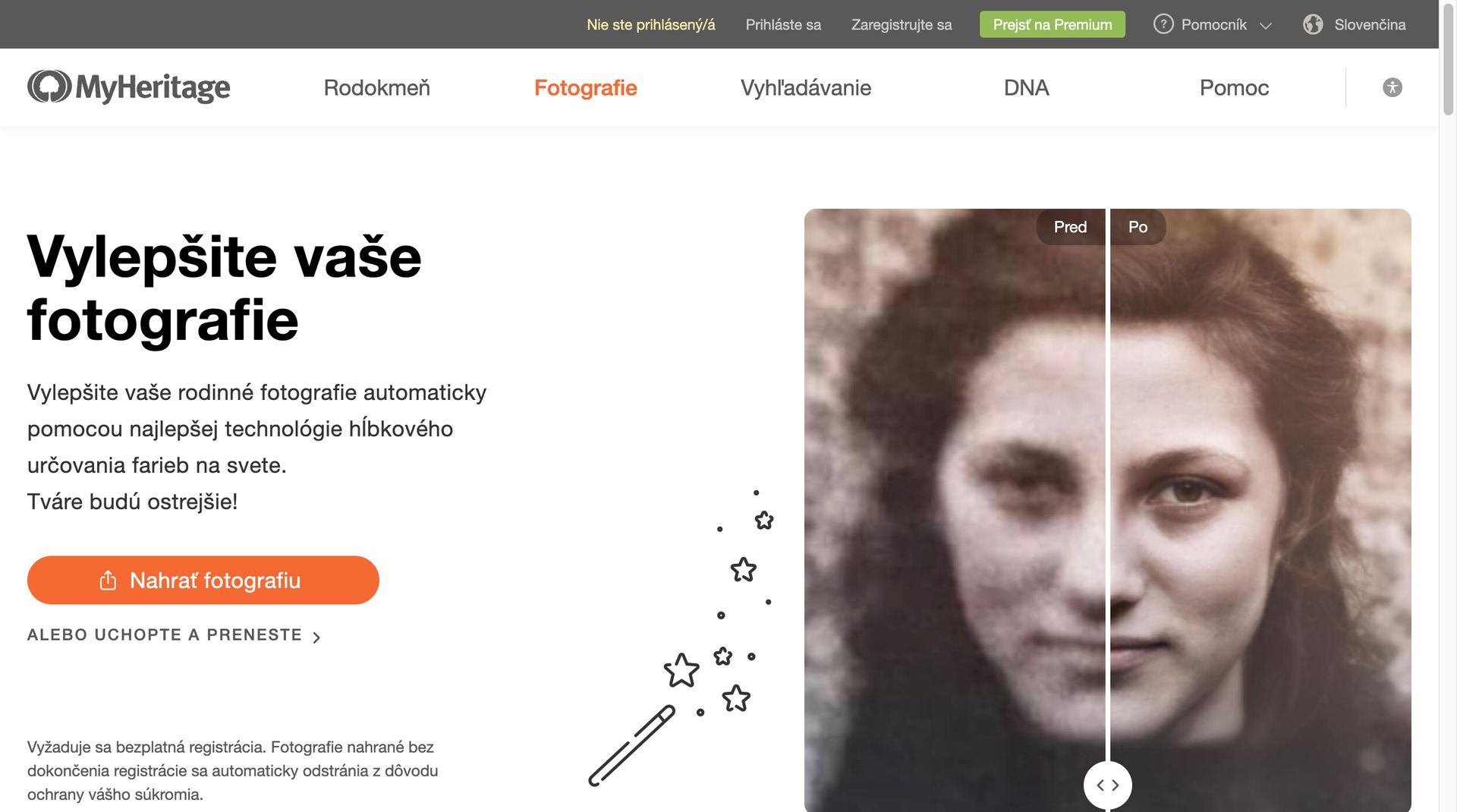
MyHeritage is a genealogy platform first, but its Photo Enhancer has become a real draw for anyone restoring family photos. It sharpens blurry faces, raises resolution, and recovers faded detail. The In Color feature adds believable color to black-and-white photos, and Deep Nostalgia, the one that went viral, animates old portraits.
It does well on portraits and family snapshots, which makes it a good fit for family history projects. The drawback is the packaging: the Photo Enhancer is bundled into a larger genealogy subscription, so you end up paying for family-tree tools, DNA matching, and historical records you may never touch. For restoration alone, that is a lot of money. The free tier gives you 5 enhancements before the paywall.
What Users Complain About:
- • "The enhancer added glasses and a mustache to my grandmother's photo where they never existed -- the 'Groucho Marx effect' is real."
- • "I was charged $149 after canceling a free trial. Customer support was extremely difficult to reach."
- • "Enhanced photographs sometimes look too fake, more like a cartoon than a photo. The animation feature falls into the uncanny valley."
- • "Expensive if you only need photo enhancement -- you're forced to pay for the full genealogy platform."
Price: Free (5 enhancements) | Reimagine app $49.99/yr | Full platform from $129/yr
4. VanceAI Photo Restorer: Best for Batch Processing
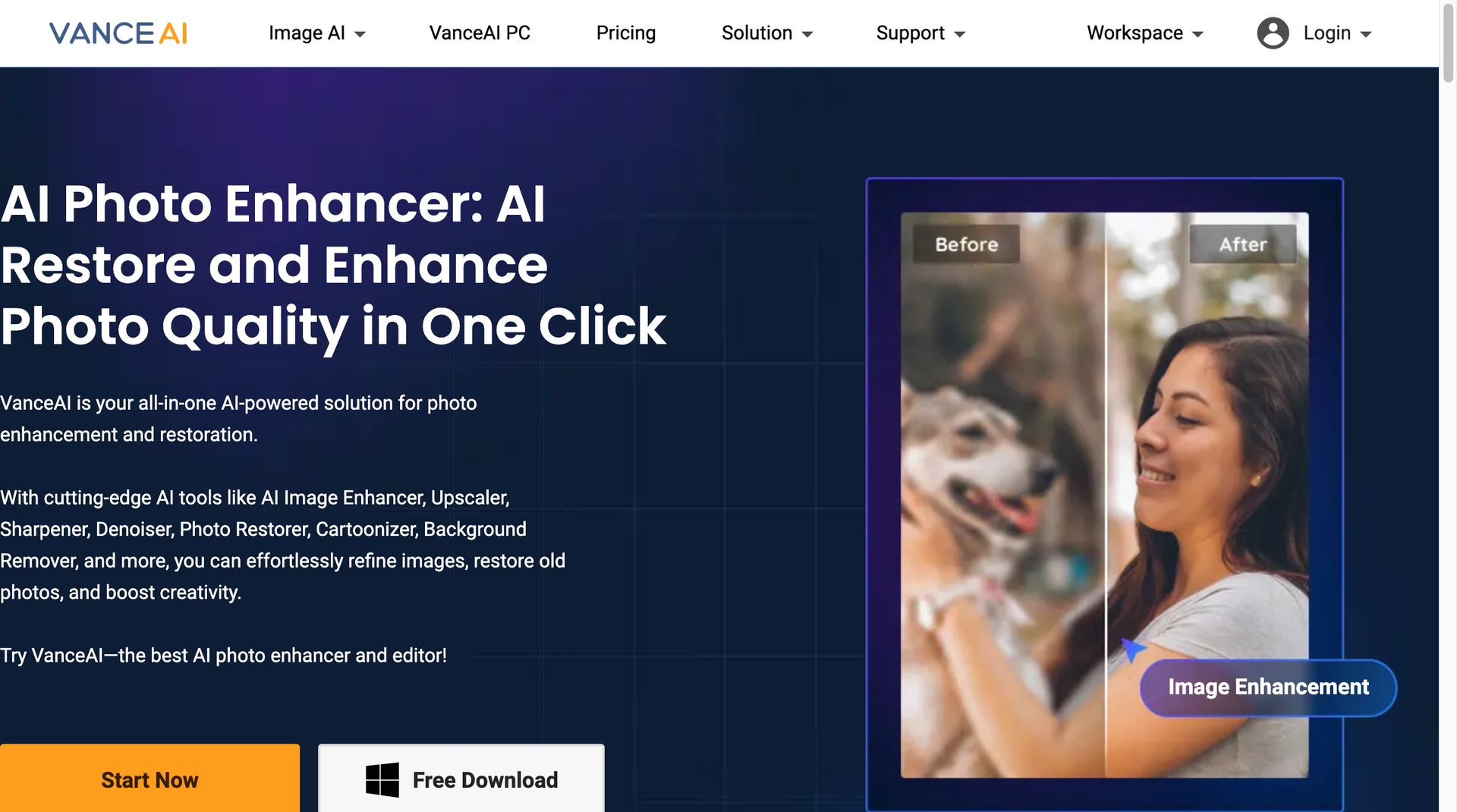
VanceAI's Photo Restorer bundles several AI models for scratch removal, color correction, face enhancement, and colorization. It analyzes each photo and applies the relevant fixes automatically, which makes it a reasonable choice when you have a stack of photos to get through.
Batch processing is the main reason to pick VanceAI. You can upload several damaged photos and restore them in one pass, and there are separate AI enhancers for sharpening, denoising, and upscaling. The credit pricing (1 credit per image) adds up fast on a large collection, though. Uploads are deleted within 24 hours, which is good for privacy, but the 2000x2000px upload limit is a real constraint if you scan at high resolution.
What Users Complain About:
- • "Paid $33.99 for credits but faces came out distorted with garbled text and weird artifacts. The restored photo looked like a different person."
- • "The watermarked 'free trial' is misleading -- you can't actually see the full result without paying. It forces you into a subscription even for occasional use."
- • "Upload limit of 2000x2000px is frustrating when you have high-res scans. Poor customer service when requesting refunds."
- • "The credit system is confusing. You think you're getting 100 restorations but advanced features use multiple credits per image."
Price: Free (5 credits, watermarked) | From $5.94/mo (annual) for 100 credits | $9.90/mo (monthly)
5. Fotor AI Photo Restorer: Best for All-in-One Editing
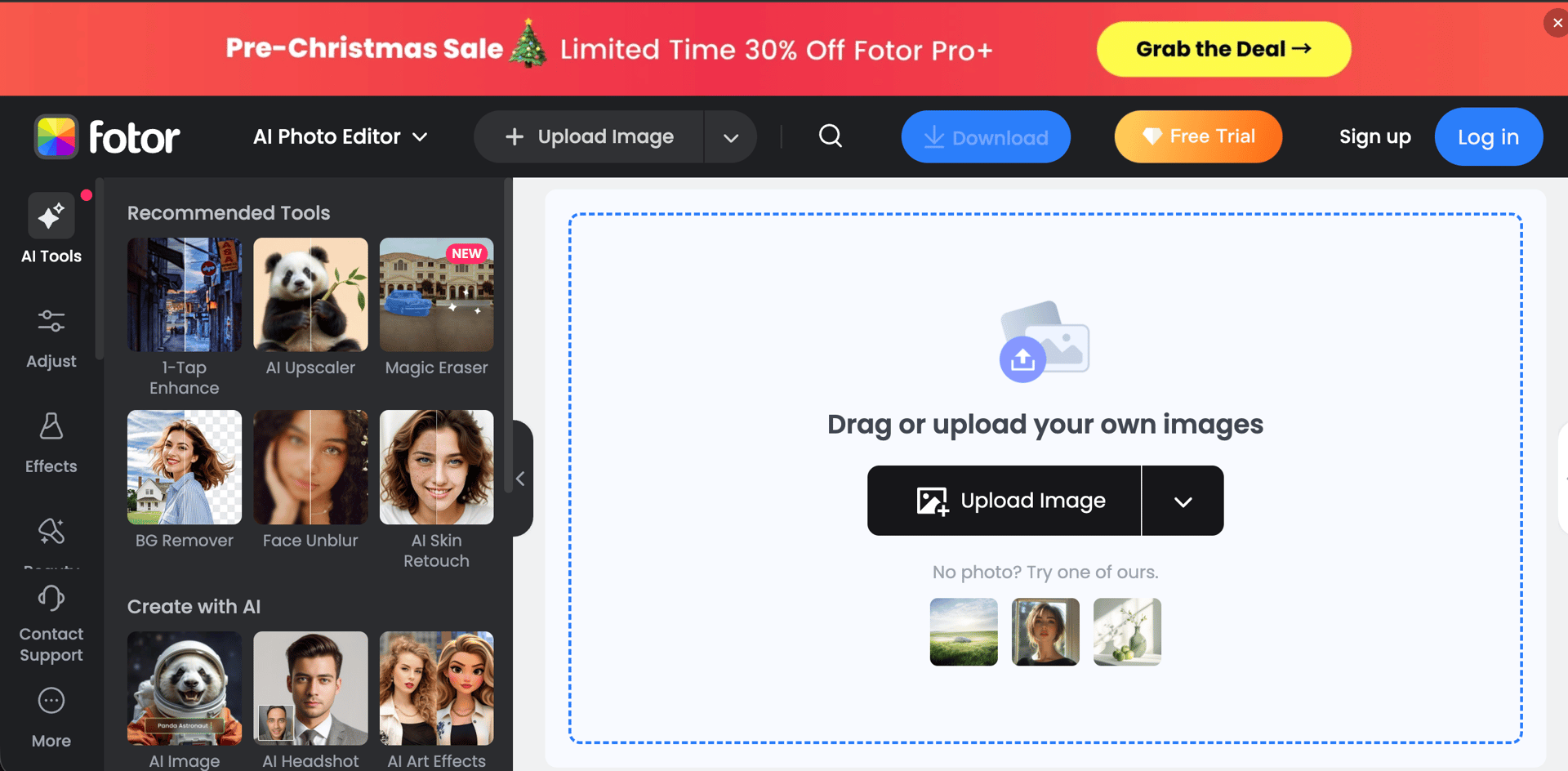
Fotor folds photo restoration into its wider editing and design platform. The Old Photo Restorer fixes scratches, tears, creases, and holes, detecting and rebuilding damaged areas as it goes. It also does face enhancement on blurry portraits, colorization for black-and-white images, and 2x upscaling without obvious quality loss.
With over 300 million users, Fotor is an established platform, and the restoration tool sits next to its design templates and AI image generation. The downside is access: restoration is locked behind a Pro or Pro+ subscription, so you cannot test it online without starting a trial. It is also limited by design. It is not built for group photos, full-body shots, or distant views, and it will not fix missing corners or large stains.
What Users Complain About:
- • "Tried the 7-day free trial with a 1970s wedding photo. The restoration result was actually worse than the original image."
- • "Fotor deceives you into a reduced annual subscription, then still makes you pay for credits before using features. It's a double paywall."
- • "Customer service was rude and unhelpful when I tried to cancel. Difficulty stopping the trial before being charged."
- • "Doesn't work on group photos or full-body shots. Only really handles close-up portraits. Limited detail restoration for anything beyond basic scratches."
Price: No free restoration (trial required) | Pro $8.99/mo or $39.99/yr | Pro+ $19.99/mo or $89.99/yr
Feature Comparison
| Feature | BestPhotoAI | FixFade | MyHeritage | VanceAI | Fotor |
|---|---|---|---|---|---|
| Starting Price | Free | $19 one-time | $49.99/yr | $5.94/mo | $8.99/mo |
| Scratch Removal | ✓ | ✓ | ✗ | ✓ | ✓ |
| Colorization | ✓ | ✓ (fade recovery) | ✓ | ✓ | ✓ |
| Face Enhancement | ✓ | ✓ | ✓ | ✓ | ✓ (portraits only) |
| Free Upscaling | ✓ Unlimited | ✗ | ✗ | ✗ (uses credits) | 2x (paid only) |
| Multiple AI Models | ✓ GPT 1.5, FLUX.2+ | ✗ | ✗ | ✗ | ✗ |
| Watermark-Free Results | Paid plans | Paid only | ✓ | Paid only | Paid only |
| Batch Processing | ✓ | ✗ | ✗ | ✓ | ✓ |
| Platform | Web | Web | Web + App | Web | Web + Desktop |
| Additional Tools | 40+ tools | Photo animation | Animation, genealogy | Enhancer, denoiser | Editor, design tools |
Why Multiple AI Models Matter for Photo Restoration
Most restoration tools run a single AI algorithm and apply the same processing to every image. That is fine for simple jobs but shows its limits on harder ones. Here is what changes when you can pick the model:
Single-model tools (MyHeritage, VanceAI, Fotor):
- One algorithm for everything: the same AI handles face enhancement, scratch removal, and colorization, so it cannot be equally good at all three
- Fixed restoration style: if the AI invents the wrong facial features or adds artifacts, there is no second approach to fall back on
- Limited damage handling: scratches, tears, water damage, and fading each need different reconstruction techniques that a single model cannot all handle well
- No iterative refinement: you get one result and that is it, with no way to try a different interpretation
Multi-model platform (BestPhotoAI):
- Choose the right model for each task: GPT Image 1.5 for context-aware restoration, FLUX.2 for photorealistic face enhancement, or faster models for quick touch-ups
- Iterative workflow: start with one model and switch to another if the result is off, since each AI reads damage differently
- Specialized tools for each step: remove scratches with image-to-image, enlarge with the free upscaler, fix color with the editing tools, rather than leaning on one automated pass
- Stay current: when new restoration models ship, you get them without changing platforms or relearning a tool
This matters for restoration because no two damaged photos are alike. A water-stained wedding photo needs different handling than a scratched childhood portrait or a faded 1950s landscape. With several models on hand, you can match the tool to the specific damage.
What Users Actually Say
We pulled feedback from reviews, forums, and community threads. Here is what people report about each platform:
On FixFade:
"I worked through my parents' whole album on the $39 package instead of doing subscription math. When one restoration got my mother's dress color wrong, the touch-up redid just the dress instead of re-rolling the entire photo."
On MyHeritage:
"The AI added accessories that never existed in the original photo. It also makes some faces look cartoonish rather than photorealistic. The Deep Nostalgia animations are fun but fall into uncanny valley territory."
On VanceAI:
"Paid for credits expecting clean restorations but got distorted faces and artifacts. The watermarked free trial is basically useless -- you cannot evaluate quality without paying first."
On Fotor:
"The restoration made my photo look worse than the original. It only works on close-up portraits -- group photos, full-body shots, and landscapes are essentially unsupported. Plus you need a paid subscription just to try it."
On multi-model approaches:
"Being able to run the same photo through different AI models changed how I restore things. One model chokes on a certain kind of damage and another handles it cleanly. You just don't get that flexibility with single-purpose apps."
When to Use Each Tool
Choose BestPhotoAI if:
- • You need complete restoration control
- • Photos have varied types of damage
- • You want free upscaling after restoration
- • Multiple AI models matter to you
- • You also need other editing tools
Choose FixFade if:
- • You are restoring a whole family album
- • You want to pay once, not subscribe
- • You want to fix specific details the AI got wrong
- • You want to animate restored photos into videos
Choose MyHeritage if:
- • You are building a family tree
- • Deep Nostalgia animation interests you
- • You already have a genealogy subscription
- • Photos are mostly family portraits
Choose VanceAI if:
- • You have many photos to process at once
- • Batch processing is a priority
- • Privacy matters (auto-delete in 24h)
- • Budget is moderate ($5.94/mo annual)
Choose Fotor if:
- • You also need a full photo editor
- • Design templates are important
- • You work with close-up portraits only
- • All-in-one platform preferred
Final Verdict: Which Should You Choose?
Choose BestPhotoAI for comprehensive photo restoration:
Between multiple AI models, free upscaling, scratch removal, colorization, face enhancement, and 40+ extra tools, it covers in one place most of what the other four do separately:
- FixFade's strength (damage repair): tears, stains, and faded color handled with the model best suited to each
- MyHeritage's strength (colorization): AI colorization with model choice for more historically accurate results
- VanceAI's strength (batch processing): bulk restoration, plus free upscaling on every restored image
- Fotor's strength (all-in-one editing): 40+ tools for everything you do after the restoration itself
- Plus what the others lack: free image upscaling, multiple AI models, watermark-free paid downloads, commercial rights on all plans
Ready to Restore Your Old Photos?
Multiple AI models, free image upscaling, scratch removal, colorization, face enhancement, 40+ editing tools
No credit card required • Free tier available
Related Articles & Tools
Try These Tools
Frequently Asked Questions
What is the best free AI photo restoration tool in 2026?
BestPhotoAI lets you restore and upscale free without signing up; free results are watermarked previews, and paid plans download clean files. FixFade includes 2 free restorations a day with no card required. VanceAI gives 5 free credits but watermarks results. MyHeritage offers 5 free enhancements without watermarks but with very limited features.
Can AI restore severely damaged photos?
AI can handle scratches, tears, stains, fading, and moderate blur effectively. However, for severely damaged areas where most of the image data is missing, AI will "hallucinate" or invent plausible details rather than recovering originals. For best results, start with the highest resolution scan possible and use a multi-model platform like BestPhotoAI where you can try different AI approaches.
Is FixFade a subscription?
No. FixFade sells one-time packages: $19 for 10 restorations, $39 for 40, or $89 for 100, which works out to between 89¢ and $1.90 per photo. Every package also includes 2K enhancements, touch-ups that redo a specific detail a restoration got wrong, and credits to animate a restored photo into a short video. There is also a free tier of 2 restorations a day.
How do I upscale a restored photo for printing?
After restoring your photo, use an AI upscaler to increase resolution for print quality. BestPhotoAI offers free image upscaling with no credit cost. Most other tools charge for upscaling as a separate feature. For best print results, upscale to at least 300 DPI at your target print size.
Is MyHeritage worth it just for photo enhancement?
If you are only interested in photo restoration, MyHeritage is expensive since its subscription includes genealogy features, DNA matching, and historical records that you may not use. The Reimagine app at $49.99/year is more focused, but standalone restoration tools like BestPhotoAI or VanceAI offer more restoration features at a lower price point.
Can I colorize black-and-white photos with AI?
Yes. BestPhotoAI, MyHeritage, VanceAI, and Fotor all offer AI colorization, though quality varies. BestPhotoAI lets you choose between different models for colorization, which gives you more control over the result. MyHeritage's In Color feature is simple but effective on portraits. FixFade recovers faded color as part of its restoration pass rather than as a separate colorization tool.
What should I scan old photos at before using AI restoration?
Scan at the highest resolution your scanner supports, ideally 600 DPI or higher. A higher-resolution scan gives the AI more data to work with, which produces a better restoration. Even a small original holds subtle detail that a high-resolution scan captures and the AI can then bring out. Check our complete restoration guide for more scanning tips.
Try it on one of your own photos
Most of our photo tools have a free version. Upload a picture and see what it does before you decide anything.